


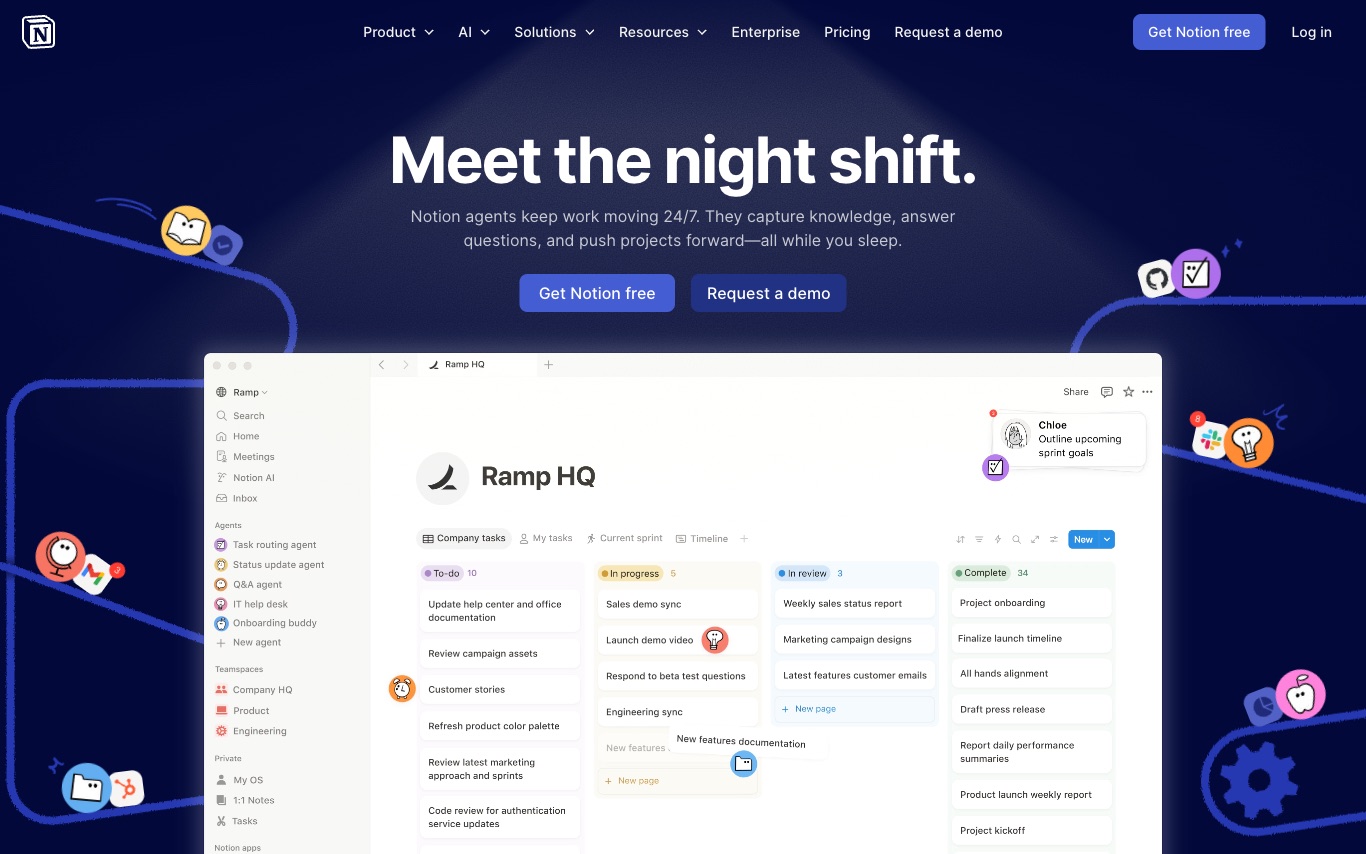

Notion is a connected workspace where teams write docs, manage projects, build wikis, and deploy custom AI agents—all in one app that replaces scattered tools with a unified, searchable knowledge layer.
Best AI Workflow Tools (2026)
Compare AI workflow tools for automating multi-step tasks, building AI agents, connecting apps, and running no-code pipelines — from Zapier and Make to n8n, Dify, and Coze.

Manus is an AI agent that goes beyond answers to execute tasks, automate workflows, and build artifacts—creating slides, websites, desktop apps, and designs on command via web and mobile apps.
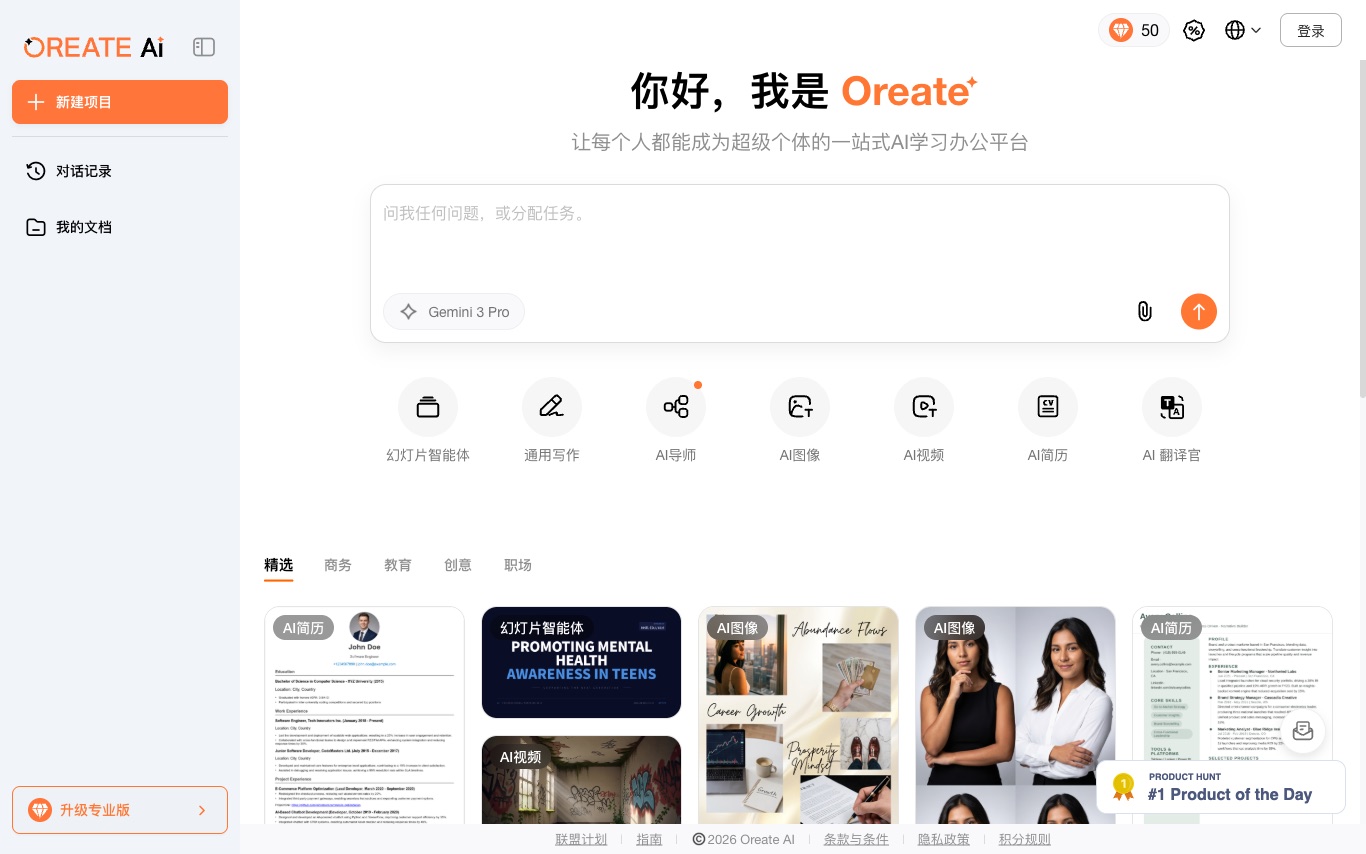

Oreate AI is an all-in-one AI workspace offering presentation generation, essay writing, image creation, video production, deep research, and chat—primarily serving Chinese-speaking users.
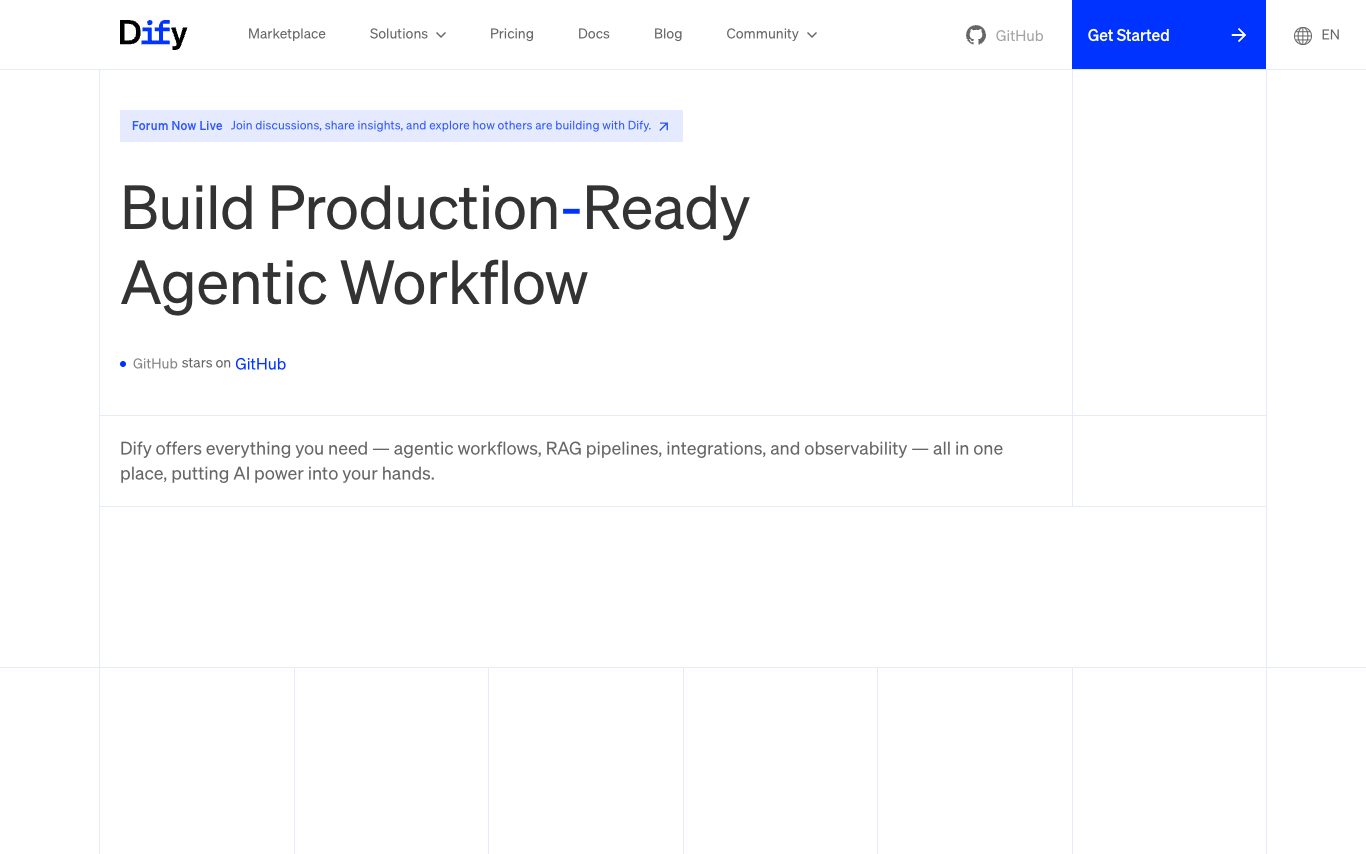

Dify is an open-source LLM application development platform. It provides a visual workflow builder, agent orchestration, RAG pipelines, prompt management, and observability for shipping AI apps to production.


Glide is a no-code platform used by 100,000+ companies to turn spreadsheets into polished apps. Its visual builder, AI agents, and connected data sources replace clunky spreadsheets and rigid legacy tools.


Gumloop is a no-code platform for building AI-powered business automations, letting teams create and host custom workflows without engineering resources.
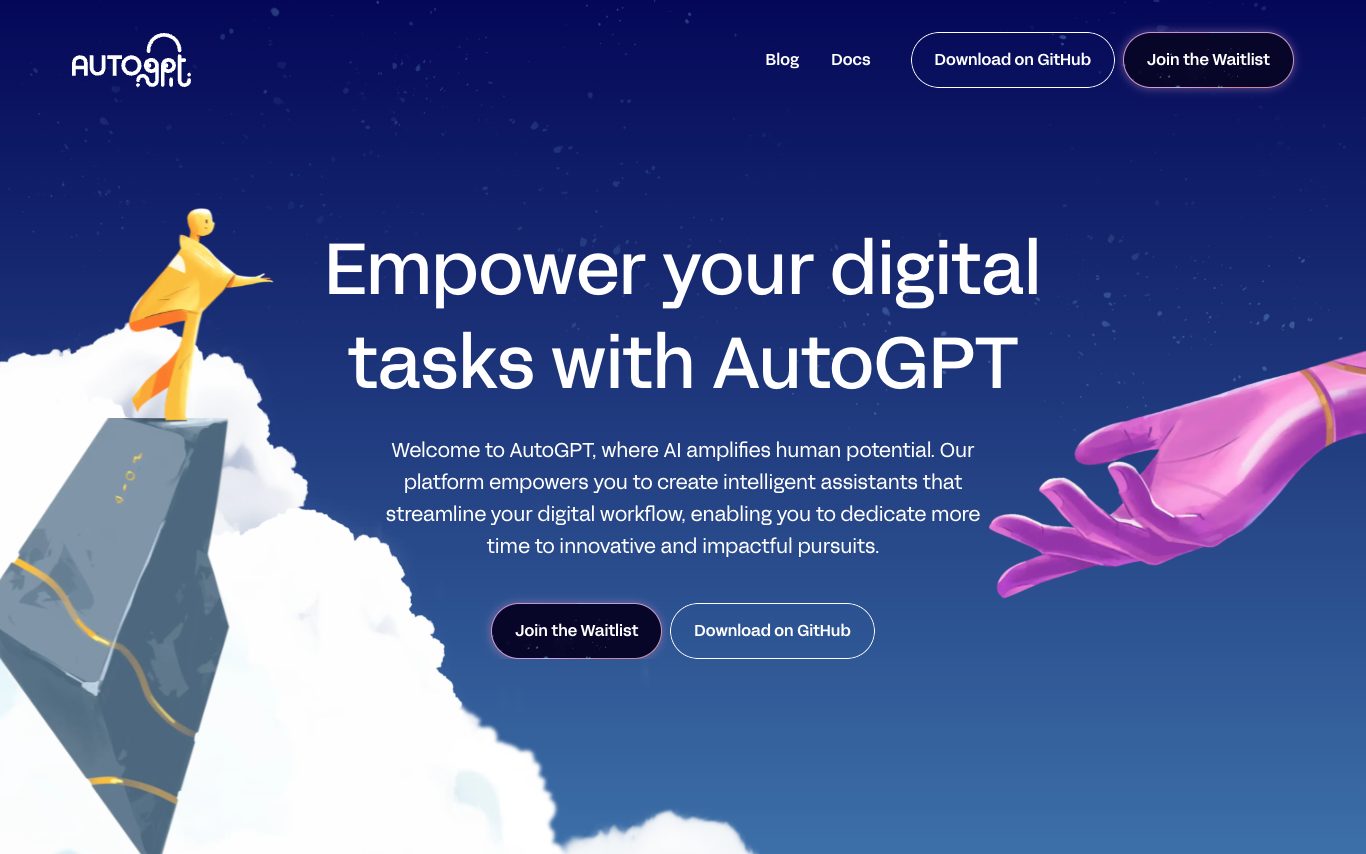
AutoGPT is an open-source autonomous AI agent platform. It provides a visual workflow builder, hosted cloud, and runtime for building and running agents that can browse, code, and execute tasks on behalf of users.
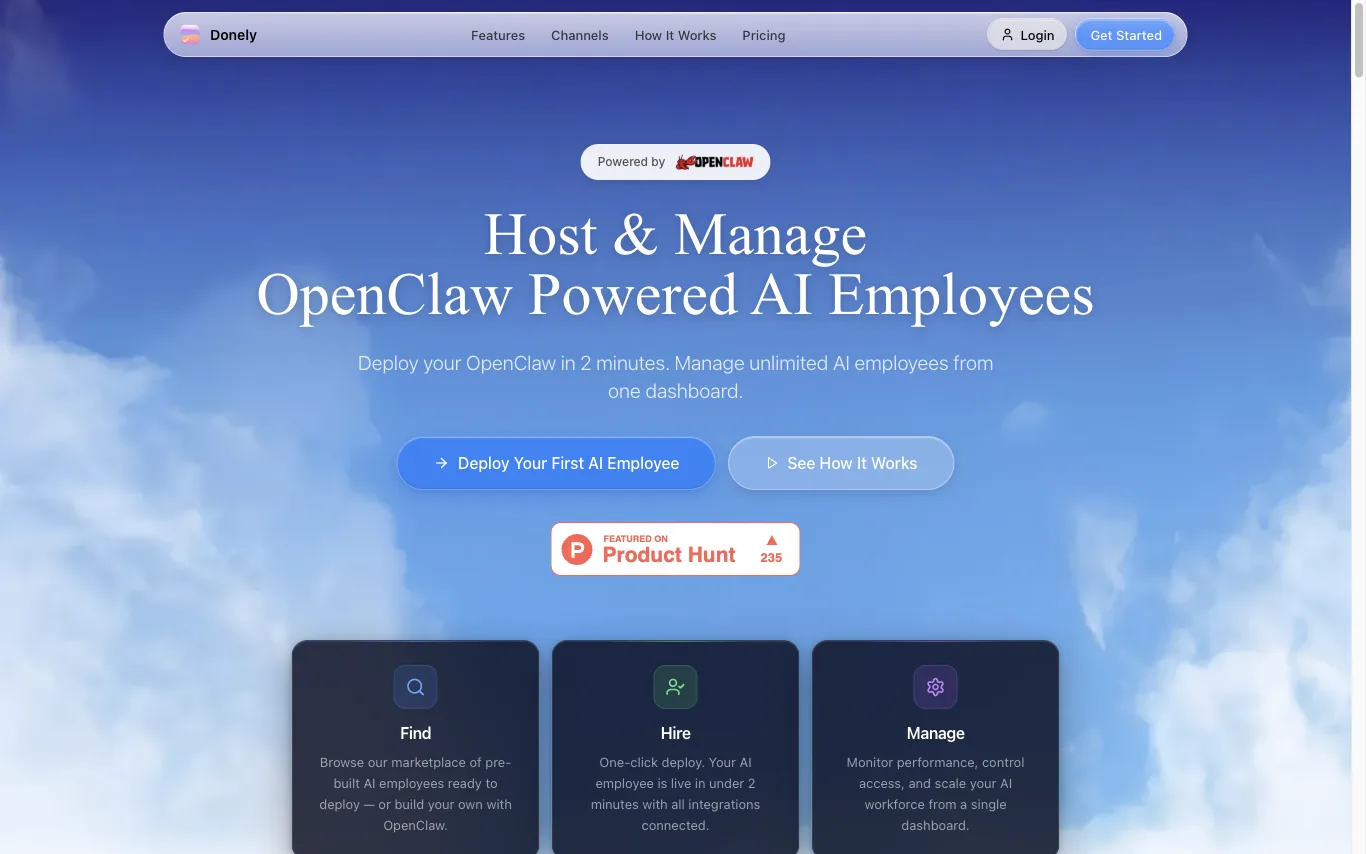

Donely is a management platform for OpenClaw-powered AI employees. Deploy personal, business, or client agent instances with per-instance access control, unified billing, and volume discounts.


prepros is a shoot production platform for creative teams. It provides tools for moodboards, shotlists, storyboards, styling, call sheets, and more, all in one workspace. The platform aims to streamline the entire production process, from planning to execution, ensuring nothing is missed on set.
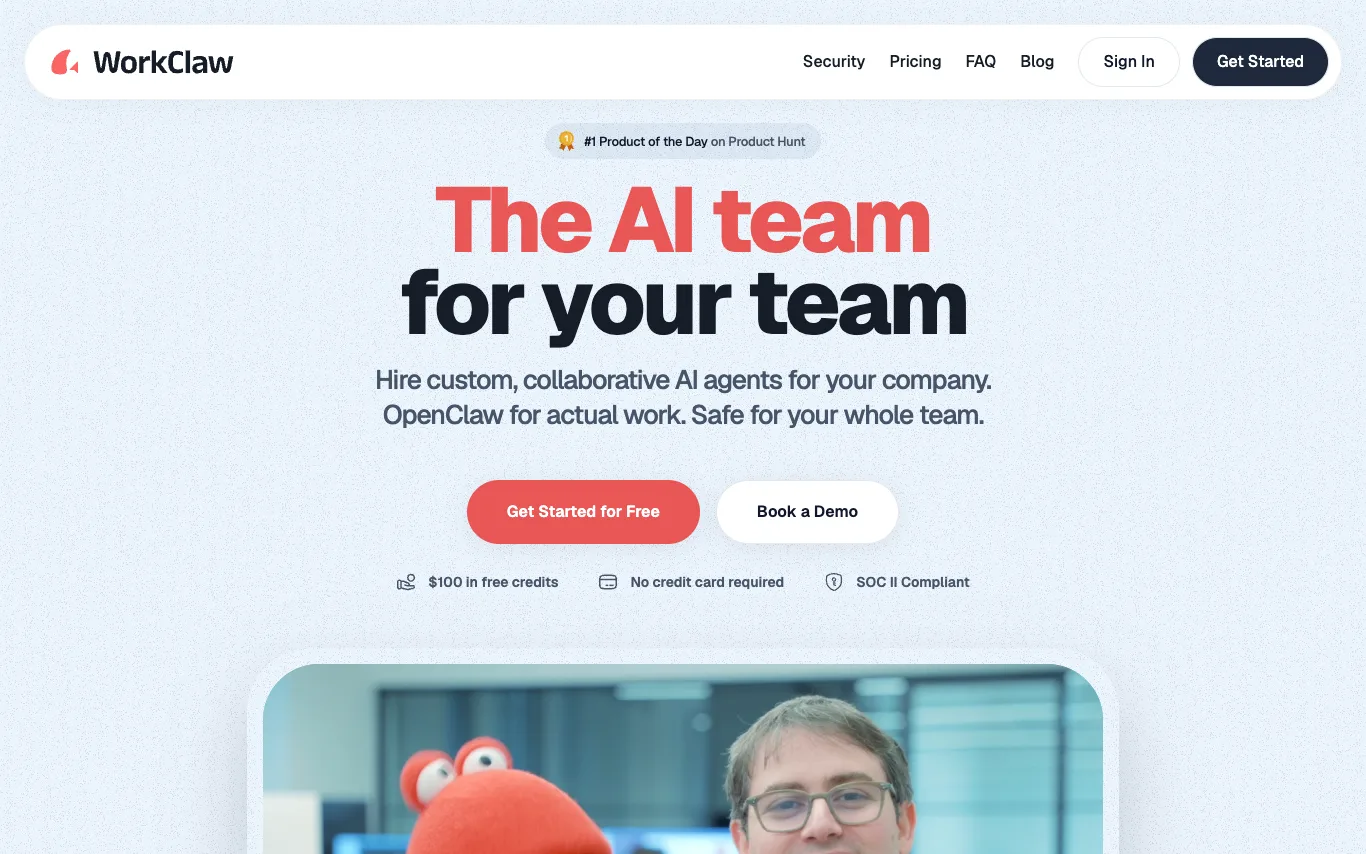

WorkClaw is a platform for creating and deploying custom, collaborative AI agents, called Claws, for teams. It is built on OpenClaw and offers pre-built Claws like Team Assistant, Chief of Staff, Software Engineer, Outbound Sales, Research Analyst, Recruiter, Content Marketer, and Data Analyst. WorkClaw emphasizes security with SOC II compliance and provides $100 in free credits without requiring a credit card.

Agently builds a company brain across your whole stack, then spins up agents to handle the work, orchestrated by Jarvis. It connects to 100+ tools via MCP connectors, enabling two-way OAuth live updates. Agents can act autonomously or with approval, producing real artifacts like docs, presentations, and sheets. Plans start at $29/mo with a free tier and trial.
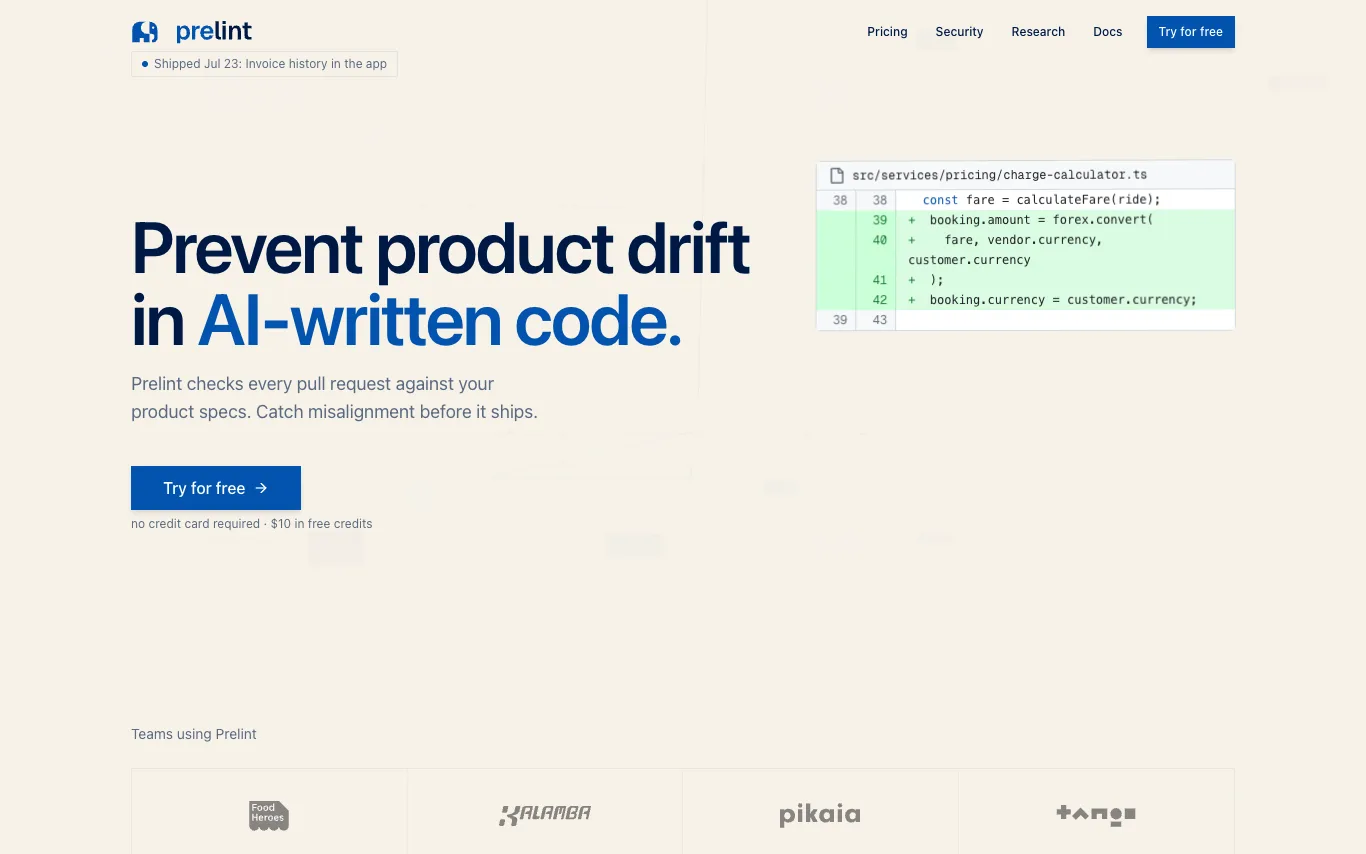

Prelint reviews every pull request against your product specifications, catching product drift, inconsistencies, and misalignment before they ship. It enforces product intent by checking business logic, compliance, tooling, domain language, scope, and strategic alignment. With tenant-isolated infrastructure and no training on your data, Prelint integrates with GitHub and GitLab, using specs in Markdown, YAML, or structured formats. Pricing is $1 per completed review, with $10 free credits and free for open source.
Related categories
What is an AI workflow tool?
An AI workflow tool lets you chain models, apps, and logic into an automated pipeline that runs on a trigger or a schedule. Instead of writing glue code, you connect steps on a visual canvas — call an LLM, branch on its output, fetch data, and post the result — or hand a goal to an autonomous AI agent that decides the steps itself. They range from no-code builders like Zapier and Make to developer-focused and agent platforms like n8n, Dify, and Coze.
Key features of AI workflow tools
- Visual canvas to chain triggers, steps, and conditions
- Built-in LLM, embedding, and vector-database nodes
- AI agents that plan and pick their own steps
- Hundreds of app integrations and API connectors
- Branching, loops, and error handling between steps
- Runs on schedules, webhooks, or event triggers
Who uses AI workflow tools?
01
Non-technical automators
Marketers and ops staff who wire up repetitive tasks without writing any code.
02
Developers building agents
Engineers orchestrating multi-step LLM agents, RAG, and tool calls in code.
03
Business process teams
Teams automating approvals, data entry, and handoffs across their SaaS stack.
04
AI app builders
Founders shipping chatbots and internal tools on top of workflow platforms.
How AI workflow tools work
You define a trigger — an incoming webhook, a schedule, or a new record — then lay out the steps that follow. Each node does one thing: call a model, transform data, branch on a condition, or hit an external API, passing its output to the next. Agent-based tools flip this: you describe a goal and give the model tools, and it decides which steps to run and in what order.