

Text to Video AI · 20 tools
Best Text to Video AI Tools (2026)
Compare text-to-video AI for prompt-to-clip generation, script-to-video, avatars and voiceover, social clips, and free plans.
All Text to Video AI tools


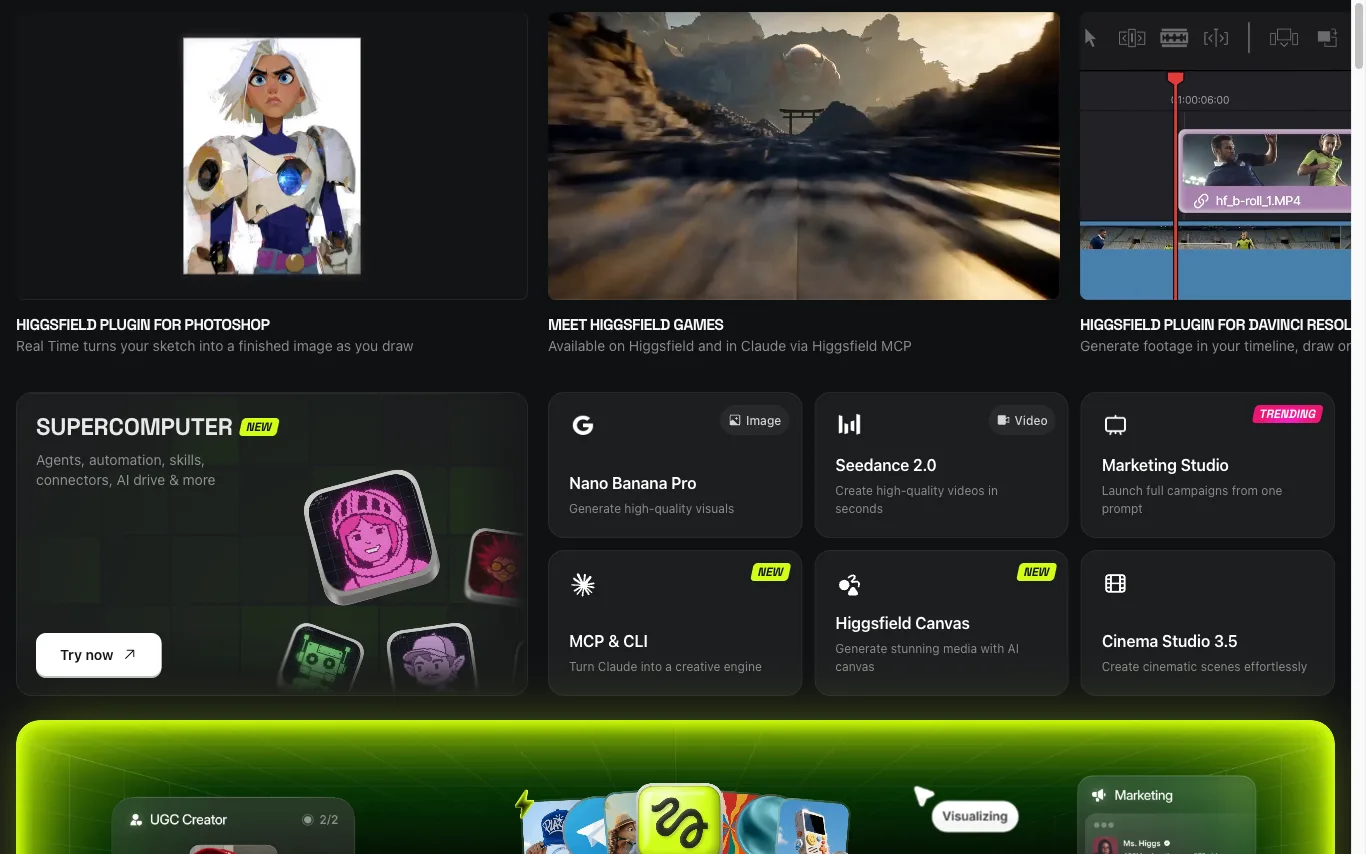

Higgsfield is an AI creative studio for generating cinematic videos and images from text prompts or reference images, with support for consistent AI characters and plugins for Photoshop and DaVinci Resolve.









Combine text, images, video, and audio in one creative context to generate coherent native 2K videos.


Create videos from a written prompt or animate a reference image.
What is text-to-video AI?
Text-to-video AI generates a video clip directly from a written prompt or script, without filming or footage. It's used for short social clips, explainers, and ads, and ranges from open generative-video models to script-to-video editors with stock media, avatars, and captions.
Core features to look for
- Video generated from a prompt or full script
- Script-to-video with stock media and captions
- Avatars and AI voiceover from text
- Style, aspect ratio, and length control
- Scene editing and regeneration
- Free plans with watermark and length limits
Who uses text-to-video AI, and how
Prompt-to-clip
Generate a short video draft from a single descriptive prompt.
Script-to-video
Turn an article or script into a narrated, captioned video.
Social & ads
Produce vertical clips and ads fast for repeat posting.
Free testing
Compare free tools by watermark, length, and quality.
How does text-to-video AI work?
Text-to-video tools take two main approaches: generative models create video frames directly from your prompt, while script-to-video editors match your text to stock clips, an avatar, or generated scenes and add a synthetic voice and captions. Both then let you refine the result before export.