


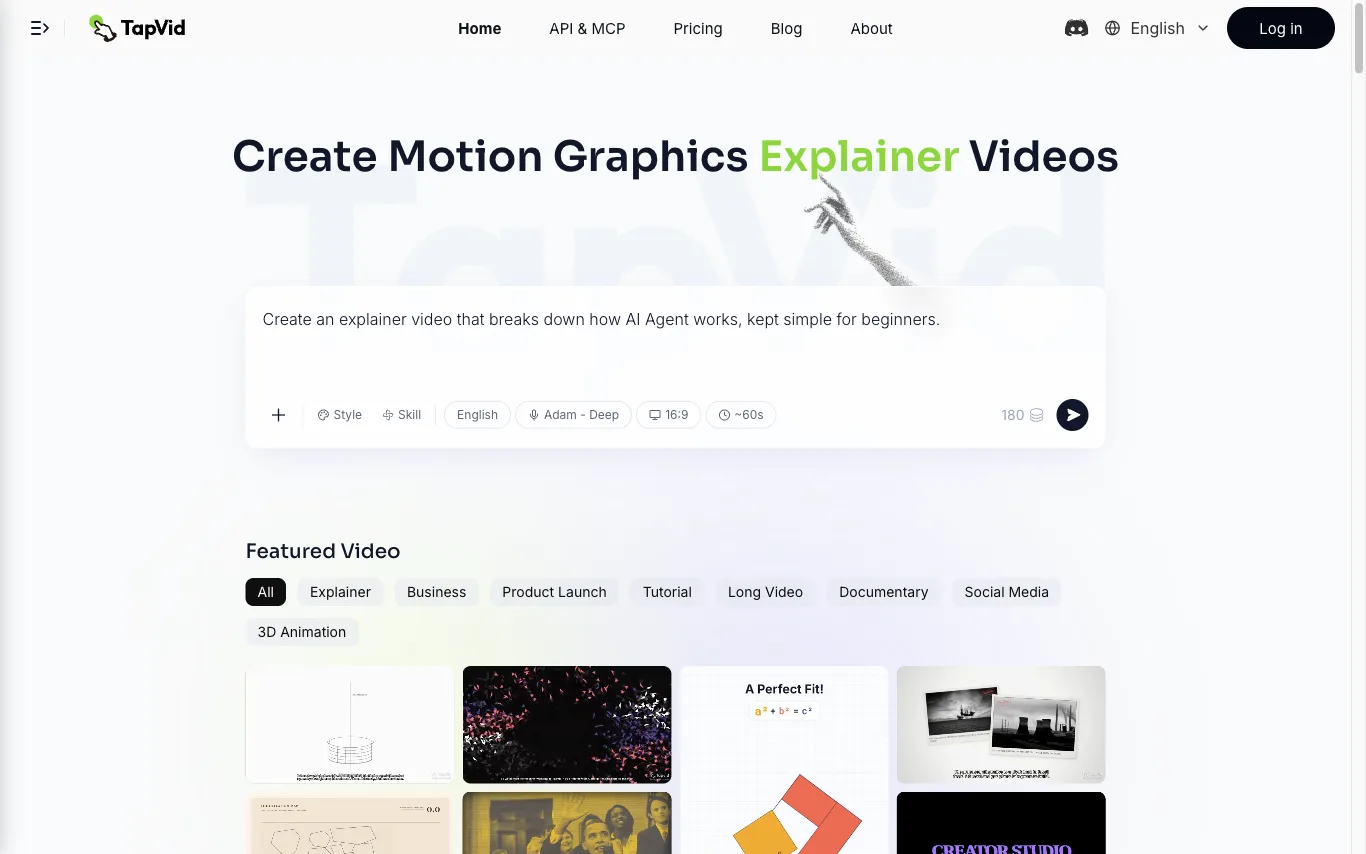

TapVid is an AI explainer video generator that turns a prompt, PDF, document, or link into a motion-graphics video. It assembles the outline, script, visuals, voiceover, and subtitles in a single pass, so source material becomes a publish-ready clip without opening a timeline editor. Three modes cover the workflow. Explainer Video turns a prompt, PDF, or link into a finished clip with motion graphics. One Shot produces a complete video from outline to script to final output in one run. Intelligent Edit revises the result through plain-language instructions instead of frame-level editing, so refinements are typed rather than cut. Rendering is billed in credits at roughly 3 credits per second of finished video, and renders that fail or time out have their credits returned. Free exports are 720p with a TapVid watermark, while Pro, Max, and Ultra export watermark-free 1080p, with clips up to 3 minutes on Pro and Max and up to 5 minutes on Ultra. TapVid also publishes an API and MCP entry point, and its interface is available in seven language versions.
Best Text to Video AI Tools (2026)
Compare text-to-video AI for prompt-to-clip generation, script-to-video, avatars and voiceover, social clips, and free plans.
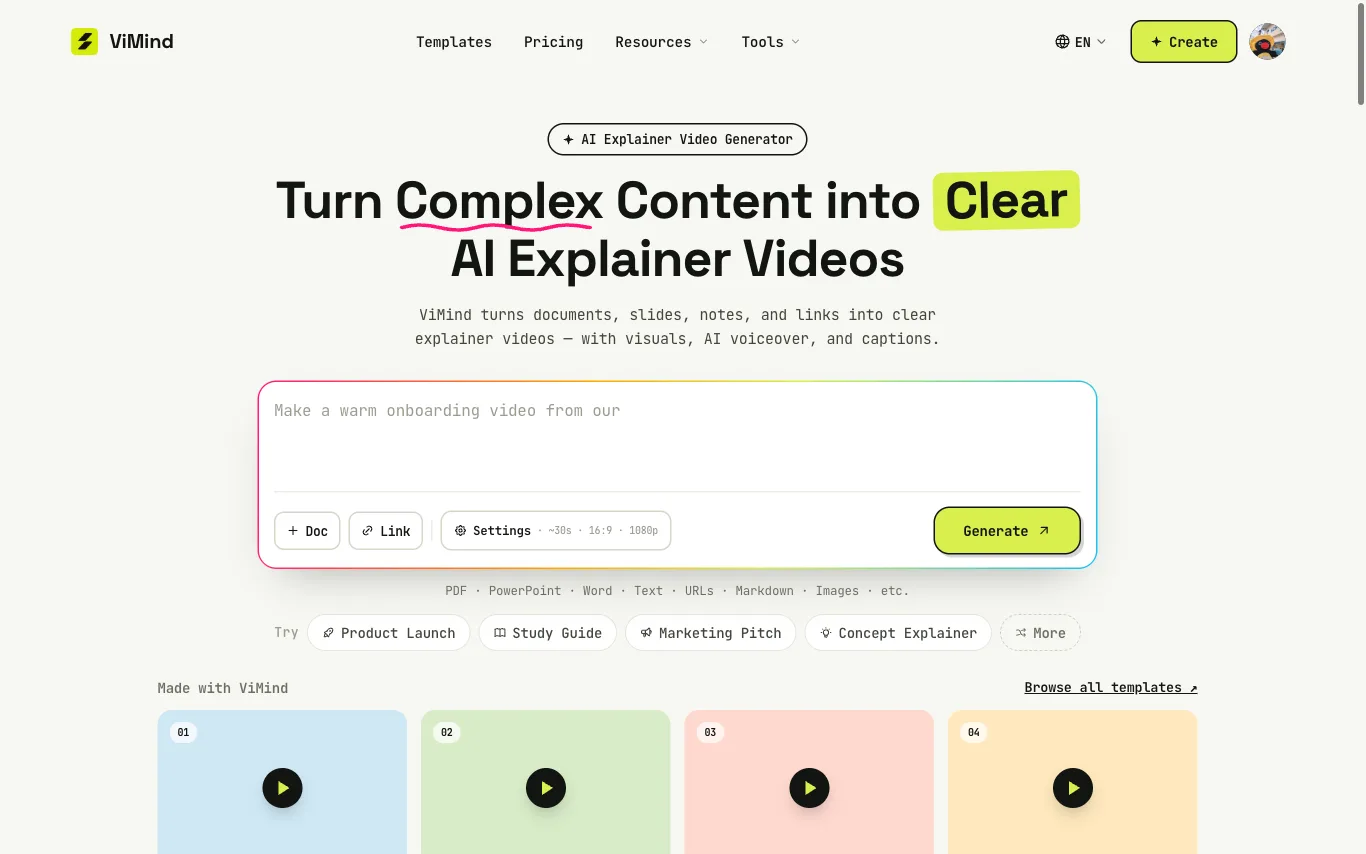

Create AI explainer videos from PDFs, PowerPoint, text, notes, and URLs. ViMind turns existing content into clear visuals with AI voiceover and captions.
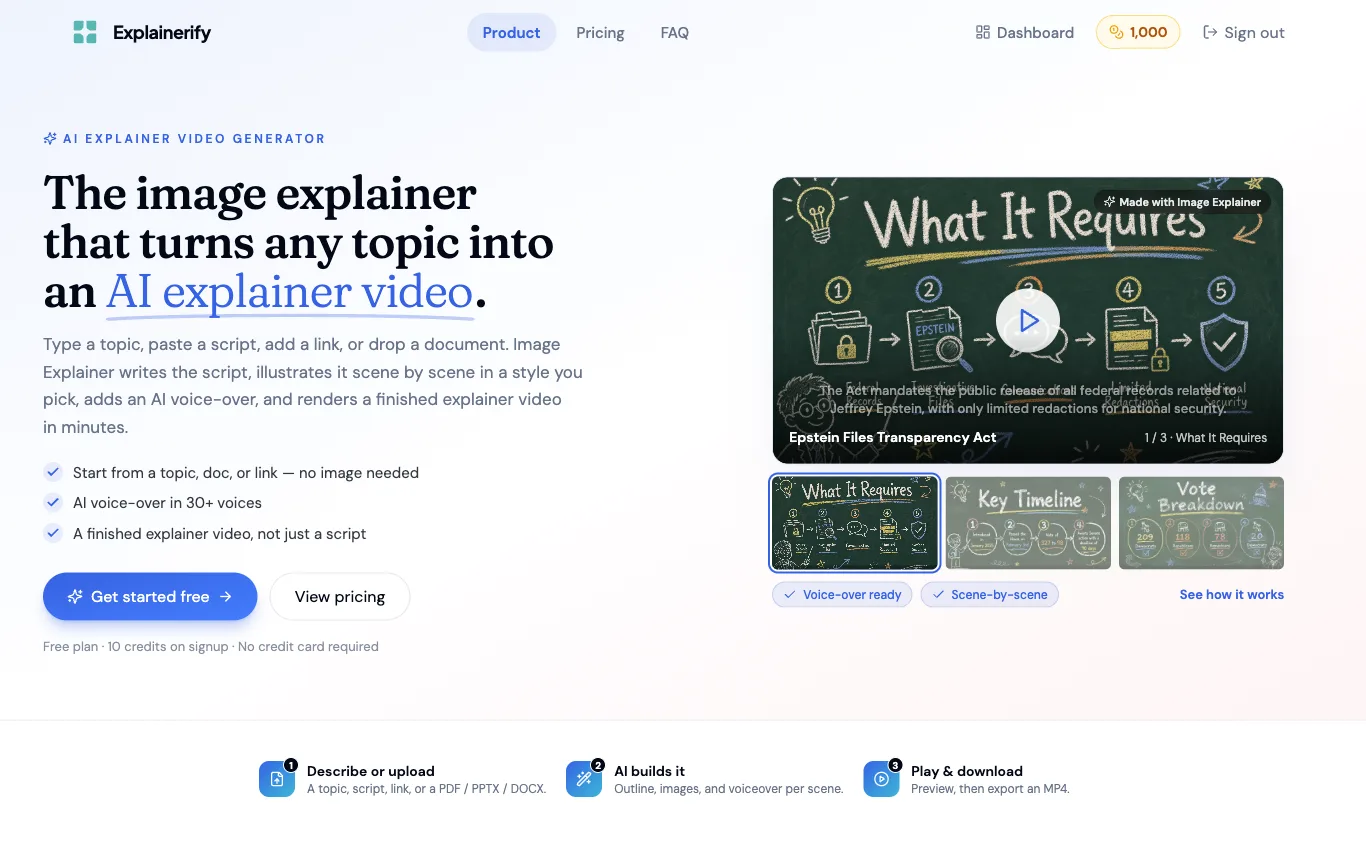

Explainerify generates finished explainer videos from a topic, script, link, or document. It writes the script, illustrates each scene in a chosen visual style, and adds an AI voice-over in 30+ voices.
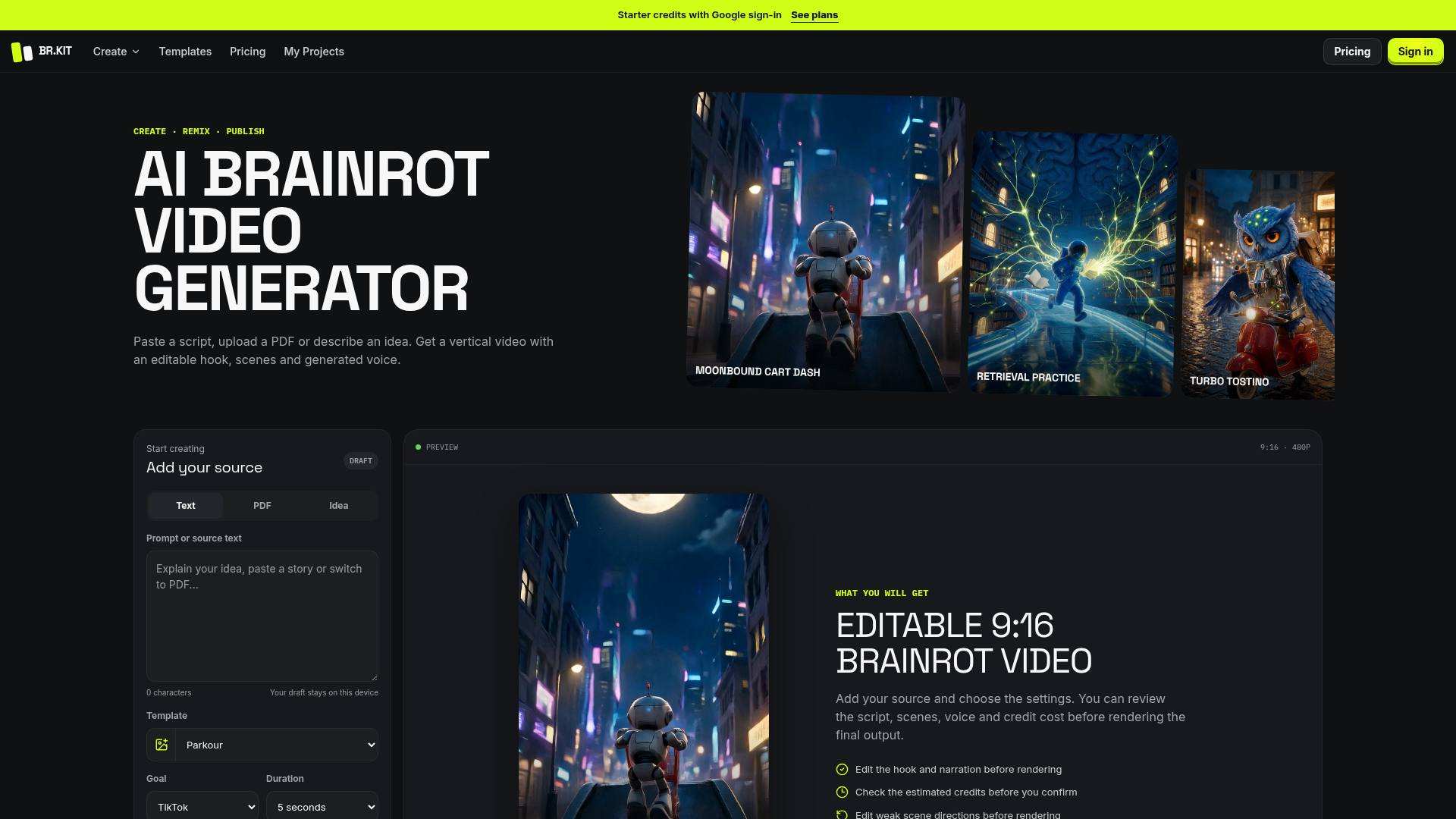

Paste a script, upload a PDF or describe an idea. Get a vertical video with an editable hook, scenes and generated voice

Make short AI video from a prompt or a photo. Text to video and image to video in one free FLUX 3 AI video generator — n
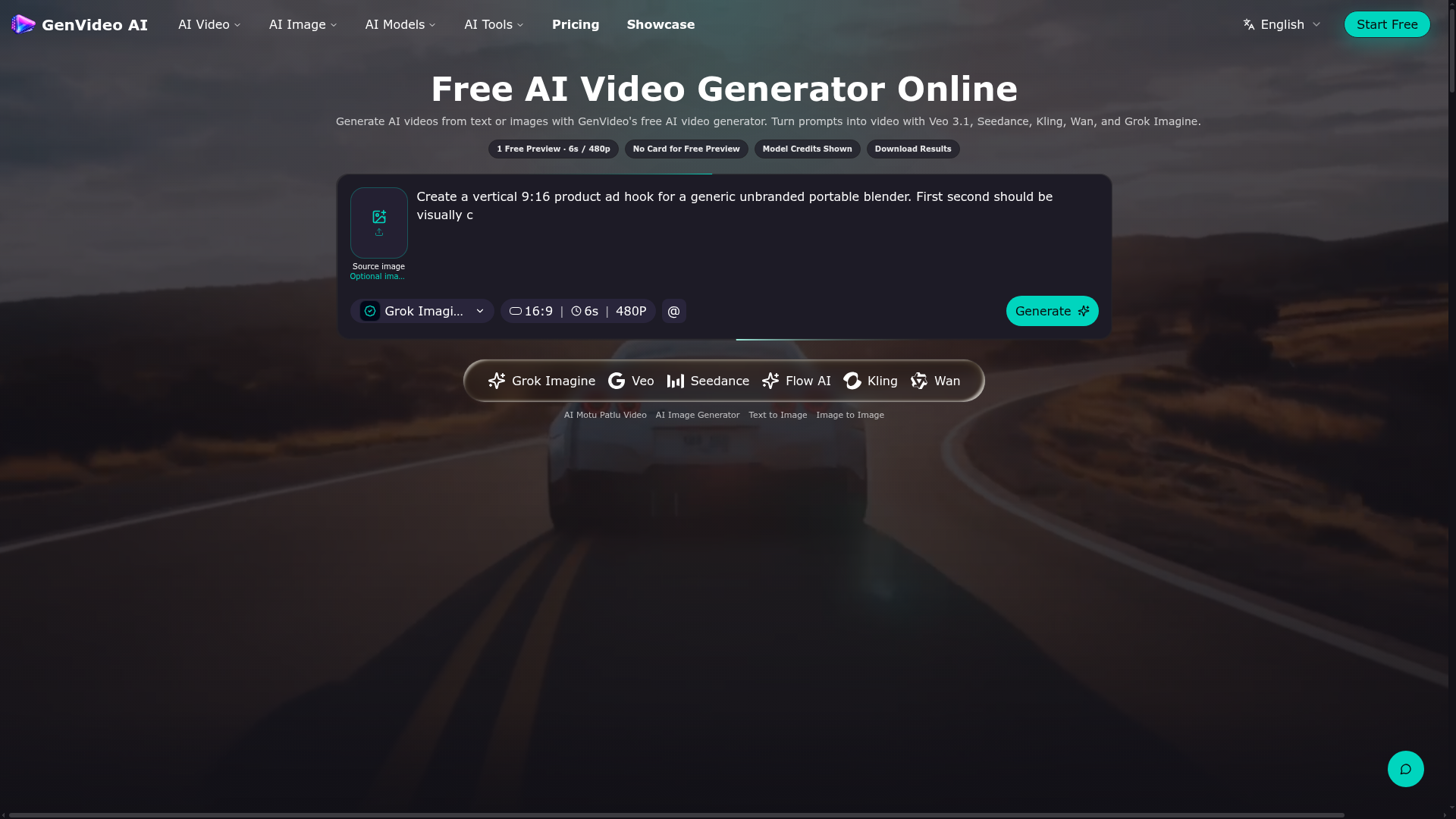

Generate AI videos from text or images with GenVideo's free AI video generator.
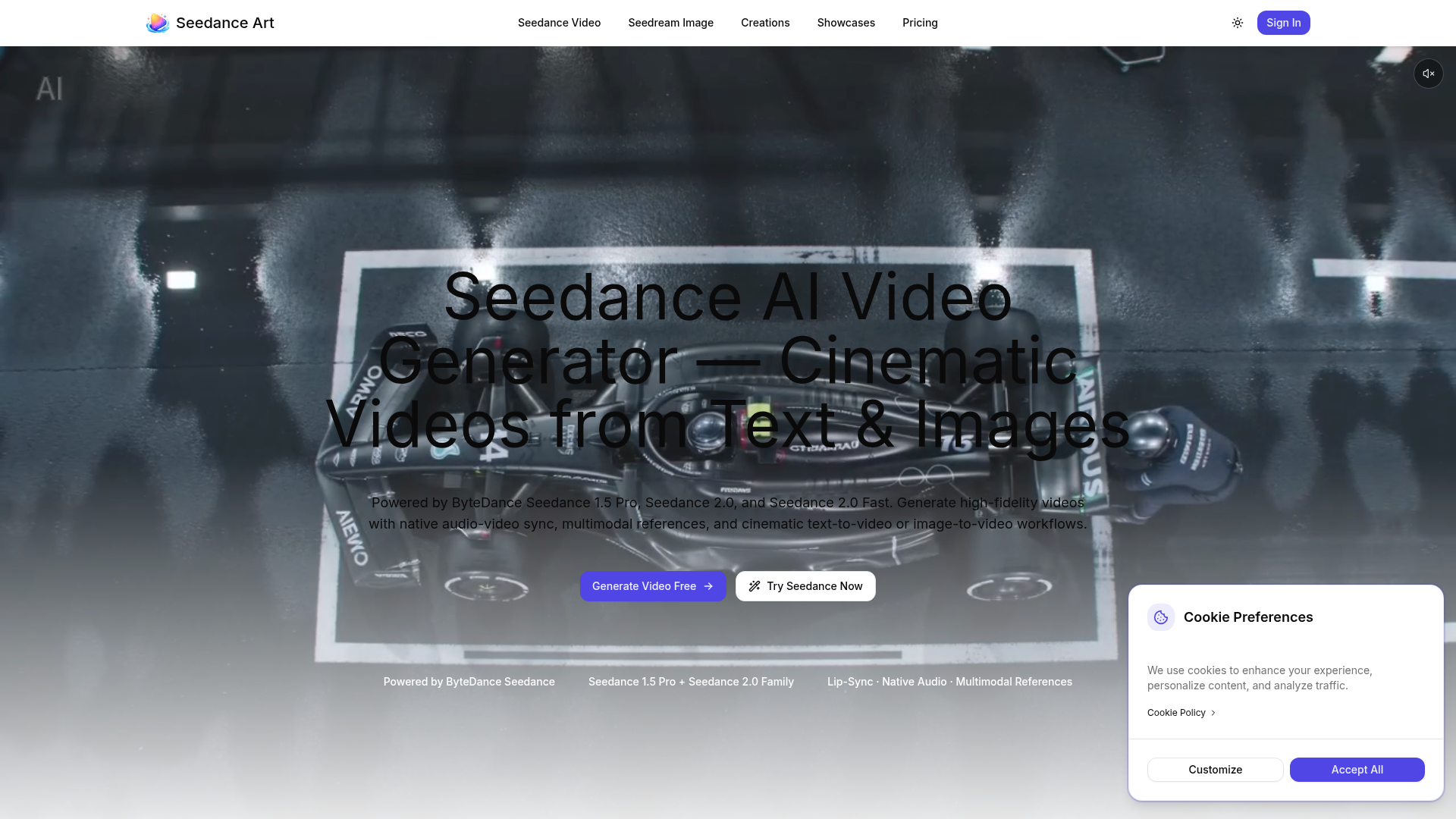

Generate high-fidelity videos with native audio-video sync, multimodal references, and cinematic text-to-video or image-
Related categories
What is text-to-video AI?
Text-to-video AI generates a video clip directly from a written prompt or script, without filming or footage. It's used for short social clips, explainers, and ads, and ranges from open generative-video models to script-to-video editors with stock media, avatars, and captions.
Core features to look for
- Video generated from a prompt or full script
- Script-to-video with stock media and captions
- Avatars and AI voiceover from text
- Style, aspect ratio, and length control
- Scene editing and regeneration
- Free plans with watermark and length limits
Who uses text-to-video AI, and how
Prompt-to-clip
Generate a short video draft from a single descriptive prompt.
Script-to-video
Turn an article or script into a narrated, captioned video.
Social & ads
Produce vertical clips and ads fast for repeat posting.
Free testing
Compare free tools by watermark, length, and quality.
How does text-to-video AI work?
Text-to-video tools take two main approaches: generative models create video frames directly from your prompt, while script-to-video editors match your text to stock clips, an avatar, or generated scenes and add a synthetic voice and captions. Both then let you refine the result before export.