

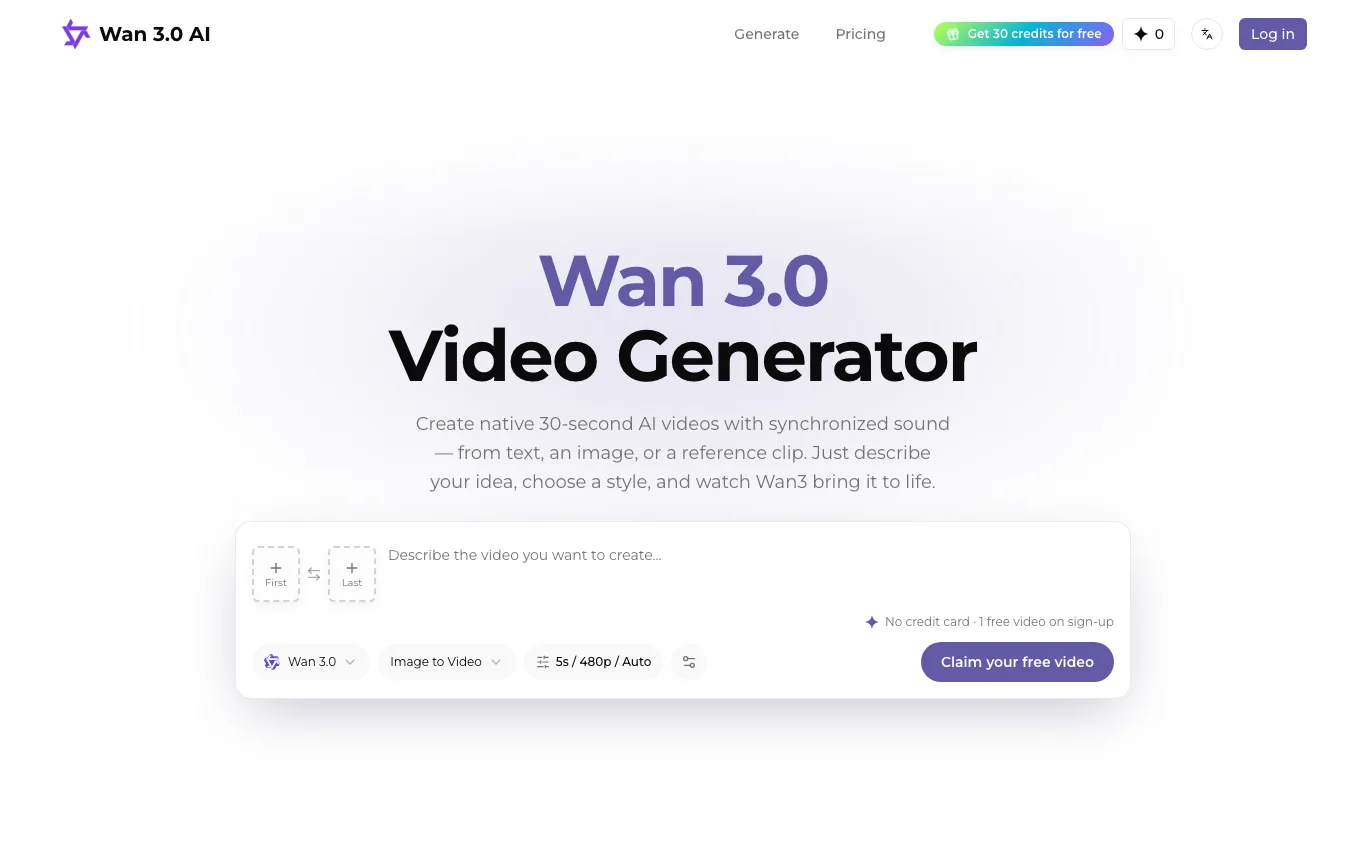

Wan 3.0 AI is a web tool for creating 2-30 second AI videos with synchronized audio from text, images, audio or reference clips, paid through one-time credit packs.
Text to Video AI · 20 tools
Best Text to Video AI Tools (2026)
Compare text-to-video AI for prompt-to-clip generation, script-to-video, avatars and voiceover, social clips, and free plans.
All Text to Video AI tools
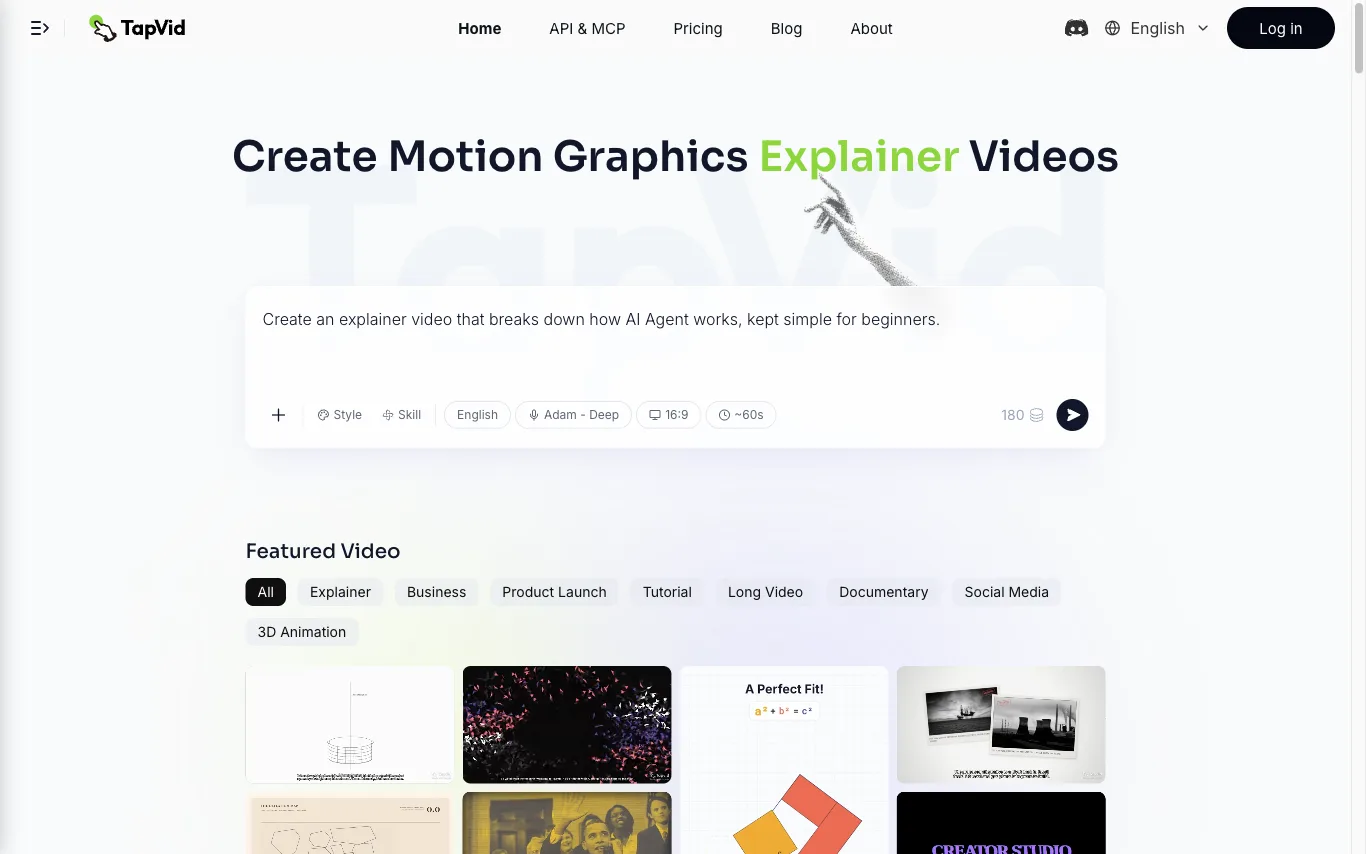

TapVid is an AI explainer video generator that turns a prompt, PDF, document, or link into a motion-graphics video. It assembles the outline, script, visuals, voiceover, and subtitles in a single pass, so source material becomes a publish-ready clip without opening a timeline editor. Three modes cover the workflow. Explainer Video turns a prompt, PDF, or link into a finished clip with motion graphics. One Shot produces a complete video from outline to script to final output in one run. Intelligent Edit revises the result through plain-language instructions instead of frame-level editing, so refinements are typed rather than cut. Rendering is billed in credits at roughly 3 credits per second of finished video, and renders that fail or time out have their credits returned. Free exports are 720p with a TapVid watermark, while Pro, Max, and Ultra export watermark-free 1080p, with clips up to 3 minutes on Pro and Max and up to 5 minutes on Ultra. TapVid also publishes an API and MCP entry point, and its interface is available in seven language versions.
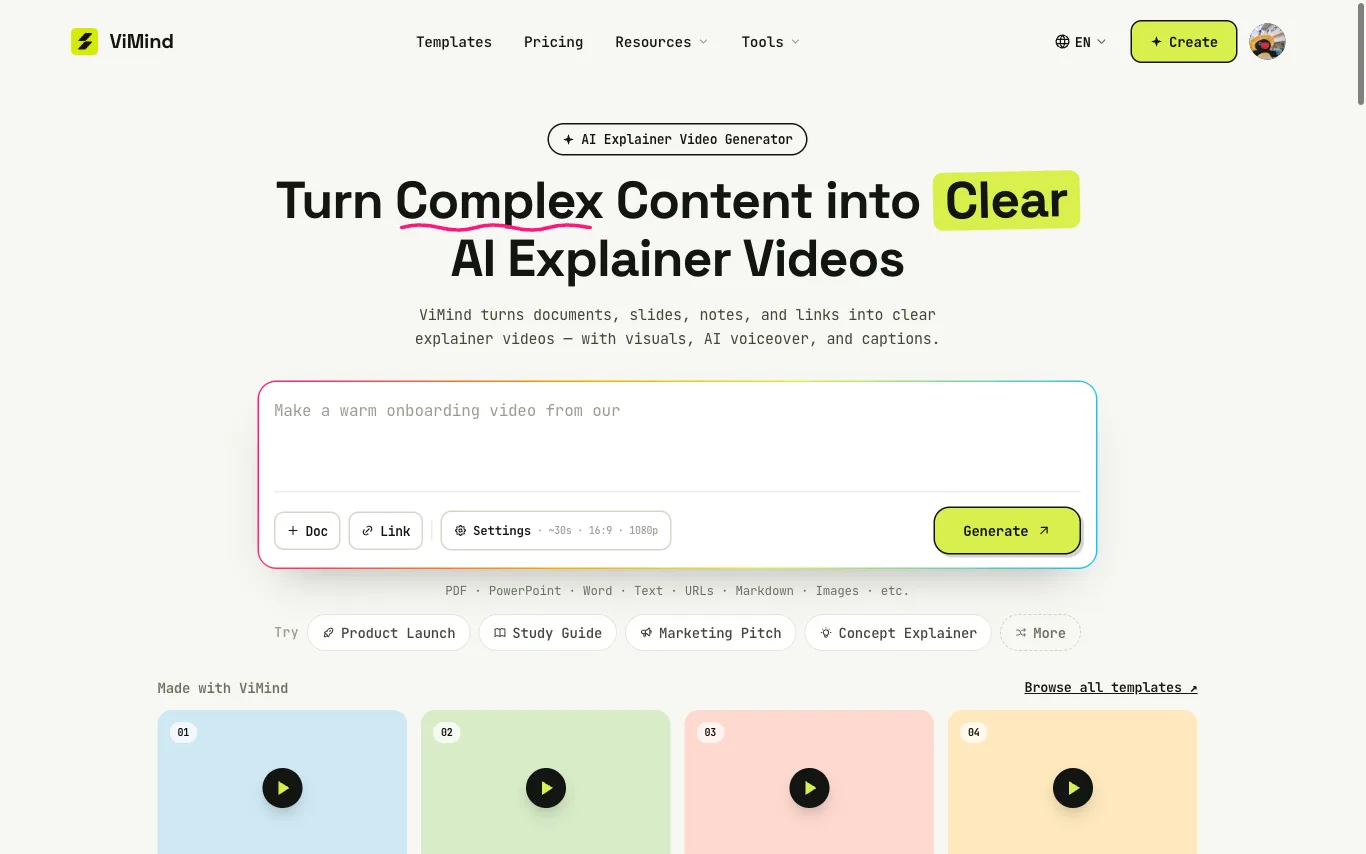

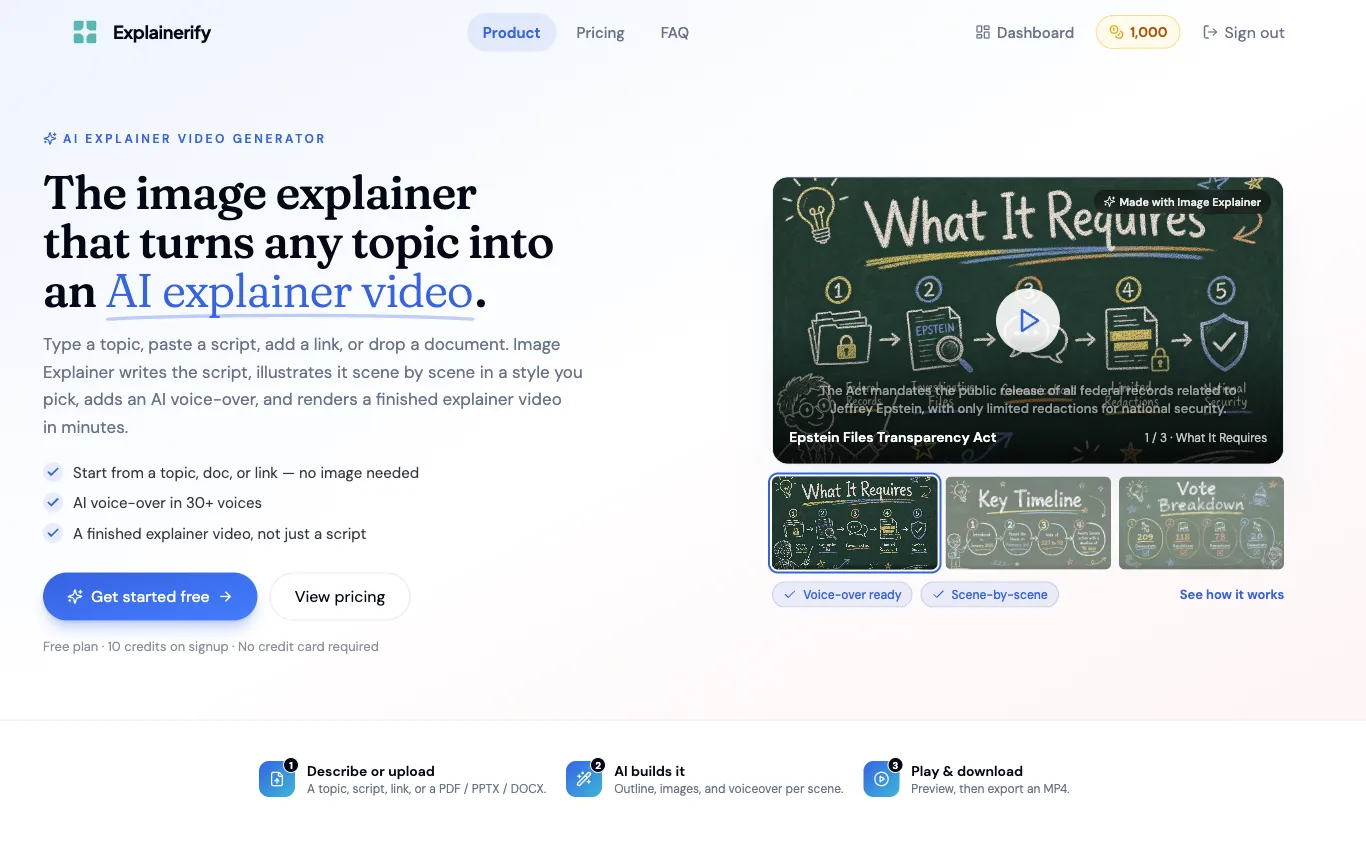

Explainerify generates finished explainer videos from a topic, script, link, or document. It writes the script, illustrates each scene in a chosen visual style, and adds an AI voice-over in 30+ voices.
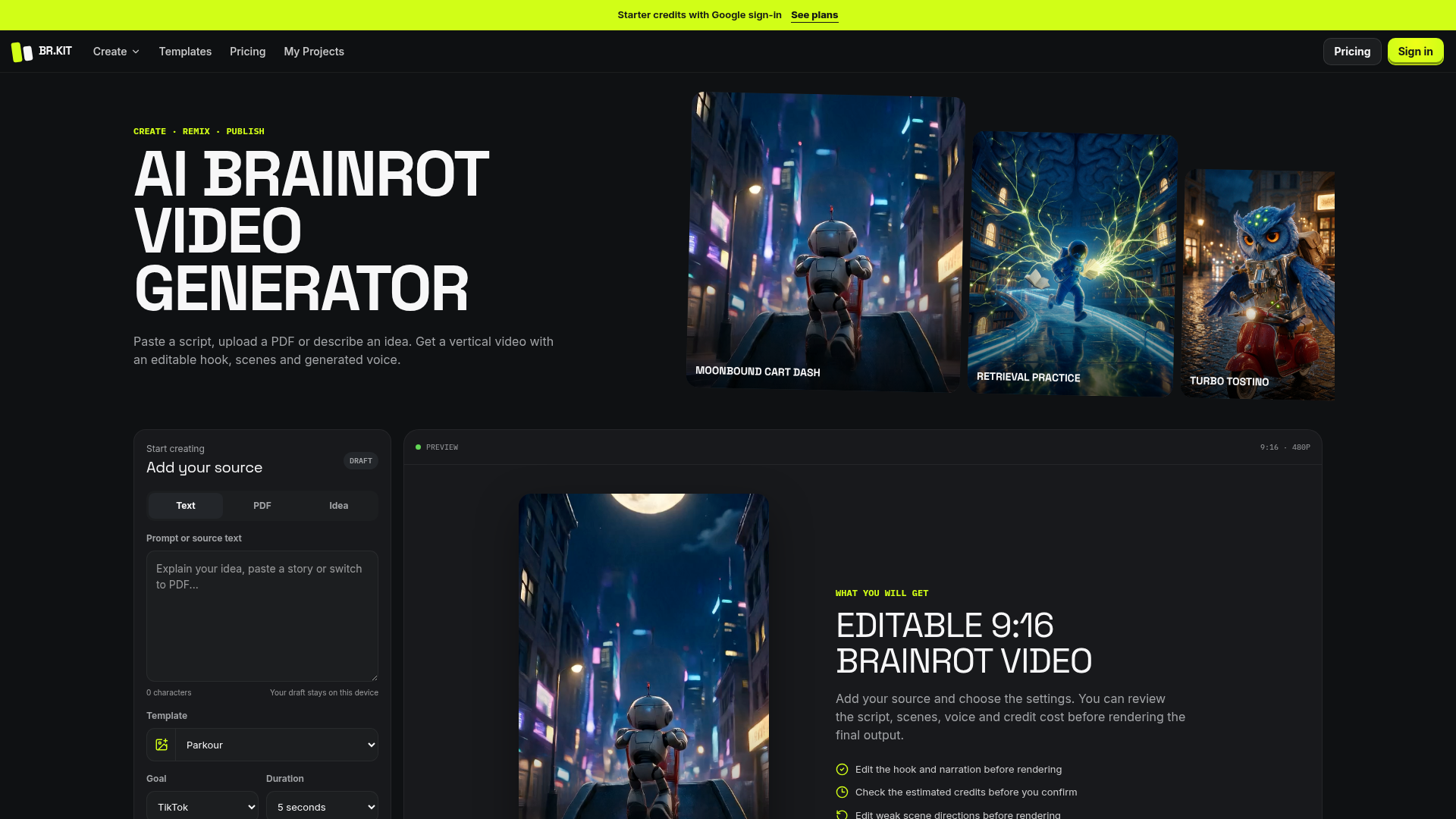

Paste a script, upload a PDF or describe an idea. Get a vertical video with an editable hook, scenes and generated voice

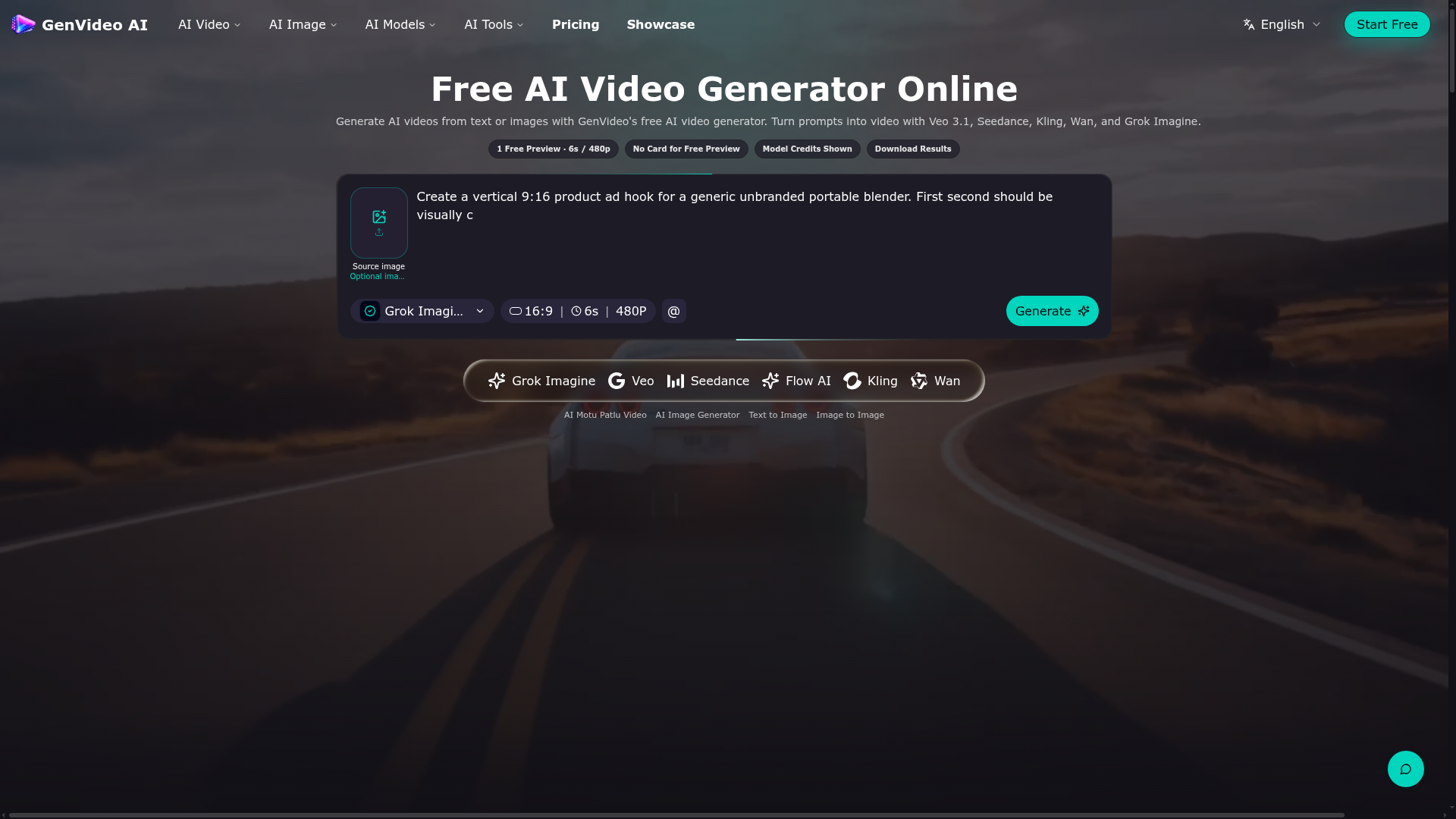

Generate AI videos from text or images with GenVideo's free AI video generator.
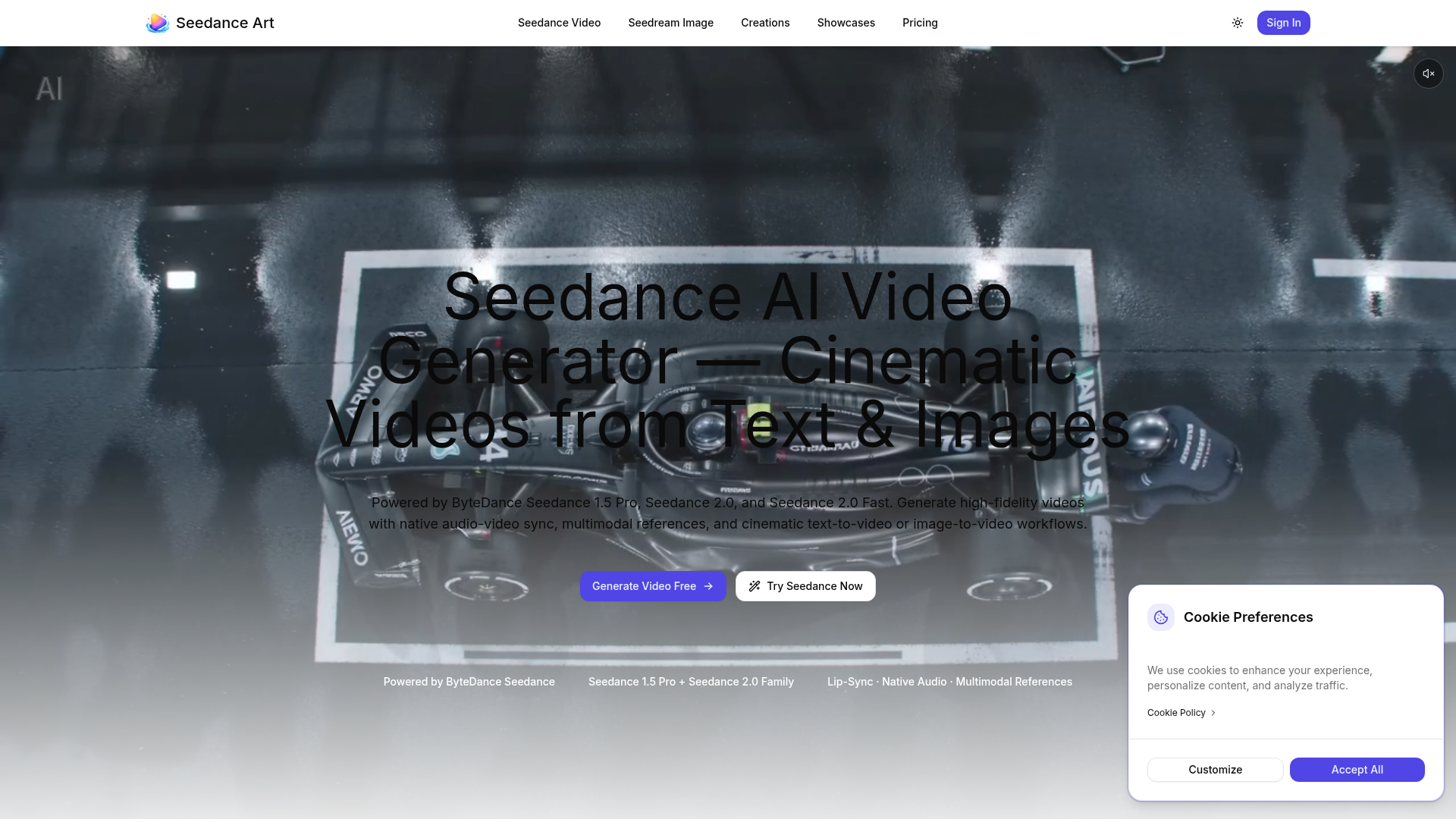

Generate high-fidelity videos with native audio-video sync, multimodal references, and cinematic text-to-video or image-
What is text-to-video AI?
Text-to-video AI generates a video clip directly from a written prompt or script, without filming or footage. It's used for short social clips, explainers, and ads, and ranges from open generative-video models to script-to-video editors with stock media, avatars, and captions.
Core features to look for
- Video generated from a prompt or full script
- Script-to-video with stock media and captions
- Avatars and AI voiceover from text
- Style, aspect ratio, and length control
- Scene editing and regeneration
- Free plans with watermark and length limits
Who uses text-to-video AI, and how
01
Prompt-to-clip
Generate a short video draft from a single descriptive prompt.
02
Script-to-video
Turn an article or script into a narrated, captioned video.
03
Social & ads
Produce vertical clips and ads fast for repeat posting.
04
Free testing
Compare free tools by watermark, length, and quality.
How does text-to-video AI work?
Text-to-video tools take two main approaches: generative models create video frames directly from your prompt, while script-to-video editors match your text to stock clips, an avatar, or generated scenes and add a synthetic voice and captions. Both then let you refine the result before export.