


Kling 4.0
Create cinematic AI videos and images with Kling 4.0, featuring multi-reference control, consis…
What is Kling 4.0?
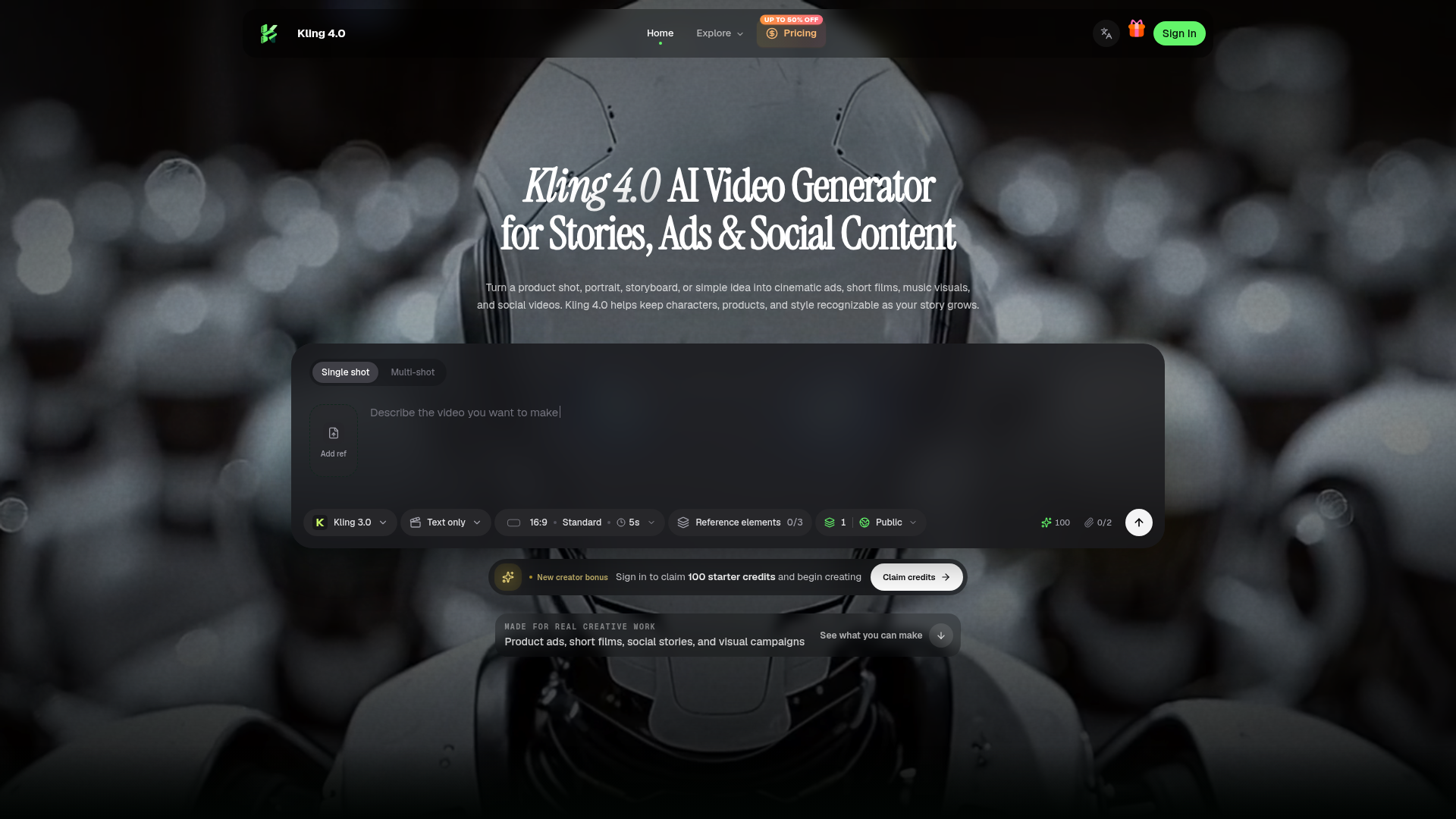
## What Is Kling 4.0? [Kling 4.0](https://kling4ai.art/) is an AI video and image creation platform for turning text prompts, product photos, portraits, and storyboards into cinematic content. Built for product advertising, short films, social media, and visual storytelling, it helps creators carry a recognizable character, product, or visual style across connected scenes. From a single creative idea to a coordinated collection of videos and images, Kling 4.0 brings reference-based generation, camera direction, voice references, and scene extension into one creative workflow. ## Key Features ### Video Generation up to 30 Seconds Create videos up to 30 seconds long at resolutions up to 1080p. Give your scene room for an opening, a meaningful action, and a clear ending—whether you are introducing a product, revealing a new setting, or telling a short character story. ### Omni Reference with up to 15 Elements Combine up to 15 reference elements to guide characters, products, clothing, locations, props, composition, visual style, and motion. Use these references to help maintain recognizable details as the camera angle, action, or scene changes. This makes Kling 4.0 useful for recurring characters, branded product videos, and campaigns that need a consistent visual identity. ### Camera, Action, and Scene Direction Describe what viewers should see first, how the camera should move, and how the action should unfold. Shape the pacing, atmosphere, and final reveal through natural-language instructions. Explore the platform’s [creative controls](https://kling4ai.art/#flow) for reference-driven scenes and connected visual storytelling. ### Voice References for Character Scenes Use up to three voice references to guide distinct character voices and delivery. Develop dialogue scenes, virtual presenters, or recurring characters with a recognizable vocal direction. ### Video Extension and Longer Stories Extend a video to 60 seconds or explore experimental 120-second storytelling at 1080p. Forward and backward scene extension lets you continue an action or add an earlier setup around an existing moment. ### Kling Image 4.0 Generate 1–9 related images in a single run with Kling Image 4.0. Create keyframes, thumbnails, posters, product visuals, and storyboard concepts at resolutions up to 4K, with selected workflows reaching up to 8K. Develop supporting images around the same creative direction as your video for a more coordinated campaign. ## What Can You Create? - **Product ads:** Transform product photos into launch videos, cinematic detail shots, beauty campaigns, and lifestyle scenes. - **Short films:** Develop character-driven stories with connected shots, deliberate camera movement, and a clear narrative progression. - **Social videos:** Create visual hooks, transformations, reveals, and recurring content series. - **Music visuals:** Turn a mood or musical concept into atmospheric scenes and performance-inspired sequences. - **Virtual characters:** Carry a recognizable face, wardrobe, and voice direction across different stories. - **Marketing visuals:** Produce matching covers, posters, product images, and creative presentation assets. ## How to Use Kling 4.0 1. **Define your goal.** Decide what the video should communicate and who or what should be the focus. 2. **Add useful references.** Include the characters, products, locations, visual styles, or voices that matter to the scene. 3. **Describe the sequence.** Write the opening, main action, camera movement, and ending in viewing order. 4. **Generate and refine.** Review the result, adjust the most important details, and extend a strong scene or create supporting images. See the [Kling 4.0 workflow guide](https://kling4ai.art/#steps) for more guidance. ## Pricing Kling 4.0 offers monthly subscriptions, annual subscriptions, and one-time credit packs. Choose a plan based on your creative workload and review the credit requirement before generating. Visit the [pricing page](https://kling4ai.art/pricing) for current plans and credit options.
Kling 4.0 Traffic Analysis
Alternatives to Kling 4.0
Looking for a Kling 4.0 alternative? Compare these curated AI tools that offer similar features and use cases.

MagicShot AI
MagicShot is an AI creative studio that puts 500+ AI models and 85+ tools behind one subscription. Instead of paying separately for an image generator, a video tool, and a text-to-speech app, you get all of it in one place, running on models like Veo 3.1, Kling 3.0, Seedream 5.0, and GPT Image 2. The tools cover five areas: image generation (art, logos, product photos, stickers), video generation (text-to-video, image-to-video, UGC-style ads, real estate videos), AI photoshoots (professional headshots from selfies, fashion model shots, pet portraits), photo editing (background removal, upscaling to 4K, restoring old photos), and audio (voiceovers, music generation, transcription). What you get: - One subscription instead of five. A single credit balance works across every tool, so you're not stacking $20/month plans for image, video, and audio separately. - No skill barrier. Pick a tool, type what you want, download the result. There's no timeline editor or layers panel to learn. - Always-current models. New models get added as they release, so you're not locked into whatever tech existed when you signed up. - Full commercial rights on paid plans for everything you generate. - Works on mobile. The iOS app handles photoshoots, image, and video generation from your phone. Over 500,000 creators use it, and the numbers back that up: 50M+ images and 8M+ videos generated so far. It's built for influencers, ecommerce sellers, agencies, and real estate agents who need a steady stream of content without hiring a production team. Plans start at $5.25/month, rated 4.7/5 on Trustpilot.

CapCut
CapCut is a cross-platform AI video editor from ByteDance offering timeline editing, auto-subtitles, AI effects, and smart templates for short-form video creators on web, desktop, iOS, and Android.

Higgsfield
Higgsfield is an AI creative studio for generating cinematic videos and images from text prompts or reference images, with support for consistent AI characters and plugins for Photoshop and DaVinci Resolve.