

AI Developer Tools · 20 tools
Best AI Developer Tools Tools (2026)
Compare AI developer tools for code completion, in-editor chat, debugging, test generation, code review, and agents that edit across your whole codebase.
All AI Developer Tools tools

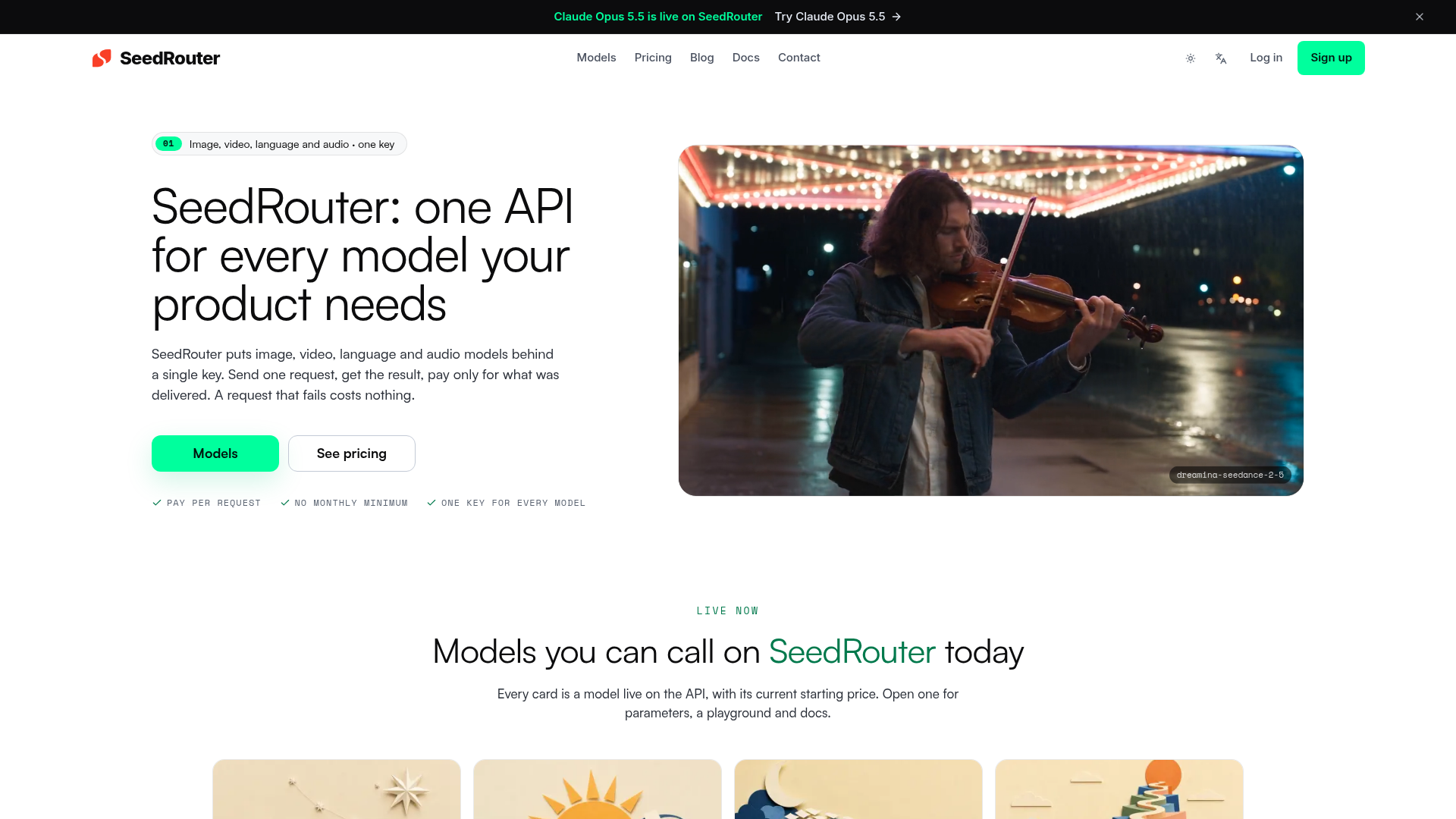

SeedRouter provides a unified API platform designed to simplify the integration of various artificial intelligence models into products. It offers a single API key to access a wide range of image, video, language, and audio models, ensuring developers only pay for successful requests and delivered results, eliminating costs for failed attempts. The platform is built to make adding AI capabilities a deliberate choice rather than a speculative guess. It offers clear model access, allowing users to review model capabilities, parameters, and pricing before writing any code. SeedRouter also enables flexible model choices, allowing developers to switch between different model families like GPT, Claude, or Gemini, or even between image and video models, without needing to rewrite their underlying stack. By centralizing access and standardizing the request shape, SeedRouter ensures that integrations are robust and production-ready. This approach helps product teams efficiently explore and deploy advanced AI functionalities, from generating high-resolution images and videos to leveraging large language models with extensive context windows, all through a consistent and reliable interface.
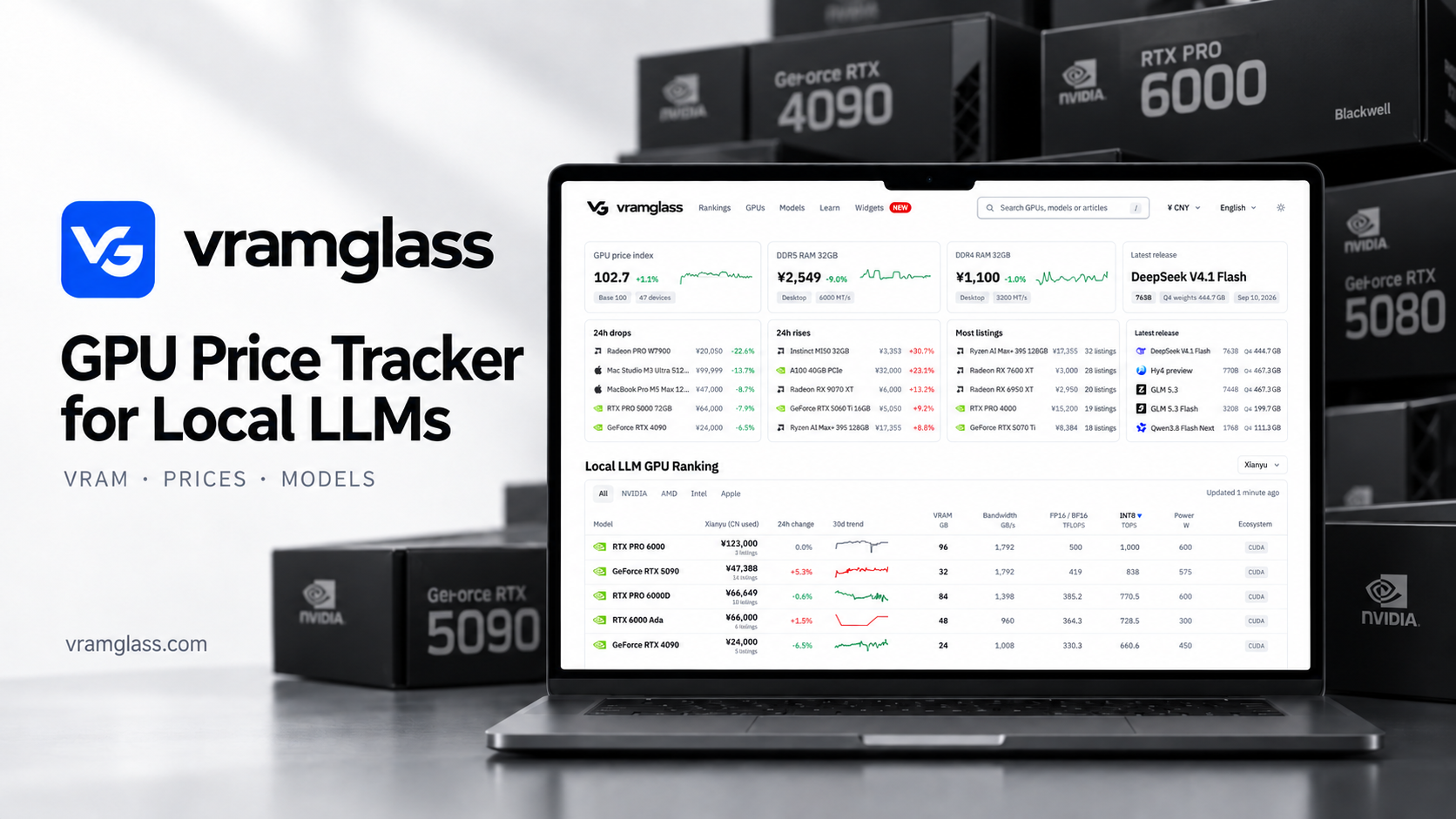

VRAMGlass is a free web tool for people choosing hardware to run large language models locally. Compare GPUs by VRAM capacity, memory bandwidth, power and software ecosystem, explore open-weight model families and their quantized weight sizes, and use documented memory and fit estimates to plan the hardware you actually need.


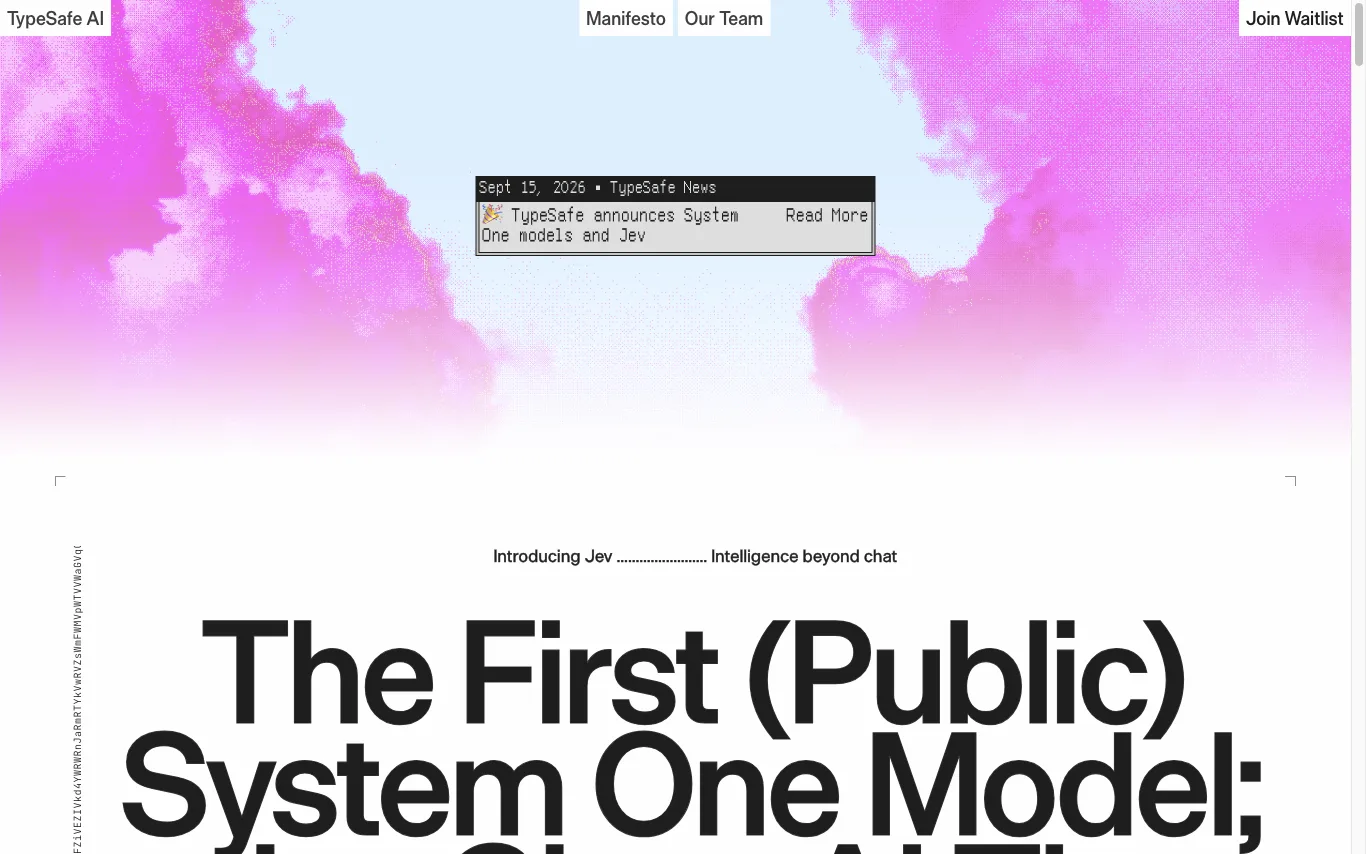

TypeSafe AI is a San Francisco lab building System One models for automation. Its first public model, Jev, answers typed questions against a state and returns structured decisions code can act on.
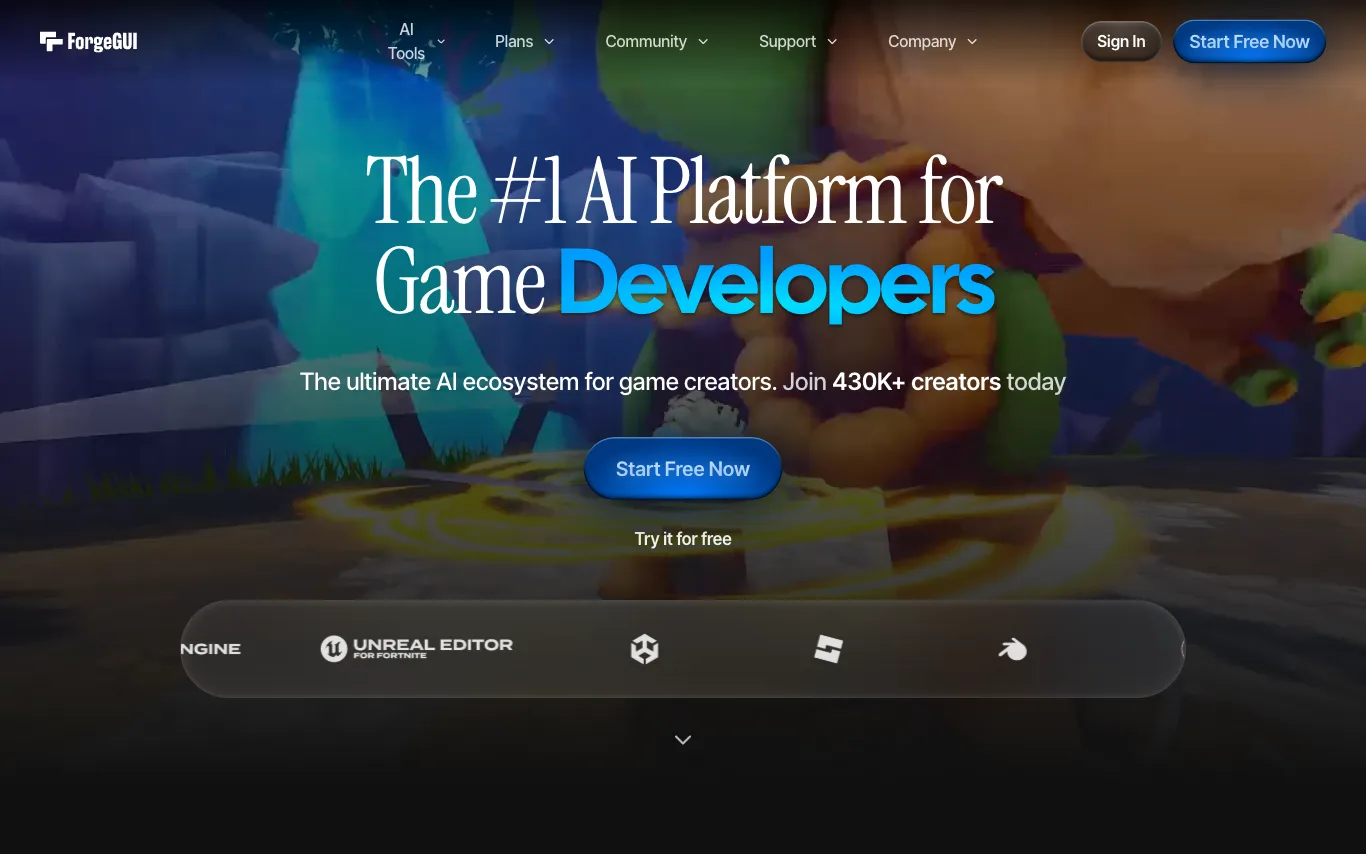

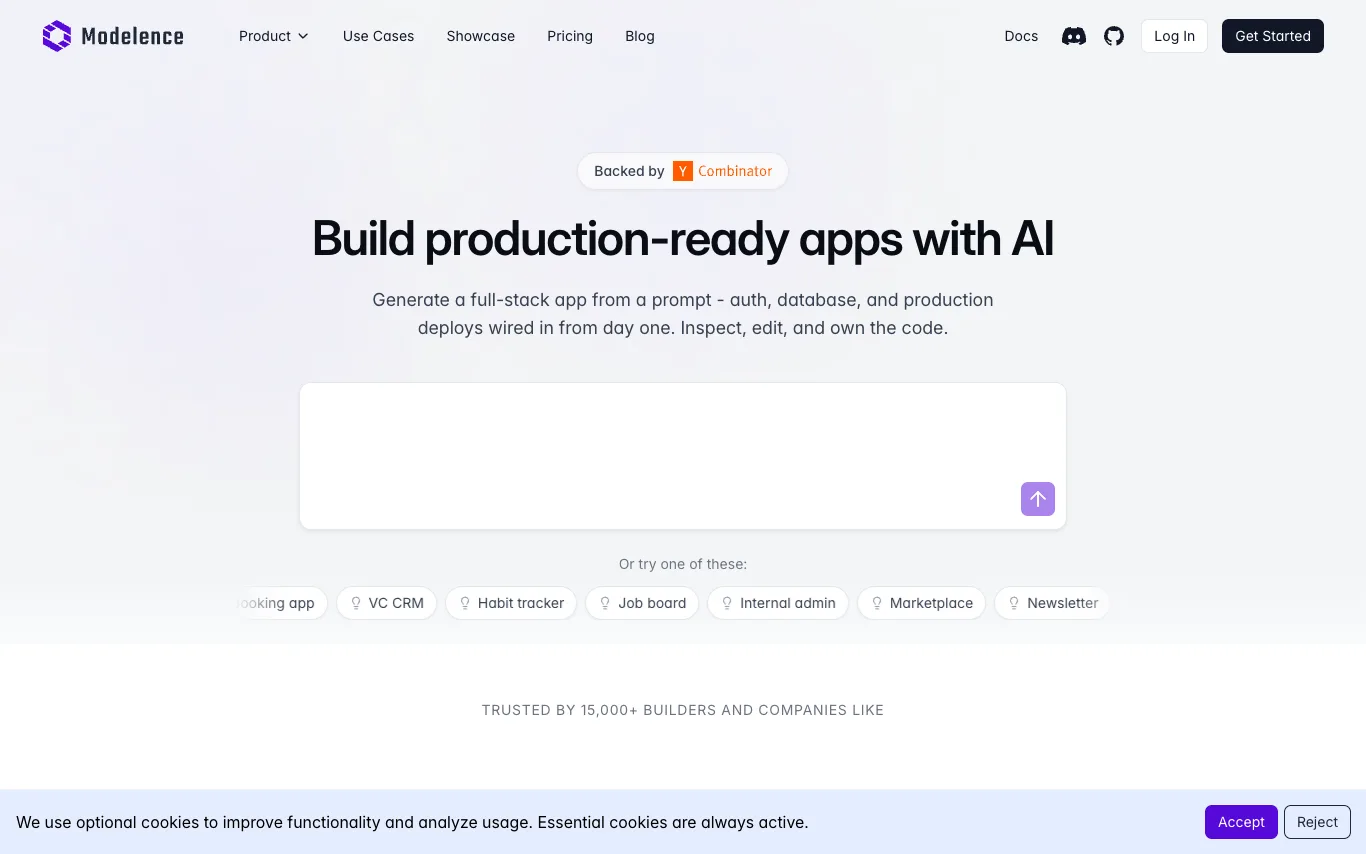

Modelence is an AI-powered app builder that lets you create production-ready, full-stack web applications by describing what you want in plain language. Every app comes with authentication, a scalable database, monitoring, and one-click deployment built in - so you can go from idea to live app in minutes, not months.
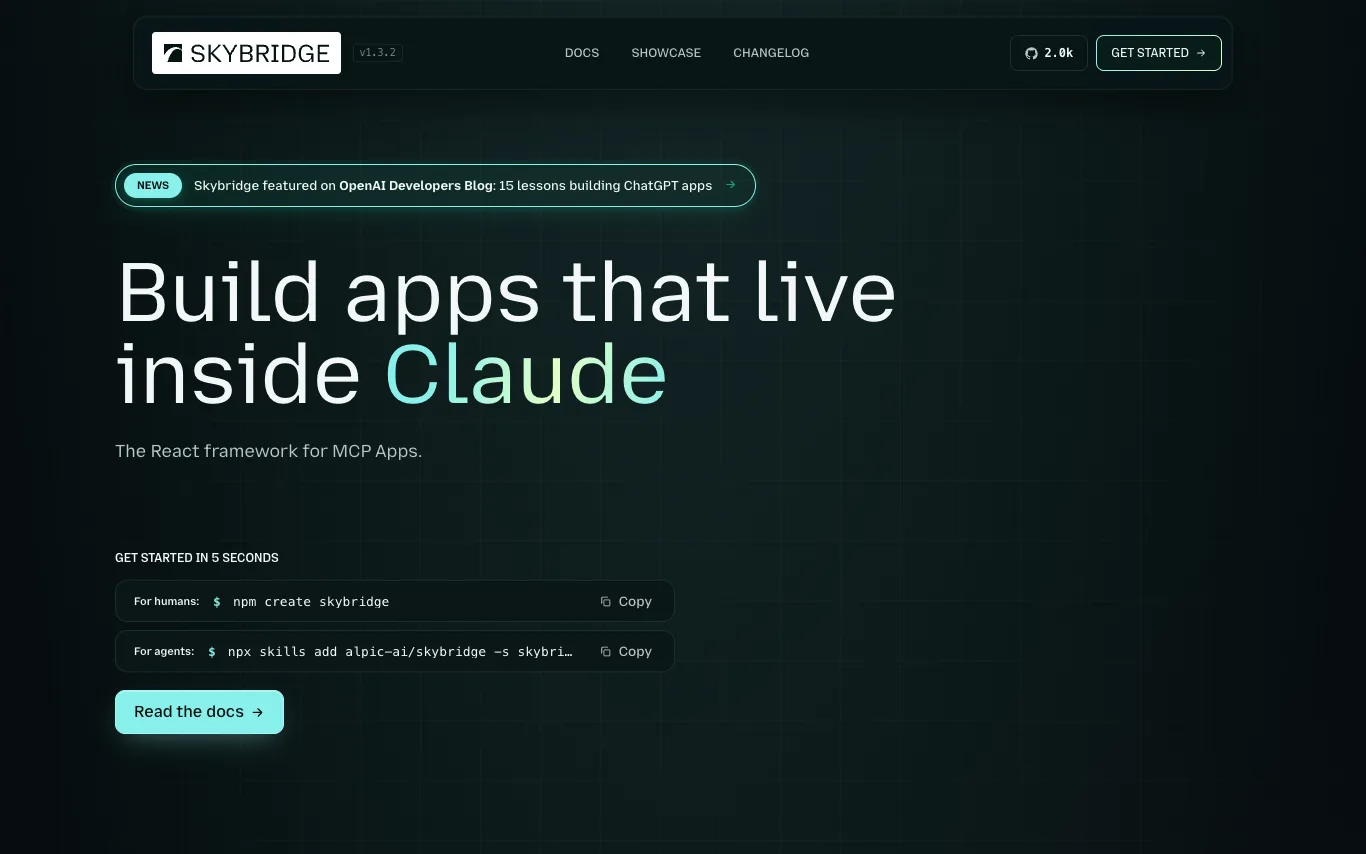

Skybridge is an open-source TypeScript framework for building MCP (Model Context Protocol) apps. It allows developers to write once and run in multiple MCP clients like Claude, ChatGPT, and VSCode. The framework provides a full-stack development experience with type-safe end-to-end inference, a local emulator, hot module reload, and a public tunnel for testing. It is MIT-licensed and has 100K monthly npm downloads.
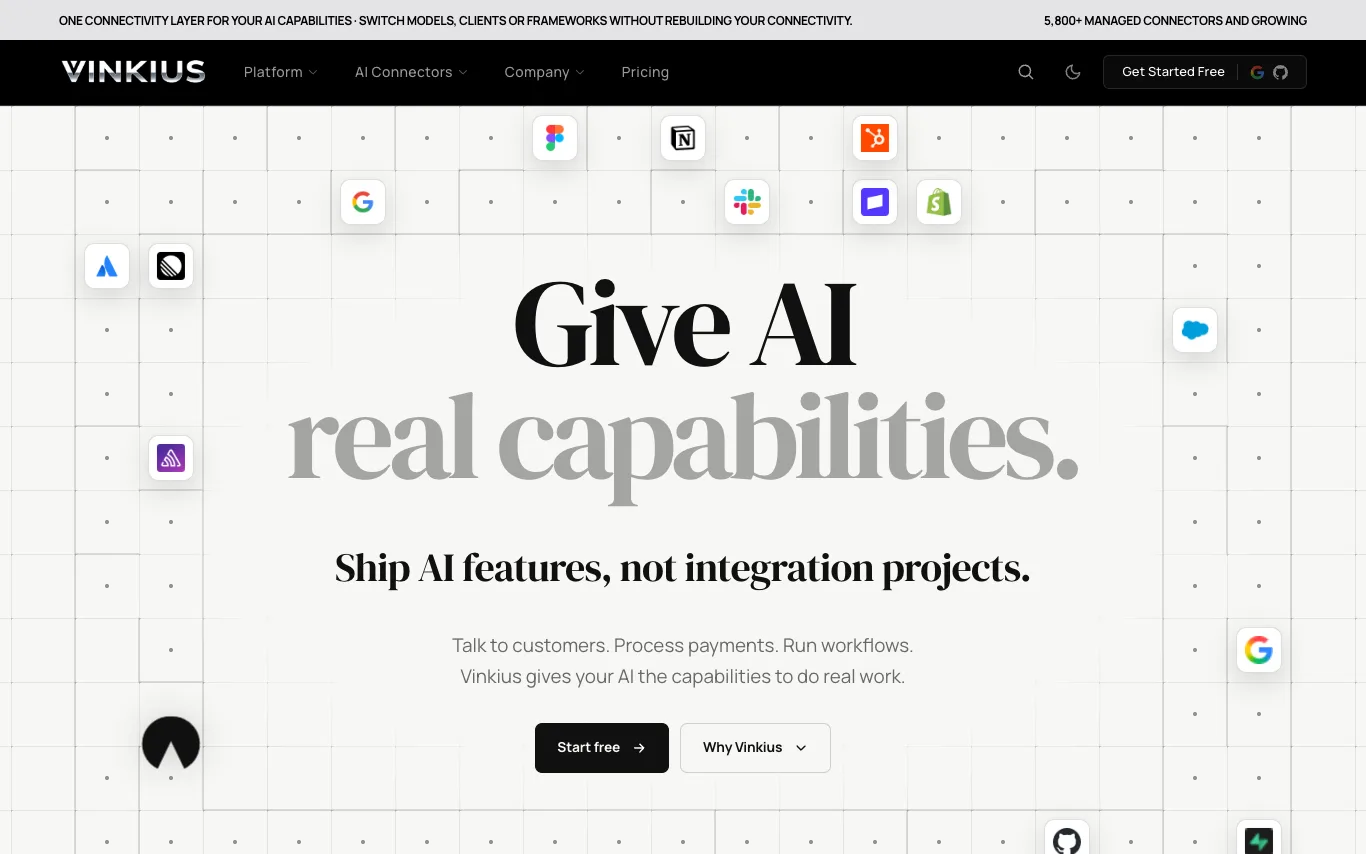

Vinkius is the AI Connectivity Cloud that provides a managed layer for AI capabilities. It offers over 5,800 prebuilt connectors to apps, APIs, databases, and SaaS tools, enabling AI agents to perform real tasks like customer communication, business operations, and data analytics. Vinkius hosts, secures, and maintains these connections, so developers can ship AI features without building or managing integration infrastructure. The platform supports MCP-compatible clients and works with models like Claude, GPT, and Gemini.
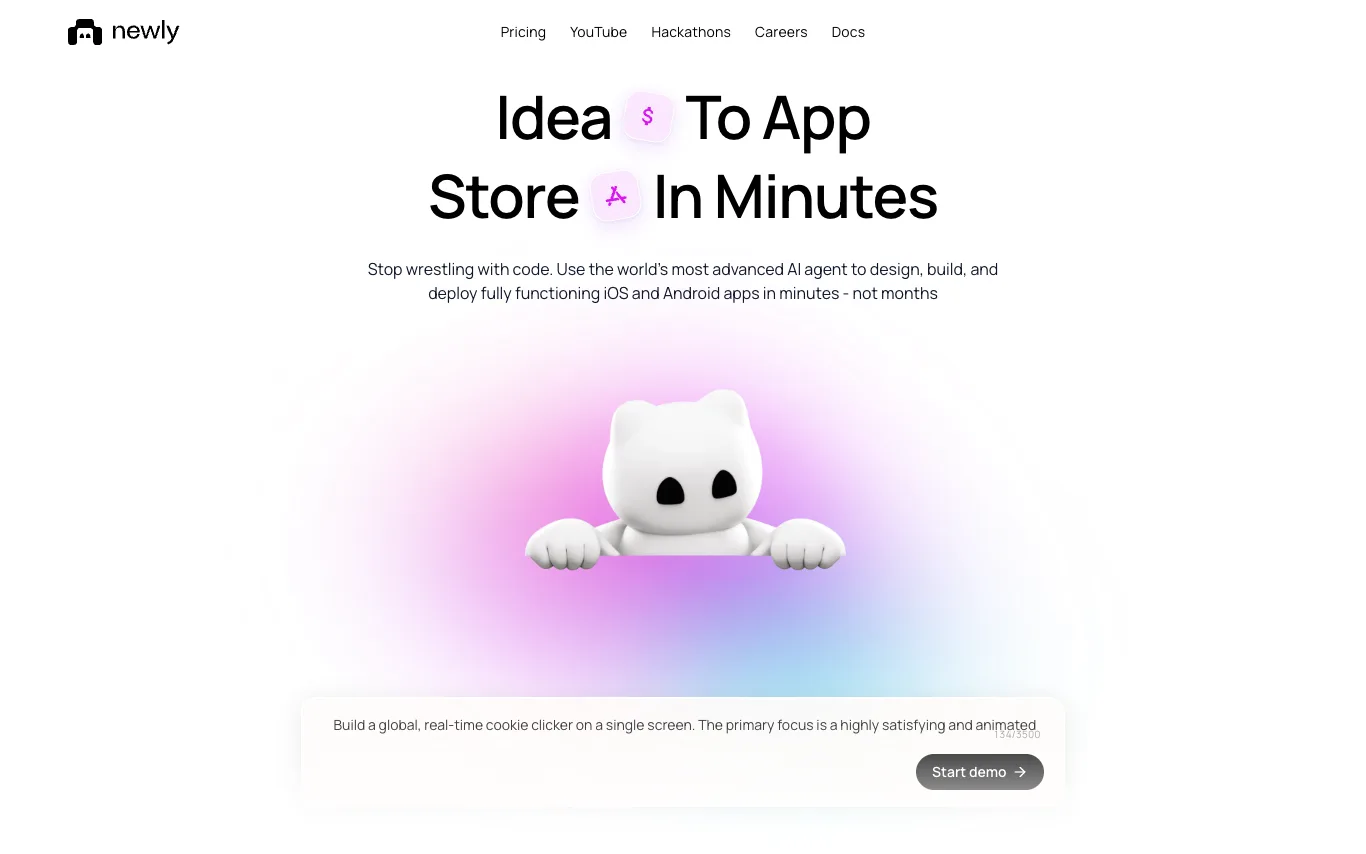

Newly AI (newly.app) is an AI-powered platform for building native iOS and Android apps. Users describe their app idea in plain English, and the AI agent generates React Native code, provides a canvas for UI tweaks, and includes embedded device previews. The platform handles backend services like databases, authentication, and storage, and automates App Store and Play Store asset generation. Apps are built with Expo and compile to real native code, not webviews. Users own the source code and can export it without vendor lock-in.
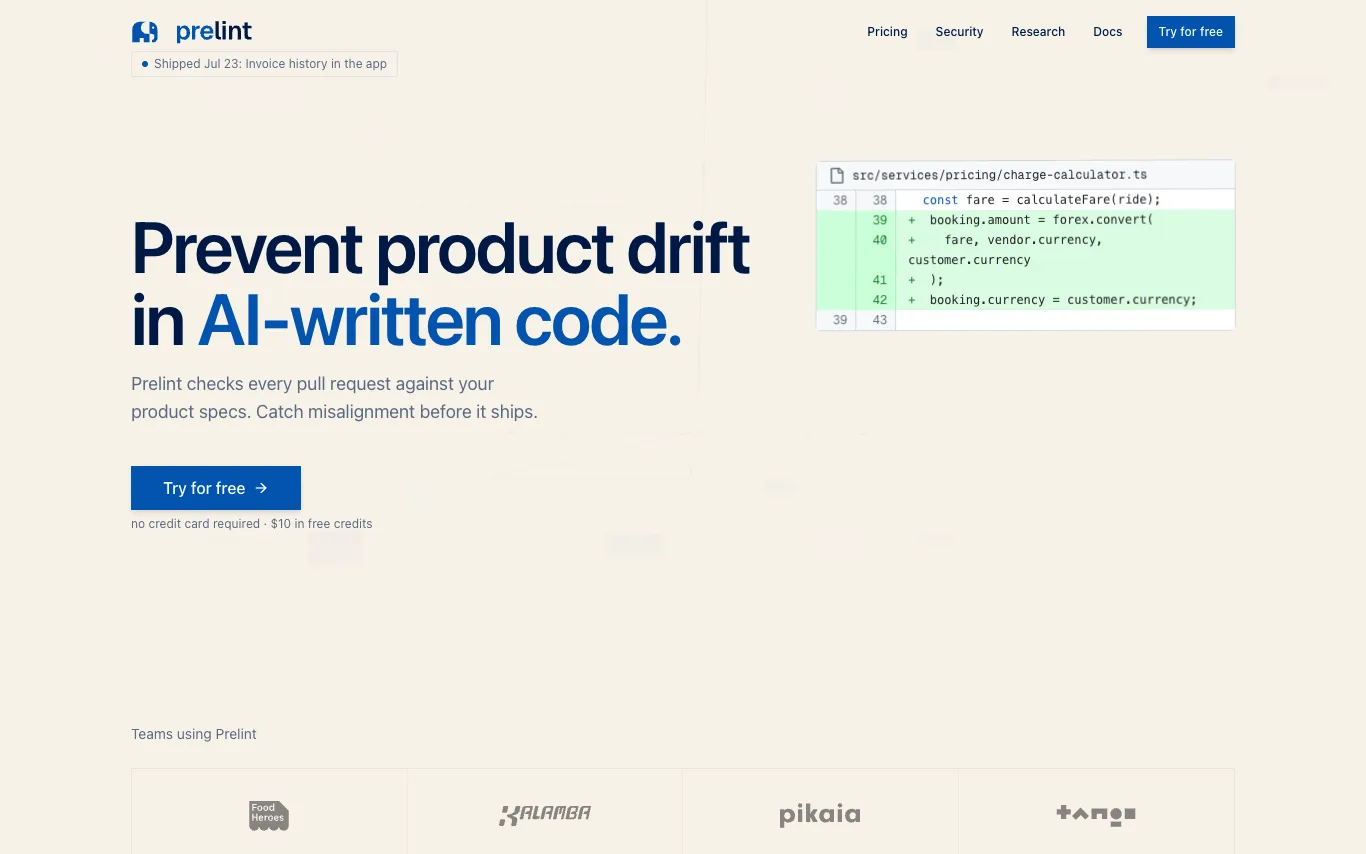

Prelint reviews every pull request against your product specifications, catching product drift, inconsistencies, and misalignment before they ship. It enforces product intent by checking business logic, compliance, tooling, domain language, scope, and strategic alignment. With tenant-isolated infrastructure and no training on your data, Prelint integrates with GitHub and GitLab, using specs in Markdown, YAML, or structured formats. Pricing is $1 per completed review, with $10 free credits and free for open source.
What are AI developer tools?
AI developer tools are coding assistants built on large language models that read your code and help you write, fix, and understand it. They range from inline autocomplete in your editor, to chat that answers questions about a file, to agents that plan and edit changes across many files. Most plug into an IDE, the terminal, or your Git workflow.
What AI developer tools do
- Inline code completion as you type
- Chat about a file, function, or error
- Multi-file edits from a natural-language request
- Generate unit tests and fix failing ones
- Explain, refactor, and document existing code
- Agents that run commands and iterate on output
Who uses AI developer tools
Day-to-day coding
Autocomplete, quick fixes, and inline chat that keep engineers in flow while writing code.
Onboarding to a codebase
Ask what a function does or where logic lives when joining a new project or language.
Shipping features with agents
Hand an agent a task and let it draft, edit, and test changes across files.
Review and refactoring
Catch bugs, suggest refactors, and write tests before code reaches a pull request.
How AI developer tools work
They send your prompt along with nearby code and relevant files to a model trained on large amounts of source code. The model predicts the next lines or a full diff, which the tool inserts or shows for you to accept. Agentic tools go further, calling the compiler, tests, or a repo search, then reading the output and retrying until the change works.