

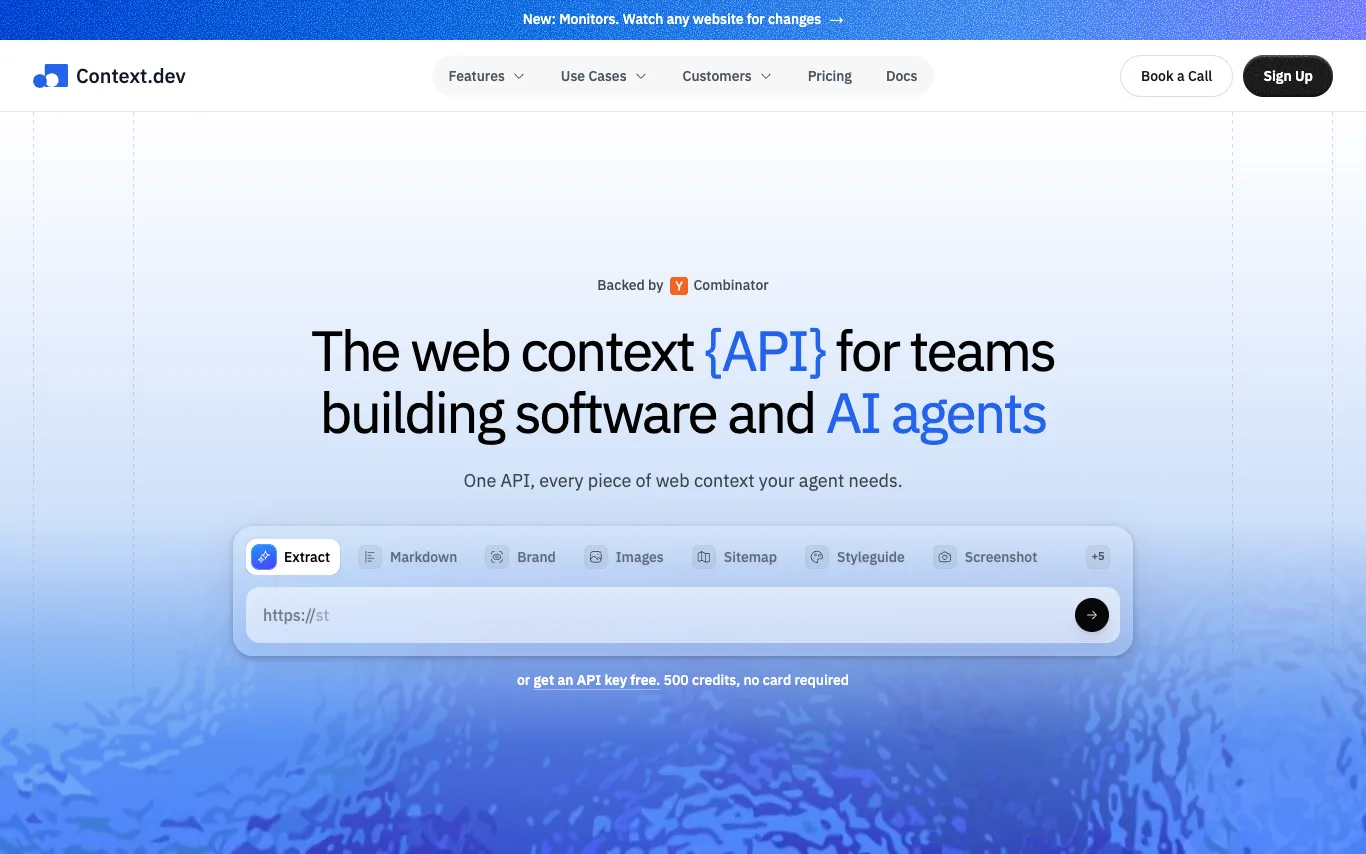

Context.dev is a web scraping API designed for AI agents and software teams. It provides a single REST API to scrape any URL into clean Markdown, crawl entire websites, extract structured data using JSON Schema, retrieve brand data, styleguides, product listings, screenshots, and more. The service is backed by Y Combinator and used by companies like Super.com, Mintlify, and Similarweb. It offers a free tier with 500 credits and no credit card required.
AI Developer Tools · 20 tools
Best AI Developer Tools Tools (2026)
Compare AI developer tools for code completion, in-editor chat, debugging, test generation, code review, and agents that edit across your whole codebase.
All AI Developer Tools tools
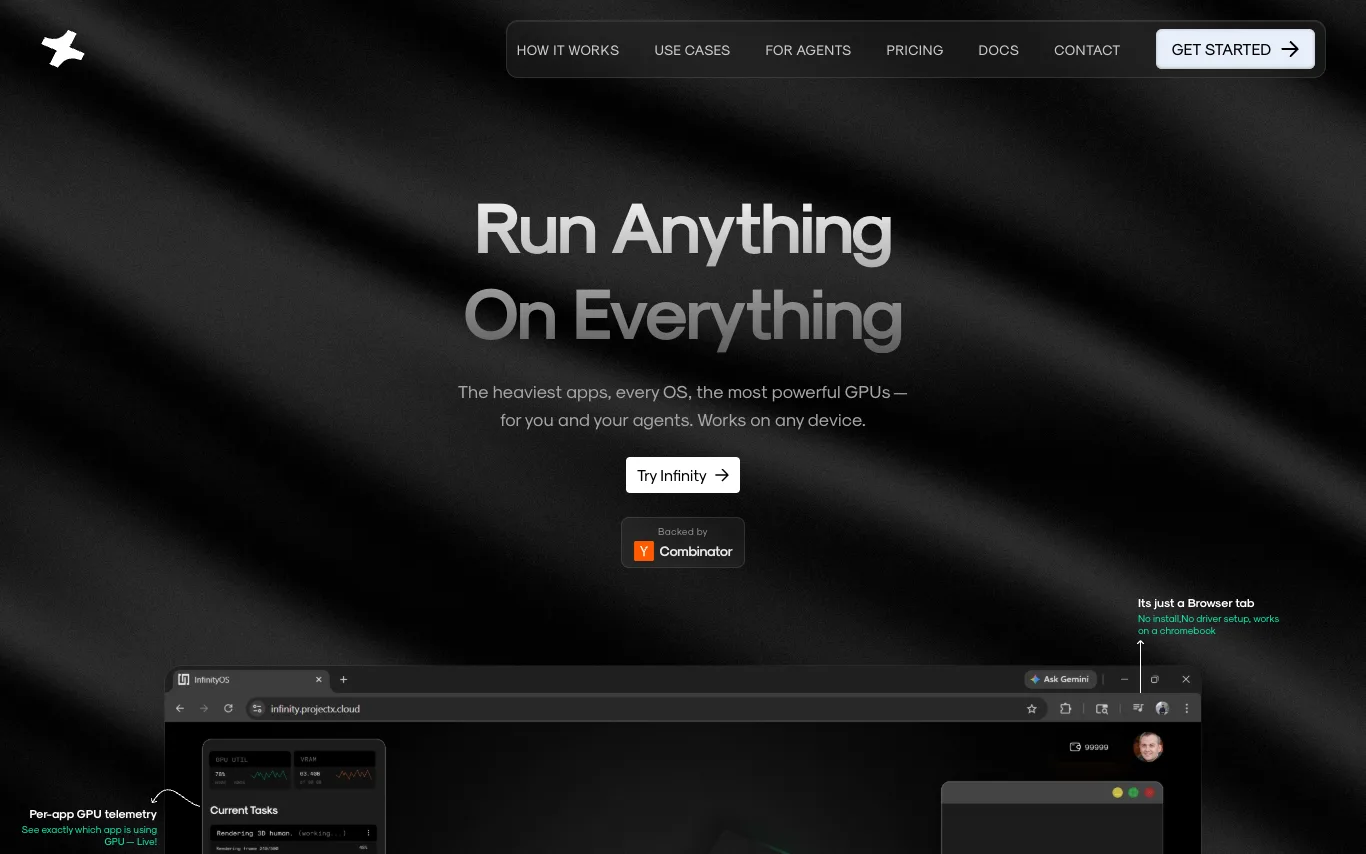

Infinity is an operating system designed for AI agents, where agents are first-class citizens. It allows users to run heavy applications like Blender, VS Code, and Isaac Sim on any device through a browser tab, with dedicated GPU compute per app. The platform supports running Windows and Linux apps simultaneously, cold starts in under a minute, and enables humans and agents to coexist in the same workspace. Infinity offers a chat interface for agents to orchestrate GPU workloads, eliminating the need for API keys or rate limits.
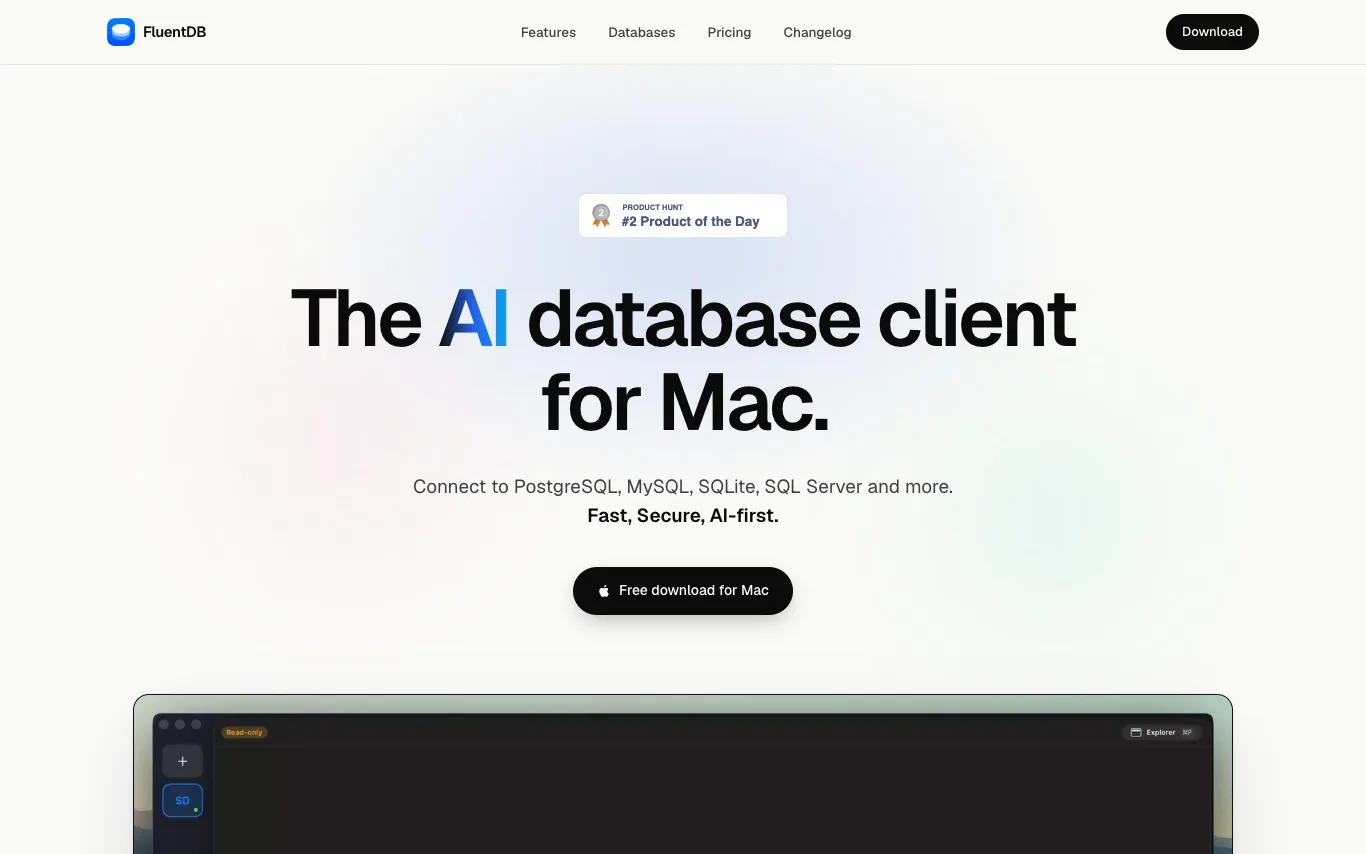

FluentDB is a native macOS database client with an AI co-pilot. It connects to PostgreSQL, MySQL, SQLite, and SQL Server, allowing users to query in plain English. The AI writes SQL against the real schema, shows the query before running, and explains it. It features guardrails to protect data, a schema-aware SQL editor, fast data grid for large tables, custom boards, and MCP support. Users can bring their own AI model (Anthropic, OpenAI, or local via Ollama).


PlugThis is an AI-powered Chrome extension builder that generates complete Manifest v3 extensions from plain-English descriptions. It automatically creates manifest.json, content scripts, background service workers, popup UI, and optional Supabase backend. Users can download the full source code, own it forever, and publish to the Chrome Web Store. It supports BYOK for AI features and offers templates for common extensions.
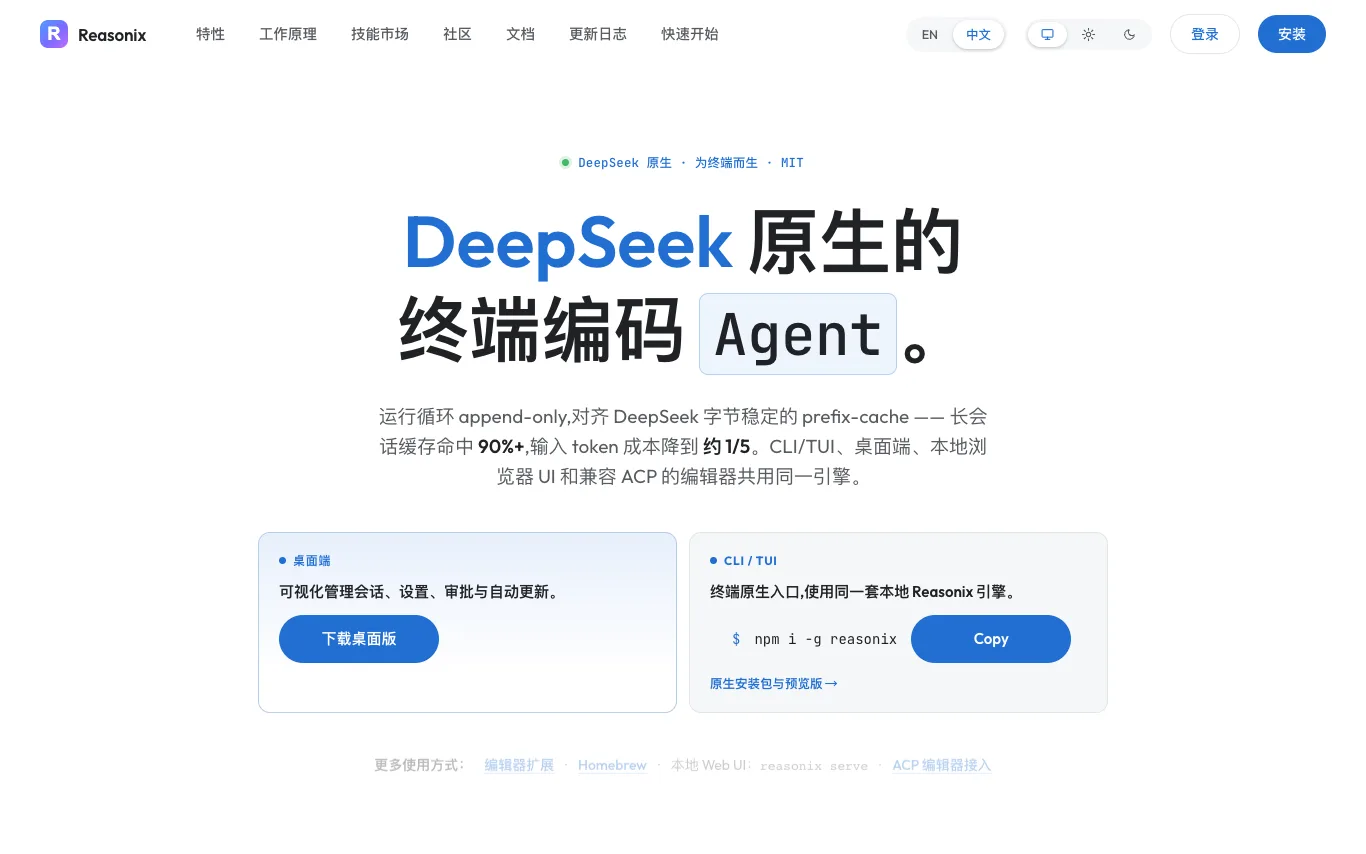

Reasonix is an open-source AI coding agent designed for the terminal, browser, and ACP-compatible editors, engineered around DeepSeek. It uses an append-only loop aligned with DeepSeek's byte-stable prefix cache, achieving 90%+ cache hit on long sessions and reducing input-token costs to about 1/5. The same engine powers the CLI/TUI, desktop app, local browser UI, and ACP-compatible editors. Reasonix is MIT-licensed and developed in public with 97 contributors.
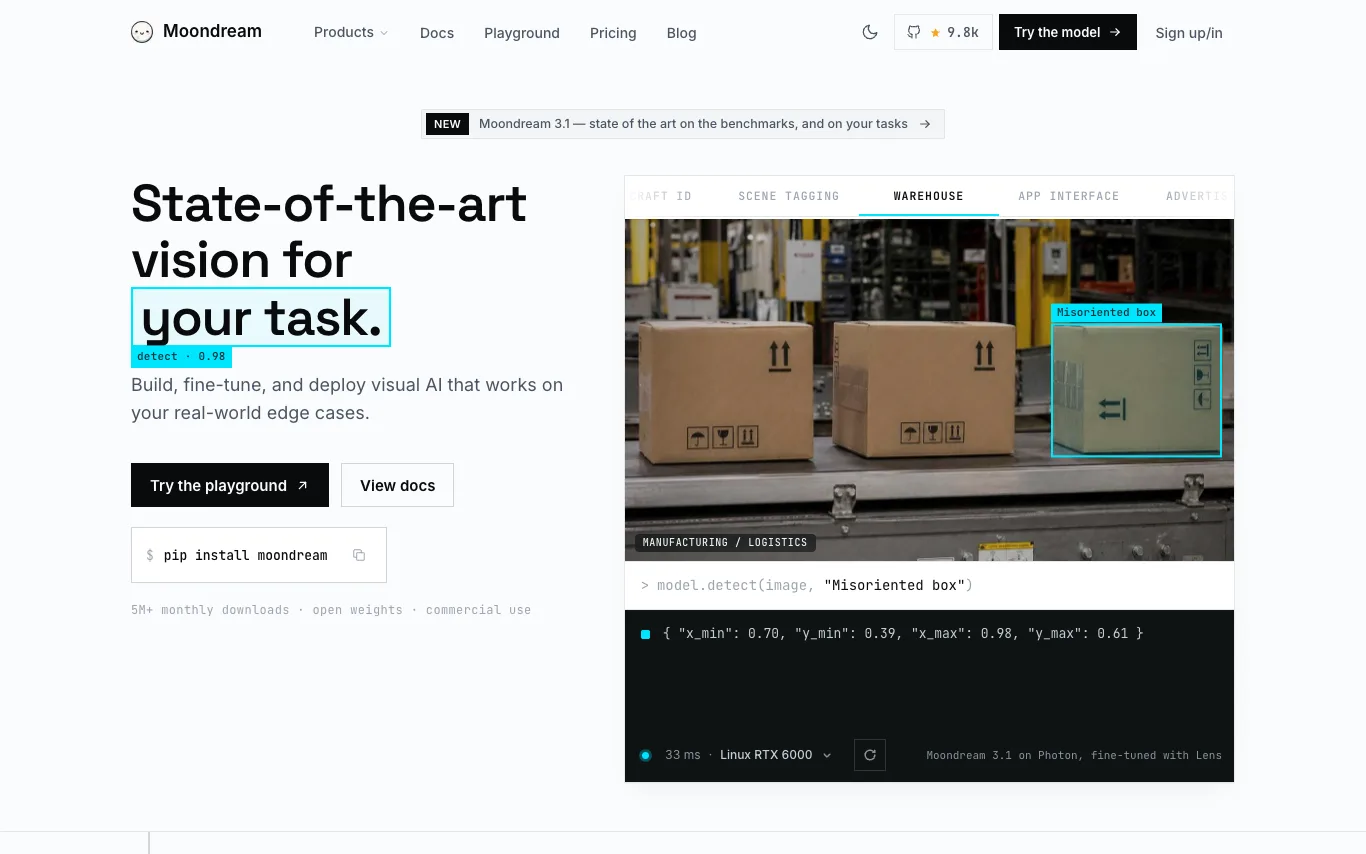

Moondream is a fast and powerful vision model offering state-of-the-art performance for detection, captioning, and segmentation. It provides open models with commercial-friendly licenses, a fine-tuning platform called Lens, and an inference engine called Photon for efficient deployment. Moondream Cloud offers hosted inference with an OpenAI-compatible API. The platform is designed to be flexible, running on various hardware from edge devices to data centers.
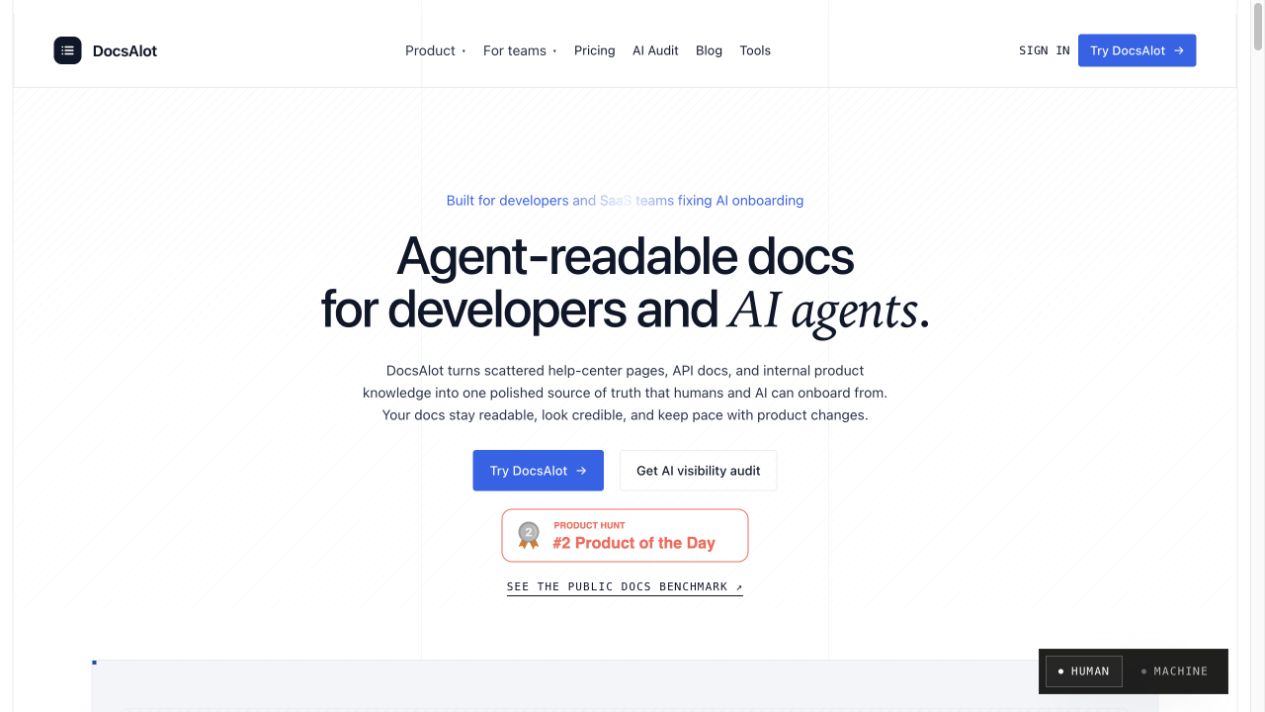

DocsAlot turns scattered help-center pages, API docs, and internal product knowledge into one polished source of truth that humans and AI can onboard from. It integrates with GitHub, OpenAPI, Notion, Intercom, Zendesk, and Confluence, and publishes hosted docs, llms.txt, skill.md, and MCP-ready chunks. Every publish creates a shareable benchmark report showing which answers cite the docs and what to fix next.
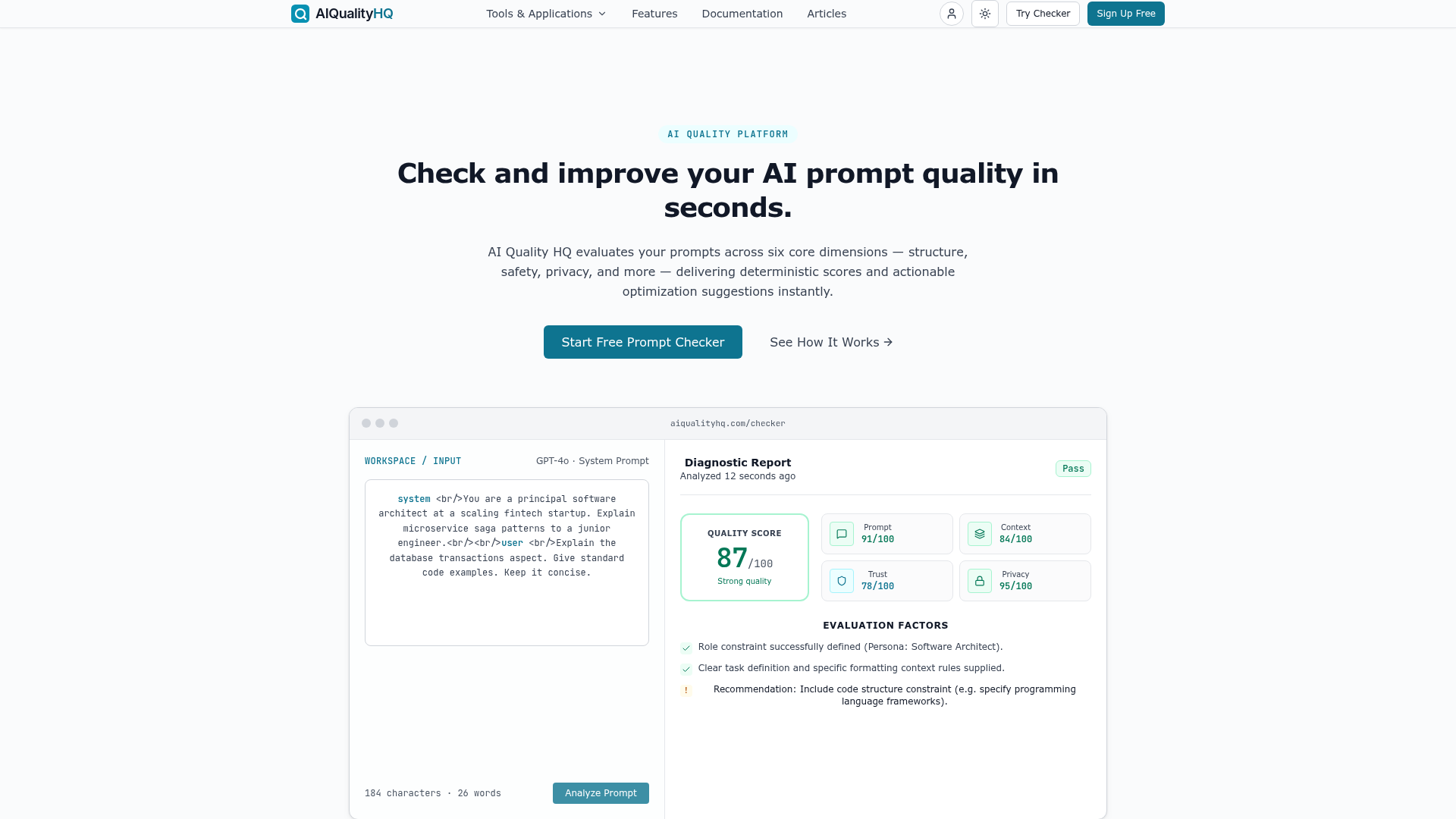

AI Quality HQ is a free, browser-based platform designed to evaluate and improve the quality of AI prompts. It instantly analyzes prompts across six core dimensions—structure, safety, privacy, and more—delivering deterministic scores and actionable optimization suggestions. The platform operates using a local, static syntax checking and rule-based engine, ensuring privacy by processing all data entirely in your browser. It's built for AI engineers, prompt engineers, and development teams who need to ensure consistent, secure, and high-quality AI outputs without relying on external API calls or risking data exposure. Users can paste any AI prompt template into the checker, run an instant analysis, and review detailed diagnostics with fix suggestions. This allows teams to catch prompt injection vulnerabilities, PII exposure, and structural issues before they impact production, integrating seamlessly into pre-deployment validation or CI/CD pipelines.
What are AI developer tools?
AI developer tools are coding assistants built on large language models that read your code and help you write, fix, and understand it. They range from inline autocomplete in your editor, to chat that answers questions about a file, to agents that plan and edit changes across many files. Most plug into an IDE, the terminal, or your Git workflow.
What AI developer tools do
- Inline code completion as you type
- Chat about a file, function, or error
- Multi-file edits from a natural-language request
- Generate unit tests and fix failing ones
- Explain, refactor, and document existing code
- Agents that run commands and iterate on output
Who uses AI developer tools
01
Day-to-day coding
Autocomplete, quick fixes, and inline chat that keep engineers in flow while writing code.
02
Onboarding to a codebase
Ask what a function does or where logic lives when joining a new project or language.
03
Shipping features with agents
Hand an agent a task and let it draft, edit, and test changes across files.
04
Review and refactoring
Catch bugs, suggest refactors, and write tests before code reaches a pull request.
How AI developer tools work
They send your prompt along with nearby code and relevant files to a model trained on large amounts of source code. The model predicts the next lines or a full diff, which the tool inserts or shows for you to accept. Agentic tools go further, calling the compiler, tests, or a repo search, then reading the output and retrying until the change works.