

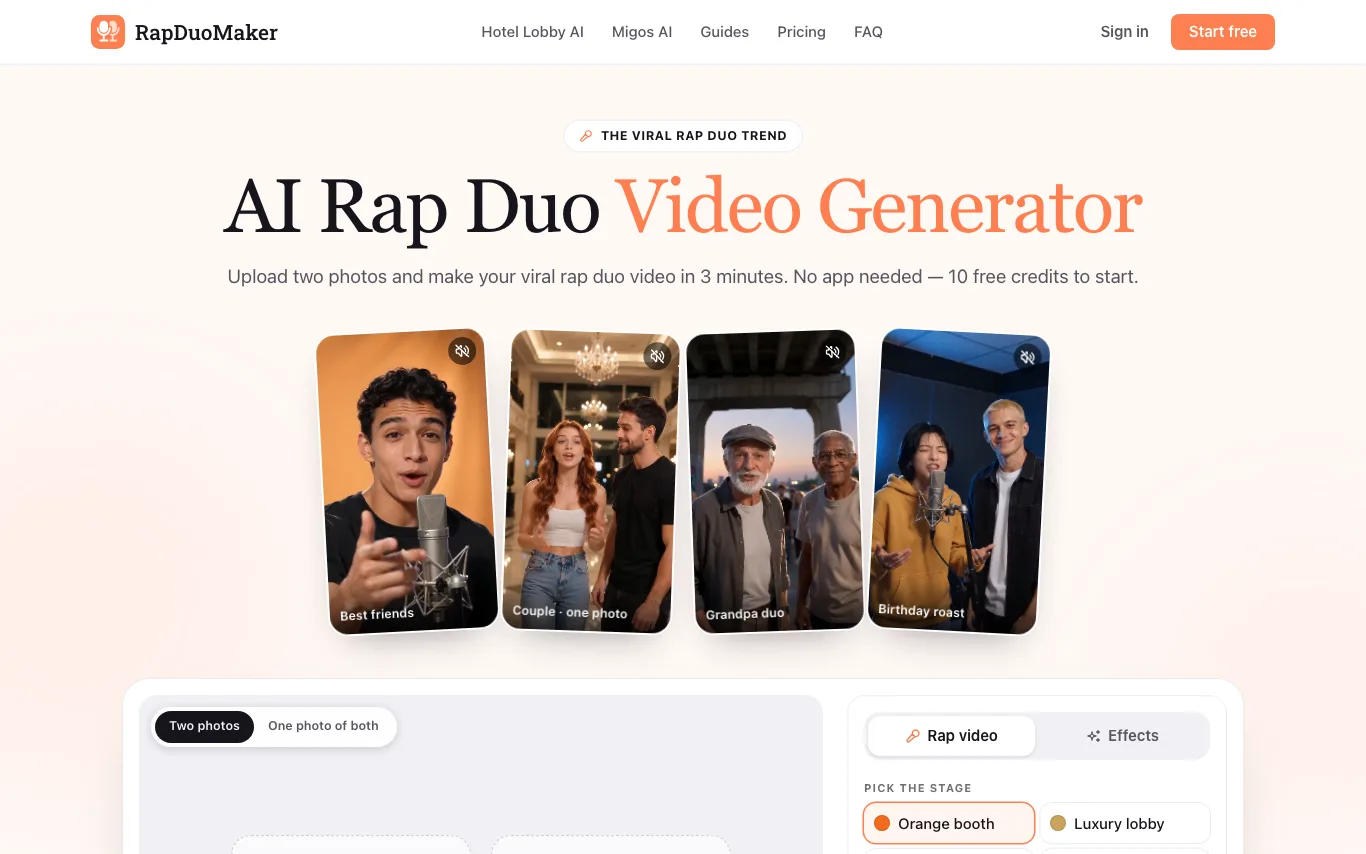

RapDuoMaker is an AI rap video generator that places two people from separate photos on one stage and has them perform an original rap together.
AI Lip Sync · 5 tools
Best AI Lip Sync Tools (2026)
Compare AI lip sync tools for video dubbing, talking avatars, making a photo talk, and fixing out-of-sync dialogue — from full-video re-dubbing to single-photo animation.
All AI Lip Sync tools


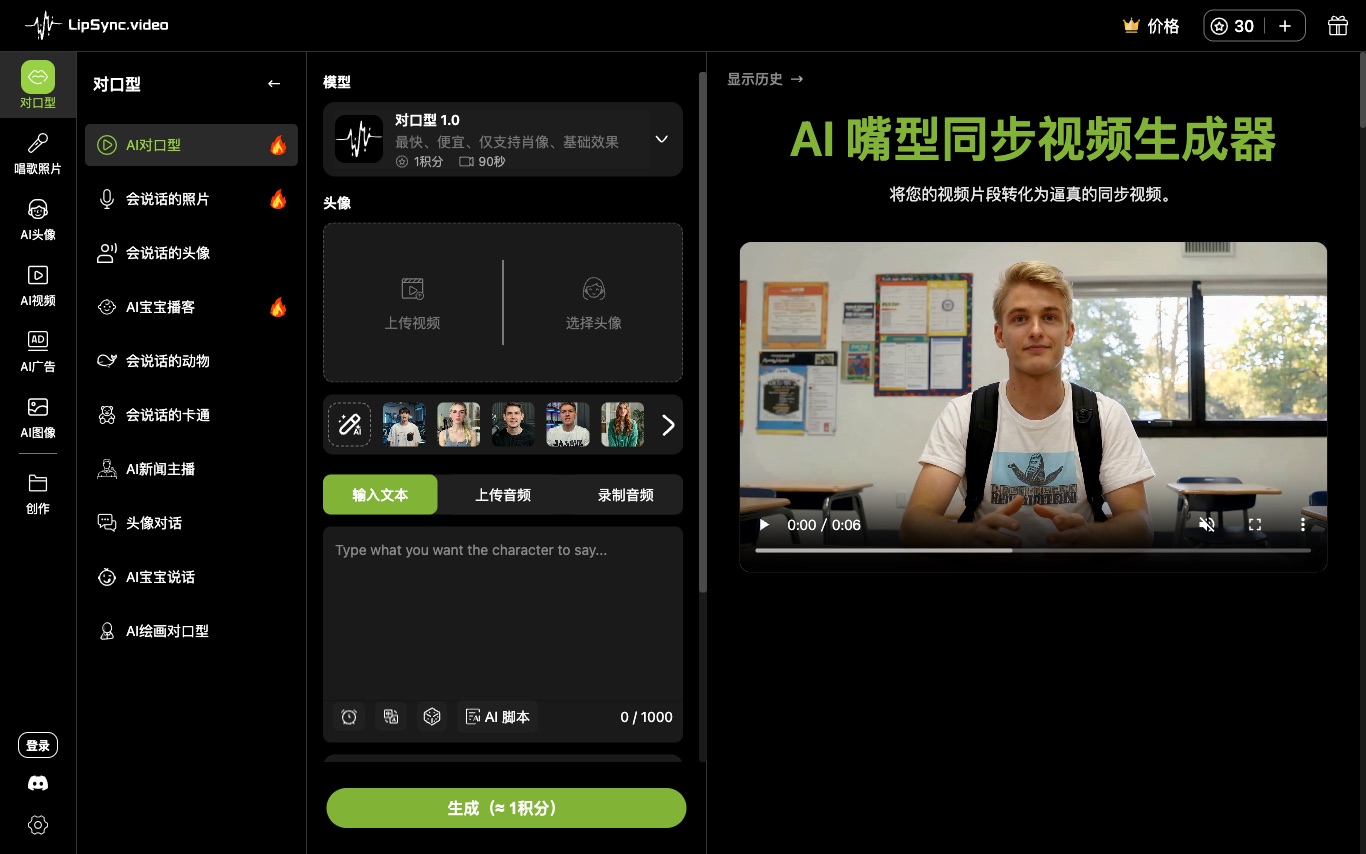

Lipsync.Video is a free AI lip-sync video generator used by 1M+ creators. Upload video plus audio or a script and the AI matches mouth motion, with 200+ voices, 300+ avatars, and watermark-free output.


LipSync Studio is a free AI lip sync tool. Upload a photo or choose an avatar, then add audio or a script to create singing photos, talking avatars, or lip-synced videos.
What is AI lip sync?
AI lip sync is technology that matches the mouth movements of a person or character to a spoken audio track, so the lips appear to say the words. It works from a video, a single photo, or a generated avatar, driving the lips from recorded speech or text-to-speech. Common uses are dubbing video into other languages and making still images or digital characters talk.
What AI lip sync tools do
- Sync mouth movements to any voice or audio track
- Animate a single photo into a talking face
- Re-dub video into new languages with matched lips
- Drive lips from text-to-speech or uploaded speech
- Works on real footage, avatars, and cartoons
- Change only the mouth region, leaving the rest of the face untouched
Who uses AI lip sync
01
Dub and localize video
Translate clips into other languages while the on-screen lips match the new audio.
02
Talking avatars and presenters
Turn a photo or AI avatar into a spokesperson for marketing, training, or news videos.
03
Fix and re-voice footage
Correct out-of-sync dialogue or replace lines without reshooting the actor.
04
Animate characters
Give cartoon, game, or virtual characters accurate mouth movement from a voice track.
How AI lip sync works
The model analyzes the target voice audio to predict the sequence of mouth shapes, or visemes, that make each sound. It then regenerates the lower half of the face frame by frame so the lips, jaw, and often the cheeks move to match, while keeping the rest of the face and the person's identity intact. Photo-based tools first build a moving face from the still image, then apply the same audio-driven lip animation.