


Find the colors that make you glow with AI-powered personal color analysis.
AI Assistant · 41 tools
Best AI Assistant Tools (2026)
Compare AI assistants for everyday productivity, email and calendar help, working across your apps, personal knowledge, and free plans.
All AI Assistant tools
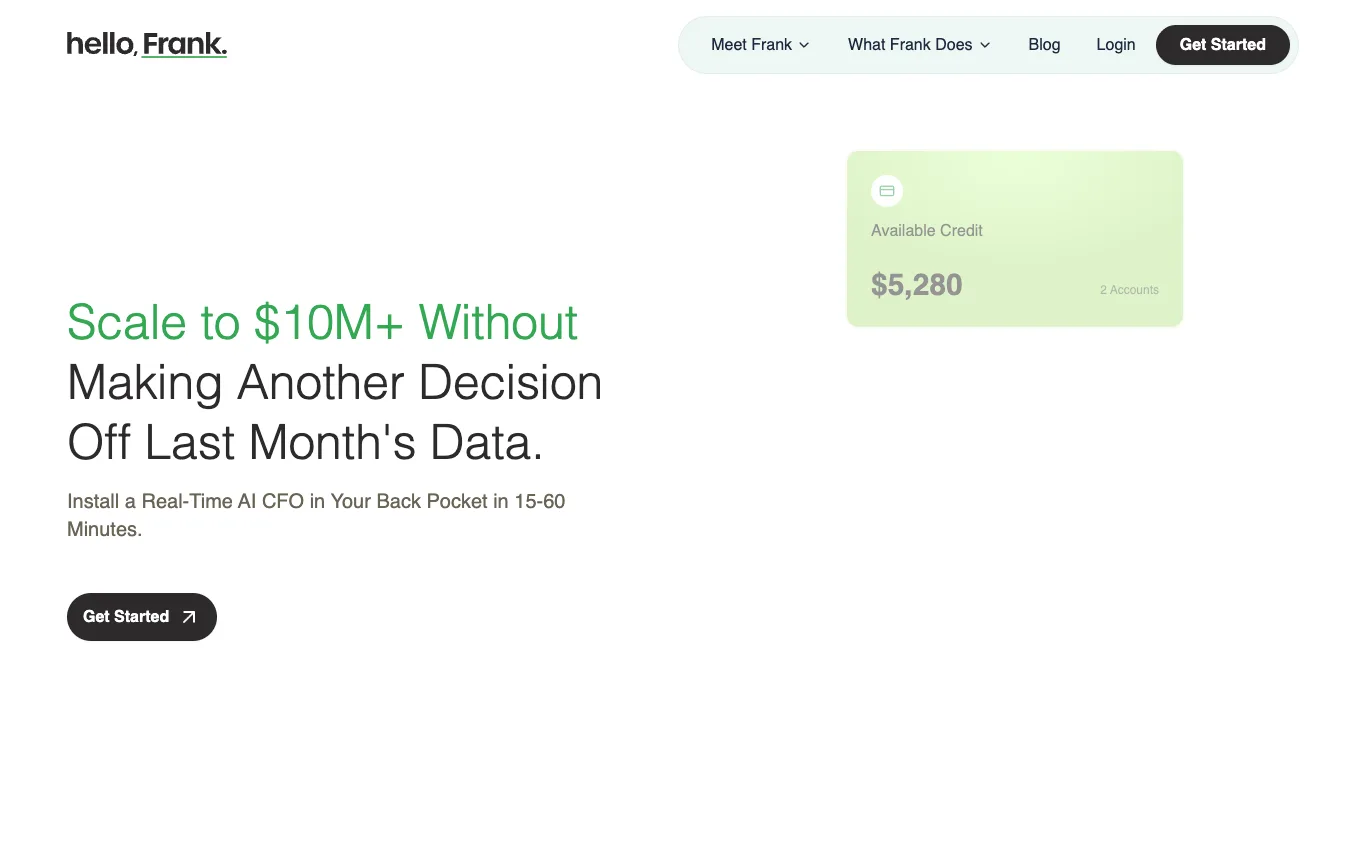

Hello Frank is an AI CFO that connects to your bank accounts and financial systems to provide real-time financial intelligence. It tracks transactions daily, monitors cash position, detects anomalies, and forecasts runway. Designed for founder-led service businesses, it offers live dashboards and plain-English answers to critical financial questions.
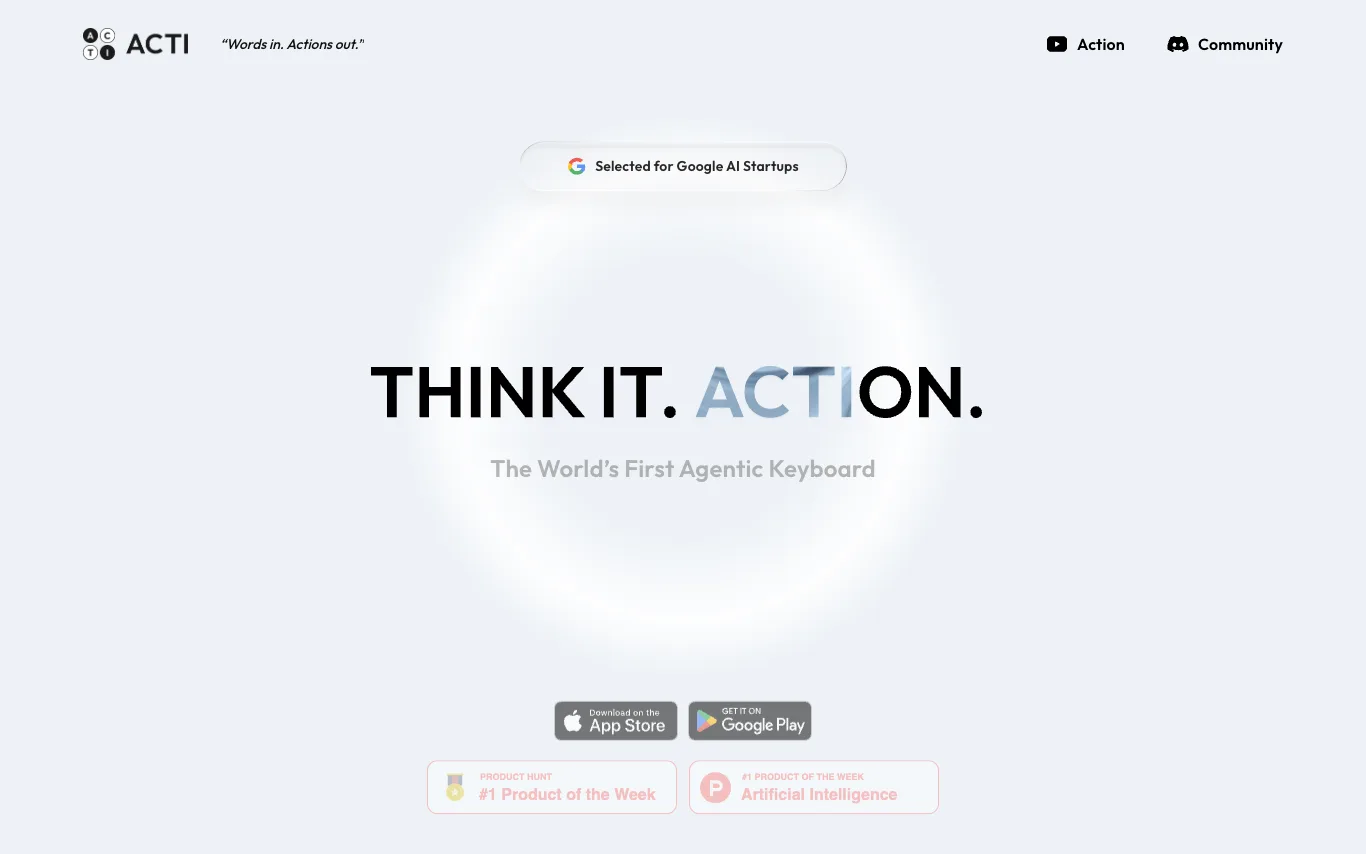

Acti is the world's first Agentic Keyboard, a unified command layer that lets you command apps and APIs directly from your keyboard. It works across any text field on iOS and Android. With Acti, you can type your intent, hold the Acti Bar, and invoke actions without switching apps. It offers customizable Skill Keys tailored to your subculture, and allows you to mash up APIs and applications to forge custom commands.
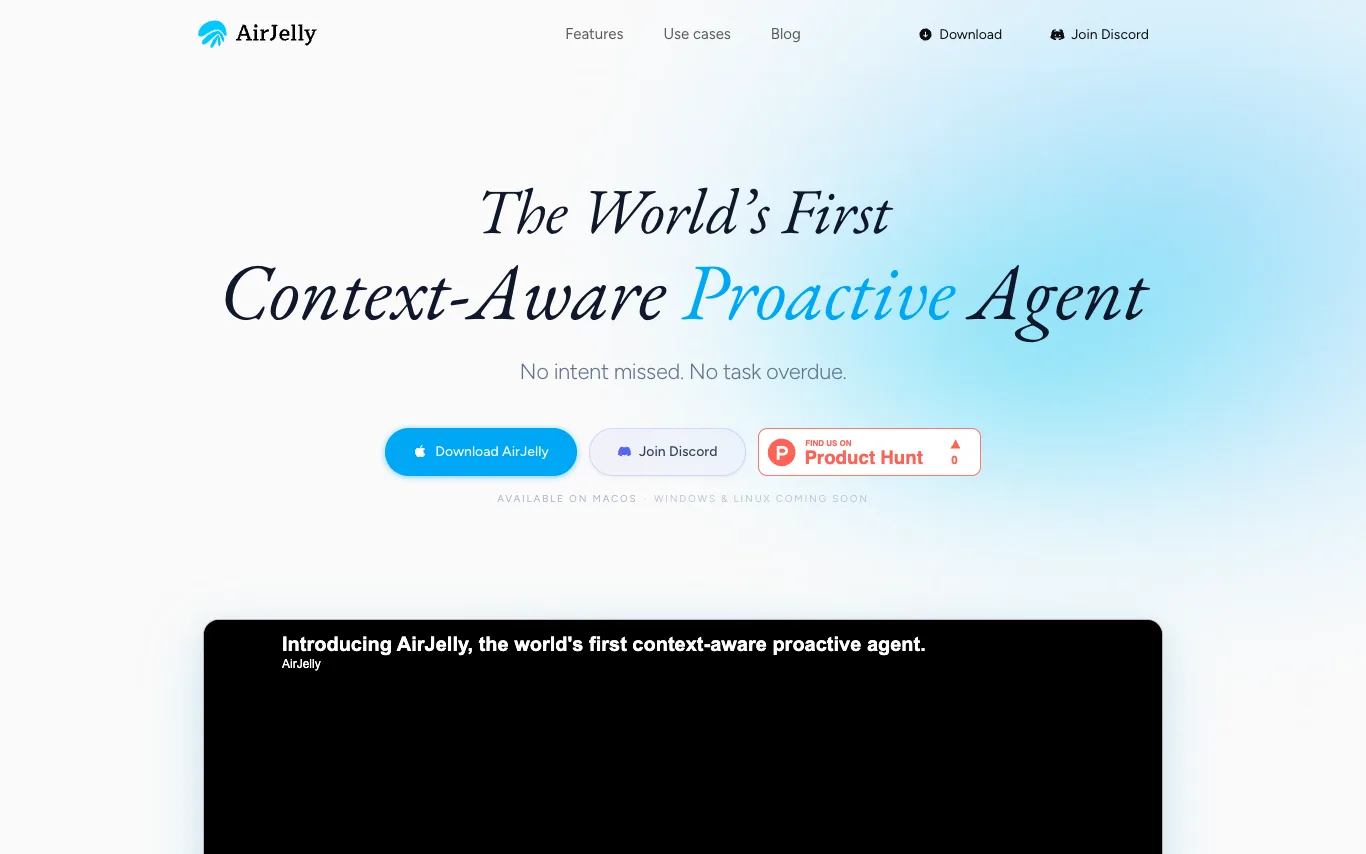

AirJelly is an always-on desktop AI that watches your workflow, remembers everything, and acts before you ask. It runs entirely local, reading across apps like Slack, Zoom, Docs, and Calendar to build a living timeline of your work. It surfaces what matters, creates tasks, prepares briefs, and sends reminders proactively. Available on macOS, with Windows and Linux coming soon.

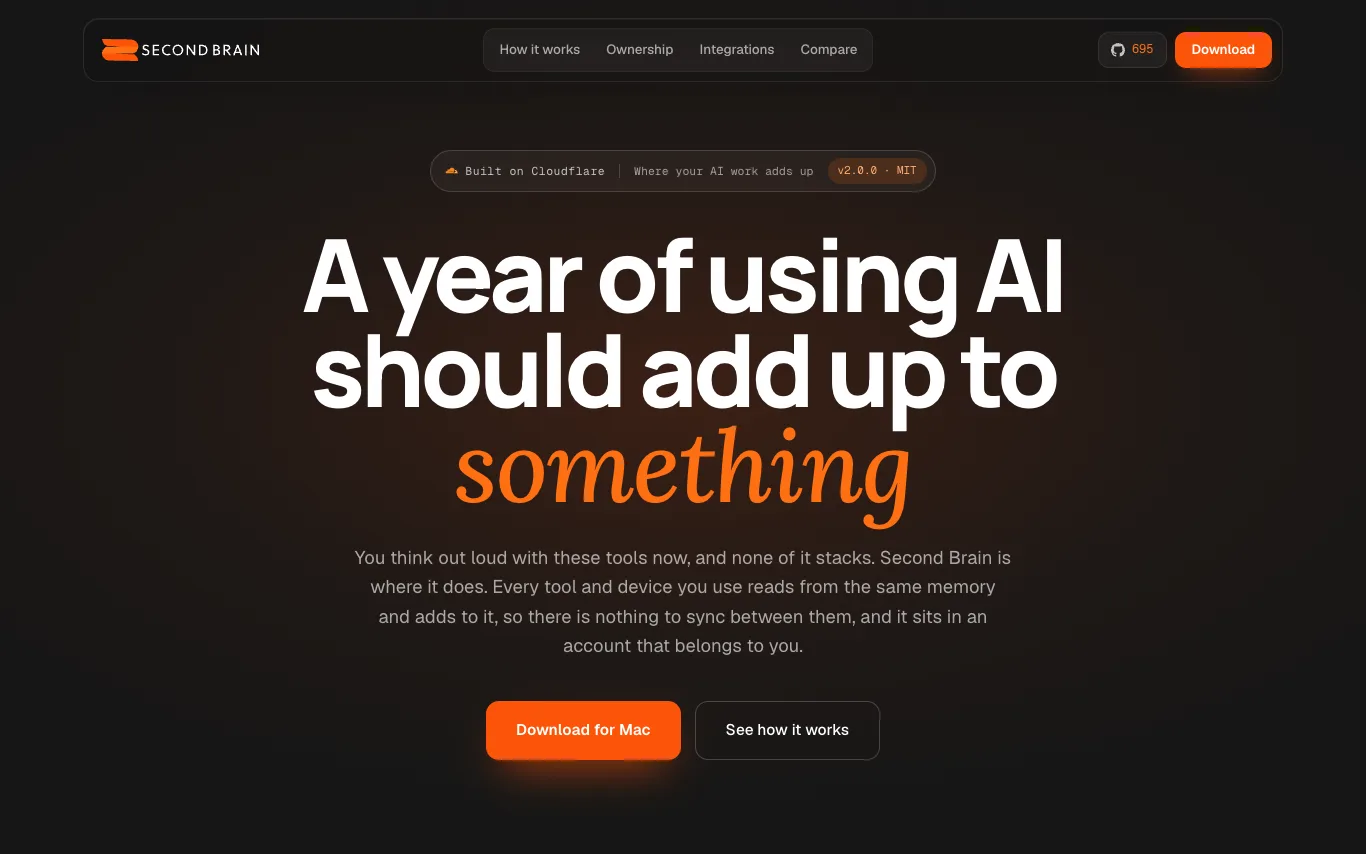

Second Brain is an open-source, self-hosted AI memory layer that connects to your existing tools like ChatGPT, Claude, and Cursor. It stores your conversations, notes, and decisions in your own Cloudflare account, making them searchable and synthesizable across all your AI tools. With features like AI synthesis, pattern derivation, and contradiction detection, it ensures your knowledge compounds over time.
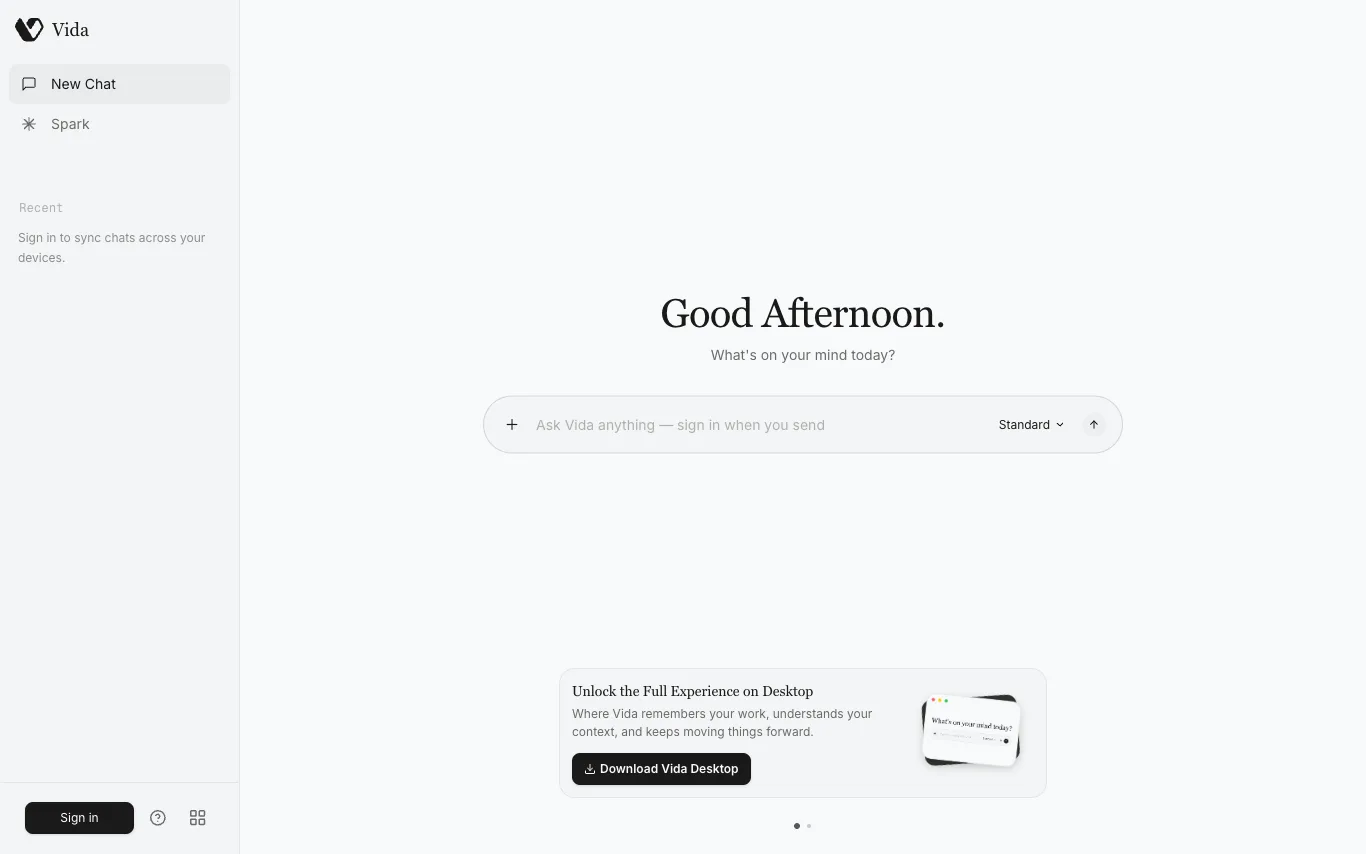

Vida is a proactive AI partner designed to assist with your daily tasks. It can answer questions and help you stay organized. The platform encourages users to sign in to access its features. Vida is available on desktop, where it can remember your work, understand your context, and keep moving things forward. Download the desktop app to unlock the full experience.
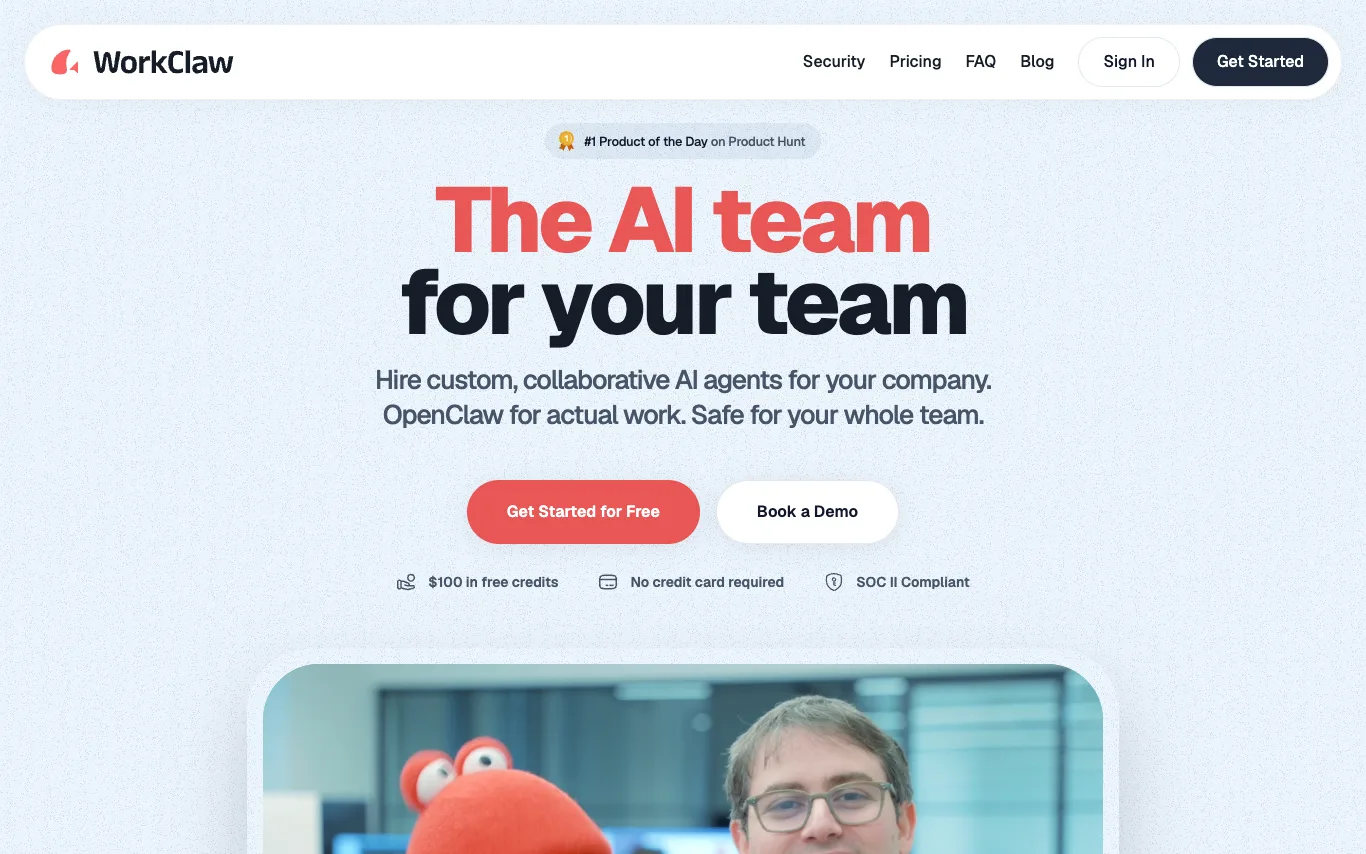

WorkClaw is a platform for creating and deploying custom, collaborative AI agents, called Claws, for teams. It is built on OpenClaw and offers pre-built Claws like Team Assistant, Chief of Staff, Software Engineer, Outbound Sales, Research Analyst, Recruiter, Content Marketer, and Data Analyst. WorkClaw emphasizes security with SOC II compliance and provides $100 in free credits without requiring a credit card.
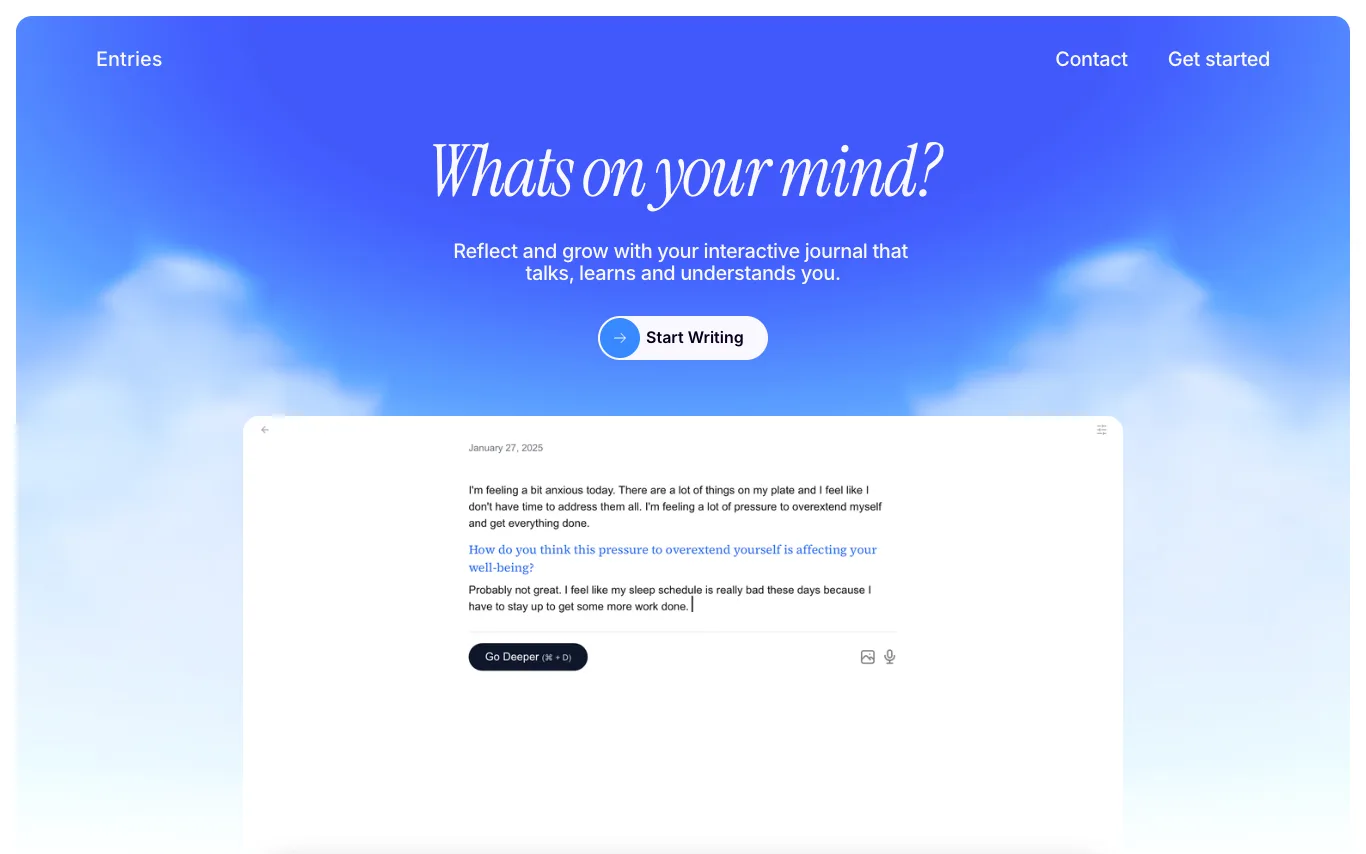

Entries is an AI diary and journal that helps you reflect on thoughts, emotions, and ideas through therapy-backed interactive journaling. It analyzes your entries to uncover patterns and challenge your thinking, offering features like voice typing, image insights, and goal adaptation. Your privacy and security are prioritized, with easy import/export options.


Monako Glass is the world's lightest smart glasses with wave guide display, camera, and speakers, weighing 48 grams. It features a bone conduction microphone, Vision Engine for micro gesture tracking, and runs MonoOS, a Linux-based operating system with Lua application layer and embedded Rive animation runtime. The device integrates with tools like Claude Code, Codex, Unreal Engine, Blender, and After Effects, and is available for reservation at $19.
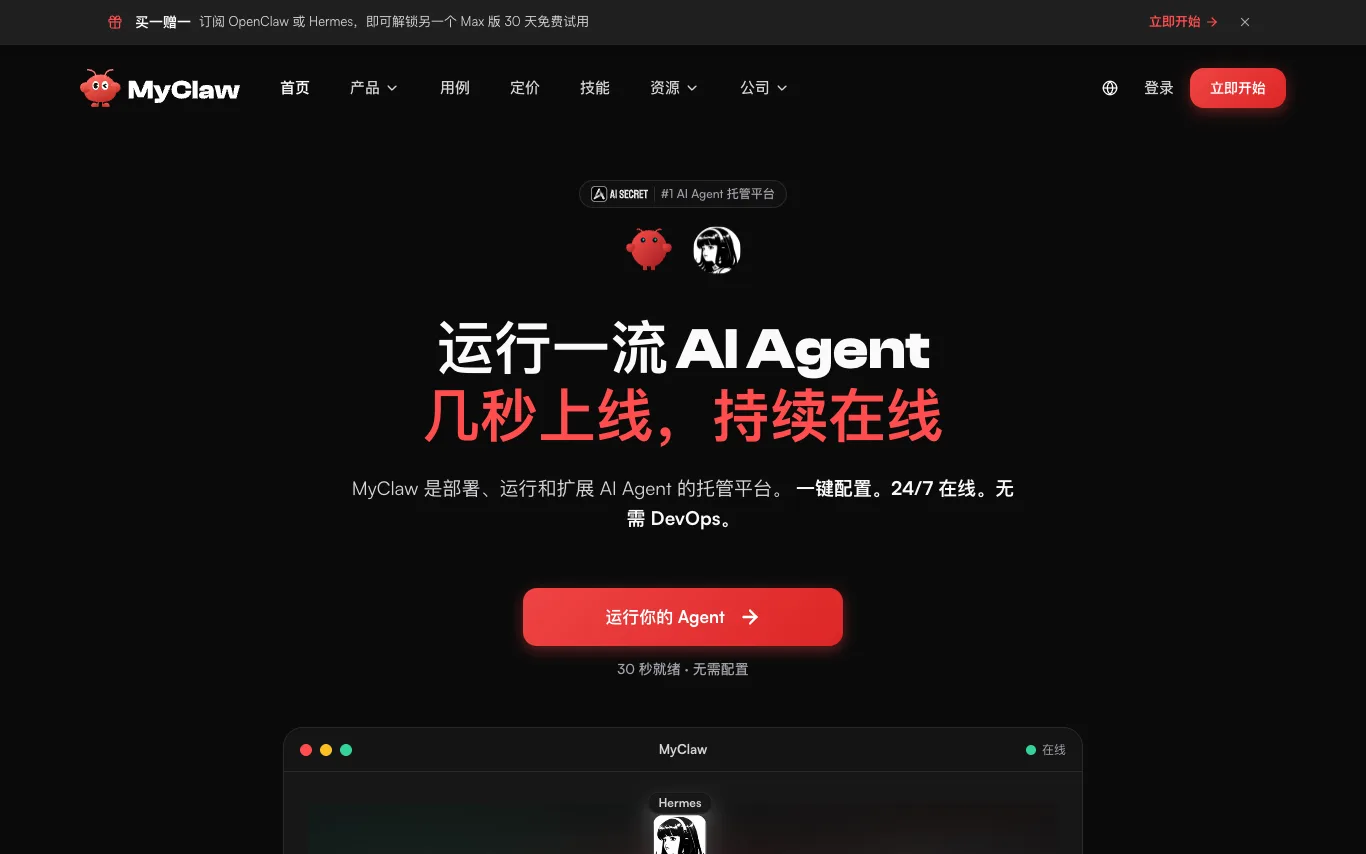

MyClaw is a managed platform for deploying, running, and scaling AI agents. It offers one-click setup, 24/7 uptime, and zero DevOps. Agents can browse, write code, generate files, and return results. Access via email, Telegram, WhatsApp, or browser, and connect to your existing tools and data. Agents work continuously on scheduled tasks like daily reports and price monitoring.
What is an AI assistant?
An AI assistant is a language-model tool that helps you get things done — answering questions, drafting and summarizing, planning, and increasingly taking actions like managing email, calendars, and documents. Some are general helpers, others are built into a specific app or your device.
Core features to look for
- Drafting, summarizing, and answering across tasks
- Works across email, calendar, docs, and apps
- Voice and text input, on desktop and mobile
- Memory of your context and preferences
- Actions, not just answers, in newer tools
- Free tier and paid productivity plans
Who uses AI assistants, and how
01
Everyday productivity
Draft emails, summarize documents, plan, and answer questions in one place.
02
App & device assistants
Assistants built into your OS, browser, or work tools to help in context.
03
Personal knowledge
Ask across your own notes, files, and history for quick recall.
04
Free vs paid
Compare free assistants against paid plans for limits and integrations.
How does an AI assistant work?
An AI assistant sits on a language model and adds context about you — your prompt, past chats, and connected apps like email or calendar — to give relevant help. Newer assistants can also take actions through integrations, moving from answering questions to completing tasks for you.