


AirJelly
The World’s First Context-Aware Proactive Agent. No intent missed. No task overdue.
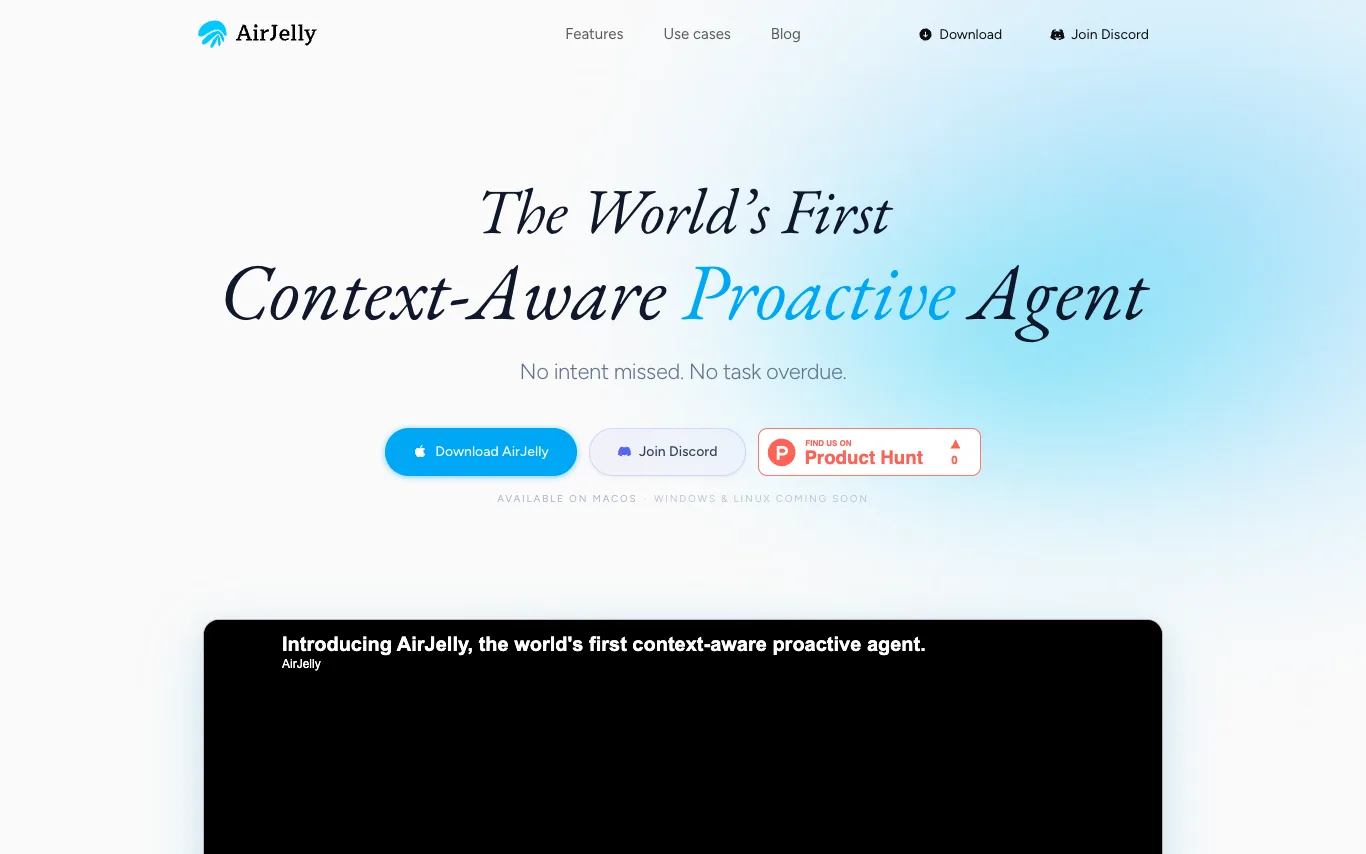
What is AirJelly?
AirJelly is an always-on desktop AI that watches your workflow, remembers everything, and acts before you ask. It runs entirely local, reading across apps like Slack, Zoom, Docs, and Calendar to build a living timeline of your work. It surfaces what matters, creates tasks, prepares briefs, and sends reminders proactively. Available on macOS, with Windows and Linux coming soon.
What can AirJelly do?
Watches
Reads every app, locally. Slack, Zoom, Docs, Calendar — always on, never uploading.
Remembers
Builds a living timeline of your work. Every task, meeting, and message — searchable, forever.
Acts
Surfaces what matters. Creates tasks, prepares briefs, sends reminders — before you ask.
Daily Report
End-of-day summary of what happened, what's pending, what's next.
Timeline
A full log of everything AirJelly observed, across every app.
Tasks
Auto-captured from conversations, meetings, and messages, with due dates.
Memory
Ask about anything from your past work, anytime.
Proactive alerts
Follow-ups, reminders, and briefs, delivered at the right moment.
Who is AirJelly for?
- Product, ops, and engineering teams
- The team confirmed a review in chat. AirJelly caught it, created the task, and attached the conversation.
- Researchers and PhD students
- You had fourteen tabs open across papers, docs, and notes. AirJelly read through all of it and produced a single research summary — including a note you'd forgotten you saved.
- Founders and executives
- AirJelly saw it on your calendar and prepared a brief — background, recent work, talking points.
AirJelly is free to use.
Frequently Asked Questions



 +4
+4Looking for something else?
Compare AirJelly with similar tools on pricing, features and traffic.
More AI Assistant tools
View all KarpoTalk to Karpo and get personalized recommendations for fun activities and experiences.
 AsideThe browser built to do real work for you
 Bo AIYour AI Personal Assistant that helps you stay organized, save time, live healthier, and answer questions via text.
 CaretCaret is the AI product brain that analyzes your captures, surfaces what actually matters, and tells you exactly what to
 ChatHubMulti-model AI chat client — access GPT-4, Claude, Gemini, and more side by side in one interface.
 Easy-Peasy.AIAll-in-one AI platform hosting GPT, Claude, Gemini, Runway, ElevenLabs, Flux, and 200+ writing/image/audio templates under one subscription.
 EntriesAI-powered interactive journaling to reflect, uncover patterns, and reach your goals.
 FaeAI for the cultured