


Heard
Ambient intelligence for your terminal. Heard turns agent activity into clear spoken updates, so you can step away without falling behind.
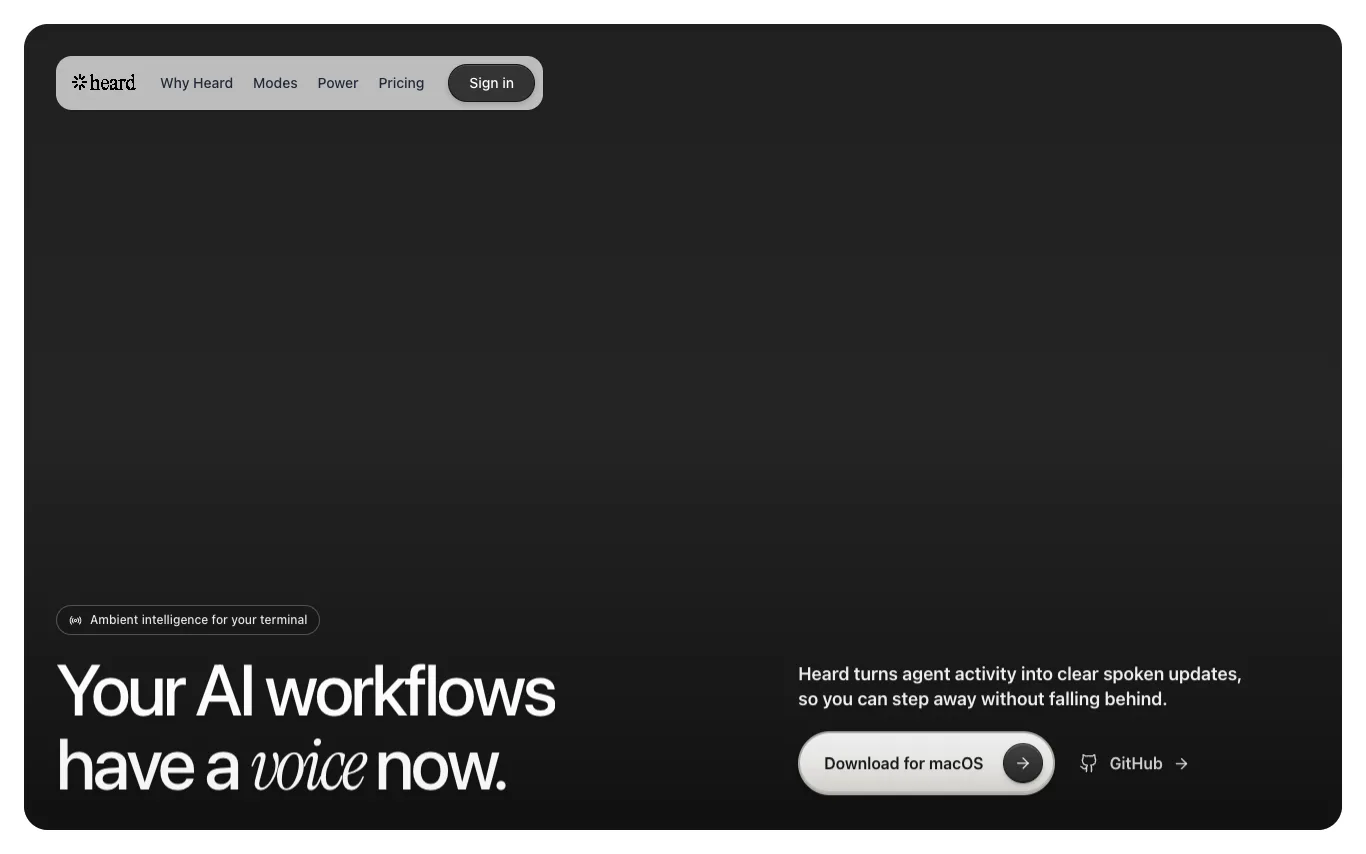
What is Heard?
Heard is a macOS app that listens to your coding agent's events, understands what matters in context, and turns the useful parts into concise, natural speech. It offers multiple listening modes (Co-pilot, Companion, Focus) and supports multi-agent awareness, allowing you to follow parallel sessions with distinct voices. Heard also includes Heard Power for mobile pairing, enabling you to listen, approve, and reply by voice while away from your Mac. The app is open-source (Apache-2.0) and offers free, Pro, and Power plans.
What can Heard do?
Narration with judgment
Turns agent events into concise, natural speech, e.g., 'Tests are green...'
Listening modes
Co-pilot, Companion, and Focus modes switchable from menu bar.
Heard Power mobile pairing
Pair phone to listen, approve, and reply by voice; works with screen locked.
Multi-agent aware
Follows parallel sessions, voices priority, and provides compact summaries with distinct voices.
Custom personas
Choose from four personas (Aria, Friday, Jarvis, Atlas) or write your own in Markdown.
Self-host option
Apache-2.0 engine with your own keys and local Kokoro voice.
Who is Heard for?
- Developers
- Turn a coding agent's terminal activity into concise spoken updates so you can step away without falling behind.
- Claude Code & Codex users
- Pair a phone once to listen, approve, and reply by voice while the session keeps running on the Mac.
- Developers running multiple agents
- Follow parallel agent sessions with distinct voices while Heard voices the priority and rolls the rest into compact digests.
Heard has a free plan, with paid upgrades for more usage or features.
Frequently Asked Questions



 +4
+4Looking for something else?
Compare Heard with similar tools on pricing, features and traffic.
More AI Assistant tools
View all heyclickyAn AI buddy that lives on your Mac, teaches you anything, guides you when stuck, and runs agents while you're away.
 IntelliAI-Native Customer Engagement for B2C Businesses
 LongCat AILongCat AI: Beyond Scale - AI-powered chat and API platform
 Lorka AIAll-in-one AI platform that bundles GPT, Claude, Gemini, DeepSeek and 10+ models under a single subscription — switch models mid-conversation without losing context.
 Monako.aiA New Era of Human-AI Interaction. See More. Do More. Be More.
 MuselyEverything-in-one AI creation platform with 2,000+ tools for text, image, music, voice, and video generation in 100+ languages.
 My AI ColorFind the colors that make you glow with AI-powered personal color analysis.
 MyClawManaged AI agent hosting for OpenClaw, Hermes Agent, Claude Code, Codex, and more. One-click deploy, 24/7 uptime, auto-updates, backups, and expert support.