



Raycast AI
AI assistant built into the Raycast launcher for macOS, with chat, quick commands, and multiple model choices.
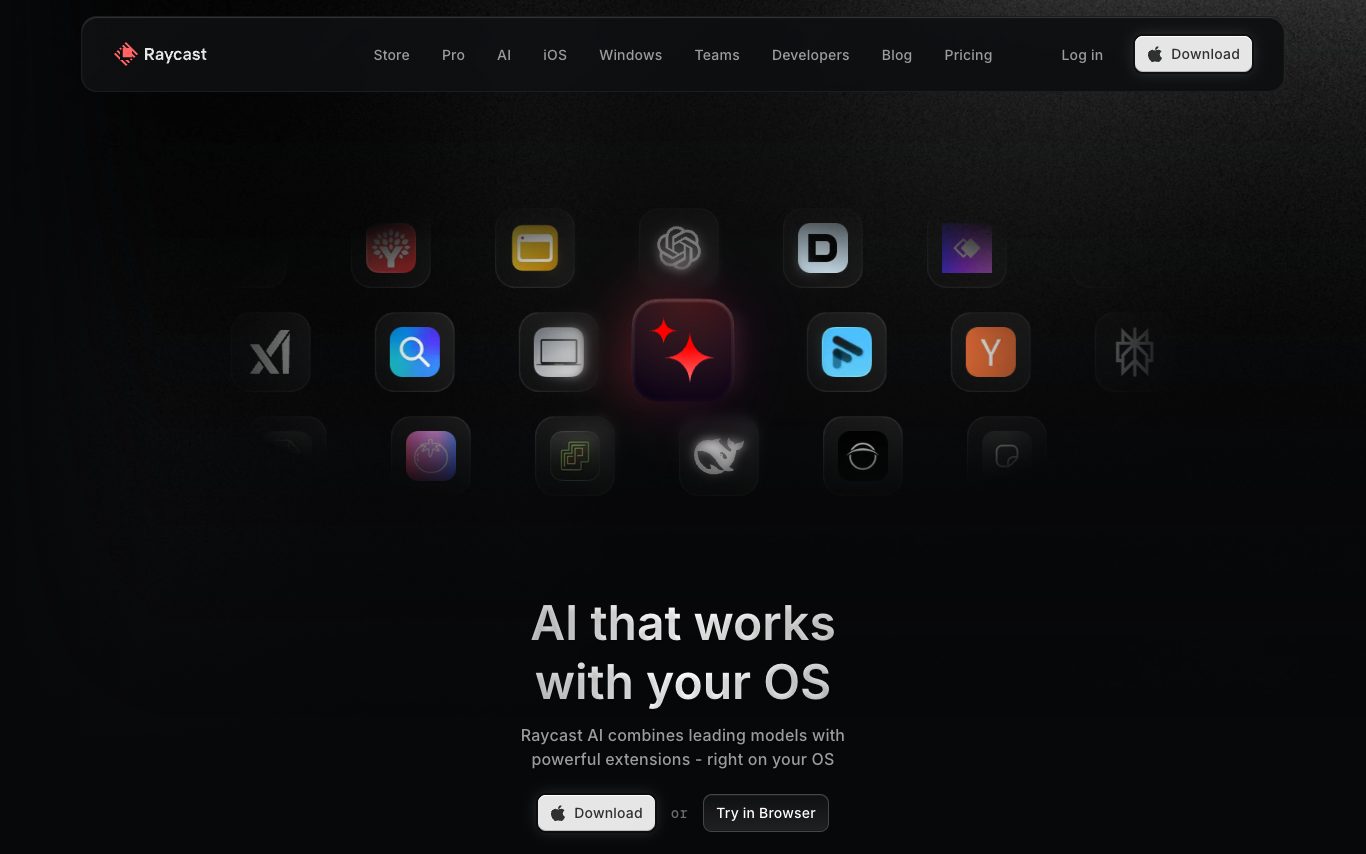
What is Raycast AI?
Raycast AI is the AI assistant built directly into the Raycast macOS launcher. A global hotkey opens a chat that can summarize text, write code, translate, and run AI Commands across apps. Users choose between GPT, Claude, Llama, and other models, with Pro and Team plans unlocking higher limits and advanced features.
What can Raycast AI do?
AI Chat
Chat with 30+ leading AI models in a single familiar macOS interface.
Quick AI
Ask anything instantly via a floating overlay without switching apps.
AI Extensions
Convert natural language into actions — rename files, check tickets, and more.
AI Commands
Automate repetitive tasks with 30+ built-in commands or create custom ones.
File & Screen Attachments
Chat with PDFs, CSVs, and live screen content using integrated OS context.
30+ AI Models
Access OpenAI, Anthropic, Perplexity, Meta, and more from one interface.
BYOK Support
Bring your own API keys for OpenAI, Anthropic, and Google models.
Who is Raycast AI for?
- developers
- A developer uses Raycast AI Commands to automate repetitive scripting tasks and query GitHub issues in plain English without leaving the keyboard.
- students
- A student accesses Raycast AI at a 50% Pro discount, using Quick AI to get instant answers and summarize PDFs while studying across multiple subjects.
- team managers
- A team manager enables Advanced AI for the whole team from account settings, giving everyone access to the same powerful models via one unified macOS interface.
- FreeFree
- Pro$10/mo
- Team$12/mo
- Advanced AI$20/mo
as of Apr 18, 2026
Frequently Asked Questions



 +4
+4Looking for something else?
Compare Raycast AI with similar tools on pricing, features and traffic.
More AI Assistant tools
View all readywhenThe things you said you'd do. Done.
 RiverAn AI that demos and closes your deals.
 Second BrainA year of using AI should add up to something. One place your thinking stacks, across every tool, in an account you own.
 Temp Mail 100Instant disposable email address — free temp mail with no registration required
 ToyoYour AI assistant who schedules and preps meetings. Lives in your messages, handles inbox, meetings, and follow-ups across Gmail, Calendar and Slack.
 TypeaheadAI autocomplete for your entire Mac. Finishes your sentences across every app. Runs locally. Your words never leave your computer.
 Useful AIGuide and directory to AI tools, courses, and resources curated for professionals wanting to adopt AI.
 VidaYour proactive AI partner that remembers your work, understands your context, and keeps moving things forward.