


ImageToText
Free online OCR tool that extracts text from images and scanned documents with AI recognition.
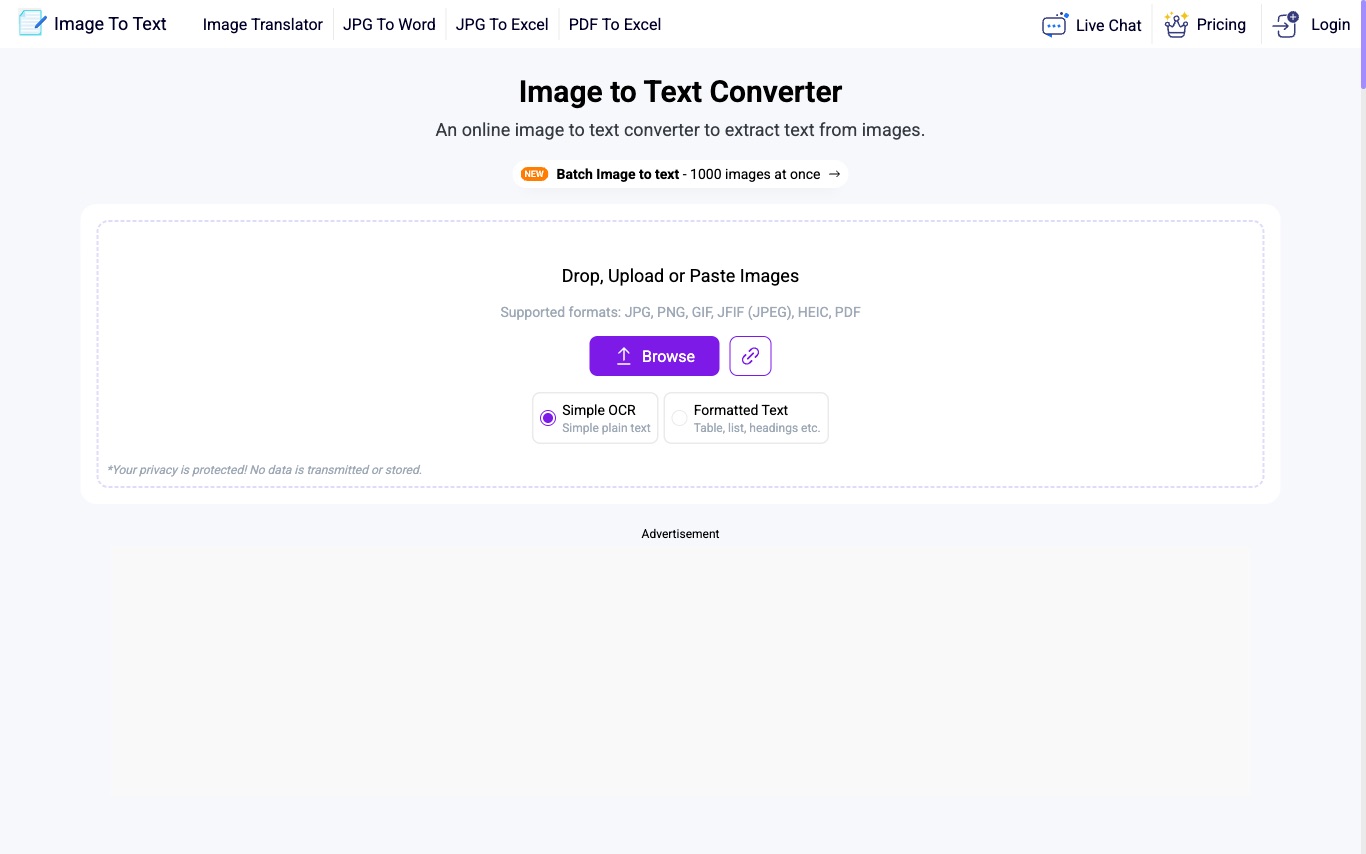
What is ImageToText?
ImageToText is a free browser-based OCR tool that extracts text from photos, screenshots, and scanned documents using AI optical character recognition—designed for quick copy-paste without software installation.
What can ImageToText do?
- 01
Free OCR
Capture text from images at no cost and no registration
- 02
Tesseract-powered engine
Built on open-source tesseract-ocr maintained by Google
- 03
20+ language support
Recognize English, Spanish, French, Chinese, Japanese, Arabic, more
- 04
Multiple image formats
Supports JPG, PNG, TIFF, GIF, HEIC, PDF, and more
- 05
Batch processing
Extract text from up to 1000 images at once
- 06
Download as text file
Download extracted text or copy to clipboard
- 07
Apps and extensions
iOS, Android, Windows, Mac apps and Google Workspace extension
Use Cases
- Students — Convert handwritten class notes into editable text
- Office workers — Digitize scanned paper documents into Word or text files
- Researchers — Extract quotes from newspaper images and PDFs
- Mobile users — Capture contact details from business cards via the app
- Content creators — Pull text from social media screenshots for quick reuse
Quick facts about ImageToText
- Pricing
- Free$0/moas of Apr 16, 2026 — may be outdatedView official pricing
- Domain Rating
- Platforms
- Web
Frequently Asked Questions
ImageToText Traffic Analysis
Alternatives to ImageToText
Looking for a ImageToText alternative? Compare these curated AI tools that offer similar features and use cases.

Image to Text
Image to Text Converter is a free online OCR tool that extracts text from images, scanned documents, and low-resolution photos quickly and accurately. Supports 5 interface languages including English, Spanish, French, German, and Italian.
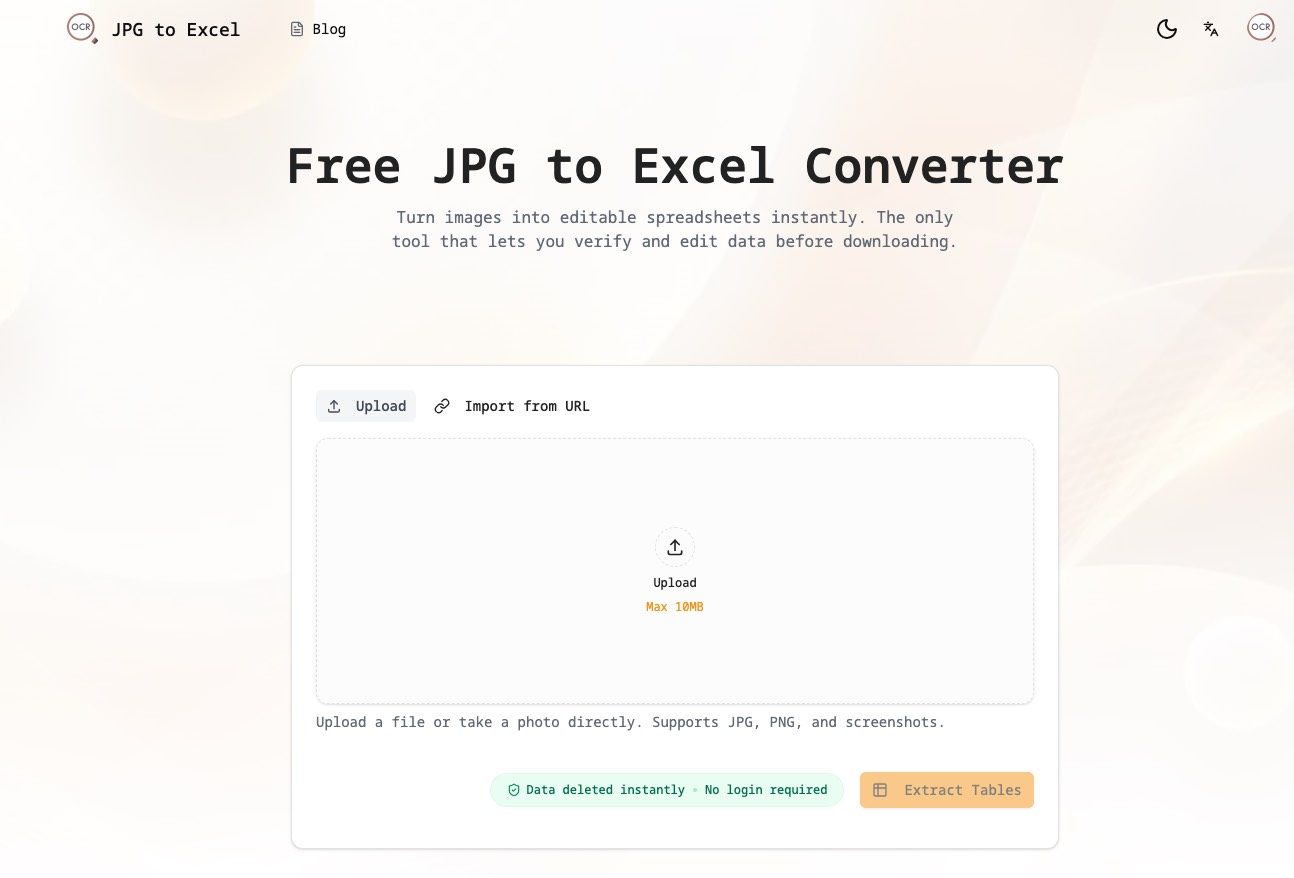
jpg-to-excel
JPG to Excel: The AI-Powered Data Extraction Platform

Revise
Free document editor with a powerful AI agent