


ImageToPSD
Convert flat images to layered PSD files — AI splits subjects, backgrounds, and text into editable Photoshop layers.
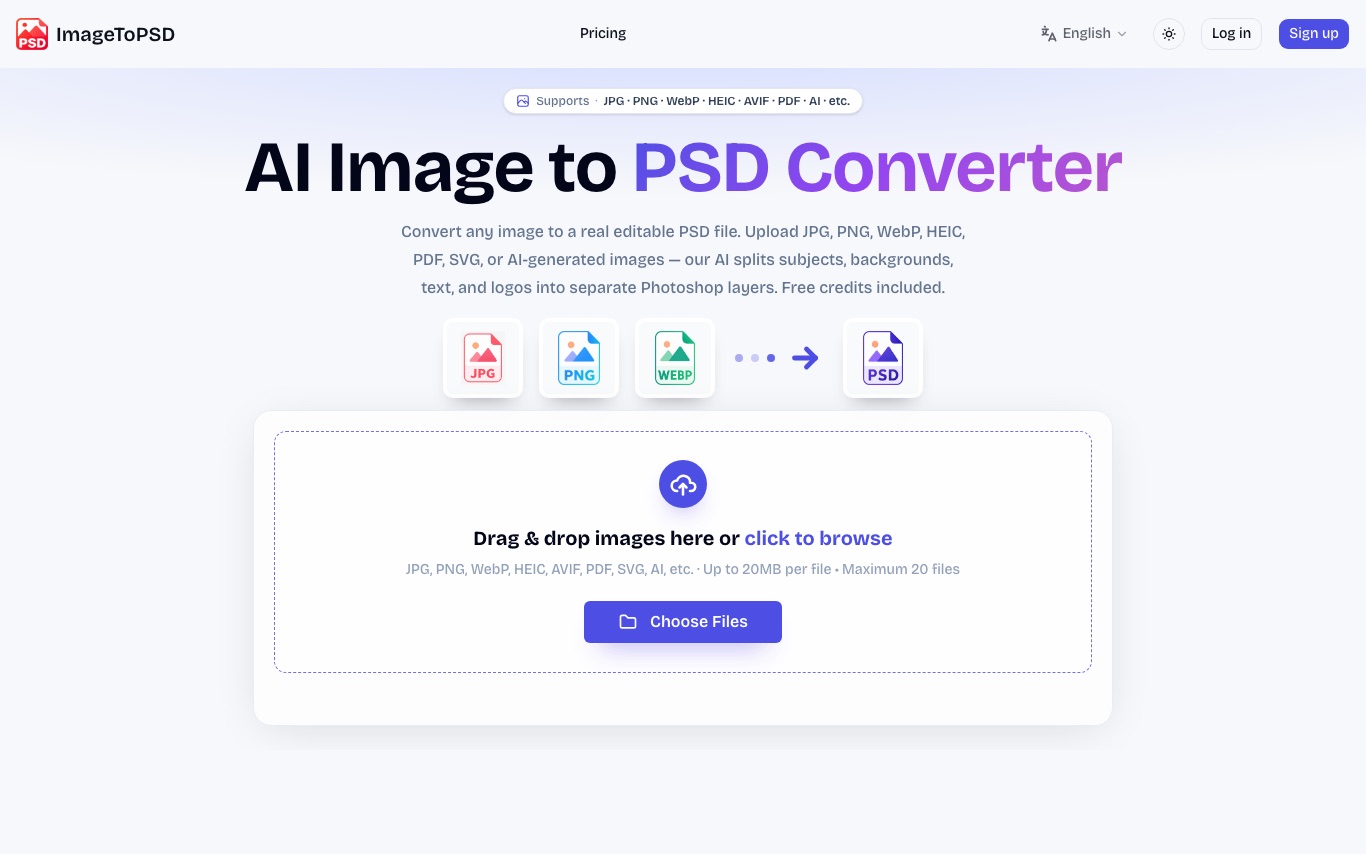
What is ImageToPSD?
ImageToPSD converts flat images — JPG, PNG, WebP, HEIC, AVIF, PDF, and SVG — into real layered PSD files using AI. The AI separates subjects, backgrounds, text regions, and logos into editable Photoshop layers. Output opens in Photoshop, Photopea, Affinity Photo, and GIMP.
What can ImageToPSD do?
- 01
Layered PSD Output
Generates real multi-layer PSD files, not flat bitmaps in a PSD shell.
- 02
AI Layer Separation
Separates subjects, backgrounds, text, and logos into distinct Photoshop layers.
- 03
Wide Format Support
Accepts JPG, PNG, WebP, HEIC, AVIF, PDF, SVG, BMP, and TIFF as input files.
- 04
AI Image Compatibility
Supports AI-generated images from Midjourney, DALL·E, and Stable Diffusion.
- 05
Multi-editor Compatibility
Output opens in Photoshop, Photopea, Affinity Photo, GIMP, and CorelDRAW.
- 06
Batch Processing
Available on Hobby and above plans for converting multiple images at once.
Use Cases
- Graphic designers — Upload AI-generated images from Midjourney or DALL·E to get a layered PSD where subjects, backgrounds, text regions, and logos are already separated, ready to edit in Photoshop.
- Digital artists — Convert flat PNG or JPG mockups into real layered PSD documents without manually rebuilding the layer structure from scratch.
Quick facts about ImageToPSD
- Pricing
- Free$0 for creditsHobby 120 credits$9.9/moPro 2000 credits$39.9/moMax 5000 credits$79.9/moas of May 5, 2026 — may be outdatedView official pricing
- Domain Rating
- Platforms
- Web
- Languages
- English·Chinese·Japanese
Frequently Asked Questions
ImageToPSD Traffic Analysis
Alternatives to ImageToPSD
Looking for a ImageToPSD alternative? Compare these curated AI tools that offer similar features and use cases.

Picsart
Picsart is an AI-powered creative platform offering photo editing, graphic design, and generative AI tools. It provides templates, asset libraries, and AI features for individuals and teams to create visual content quickly.

Photoroom
AI-powered photo editing tool and listing studio for professional-quality product visuals tailored to e-commerce businesses and social media creators.

Pixelcut
Pixelcut is an AI photo and video editing platform for e-commerce sellers and creators. It offers background removal, AI lifestyle shots, batch editing, and a Creative Agent that plans and executes tasks using the best AI models.