

AI UX Design · 2 tools
Best AI UX Design Tools (2026)
Compare AI UX design tools that turn a prompt into UI mockups, wireframes, clickable prototypes, and full design systems — plus Figma AI plugins and UX copy helpers.
All AI UX Design tools

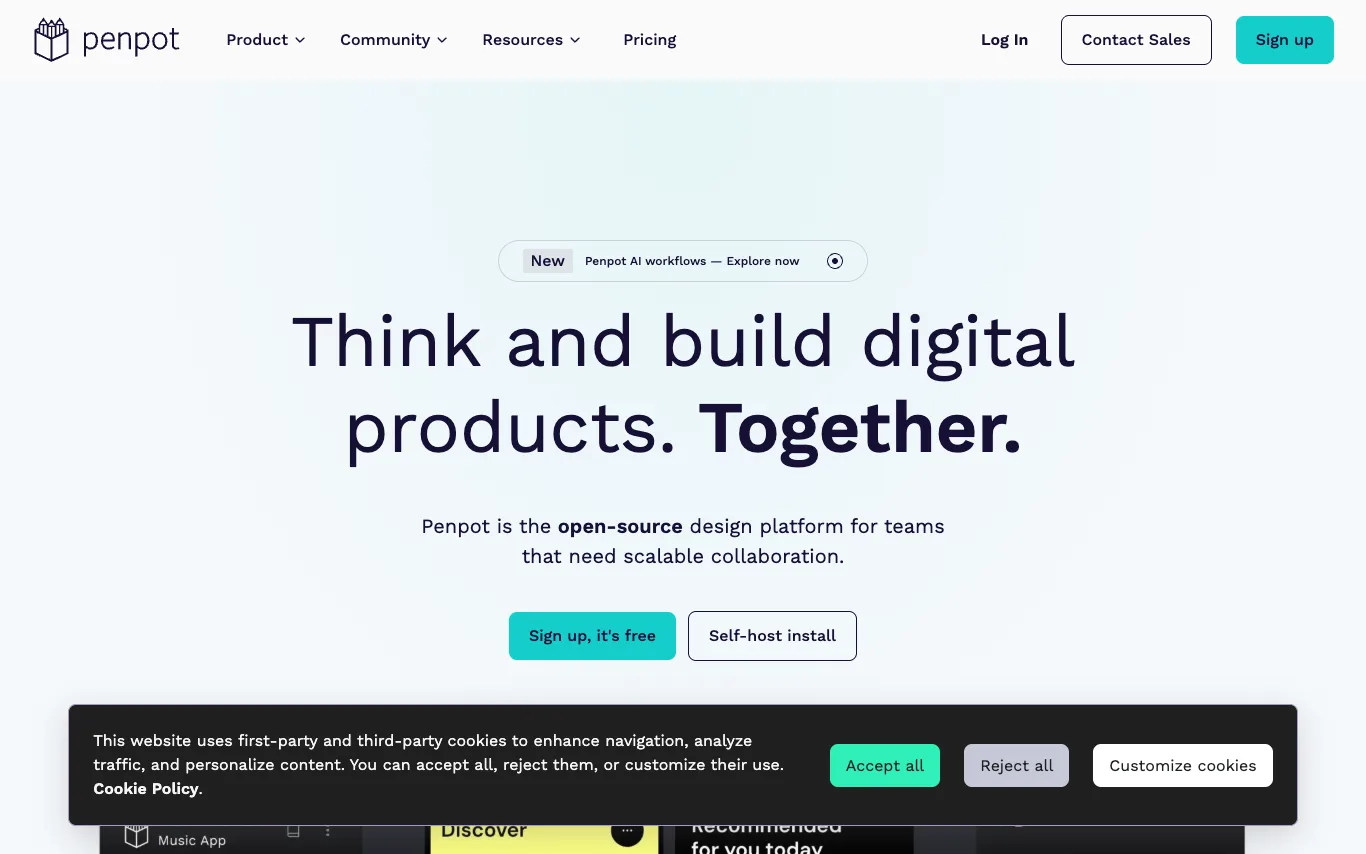

Penpot is the open-source design platform for teams that need scalable collaboration. It enables designers, developers, and AI agents to work together on digital products. Penpot offers UI design, design systems, AI workflows, and code integration, all built on open standards like CSS, HTML, SVG, and JSON.
What is an AI UX design tool?
An AI UX design tool generates interface layouts, wireframes, prototypes, or design-system components from a text prompt, a screenshot, or a rough sketch. It works across the flow — early ideation, high-fidelity mockups, editable Figma files, and even front-end code. Some run as standalone generators, others as plugins inside Figma, Sketch, or the browser.
What these tools do
- Generate UI screens and layouts from a text prompt
- Turn sketches or screenshots into editable designs
- Auto-build wireframes and user-flow diagrams
- Export to Figma, Sketch, or clean front-end code
- Suggest color, spacing, type, and design tokens
- Draft UX microcopy, labels, and error messages
Who uses AI UX design tools
Product designers
Skip blank-canvas ideation and produce first-draft screens and variations to iterate on faster.
Founders and PMs
Turn an idea into a clickable prototype to validate or pitch before hiring a designer.
Developers building UI
Generate layouts and export production-ready components without deep design skills.
Teams standardizing design
Build and enforce a consistent design system, tokens, and reusable component library.
How AI UX design tools work
Most tools use models trained on large sets of interfaces to map your prompt or image to layout structure, components, and styling. They arrange elements on a grid, apply spacing and type rules, and output an editable file or code rather than a flat picture. Plugin-based tools plug this generation directly into Figma so results land as real, movable layers.