

AI Graphic Design · 21 tools
Best AI Graphic Design Tools (2026)
Compare AI graphic design tools for social posts, logos, posters, presentations, brand kits, editable results, and free plans.
All AI Graphic Design tools

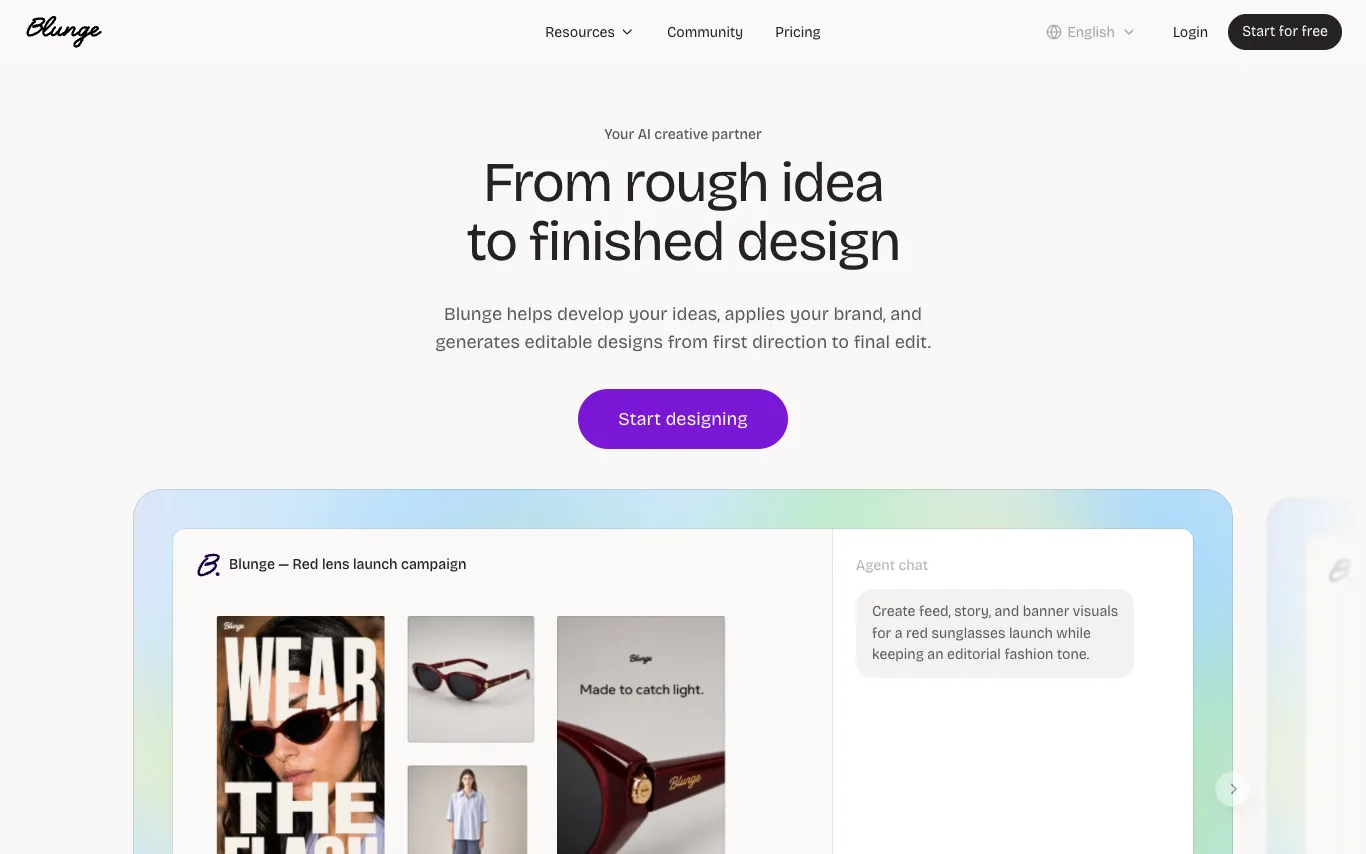

Blunge is an AI creative partner that helps develop ideas, applies your brand, and generates editable designs from first direction to final edit. It works alongside you to research, gather references, explore directions, and create on-brand work, refining each draft until it's ready for your team to ship.


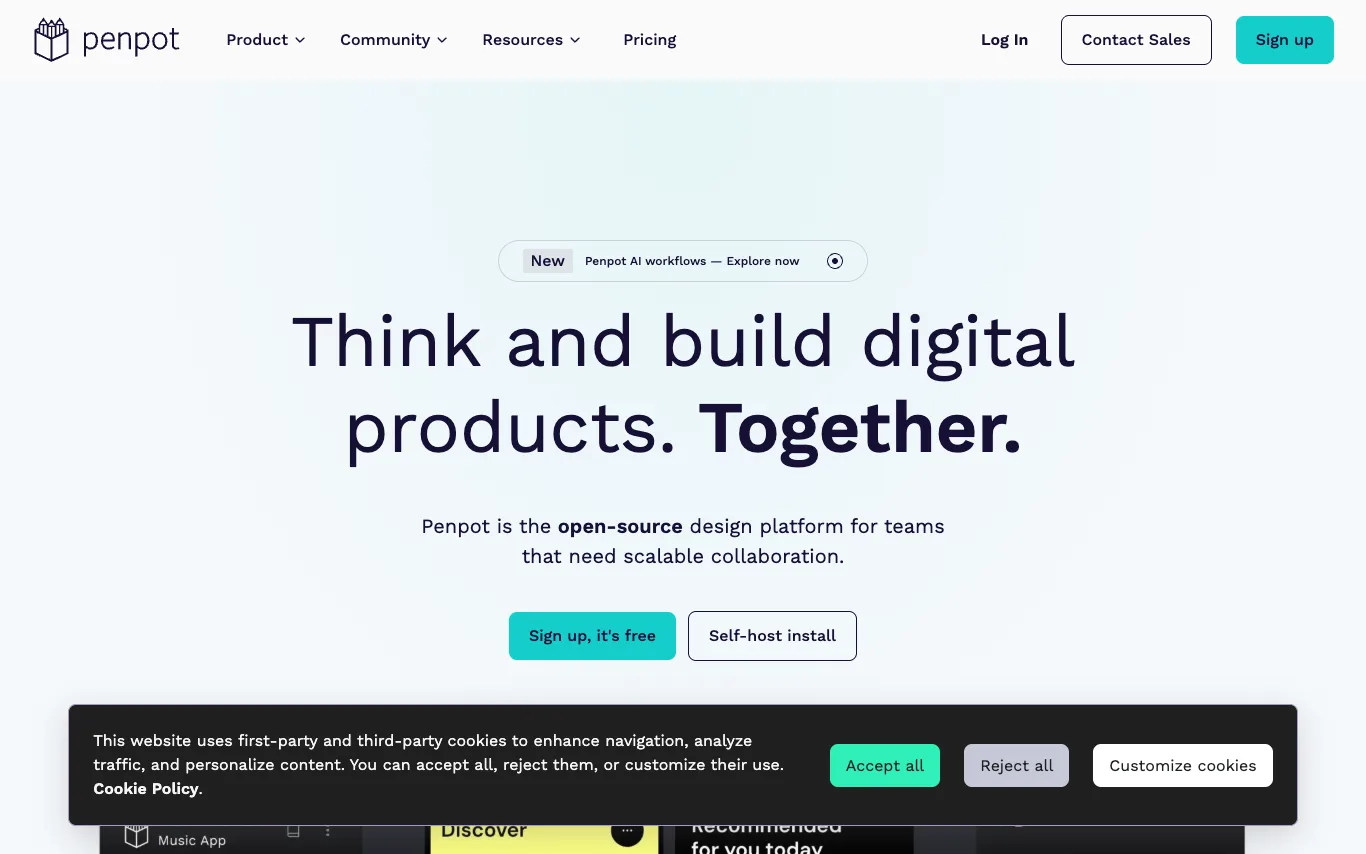

Penpot is the open-source design platform for teams that need scalable collaboration. It enables designers, developers, and AI agents to work together on digital products. Penpot offers UI design, design systems, AI workflows, and code integration, all built on open standards like CSS, HTML, SVG, and JSON.

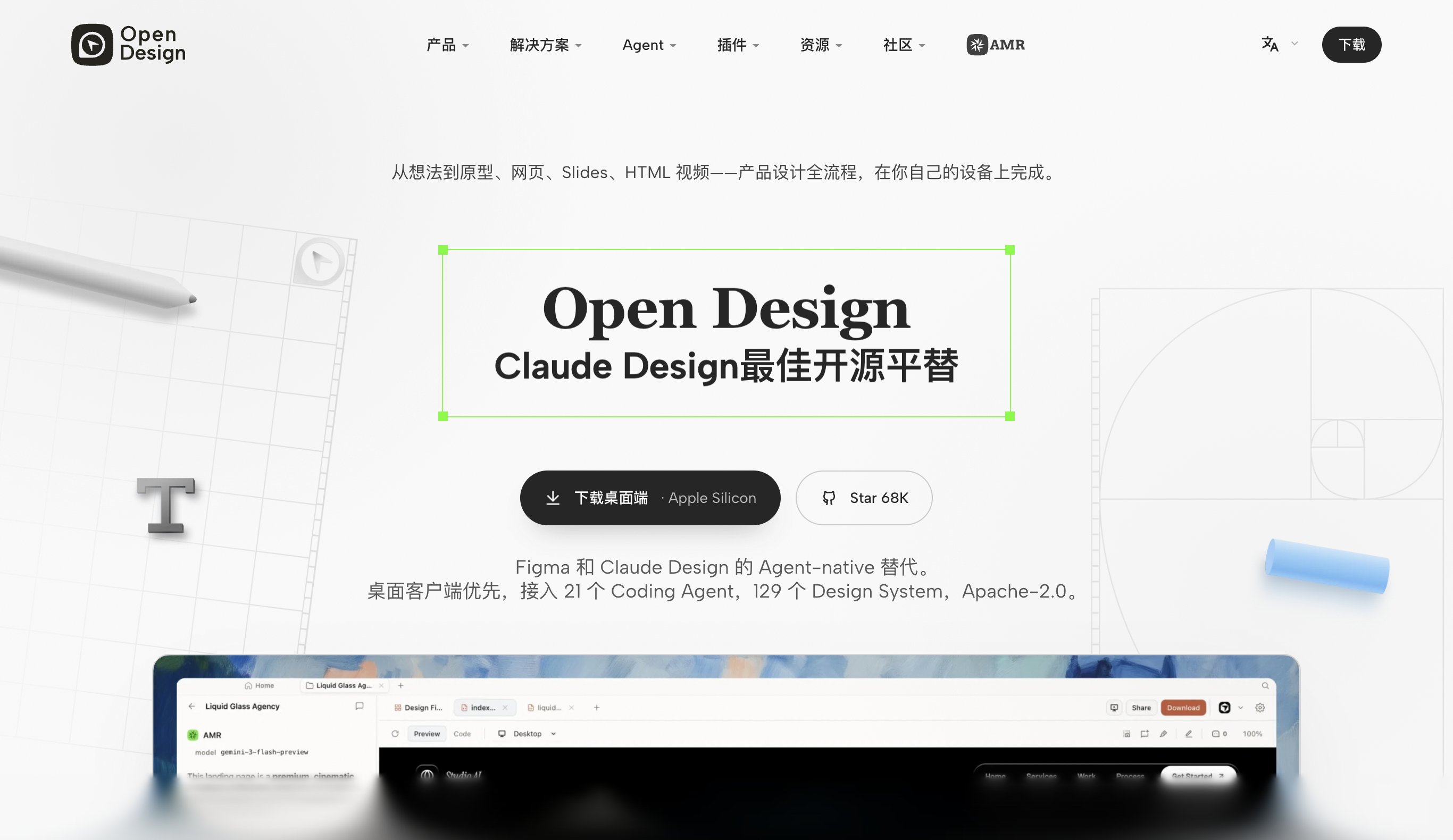

Open Design is a free, Apache-2.0 licensed, desktop-native AI design platform. It wires 21+ coding agents (Claude, Codex, Gemini, Cursor) into a unified design workflow, covering prototypes, web, slides, and HTML video — all running locally on your machine.
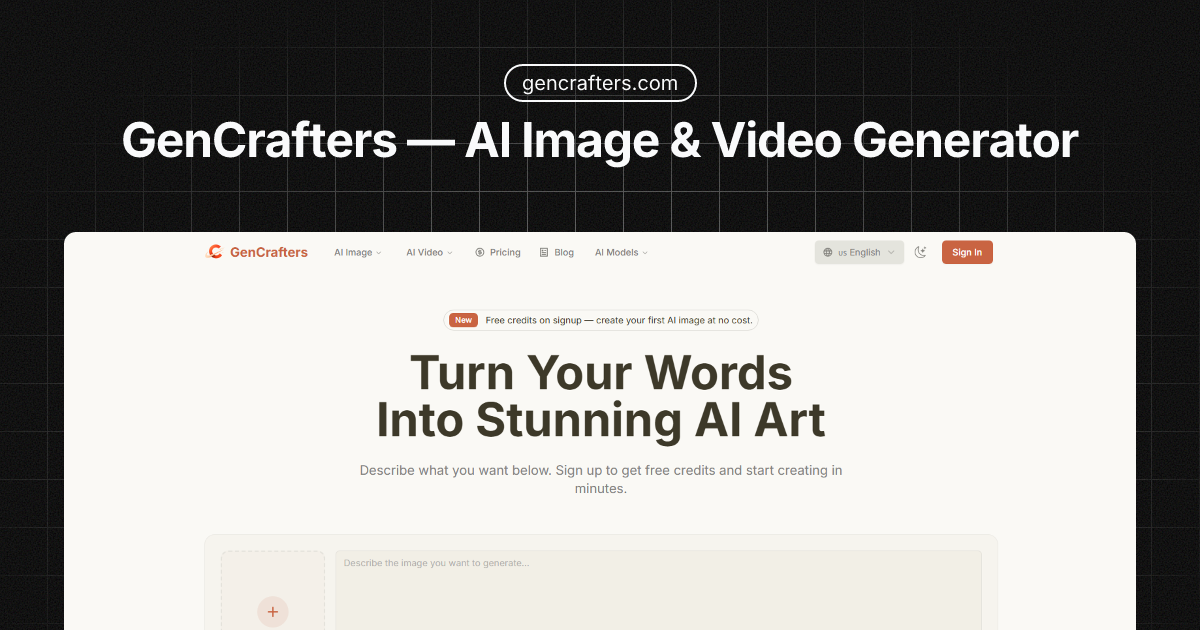

GenCrafters — Generate Stunning AI Images & Videos from Text
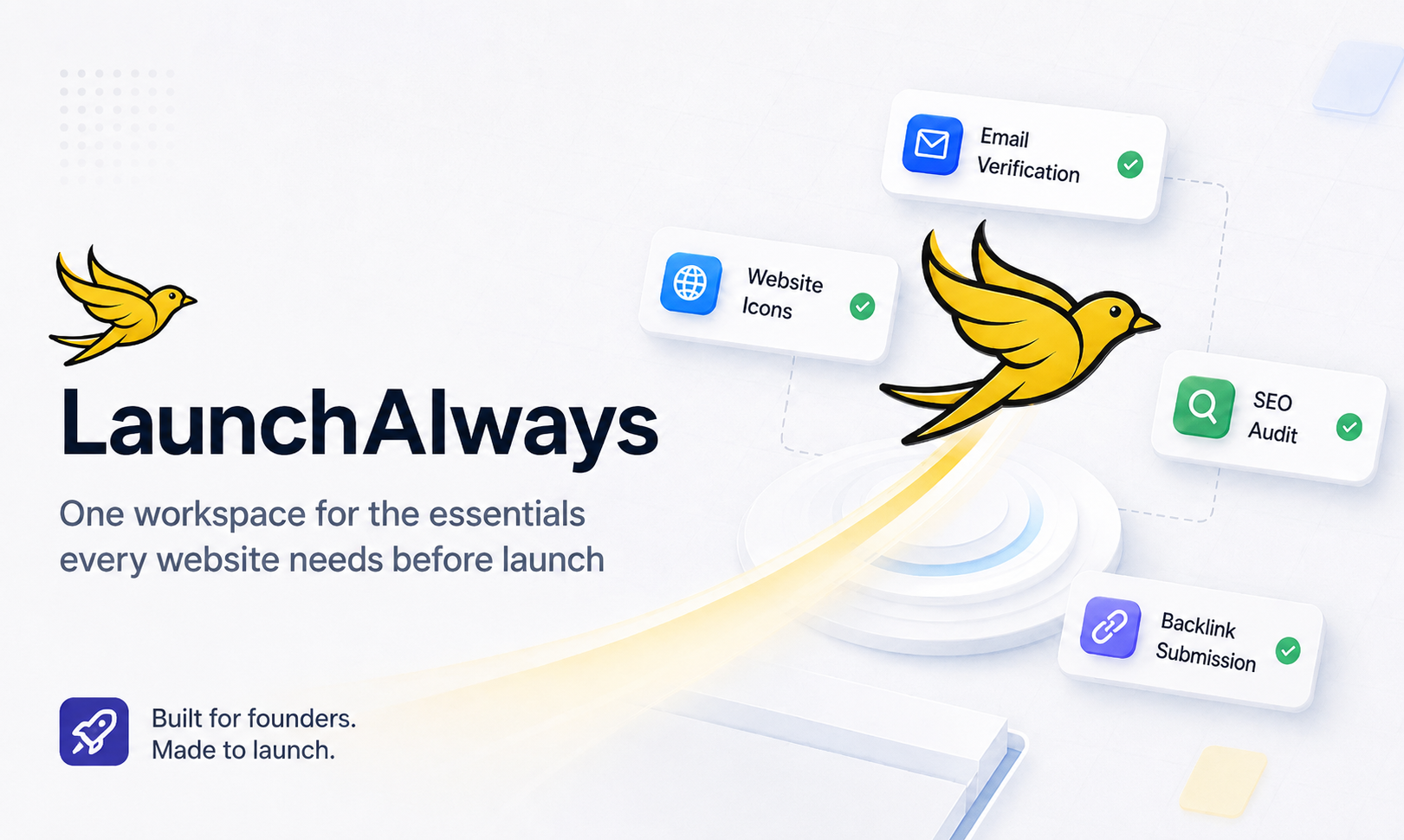
Four essential website launch tools in one free account.
What is an AI graphic design tool?
An AI graphic design tool creates or assists with visual designs — social posts, logos, posters, banners, and presentations — from a prompt or template, handling layout, images, and text together. It ranges from full design generators to AI features inside editors that suggest, resize, or restyle.
Core features to look for
- Prompt- or template-based design generation
- Logos, social posts, posters, and banners
- Auto layout, resizing, and brand kits
- AI images and background removal built in
- Editable results, not flattened images
- Free tier and paid brand/team plans
Who uses AI graphic design, and how
Social & marketing
Create on-brand posts, ads, and thumbnails at scale.
Logos & branding
Generate logo and brand concepts to start from.
Presentations & docs
Turn content into designed slides and one-pagers.
Resize & repurpose
Auto-adapt one design to many sizes and platforms.
How does AI graphic design work?
AI graphic design tools combine language, image, and layout models: they interpret your prompt or content, pick or generate visuals, and arrange type and elements into a balanced design on a template system. You then edit everything — text, colors, images, layout — instead of starting from a blank canvas.