



Vidnoz is an AI video generator offering avatars, talking photos, face swap, and voice cloning. Used for marketing, training, and social videos with a generous free tier.
Best Image to Video AI Tools (2026)
Compare image-to-video AI for animating photos, camera moves, talking portraits, product and ad clips, and free plans.
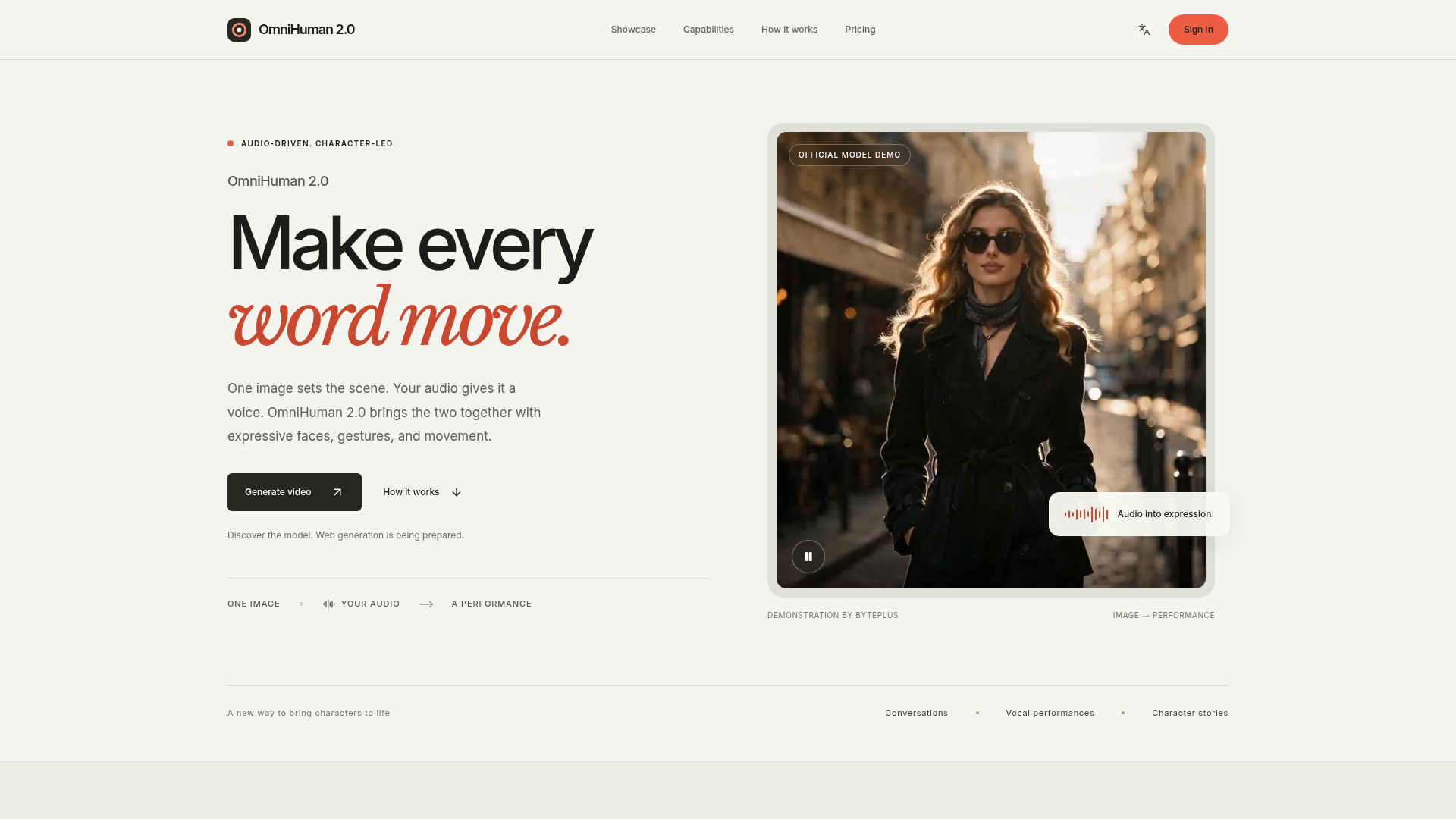

OmniHuman 2.0 is an advanced human animation model from ByteDance that converts a still image and an audio track into a dynamic video. It imbues characters with expressive faces, natural gestures, and fluid body movements, making every word and sound come alive on screen. The platform allows users to upload a portrait image and an audio track (speech or singing) to generate a video. An optional text prompt can further guide the character's actions, scene, or camera movements. This process brings a new dimension to digital storytelling and character interaction. Users can leverage OmniHuman 2.0 to create engaging content for various purposes, from educational explanations and musical performances to narrative concepts and fictional scenes. It's ideal for anyone looking to add a human presence and emotional depth to their creative projects.
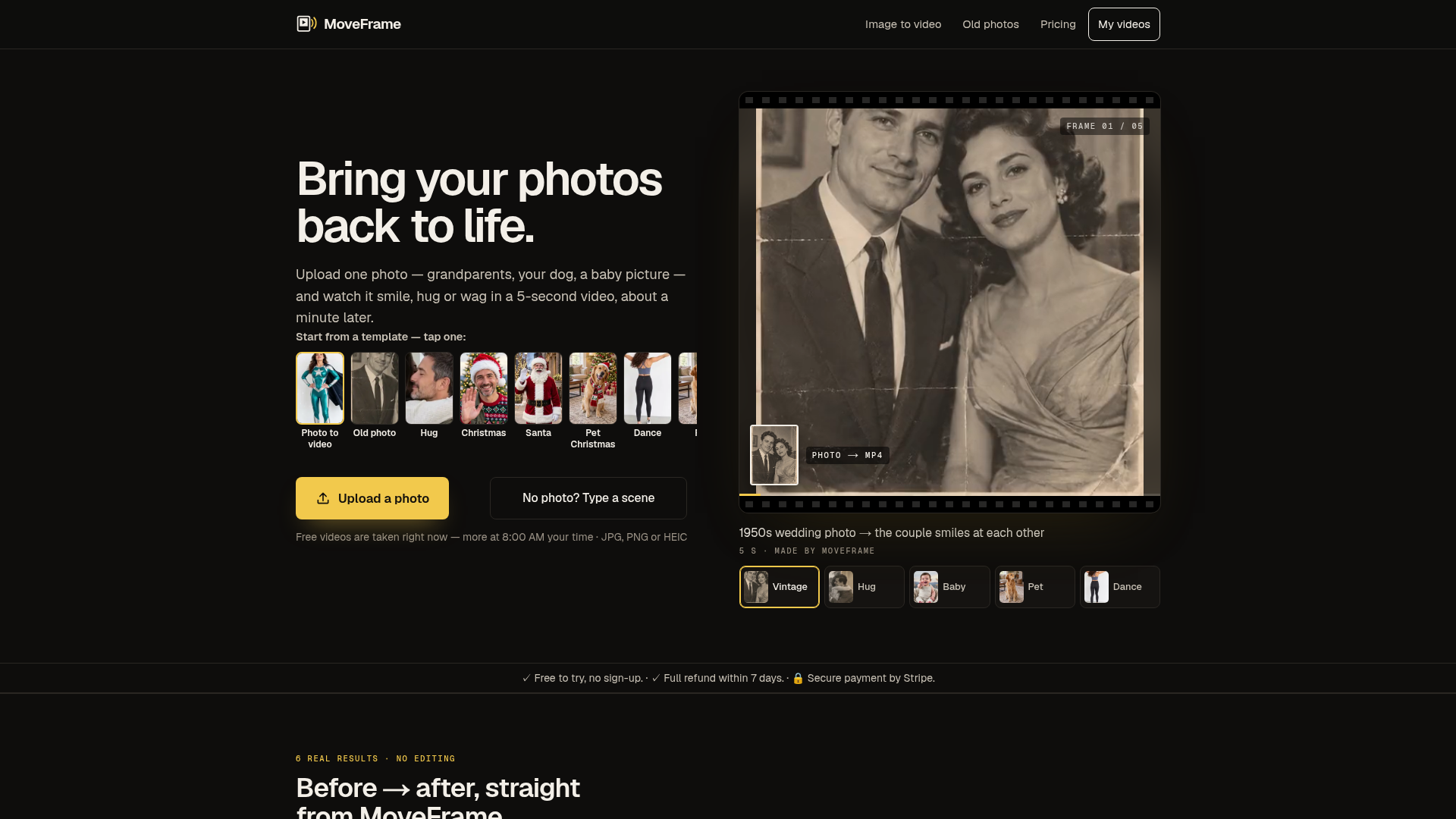

MoveFrame is an AI tool that transforms static images into dynamic 5-second videos. Users can upload a photo and select from various motions like smiling, hugging, or dancing, receiving an MP4 video in about a minute. It's designed for anyone looking to add movement and expression to their cherished memories, from old family photos to pet pictures. The platform offers a range of animation options, including natural smiles, full-body dances, and even generating a fictional baby from two adult photos. It operates without requiring an account for basic use, making it accessible for quick, creative projects. Users can also describe a scene with text to generate a custom video. MoveFrame is ideal for personalizing social media content, creating unique gifts, or simply enjoying a new way to interact with photographs. It provides a straightforward process: upload, pick a motion, and download, with options for different video lengths, qualities, and aspect ratios to suit various platforms. Utilize MoveFrame when you want to animate a still image into a short, engaging video, whether for fun, social sharing, or preserving memories in a new format.

Create Cinematic AI Videos from Text and Images
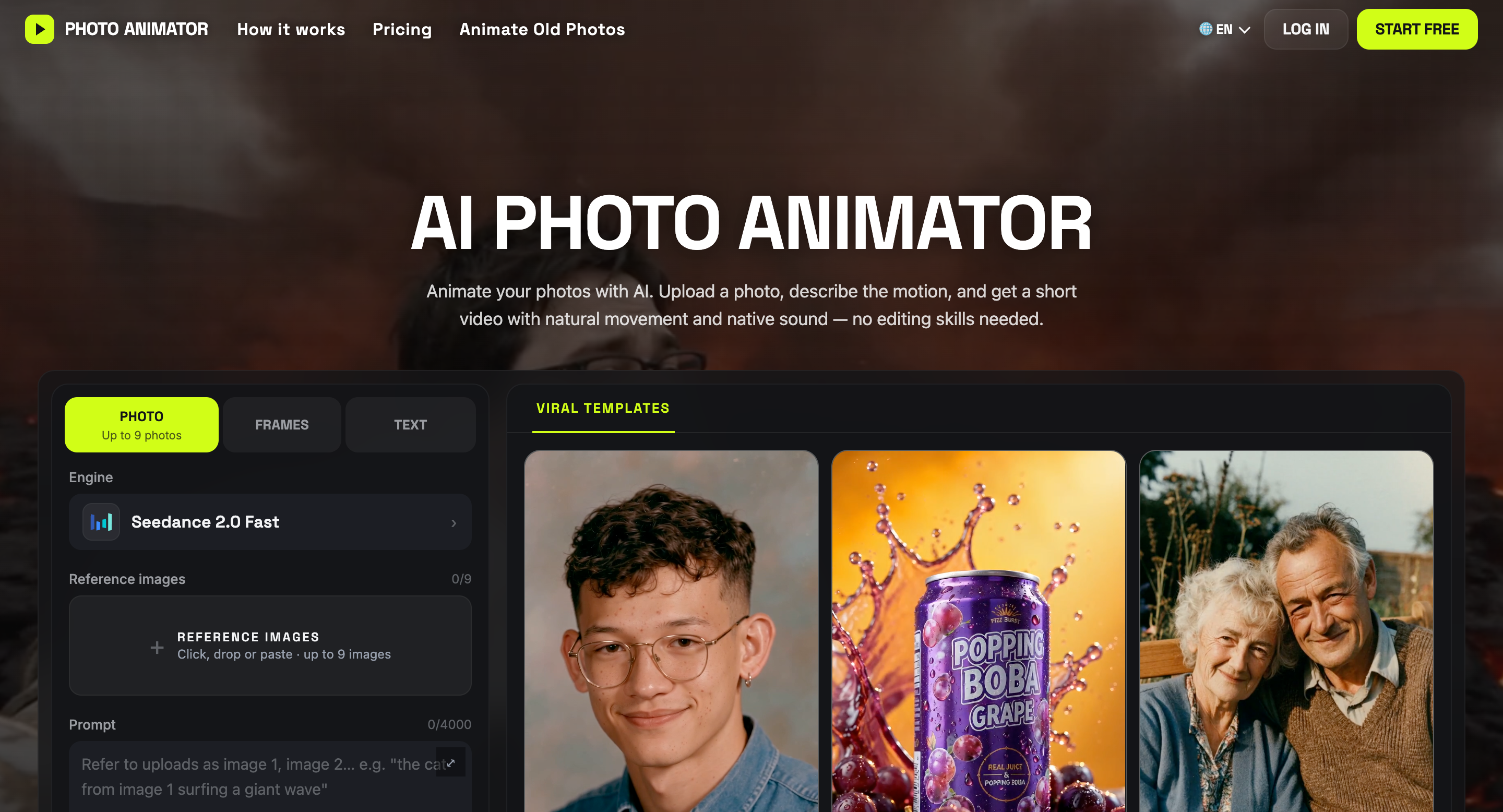

Turn photos into AI videos with natural motion, sound, and ready-to-use templates.
Turn any photo into video with AI. Free credits, no subscription.
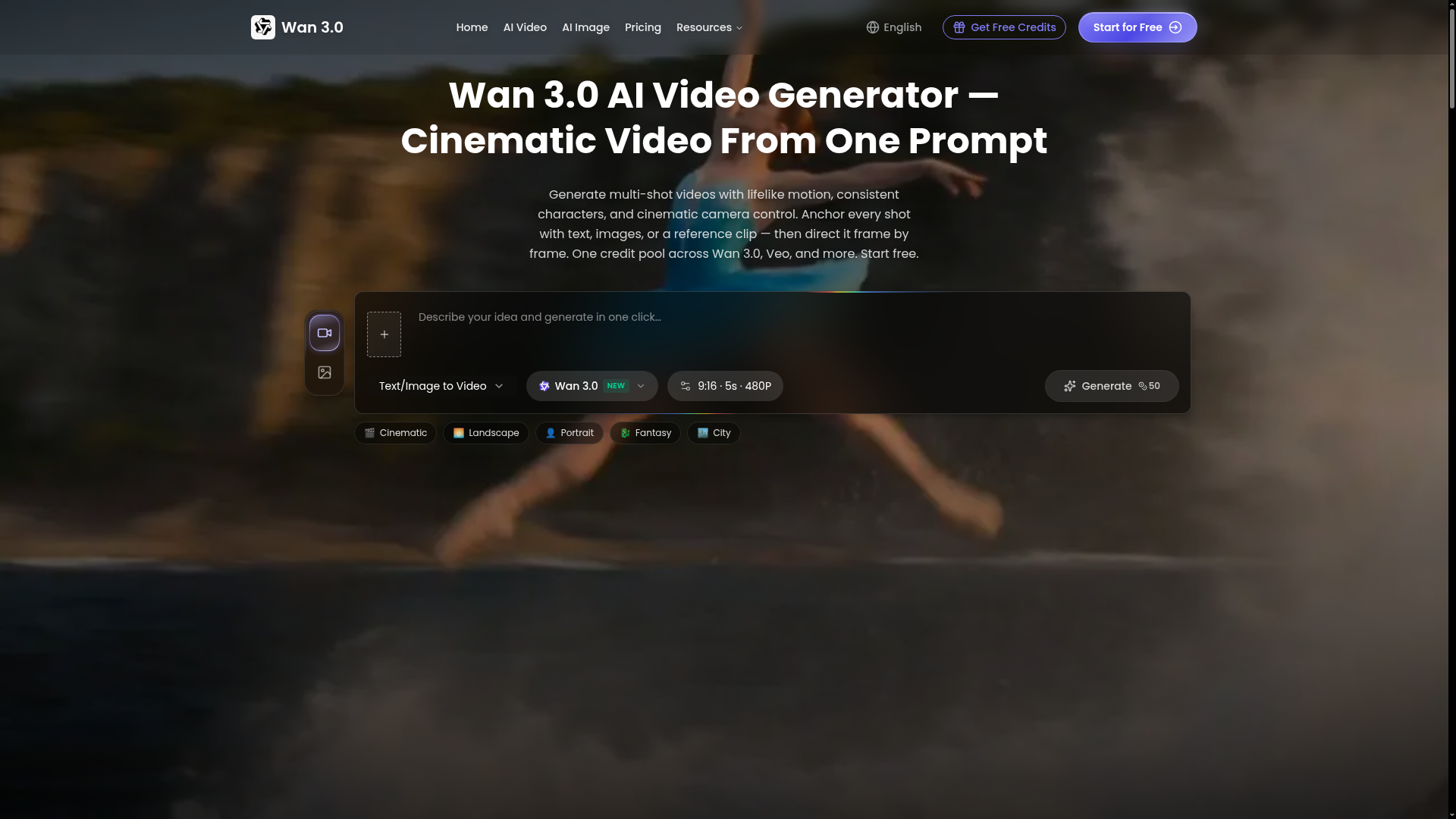

Generate multi-shot videos with lifelike motion, consistent characters, and cinematic camera control.
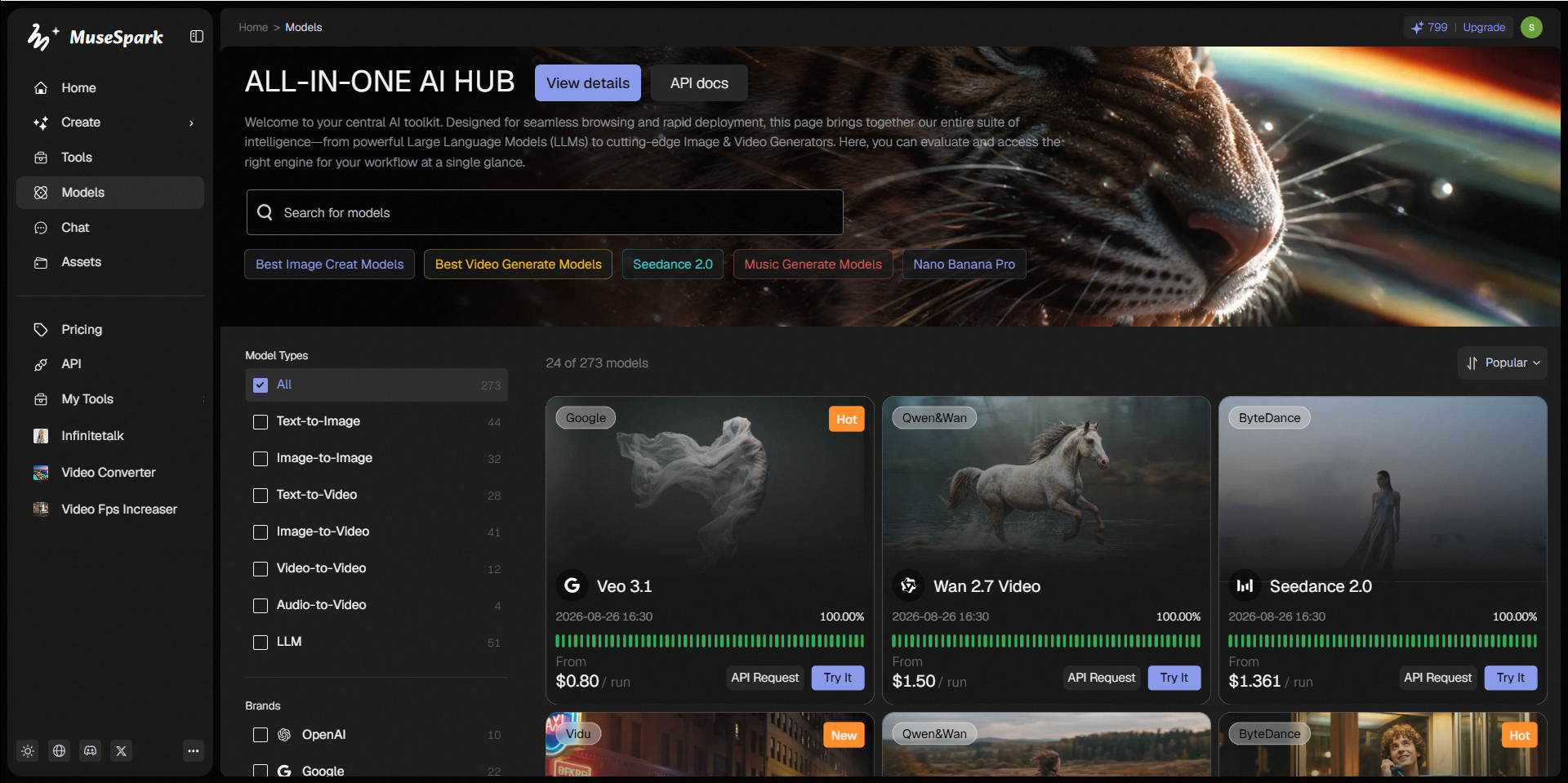

MuseSpark is an upcoming platform designed to provide online access and an API to a diverse range of artificial intelligence models. Its primary value proposition is enabling users to transform creative ideas into tangible outputs across various media types. The platform is structured to support the generation of content including images, videos, 3D models, audio, avatars, and text. It aims to serve creators, developers, and anyone looking to leverage advanced AI for content creation, offering access to models like Kling O3, Sora, and Flux.2. By offering a centralized hub for numerous AI models, MuseSpark allows users to experiment with different generative capabilities. This enables them to bring their inspirations to life, whether for artistic projects, digital media production, or exploring new creative possibilities.
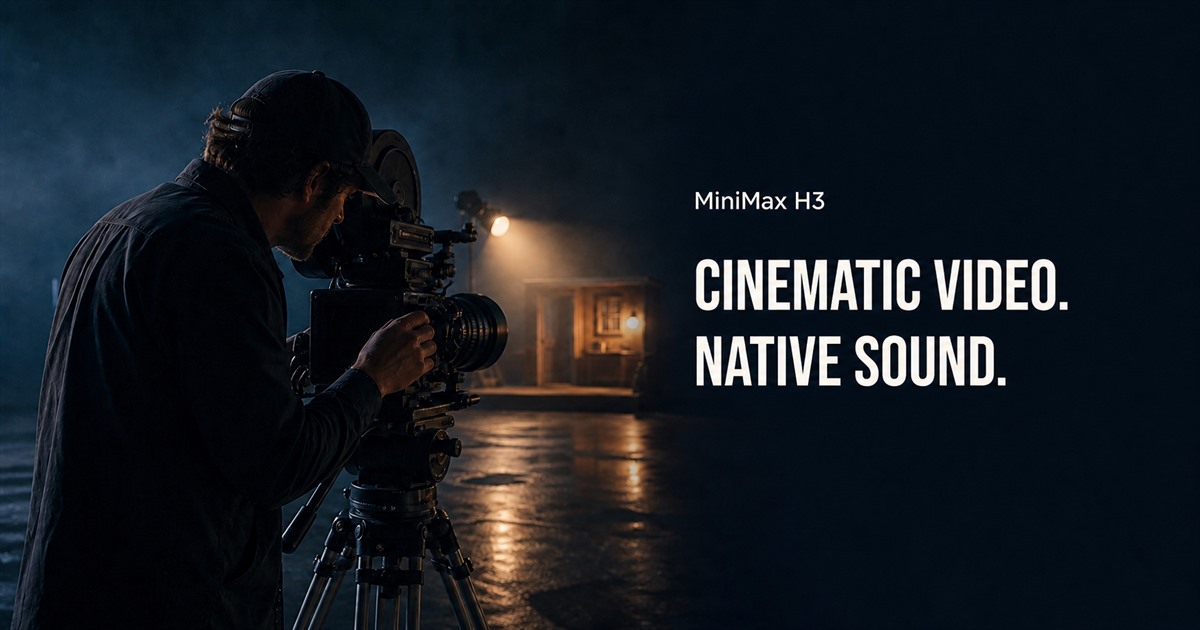

Combine text, images, video, and audio in one creative context to generate coherent native 2K videos.
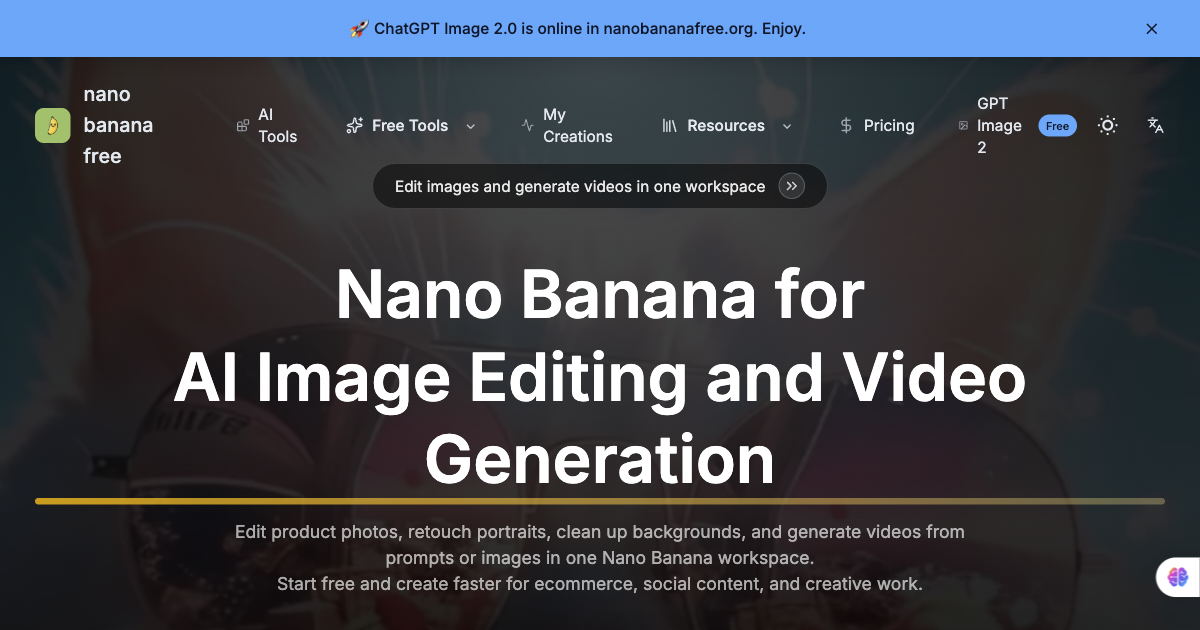

Free AI image editor and video generator for Nano Banana workflows.
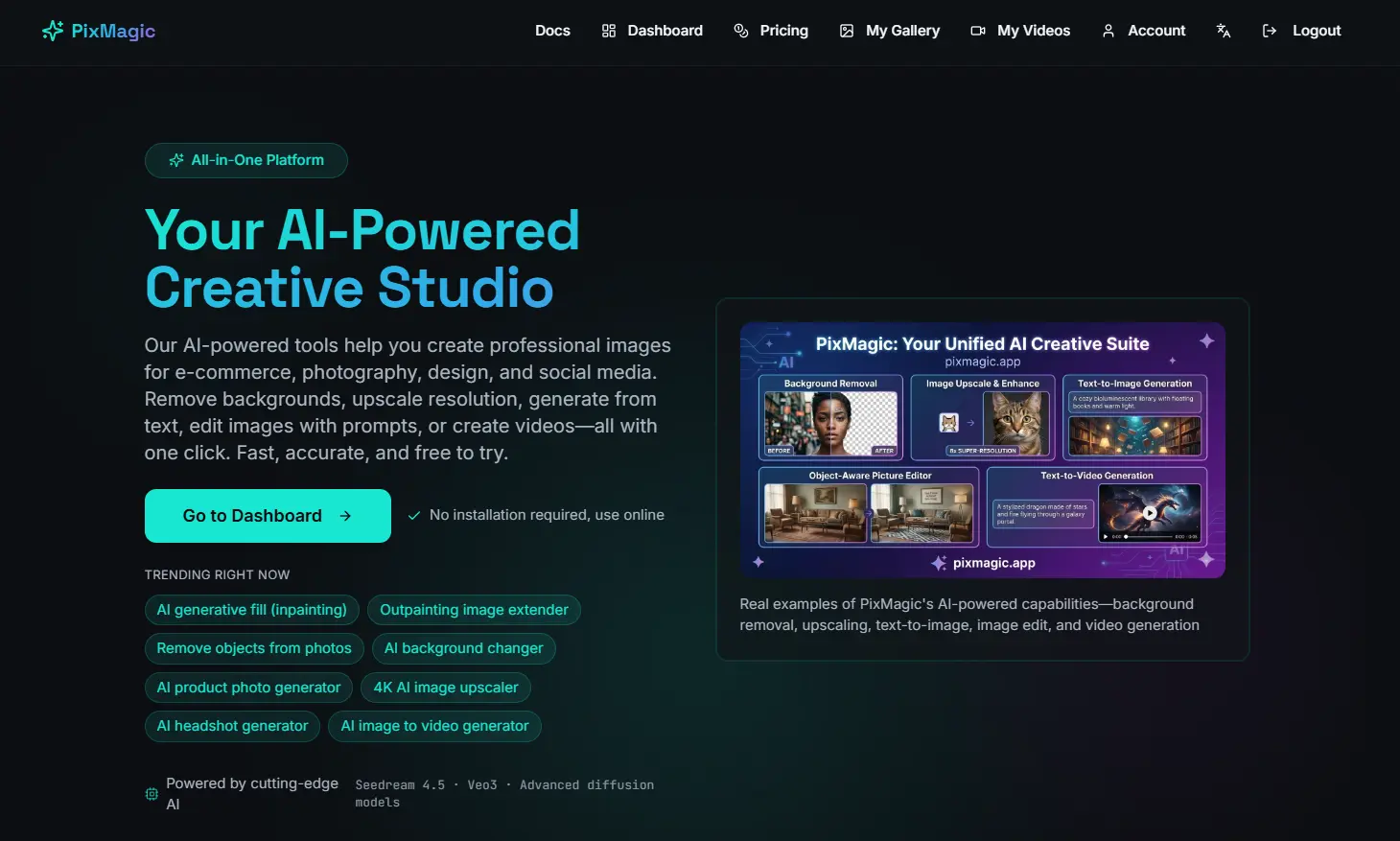
PixMagic — AI Image & Video Studio 2026 | BG Removal, 4K Upscale, Text-to-Image, Generative Fill, Short Video & AI Voice

Create cinematic AI videos with Seedance 2.0—from text prompts and reference images to multi-shot sequences with consist
Related categories
What is image-to-video AI?
Image-to-video AI animates a still image into a short video clip, adding motion, camera moves, or a talking effect without filming. It's used to bring product shots, characters, portraits, and artwork to life for social media, ads, and presentations.
Core features to look for
- Animate a photo or artwork into a clip
- Camera moves, motion, and looping effects
- Talking-portrait and avatar animation
- Control over motion strength and length
- Aspect ratios for social and ads
- Free plans with watermark and length limits
Who uses image-to-video AI, and how
01
Product & ads
Turn a product photo into a moving clip for social and ads.
02
Portraits & characters
Animate faces, avatars, or characters, including talking effects.
03
Art & assets
Bring illustrations, thumbnails, and design assets to life.
04
Free testing
Compare free tools by watermark, clip length, and quality.
How does image-to-video AI work?
Image-to-video models take your still as the first frame and generate the frames that follow, predicting plausible motion and camera movement that stay consistent with the source. You usually guide it with a prompt or motion controls, then get a short clip; results are best on simple, clear subjects.