


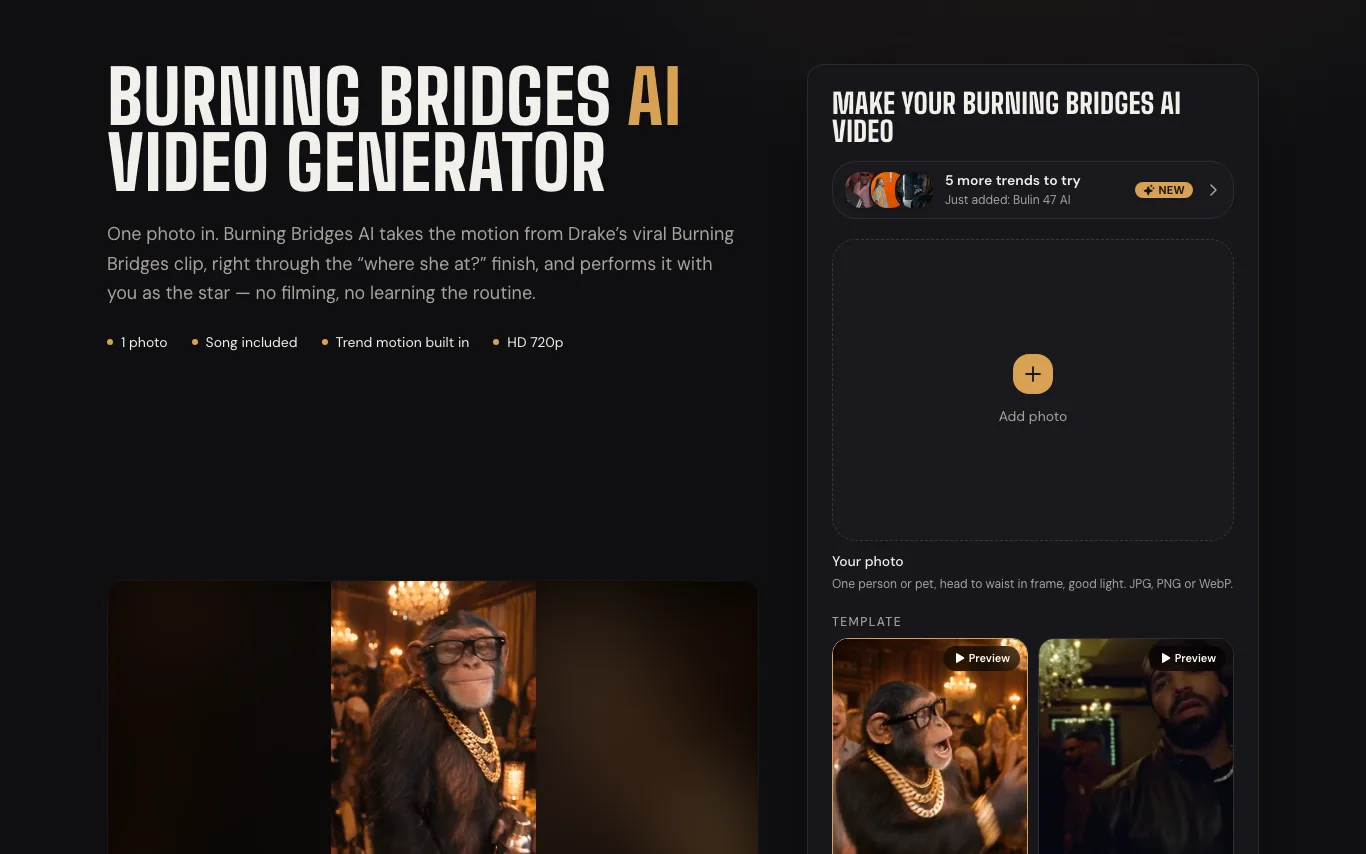

Burning Bridges AI is a web tool that recasts the viral Burning Bridges trend clip with you or your pet from a single uploaded photo.
Best Image to Video AI Tools (2026)
Compare image-to-video AI for animating photos, camera moves, talking portraits, product and ad clips, and free plans.
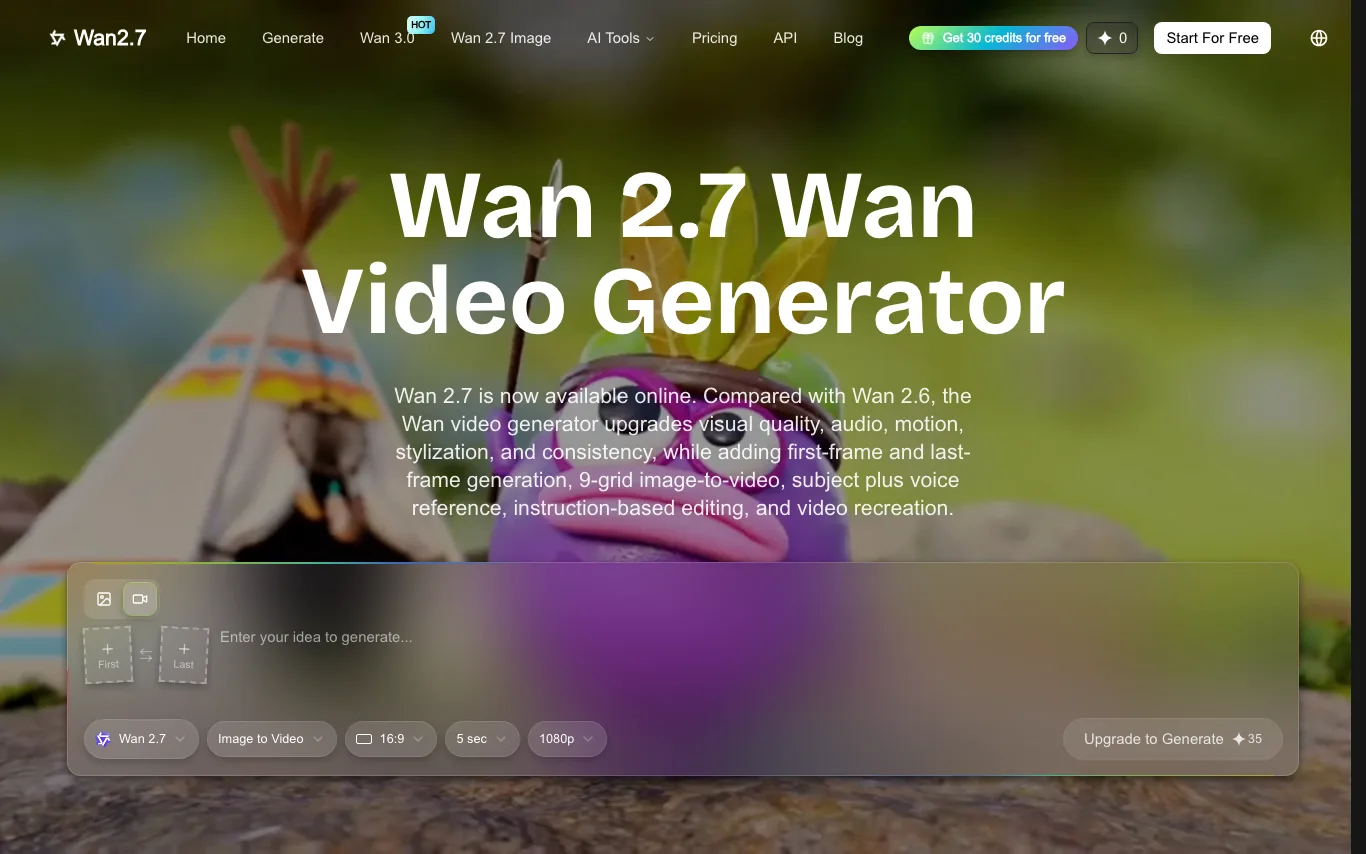

Wan 2.7 is an online platform for generating and editing AI videos with the Wan 2.7 model, offering first/last-frame control, multi-reference input and 1080P output.
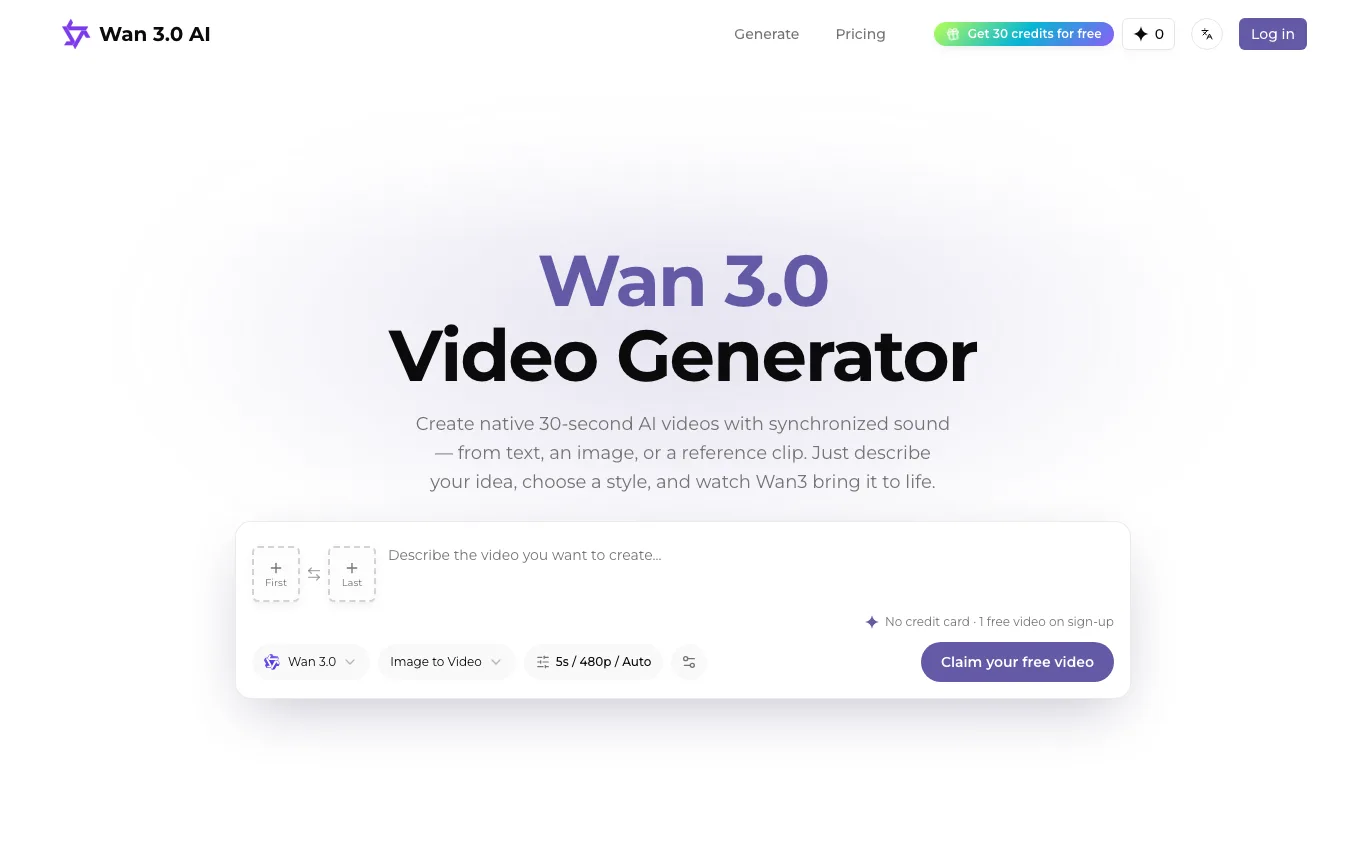

Wan 3.0 AI is a web tool for creating 2-30 second AI videos with synchronized audio from text, images, audio or reference clips, paid through one-time credit packs.

Make short AI video from a prompt or a photo. Text to video and image to video in one free FLUX 3 AI video generator — n
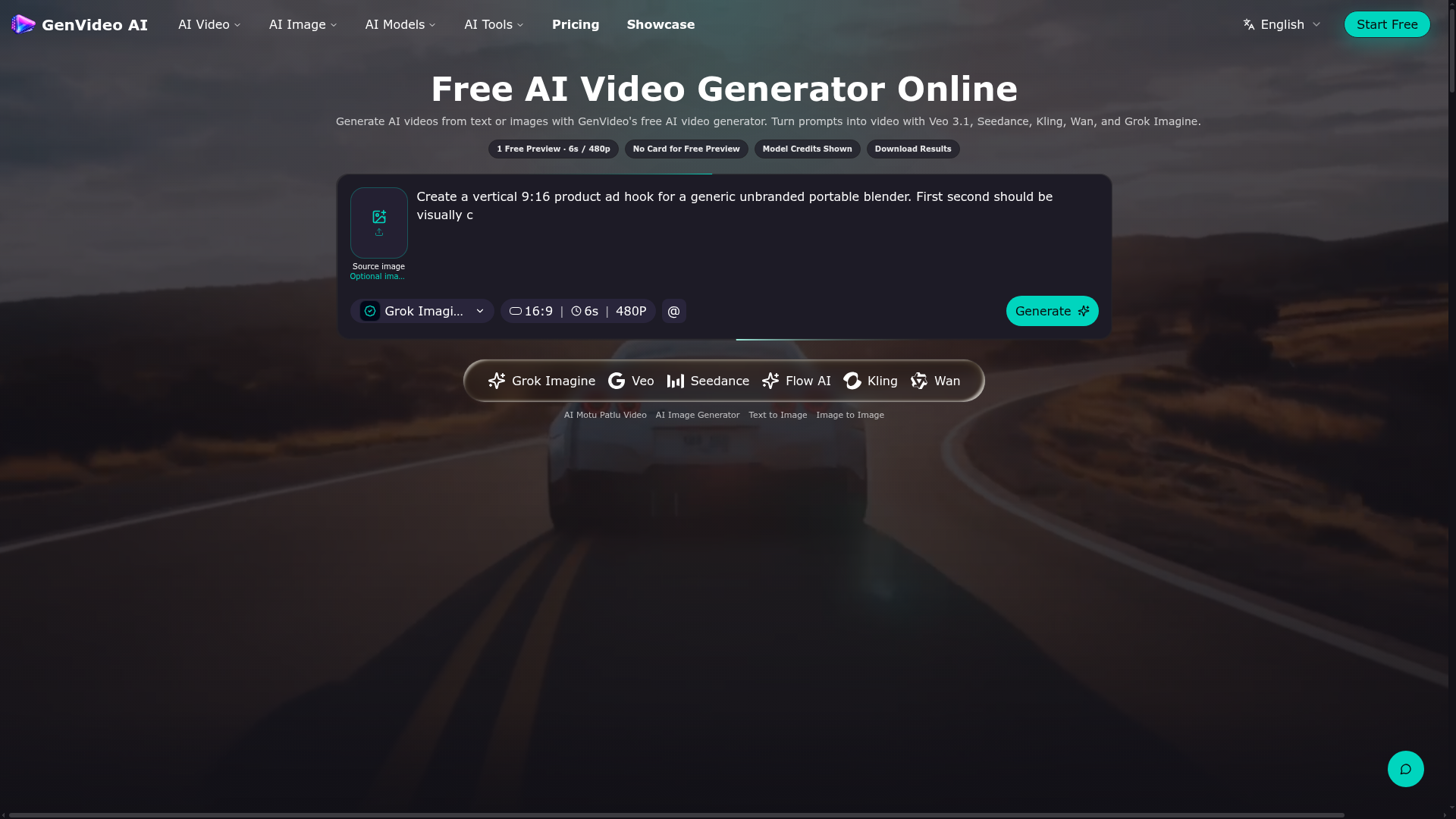

Generate AI videos from text or images with GenVideo's free AI video generator.
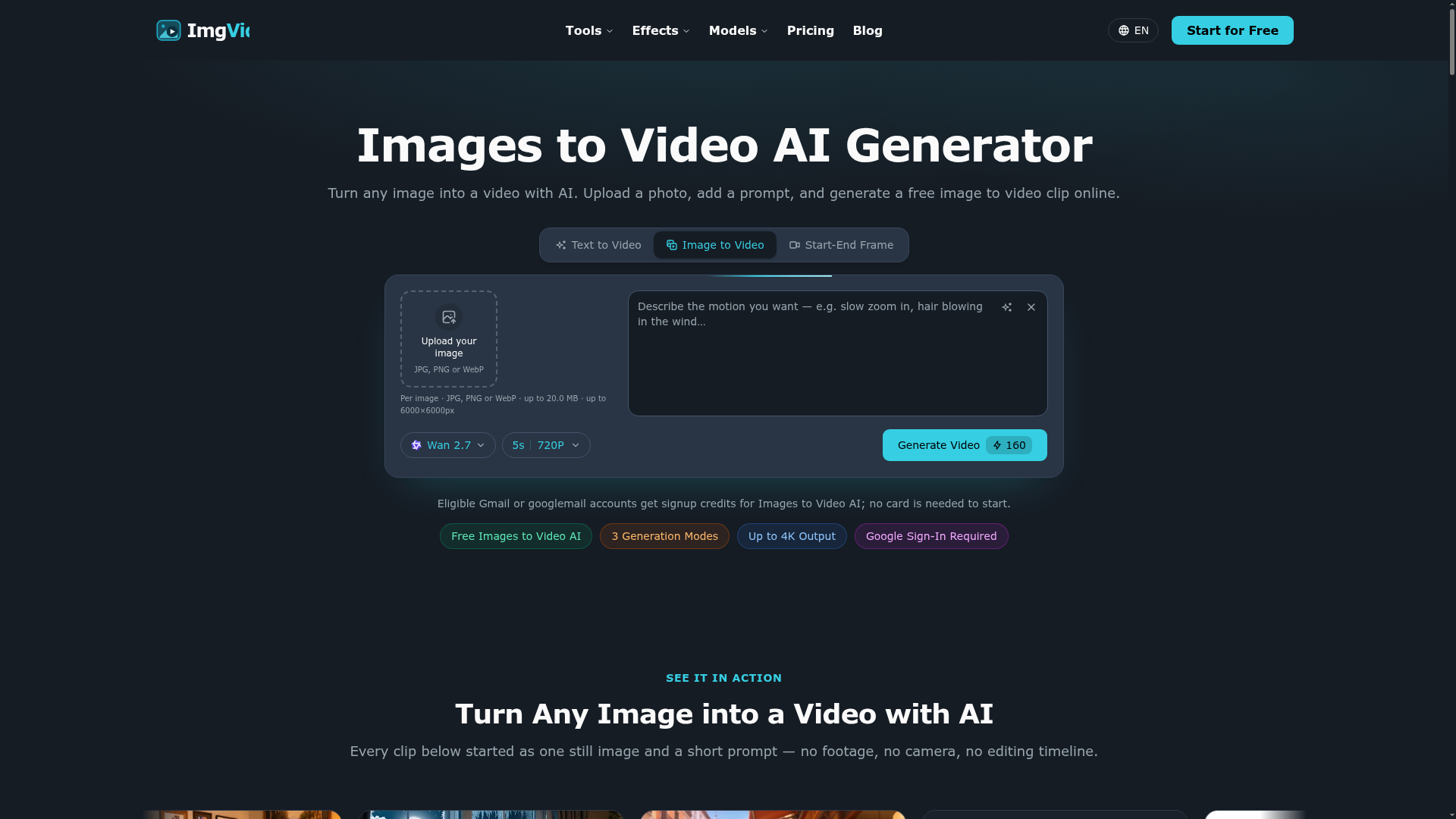

Turn any image into a video with AI. Upload a photo, add a prompt, and generate a free image to video clip online.
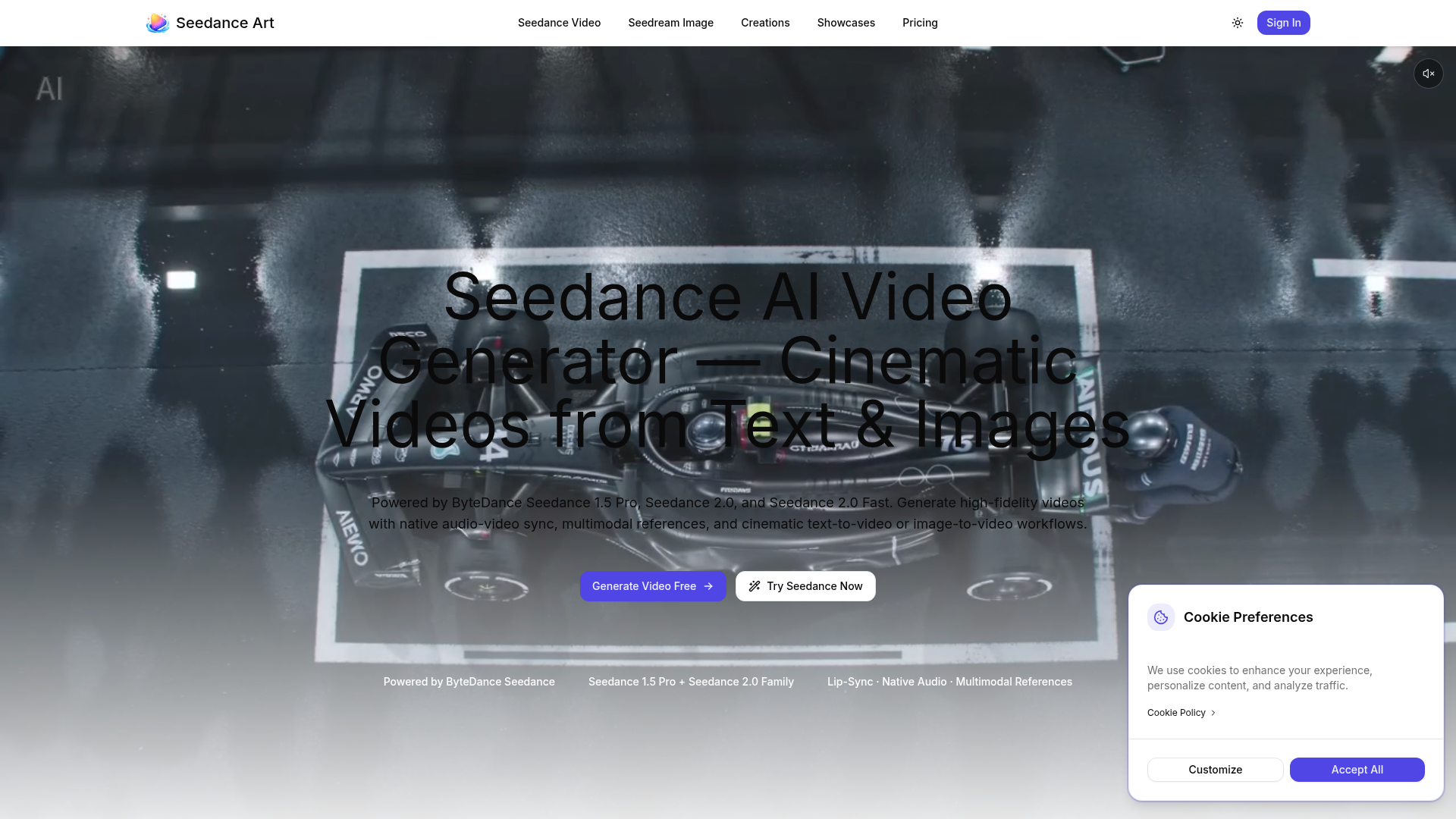

Generate high-fidelity videos with native audio-video sync, multimodal references, and cinematic text-to-video or image-
Related categories
What is image-to-video AI?
Image-to-video AI animates a still image into a short video clip, adding motion, camera moves, or a talking effect without filming. It's used to bring product shots, characters, portraits, and artwork to life for social media, ads, and presentations.
Core features to look for
- Animate a photo or artwork into a clip
- Camera moves, motion, and looping effects
- Talking-portrait and avatar animation
- Control over motion strength and length
- Aspect ratios for social and ads
- Free plans with watermark and length limits
Who uses image-to-video AI, and how
01
Product & ads
Turn a product photo into a moving clip for social and ads.
02
Portraits & characters
Animate faces, avatars, or characters, including talking effects.
03
Art & assets
Bring illustrations, thumbnails, and design assets to life.
04
Free testing
Compare free tools by watermark, clip length, and quality.
How does image-to-video AI work?
Image-to-video models take your still as the first frame and generate the frames that follow, predicting plausible motion and camera movement that stay consistent with the source. You usually guide it with a prompt or motion controls, then get a short clip; results are best on simple, clear subjects.