


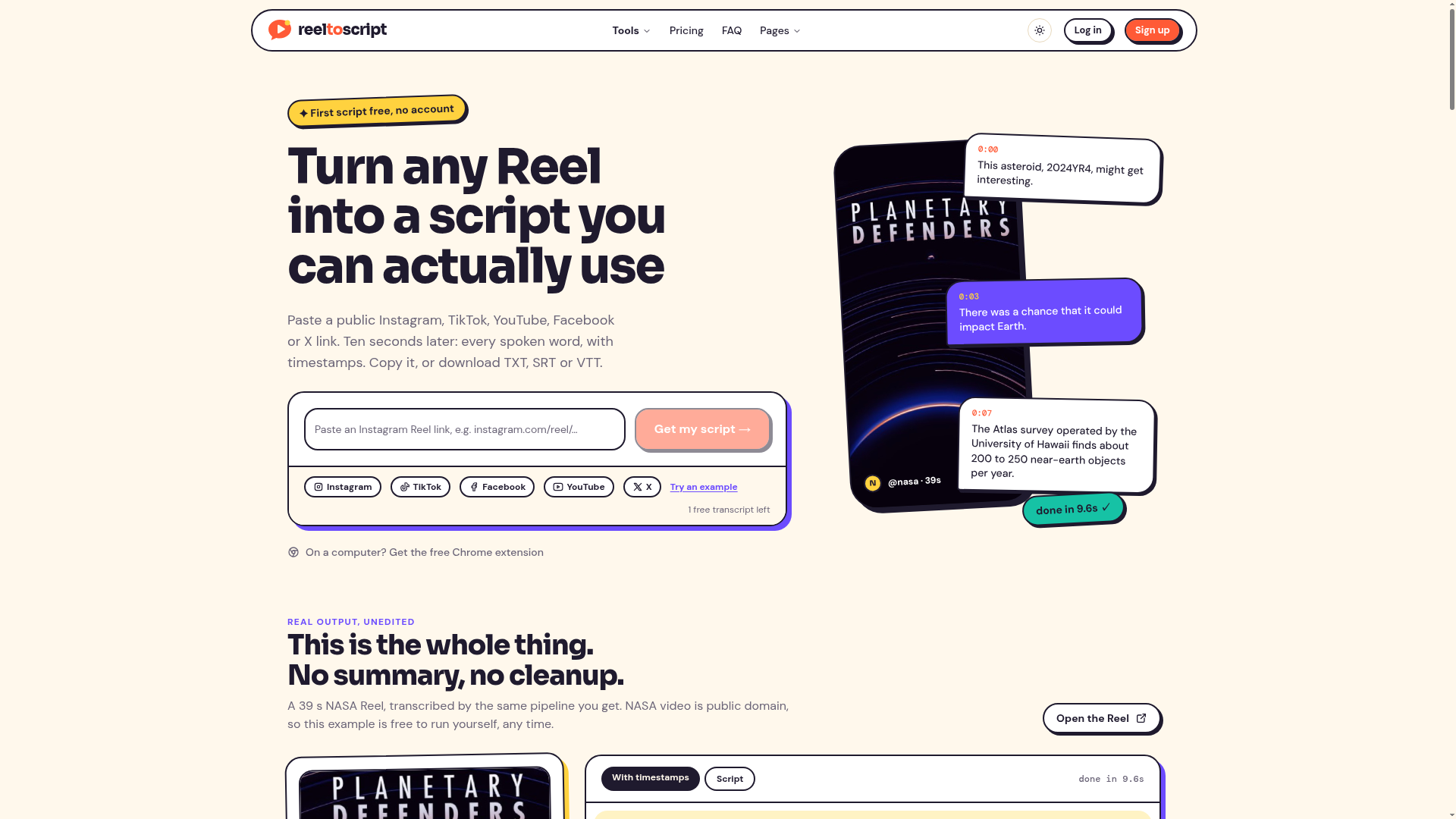

ReelToScript converts spoken words from short videos into text scripts. Users paste a public video link from platforms like Instagram, TikTok, YouTube, Facebook, or X, and the tool generates a full transcript with timestamps within seconds. This allows for easy copying or downloading in TXT, SRT, or VTT formats. The service is designed for creators, social media managers, marketers, students, and anyone who prefers to read video content. It helps users analyze video structure, repurpose content, add subtitles, or accurately quote spoken words. The tool automatically detects the spoken language and provides the script in that language, without translation. Users can get their first script for free without an account, and a free account provides three transcripts daily. For higher volumes, credit packs and monthly Pro/Agency subscriptions are available. The tool processes videos up to 5 minutes per credit, with longer videos using additional credits. Failed transcripts, such as for private or silent videos, do not consume credits. ReelToScript is ideal for dissecting successful video hooks, creating captions from existing content, generating subtitles for accessibility, or academic research requiring precise quotes from video sources. It streamlines the process of extracting spoken content, eliminating the need for manual transcription.
Best AI Video Summarizer Tools (2026)
Compare AI video summarizers that turn YouTube videos, lectures, meetings, and long recordings into short summaries, key points, timestamps, and transcripts.

The fastest way to turn MP4, YouTube, or Screen Recording into editable PowerPoint.
Related categories
What is an AI video summarizer?
An AI video summarizer is a tool that transcribes a video and condenses it into a short written summary. It pulls the spoken words via speech-to-text, then a language model extracts the main points, chapters, and timestamps so you can grasp a long video in minutes. Most work from a YouTube URL, an uploaded file, or a meeting recording.
What these tools do
- Auto-transcribe speech into searchable text
- Summarize from a YouTube URL or uploaded file
- Extract key points, chapters, and clickable timestamps
- Chat with the transcript to ask follow-up questions
- Export to notes, Markdown, or Notion
- Handle long lectures, webinars, and podcasts
Who uses AI video summarizers
Students and researchers
Skim lectures, webinars, and long talks to find the parts actually worth watching.
Meeting note-takers
Turn Zoom or Teams recordings into structured notes, decisions, and action items.
Content and marketing teams
Repurpose long videos into blog drafts, show notes, and short social clips.
Casual viewers
Decide whether a long YouTube video is worth your time before pressing play.
How AI video summarization works
The tool first converts the audio to text with speech recognition, or grabs the existing captions from a platform like YouTube. That transcript is fed to a large language model, which condenses it into a summary, highlights, and timestamped chapters. Some then let you chat with the transcript to dig into a specific moment.