




Leonardo.Ai is a generative AI platform for creating images, art, and video assets. It offers developer APIs and team tools for marketing and design workflows.
Best Text to Image AI Tools (2026)
Compare text-to-image AI generators that turn prompts into art, photos, logos, and anime — from Midjourney and Stable Diffusion to free image makers.

OpenArt is an AI art generation platform offering image creation, custom model training, and a community gallery for discovering and sharing AI artwork.
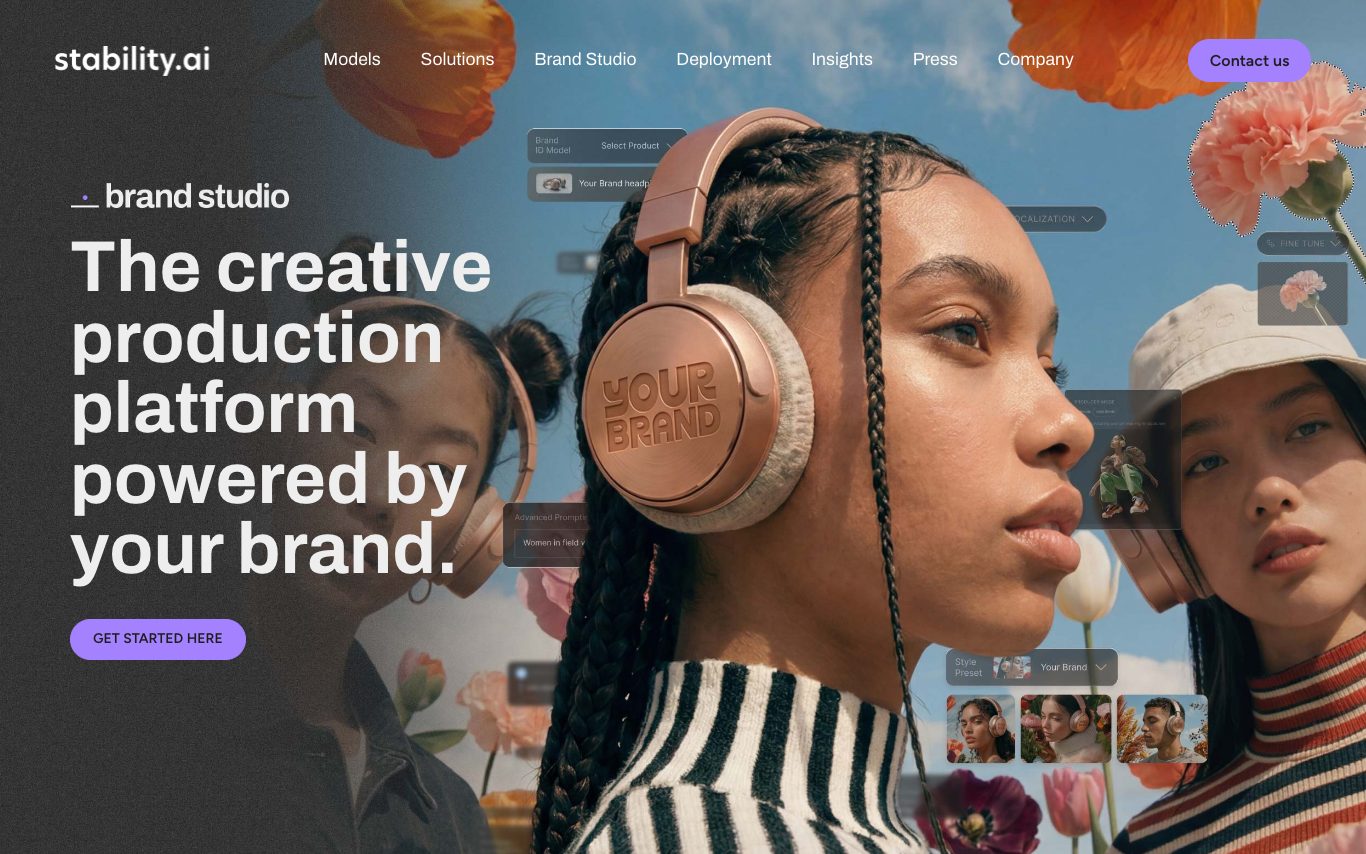
Stable Diffusion is Stability AI's family of open-source image and video models, including Stable Diffusion 3.5 and Stable Video. Users access it through the Stable Assistant web app, the API, partner platforms, or by self-hosting model weights.
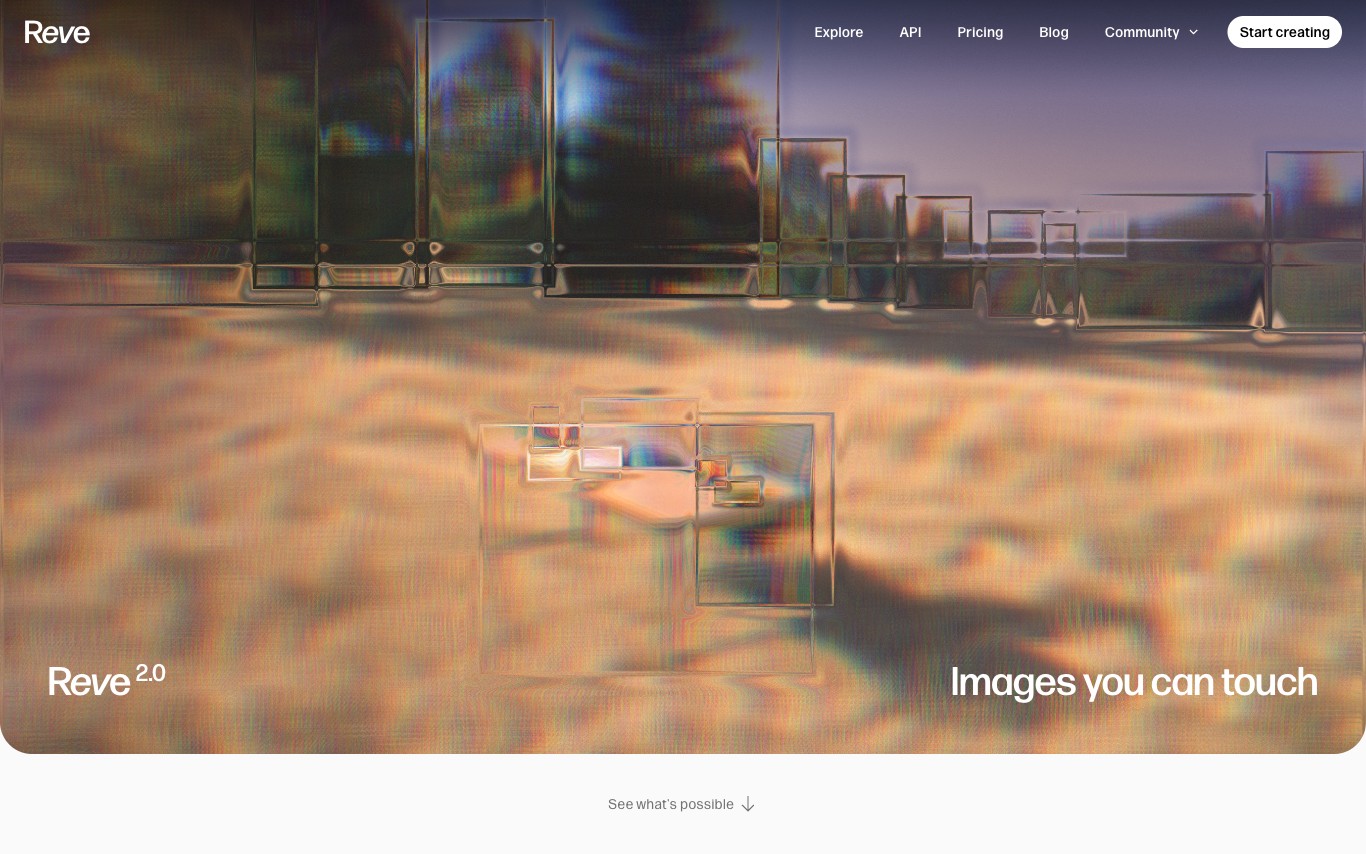

Reve is an AI image generator that produces native 4K resolution images from text prompts. It focuses on photorealistic output with accurate text rendering, supporting multiple styles and aspect ratios directly in a web-based interface.
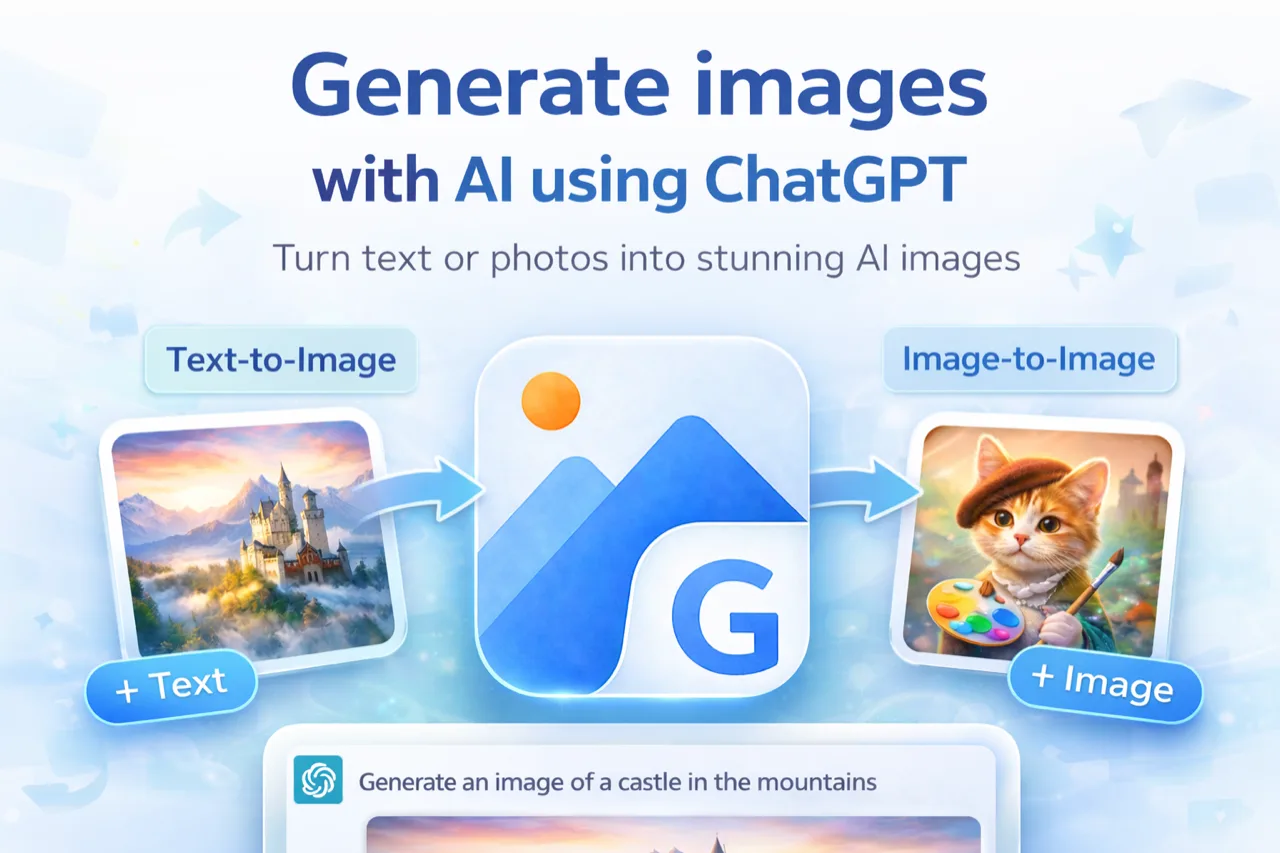
Image2GPT delivers ChatGPT-grade image creation without a Plus subscription — prompt in plain text to generate, edit, inpaint, and restyle images. Free tier available; paid plans from $9.9/mo.
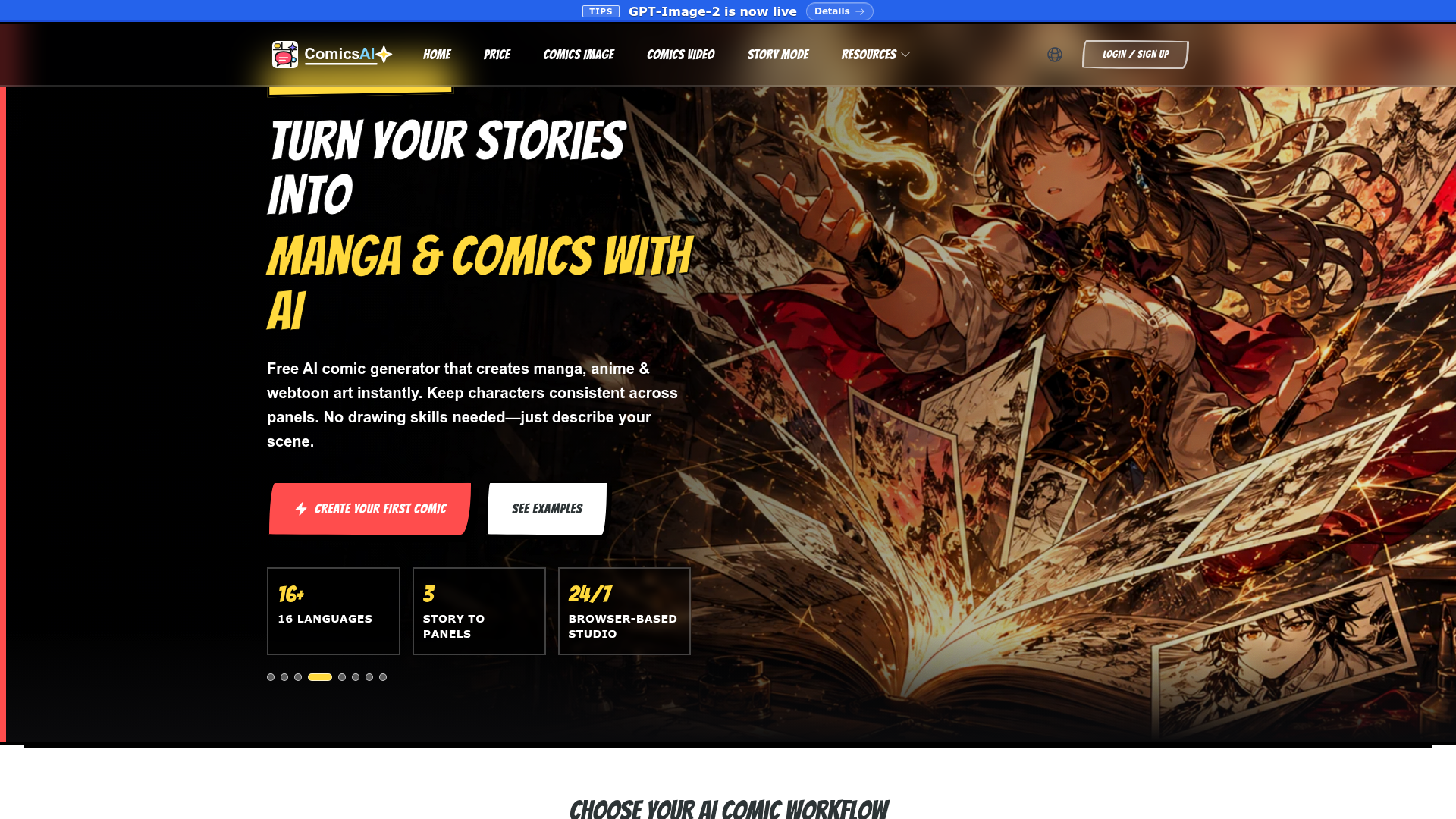

Turn your stories into manga and comics with AI, generating anime and webtoon art instantly.
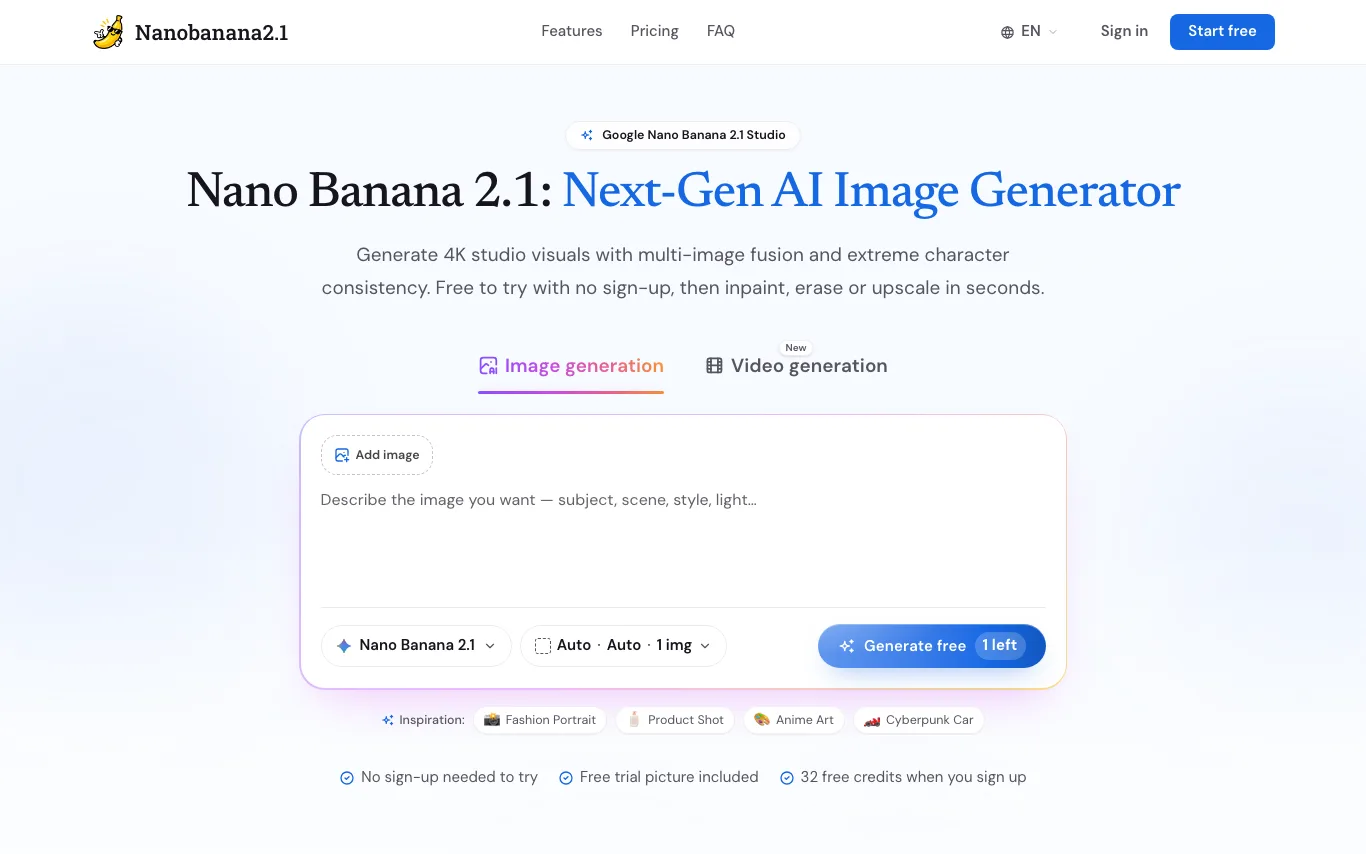
Nanobanana2.1 is a browser studio for Google's Nano Banana 2.1 image model, with GPT Image and Veo 3.1 video beside it.
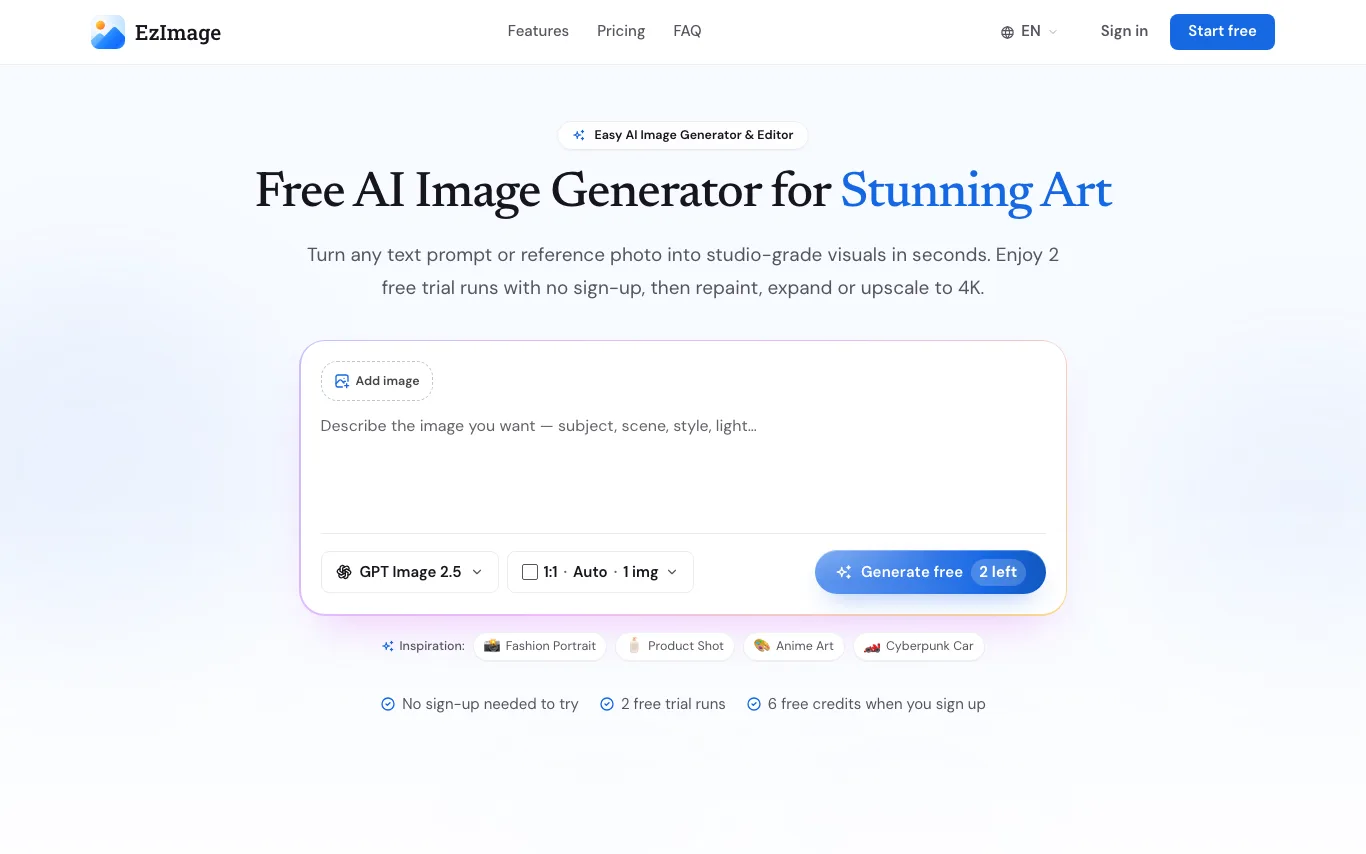
EzImage is a free AI image generator and editor that turns text prompts or reference photos into images up to 4K, then lets you repaint, erase, expand or upscale them.
Related categories
What is text-to-image AI?
Text-to-image is AI that turns a written prompt into an original picture. A diffusion model, trained on billions of image-caption pairs, reads your description and paints matching pixels — a scene, a portrait, a logo, or a product mockup. Results span photorealistic shots, illustration, anime, and 3D render styles, all generated in seconds.
What text-to-image tools do
- Turn plain-language prompts into original images in seconds
- Multiple styles: photorealism, illustration, anime, 3D, oil painting
- Control aspect ratio, resolution, and image count per run
- Negative prompts and seeds to steer and reproduce results
- Inpainting, outpainting, and image-to-image editing
- Upscaling to high resolution for print and web
What people create with text-to-image
01
Marketing and social visuals
Generate ad creatives, blog headers, and post graphics without a photo shoot or stock library.
02
Concept art and illustration
Explore characters, environments, and moodboards quickly for games, film, and books.
03
Product and brand assets
Mock up logos, packaging, icons, and product shots before committing to a designer.
04
Anime and character portraits
Create avatars, fan art, and stylized portraits from a short text description.
How text-to-image generation works
Your prompt is encoded into numbers a model understands, then a diffusion process starts from random noise and refines it step by step toward an image that matches the text. Extra controls — style presets, negative prompts, reference images, or a fixed seed — nudge the output and make results repeatable. More steps and higher resolution take longer but add detail.