


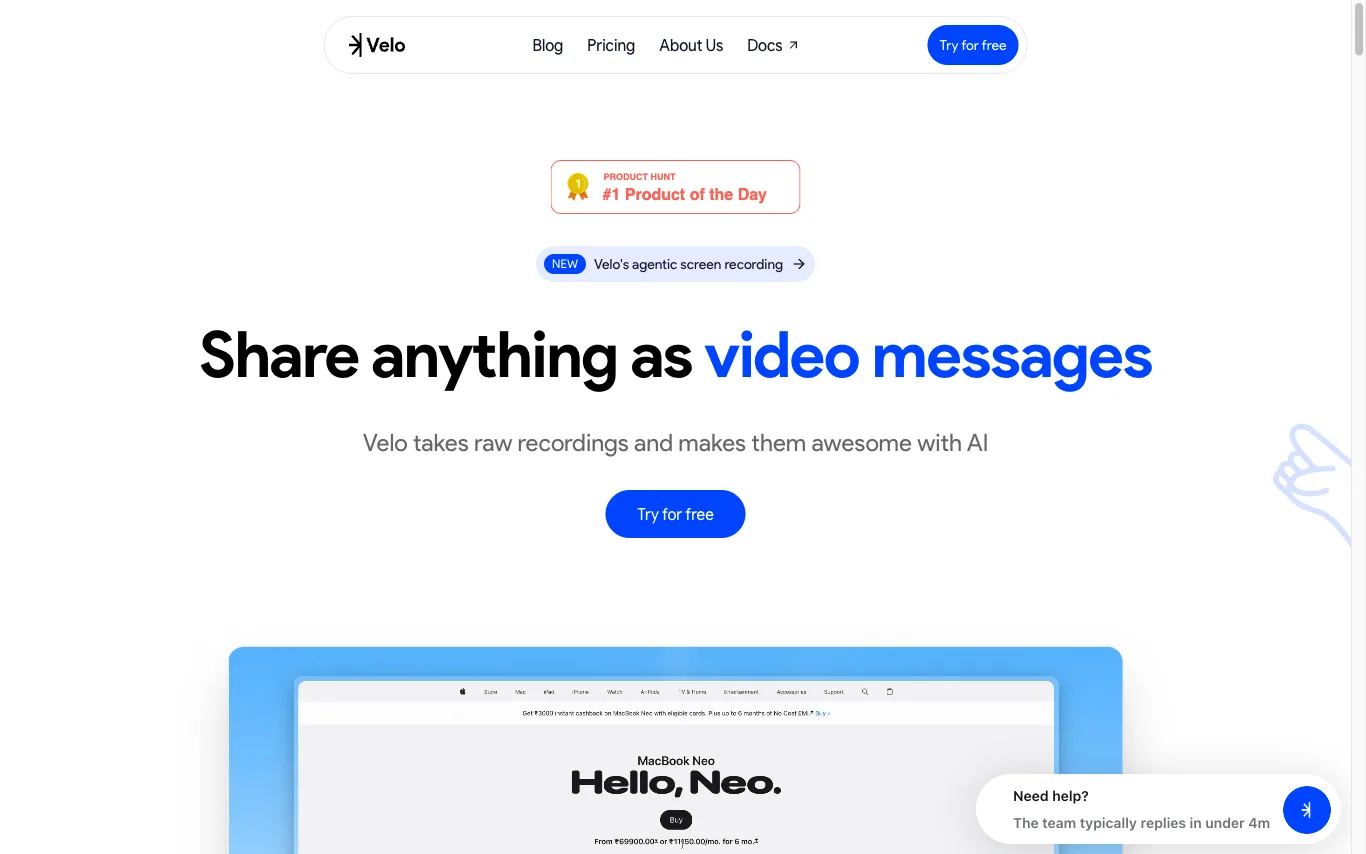

Velo takes raw screen recordings and transforms them into professional video messages with AI-generated scripts, AI avatars with natural lip-sync, and brand customization.
Best AI Video Recording Tools (2026)
Compare AI video recording tools for screen and webcam capture, async video messages, auto-editing, transcripts, and Loom alternatives — from quick demos to polished walkthroughs.
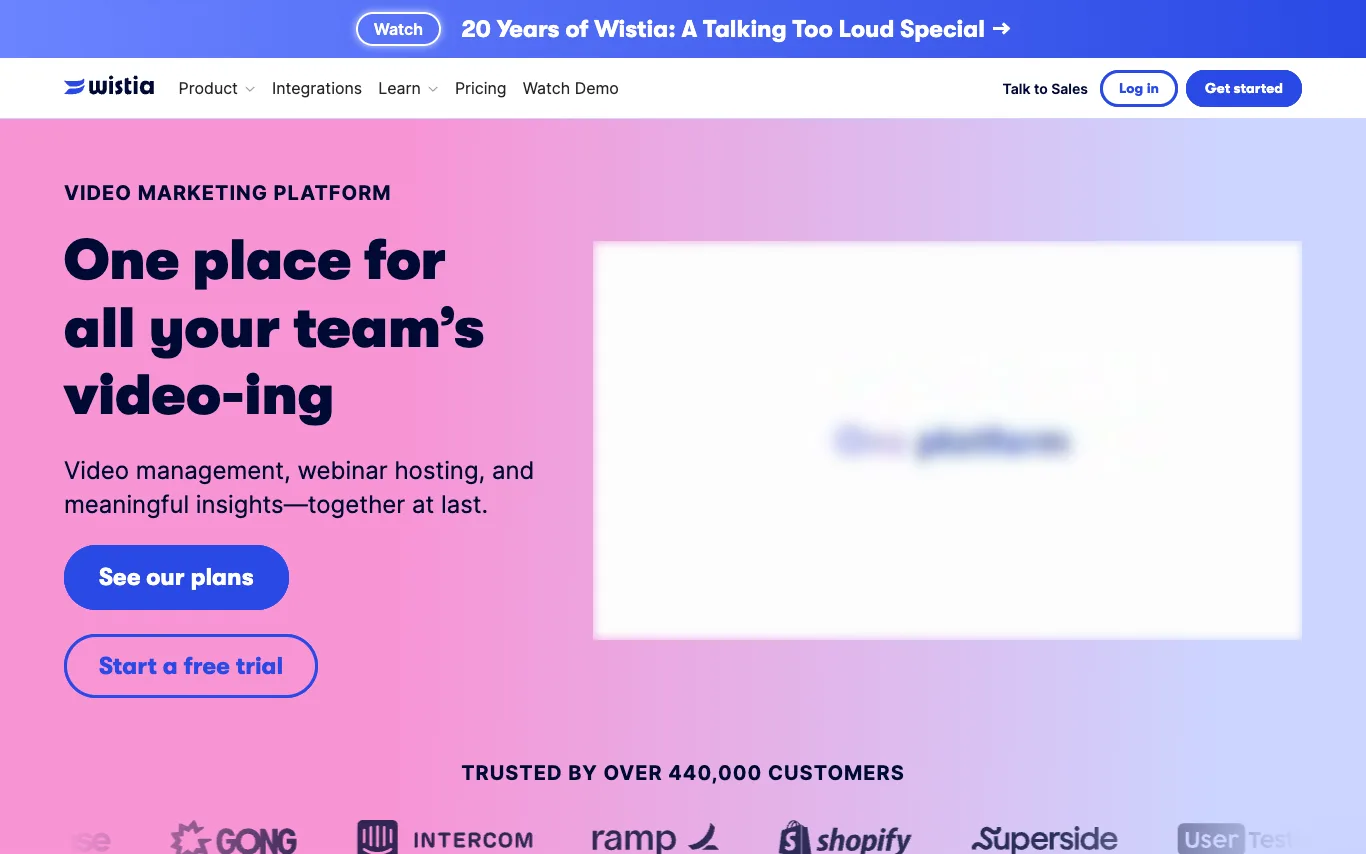

Wistia is a video marketing platform for businesses. It provides tools for video hosting and management, webinar hosting, recording and editing, and analytics. Users can embed videos with a customizable, ad-free player, organize their library, and gain insights into viewer engagement. Wistia integrates with various marketing tools and offers a free plan and trial.
Related categories
What is an AI video recording tool?
AI video recording tools capture your screen, webcam, or both, then use AI to clean up the take automatically. They transcribe speech, cut silences and filler words, add zoom and captions, and turn a raw recording into a shareable video. They cover async video messages, product demos, tutorials, and meeting captures.
What these tools do
- Screen, webcam, and audio capture in one take
- Automatic transcription and searchable captions
- Removes filler words, silences, and mistakes
- Auto-zoom, cursor smoothing, and framing effects
- AI-generated titles, summaries, and chapters
- Shareable links with view analytics and comments
Who uses AI video recording
01
Async video messages
Record a quick screen or webcam clip to explain something instead of scheduling a live meeting.
02
Product demos and tutorials
Capture polished walkthroughs and how-to videos with auto-zoom and clean, text-based edits.
03
Meeting and call recording
Record calls with transcripts, summaries, and highlights so people who missed them can catch up.
04
Course and training content
Produce lessons and onboarding videos with captions and chapters for teams and students.
How AI video recording works
You record your screen or camera in a desktop app, browser extension, or web recorder. The tool transcribes the audio and uses that transcript to detect filler words, long pauses, and scene changes, editing them out or letting you trim by deleting text. AI then adds zoom, captions, titles, and a summary before you share a link or export the file.