

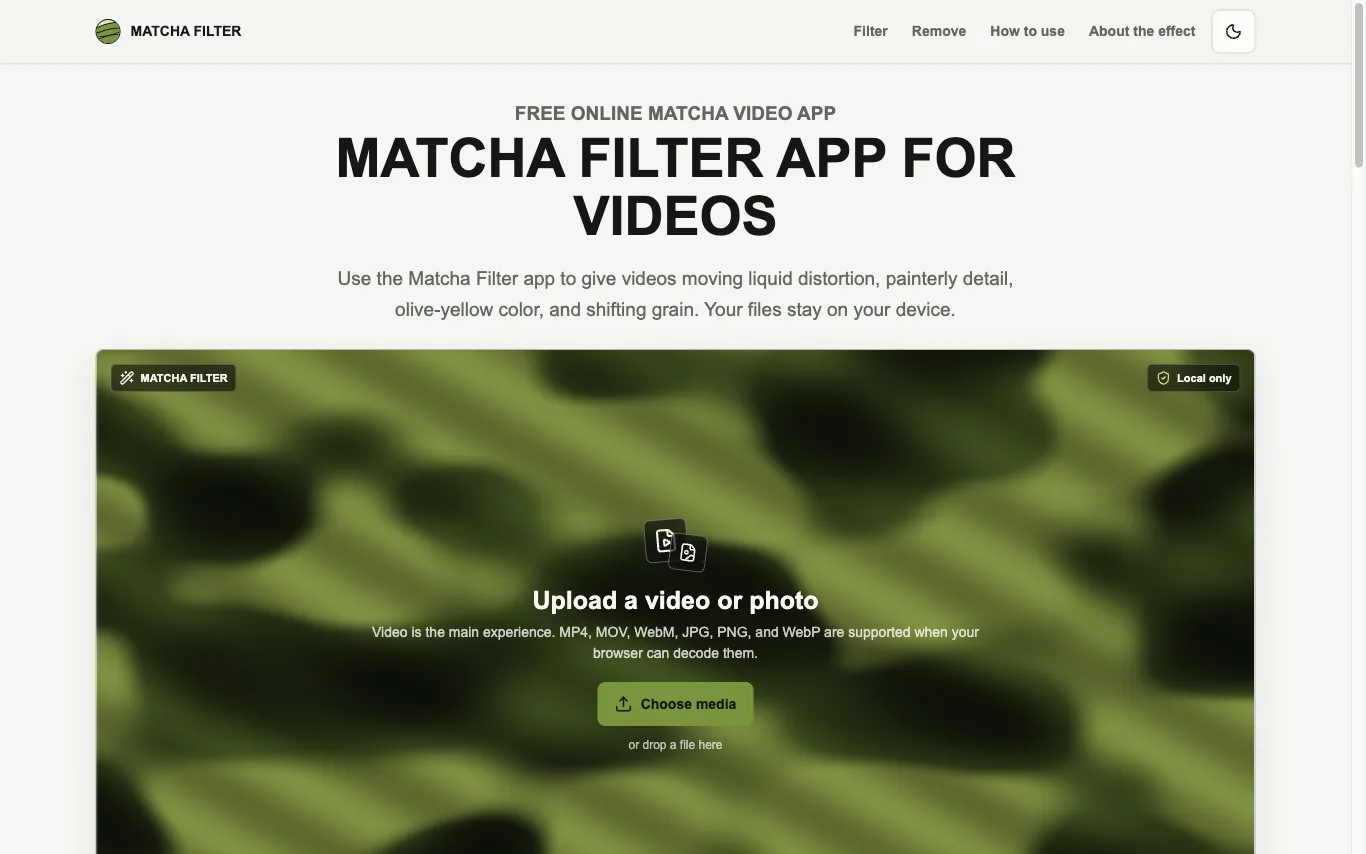

Matcha Filter is a free web tool that applies an animated matcha-style treatment to videos and photos. Media is decoded, rendered with WebGL2, and exported inside the browser tab.
AI Photo Filter · 1 tools
Best AI Photo Filter Tools (2026)
Compare AI photo filter tools that restyle photos into anime, cartoon, oil-painting, and cyberpunk looks — from one-tap effect cameras to style transfer and AI avatar makers.
All AI Photo Filter tools
What is an AI photo filter?
An AI photo filter is an app that repaints a photo you upload in a new artistic style — anime, cartoon, oil painting, 3D, or cyberpunk — rather than just tweaking color like a classic Instagram filter. It reads what is in the image, especially faces, and regenerates it while keeping the person recognizable. Many also bundle beauty retouch, background swaps, and batch avatar packs.
What AI photo filters can do
- One-tap style presets: anime, cartoon, oil paint, 3D
- Face-aware editing that keeps you recognizable
- Neural style transfer from a reference image
- Beauty retouch: smooth skin, reshape, relight
- Background removal and scene replacement
- Batch AI avatar and profile-picture packs
Who uses AI photo filters
01
Social media creators
Turn selfies into anime or cartoon posts that stand out in feeds and stories.
02
Profile-picture refreshers
Generate a batch of stylized avatars for social, gaming, and messaging accounts.
03
Casual photo editors
Apply quick beauty retouch and fun effects without learning Photoshop.
04
Designers and marketers
Prototype stylized visuals and mood variations from one source photo fast.
How AI photo filters work
Most run a deep neural network trained on huge sets of images paired with artistic styles. When you upload a photo, a face and scene detector locates key regions, then a generative model repaints them in the chosen style while preserving your pose and features. Reference-based filters copy the texture and palette of a sample image onto yours through style transfer.