


Edit photos online with prompt-based AI tools for cleanup, restyling, retouching, upscaling, and fast creative image wor
AI Image Enhancer · 14 tools
Best AI Image Enhancer Tools (2026)
Compare AI image enhancers for upscaling, denoising, deblurring, old-photo restoration, batch processing, and free plans.
All AI Image Enhancer tools
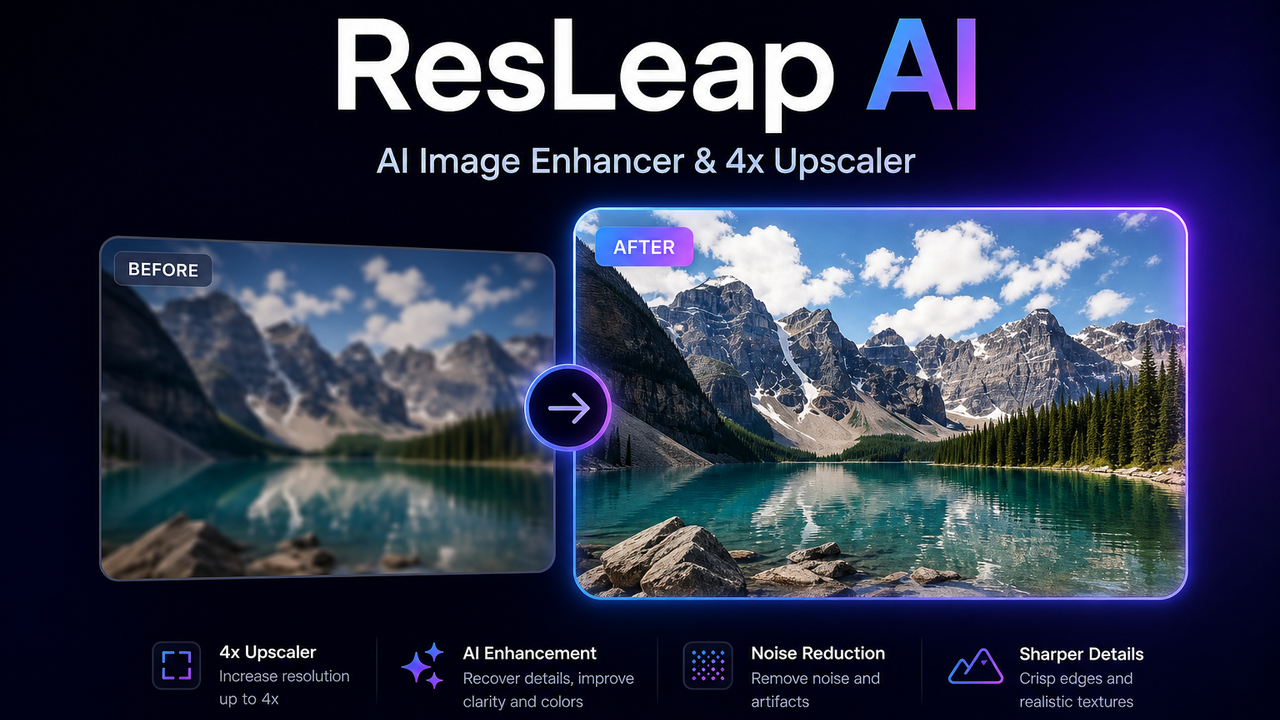

AI image enhancer and 4x upscaler
What is an AI image enhancer?
An AI image enhancer improves photo quality — upscaling resolution, sharpening, cutting noise and blur, and restoring old or damaged images — using models trained to predict missing detail. It's used to rescue low-res, compressed, or aged photos for print, e-commerce, and archives.
Core features to look for
- Upscaling to higher resolution without blur
- Denoising, deblurring, and sharpening
- Face and old-photo restoration
- Compression-artifact and JPEG cleanup
- Batch processing and common export formats
- Free tier with resolution or watermark limits
Who uses AI image enhancers, and how
01
Upscale & print
Enlarge low-res images for print, posters, and large displays.
02
Restore old photos
Repair scratches, blur, and fading in aged or damaged photos.
03
E-commerce & web
Clean up product and web images for sharper listings.
04
Free vs paid
Compare free enhancers by resolution caps and watermarks.
How does an AI image enhancer work?
AI image enhancers use models trained on pairs of low- and high-quality images to predict the detail a degraded photo is missing, then reconstruct a sharper, higher-resolution version. Because they infer plausible detail rather than recover the original, results are strong on mild degradation but limited on very blurry or tiny sources.