

Image to Image is a professional AI photo editor and image-to-image transformation tool operating within a single browser-based workspace. It empowers users to upload an existing photo and then restyle it, swap backgrounds, fuse multiple references, or apply natural-language edits, delivering new visual results in seconds. Built for designers, marketers, and product teams, this tool streamlines the creation of campaign-quality visuals. It offers specific workflows such as comprehensive style transfer, e-commerce background replacement for product shots, and maintaining character consistency across multi-frame storyboards. The inline AI photo editor allows for precise modifications like object removal, canvas extension, and perspective changes, all guided by plain English instructions without complex manual masking. By providing granular control over critical elements like faces, color, and typography, Image to Image ensures consistent and on-brand output. Users can transform existing images or generate new ones up to 4K resolution, significantly reducing the time and effort typically required for visual asset production.
AI Photo Editor · 37 tools
Best AI Photo Editor Tools (2026)
Compare AI photo editors for background removal, portrait retouching, object removal, upscaling, generative edits, and free online tools.
All AI Photo Editor tools
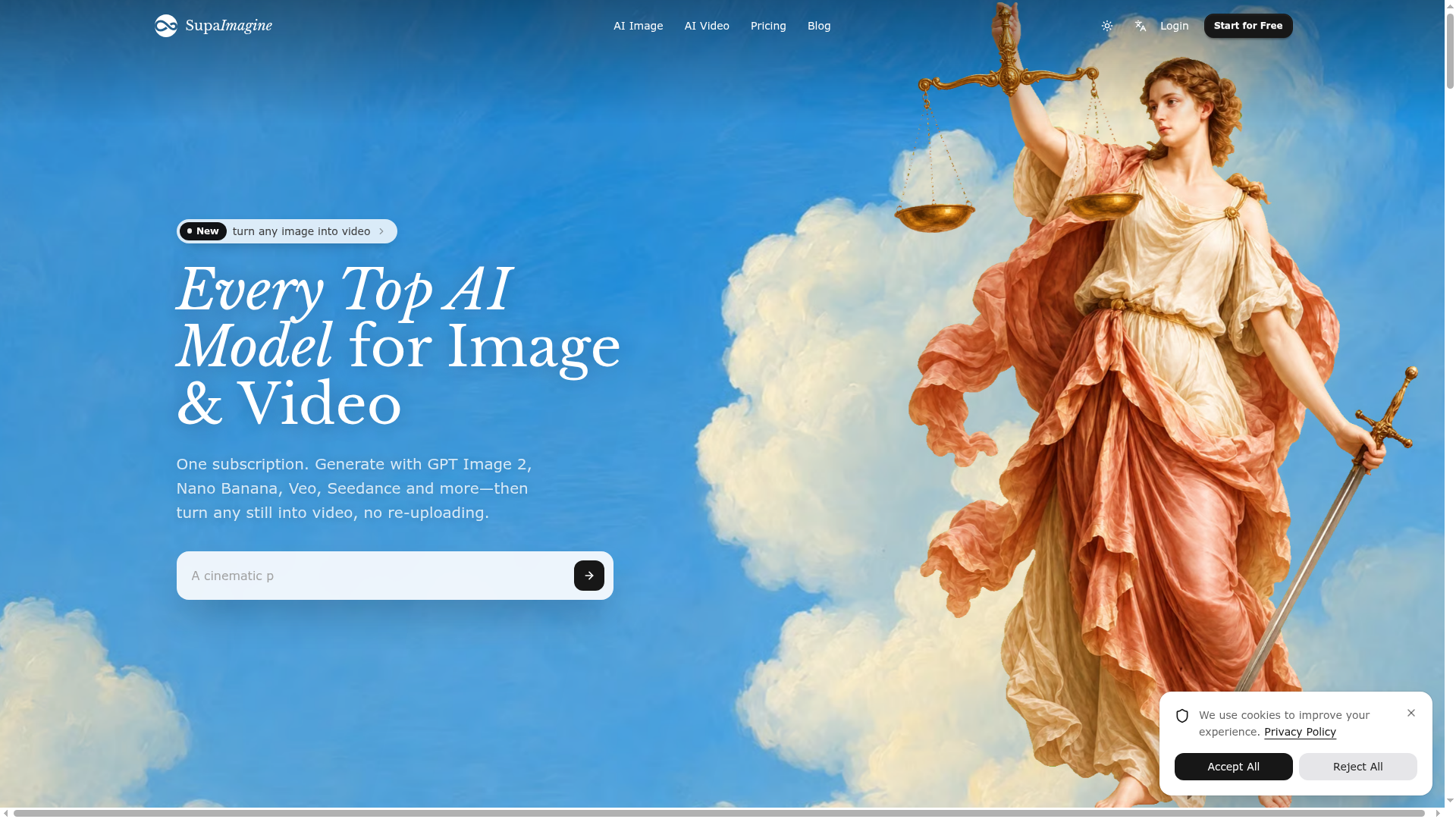

Every Top AI Model for Image & Video
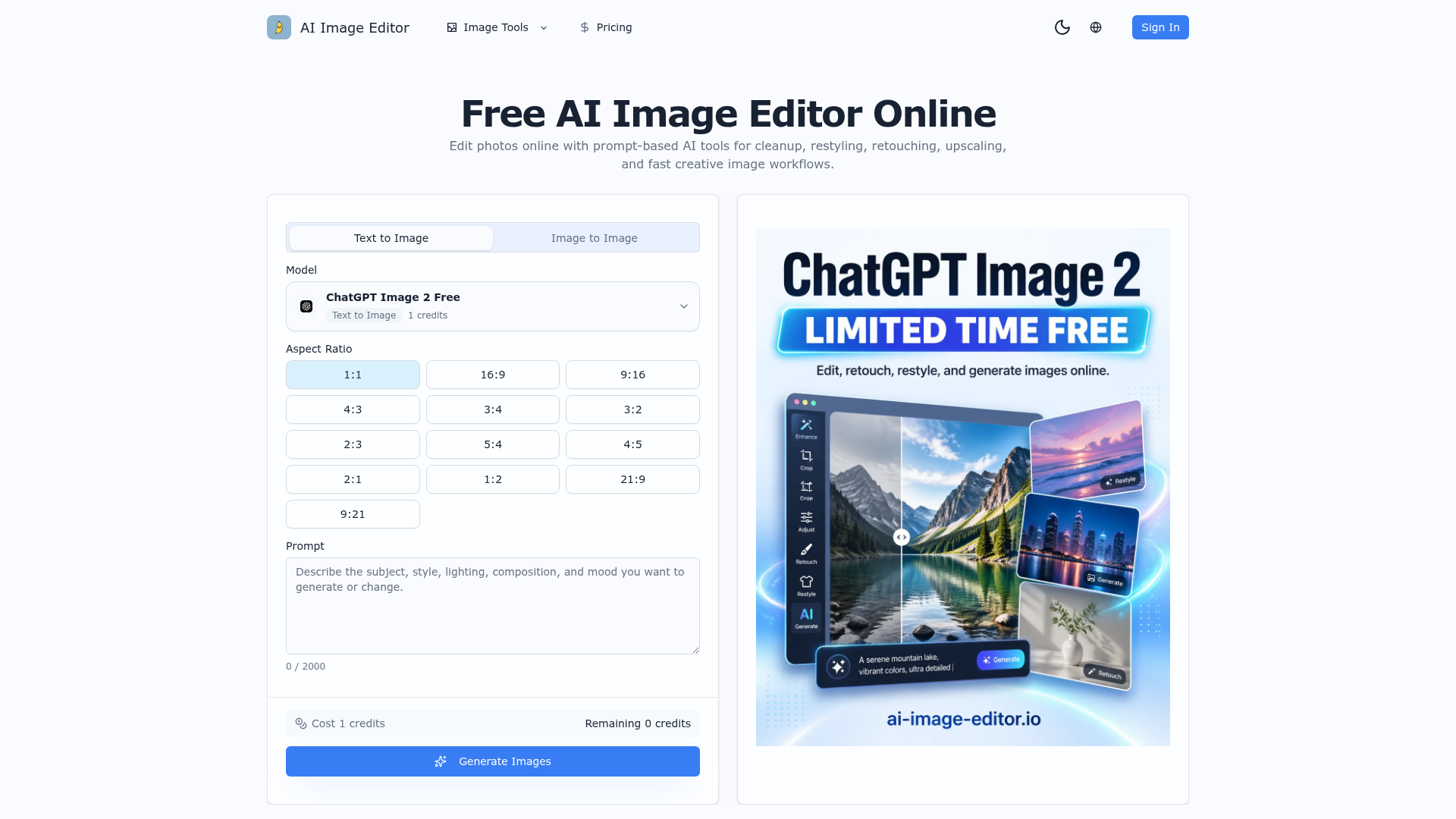

Edit photos online with prompt-based AI tools for cleanup, restyling, retouching, upscaling, and fast creative image wor
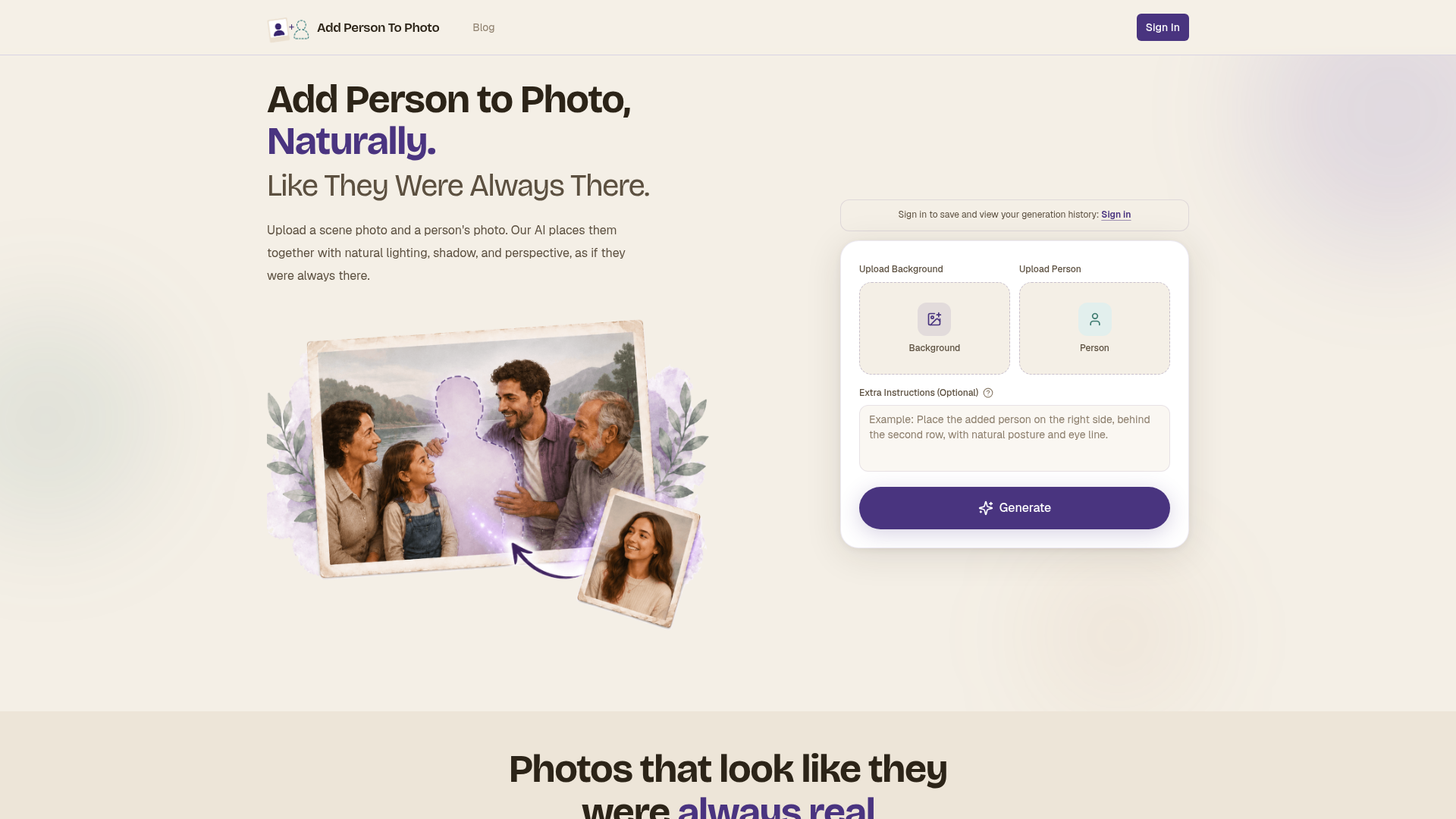

Upload a scene photo and a person's photo. Our AI places them together with natural lighting, shadow, and perspective, a
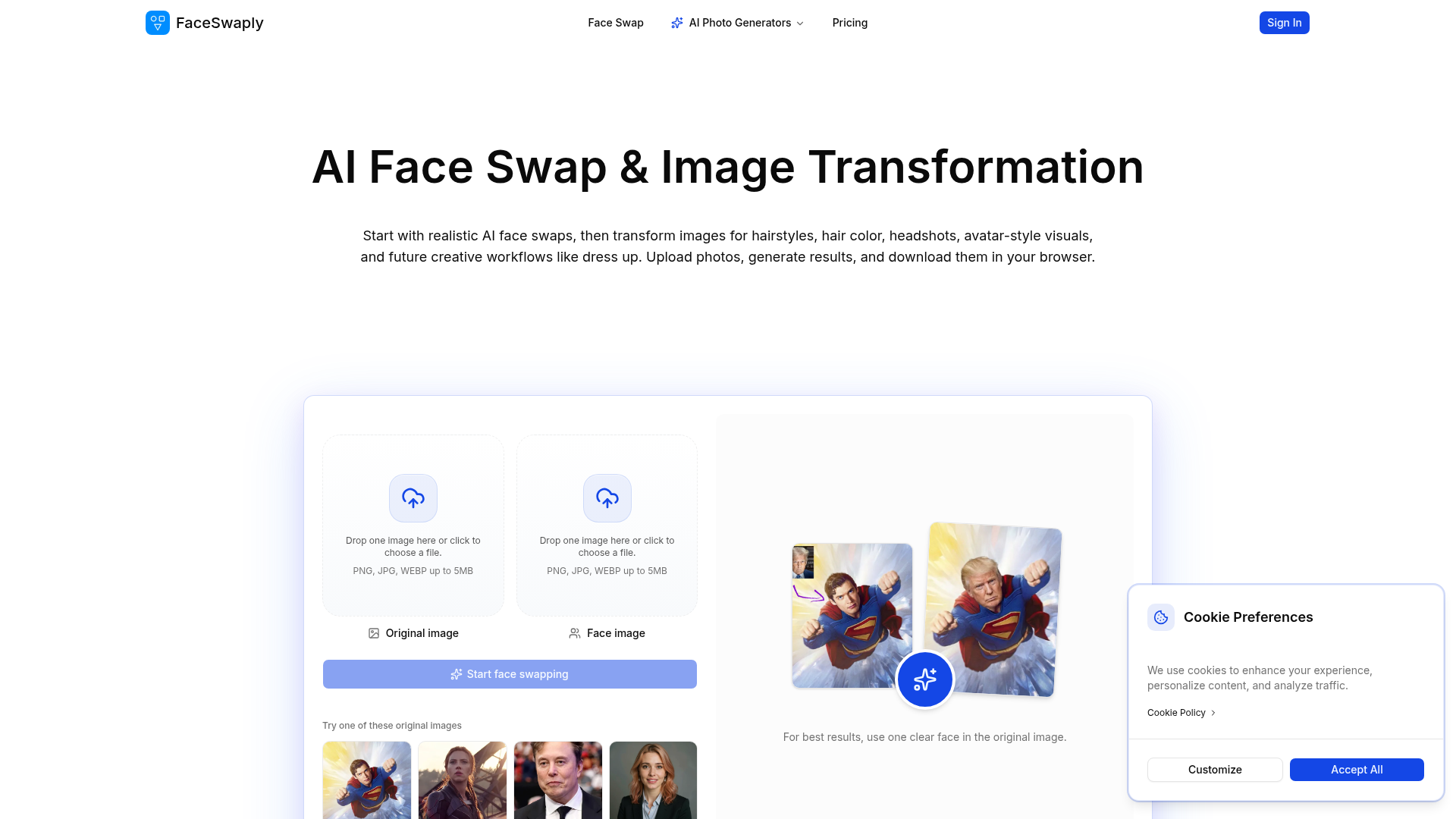
Start with realistic AI face swaps, then transform images for hairstyles, hair color, headshots, avatar-style visuals, a
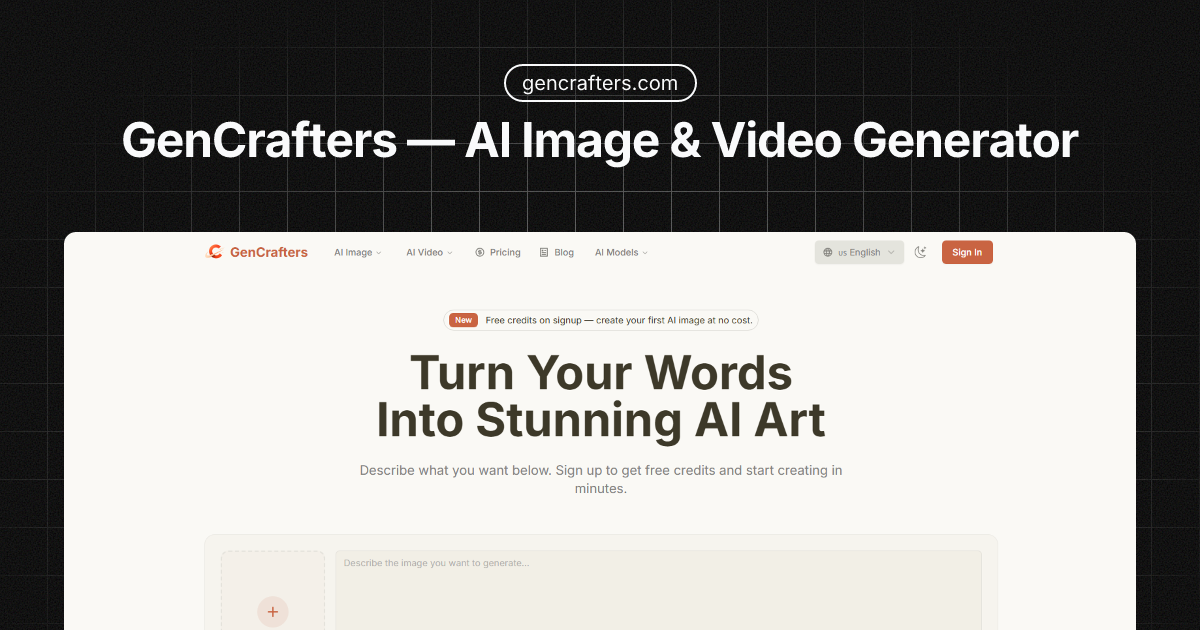
GenCrafters — Generate Stunning AI Images & Videos from Text
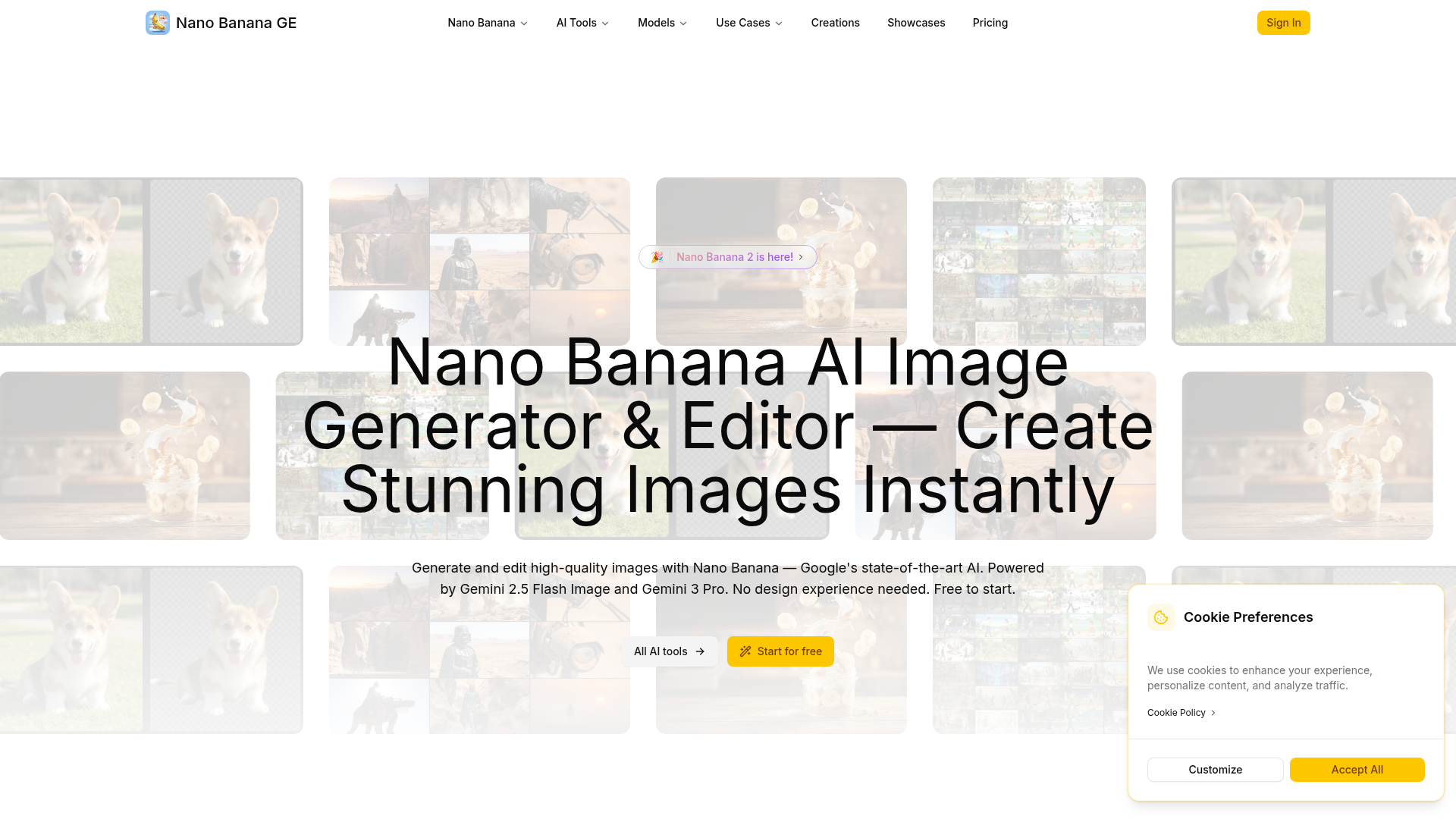
Generate and edit high-quality images with Nano Banana — Google's state-of-the-art AI. Powered by Gemini 2.5 Flash Image
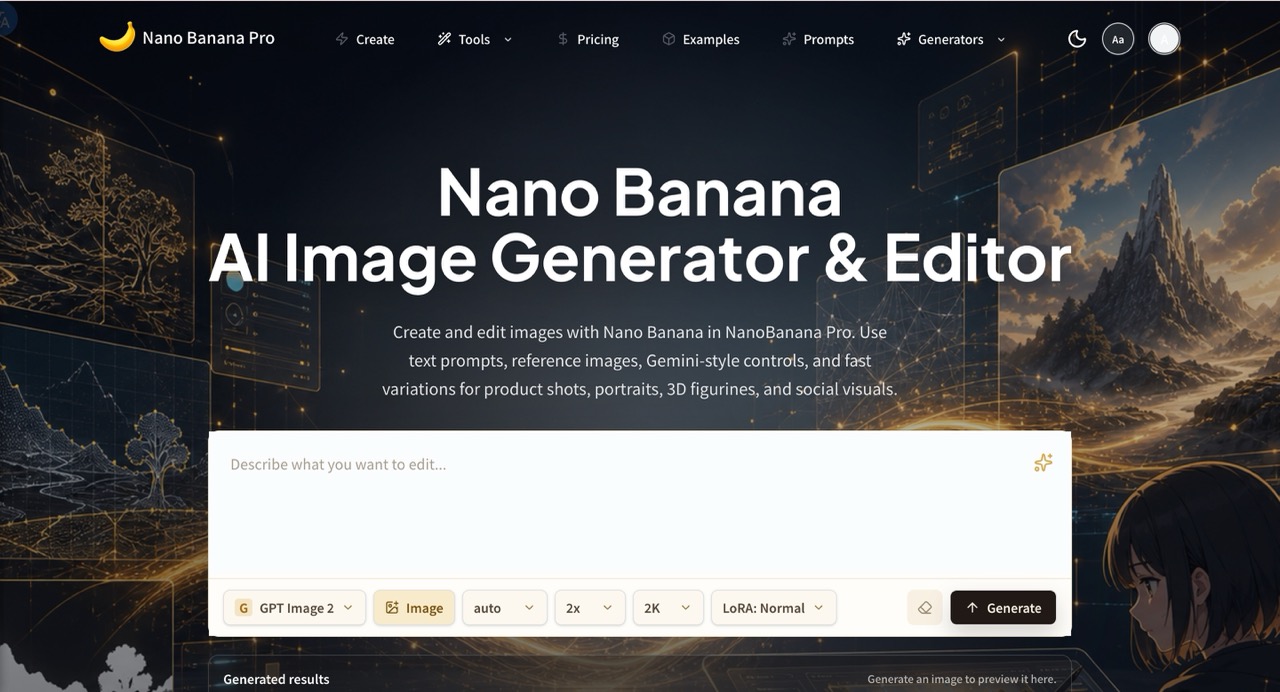
NanoBanana Pro is an AI image generator and editor for creating, editing, and refining images with text prompts, reference images, and fast visual variations.
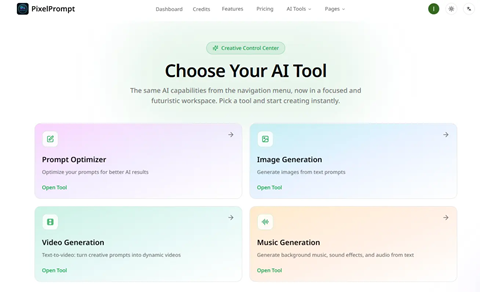
Your AI-Powered Creative Studio
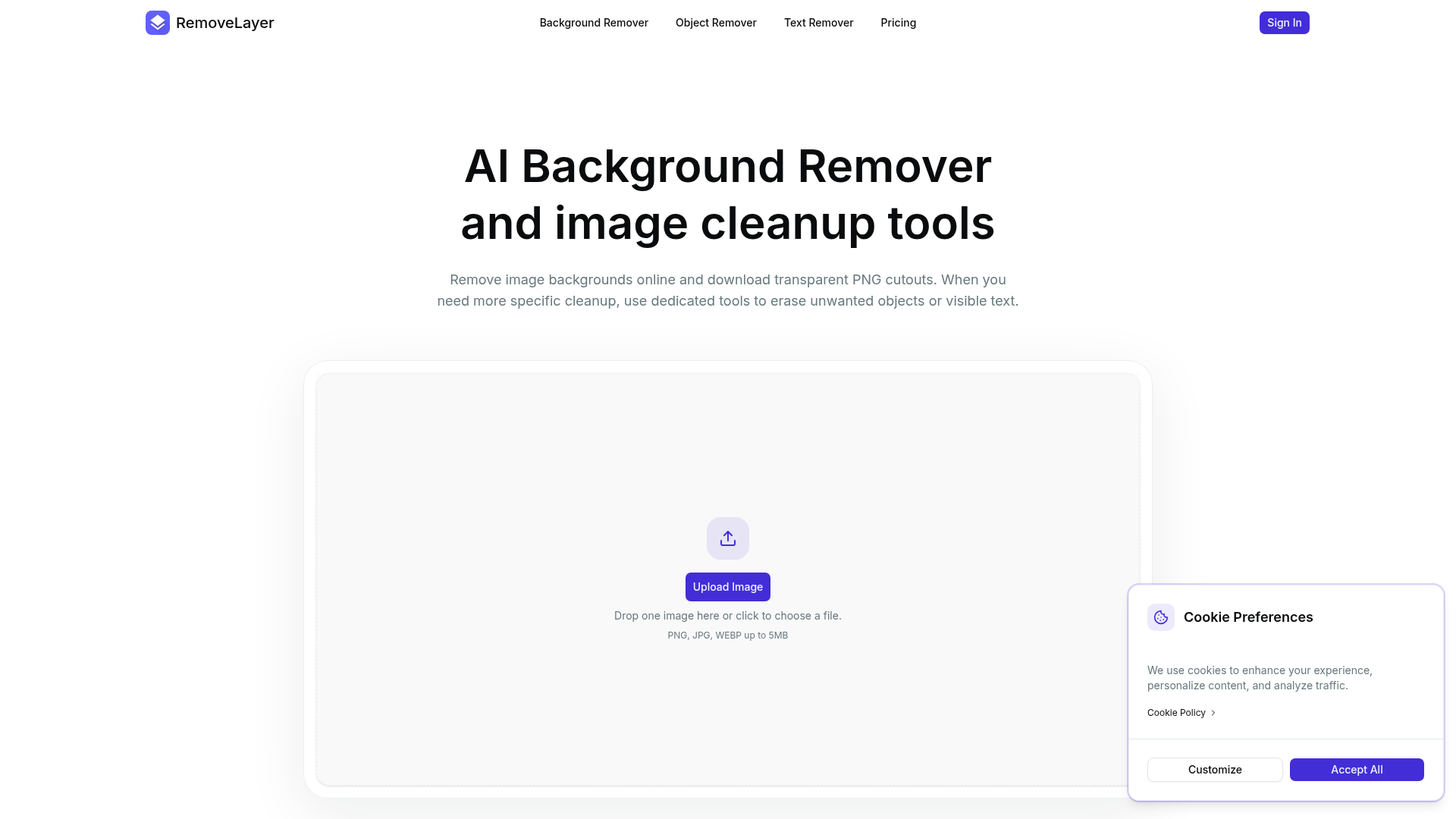

Remove image backgrounds, objects, and text online with AI-powered tools for transparent PNG cutouts and image cleanup.
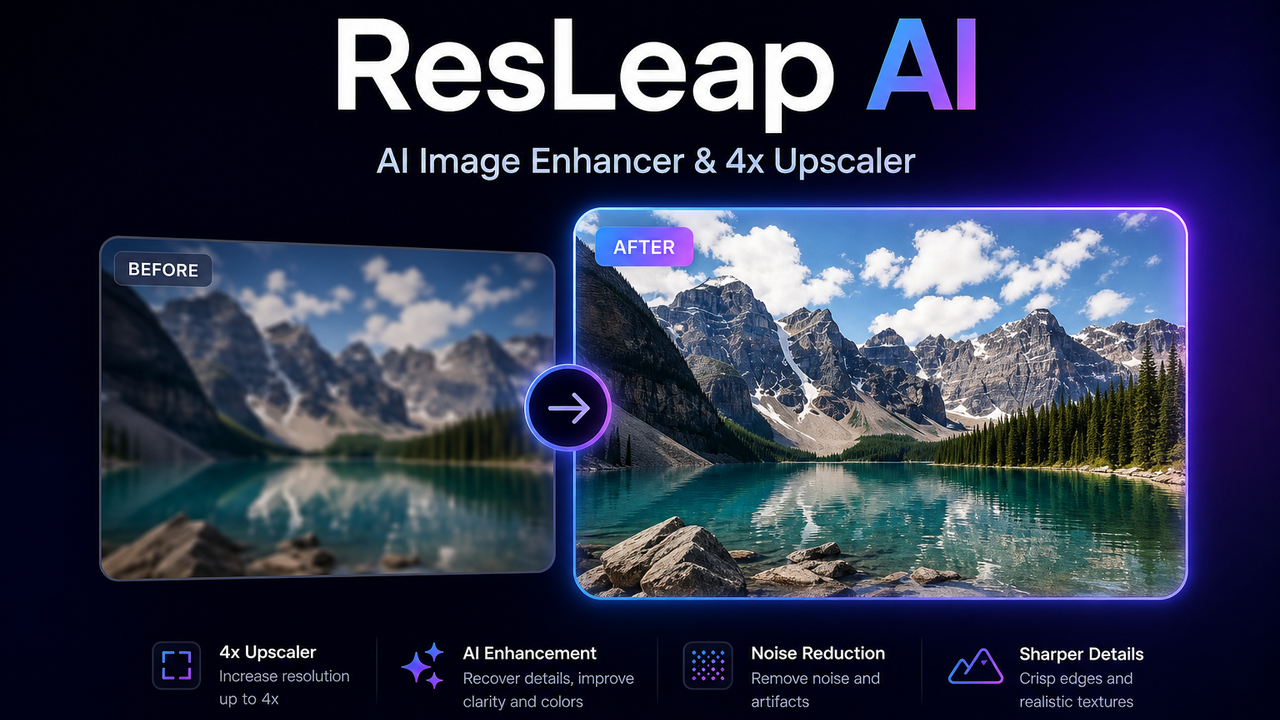

AI image enhancer and 4x upscaler
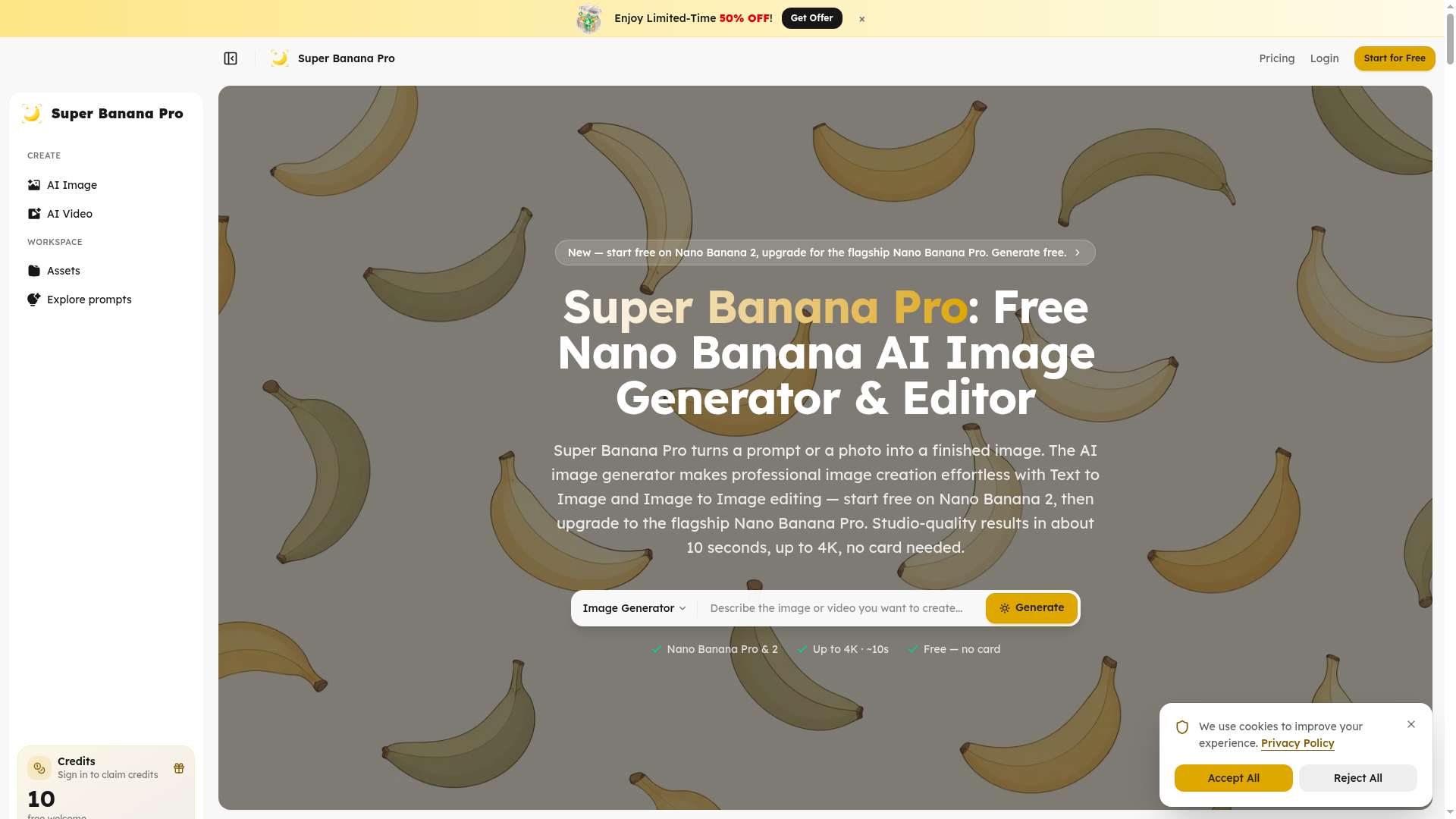

Super Banana Pro turns a prompt or a photo into a finished image, making professional image creation effortless with AI
What is an AI photo editor?
An AI photo editor edits images from a text prompt or one click, instead of manual masking and layers. It can remove or replace backgrounds, retouch portraits, erase objects, upscale resolution, and restyle a photo. Tools range from full editors to single-purpose apps for one task like background removal.
Core features to look for
- One-click background removal and replacement
- Object and people removal with clean fill
- Portrait retouching: skin, blemishes, and lighting
- Upscaling and denoising for low-res photos
- Generative edit or fill from a text prompt
- Batch processing and common export formats
Who uses AI photo editors, and how
Background removal
Sellers and marketers cut out products or people for clean, consistent listings and ads.
Portrait retouching
Photographers smooth skin, fix lighting, and enhance headshots without manual editing.
Object & people removal
Erase photobombers, logos, or clutter and let AI fill the gap naturally.
Restore & upscale
Sharpen, denoise, and enlarge old, blurry, or low-resolution photos.
How does an AI photo editor work?
AI photo editors run trained vision models that recognize faces, objects, and backgrounds, then edit at the pixel level. Background removal separates subject from background, object removal inpaints the gap with plausible pixels, and upscalers predict detail to enlarge without blur. Generative editors use diffusion models to add or change content from a prompt.