

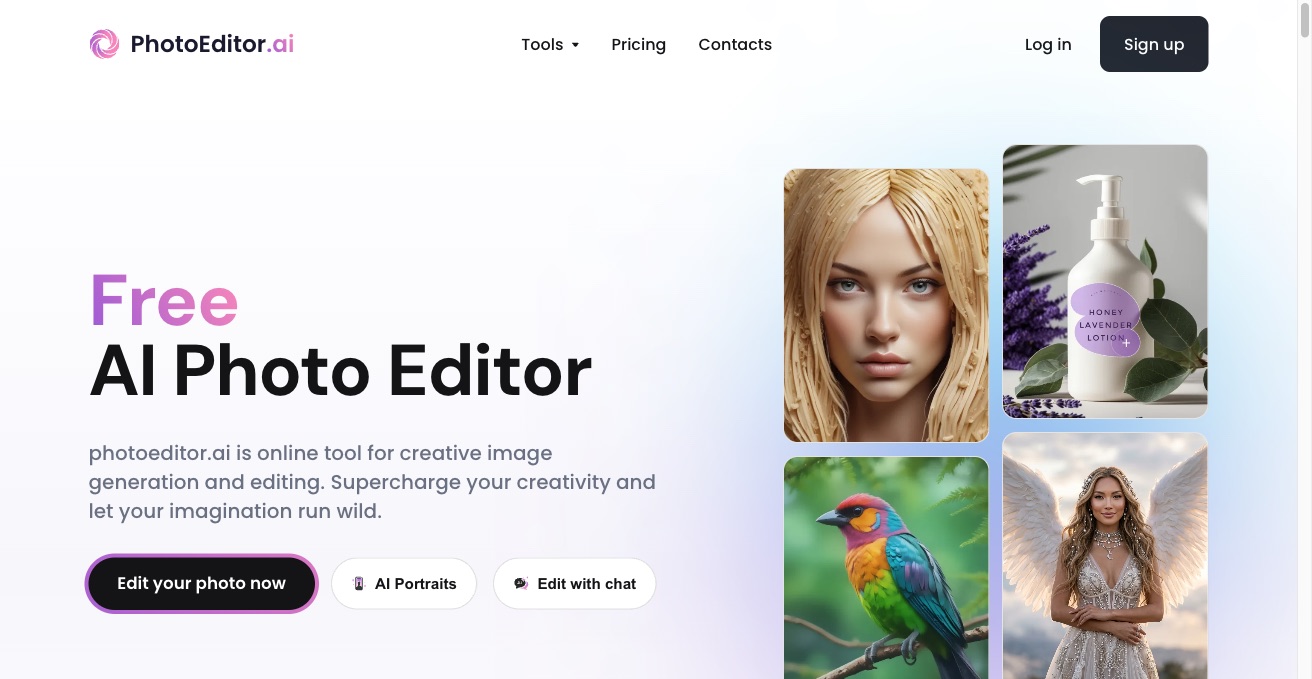

PhotoEditor.ai is a free AI photo editor and image generator. Remove backgrounds, upscale, apply filters, and generate new images from text in one browser toolkit.
AI Photo Editor · 37 tools
Best AI Photo Editor Tools (2026)
Compare AI photo editors for background removal, portrait retouching, object removal, upscaling, generative edits, and free online tools.
All AI Photo Editor tools
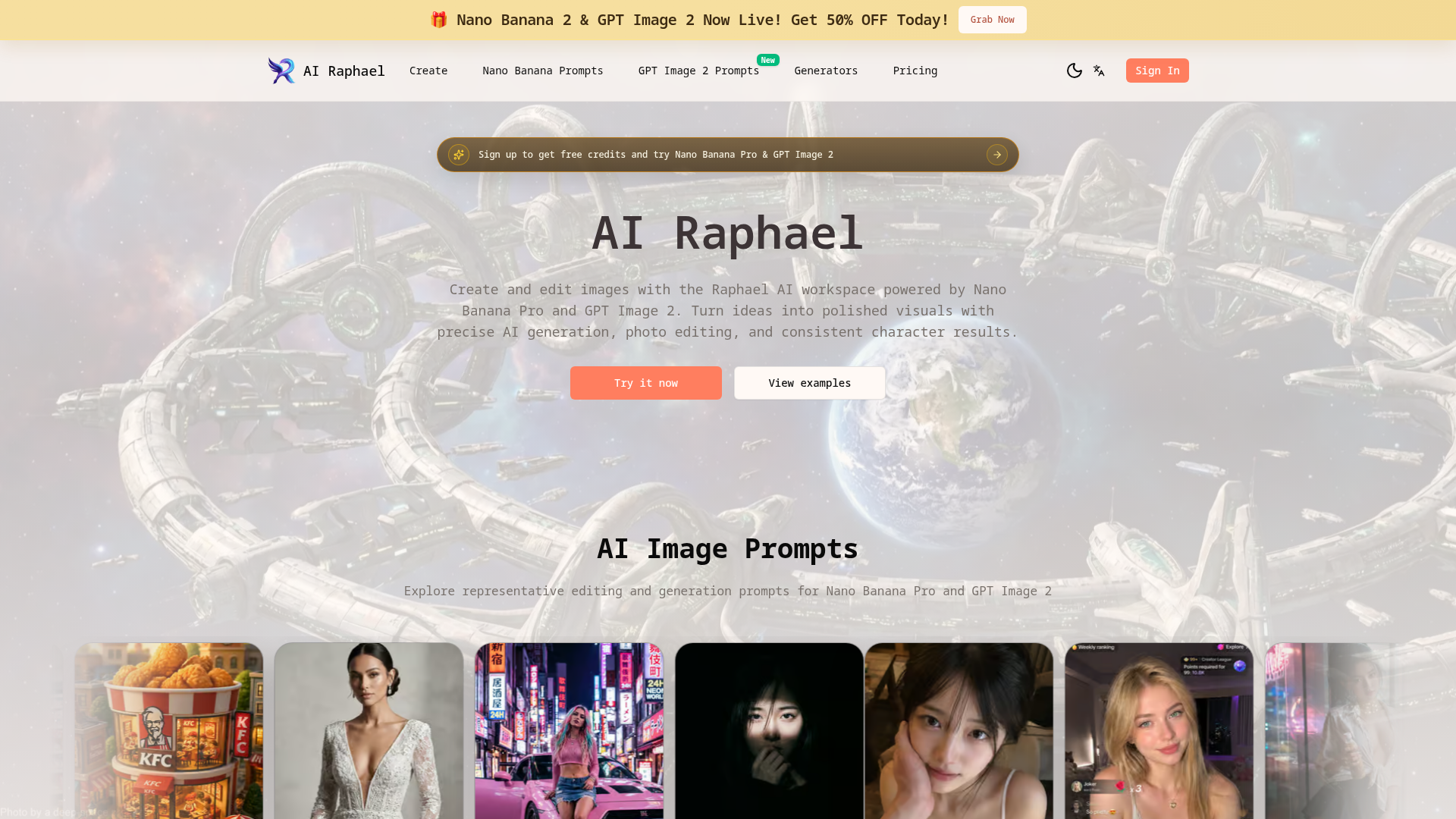

AI Raphael: Create and edit images with precise AI generation, photo editing, and consistent character results.
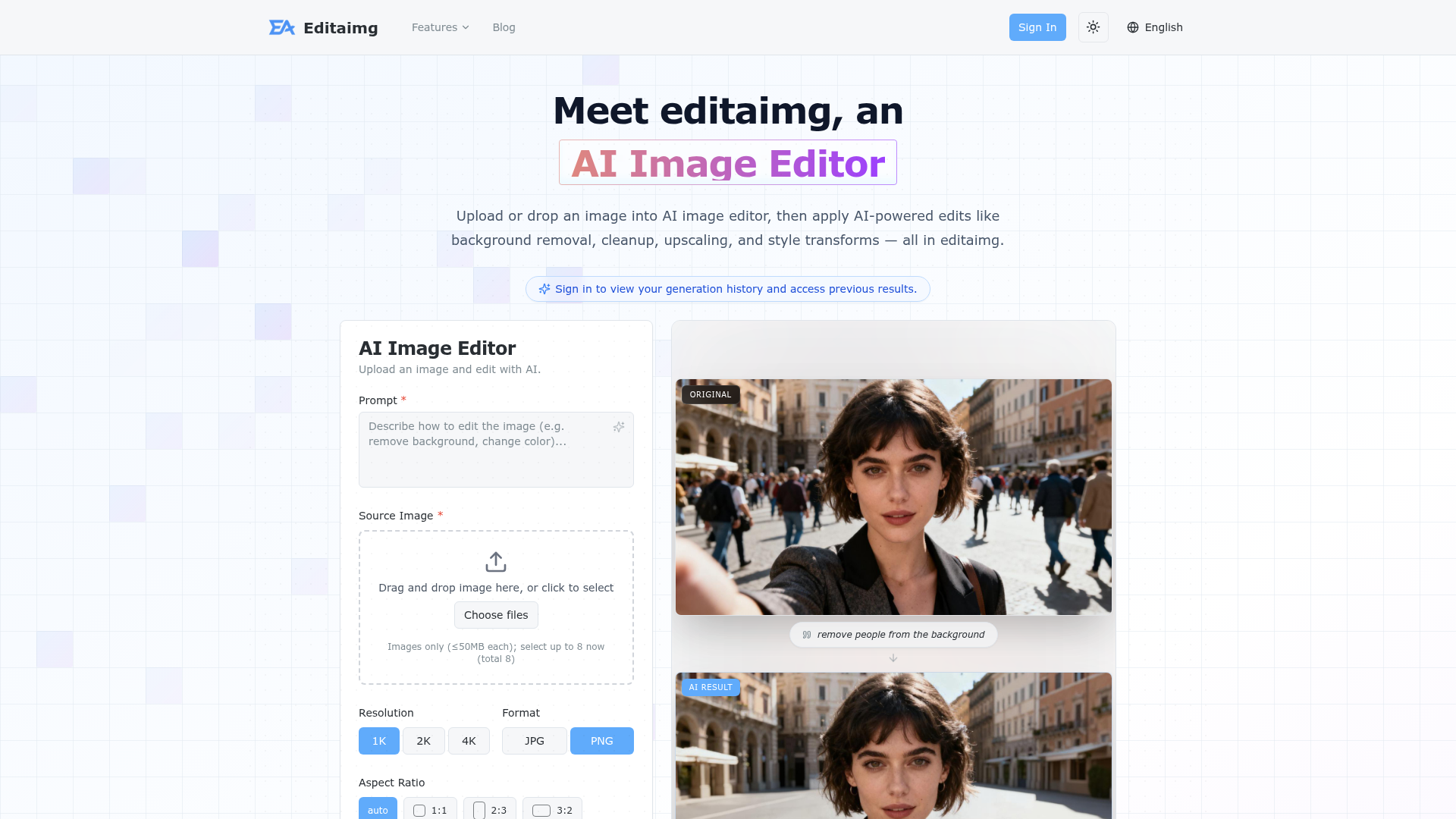

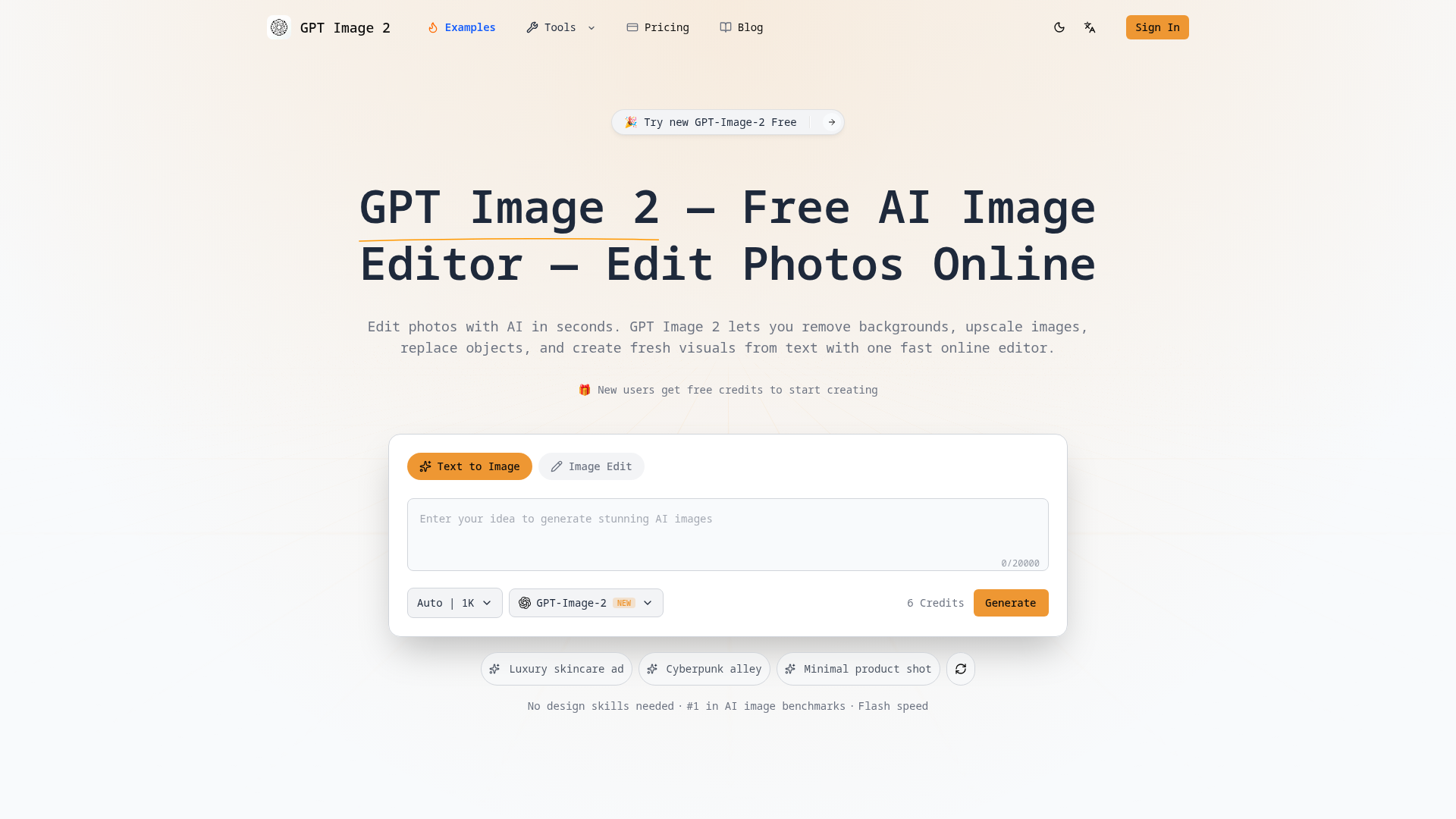

Edit photos with AI in seconds. Remove backgrounds, upscale images, replace objects, and create visuals from text with o
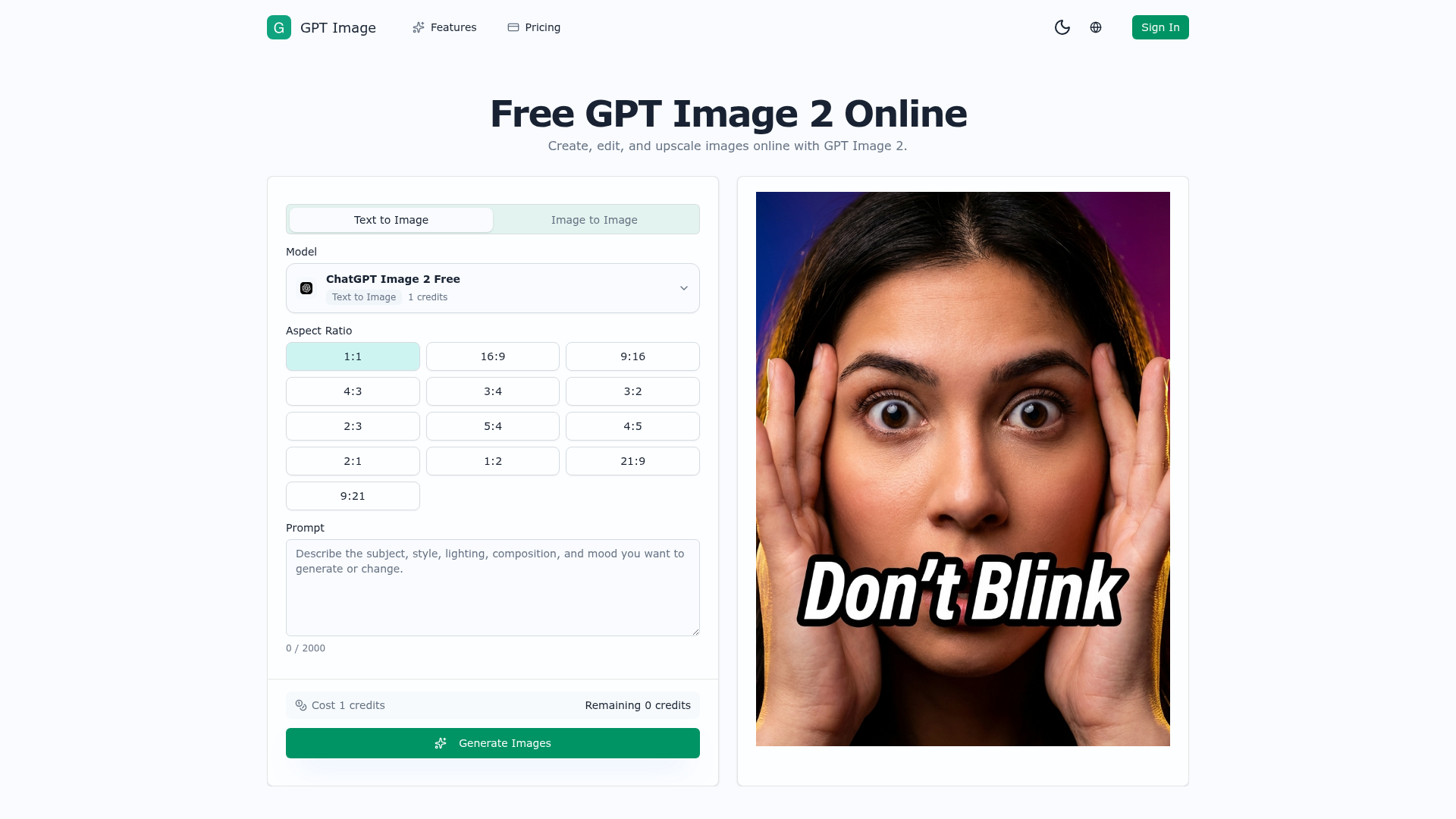

AI image generator and photo editor for prompt edits, upscaling, cleanup, and creative assets.
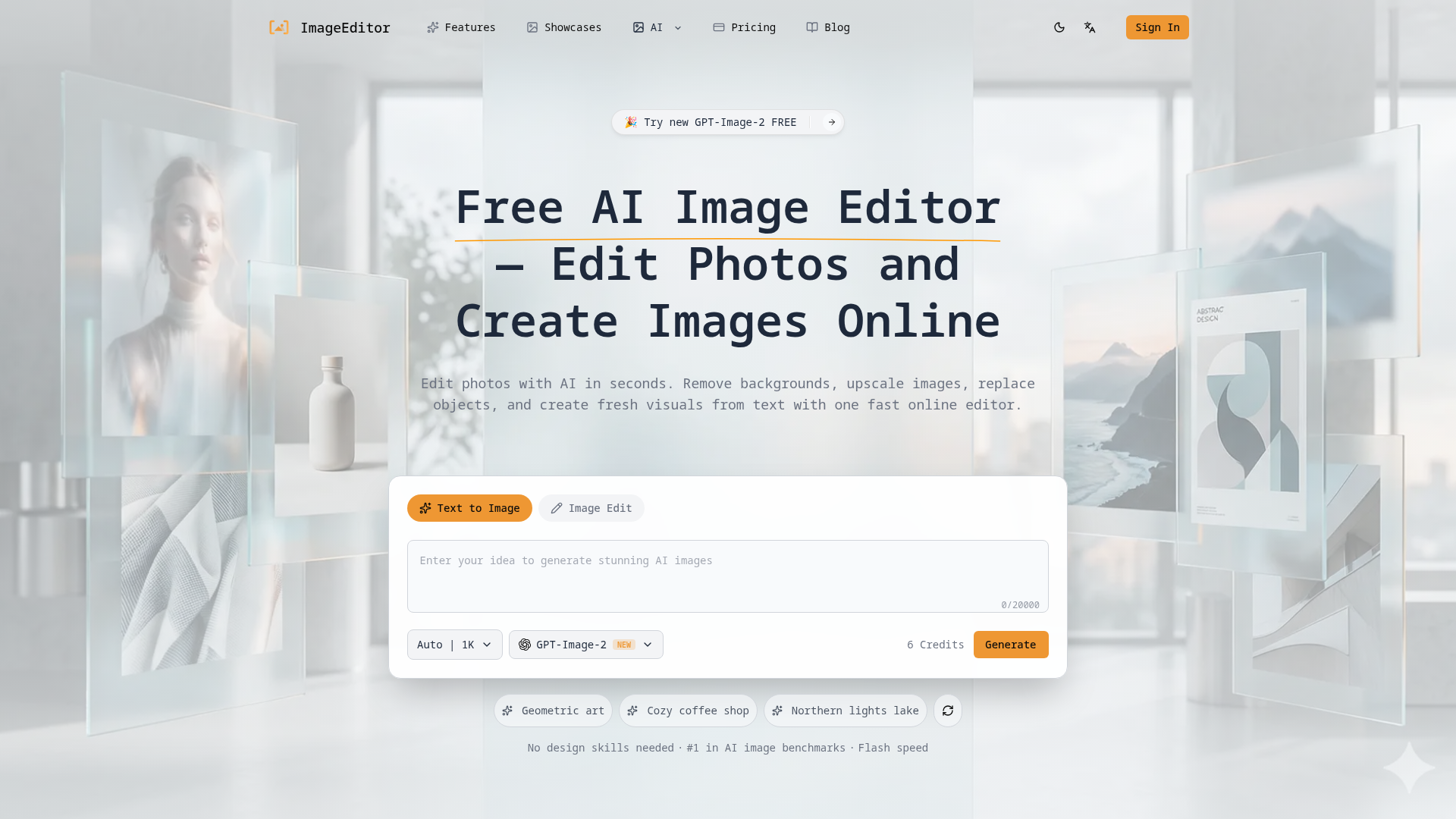

Edit photos with AI in seconds, remove backgrounds, upscale images, replace objects, and create fresh visuals from text
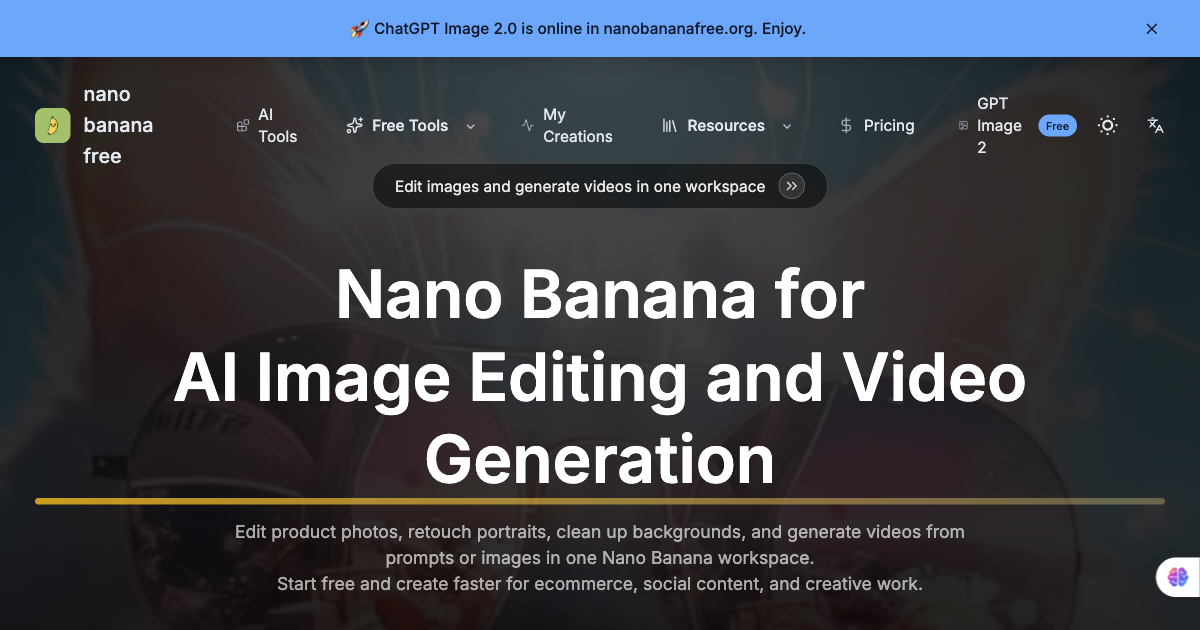
Free AI image editor and video generator for Nano Banana workflows.
AI-powered tool to remove handwriting from images, PDFs, and scanned documents while preserving original quality.
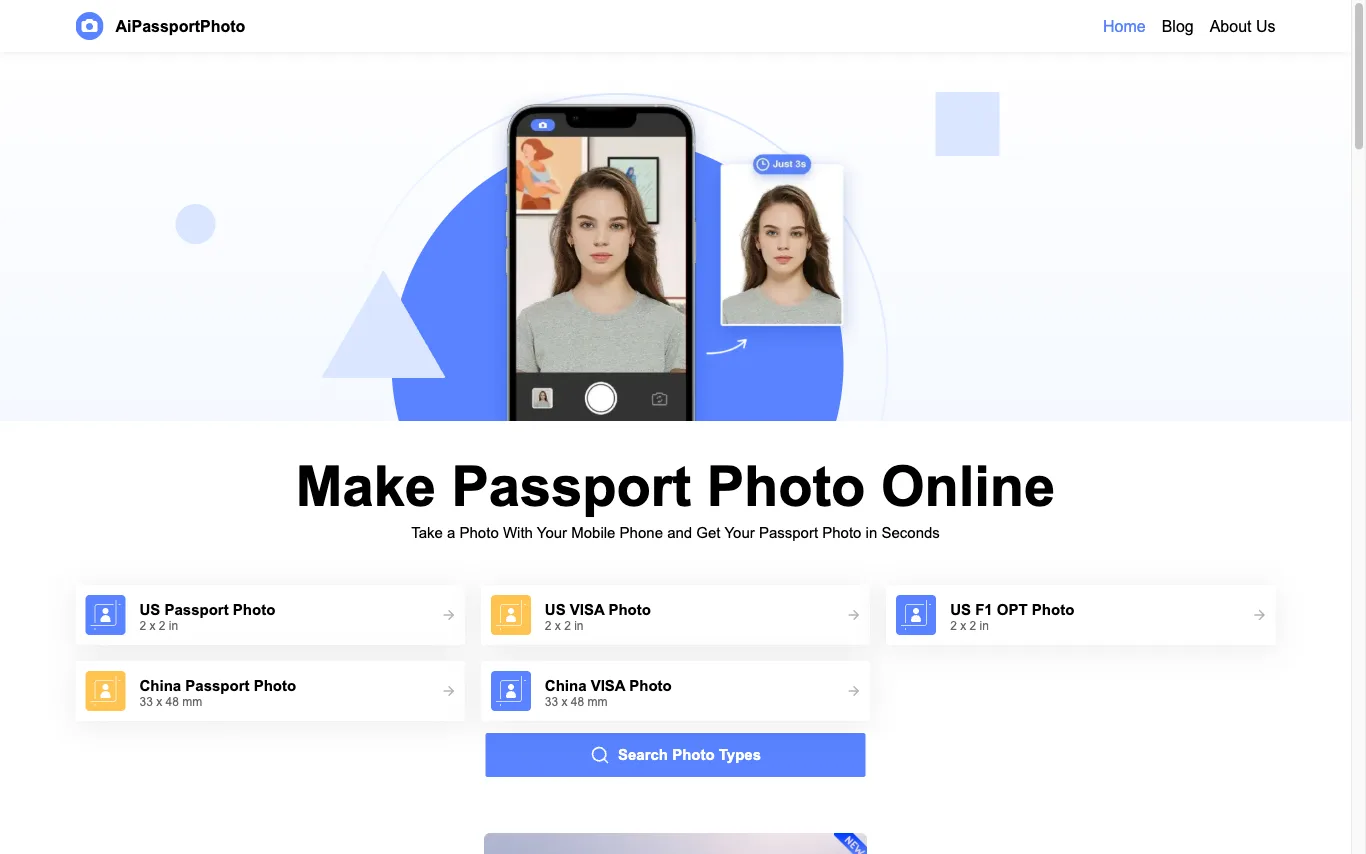

AiPassportPhoto crops, resizes and replaces the background of a phone photo to meet official passport, visa and ID specs across ten countries.
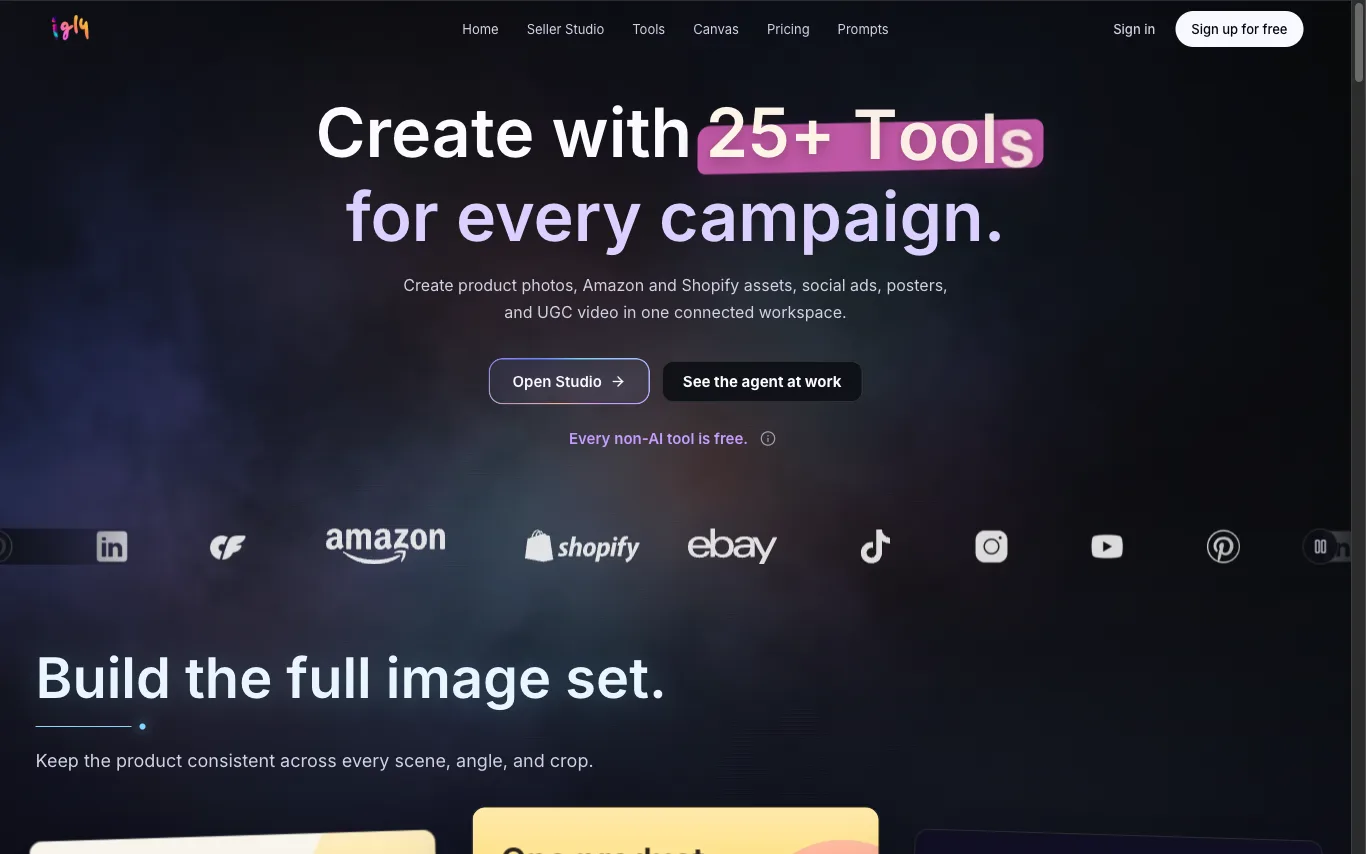
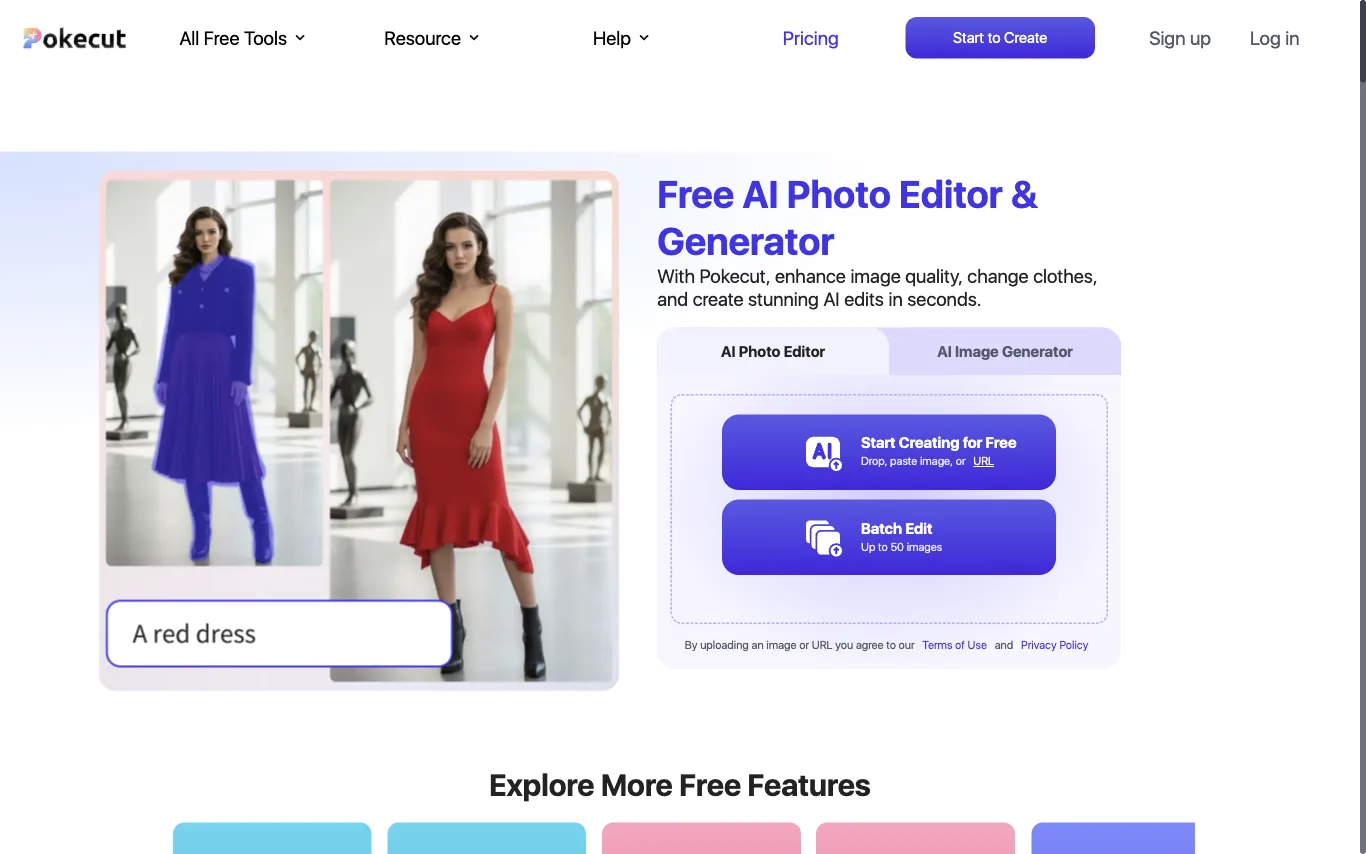

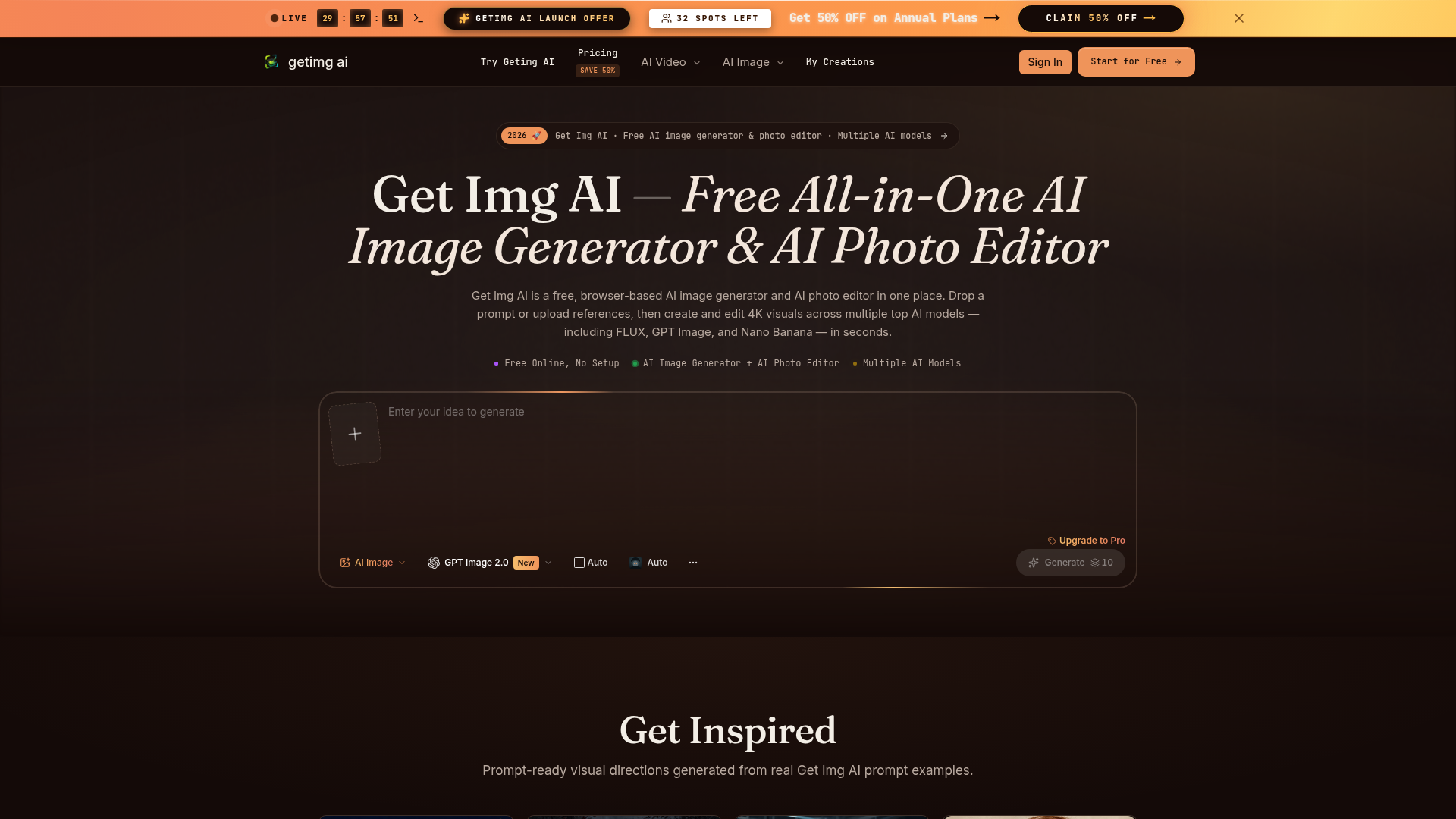

Get Img AI is a free, all-in-one AI image generator and AI photo editor accessible directly in your browser. It provides a unified workspace for creating and editing high-resolution 4K visuals, leveraging multiple advanced AI models such as FLUX, GPT Image, and Nano Banana. Users can simply drop a prompt or upload reference images to begin generating and refining their visuals in seconds. The platform is designed for designers, marketers, and product teams who need to produce campaign-quality visuals efficiently. It supports text-to-image generation, natural-language image-to-image editing, and multi-reference fusion with up to nine inputs. Key capabilities include accurate in-image text rendering and granular control over elements like faces, color, and composition. By offering precise controls over complex AI imagery aspects, Get Img AI enables creators to ship print-ready posters, social ads, product shots, and character storyboards on deadline. It streamlines creative workflows by replacing manual editing tasks with AI-powered solutions, ensuring consistent visual identity and high-quality output.
What is an AI photo editor?
An AI photo editor edits images from a text prompt or one click, instead of manual masking and layers. It can remove or replace backgrounds, retouch portraits, erase objects, upscale resolution, and restyle a photo. Tools range from full editors to single-purpose apps for one task like background removal.
Core features to look for
- One-click background removal and replacement
- Object and people removal with clean fill
- Portrait retouching: skin, blemishes, and lighting
- Upscaling and denoising for low-res photos
- Generative edit or fill from a text prompt
- Batch processing and common export formats
Who uses AI photo editors, and how
01
Background removal
Sellers and marketers cut out products or people for clean, consistent listings and ads.
02
Portrait retouching
Photographers smooth skin, fix lighting, and enhance headshots without manual editing.
03
Object & people removal
Erase photobombers, logos, or clutter and let AI fill the gap naturally.
04
Restore & upscale
Sharpen, denoise, and enlarge old, blurry, or low-resolution photos.
How does an AI photo editor work?
AI photo editors run trained vision models that recognize faces, objects, and backgrounds, then edit at the pixel level. Background removal separates subject from background, object removal inpaints the gap with plausible pixels, and upscalers predict detail to enlarge without blur. Generative editors use diffusion models to add or change content from a prompt.