


Aftershoot
AI photo culling and editing software for photographers — cut post-production from hours to minutes.
What is Aftershoot?
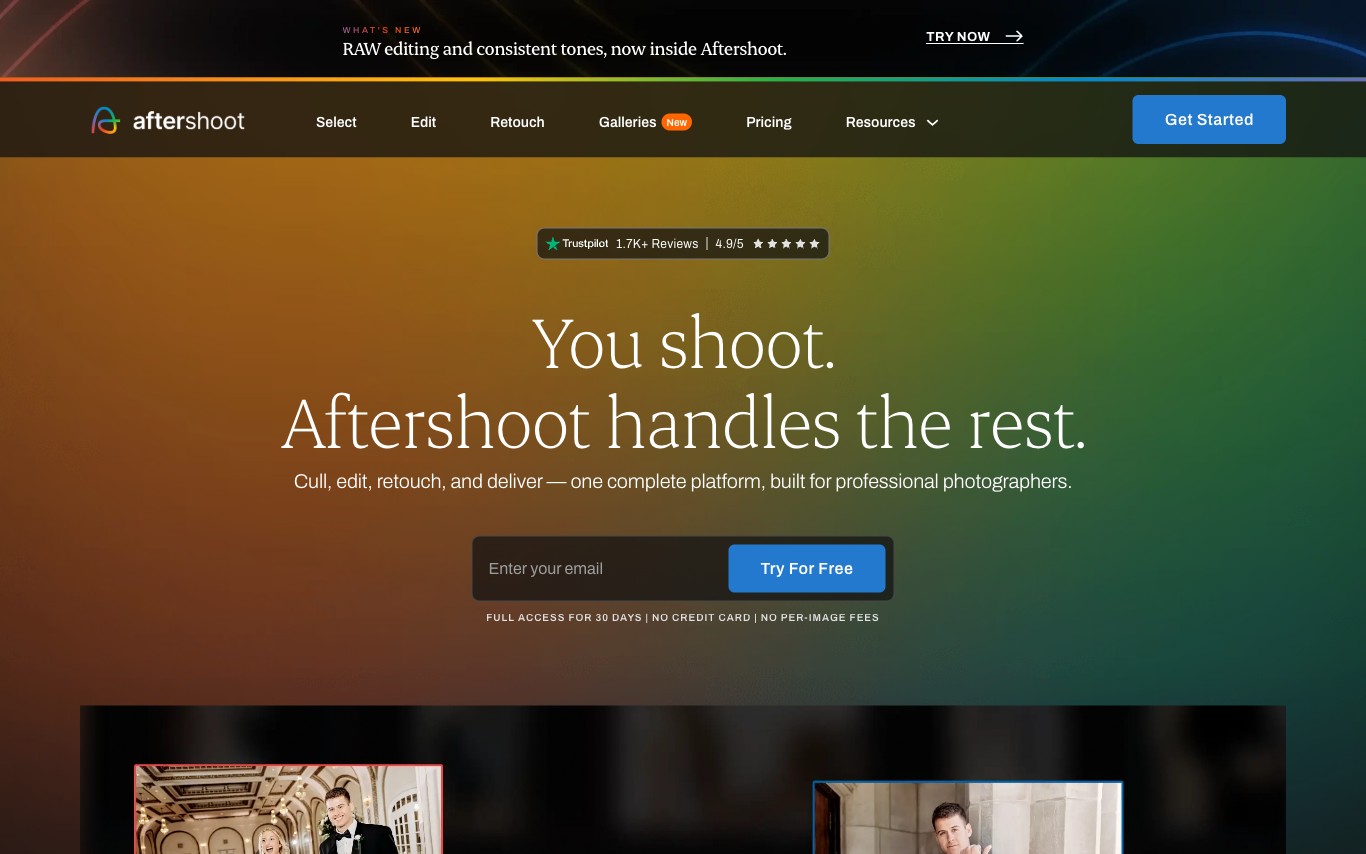
Aftershoot is an AI photo culling and editing desktop application for professional photographers. It automatically selects the best shots from large batches, applies per-photographer editing presets, and offers AI retouching — cutting post-production time from hours to minutes.
What can Aftershoot do?
- 01
AI Photo Culling
Analyze thousands of photos in minutes to automatically select the sharpest, best-exposed, and most expressive shots.
- 02
Smart Preset Application
Apply Lightroom-compatible presets with AI adjusting exposure and color corrections to match individual editing styles.
- 03
AI Portrait Retouching
Automatically retouch portraits including skin smoothing, blemish removal, and eye enhancement without manual selections.
- 04
Shoot Consistency
Maintain uniform look across an entire event gallery by applying edits relative to lighting conditions per scene.
- 05
Lightroom and Capture One Integration
Export curated and edited images directly to Lightroom Classic or Capture One for final review and delivery.
Use Cases
- Wedding photographers — Cull 2000+ wedding photos down to selects and apply edits in under an hour, delivering galleries to clients faster.
- Portrait photographers — Let AI handle routine skin retouching across headshot sessions to focus creative energy on direction rather than post-processing.
Quick facts about Aftershoot
- Pricing
- Trial$0ProContact salesas of Jun 20, 2026 — may be outdatedView official pricing
- Domain Rating
- Platforms
- windows·macos
Frequently Asked Questions
Aftershoot Traffic Analysis
Alternatives to Aftershoot
Looking for a Aftershoot alternative? Compare these curated AI tools that offer similar features and use cases.

Picsart
Picsart is an AI-powered creative platform offering photo editing, graphic design, and generative AI tools. It provides templates, asset libraries, and AI features for individuals and teams to create visual content quickly.

Photoroom
AI-powered photo editing tool and listing studio for professional-quality product visuals tailored to e-commerce businesses and social media creators.

Pixelcut
Pixelcut is an AI photo and video editing platform for e-commerce sellers and creators. It offers background removal, AI lifestyle shots, batch editing, and a Creative Agent that plans and executes tasks using the best AI models.