


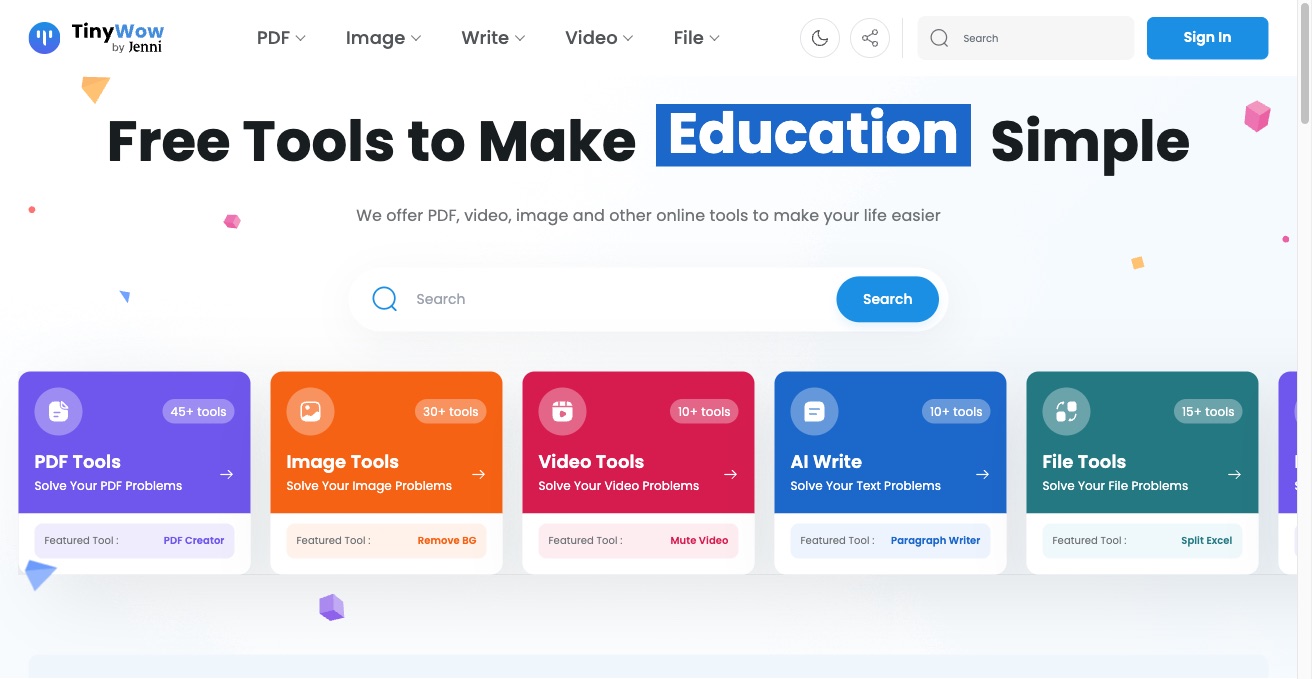

TinyWow offers 200+ free online tools for PDF, image, video, AI writing, and file conversion. All tools are free with no watermark or signup required.
Best AI Photo Editor Tools (2026)
Compare AI photo editors for background removal, portrait retouching, object removal, upscaling, generative edits, and free online tools.
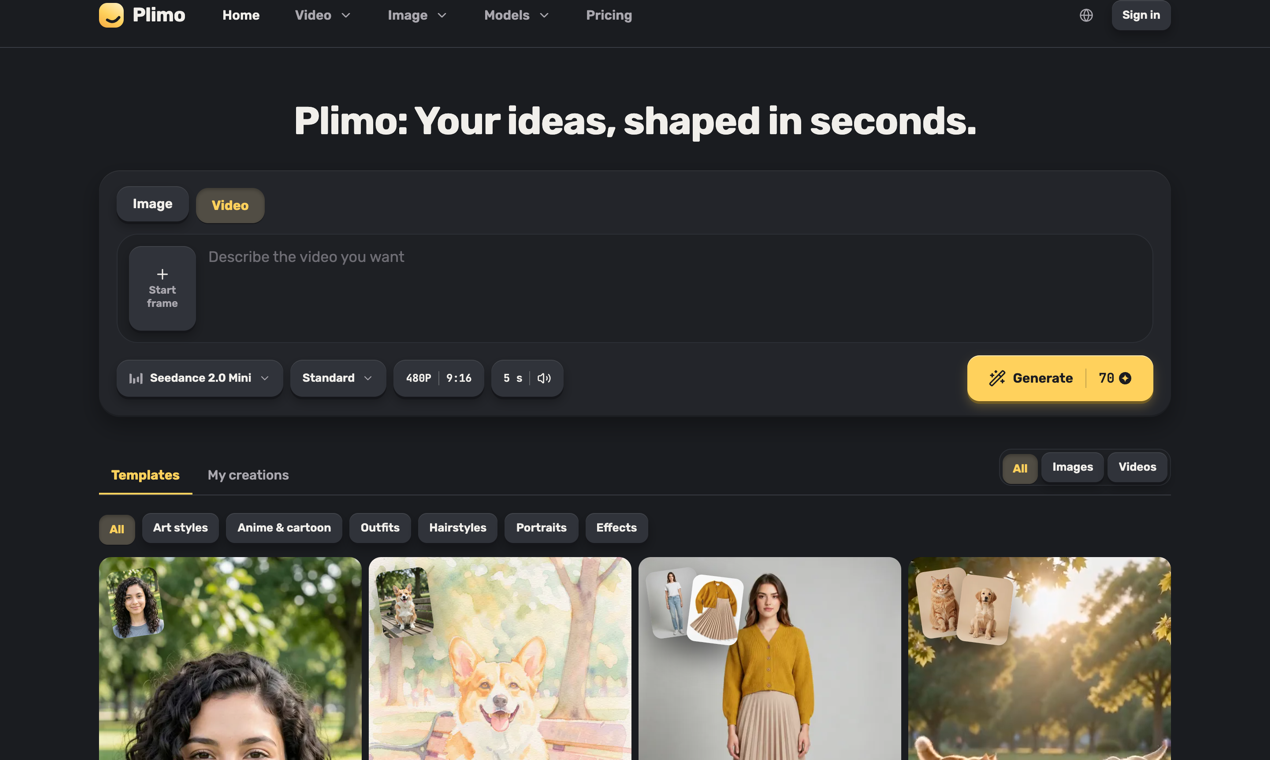

Plimo is an all-in-one home for the newest AI image and video models. We bring the best of them together and do the hard part for you: clear choices, sensible defaults, and a growing library of templates built around what's trending on social media right now. You don't need to learn prompting to get something you'll love. Pick a template, add your photo, and get a result in one click, or write your own idea and shape it however you like. Templates cover the things people actually want to make: an old family photo that smiles and waves, a hug with a friend who lives far away, a haircut you can see on your own head before you book it, a dancing pet, or a product photo for a small shop. If you'd rather write your own prompt, the generator puts image and video models from Google, OpenAI, ByteDance, Kuaishou and others side by side, grouped by company, with the settings each one supports. You always see the credit cost on the Generate button before you start, and a failed generation gives every credit back. New accounts get 100 free credits once, with no credit card, and every result comes without a watermark. Members get more credits each month and the right to use results commercially, with plans from $15 a month or half that billed yearly. Plimo is available in 14 languages. Whether you're making something for your followers, a surprise for a friend, or just playing around, Plimo turns what you imagine into something you can see, share and enjoy.
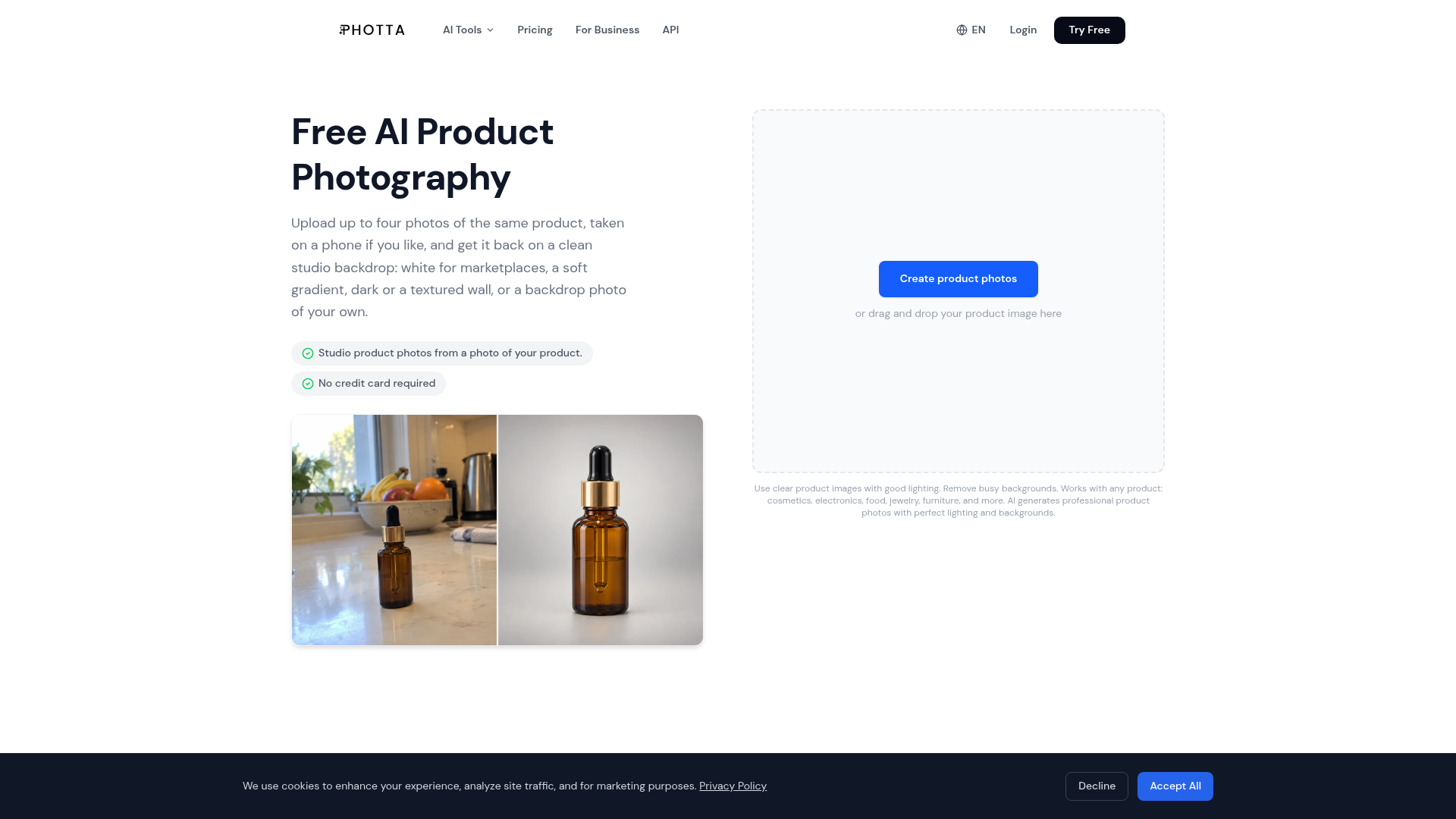

Photta turns one plain product photo into photos you can sell with. Upload a phone photo of your product, then choose what you need: a studio shot on a clean backdrop (pure white for marketplaces, soft gradients, dark settings, textured walls, or your own backdrop photo), on-model photos for clothing, jewelry and eyewear, or a 3D ghost mannequin shot. It is made for sellers on Etsy, Shopify, Amazon and regional marketplaces who need catalog and listing photos without a studio, a photographer or a retoucher. Photta also makes short product videos, and the product photo tools are available through an API. The site and the app work in 19 languages. You can try Photta free on your own product photo, no credit card required.
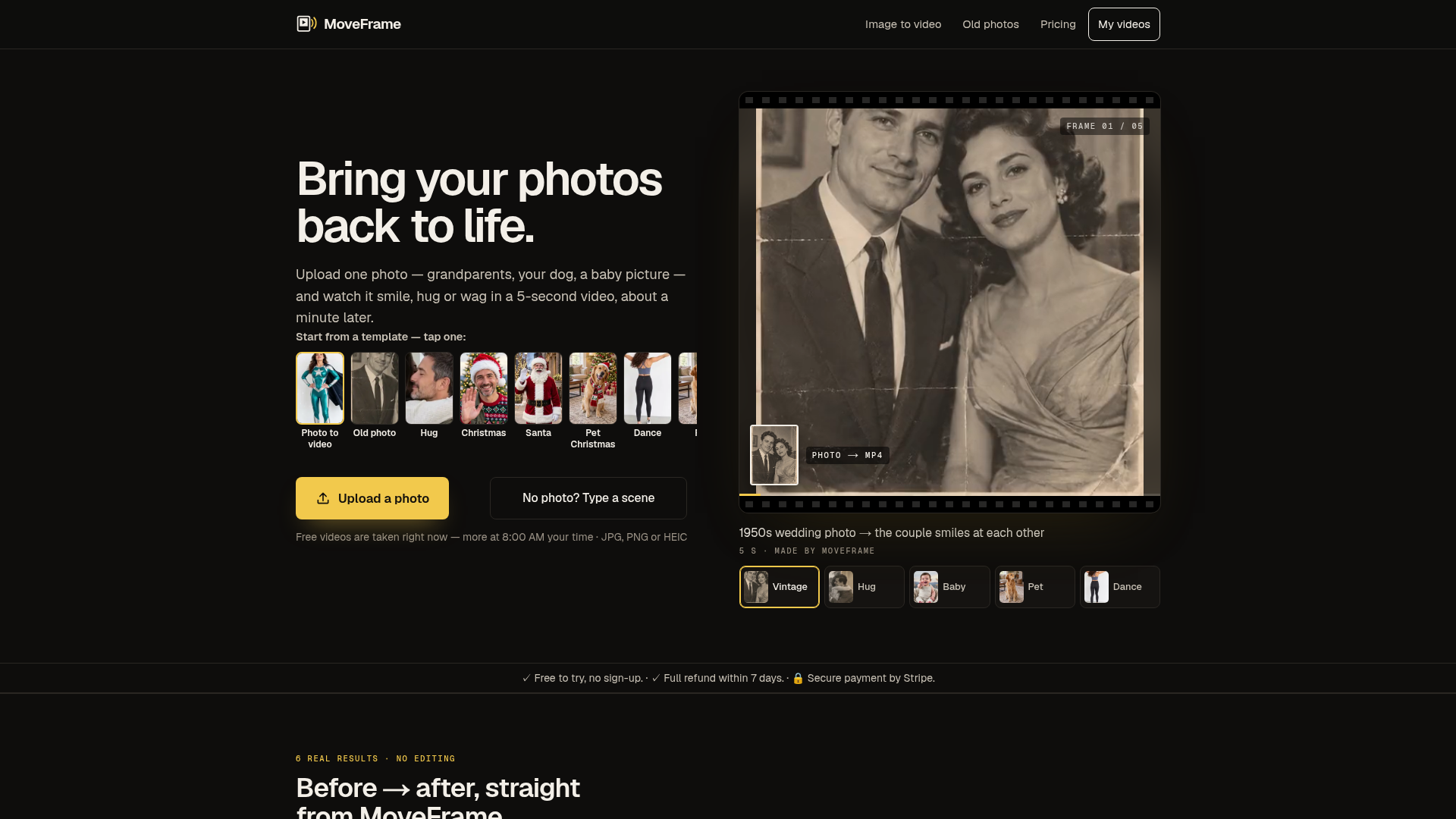

MoveFrame is an AI tool that transforms static images into dynamic 5-second videos. Users can upload a photo and select from various motions like smiling, hugging, or dancing, receiving an MP4 video in about a minute. It's designed for anyone looking to add movement and expression to their cherished memories, from old family photos to pet pictures. The platform offers a range of animation options, including natural smiles, full-body dances, and even generating a fictional baby from two adult photos. It operates without requiring an account for basic use, making it accessible for quick, creative projects. Users can also describe a scene with text to generate a custom video. MoveFrame is ideal for personalizing social media content, creating unique gifts, or simply enjoying a new way to interact with photographs. It provides a straightforward process: upload, pick a motion, and download, with options for different video lengths, qualities, and aspect ratios to suit various platforms. Utilize MoveFrame when you want to animate a still image into a short, engaging video, whether for fun, social sharing, or preserving memories in a new format.
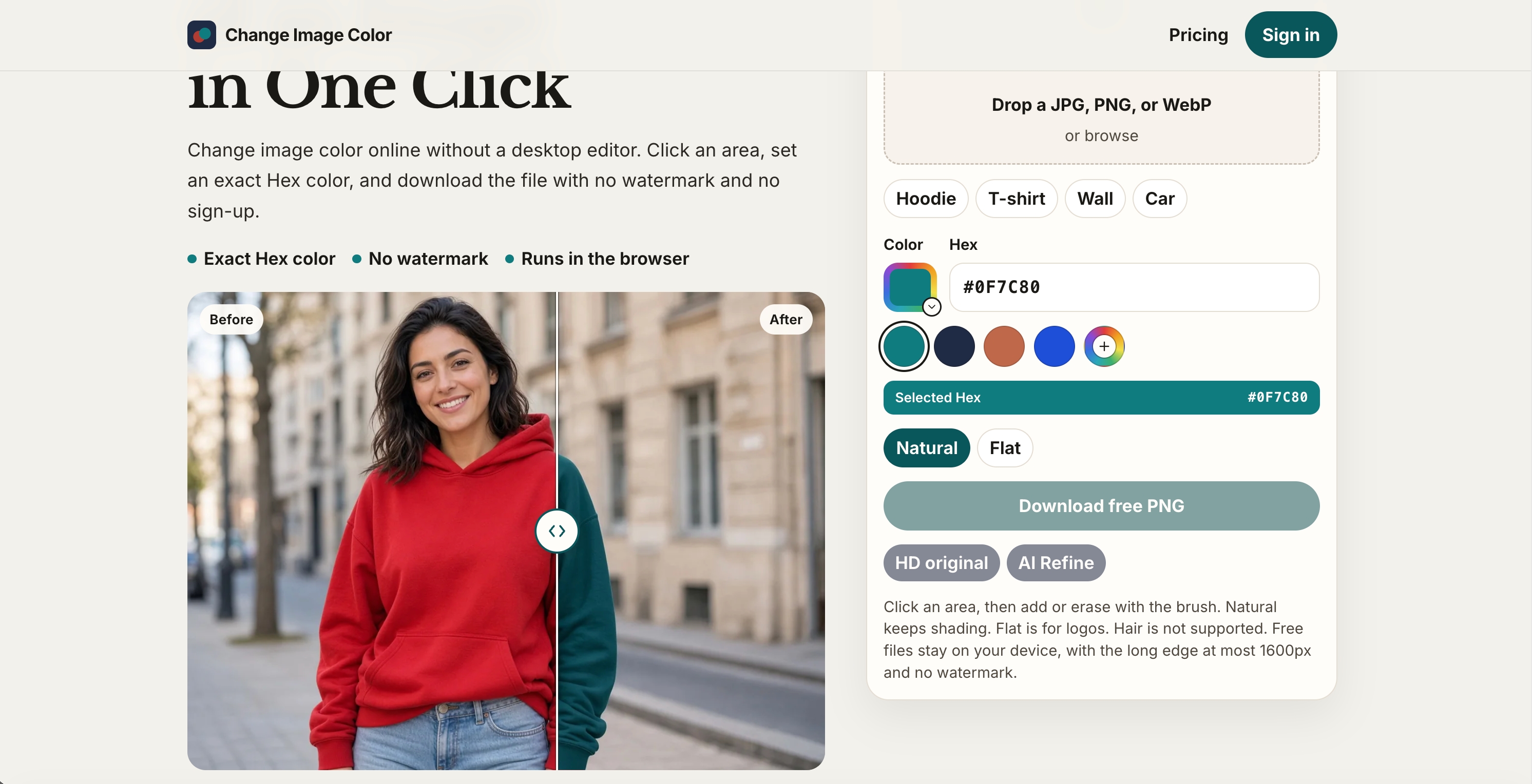

Change image color online for free, with Hex color control and no watermark.


Upload a reference image, describe what to change, and keep the parts you already like to make directed edits without st
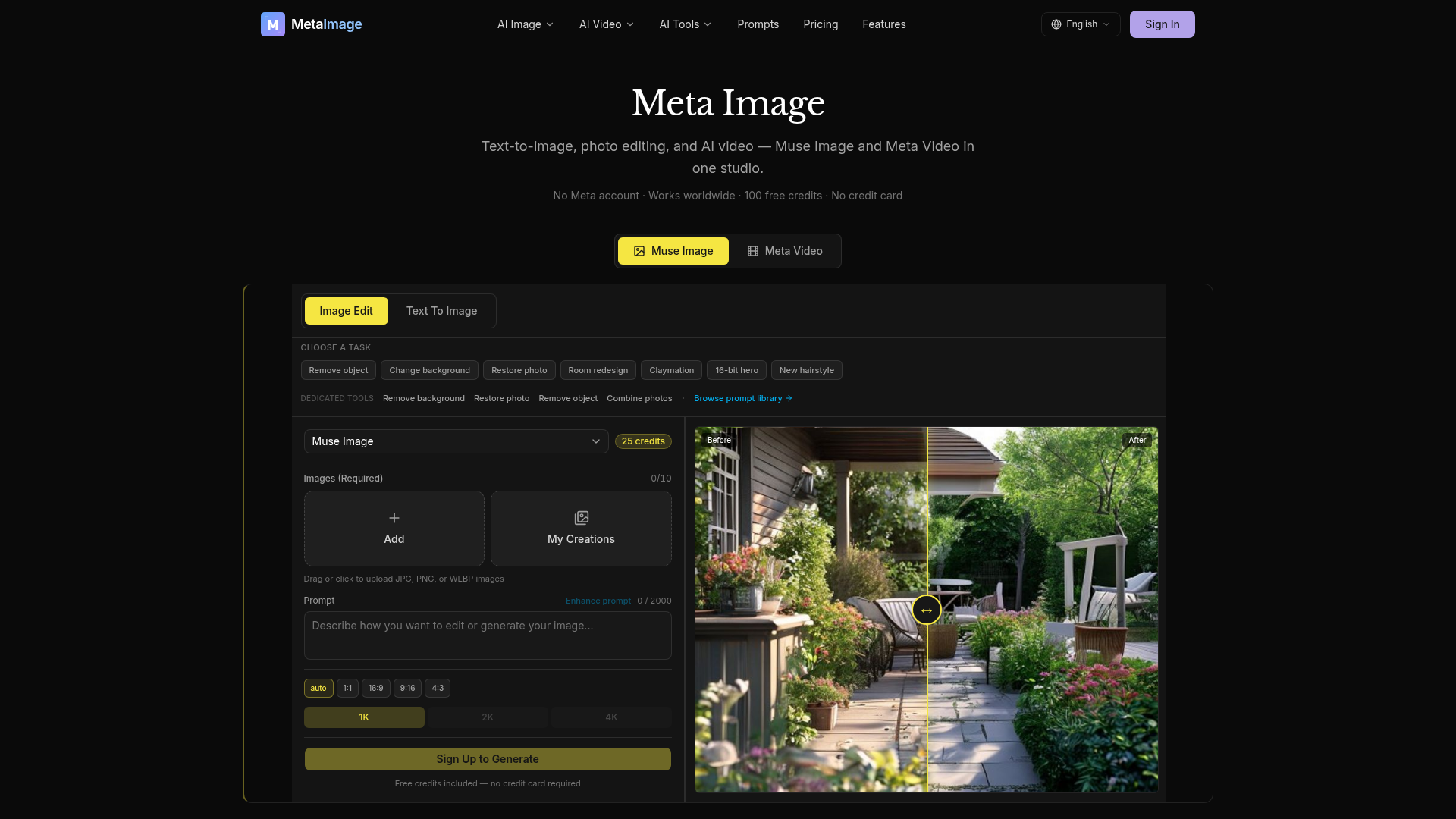

Meta Image is an independent AI generator studio offering comprehensive tools for text-to-image generation, photo editing, and AI video creation. It integrates Muse Image for advanced image generation and natural-language editing, alongside Meta Video for transforming text prompts or still images into short MP4s. The platform provides dedicated editing capabilities such as object removal, background changes, and photo restoration. For video, users can choose from multiple AI engines like Kling, Seedance, and Gemini Omni, each suited for different styles and durations. Users receive 100 free credits to start, with no credit card required, making it accessible for immediate use. Meta Image is designed to assist with various creative tasks, from generating e-commerce product listings and social media graphics to professional headshots and business imagery. It simplifies the creation of visual content, allowing users to produce high-quality images and videos without needing complex editing software.

Musely is an all-in-one AI platform with 2,000+ tools for text, image, music, voiceover, photo editing, and video generation. Used by 1M+ creators and available in 100+ languages.
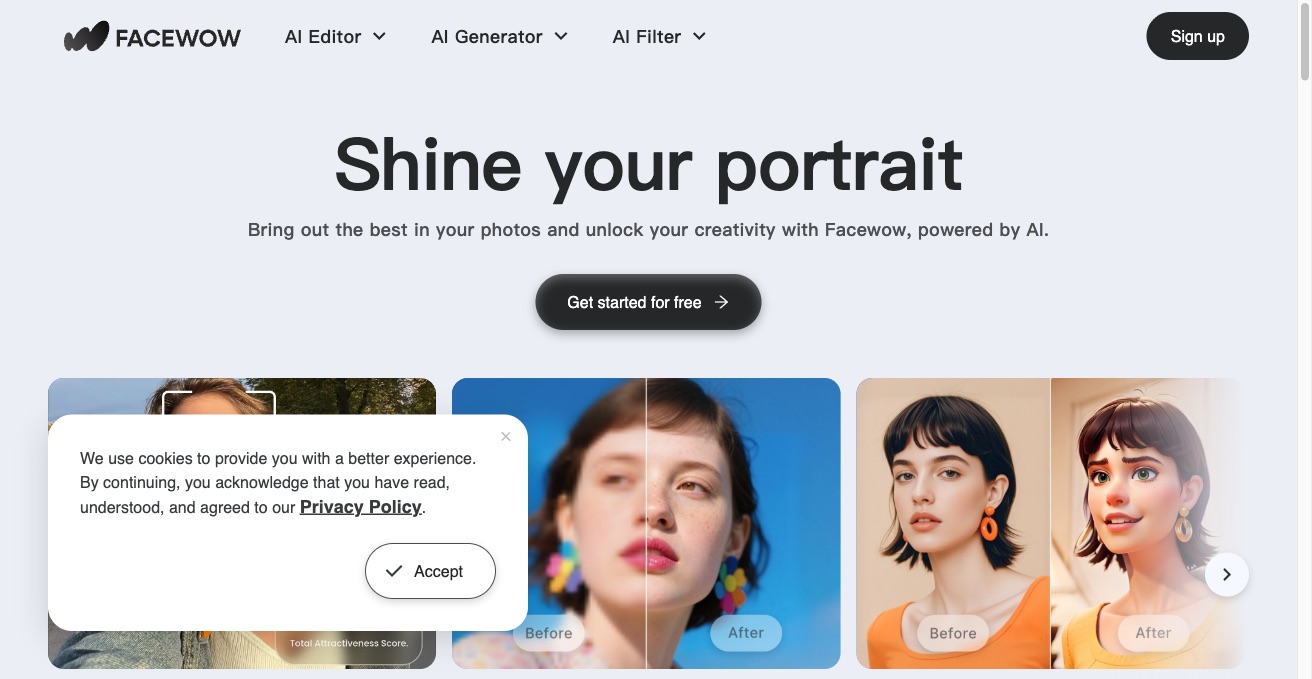

Boost your photos with Facewow, an AI-powered toolkit for portraits, face swaps, headshot generation, and image enhancement.
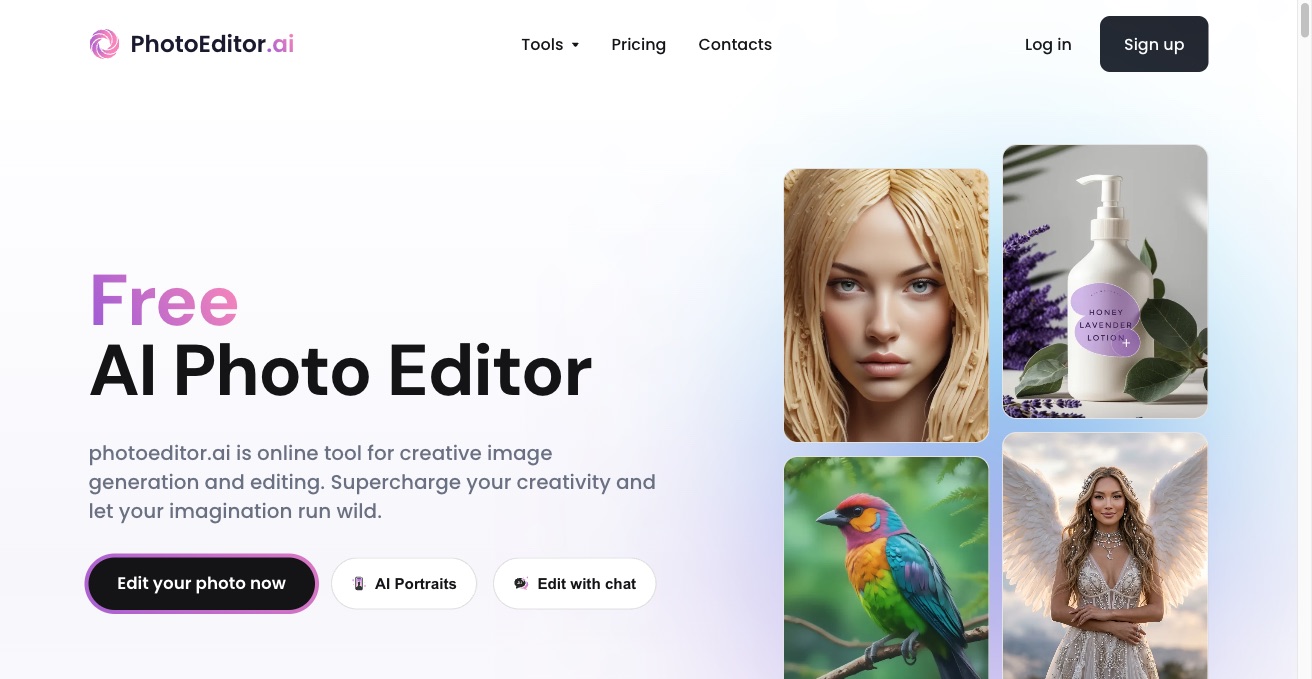

PhotoEditor.ai is a free AI photo editor and image generator. Remove backgrounds, upscale, apply filters, and generate new images from text in one browser toolkit.
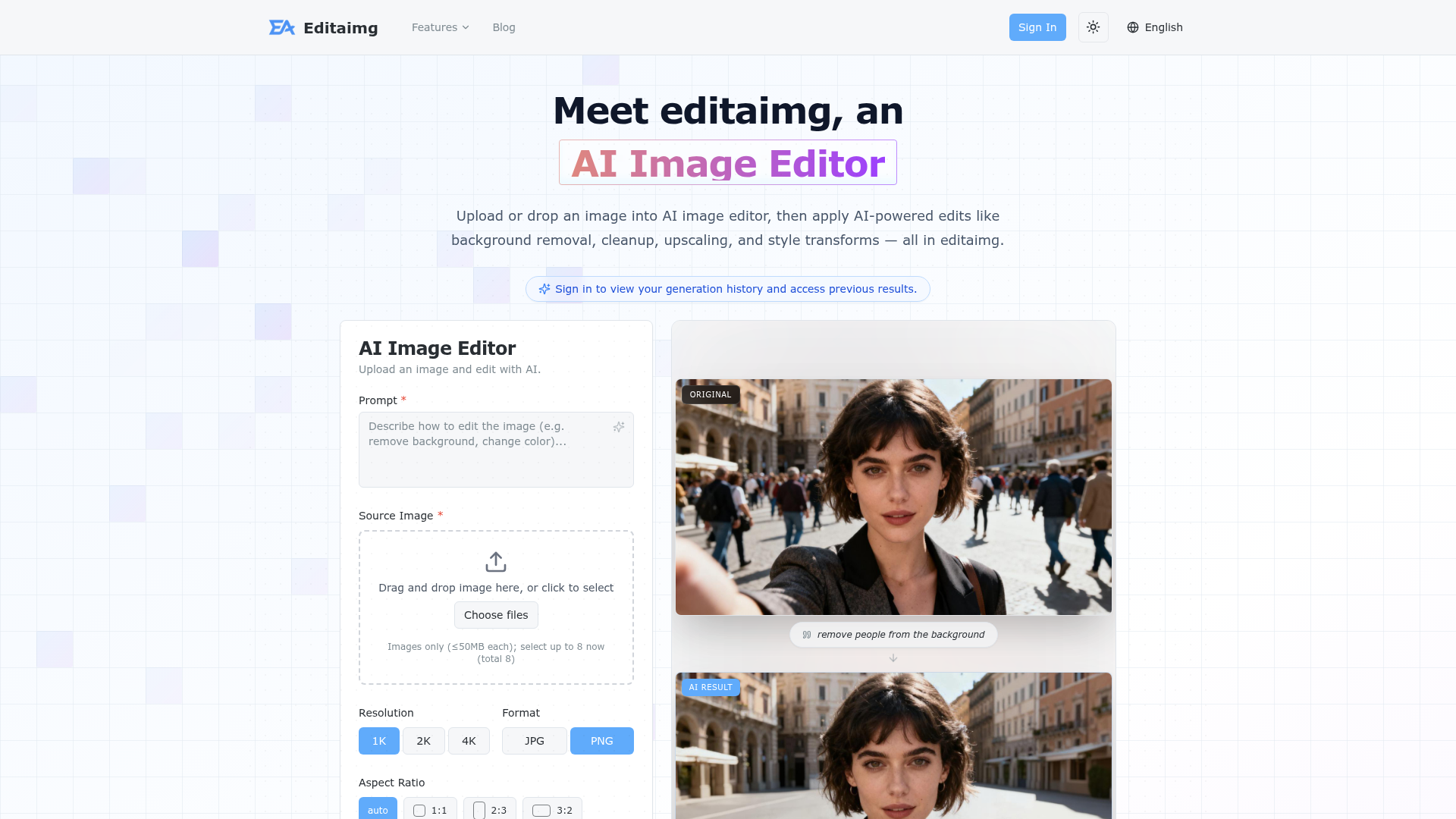

Upload, edit, and transform images with AI-powered tools for background removal, cleanup, upscaling, and style transform
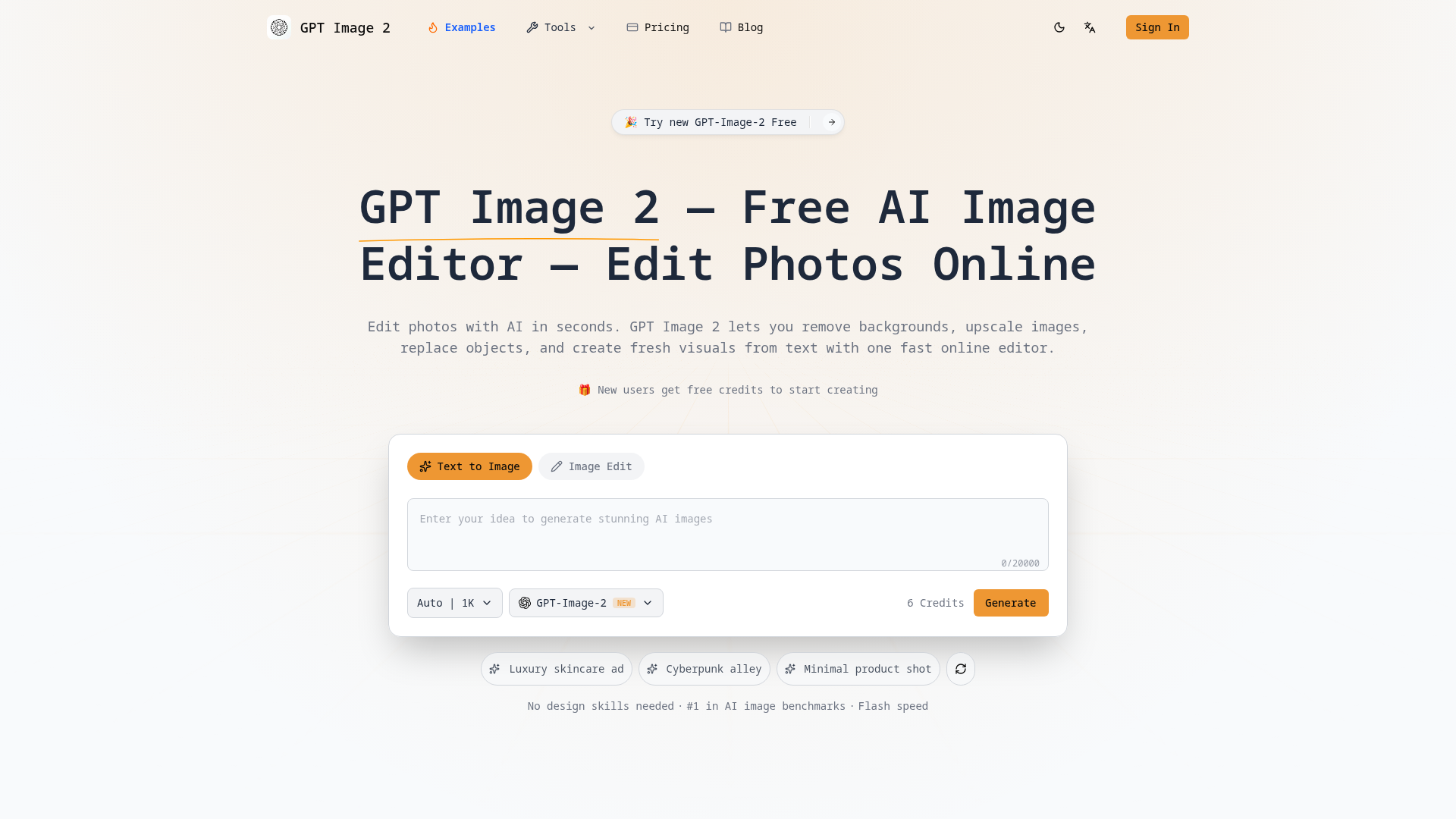

Edit photos with AI in seconds. Remove backgrounds, upscale images, replace objects, and create visuals from text with o
Related categories
What is an AI photo editor?
An AI photo editor edits images from a text prompt or one click, instead of manual masking and layers. It can remove or replace backgrounds, retouch portraits, erase objects, upscale resolution, and restyle a photo. Tools range from full editors to single-purpose apps for one task like background removal.
Core features to look for
- One-click background removal and replacement
- Object and people removal with clean fill
- Portrait retouching: skin, blemishes, and lighting
- Upscaling and denoising for low-res photos
- Generative edit or fill from a text prompt
- Batch processing and common export formats
Who uses AI photo editors, and how
01
Background removal
Sellers and marketers cut out products or people for clean, consistent listings and ads.
02
Portrait retouching
Photographers smooth skin, fix lighting, and enhance headshots without manual editing.
03
Object & people removal
Erase photobombers, logos, or clutter and let AI fill the gap naturally.
04
Restore & upscale
Sharpen, denoise, and enlarge old, blurry, or low-resolution photos.
How does an AI photo editor work?
AI photo editors run trained vision models that recognize faces, objects, and backgrounds, then edit at the pixel level. Background removal separates subject from background, object removal inpaints the gap with plausible pixels, and upscalers predict detail to enlarge without blur. Generative editors use diffusion models to add or change content from a prompt.