

remove.bg is Moving to Leonardo.Ai on Dec 1: Why PixRemove is Stepping Up
remove.bg moves to Leonardo.Ai on December 1, 2026. Here is why creators are choosing PixRemove for free, no-signup, full-HD background removal.
HuntifyAI Team
Publisher
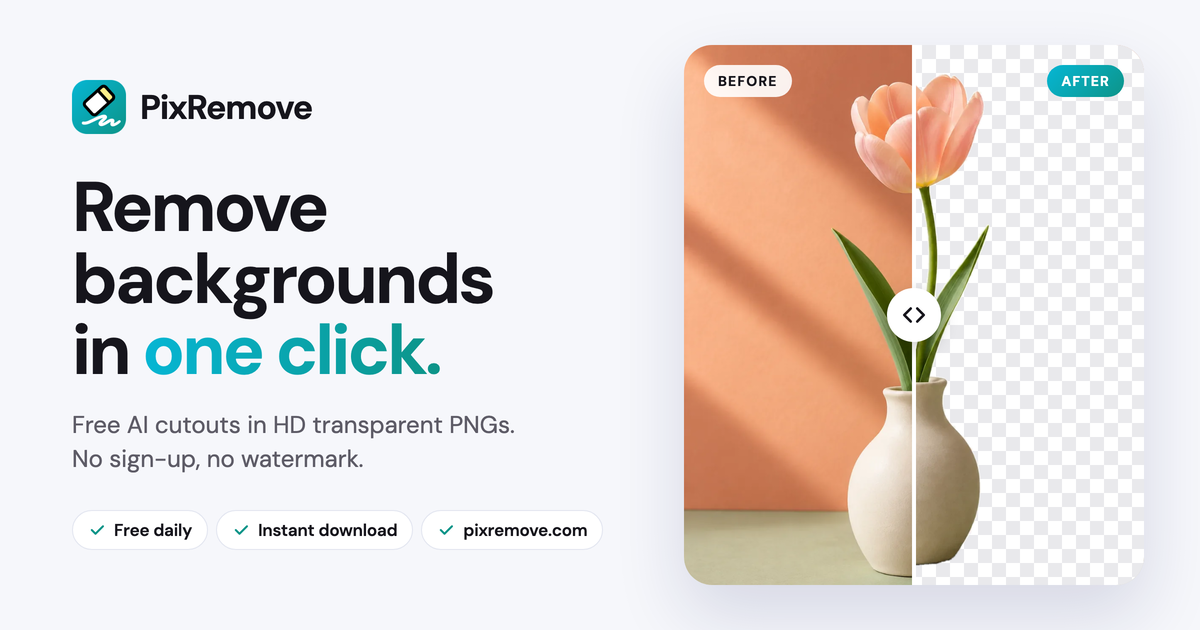
If your daily workflow relies on remove.bg, the announcement that it will be merged into Leonardo.Ai (part of Canva) starting December 1, 2026 probably didn't feel like an exciting upgrade. It felt like an unwanted disruption.
Let’s be honest about why millions of people loved remove.bg: it wasn't brand loyalty—it was pure, frictionless muscle memory:
Take a screenshot → Switch to browser tab → Press
Ctrl+V→ Wait 3 seconds → Download your transparent cutout. Done.
When a lightning-fast, single-purpose utility gets absorbed into a heavy multi-modal AI canvas, the biggest friction isn't just about features. It’s the cognitive load of being forced to re-learn an entire workspace for a task that used to take three seconds.
Industry consolidation often forces creators into bloated suites. But this transition also creates an opportunity for a dedicated platform to step up, respect that beloved user experience, and eliminate the legacy compromises of the past.
That platform is PixRemove (pixremove.com).
1. Why Users Are Frustrated with the Current Landscape
If you have tried searching for a replacement recently, you have likely run into the same exhausting traps that plague online utilities today:
- The Bait-and-Switch Sign-Up Wall: You upload an image, wait for it to process, and only when you click "Download" does a massive modal block your screen demanding: "Sign in with Google to download your file."
- The 500px Blurry Preview Trick: Legacy services advertised "free downloads," but quietly downsampled free outputs to 0.25 megapixels (around 500×500 px), forcing users to pay expensive credits just to get the original high-resolution shot back.
- Aggressive Subscription Traps: Mandatory 3-day trials requiring credit card details, hoping users forget to cancel before recurring monthly charges kick in.
Tools should save you time, not calculate ways to capture your email and lock down your resolution.
2. PixRemove's Killer Advantage: True Free & 100% No Sign-Up
Built by creators who believe simple utilities should stay simple, PixRemove was engineered around two uncompromising product principles:
① Zero Sign-Up Required: Open, Paste, and Go (No Account, No Friction)
- No sign-up popups: From the moment you load the page to the moment you save your file, no modal will ever interrupt your workflow asking for an account.
- Zero personal data harvesting: No email collection, no social logins required, and zero spam marketing campaigns in your inbox.
- True 2-step execution: Open browser → Press
Ctrl+V(or⌘Von Mac) → Click Download. That is what genuine productivity feels like.
② Truly Free Full-Resolution Export: No Downsampling Tricks
- Original resolution preserved: If your photo is 4000×3000 px, PixRemove exports at 4000×3000 px. You are never downgraded to an unusable 500px thumbnail.
- Fine hair & edge transparency: Powered by modern sub-pixel matting networks, fine flyaways, pet fur, and translucent glass are cleanly preserved without halos or pixelated edges—without paying a single credit.
3. Preserving Your Muscle Memory (Zero Migration Friction)
If you loved remove.bg's effortless interaction, switching to PixRemove requires zero adjustment period:
| User Experience Dimension | PixRemove | remove.bg (Pre-Migration) | Heavy AI Suites (Canva / Leonardo) |
|---|---|---|---|
| Mandatory Sign-Up | ✅ None (100% guest access) | ⚠️ Aggressive prompts | ❌ Required (project creation required) |
| Free Export Quality | ✅ Full original resolution | ❌ Capped at 500px preview | ⚠️ Often watermarked or downscaled |
Clipboard Paste (Ctrl+V) | ✅ Full-window support | ✅ Supported | ⚠️ Must enter canvas layer first |
| E-Commerce Presets | ✅ Built-in white bg & shadows | ❌ None (Photoshop needed) | ⚠️ Manual layer tweaking |
| Workflow Friction | ✅ 2 steps to final asset | ⚠️ Multiple upsell steps | ❌ 6 to 8 steps in canvas |
4. Built for Modern Commercial Workflows
Beyond instant transparent cutouts, PixRemove solves the downstream steps that usually force sellers back into Photoshop:
- Amazon & Shopify Compliant White Background: Fills pure
#FFFFFFbackdrops with zero edge color bleeding, delivering marketplace-ready hero images in seconds. - Realistic E-Commerce Drop Shadows (Add Shadow): Replaces floating-sticker cutouts with physics-based contact and ambient shadows for professional depth.
- High-Contrast Signature Background Remover: Isolates signatures and ink stamps from paper onto transparent PNGs with customizable black or blue ink enhancement for paperless contracts.
- Logo Background Remover: Strips colored backplates from raster logos without eroding delicate typography edges.
5. Make the Smooth Transition Before December 1
You do not have to wait until December 1 to experience the relief of a clean, uncompromised workflow:
- Open PixRemove.com in your browser;
- Take a screenshot of your toughest image—whether wispy hair, translucent glass, or a product photo—and press
Ctrl+Vdirectly in the tab; - Experience sub-pixel precision with zero sign-up walls and full-resolution download.
Platforms evolve, but the demand for fast, respectful, and crystal-clear tools never changes. As the legacy giant transitions into a heavy multi-modal suite, PixRemove is ready to become your go-to high-definition image matting companion for years to come.
More posts
View all posts →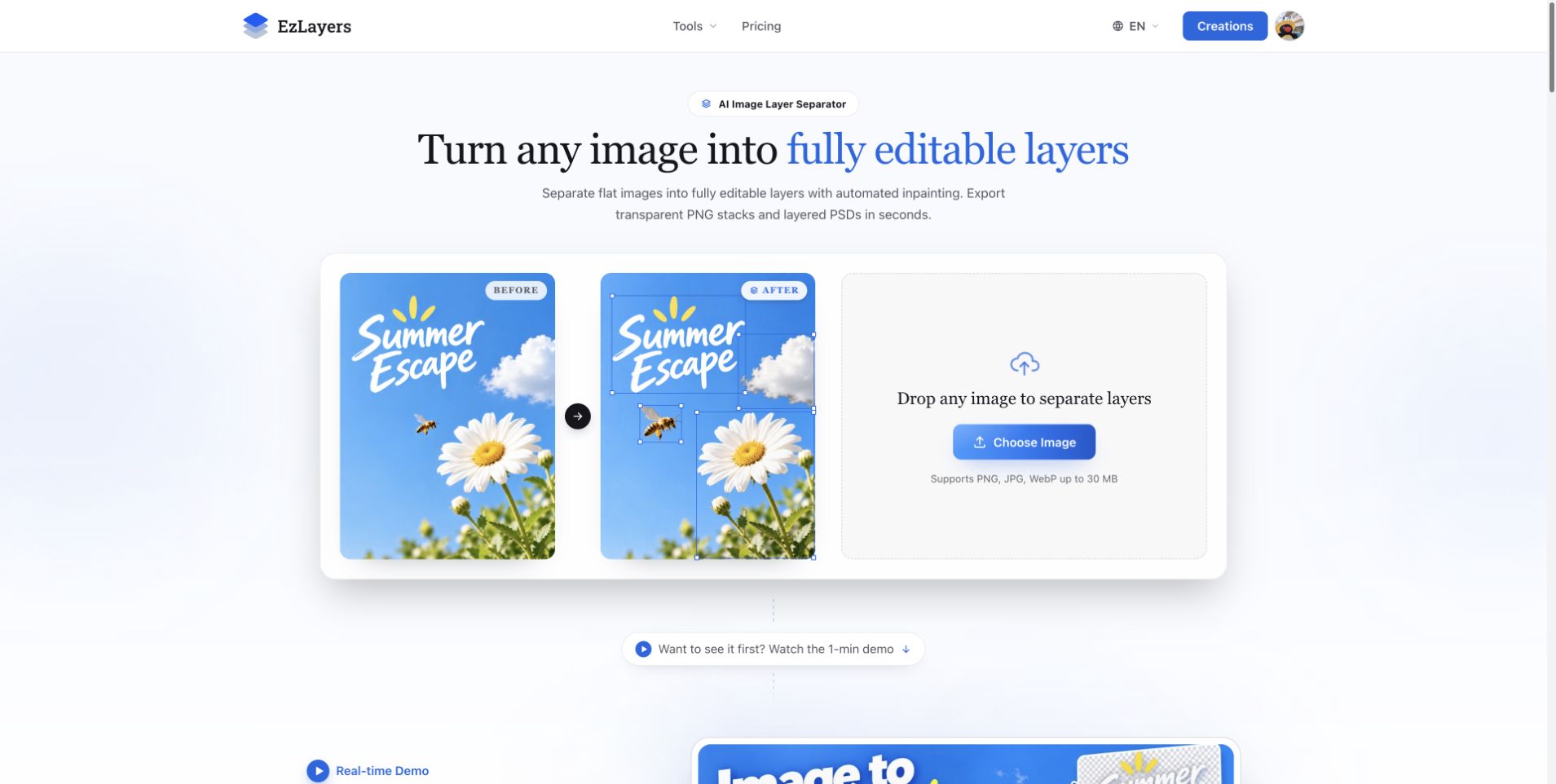
AI Image Layer Separation: Recompose Flat Designs with EzLayers
Use EzLayers to separate image elements, inspect reconstructed backgrounds, and choose PNG layers or a PSD for your next layout revision.
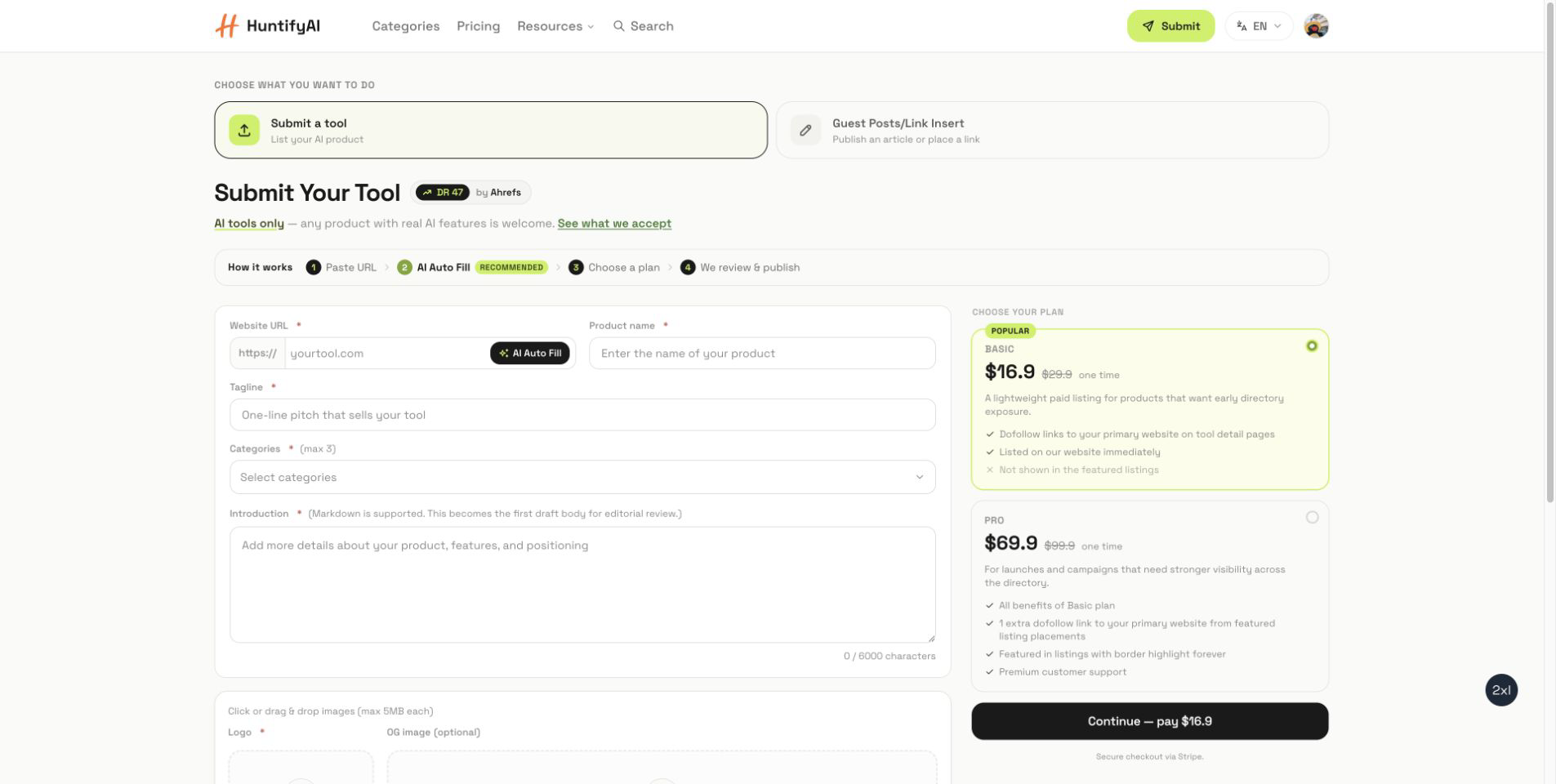
How to Submit to HuntifyAI: Tool Listings and Guest Posts
A focused guide to choosing between a HuntifyAI tool listing and the Guest Posts/Link Insert workflow.
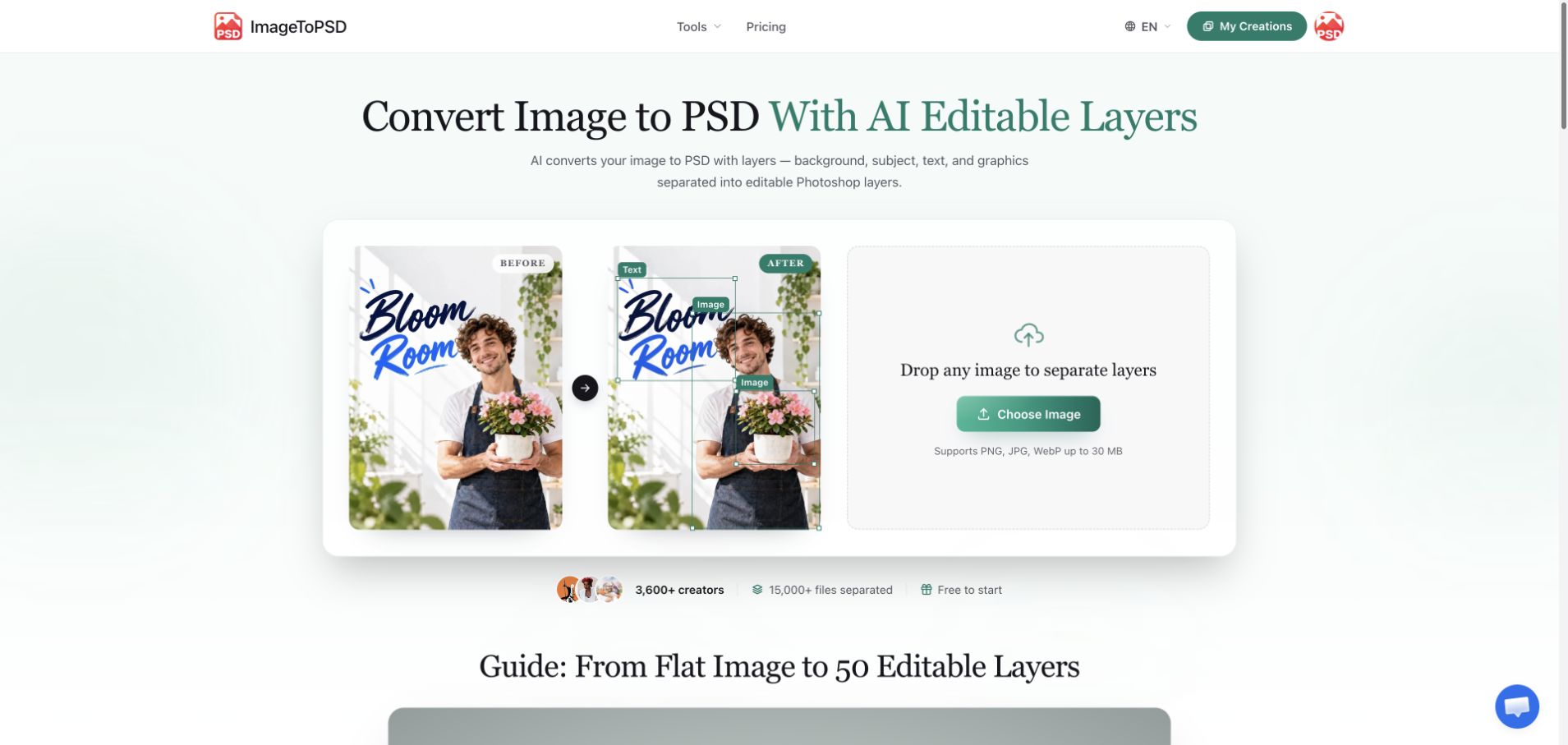
JPG to Layered PSD: A Practical ImageToPSD Workflow
Learn how to turn a flat JPG into a useful layered PSD with ImageToPSD, check the result in your editor, and prepare a cleaner design handoff.