

NotebookLM to Editable PowerPoint: A Slideful Workflow
Have a flattened NotebookLM slide PDF or image? Use this Slideful workflow to recover editable text and layout elements, export PPTX, and review the deck.
HuntifyAI Team
Publisher
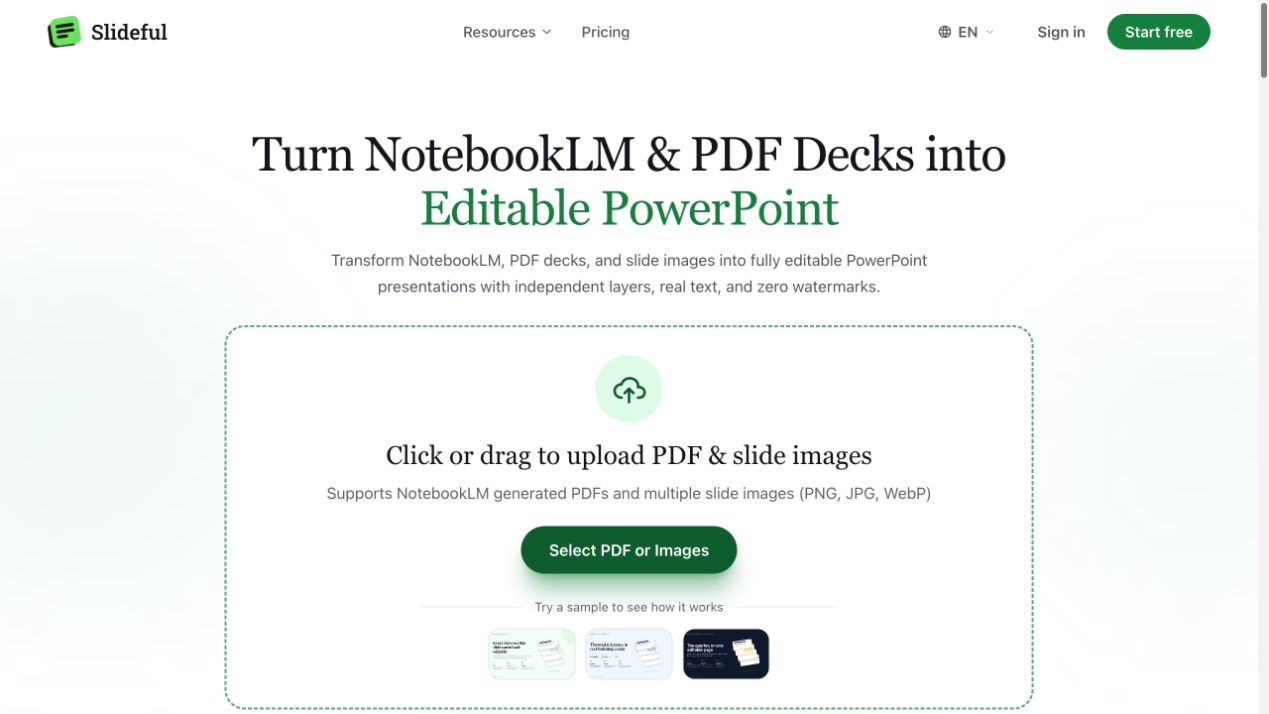
A useful slide can still be difficult to revise when all you have is a flattened PDF or image. You may need to shorten a paragraph, move a card, translate a heading, or add company branding, but selecting the slide only selects one large picture.
For a NotebookLM to editable PowerPoint workflow, first check what your source file contains. If it already has the editable objects you need, work from those. If you have a flattened export, Slideful offers a way to reconstruct parts of the slide into editable elements and export a PPTX.
What “editable” should mean for your task
There are several levels of editability. A full-slide image inside a PPTX can be resized, but its paragraph cannot be rewritten as native text. A reconstructed slide may give you separate text boxes and visual regions. A fully authored presentation can also contain native charts, tables, theme definitions, and original vector artwork.
Decide which level you need. Updating a sentence requires editable text. Rearranging a two-column layout requires separate objects. Changing a chart's values requires access to its data or a manually rebuilt chart, not just a movable image of it.
Slideful's product introduction explains its reconstruction approach. Its usefulness depends on whether the recovered elements match the revisions you intend to make.
Prepare a clean input deck
Use the highest-quality PDF or slide images available. Avoid a screenshot of a screenshot, especially when the original contains small footnotes or dense labels.
Before conversion, choose two representative slides: one with ordinary paragraphs and one with the most complex layout. Inspecting these first gives you a practical quality check before processing a long deck.
Write down the intended changes. For example: replace the title, shorten three cards, move the image, and add a logo. This list becomes your acceptance checklist after export.
Convert the slides and inspect the reconstructed layout
Slideful lists PDF and PNG, JPG, and WebP slide inputs. Its workflow separates visual regions, rebuilds text boxes, and fills areas behind recovered elements. The homepage also provides sample decks to explore before using your own material.
A practical sequence is:
- Upload the flattened PDF or images you want to revise.
- Review the extracted text and visual elements in the web editor.
- Correct wording, line breaks, and the placement of important objects.
- Export to PPTX and open the file in the presentation application your team uses.
- Perform the actual requested edits and present the deck in slideshow mode.
Do not judge the result solely from a thumbnail. A title can look right at small scale while the underlying text has an incorrect character or an awkward line break.
Review text, charts, and backgrounds separately
Text: Compare names, numbers, punctuation, and technical terms against the source. OCR-like reconstruction can be visually plausible while missing a small but meaningful detail. Check font substitution, line spacing, and overflow in the final editor.
Charts and diagrams: Determine whether an element is native editable content or a visual asset. A chart that can be moved is not necessarily a chart whose dataset can be changed. When data editing matters, rebuild it from the original values and keep labels readable.
Backgrounds: Move a recovered card or image to reveal the area beneath it. Inspect gradients, textures, and alignment lines for reconstruction artifacts. Decorative backgrounds may be easy to reuse; detailed illustrations need closer attention.
Layout: Present the deck at its intended aspect ratio. Check reading order, margins, alignment, and whether your branding fits without squeezing the content.
A useful handoff includes more than the PPTX
Deliver the exported deck with the source PDF and a short list of any manually rebuilt or image-only elements. If a chart remains a picture, say so. If you substituted a font, record the choice.
For translated decks, review the complete page after rewriting. Text length changes can affect card height, spacing, and emphasis. Making a text box editable is the start of localization, not the end of it.
Frequently asked questions
Can I edit every object from a flattened slide?
Do not assume universal reconstruction. Check which text boxes and visual regions became independent, then verify the elements required for your task.
Will charts become native PowerPoint charts?
A separated chart may remain a visual asset. Native data editing can require rebuilding the chart from its underlying data.
Why does the exported deck look slightly different in my editor?
Font availability and application rendering can affect spacing and line breaks. Open and review the PPTX in the application used for the final presentation.
See Slideful on Huntify or try the examples on Slideful. If your starting point is a single raster design that needs a Photoshop handoff, read our ImageToPSD workflow.
Product information checked on October 20, 2026. This guide addresses flattened PDF and image inputs; it does not assume that every NotebookLM export has the same capabilities.
More posts
View all posts →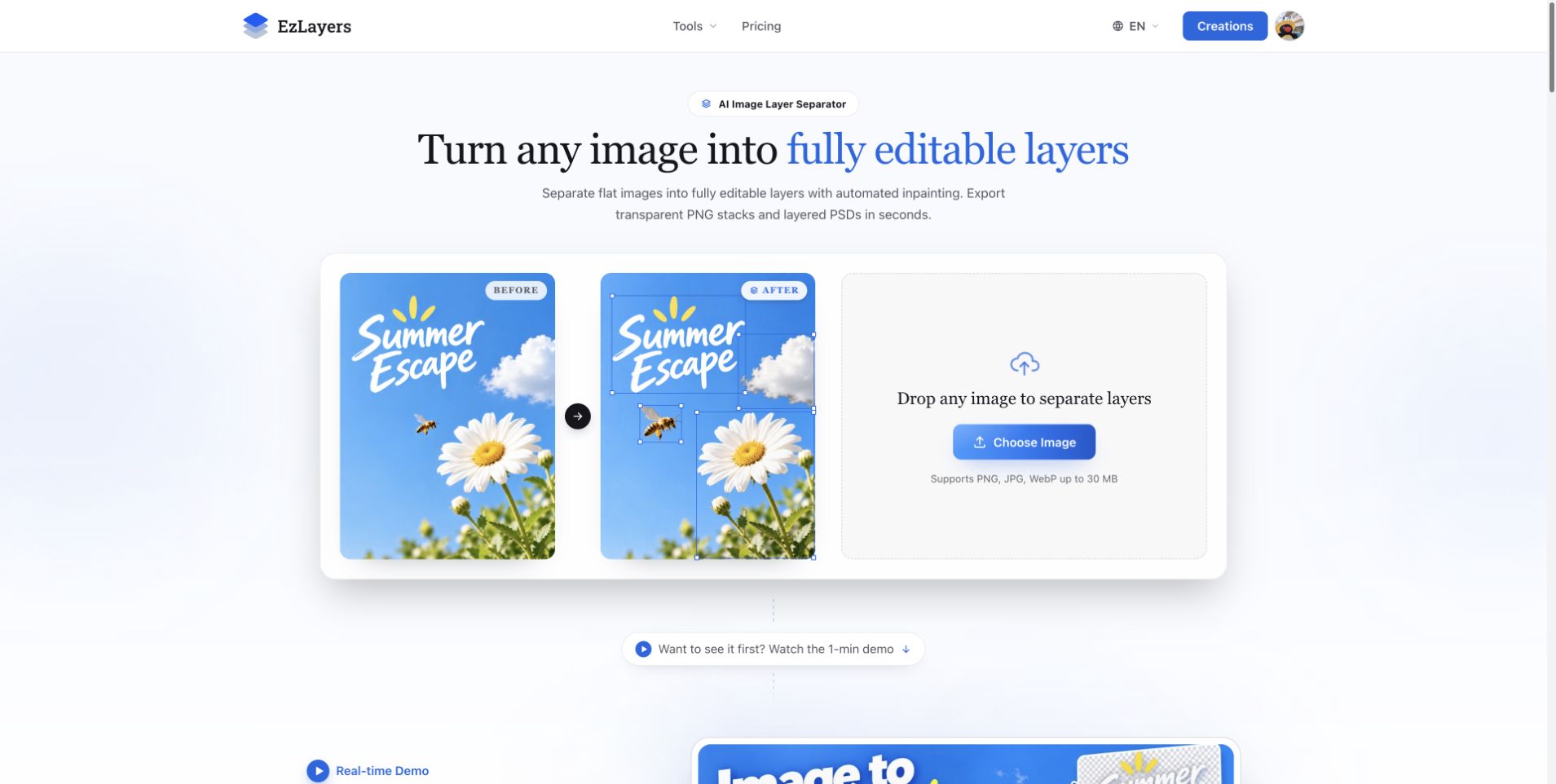
AI Image Layer Separation: Recompose Flat Designs with EzLayers
Use EzLayers to separate image elements, inspect reconstructed backgrounds, and choose PNG layers or a PSD for your next layout revision.
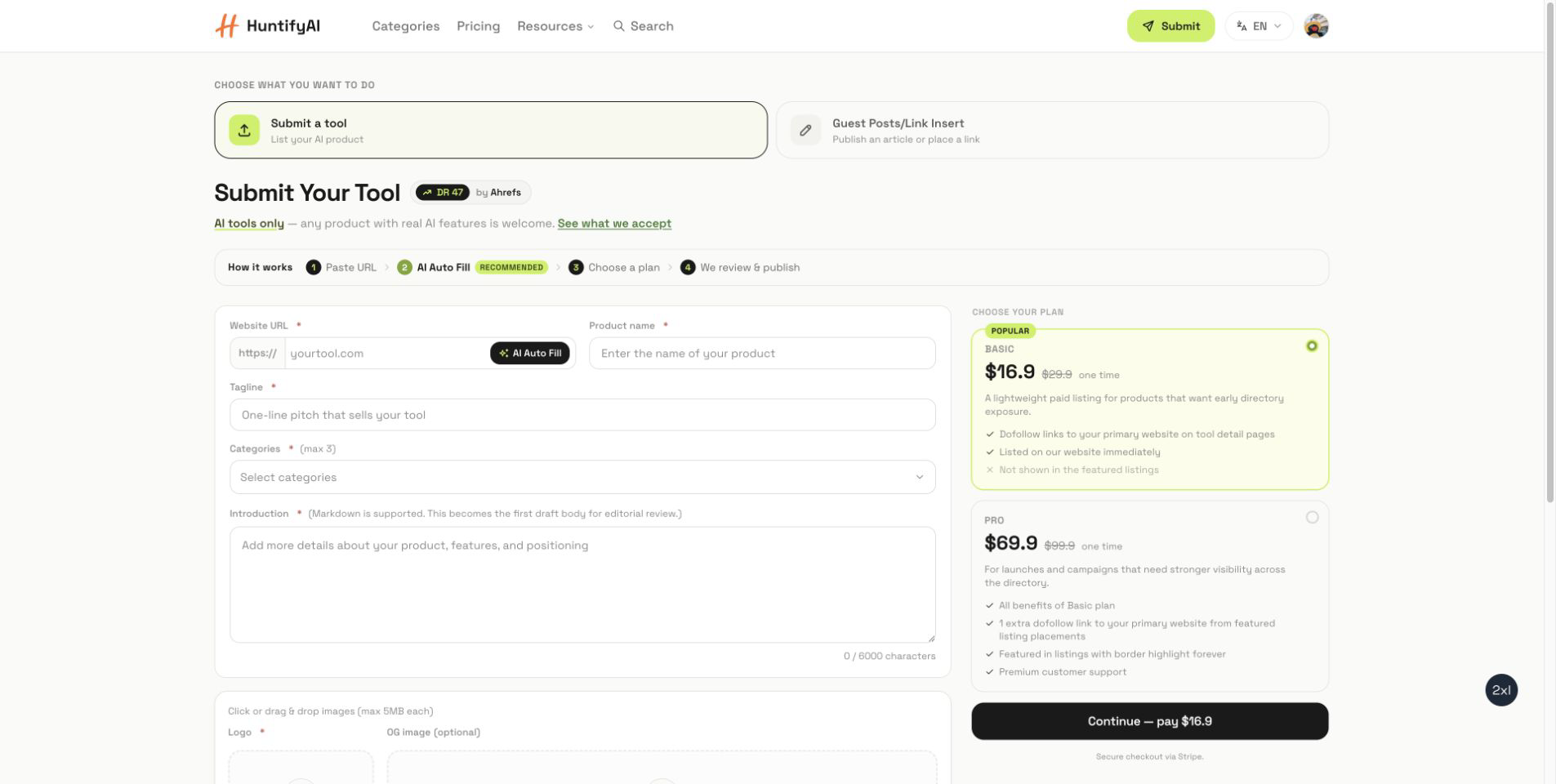
How to Submit to HuntifyAI: Tool Listings and Guest Posts
A focused guide to choosing between a HuntifyAI tool listing and the Guest Posts/Link Insert workflow.
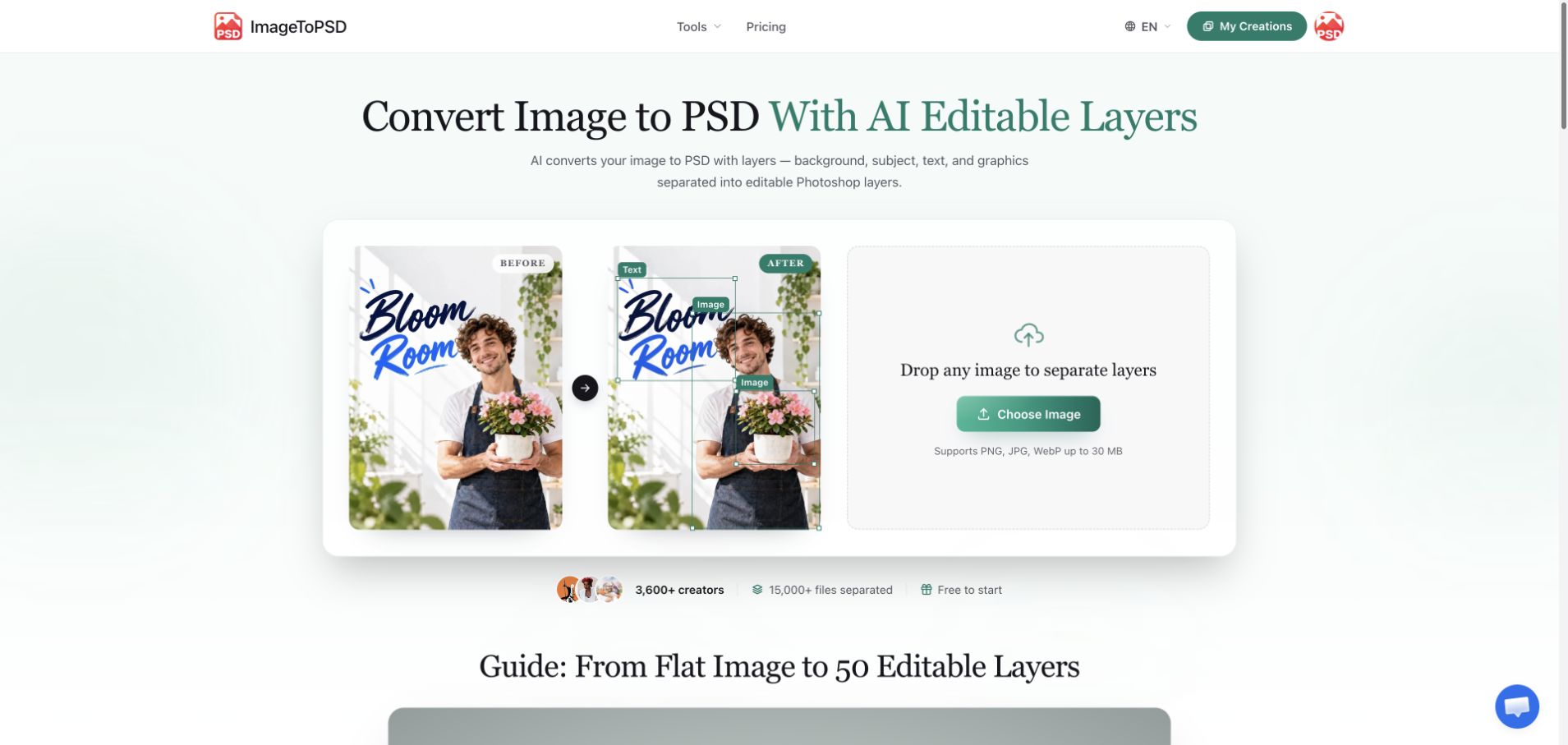
JPG to Layered PSD: A Practical ImageToPSD Workflow
Learn how to turn a flat JPG into a useful layered PSD with ImageToPSD, check the result in your editor, and prepare a cleaner design handoff.