

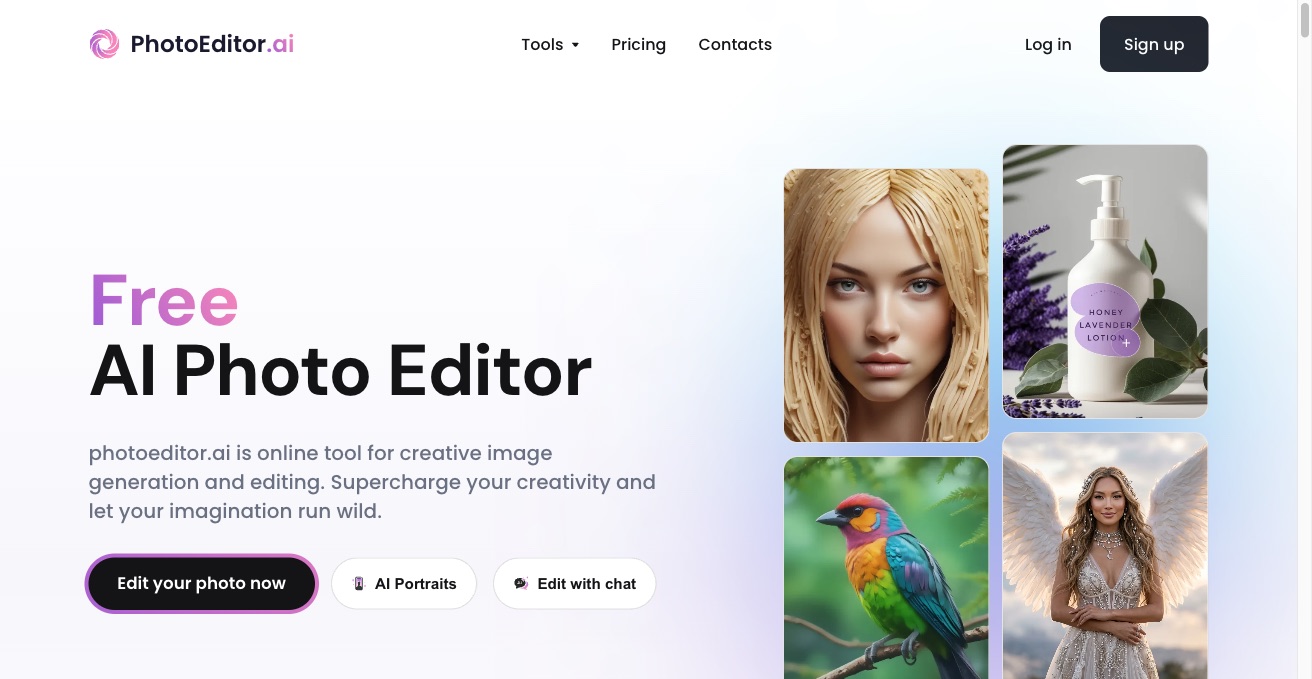

PhotoEditor.ai 是免费 AI 图片编辑与生成工具,浏览器内即可去除背景、超分、应用滤镜并从文字生成图片。
AI 照片编辑器 · 37 款工具
2026 最佳 AI 照片编辑器
对比 AI 图片编辑器:抠图换背景、人像修饰、去除物体、放大、生成式修改,以及免费在线工具。
全部 AI 照片编辑器 工具
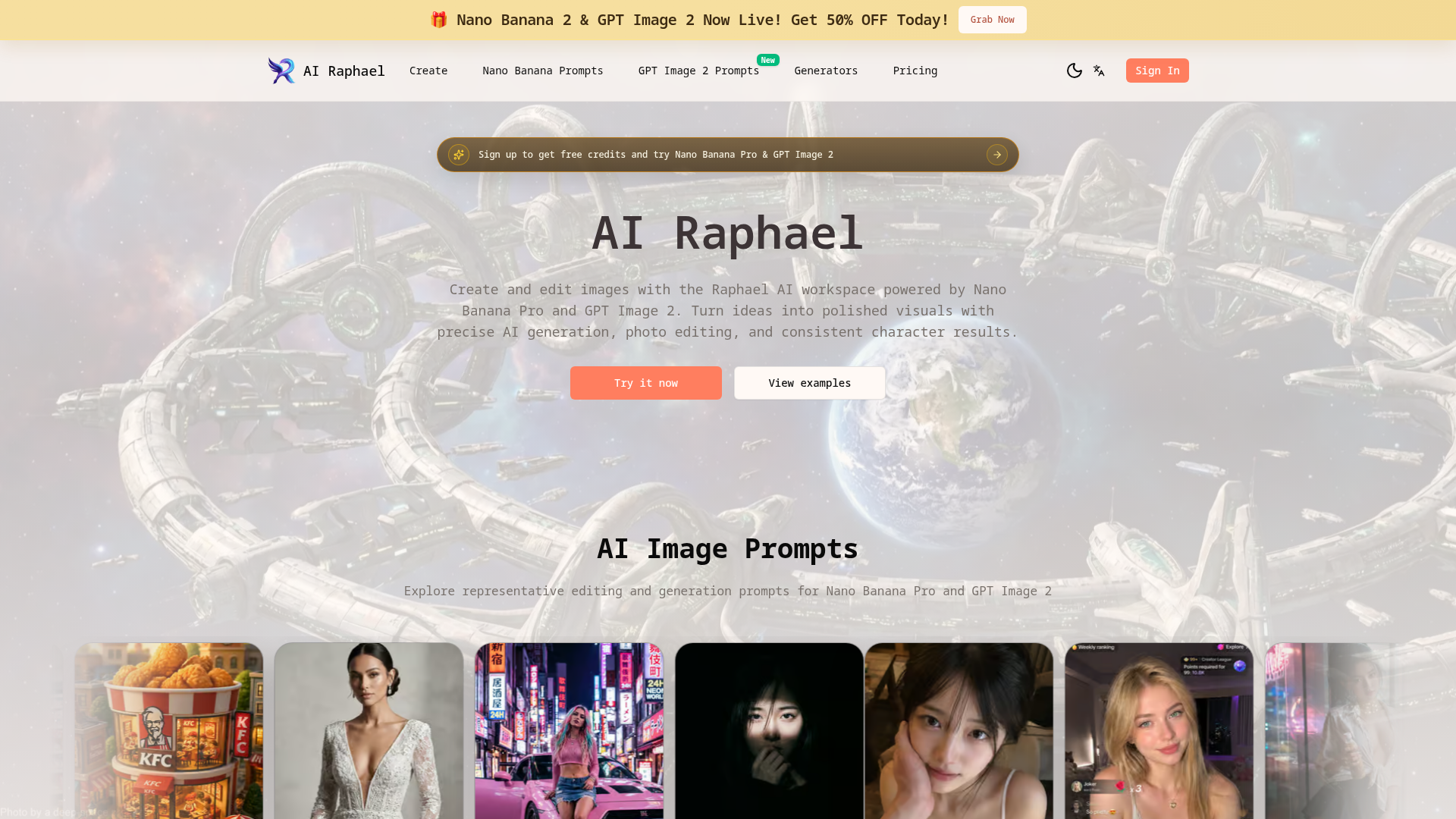

AI Raphael: Create and edit images with precise AI generation, photo editing, and consistent character results.
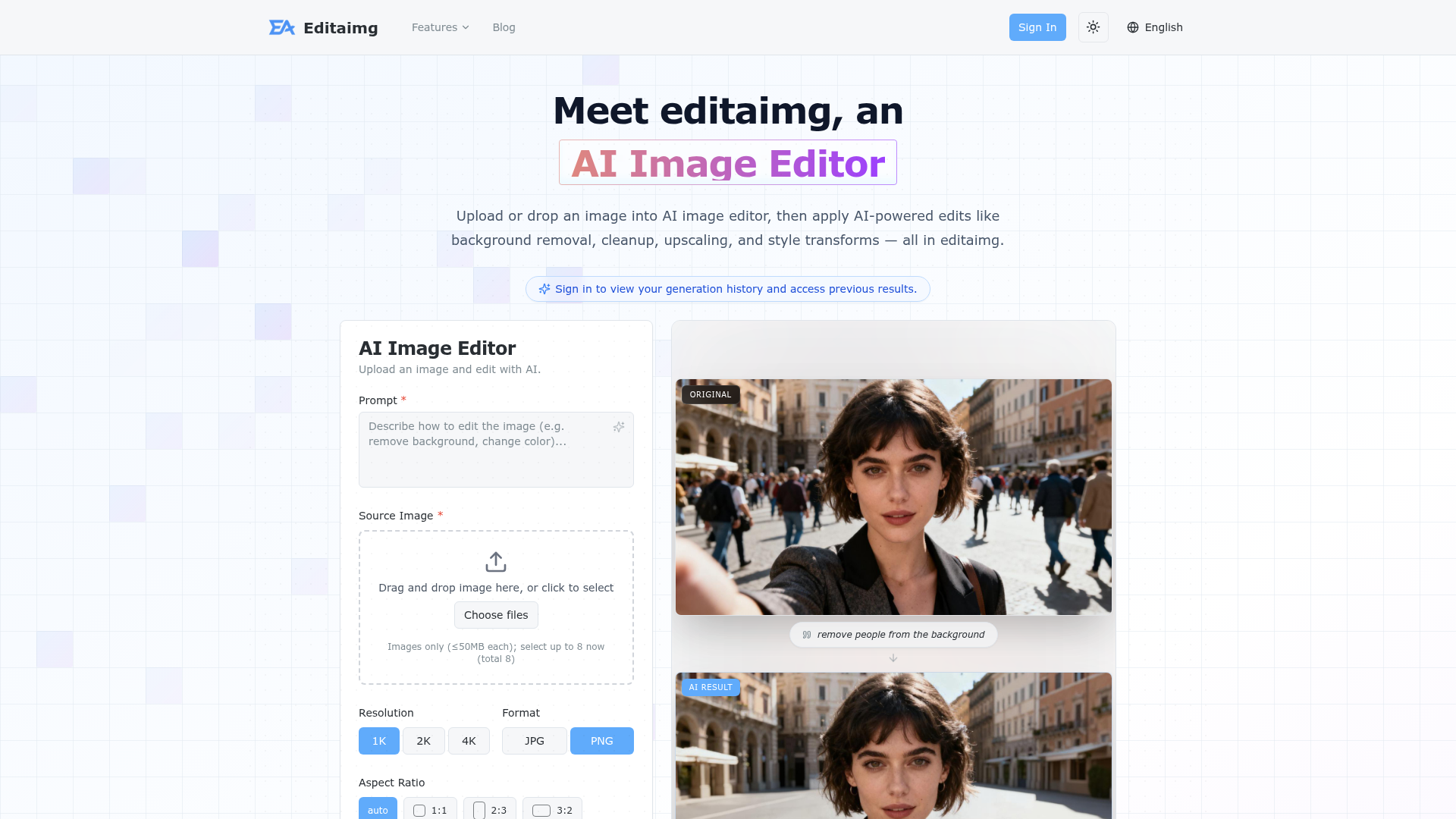

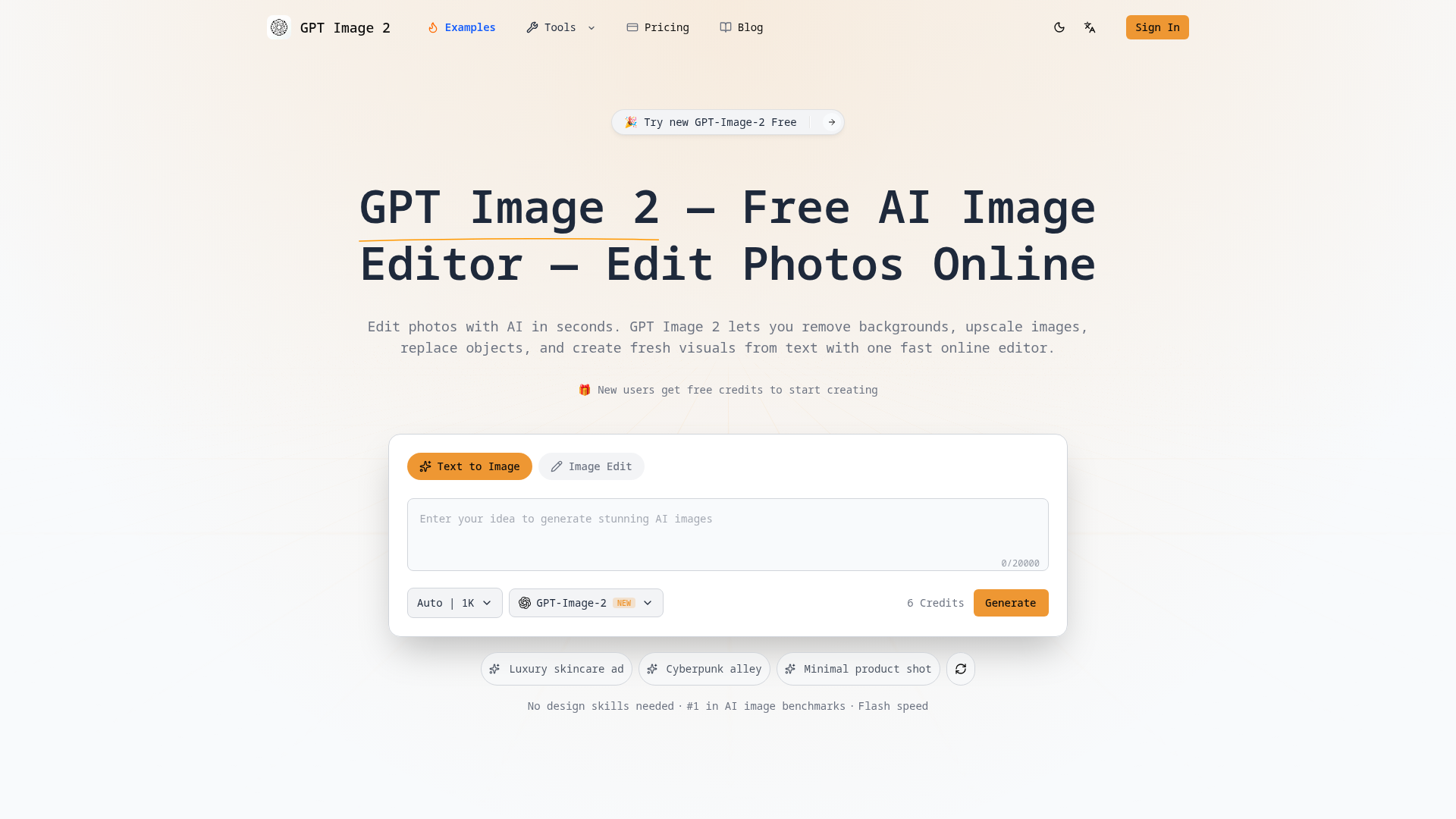

Edit photos with AI in seconds. Remove backgrounds, upscale images, replace objects, and create visuals from text with o
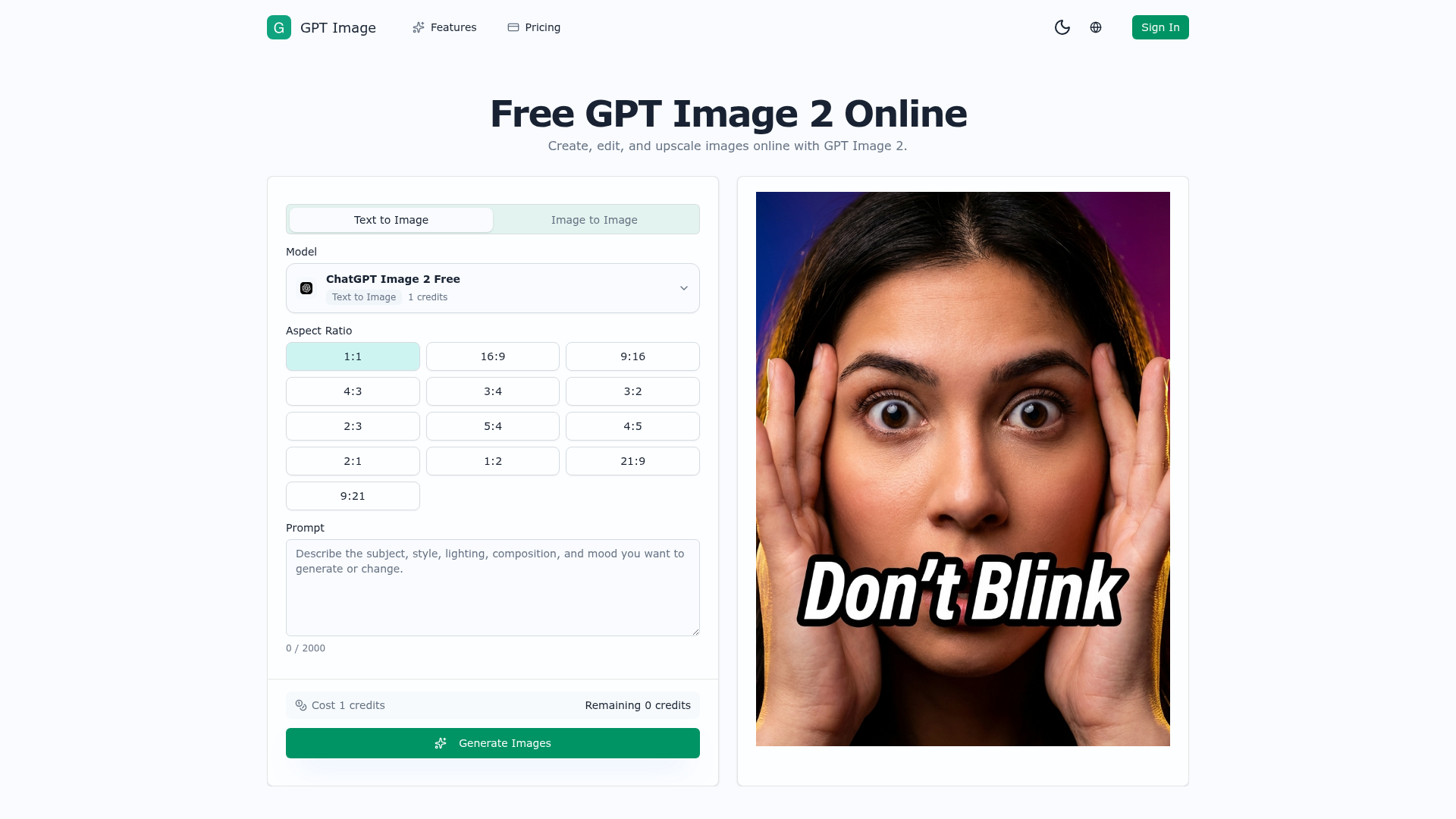

AI image generator and photo editor for prompt edits, upscaling, cleanup, and creative assets.
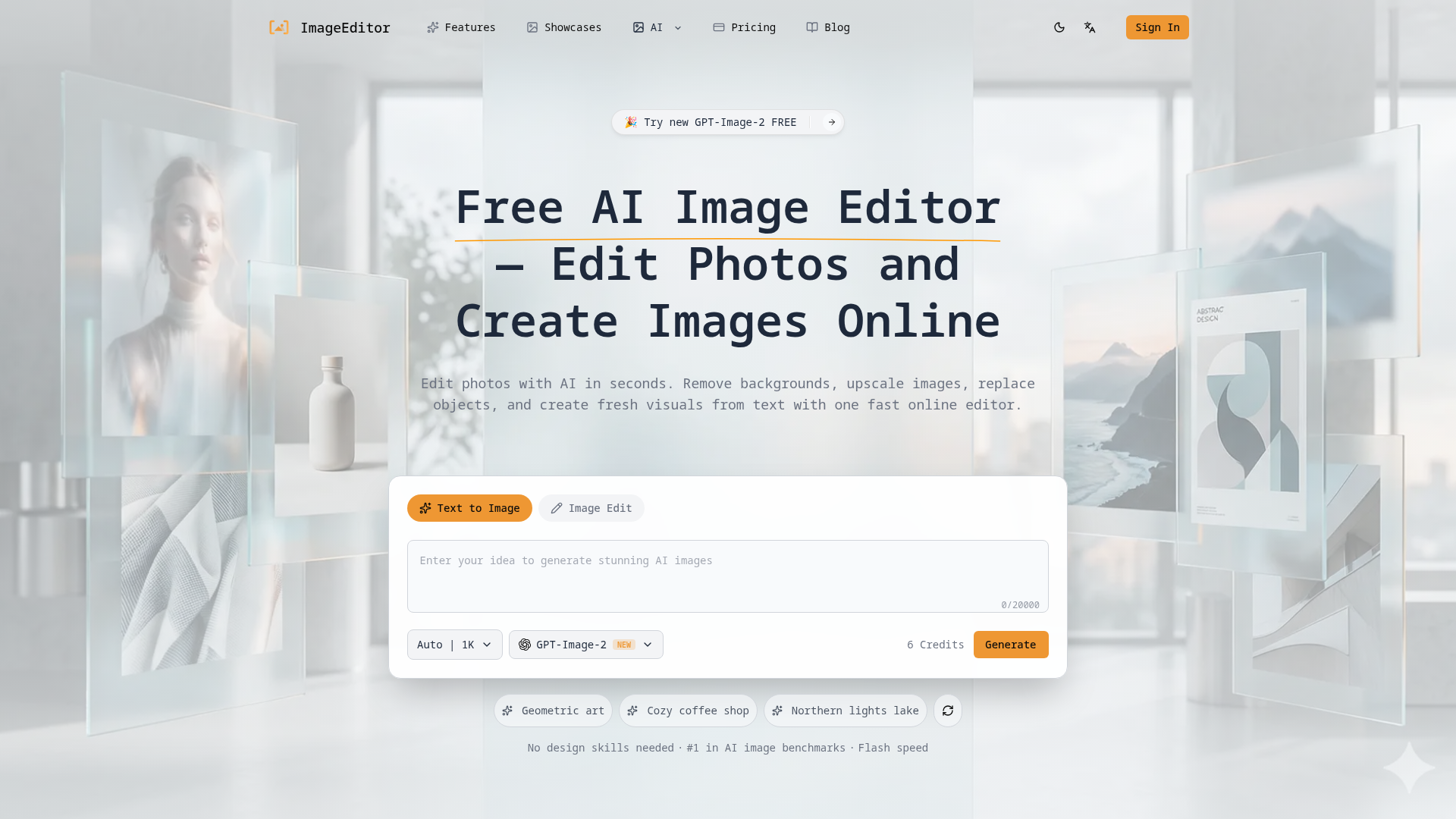

Edit photos with AI in seconds, remove backgrounds, upscale images, replace objects, and create fresh visuals from text
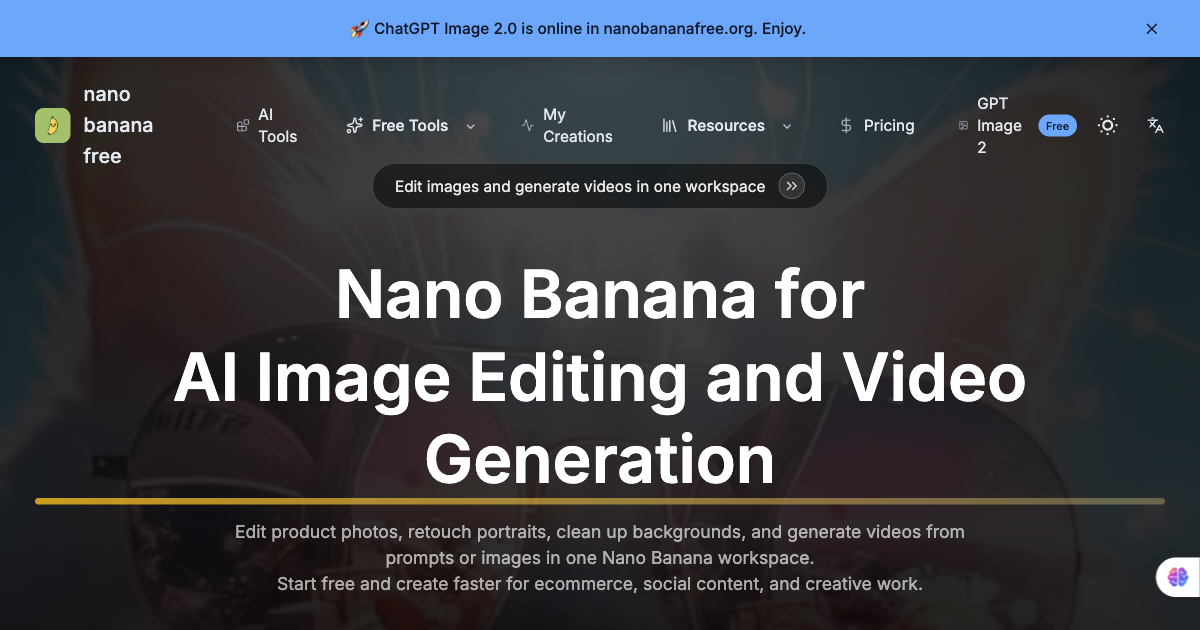
Free AI image editor and video generator for Nano Banana workflows.
AI-powered tool to remove handwriting from images, PDFs, and scanned documents while preserving original quality.
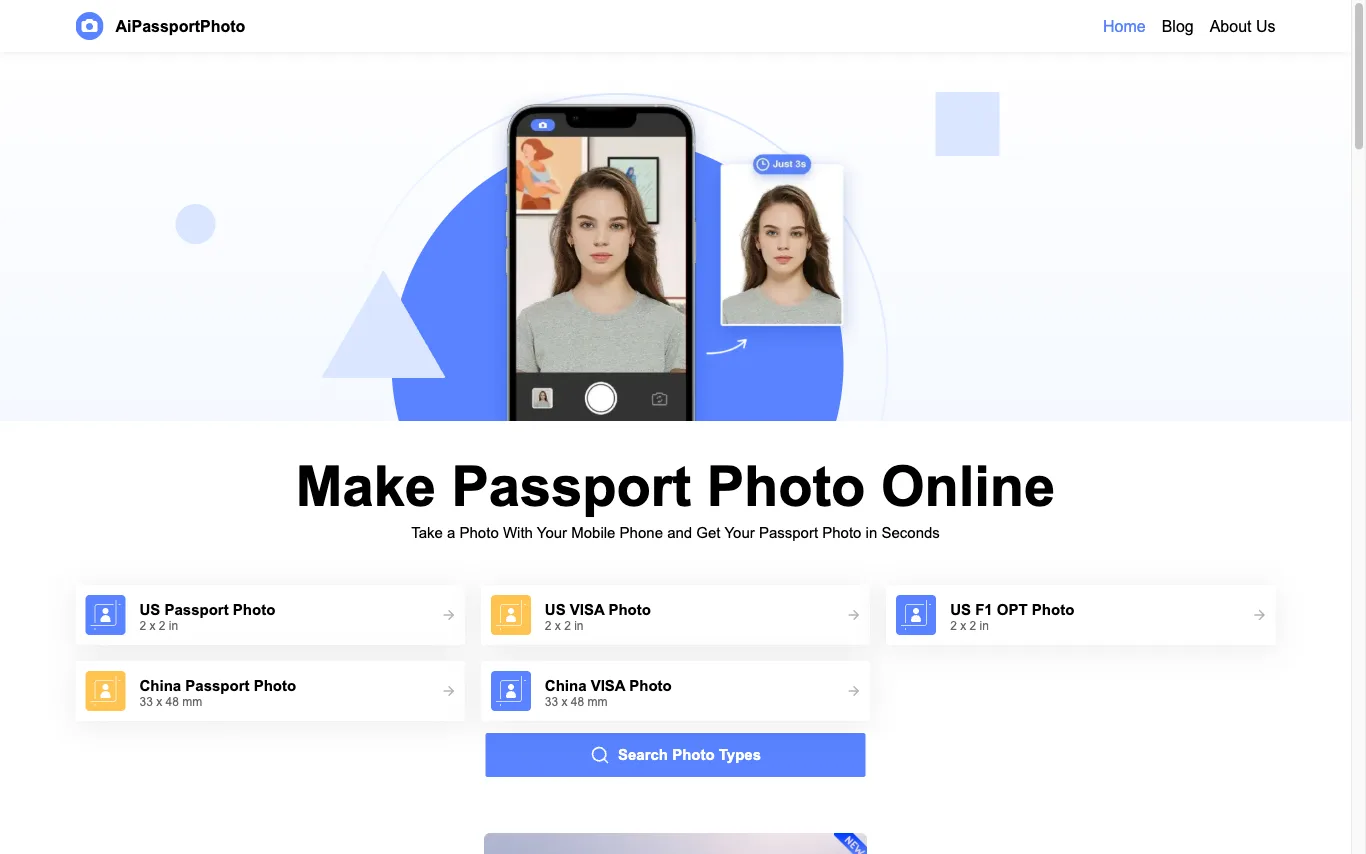

AiPassportPhoto 自动完成抠图换底、按官方尺寸裁切和合规检测,支持护照、签证、绿卡、F1 OPT、DV 抽签等 20 多种证件照格式。
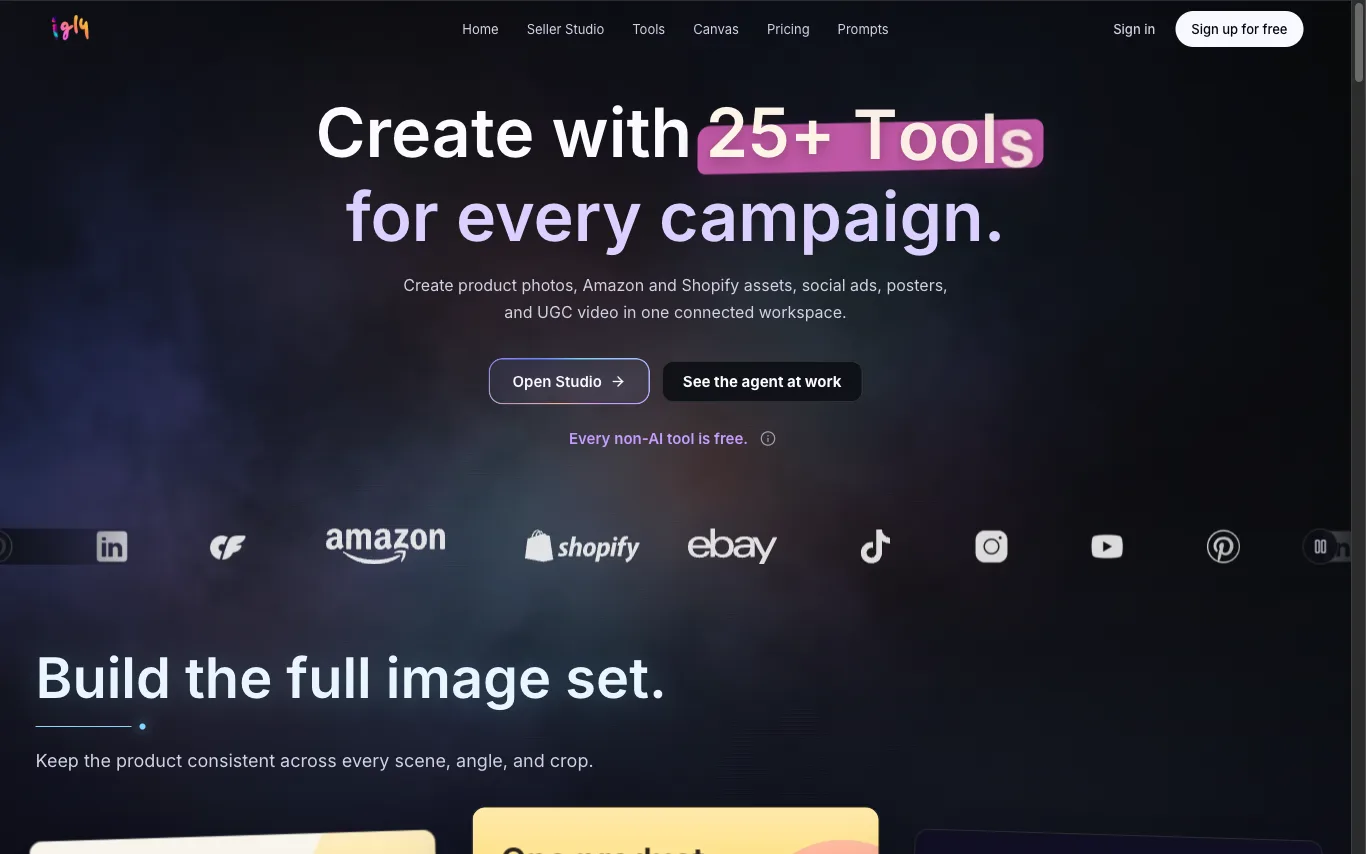

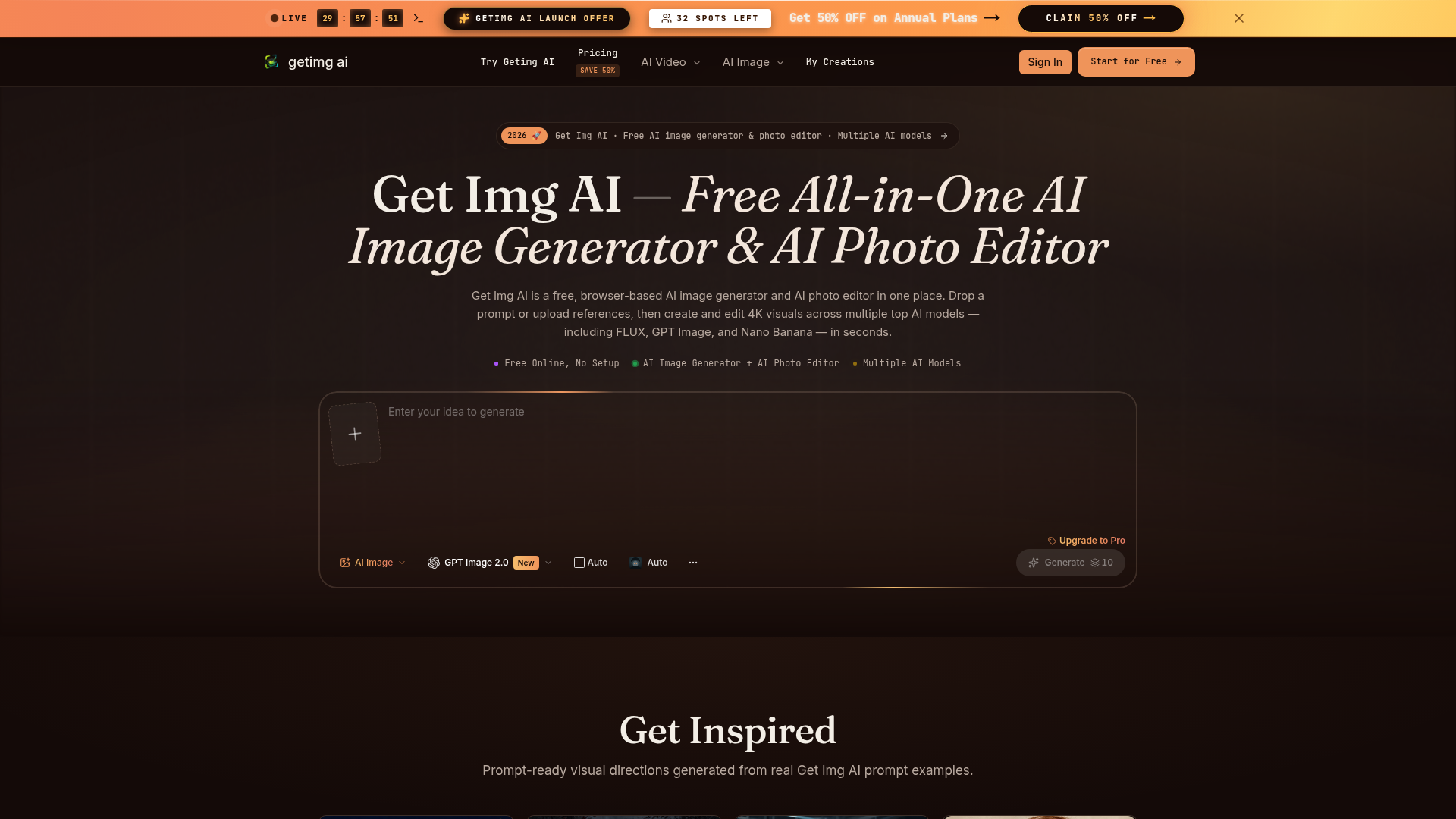

Get Img AI是一款免费的一体化AI图像生成器和AI照片编辑器,可直接在浏览器中使用。它提供了一个统一的工作空间,利用FLUX、GPT Image和Nano Banana等多个先进AI模型,创建和编辑高分辨率的4K视觉内容。用户只需输入提示词或上传参考图片,即可在几秒钟内开始生成和优化视觉作品。 该平台专为需要高效制作高质量宣传视觉内容的设计师、营销人员和产品团队而设计。它支持文本到图像生成、自然语言图像到图像编辑,以及最多九个输入的多元参考融合。其核心功能包括准确的图像内文本渲染,以及对人脸、颜色和构图等元素的精细控制。 通过对复杂的AI图像方面提供精确控制,Get Img AI帮助创作者按时交付可用于印刷的海报、社交广告、产品图片和角色故事板。它用AI驱动的解决方案取代了手动编辑任务,从而简化了创意工作流程,确保视觉识别的一致性和高质量的输出。
什么是 AI 图片编辑器?
AI 图片编辑器用一句提示词或一键来修图,而不用手动抠图和图层。它能抠背景/换背景、修人像、去除物体、放大分辨率、按提示重绘。工具从综合编辑器到只做一件事(如抠图)的单点应用都有。
核心功能
- 一键抠除、替换背景
- 去除物体或人物并自然填补
- 人像修饰:肤质、瑕疵、光线
- 低清照片的放大与降噪
- 按提示词生成式修改、填充
- 批量处理与常见导出格式
谁在用,怎么用
01
抠图换背景
电商和营销把商品或人物抠成干净背景,做统一的商品图和广告。
02
人像修饰
摄影师磨皮、修光、优化头像,不用手动精修。
03
去除物体或路人
去掉乱入的人、logo 或杂物,让 AI 自然填补空缺。
04
修复与放大
锐化、降噪、放大老照片或模糊低清照片。
AI 图片编辑器是怎么工作的?
AI 图片编辑器跑训练过的视觉模型,识别图里的人脸、物体和背景,再在像素级修改。抠图把主体和背景分离;去物把选区用合理像素填补;放大器预测细节把图放大而不糊。生成式编辑用扩散模型按提示词增删内容。