


2026 最佳 图像转视频
对比图生视频 AI:让照片动起来、运镜、说话头像、商品和广告短片,以及免费方案。



Veo 是 Google DeepMind 的视频生成模型,可基于文本、图像或参考视频生成具电影感的高分辨率片段,支持相机控制与较长片段,为 Gemini 与 VideoFX 中的 Google 视频功能提供支持。




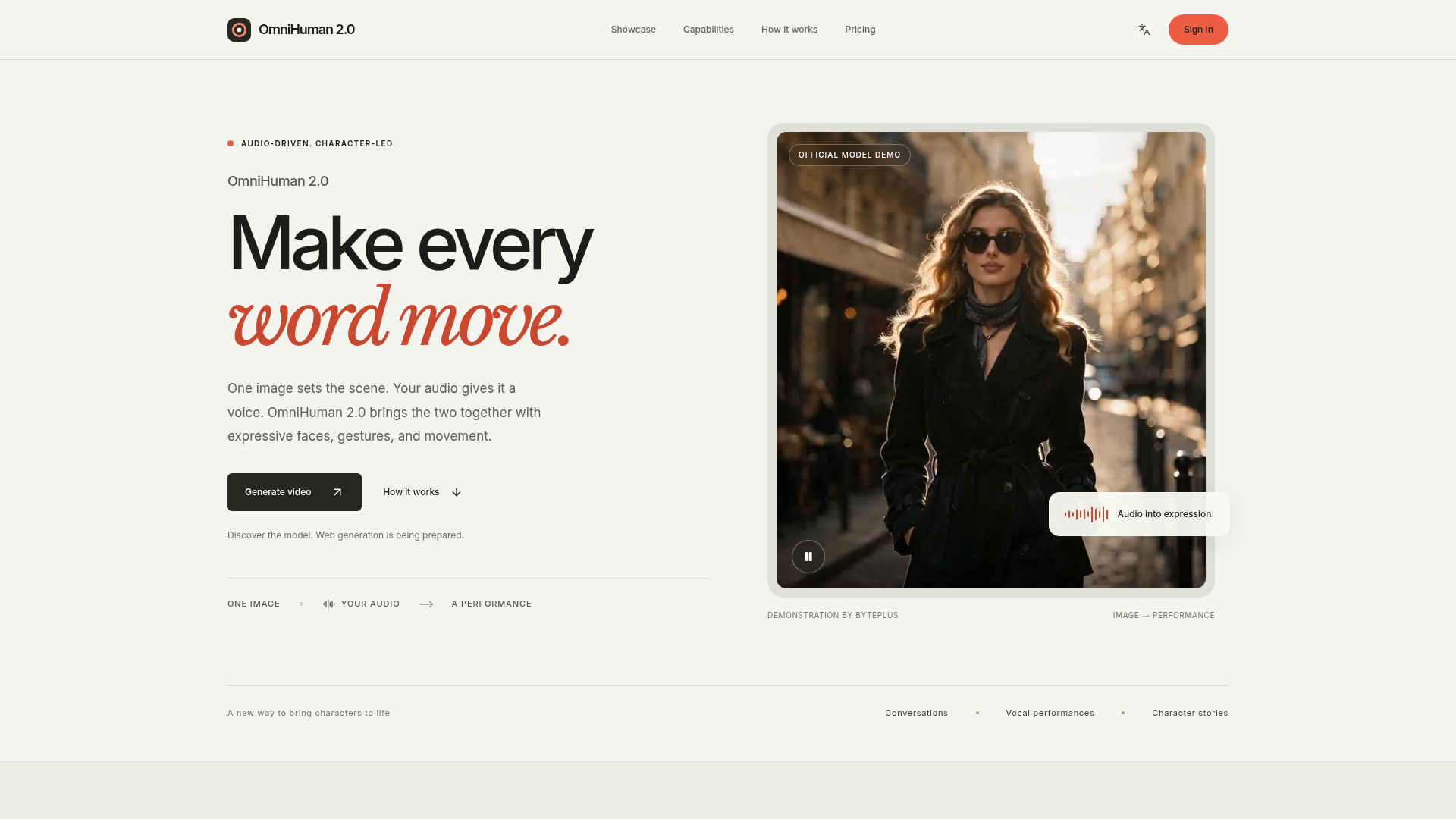

OmniHuman 2.0 is an advanced human animation model from ByteDance that converts a still image and an audio track into a dynamic video. It imbues characters with expressive faces, natural gestures, and fluid body movements, making every word and sound come alive on screen. The platform allows users to upload a portrait image and an audio track (speech or singing) to generate a video. An optional text prompt can further guide the character's actions, scene, or camera movements. This process brings a new dimension to digital storytelling and character interaction. Users can leverage OmniHuman 2.0 to create engaging content for various purposes, from educational explanations and musical performances to narrative concepts and fictional scenes. It's ideal for anyone looking to add a human presence and emotional depth to their creative projects.
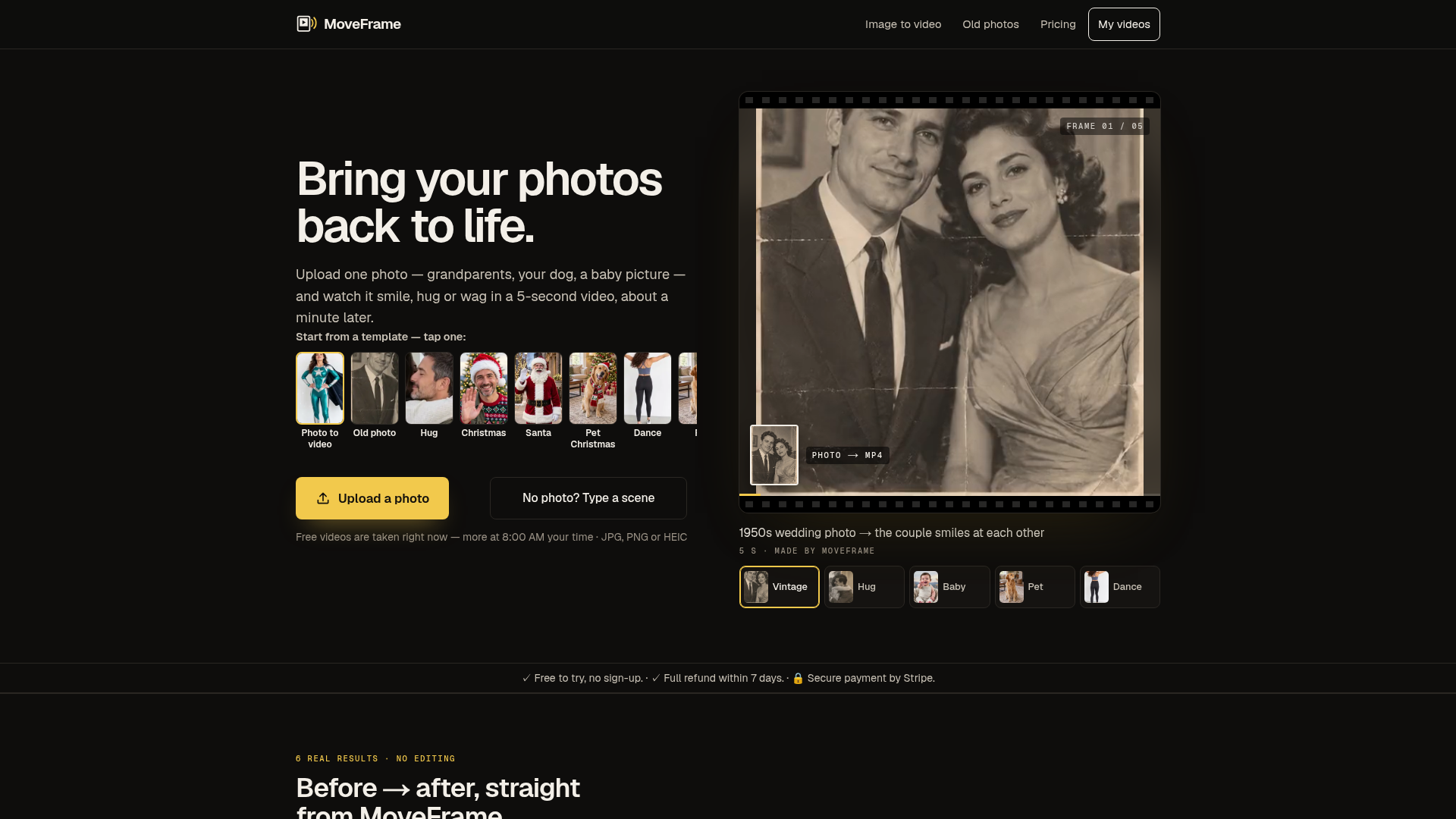

MoveFrame is an AI tool that transforms static images into dynamic 5-second videos. Users can upload a photo and select from various motions like smiling, hugging, or dancing, receiving an MP4 video in about a minute. It's designed for anyone looking to add movement and expression to their cherished memories, from old family photos to pet pictures. The platform offers a range of animation options, including natural smiles, full-body dances, and even generating a fictional baby from two adult photos. It operates without requiring an account for basic use, making it accessible for quick, creative projects. Users can also describe a scene with text to generate a custom video. MoveFrame is ideal for personalizing social media content, creating unique gifts, or simply enjoying a new way to interact with photographs. It provides a straightforward process: upload, pick a motion, and download, with options for different video lengths, qualities, and aspect ratios to suit various platforms. Utilize MoveFrame when you want to animate a still image into a short, engaging video, whether for fun, social sharing, or preserving memories in a new format.
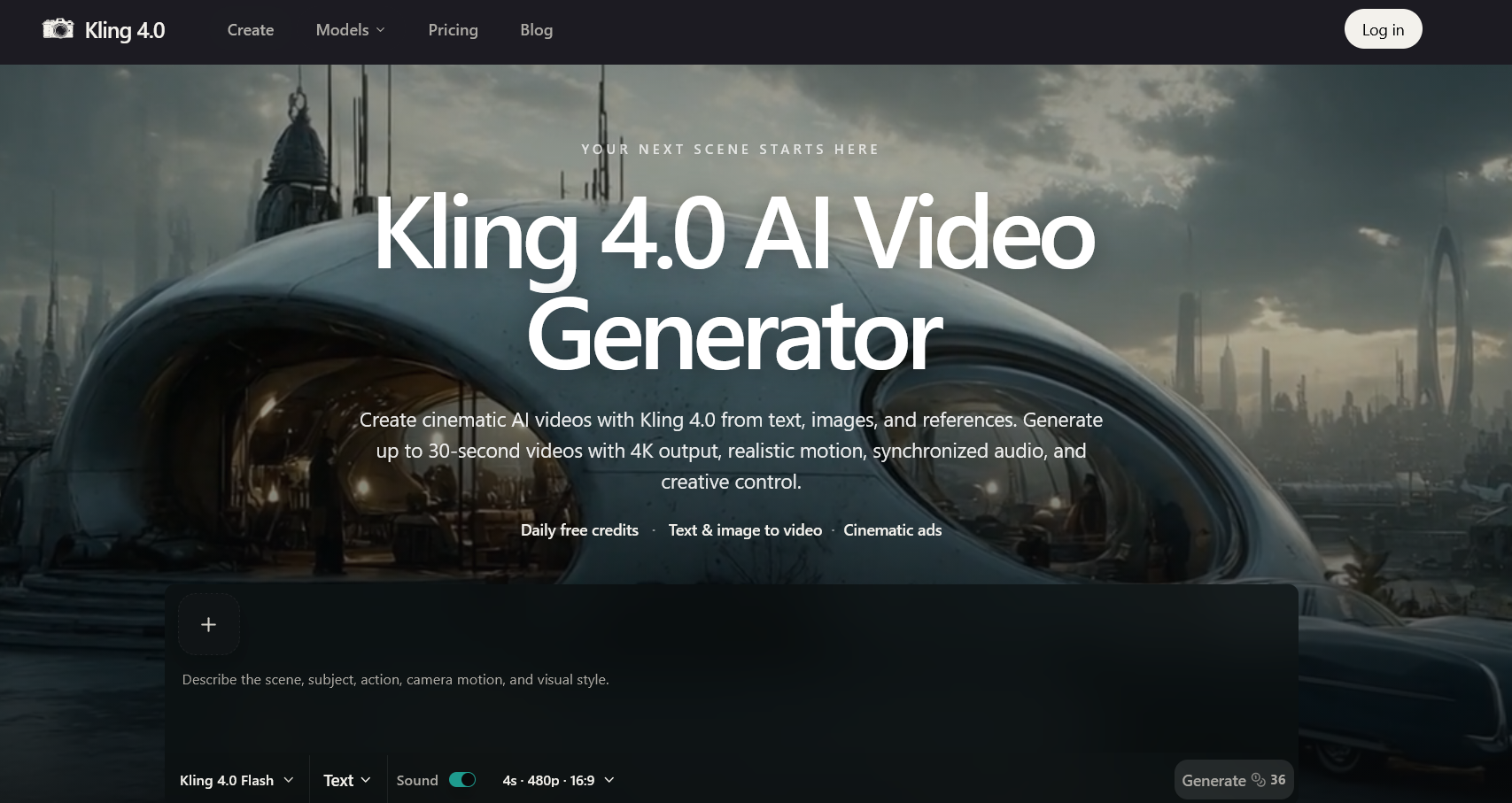

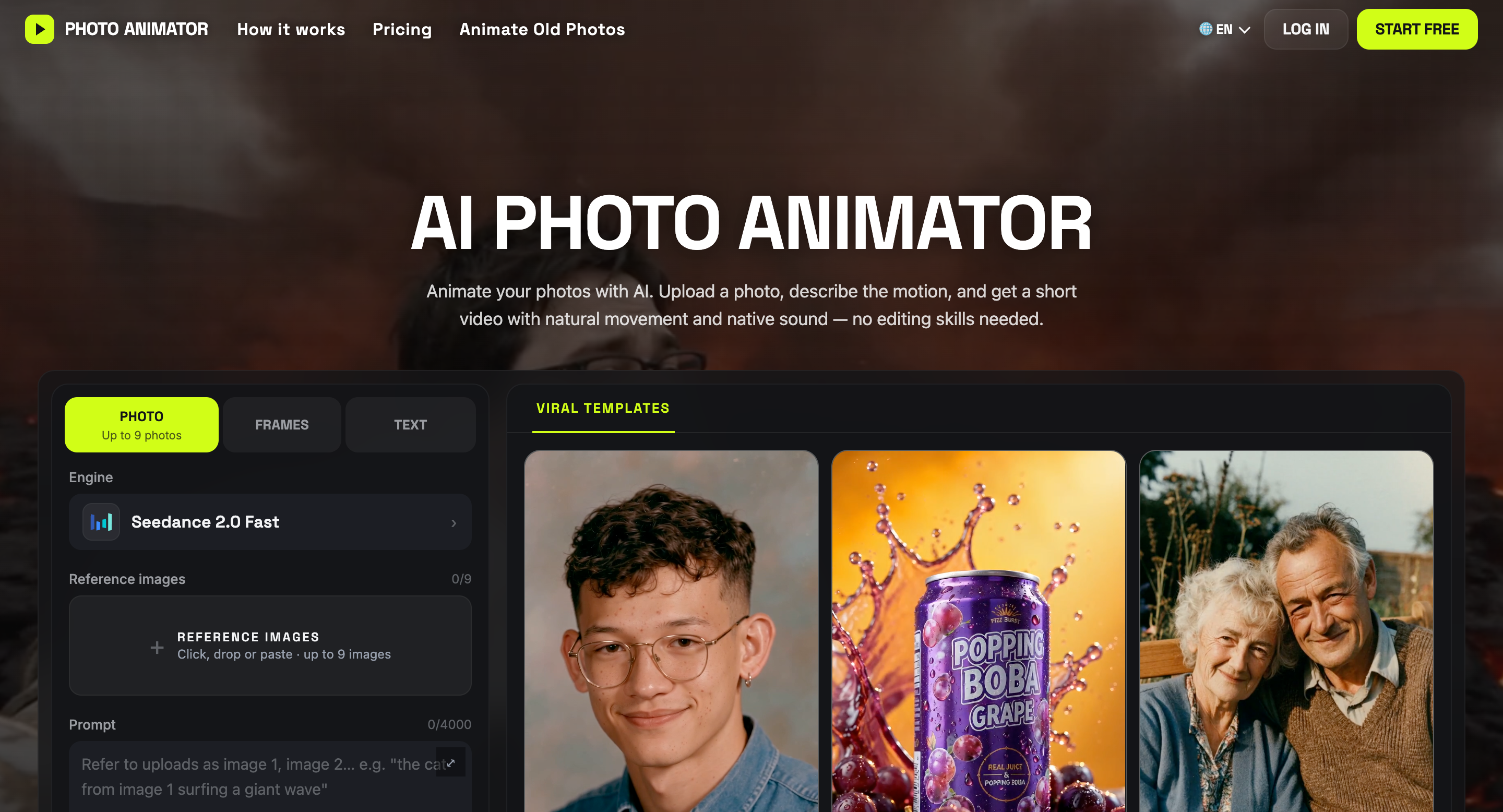

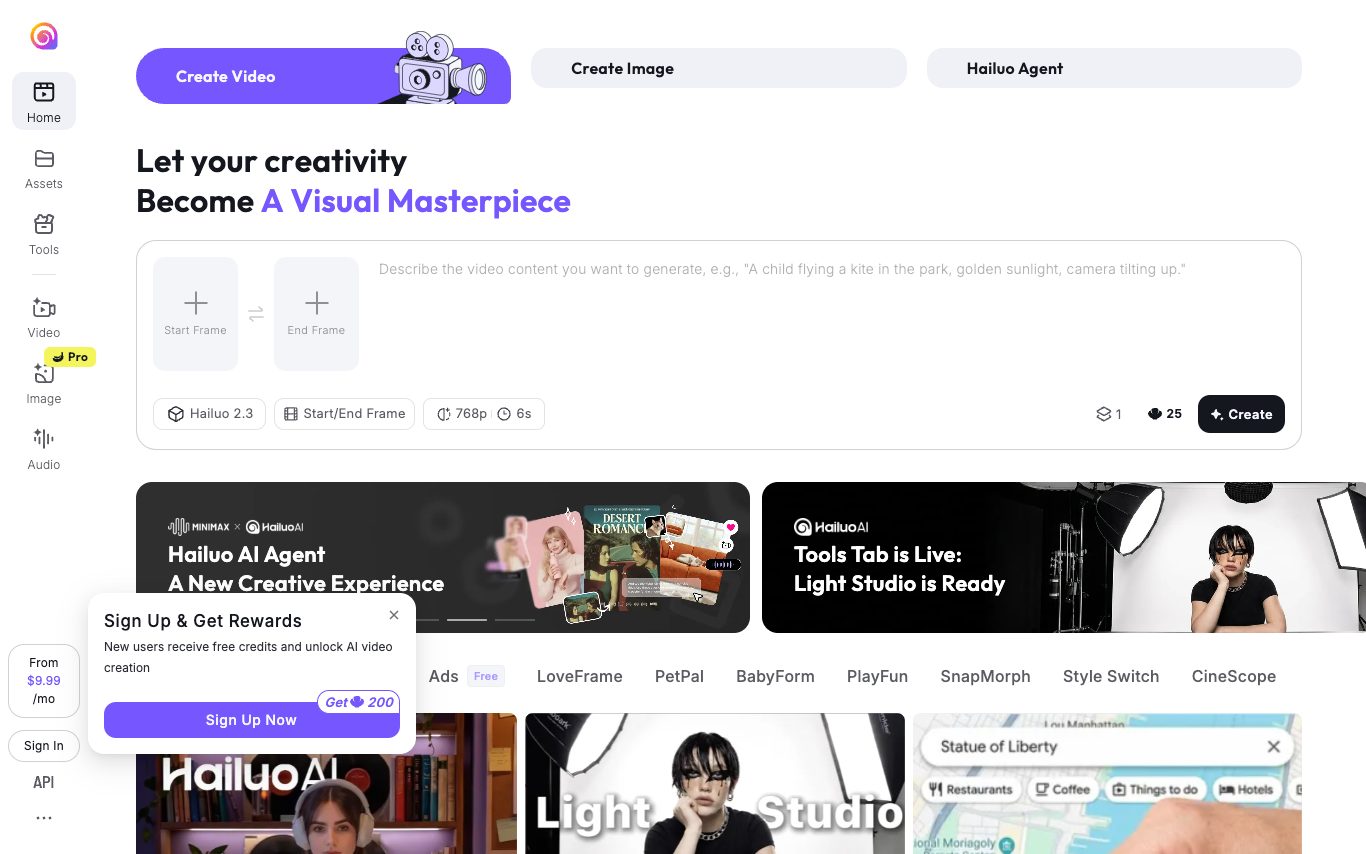
AI Photo Animator 是一款在线工具,可以把静态照片变成 AI 生成的短视频。上传一张图片,描述你想要的动作,老照片、人像、宠物、艺术作品和商品图都能动起来。 你可以让人像露出微笑,让风景动起来,或者把商品图做成店铺和社交媒体用的视频,全程在浏览器里完成。 ### 主要功能 - **照片转视频:** 上传图片,描述动作、行为或镜头角度。 - **多款 AI 模型:** 在一处选择 Seedance、Kling、Wan 和 Hailuo。 - **现成模板:** 把照片放进带预设提示词和参数的模板。 - **灵活的创作模式:** 用文字生成视频、在首尾帧之间生成动画、使用参考图,或重新演绎已有片段。 - **自定义输出设置:** 选择所选模型支持的时长、分辨率和画面比例。 - **费用提前可见:** 生成前显示积分消耗,生成失败时积分自动退回。 AI Photo Animator 适合创作者、营销人员、小型企业,以及想让照片动起来但不想学视频剪辑的人。
Photo to Video 是一款 AI 图生视频工具。你可以用 Seedance、MiniMax H3、Kling 和 Wan 等热门模型让任意照片动起来,最高输出 4K。起步有免费额度,无需订阅。
相关分类
什么是图生视频 AI?
图生视频 AI 把一张静图动画成一段短视频,加入运动、运镜或说话效果,不用实拍。用于让商品图、角色、人像和插画动起来,用于社媒、广告和演示。
核心功能
- 把照片或插画动画成片段
- 运镜、运动和循环效果
- 说话头像和数字人动画
- 控制运动强度和时长
- 适配社媒和广告的比例
- 免费方案,有水印和时长限制
谁在用,怎么用
商品与广告
把商品图变成用于社媒和广告的动态片。
人像与角色
让人脸、头像或角色动起来,含说话效果。
艺术与素材
让插画、缩略图和设计素材动起来。
免费试用
按水印、片段时长和质量比免费工具。
图生视频 AI 是怎么工作的?
图生视频模型把你的静图当作第一帧,生成后续帧,预测出与原图一致的合理运动和运镜。你通常用提示或运动控制来引导,再得到一段短片;简单、清晰的主体效果最好。