

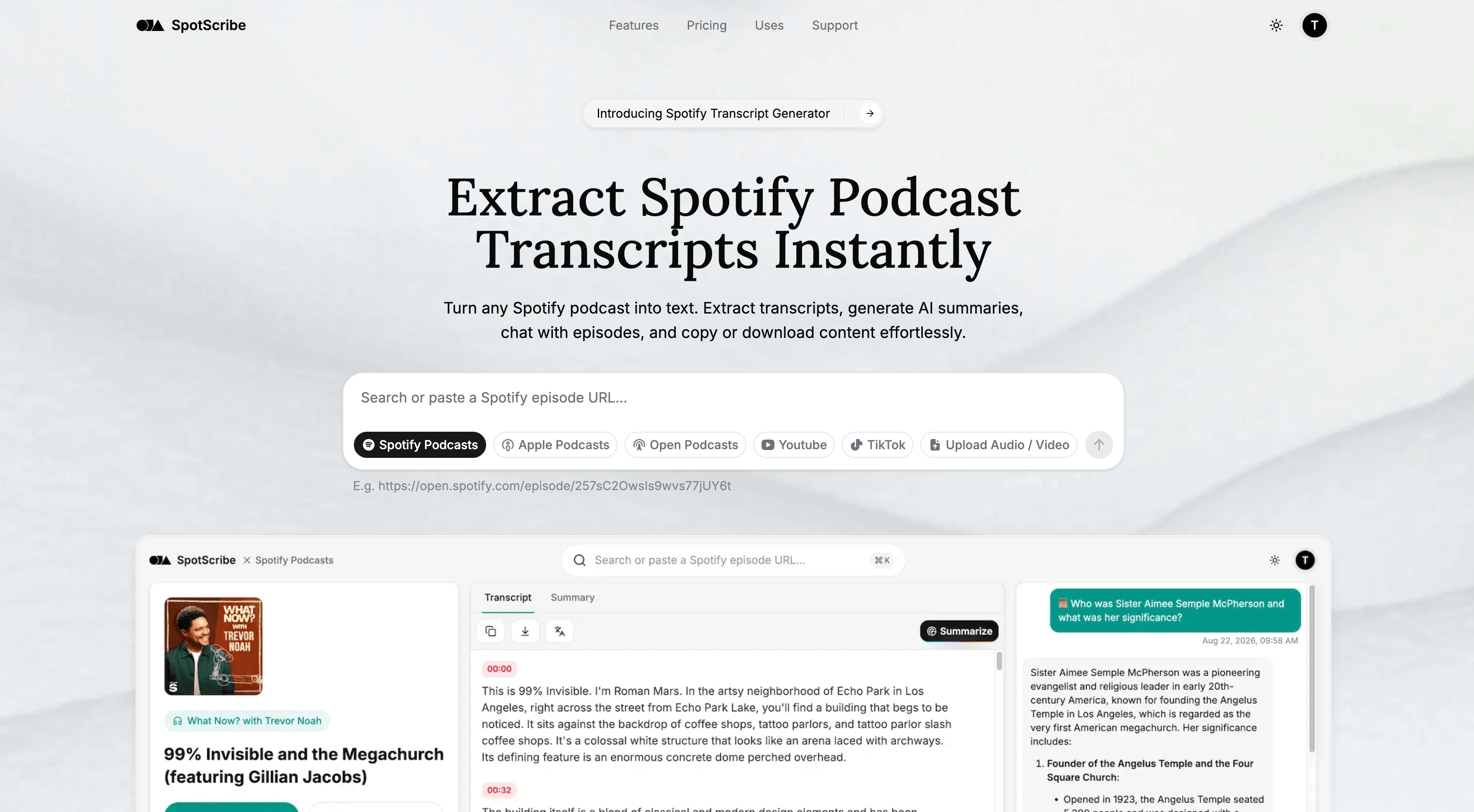

Extract Spotify Podcast Transcripts Instantly
AI Transcriber · 2 tools
Best AI Transcriber Tools (2026)
Compare AI transcription tools that turn audio and video into text — for meetings, interviews, podcasts, and subtitles, with speaker labels and timestamps.
All AI Transcriber tools
GPT Transcribe is a browser-based tool designed to enhance the capabilities of OpenAI's gpt-transcribe speech-to-text model. While gpt-transcribe provides accurate plain text, this platform fills critical gaps by offering SRT subtitles, speaker labels, and word-level timestamps, which are essential for many professional workflows. The service operates using OpenAI Whisper with diarization, allowing users to upload audio or video files up to 60 minutes, record live, or paste media links. It supports transcription in 100 languages, automatically separating speakers and providing precise timestamps. New accounts receive five free minutes to get started, eliminating the need for API key provisioning. Users can leverage GPT Transcribe to streamline tasks like creating captions for videos, transcribing interviews, or documenting meetings. It simplifies the process by delivering ready-to-use subtitle files and speaker-separated transcripts, exportable in multiple formats including SRT, VTT, DOCX, JSON, PDF, and TXT, directly from a browser tab.
What is an AI transcriber?
An AI transcriber converts spoken audio or video into written text using automatic speech recognition (ASR). It timestamps each segment, and most tools identify who spoke and let you search, edit, and export the transcript. They handle recorded files, live meetings, and multi-speaker conversations across many languages.
What AI transcribers do
- Automatic speech-to-text from audio and video files
- Speaker diarization that labels who said what
- Word-level timestamps synced to the recording
- Live transcription for meetings and calls
- Subtitle and caption export as SRT or VTT
- Multi-language transcription and optional translation
Who uses AI transcribers
01
Meeting and interview notes
Capture calls, standups, and interviews as searchable transcripts with speaker labels and summaries.
02
Podcast and video creators
Turn episodes into text for show notes, blog posts, and burned-in captions.
03
Researchers and journalists
Transcribe qualitative interviews and field recordings for coding, quoting, and analysis.
04
Accessibility and subtitles
Generate captions and SRT files so audio and video content stays accessible.
How AI transcription works
An acoustic model breaks the audio into short frames and maps sounds to likely words, while a language model picks the most probable phrasing. A separate diarization step clusters voices to tell speakers apart and attach timestamps. You upload a file or connect a live call, then review and correct the draft transcript in an editor.