



Kit (formerly ConvertKit) is an email marketing platform for creators. Build landing pages, send newsletters, automate sequences, earn recurring revenue with paid newsletters, and sell digital products.
Best AI Newsletter Tools (2026)
Compare AI newsletter tools that draft email issues, curate content from your feeds, write subject lines, generate images, and send through your ESP.
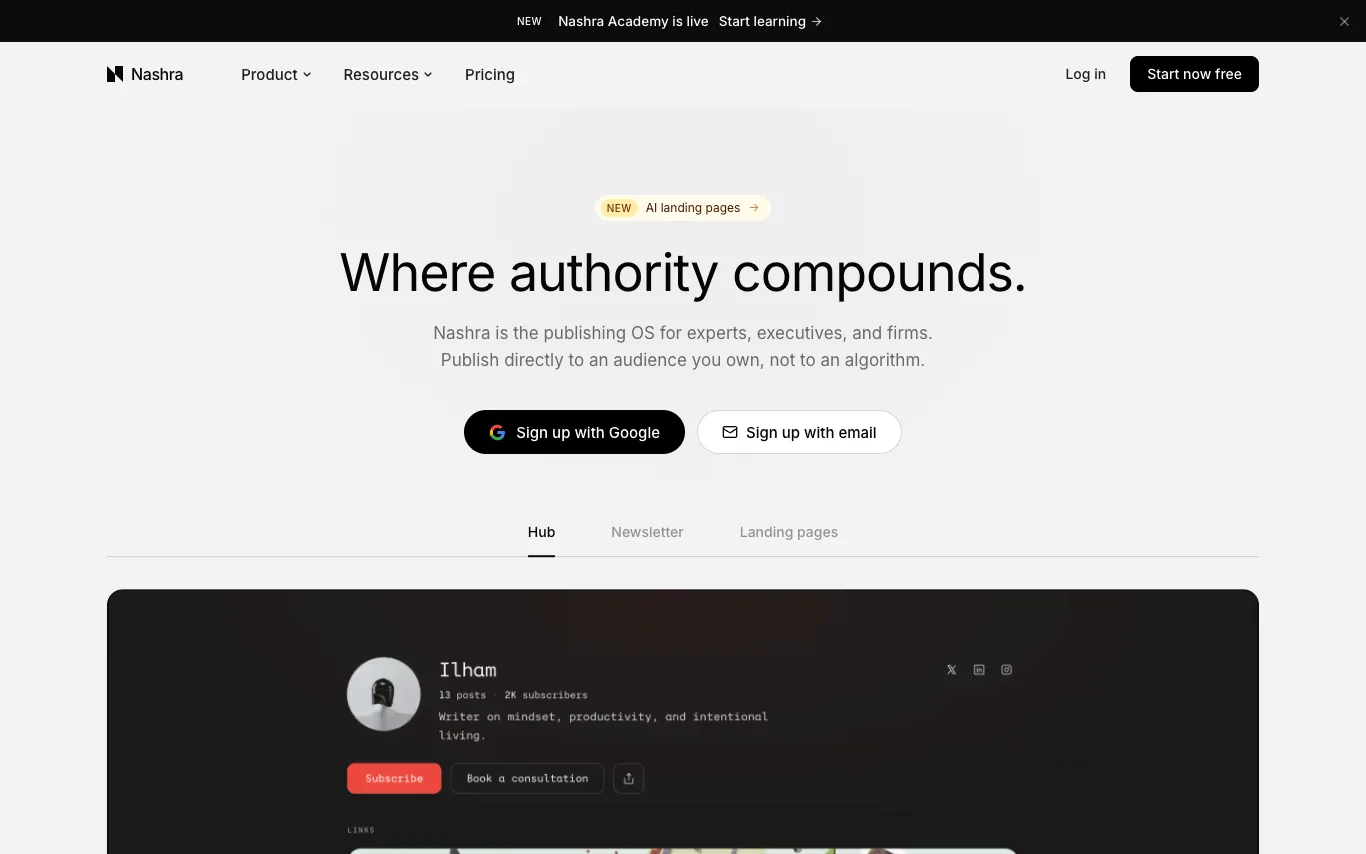

Nashra is a publishing platform that combines newsletters, hubs, and landing pages in one place, where every page you publish grows the same email list. It is designed for experts, executives, and firms to publish directly to an audience they own, rather than relying on algorithms. The platform includes an AI-powered publishing strategist that suggests what to publish next, AI subject lines, best time to send, automations, and more. Nashra offers a free plan for up to 500 subscribers.
Related categories
What is an AI newsletter tool?
An AI newsletter tool uses a language model to write and assemble email newsletters — the copy, the subject lines, and often the images. It can pull material from your RSS feeds, saved links, or the open web, then organize it into a formatted issue in your brand voice. Most connect to an email service like Mailchimp, beehiiv, or ConvertKit so a draft is ready to schedule and send.
What AI newsletter tools do
- Auto-drafts a full newsletter issue from a prompt
- Curates content from RSS, web, Reddit, and YouTube
- Writes subject lines and preview-text variants
- Generates header and section images on brand
- Matches your voice from past newsletter samples
- Exports or sends via Mailchimp, beehiiv, ConvertKit
Who uses AI newsletter tools
01
Solo creators
Independent writers and bloggers running a personal newsletter for their subscriber list.
02
Marketing teams
Marketers producing weekly product updates and email campaigns at higher volume.
03
Content curators
People building link-roundup and industry digests who need the week's highlights fast.
04
Internal comms
Companies compiling staff briefings and client digests to share on a regular cadence.
How AI newsletter tools work
You give the tool a topic, a set of source links, or a batch of recent content, and a language model drafts the issue section by section. Tools that curate first fetch and summarize your feeds or the web, then arrange the highlights with links and headings. The result is formatted email HTML you review, edit, and push to your sending platform.