


AI Picture Editor
Edit photos with a prompt, from replacing backgrounds to restoring old prints.
What is AI Picture Editor?
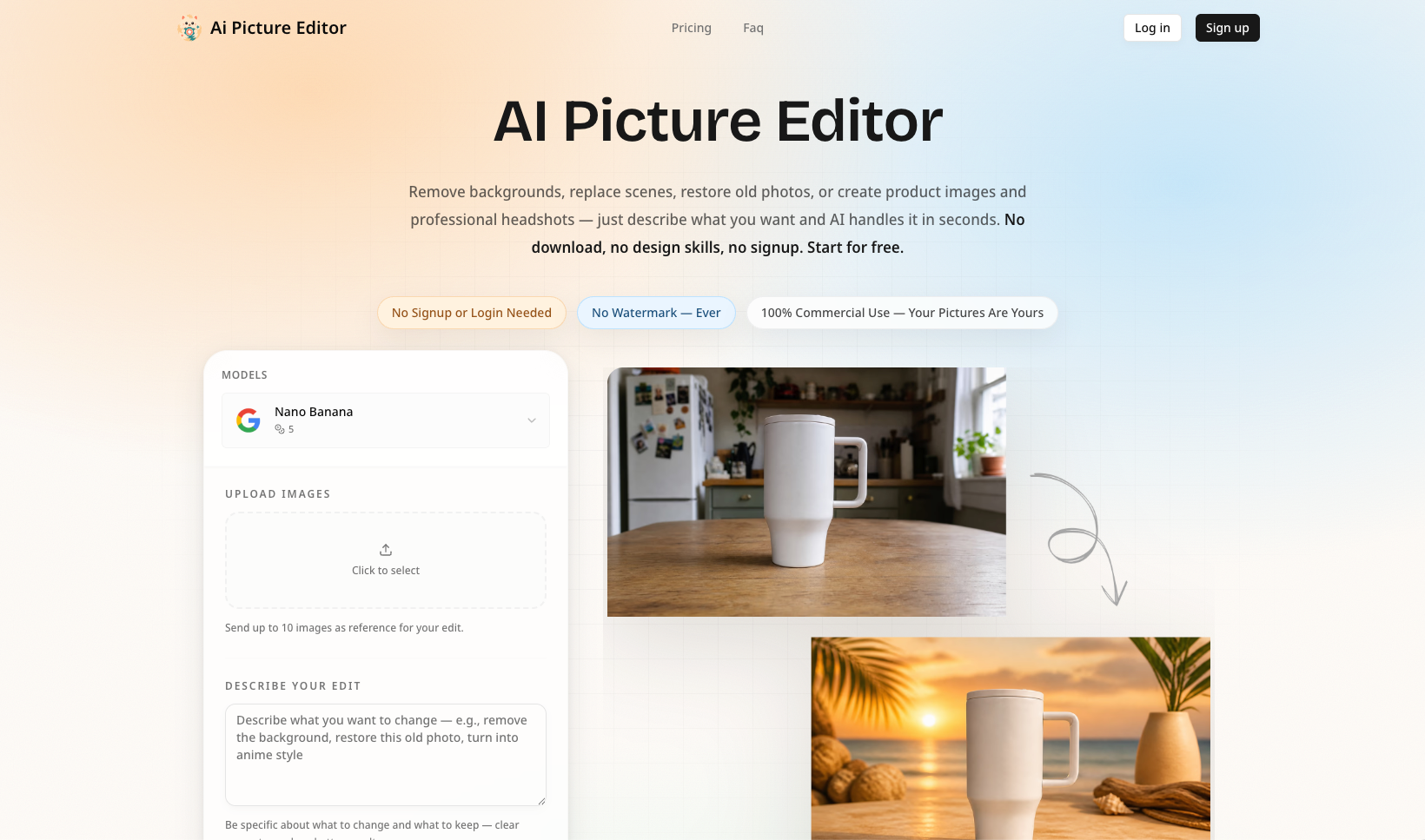
Upload a photo and describe what you want to change. For a product listing, try “give this mug a white background and keep the shadow under the handle.” For a family photo, ask the editor to remove a passerby or repair scratches in an old print. You can refine the result with another prompt or add a reference image to guide the edit.
Two free tools run locally in your browser without an account. Background Remover cuts out the subject and saves it as a transparent PNG. Image Upscaler enlarges a picture by 2× or 4×. The AI editor also offers free starter credits for prompt-based edits.
AI Picture Editor is free to use.
Frequently Asked Questions



 +4
Looking for something else?
Compare AI Picture Editor with similar tools on pricing, features and traffic.
More AI Photo Editor tools
View all AI RaphaelAI Raphael: Create and edit images with precise AI generation, photo editing, and consistent character results.
 AirbrushAI photo editor with image extension, retouching, and enhancement tools.
 Change Image ColorChange image color online for free, with Hex color control and no watermark.
 Image to Image AI GeneratorUpload a reference image, describe what to change, and keep the parts you already like to make directed edits without st
 editaimgUpload, edit, and transform images with AI-powered tools for background removal, cleanup, upscaling, and style transform
 FaceSwaplyStart with realistic AI face swaps, then transform images for hairstyles, hair color, headshots, avatar-style visuals, a
 FacewowBoost your photos with Facewow, an AI-powered toolkit for portraits, face swaps, headshot generation, and image enhancement
 GenCraftersGenCrafters — Generate Stunning AI Images & Videos from Text