Best Pokecut Alternatives in 2026
Short on time? Start with what matters most to you.

Top Pokecut alternatives, reviewed
Each alternative below, with what it does well, who it suits, and what it costs.
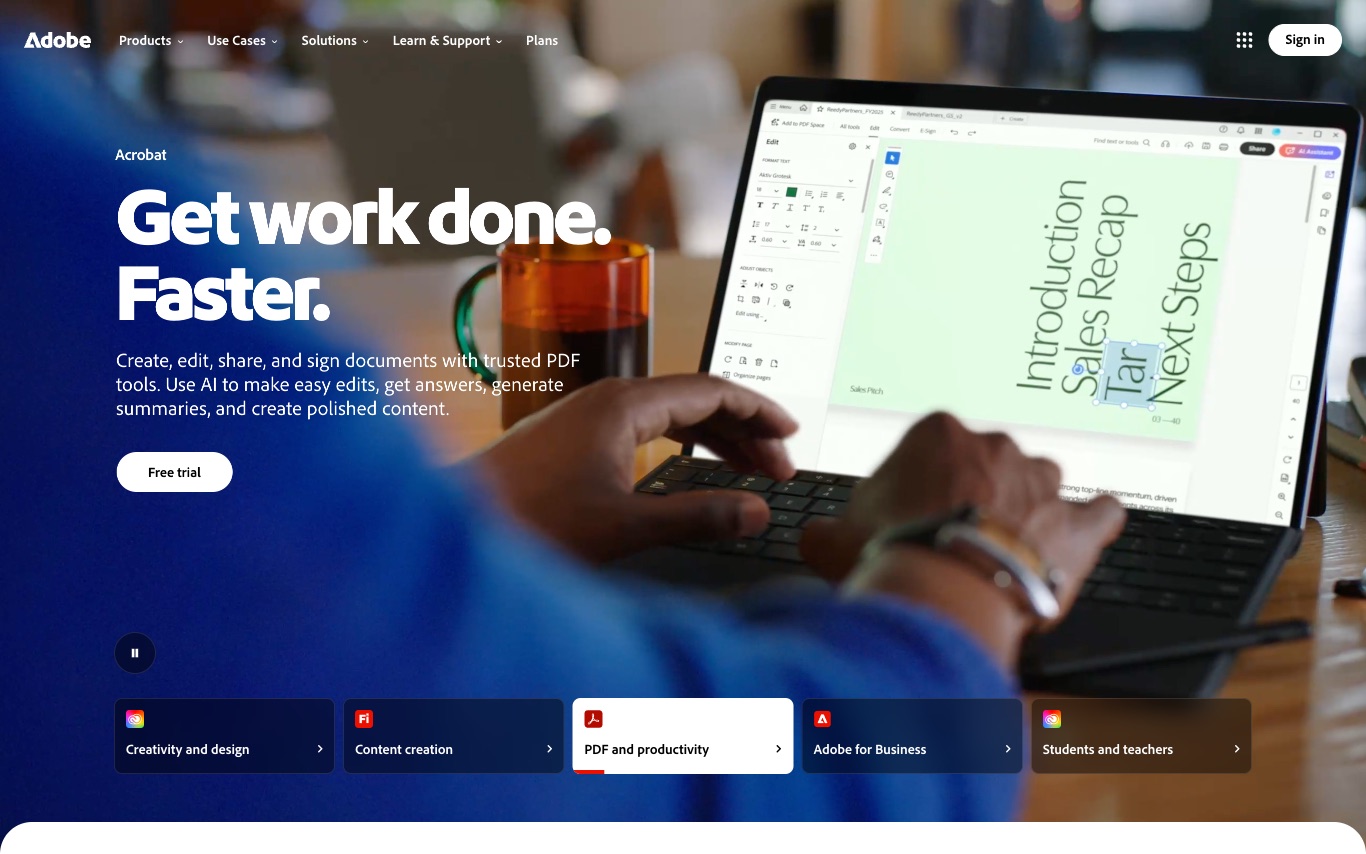
Adobe is the maker of Photoshop, Illustrator, Premiere Pro, Acrobat, and the Firefly generative AI family—providing creative, marketing analytics, and document tools that span desktop, web, and mobile for individual creators through large enterprises.
- 20+ creative apps on one plan
- Photoshop and Lightroom
- Illustrator and InDesign
Best forProfessional designers, Video editors, Students and teachers
Full review
2. Photoroom
Freemium
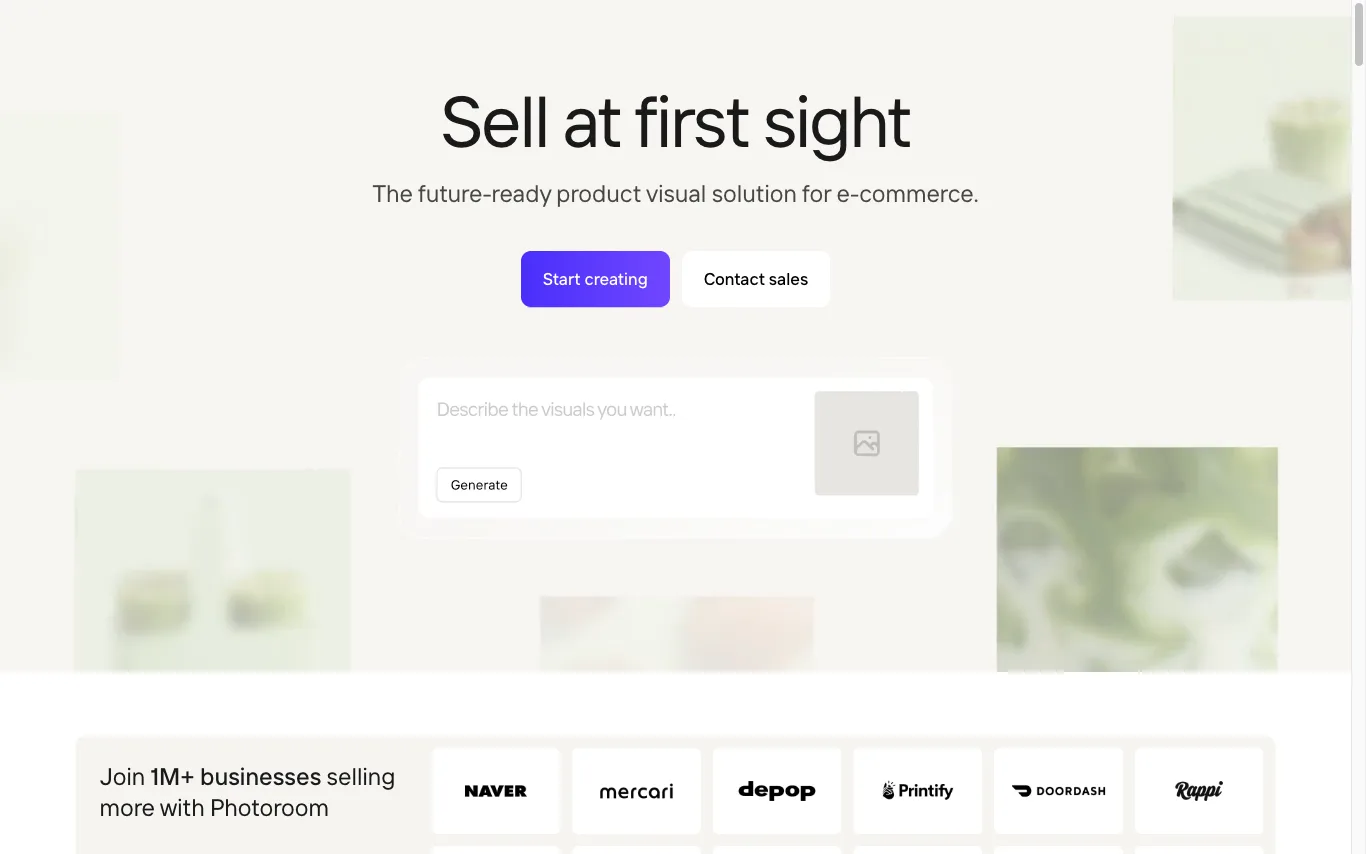
Photoroom is an AI photo editing platform for e-commerce sellers and creators. It offers background removal, AI backgrounds, batch editing, a marketplace sync, and an Image API — enabling production-scale visual workflows from a single interface.
- AI Background Remover
- Batch Editing via API
- AI Product Photography
Best forE-commerce sellers, Social media creators
Full review
3. Picsart
Freemium
Picsart is an all-in-one AI creative platform used by millions to edit photos, create designs, and generate visual content without professional design skills.
- AI-powered creation
- Video and photo editing
- Real-time collaboration
Best forCreators, E-commerce teams, Marketing teams
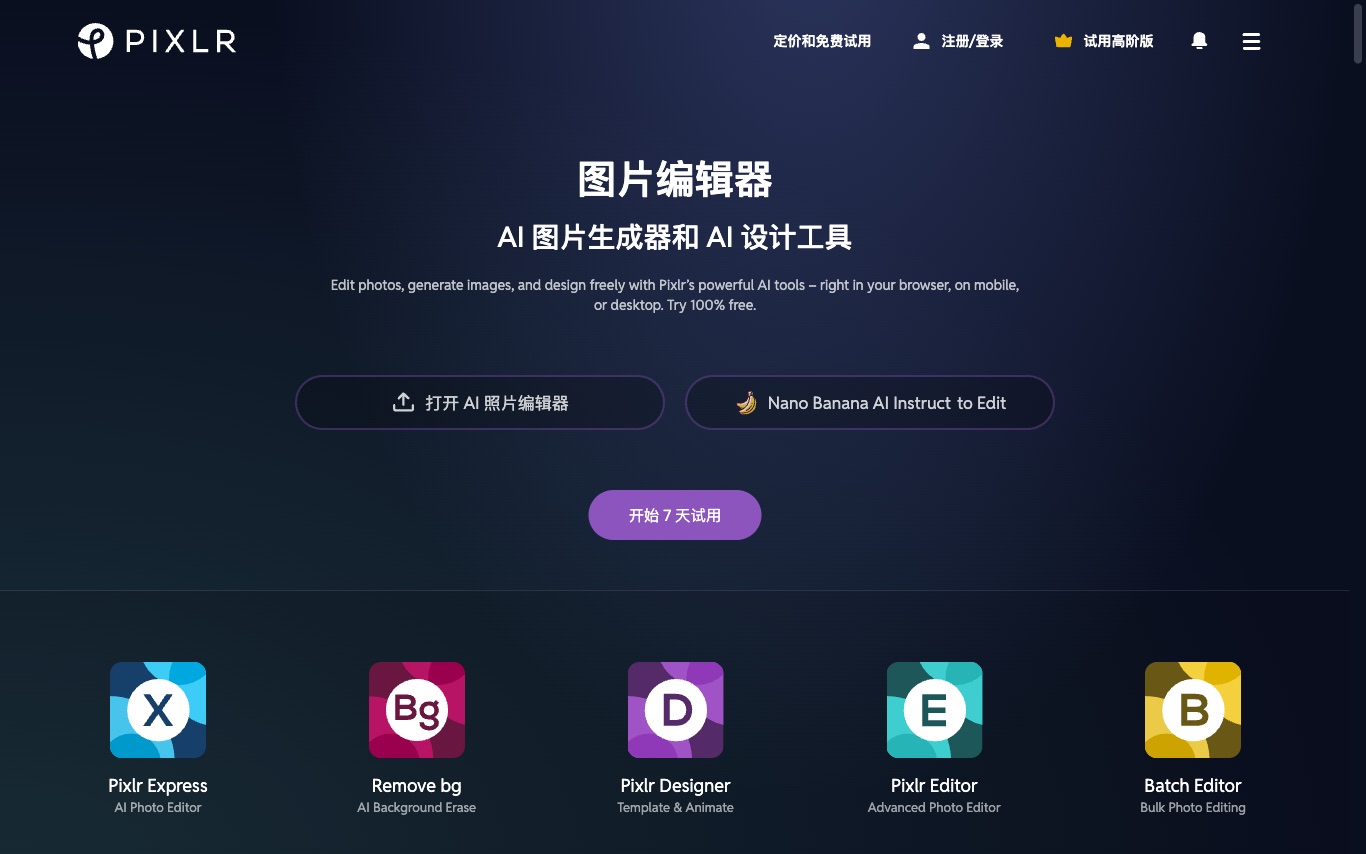
Full reviewPixlr is a free browser-based photo editing suite with AI-powered enhancement, background removal, batch processing, animation design, and text-to-image generation—serving casual editors who need quick results without installing software.
- AI image generator
- AI generative fill
- AI generative expand
Best forHobbyists, Small business designers, Beginners
Full review
5. Pixelcut
Freemium
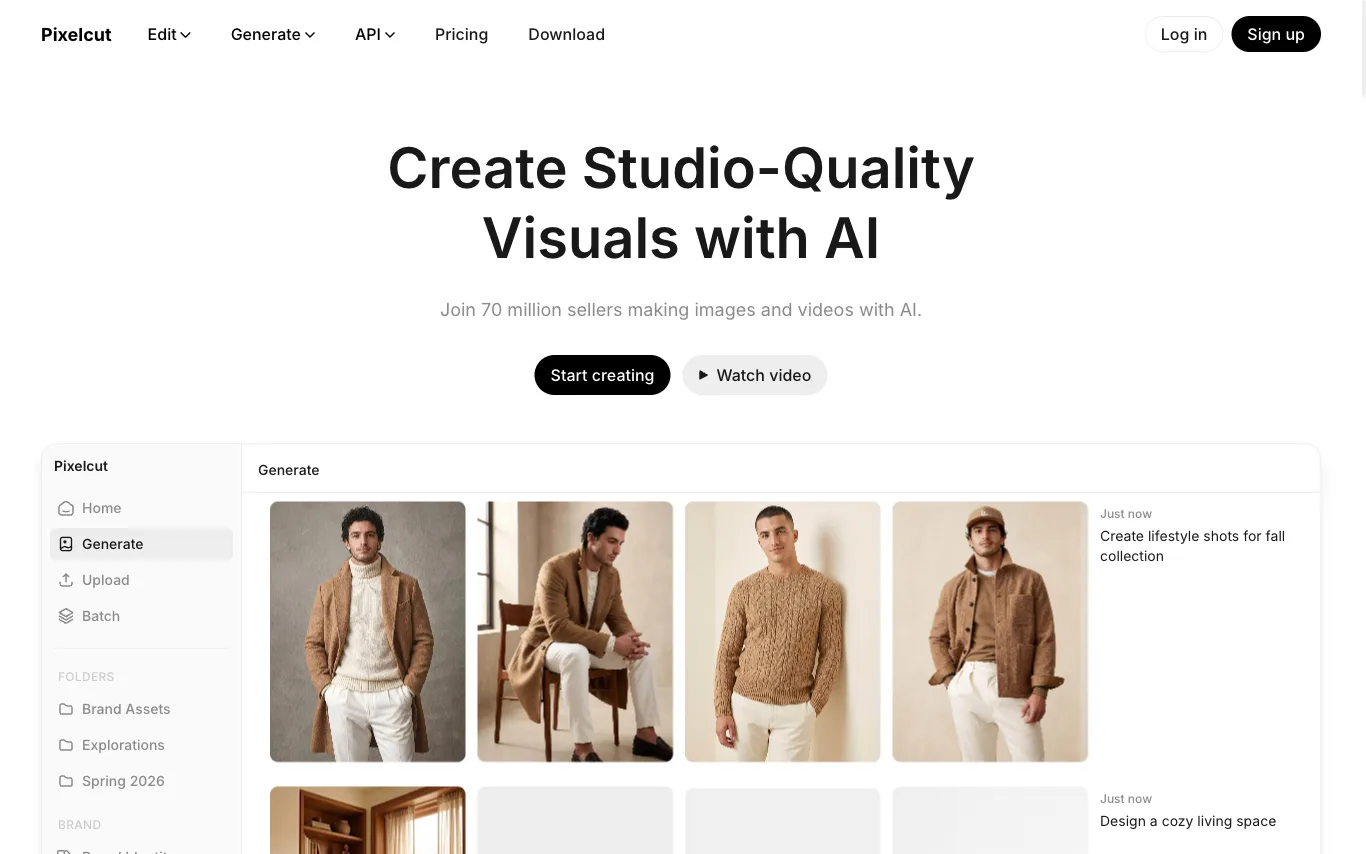
Pixelcut is an AI creative platform where a built-in Creative Agent understands prompts and executes image and video workflows on your behalf. Trusted by 70 million sellers, it produces studio-quality product visuals without manual editing steps.
- Creative Agent
- Product Showcase
- Background Remover
Best forE-commerce sellers
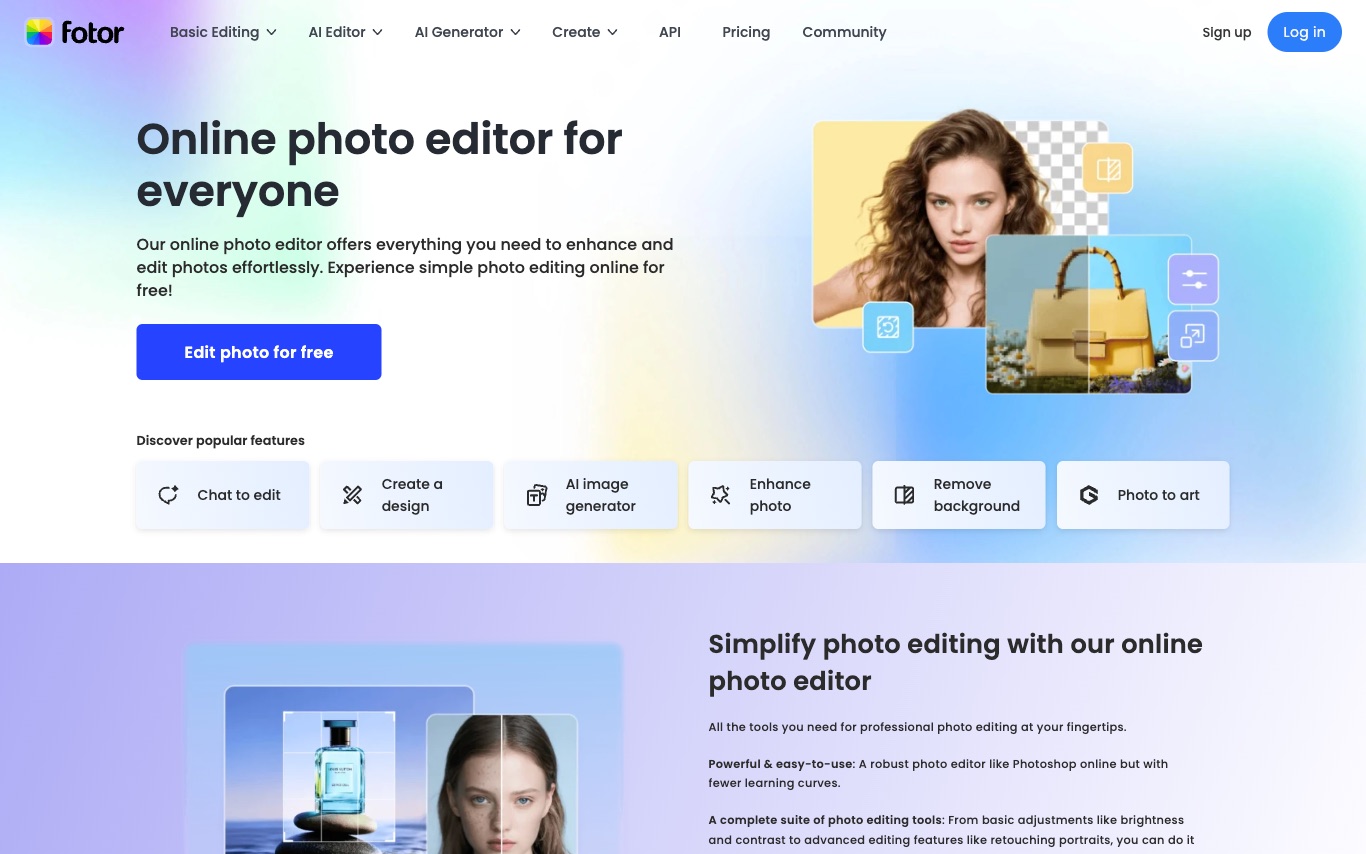
Full reviewFotor is a free online photo editor that combines cropping, filters, and retouching with AI-powered features—background removal, AI image generation, batch editing, and a graphic design template library for social and marketing visuals.
- AI Photo Enhancer
- Background Remover
- AI Object Remover
Best forSocial media users, Content creators, Small business owners
Full review
7. Remaker AI
Freemium
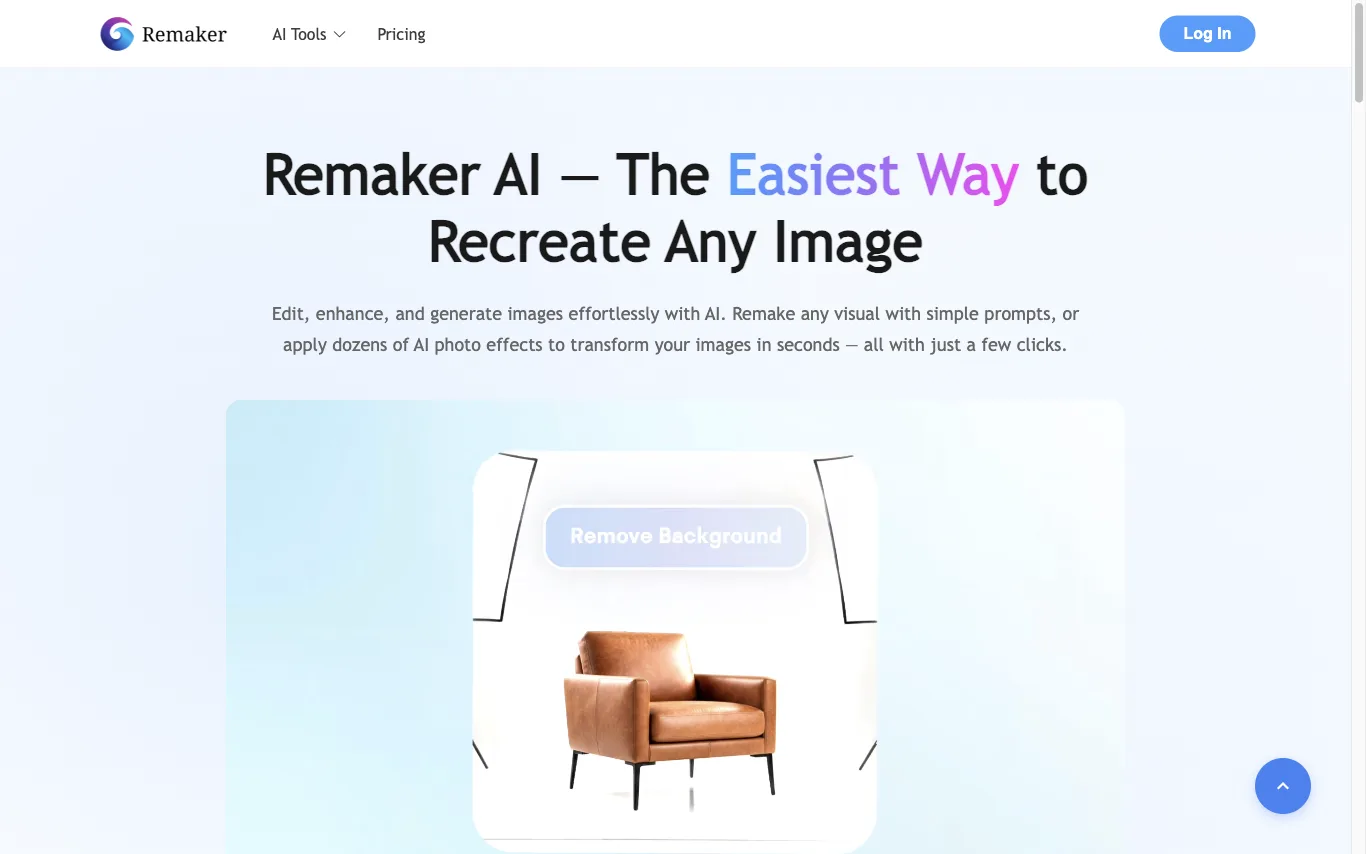
Remaker AI is an AI image editing platform for recreating, enhancing, and generating visuals with simple prompts or dozens of AI effects. It is recognized as a Top 50 AI Web Product globally by a16z.com and covers tools from background removal to image upscaling.
- AI Photo Editor
- AI Image Upscaler
- Background Remover
Best forContent creators and social media managers, E-commerce sellers
Full review
8. Airbrush
Freemium
Airbrush is an AI-powered photo editor that extends, enhances, and retouches images with one-click tools across all platforms.
- Image eraser
- AI retouch
- Image enhancer
Best forEveryday users, Content creators, Professionals
Full review
9. Magic Hour
Freemium
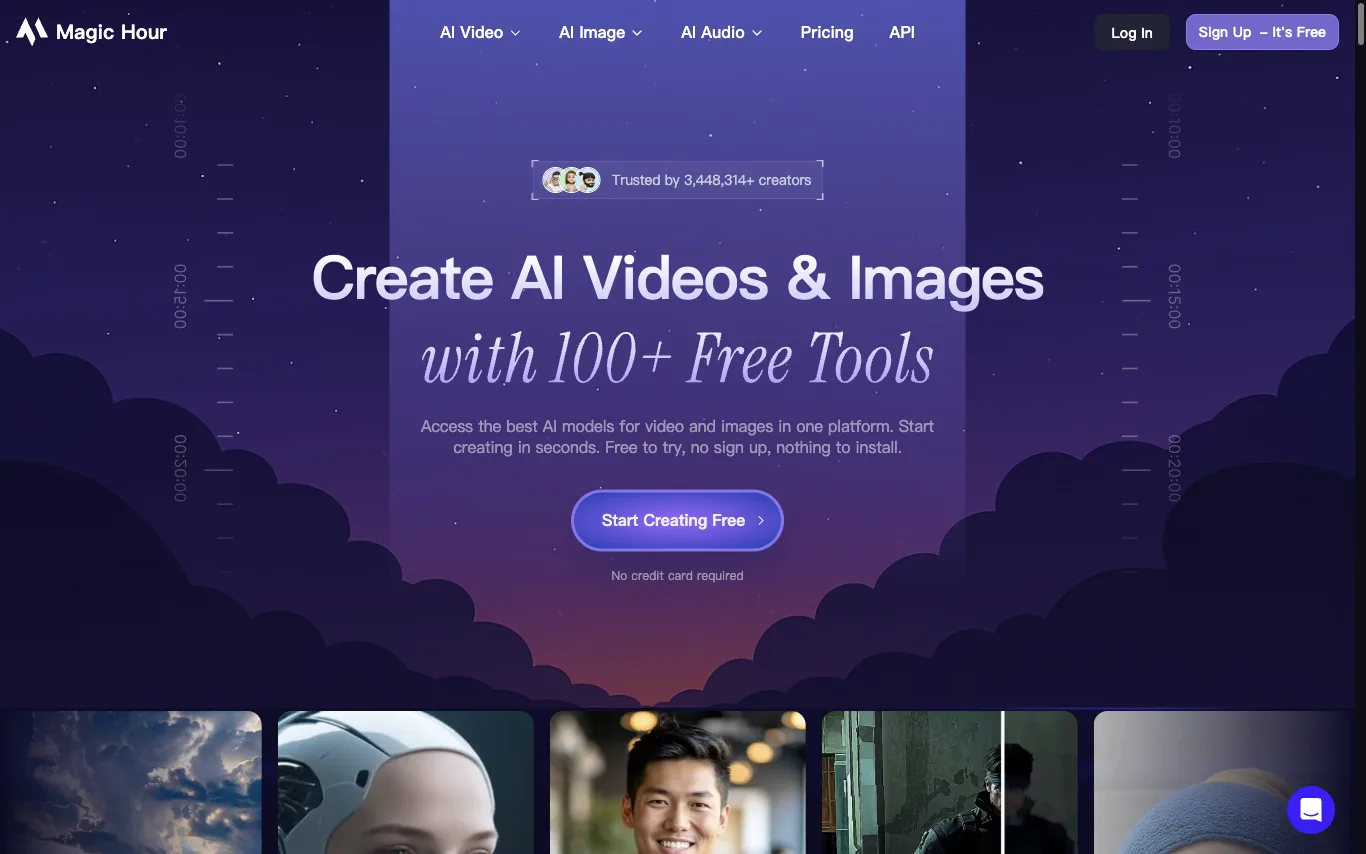
Magic Hour is a unified AI creative studio with 100+ tools for video and image generation. It includes face swap, lip sync, talking photo, text-to-video, image-to-video, AI headshot generation, background removal, and more. Available on web, mobile, and via API. Trusted by 3M+ creators and 2,000+ teams.
- 100+ AI Video & Image Tools
- Face Swap (Photo & Video)
- Lip Sync AI
Best forContent creators, Teams and businesses
Full review
10. Photo Editor AI
Freemium
Photo Editor AI is a free online photo editor that uses AI to enhance, retouch, and transform images with one-click tools.
- Prompt-based image editing
- Consistent characters
- Precision region edits
Best forE-commerce sellers, Bloggers, Small business owners
Full review
11. TinyWow
Free
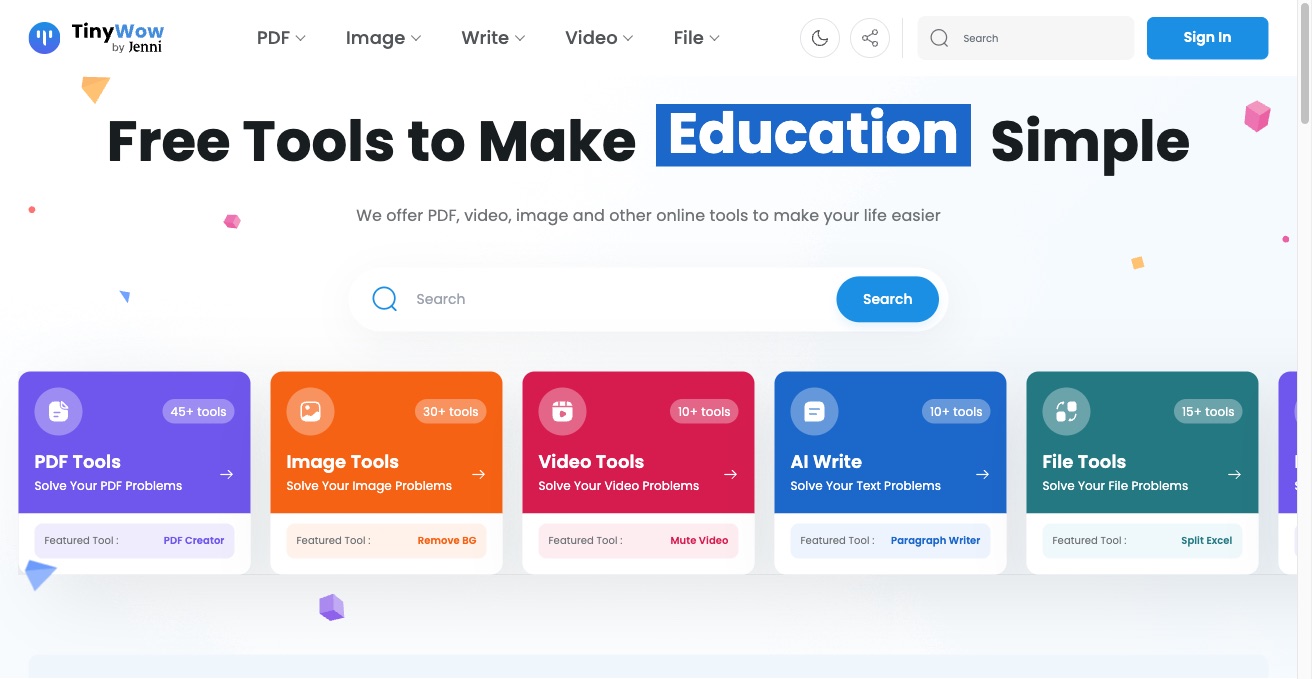
TinyWow offers 200+ free online tools for PDF, image, video, AI writing, and file conversion. All tools are free with no watermark or signup required.
- 45+ PDF Tools
- 30+ Image Tools
- 10+ Video Tools
Best forbusiness, students
Full review
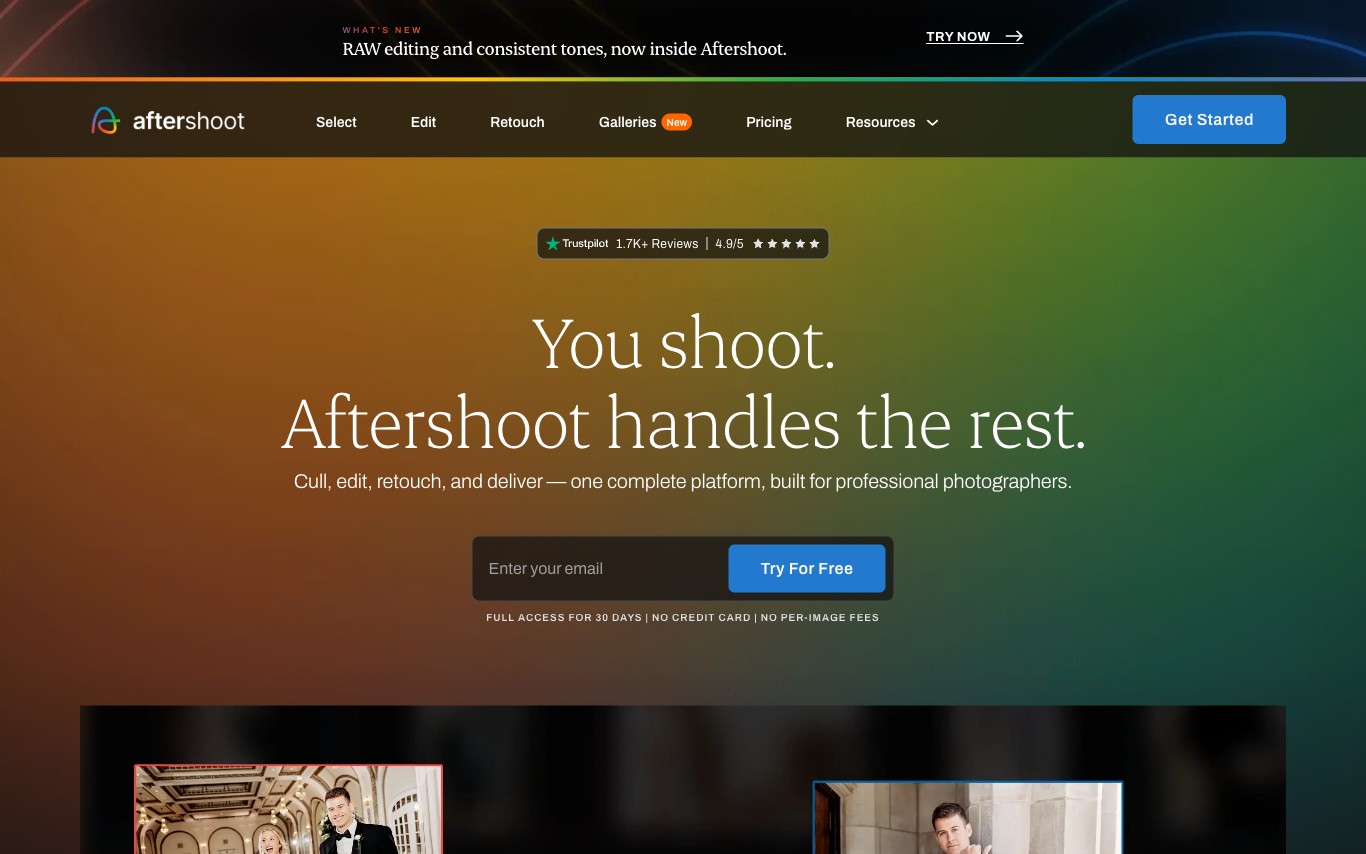
12. Aftershoot
Paid
Aftershoot is an AI photo culling and editing desktop application for professional photographers. It automatically selects the best shots from large batches, applies per-photographer editing presets, and offers AI retouching — cutting post-production time from hours to minutes.
- AI Photo Culling
- Smart Preset Application
- AI Portrait Retouching
Best forWedding photographers, Portrait photographers
Full review