


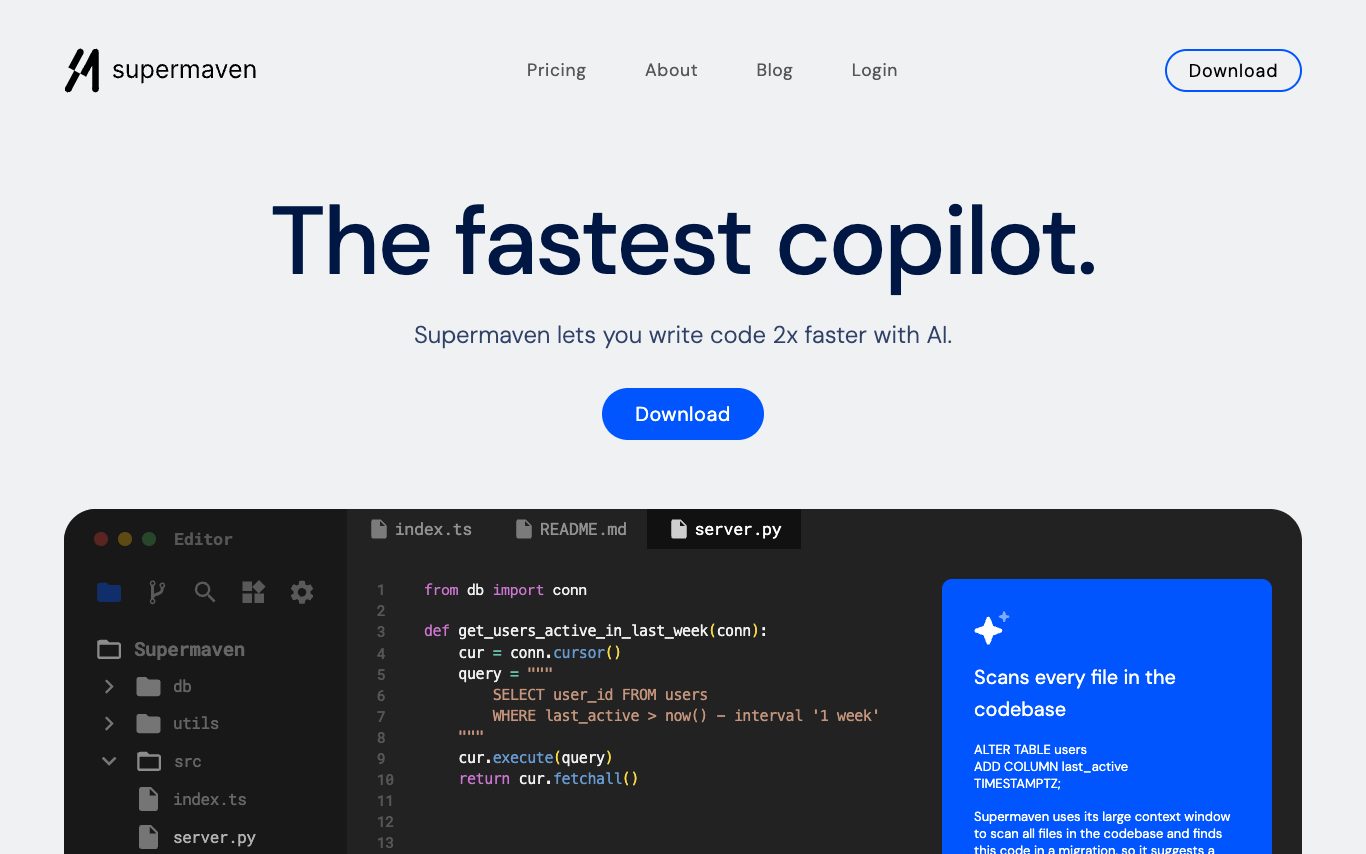

Supermaven is an AI code autocomplete tool focused on speed and context. It ships a purpose-built 1M-token completion model and a chat panel with frontier LLMs, all inside VS Code, JetBrains, and Neovim.
Best AI Code Assistant Tools (2026)
Compare AI code assistants for autocomplete, chat, bug fixing, refactoring, and full-project agents — from IDE plugins like Copilot to standalone editors like Cursor.
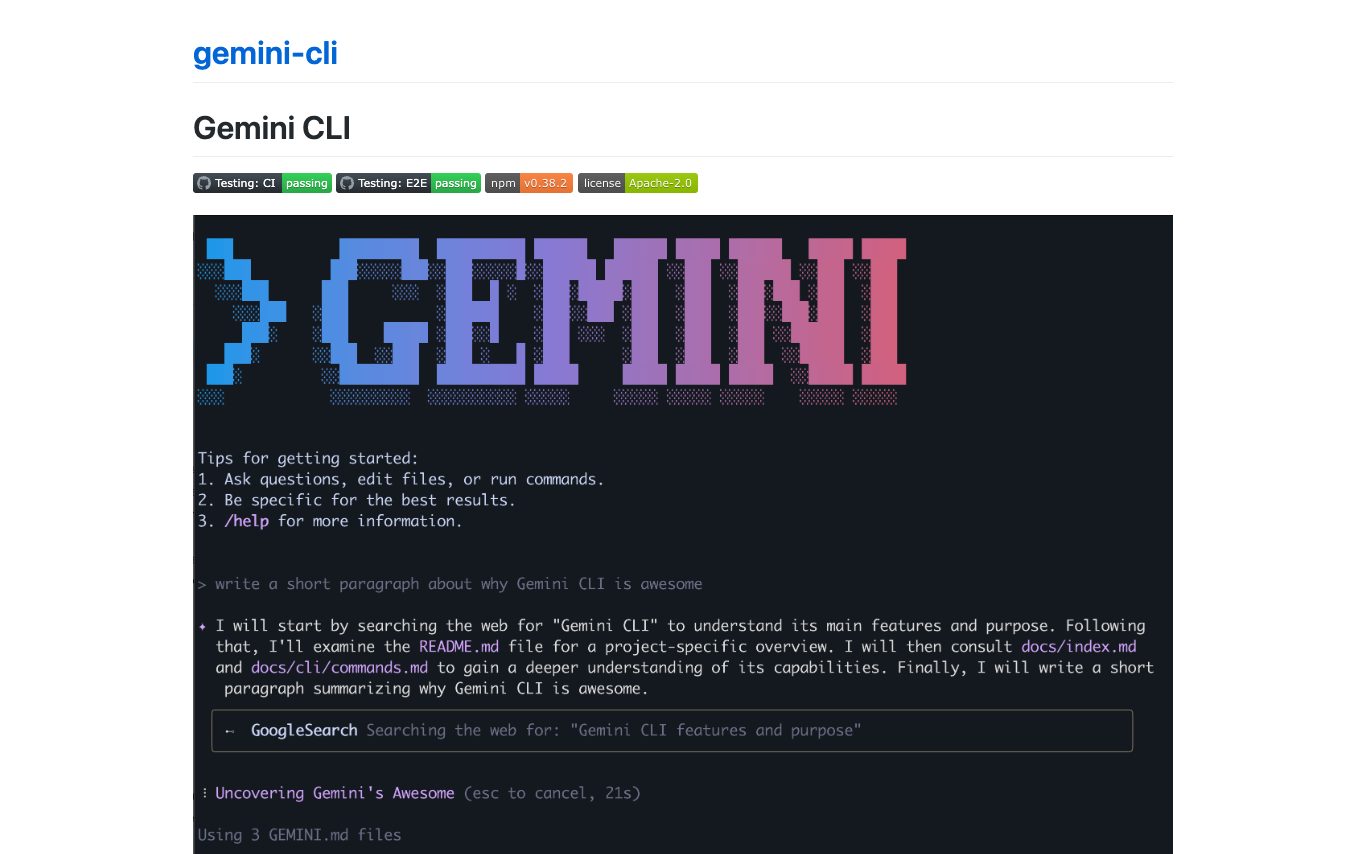

Gemini CLI is an open-source command-line AI agent from Google that runs locally in the terminal, connects to the Gemini models, and supports tool use, file editing, MCP extensions, and Google Search grounding.

Codeium is the AI code assistant behind Windsurf, offering inline autocompletion, chat, and refactoring across VS Code, JetBrains, and many other IDEs. Individual use is free forever.
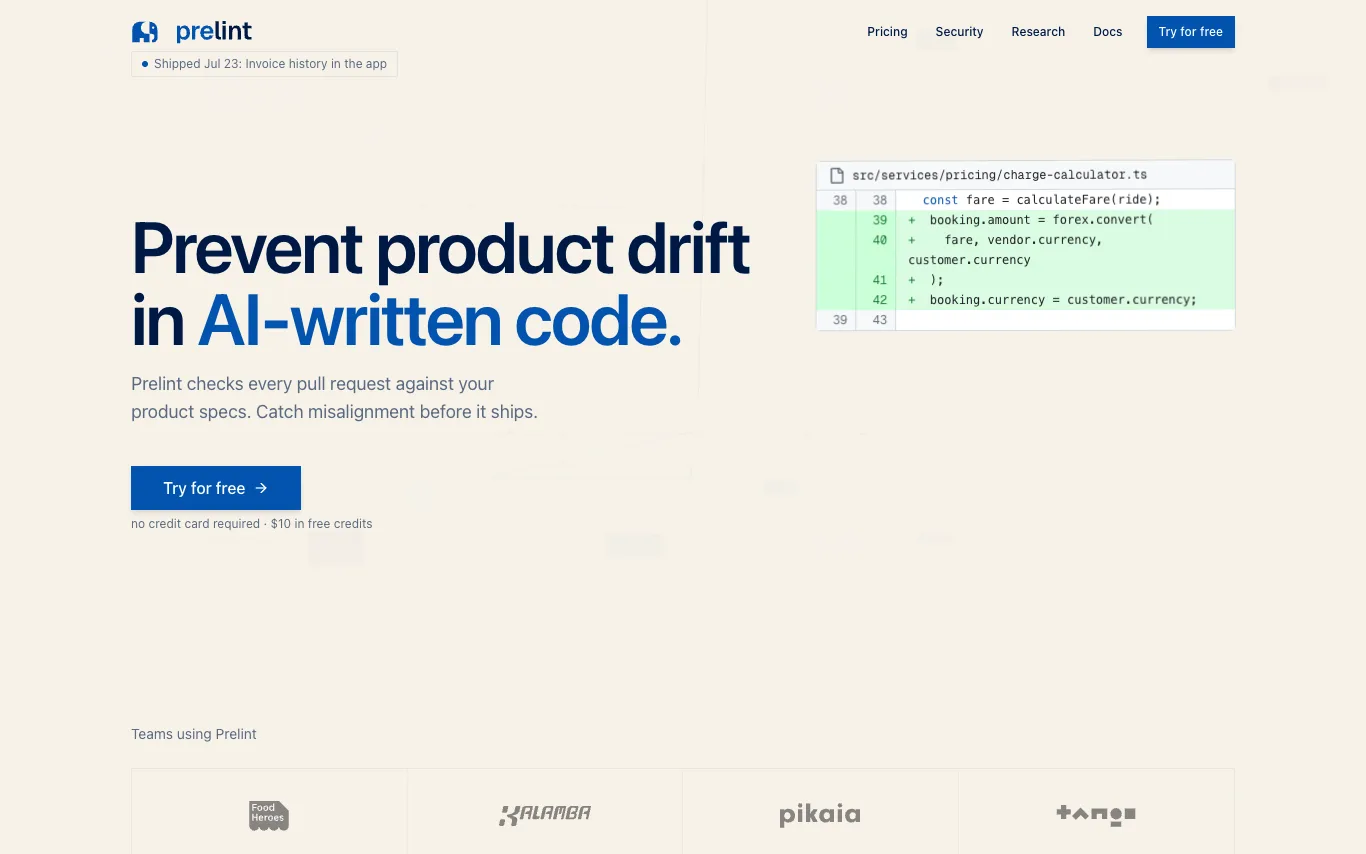

Prelint reviews every pull request against your product specifications, catching product drift, inconsistencies, and misalignment before they ship. It enforces product intent by checking business logic, compliance, tooling, domain language, scope, and strategic alignment. With tenant-isolated infrastructure and no training on your data, Prelint integrates with GitHub and GitLab, using specs in Markdown, YAML, or structured formats. Pricing is $1 per completed review, with $10 free credits and free for open source.
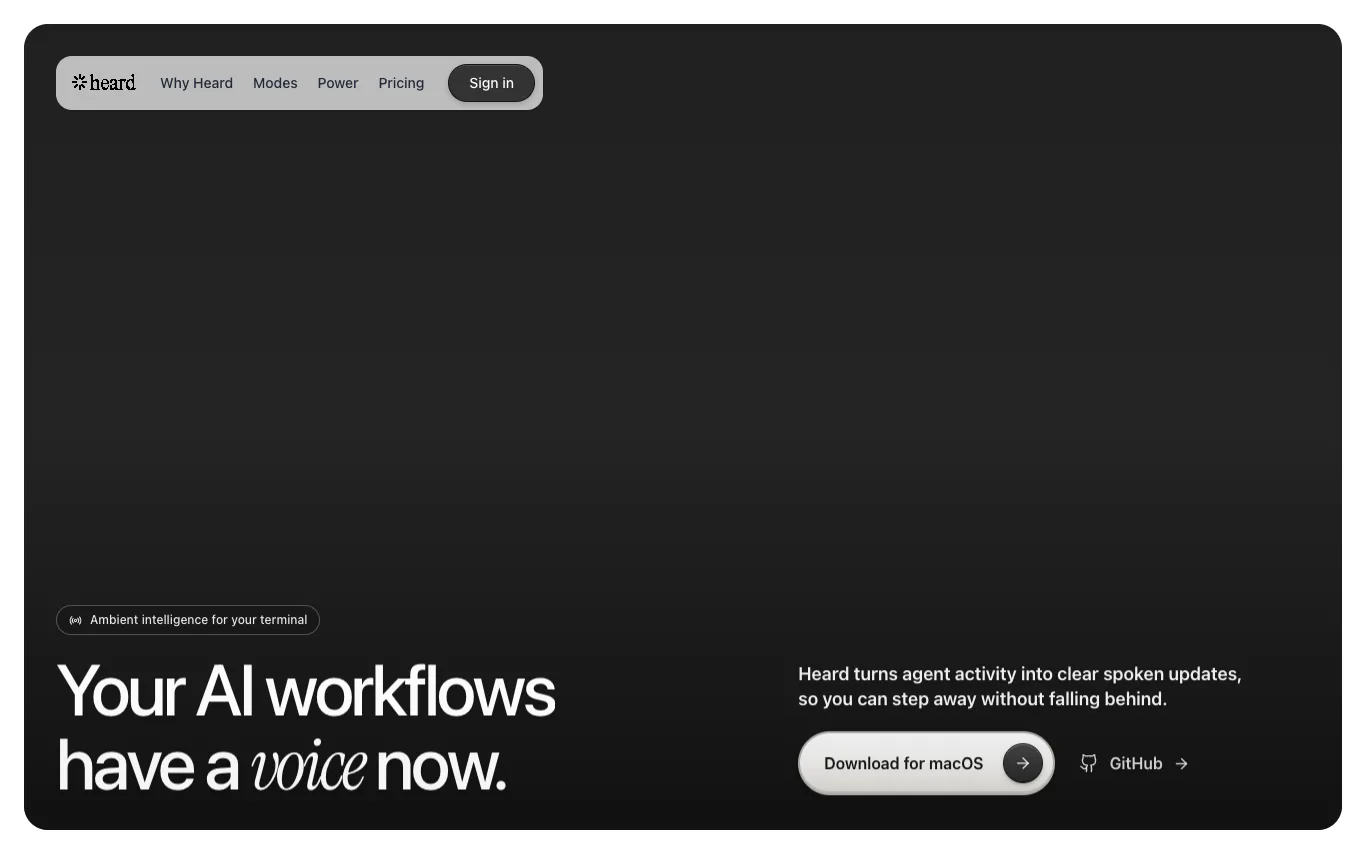

Heard is a macOS app that listens to your coding agent's events, understands what matters in context, and turns the useful parts into concise, natural speech. It offers multiple listening modes (Co-pilot, Companion, Focus) and supports multi-agent awareness, allowing you to follow parallel sessions with distinct voices. Heard also includes Heard Power for mobile pairing, enabling you to listen, approve, and reply by voice while away from your Mac. The app is open-source (Apache-2.0) and offers free, Pro, and Power plans.
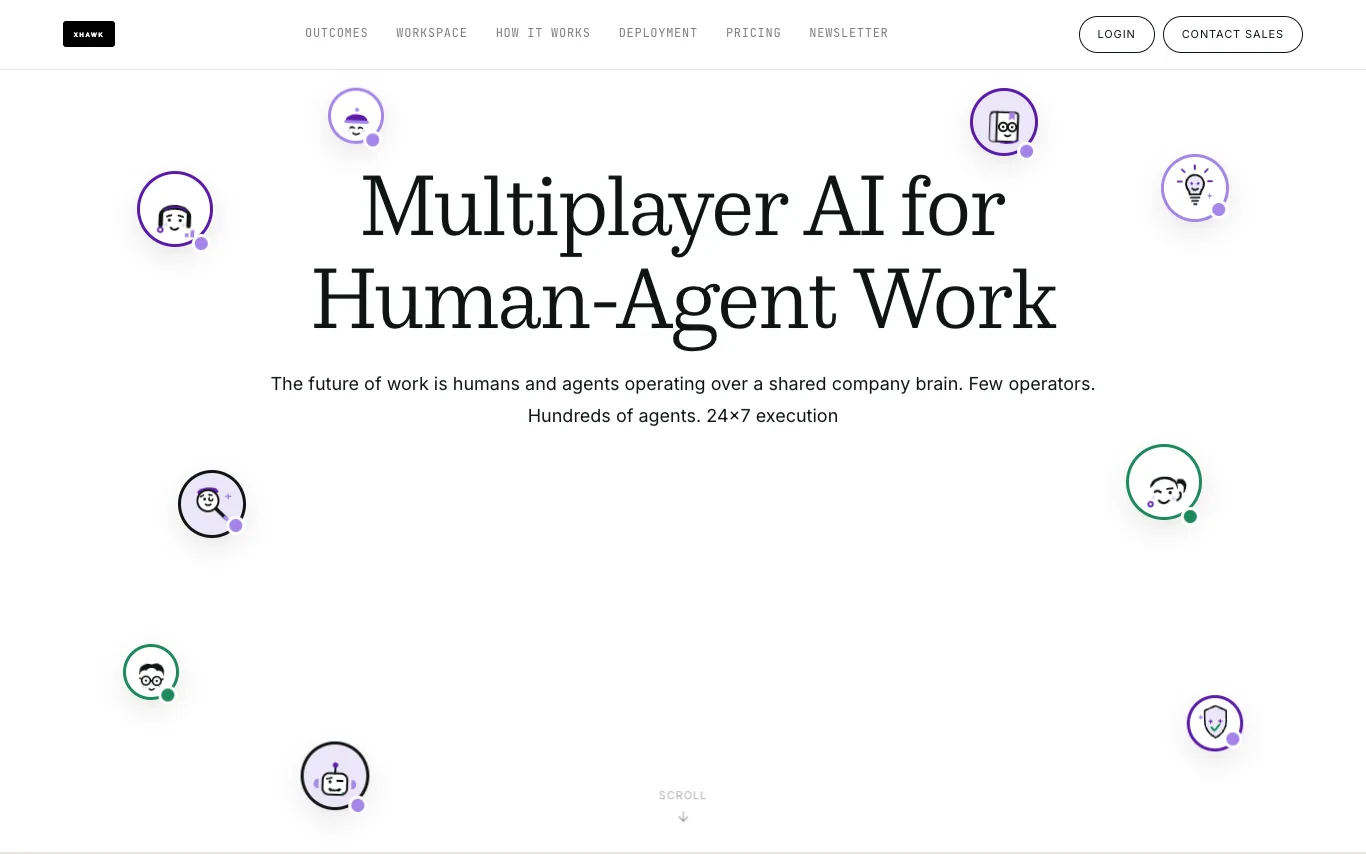

XHawk is a multiplayer AI platform for human-agent collaboration. It enables teams to operate with a shared company brain, coordinating specialized agents across product, analytics, and engineering. Agents run 24x7, execute tasks in batch mode, and every action is audited and remembered, building a compounding knowledge layer.
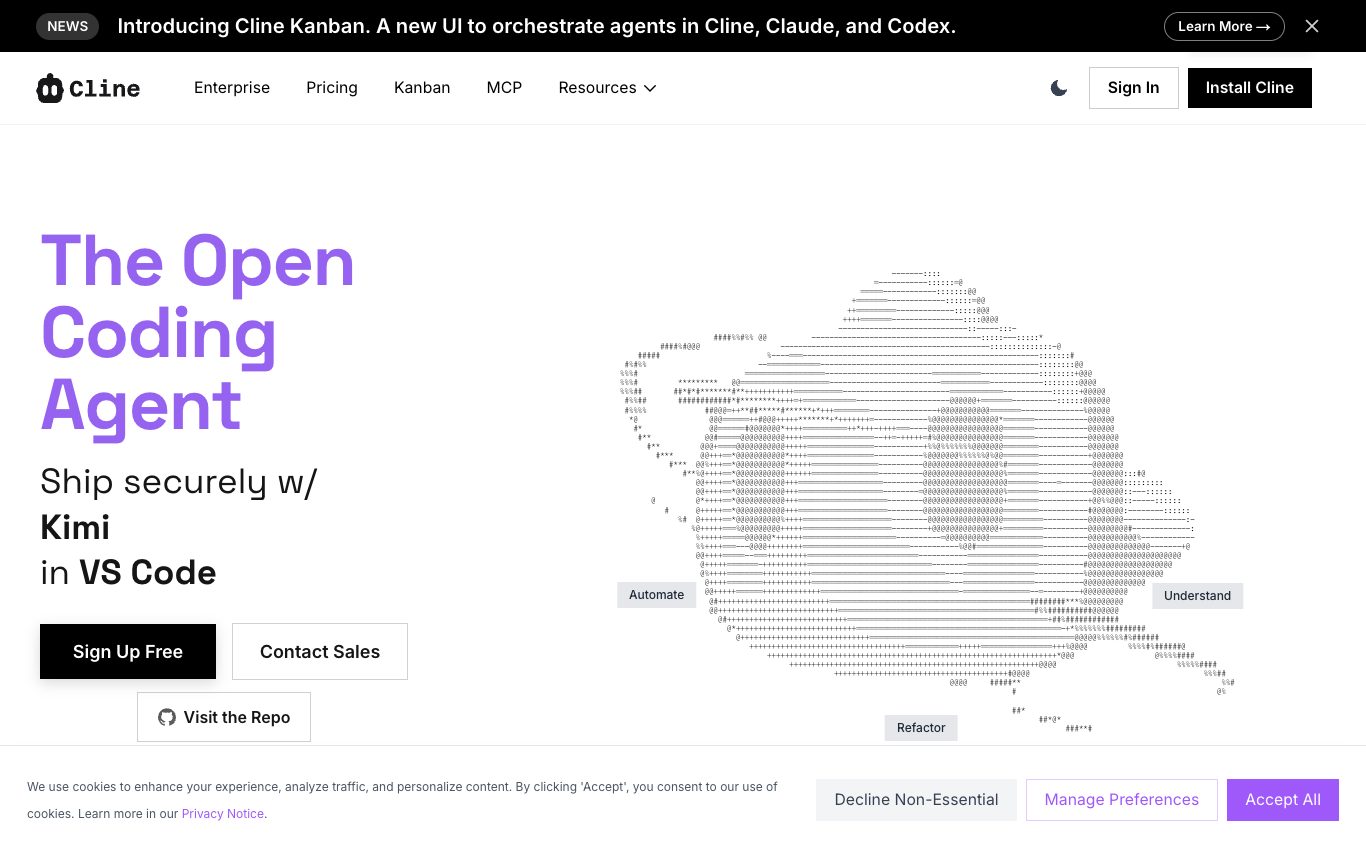

Cline is an open-source AI coding agent that lives inside VS Code and the terminal. It can plan and execute multi-file edits, run shell commands, browse the web, and use MCP tools with Claude, GPT, Gemini, and local models.
Related categories
What is an AI code assistant?
An AI code assistant is a developer tool that reads your codebase and helps you write, explain, and fix code using a large language model trained on billions of lines of source. It suggests completions as you type, answers questions in a chat pane, and can run multi-step edits across files on its own. They range from IDE plugins like GitHub Copilot to standalone AI editors like Cursor and terminal-based coding agents.
What AI code assistants do
- Inline autocomplete that predicts the next lines as you type
- Chat pane that explains, reviews, and debugs your code
- Multi-file edits and refactors from a plain-English prompt
- Agent mode that plans, edits, and runs commands autonomously
- Context from your repo, open files, and terminal errors
- Works in VS Code, JetBrains, Neovim, or the terminal
Who uses AI code assistants
01
Individual developers
Speed up daily coding with autocomplete and quick answers without leaving the editor.
02
Teams and enterprises
Adopt shared assistants with policy controls, private-code isolation, and seat management.
03
Learners and beginners
Understand unfamiliar code, get explanations, and pick up a new language or framework.
04
Full-project agentic builds
Hand off whole features or migrations to an agent that edits and tests across many files.
How AI code assistants work
Code assistants send your current file, nearby code, and the prompt to a model trained on public and licensed source code, which predicts the completion or edit token by token. Retrieval pulls in relevant snippets from the rest of your repository so suggestions match your own APIs and style. Agentic tools add a loop where the model runs commands, reads the output, and keeps editing until the task passes.