




Libra is legal AI made to support your daily work – built by lawyers, for lawyers. It is an AI workspace for legal professionals that automates tasks, enables smarter research, manages documents efficiently, and facilitates secure collaboration. Trusted by over 1,200 leading legal teams.
Best AI Document Extraction Tools (2026)
Compare AI document extraction tools that turn PDFs, invoices, receipts, contracts, and scanned forms into structured, searchable data.
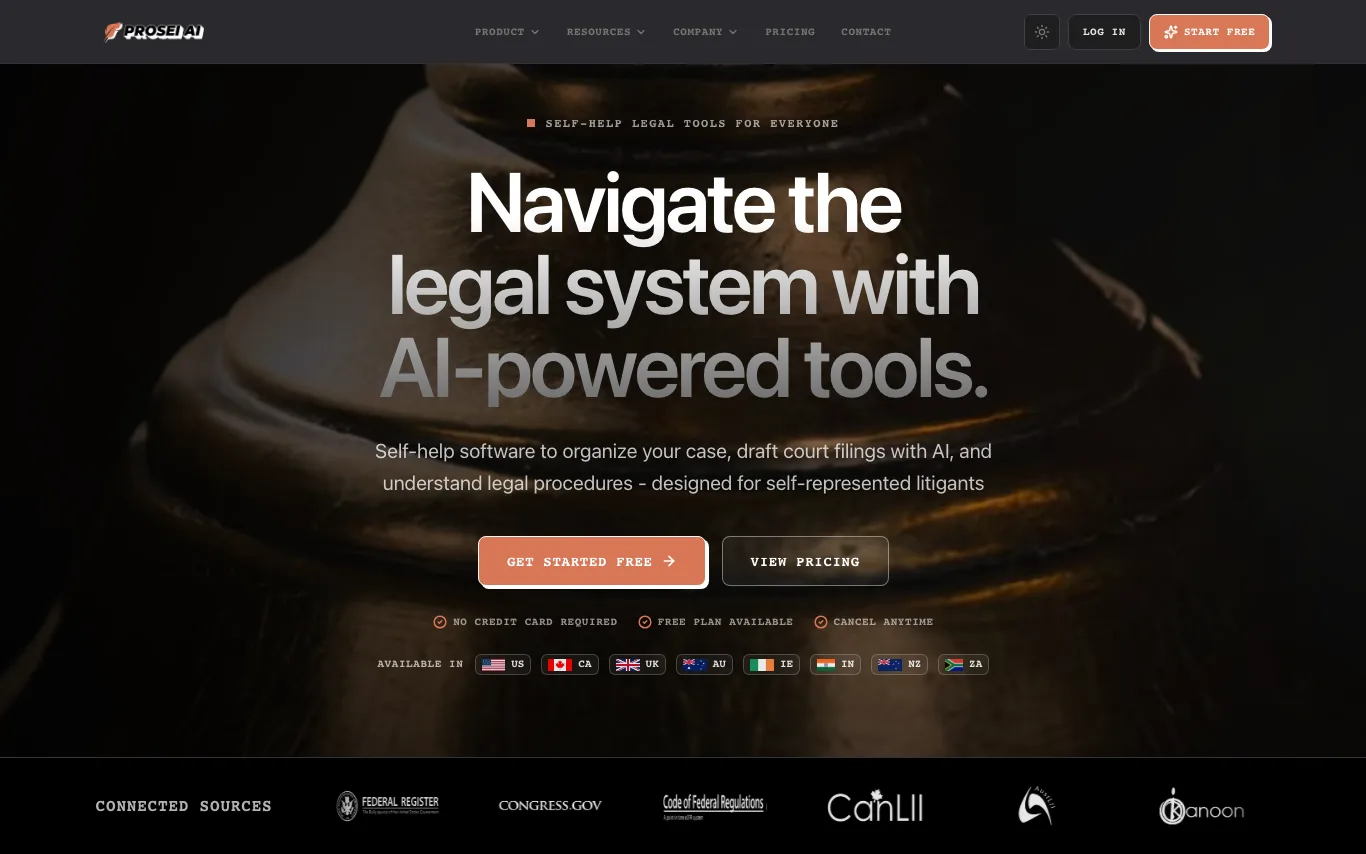

Prosēi AI is a free AI-powered case management tool designed for self-represented litigants. It helps users organize case documents, draft court filings with AI assistance, research case law, and track deadlines. The platform offers formatted court templates, bank-level encryption, and a secure environment backed by $1M cyber insurance. Available in multiple countries including the US, Canada, UK, and Australia.
Related categories
What is AI document extraction?
AI document extraction reads unstructured documents — PDFs, scans, photos, and forms — and pulls out text, tables, and specific fields as structured data. It combines OCR with layout understanding and language models, so it captures not just characters but what each value means, like an invoice total or a due date. The output is usually JSON, CSV, or spreadsheet rows ready for a database or workflow.
Core capabilities
- OCR that reads scans, photos, and handwriting
- Layout-aware parsing of tables, columns, and key-value pairs
- Field extraction by fixed schema or natural-language prompt
- Prebuilt models for invoices, receipts, IDs, and forms
- Structured output as JSON, CSV, or spreadsheet
- Confidence scores with human-in-the-loop review
Who uses AI document extraction?
01
Accounts payable & finance
Capture invoice, receipt, and statement fields to automate bookkeeping and reconciliation.
02
Developers building pipelines
Call an API or SDK to turn document uploads into structured JSON at scale.
03
Legal & contract review
Pull clauses, dates, parties, and obligations from long agreements into a table.
04
Operations & data-entry teams
Replace manual keying of forms, applications, and shipping docs with automated capture.
How does AI document extraction work?
First OCR converts the page image into text while a layout model maps where each block sits — tables, headers, and fields. A language or vision model then interprets that structure, matching values to the fields you asked for, whether from a fixed template or a schema you describe. Many tools return a confidence score per field and route low-confidence ones to a person for review.