


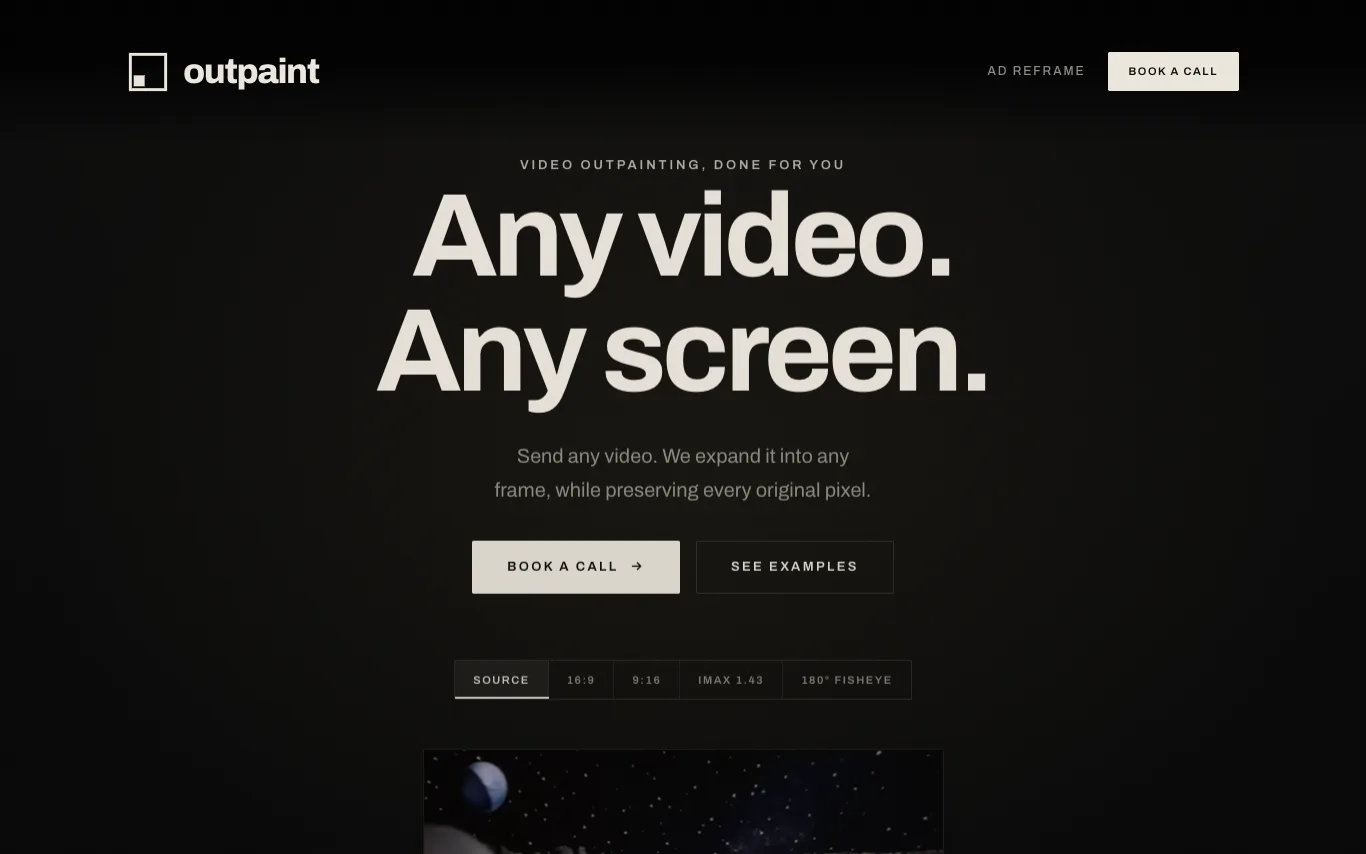

Outpaint is a service that expands videos into any aspect ratio or perspective, including 16:9, 9:16, square, IMAX, 180° fisheye, and 360° equirectangular. It preserves the original footage pixel-for-pixel and generates the surrounding content. The service handles any source format, resolution, or duration, and offers API access for automated reframing at scale.
Best AI Outpainting Tools (2026)
Compare AI outpainting tools that extend images beyond their edges — expand backgrounds, change aspect ratios, uncrop photos, and fill new canvas from a prompt.
Related categories
What is AI outpainting?
AI outpainting extends an image beyond its original borders, generating new pixels that continue the scene, background, or subject outward. A model looks at the existing edges and paints plausible surroundings so a cropped or narrow photo becomes wider, taller, or square. It is the opposite of inpainting, which edits or fills content inside the frame rather than beyond it.
What AI outpainting tools do
- Extend photos beyond original edges in any direction
- Change aspect ratio without cropping the subject
- Uncrop portraits to reveal more scene
- Prompt-guided fill for new background content
- Match lighting, texture, and perspective at seams
- Export high-resolution results for print or social
Who uses AI outpainting
01
Social and ad resizing
Reframe one image into vertical, square, and banner sizes without losing the subject.
02
E-commerce product shots
Widen tight product photos to add clean background space for listings.
03
Photographers and retouchers
Recover cropped edges or extend scenery when a shot was framed too tight.
04
Designers and marketers
Fit existing artwork to new layouts, thumbnails, and campaign formats fast.
How AI outpainting works
You upload an image and drag the canvas outward to mark the new area to fill, optionally adding a prompt for what belongs there. A diffusion model reads the existing pixels and edges as context, then generates fresh content that blends seamlessly at the boundary. Most tools return several variations so you can pick the version that matches lighting and perspective best.