Best AI Doc Maker Alternatives in 2026
Short on time? Start with what matters most to you.
 ElevateAIFrom $19.99/moFree to use
 Remove HandwritingHandwriting removalClosest to AI Doc Maker
 NotionCustom agents
Top AI Doc Maker alternatives, reviewed
Each alternative below, with what it does well, who it suits, and what it costs.
Notion is a connected workspace that brings docs, wikis, projects, and custom AI agents into one app—used by startups and enterprises to replace scattered tools with a unified, AI-searchable knowledge layer.
- Custom agents
- Q&A agents
- Task routing agents
Best forProduct teams, Support teams, Security teams
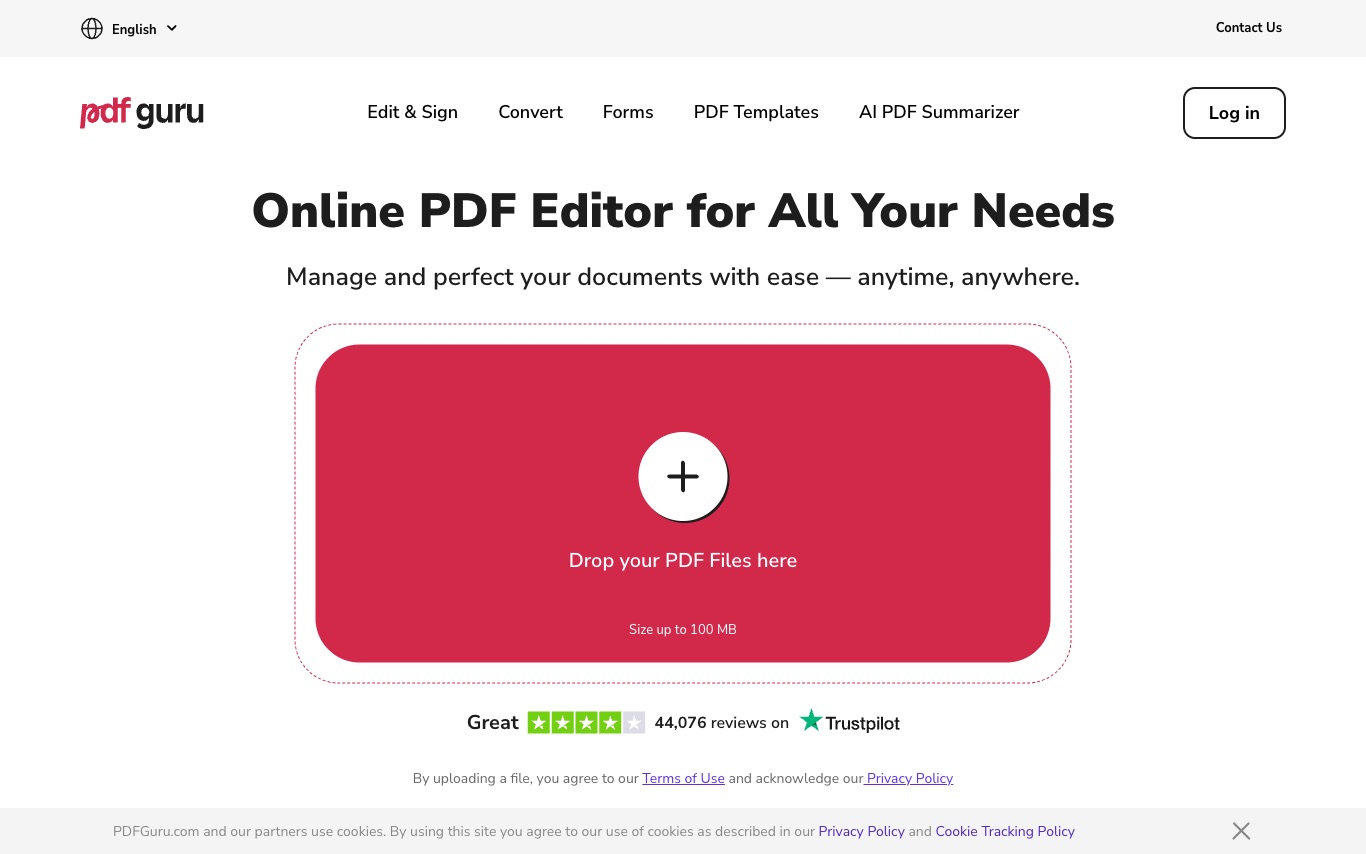
Full reviewPDF Guru is a browser-based PDF editor that combines editing, conversion, e-signatures, compression, and AI summarization—designed as a no-install alternative to desktop PDF tools.
- In-browser text editing
- Annotation suite
- Format conversion
Best forBusinesses needing tax, HR, or real estate forms, New users, Document workers
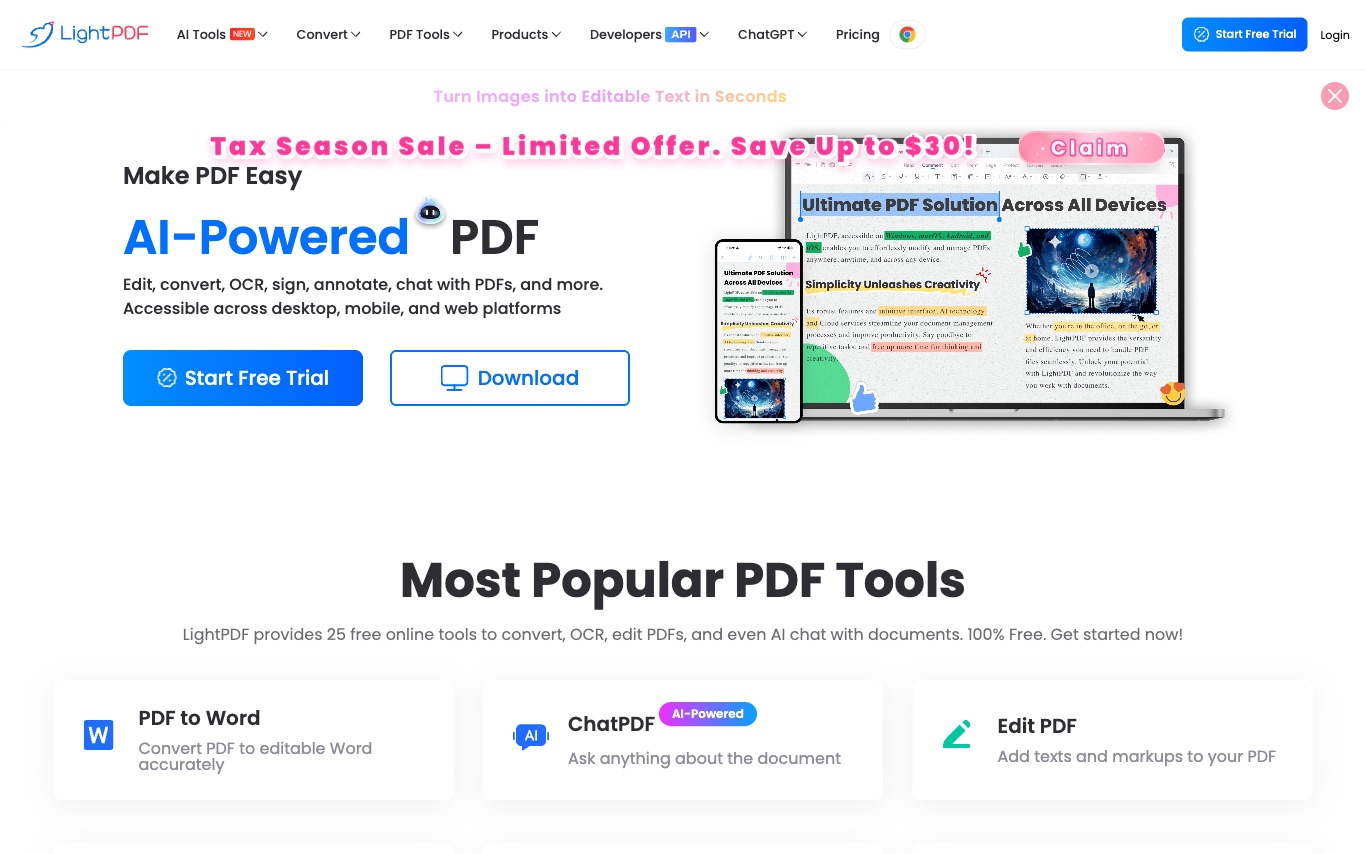
Full reviewLightPDF is a cloud-based PDF platform with AI-powered editing, conversion, OCR, e-signatures, and chat-with-document—designed as a free, no-install alternative to desktop PDF editors.
- PDF conversion
- ChatPDF
- PDF editing
Best forStudents, Professionals, Business users
Full review
4. Eraser
Freemium
Eraser is an AI co-pilot for technical design, helping engineers create accurate diagrams and documentation faster.
- AI diagrams
- Eraserbot
- Docs editor
Best forSoftware engineers, Enterprise architects, DevOps teams
Full reviewThe tool generates receipts. It offers templates and customization options. Users can download receipts in JPG, PNG, and PDF formats. The tool is designed for creating realistic receipts.
- Custom Receipt Creation
- Drag-and-Drop Builder
- Template Selection

6. MenuForma
Free
MenuForma provides a digital QR code menu and online ordering system for restaurants. It supports takeaway, delivery, and online payments, allowing for menu creation from existing PDFs, photos, or website links.
- QR Code Menu Generator
- Online Ordering
- Multilingual Menu
Best forRestaurant staff, Cafe or food court customers, Hotel guests
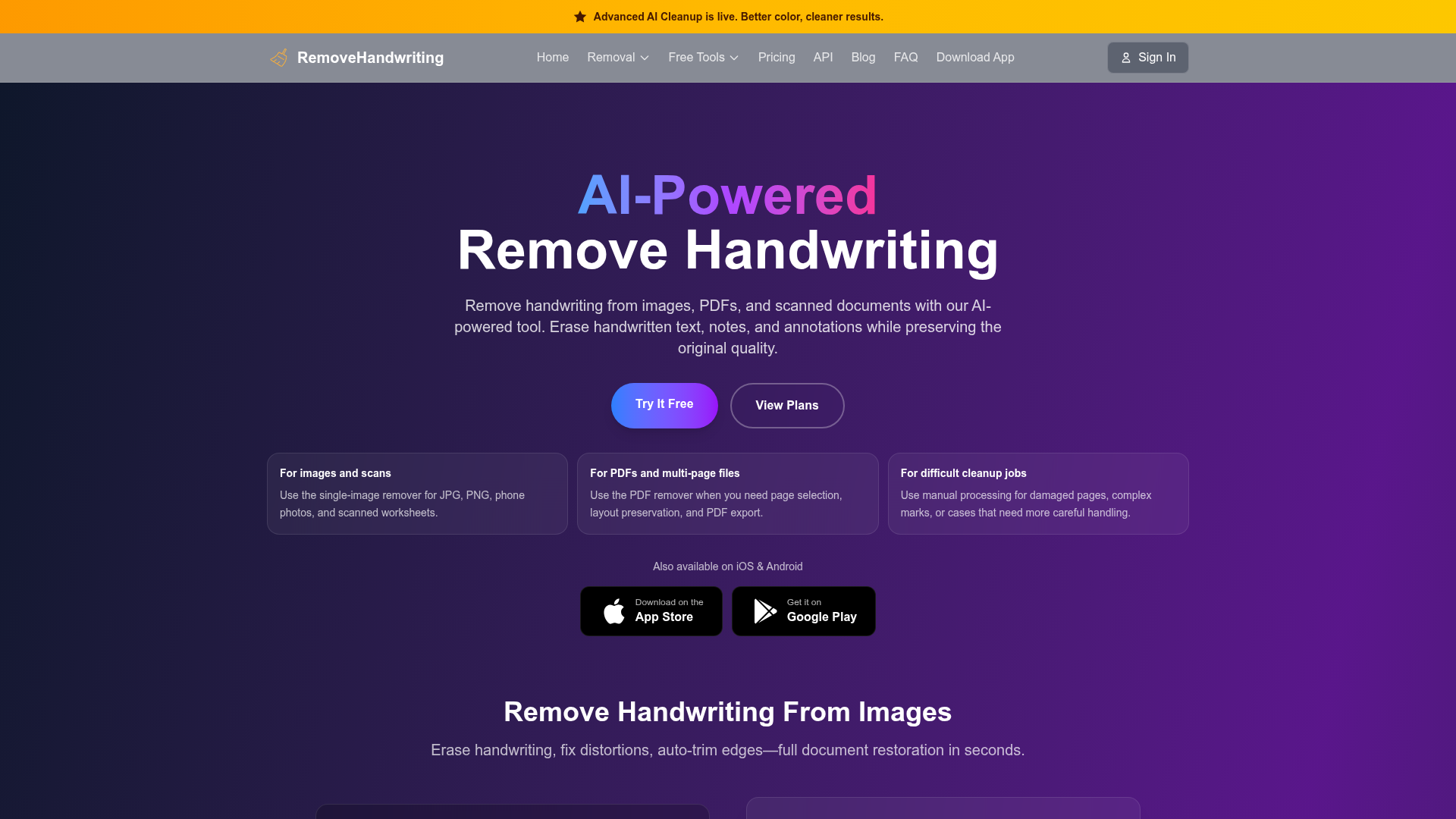
Full reviewRemovehandwriting.com is a web-based AI tool that erases handwritten notes, annotations, and marks from images, PDFs, and scanned documents while preserving printed text and layout. It also corrects skewed pages, auto-crops paper edges, and keeps original document color.
- Handwriting removal
- Color preservation
- Skew & warp correction
Best forStudents, Office workers, Teachers
Full review
8. Revise
Free
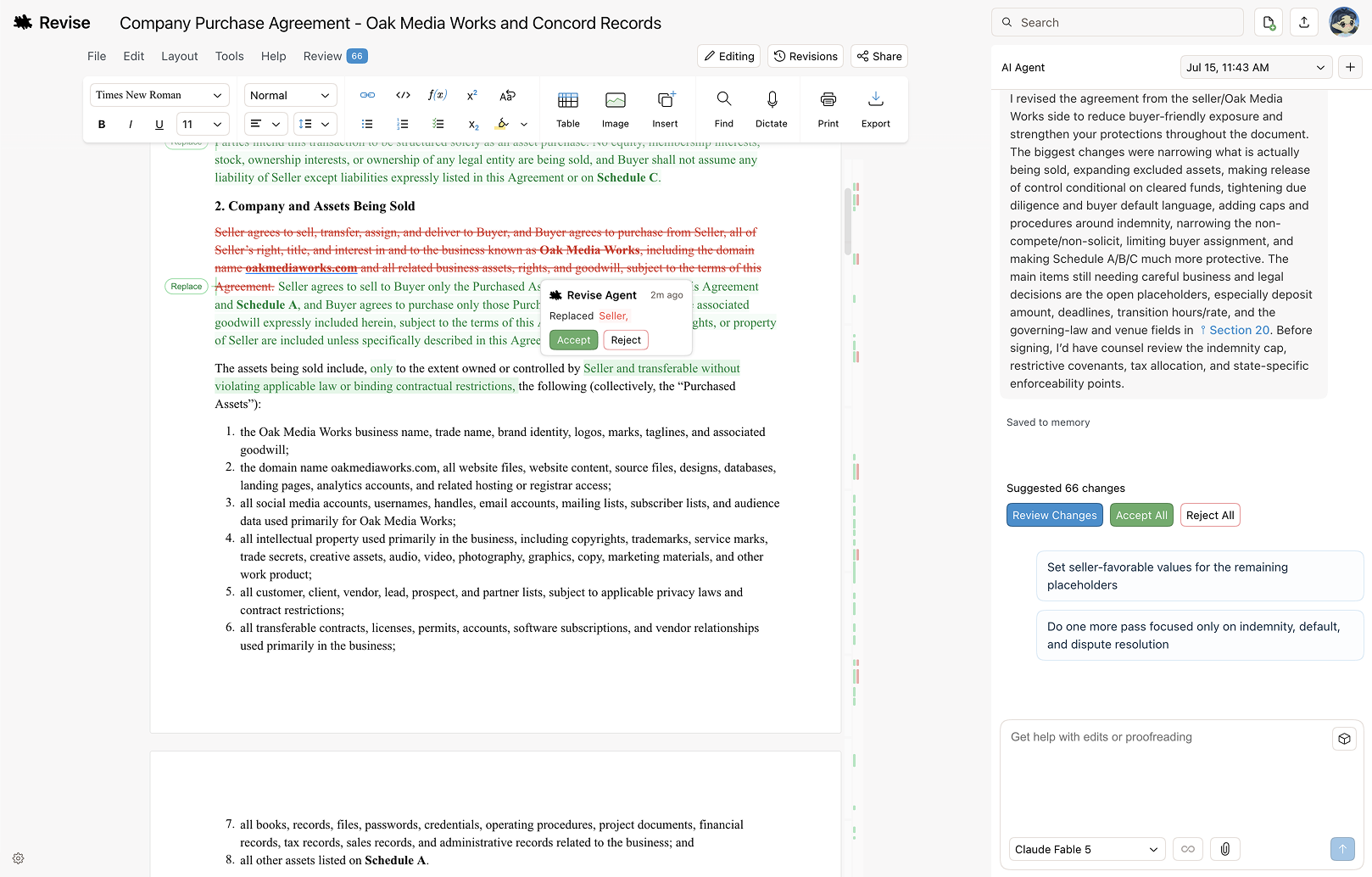
Revise is an AI document editor that operates in a browser. It allows users to write, proofread, reformat, or revise entire documents. Users can review every change before accepting it. The tool is available for use without charge.
- AI Document Review
- AI Rewriter
- Document Converter
Best forStudent, Founder, Software Engineer
Full review
9. ManualFig
Free
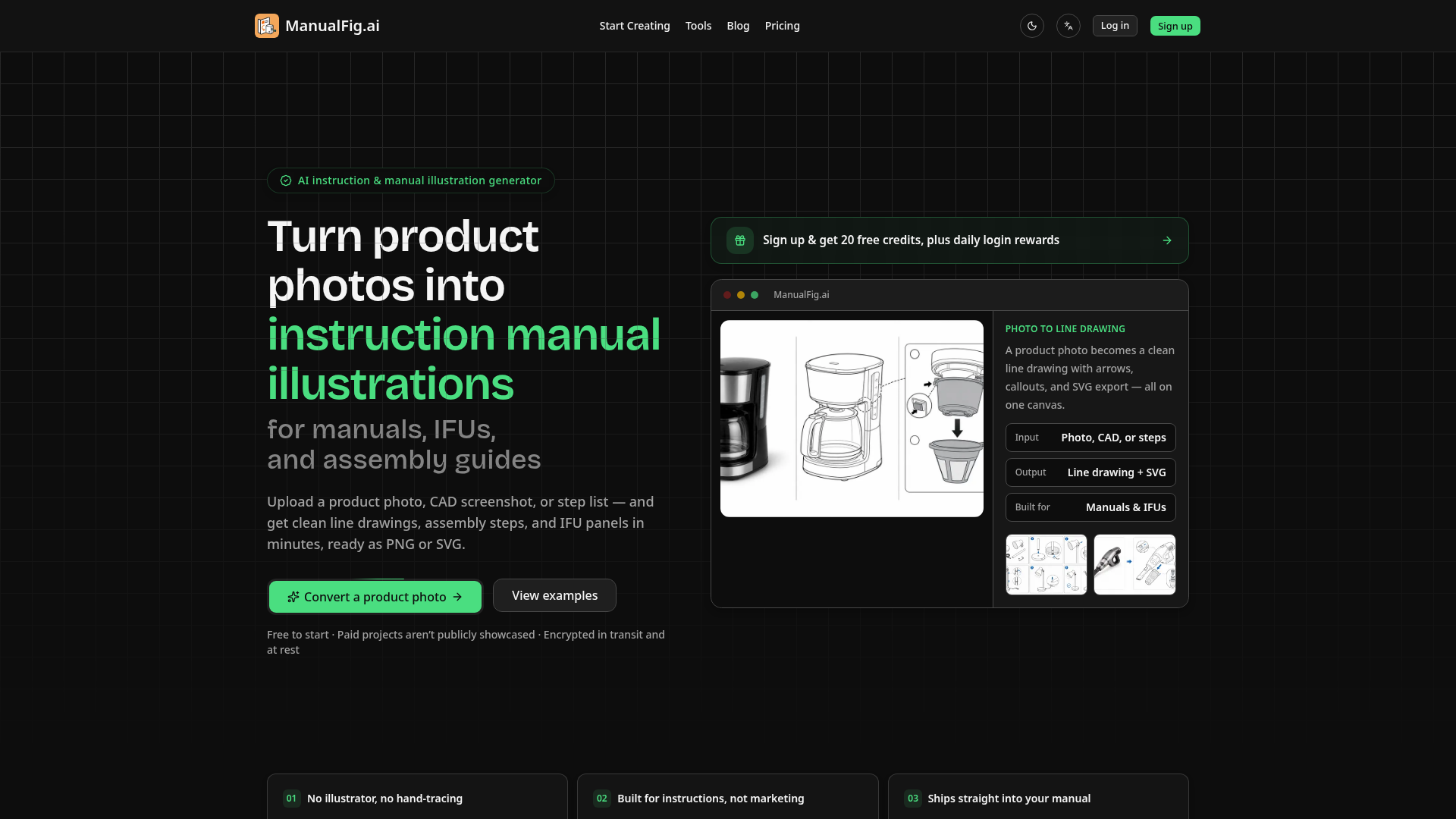
ManualFig is an AI instruction manual illustration generator. It converts product photos and CAD screenshots into line drawings, assembly steps, and IFU panels. The tool provides editable SVG figures for manuals.
- Photo to Line Drawing Conversion
- Instruction-Specific Elements
- Export Options
Best forProduct documentation teams, E-commerce businesses
Full reviewElevateAI is a web-based job-search workcenter that builds a structured career profile from a CV or LinkedIn, scores each saved job for fit, and generates tailored resumes and cover letters. It includes a Kanban application tracker that drafts follow-ups and interview prep, plus multi-language resume output.
- Career Memory
- Job Fit Scoring
- Tailored Applications
Best forJob seekers, Multi-market applicants
Full review
11. Messy2Sheet
Free
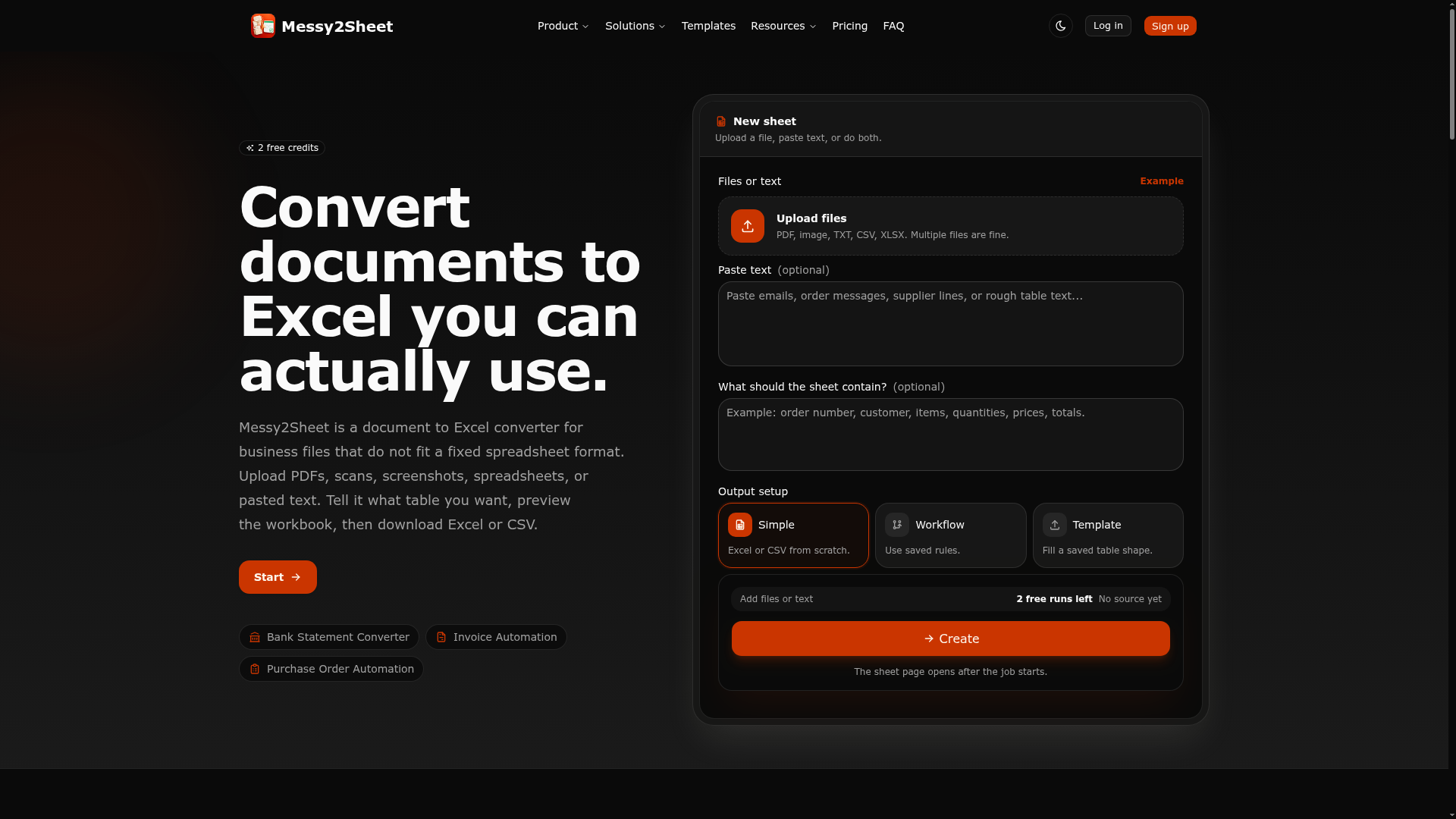
Messy2Sheet is a document-to-Excel converter for messy business files. It combines OCR and AI cleanup to turn PDFs, screenshots, emails, scans, CSVs, or pasted text into structured spreadsheets. Users review output against the source, save reusable workflows, and export to Excel or CSV.
- OCR and AI Cleanup
- Flexible Input
- Side-by-side Review
Best forOperations team, Bookkeeper
Full review