

AI App Builder · 29 tools
Best AI App Builder Tools (2026)
Compare AI app builders for prompt-to-app generation, internal tools, MVPs, no-code building, built-in database and hosting, and free plans.
All AI App Builder tools


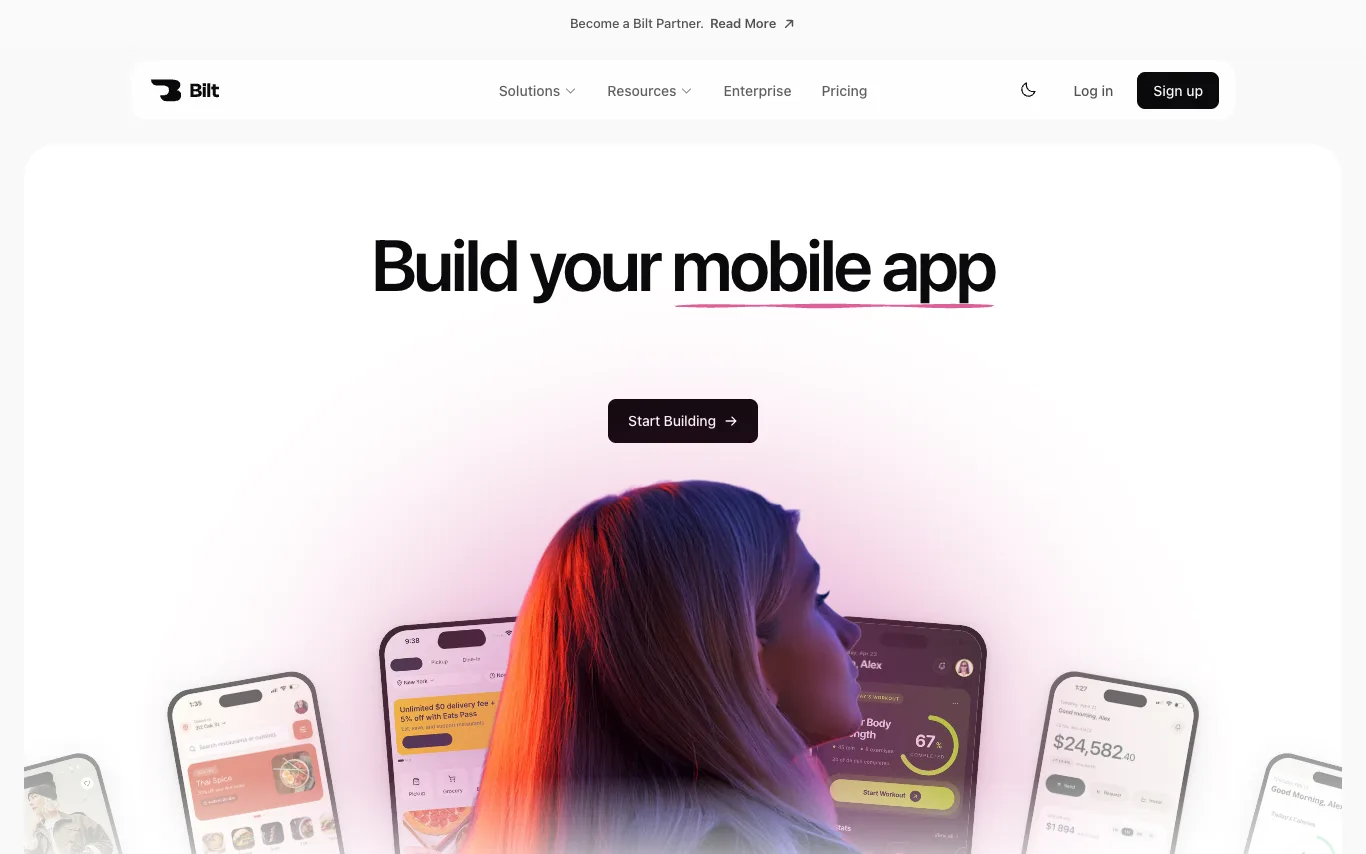

Bilt is an AI mobile app builder that lets you describe your app idea and watch it come to life. You can preview the app on your phone in real time, give feedback, adjust features, and publish to the App Store when ready. Start for free with 3M monthly AI credits, and upgrade to paid plans from $25/mo for more credits and priority support.
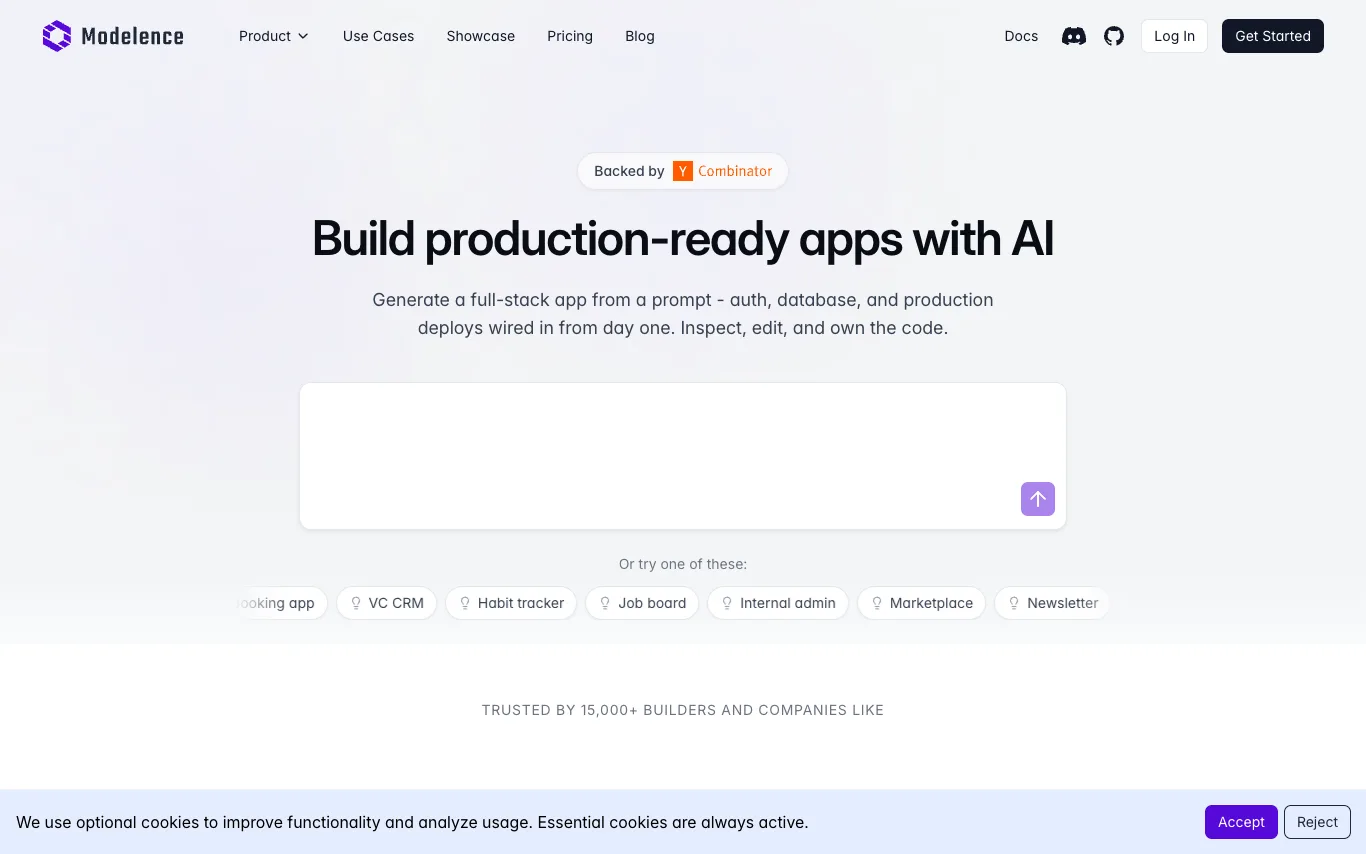

Modelence is an AI-powered app builder that lets you create production-ready, full-stack web applications by describing what you want in plain language. Every app comes with authentication, a scalable database, monitoring, and one-click deployment built in - so you can go from idea to live app in minutes, not months.
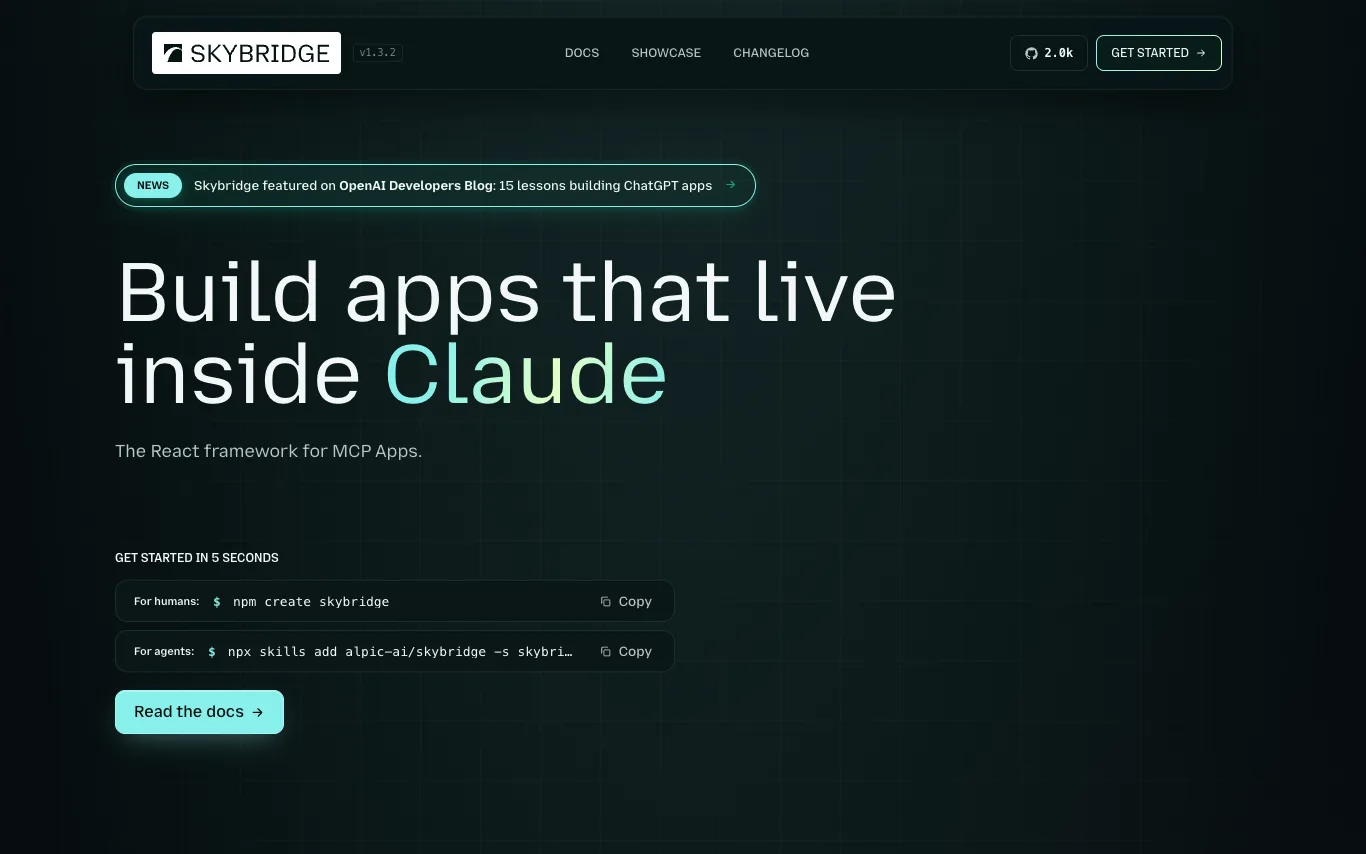

Skybridge is an open-source TypeScript framework for building MCP (Model Context Protocol) apps. It allows developers to write once and run in multiple MCP clients like Claude, ChatGPT, and VSCode. The framework provides a full-stack development experience with type-safe end-to-end inference, a local emulator, hot module reload, and a public tunnel for testing. It is MIT-licensed and has 100K monthly npm downloads.
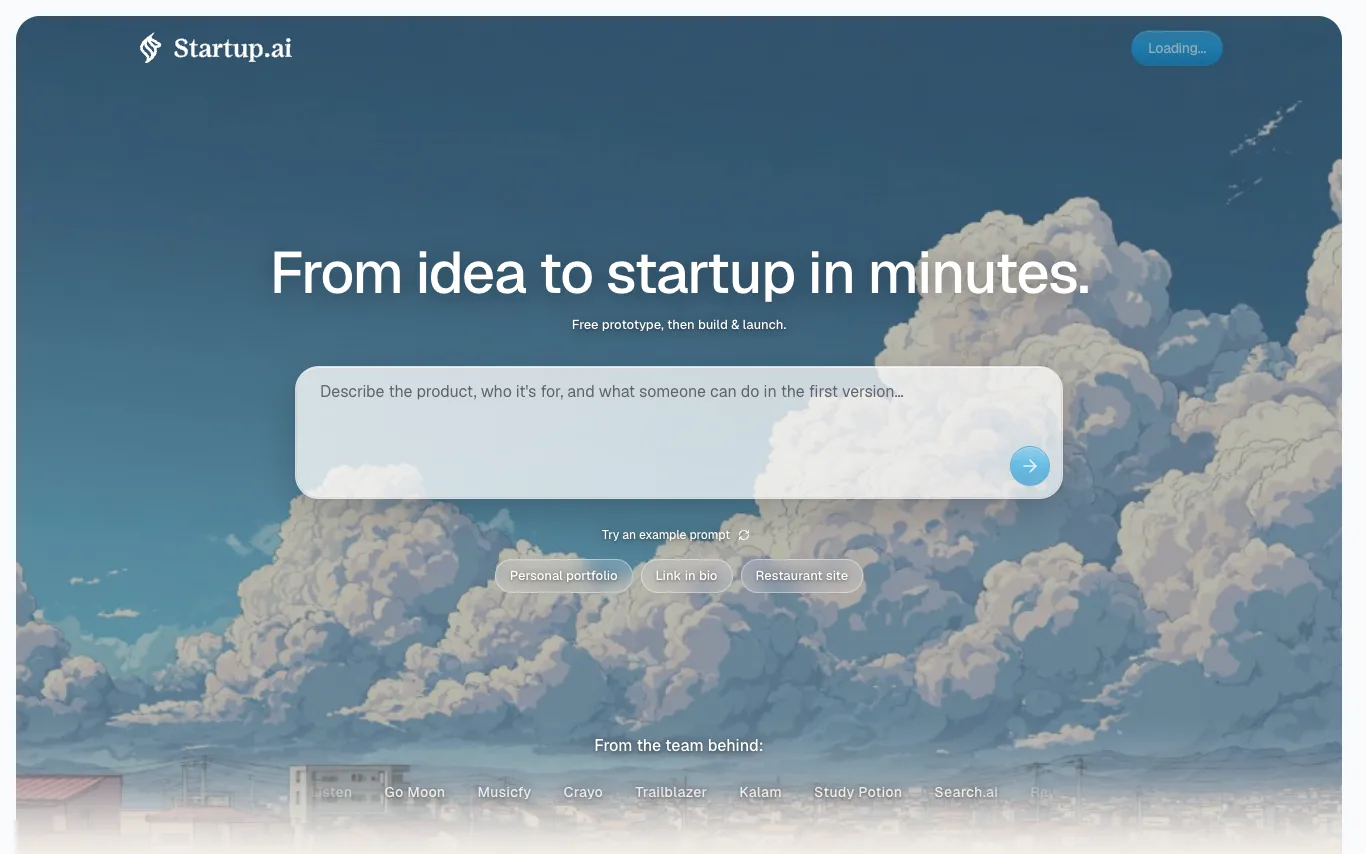

Startup.ai is an AI-powered platform that helps you turn your business idea into a live startup. Describe your idea in plain language, and the AI builder shapes the first version, providing instant previews and one-click deployment. It includes idea evaluation, an idea browser, and monetization features.
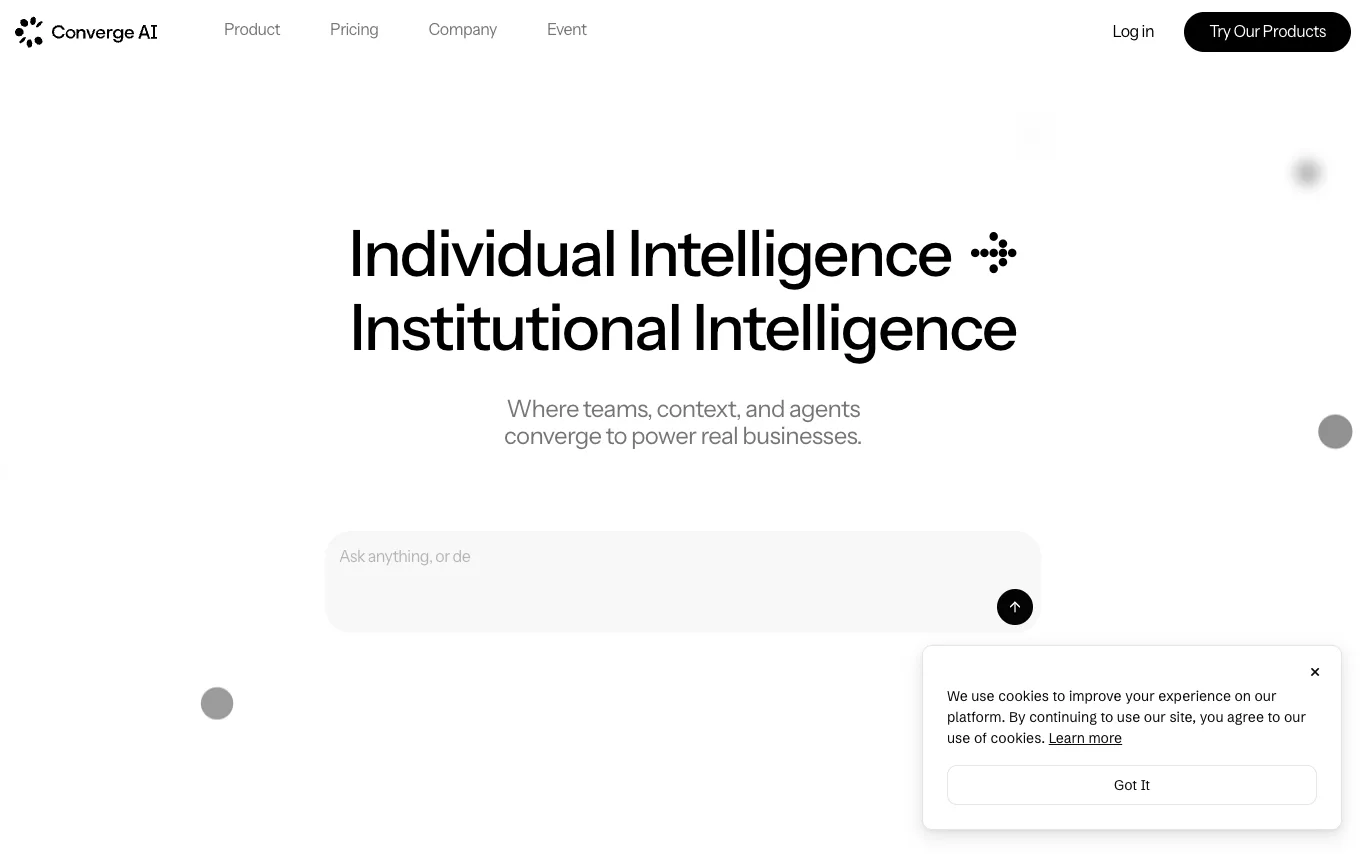

Converge AI is an all-in-one AI platform offering specialized AI products that share context across teams. It enables users to automate workflows and achieve real business outcomes without expanding headcount. The platform includes Enter Pro, an AI dev agent for building and deploying apps, and Framia Pro, a creative and marketing studio with AI agents for content creation. Converge AI emphasizes collaboration, results, and AI-native workflows.
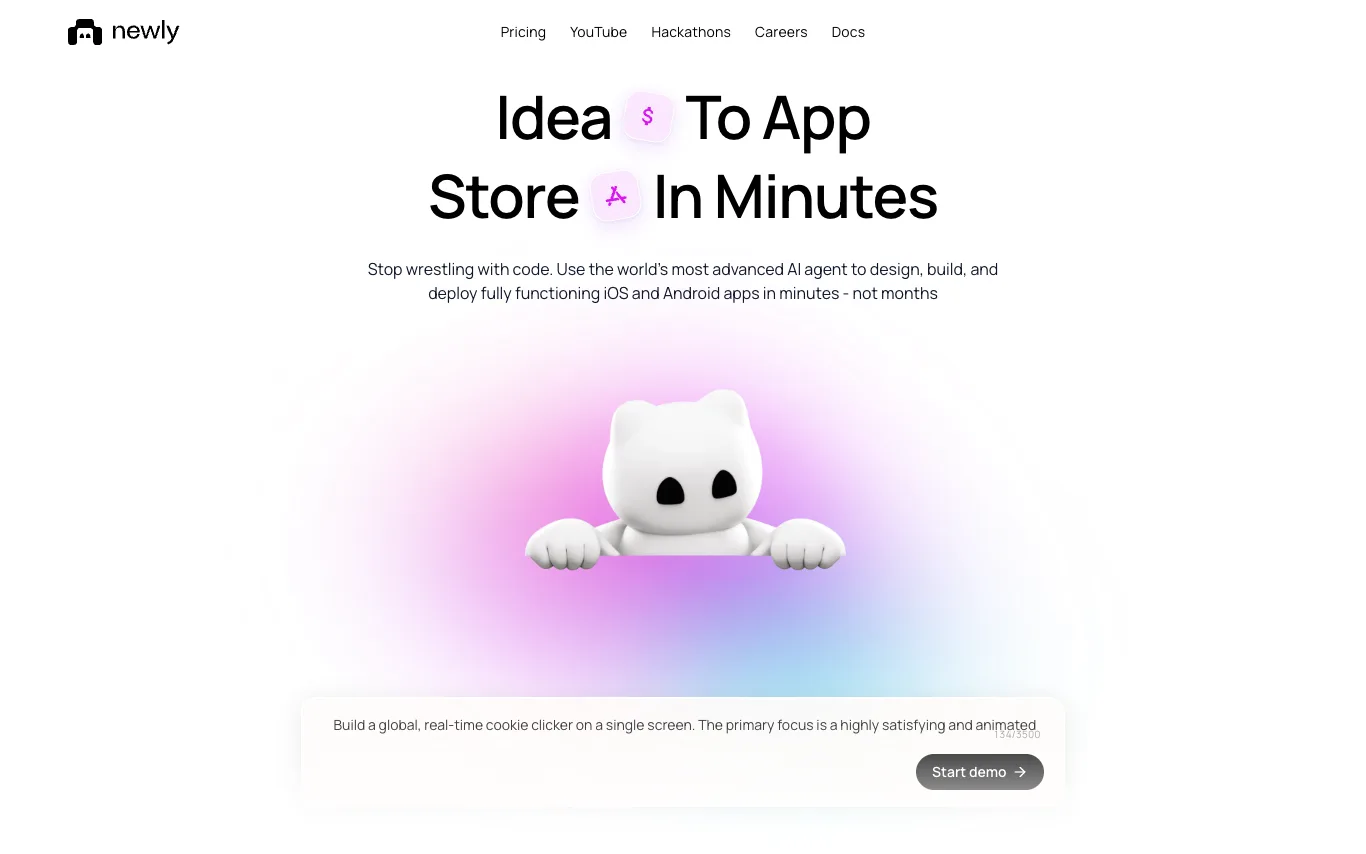

Newly AI (newly.app) is an AI-powered platform for building native iOS and Android apps. Users describe their app idea in plain English, and the AI agent generates React Native code, provides a canvas for UI tweaks, and includes embedded device previews. The platform handles backend services like databases, authentication, and storage, and automates App Store and Play Store asset generation. Apps are built with Expo and compile to real native code, not webviews. Users own the source code and can export it without vendor lock-in.
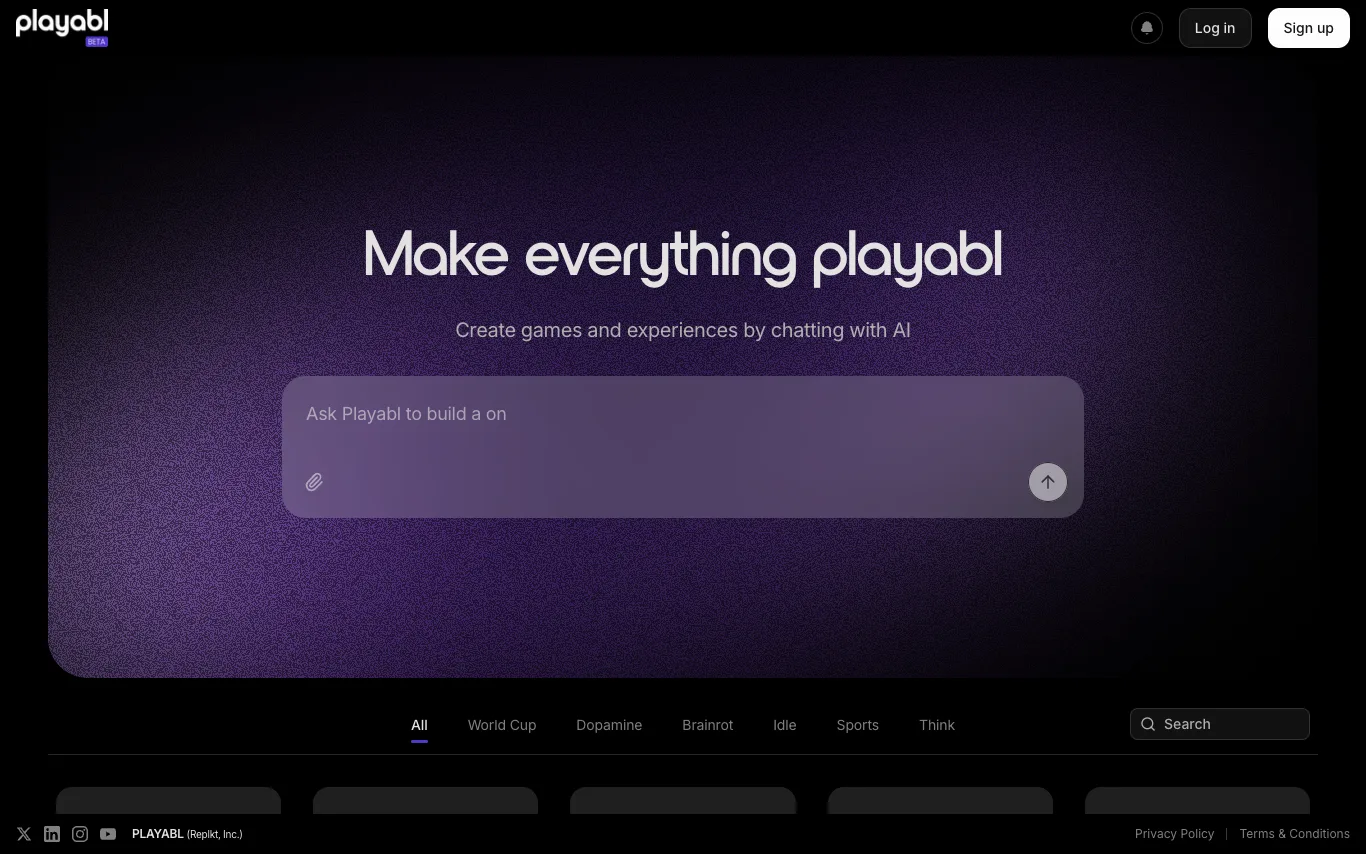

Playabl turns any idea into a playable web game through AI chat. Describe your game, iterate in real time, and publish instantly — no coding or game engine experience needed. The platform showcases a variety of user-created games, from sports to puzzles, demonstrating its versatility.
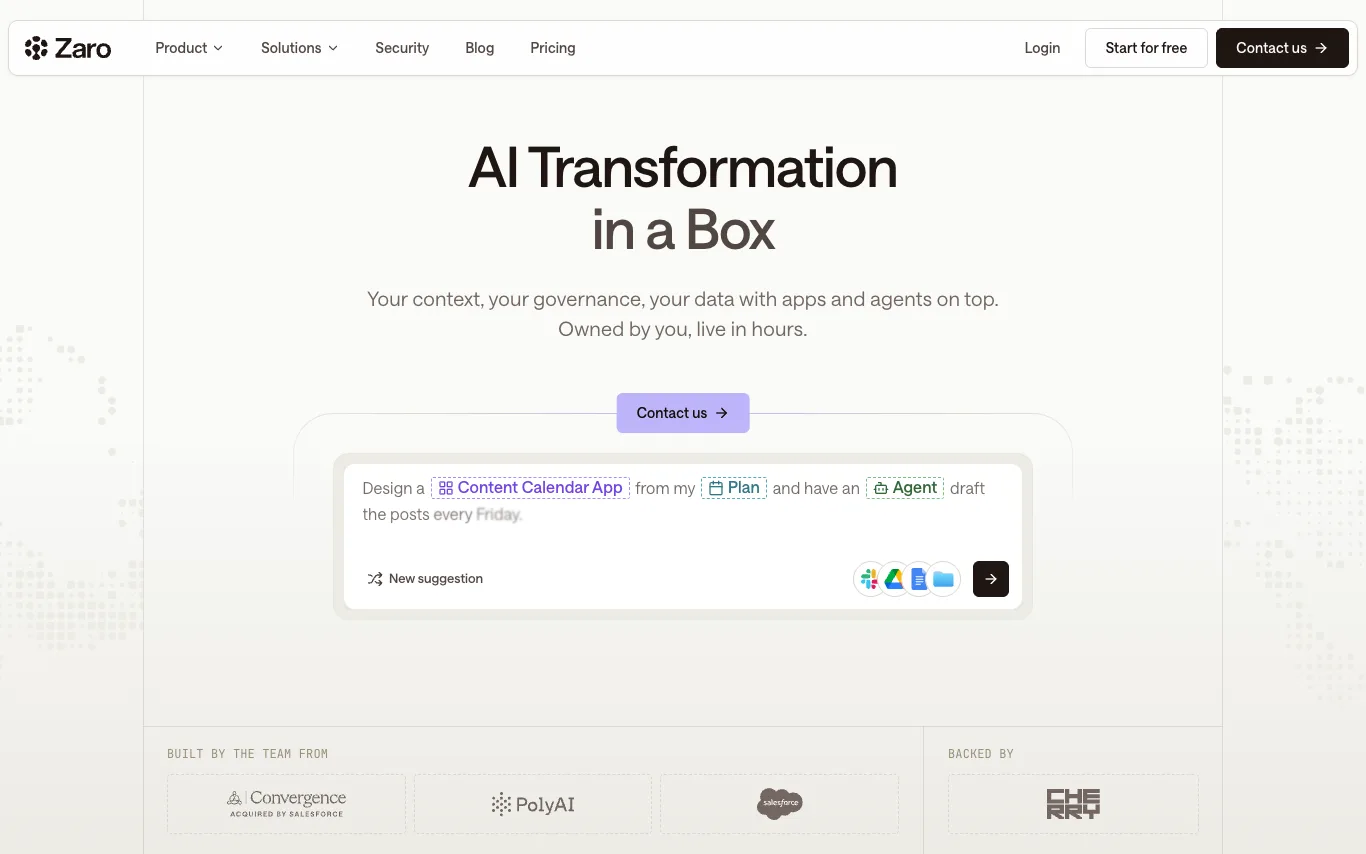

Zaro is an AI platform that provides a unified workspace where context, agents, and applications share one memory. It allows teams to capture documents, calls, decisions, and tickets in a versioned workspace, run agents on that data, and generate custom apps like dashboards and trackers. Zaro emphasizes data ownership, governance, and security, with features like access scoping, activity trails, and GDPR compliance. It is built by the team from Convergence, PolyAI, and Salesforce, and is backed by Cherry Ventures.


PlugThis is an AI-powered Chrome extension builder that generates complete Manifest v3 extensions from plain-English descriptions. It automatically creates manifest.json, content scripts, background service workers, popup UI, and optional Supabase backend. Users can download the full source code, own it forever, and publish to the Chrome Web Store. It supports BYOK for AI features and offers templates for common extensions.
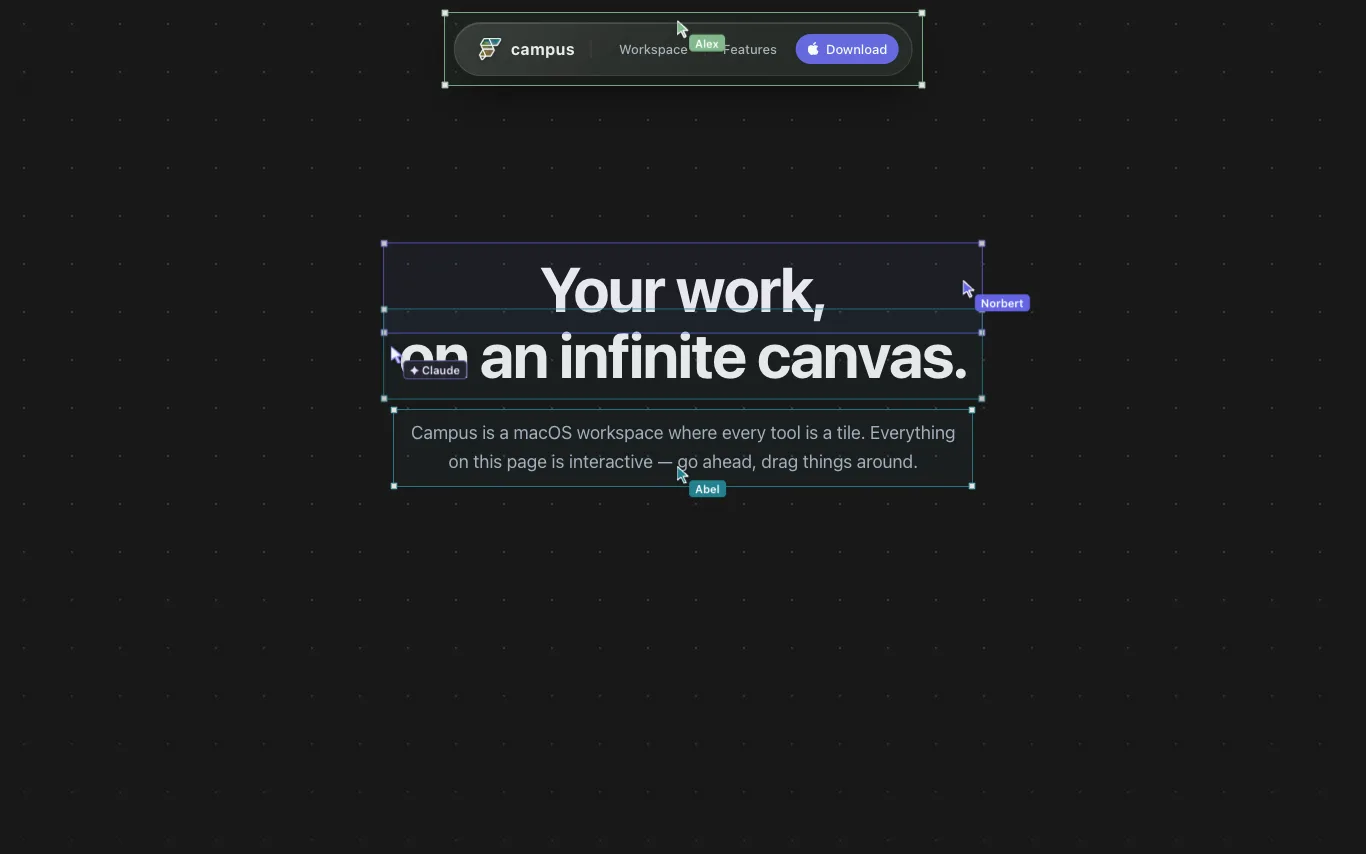

Campus is a macOS workspace where terminals, developer tools, teammates, and agents work together on one infinite canvas. It allows you to arrange tools as tiles on a persistent, zoomable surface, with live terminals, webviews, notes, and more. You can share a link to collaborate with your team in real-time, and AI agents like Claude and Codex can join as peers to drive tiles. Campus is built with a custom Flutter engine, is local-first, and offers a full Dart SDK for customization.
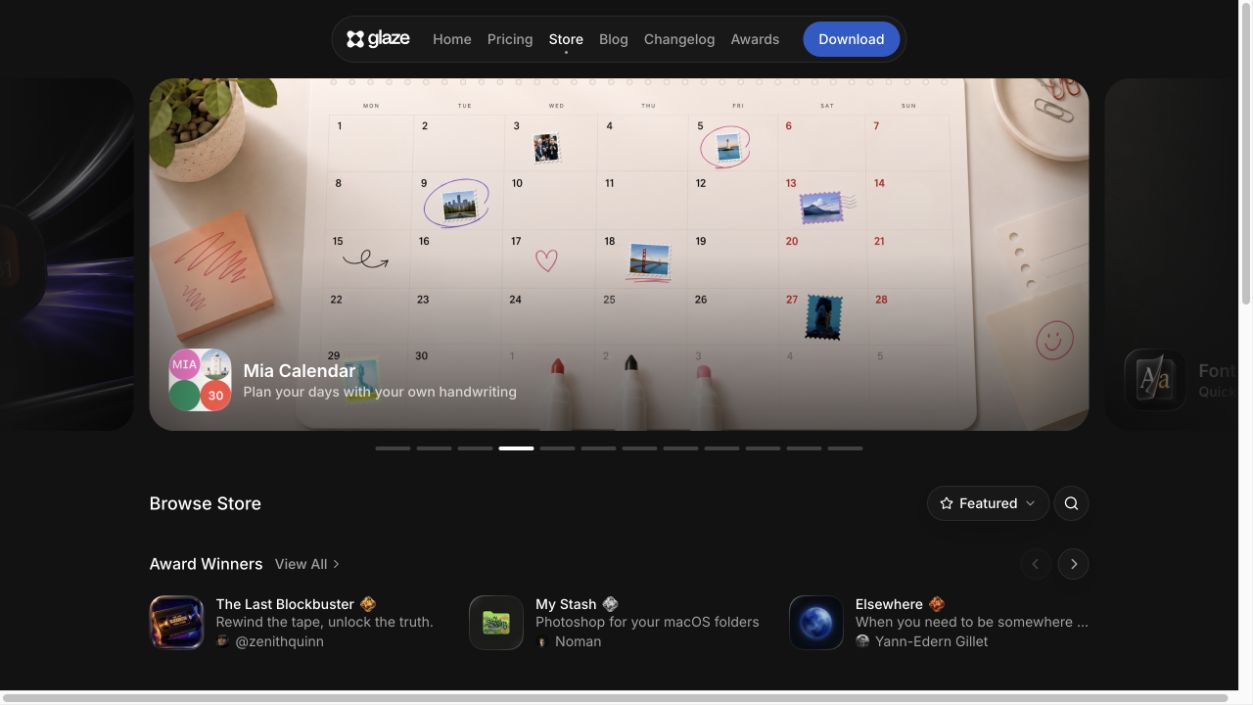

Glaze by Raycast lets you build your own desktop apps just by describing what you want. Apps live on your Mac, launch instantly, and work offline. You own your app, its code and content. Glaze currently requires macOS Tahoe and Apple Silicon, with Windows and Linux support planned.
What is an AI app builder?
An AI app builder generates a working app — its screens, logic, and data model — from a plain-language description, instead of coding it by hand. It can produce web apps, internal tools, and prototypes that you then refine, ranging from no-code generators to AI coding environments.
Core features to look for
- Prompt-to-app generation of UI and logic
- Data models, forms, and CRUD from a description
- Visual editing after generation, no code needed
- Database, auth, and hosting built in
- Export or extend with code (some tools)
- Free tier and paid publishing plans
Who uses AI app builders, and how
Internal tools
Spin up dashboards, admin panels, and CRUD tools without a dev team.
MVPs & prototypes
Turn an idea into a clickable, working app to test fast.
No-code makers
Non-developers build and ship apps from a description.
AI coding environments
Developers scaffold and iterate on real code with AI.
How does an AI app builder work?
An AI app builder takes your description and generates the pieces of an app — screens, a data model, logic, and often auth and a database — using language and code models, then assembles them into something you can preview and edit. You refine it visually or in code, then publish with built-in hosting.