



AI Raphael: Create and edit images with precise AI generation, photo editing, and consistent character results.
Best AI Photo Editor Tools (2026)
Compare AI photo editors for background removal, portrait retouching, object removal, upscaling, generative edits, and free online tools.
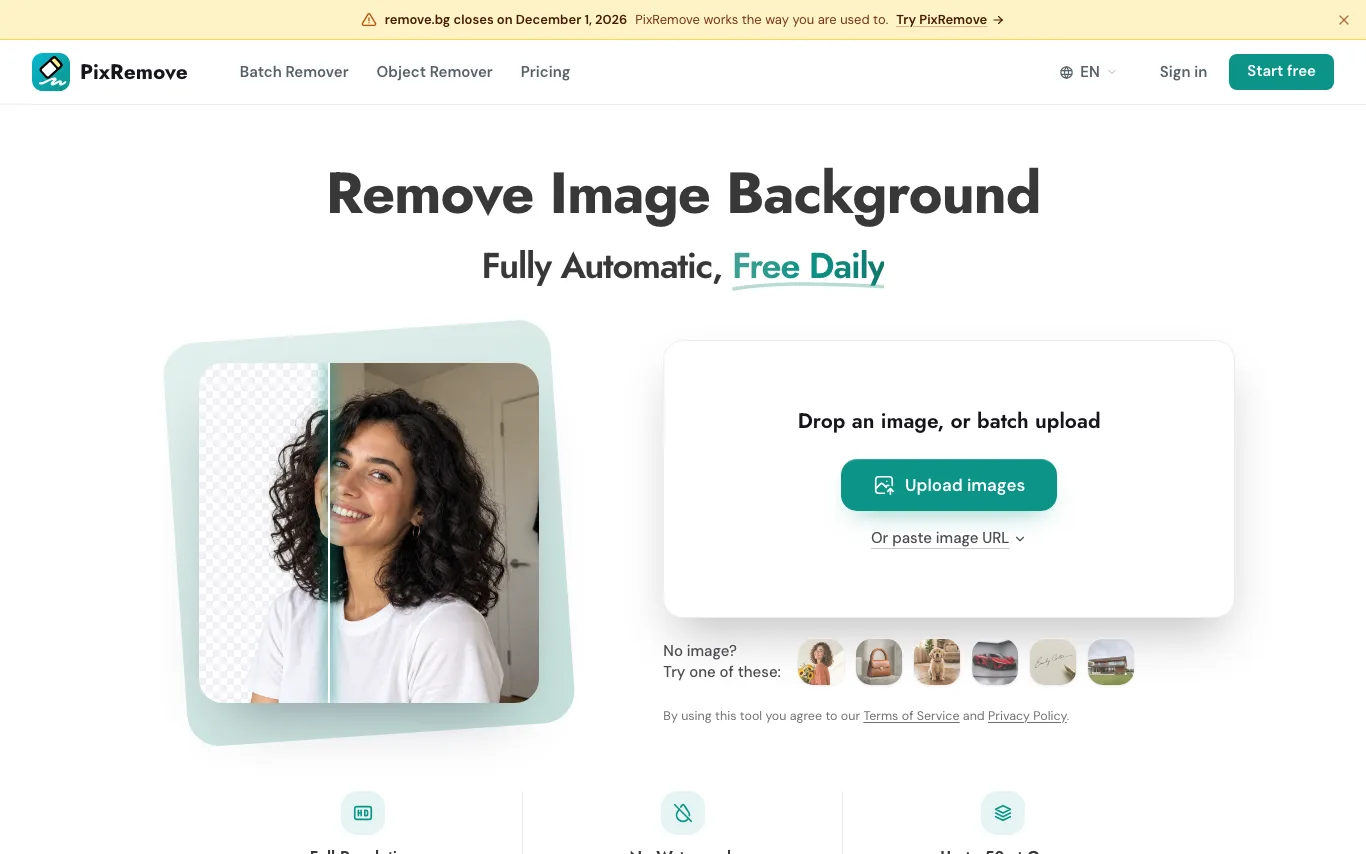

PixRemove is an online AI tool that removes image backgrounds and unwanted objects, keeps the original resolution and exports clean transparent PNGs.
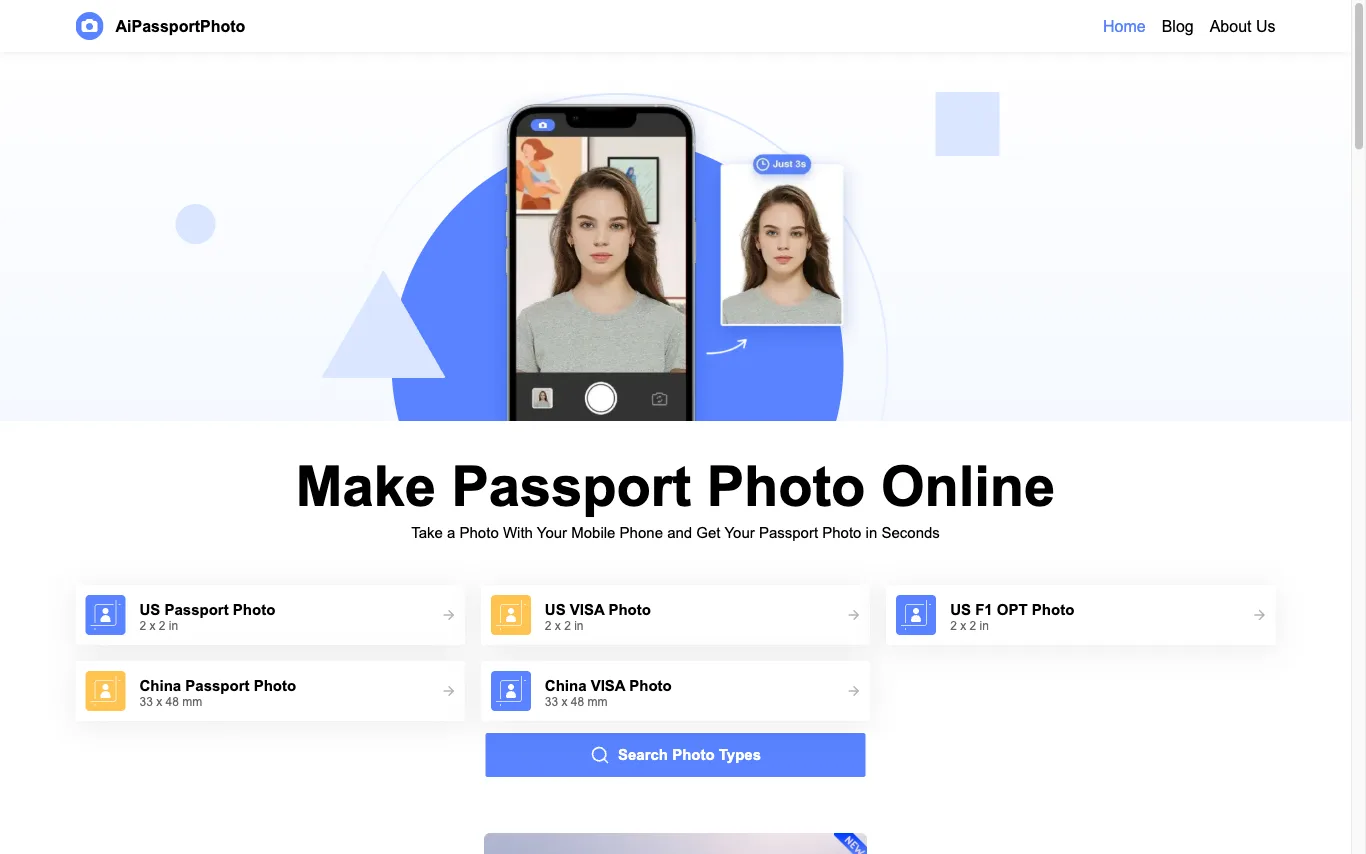

AiPassportPhoto crops, resizes and replaces the background of a phone photo to meet official passport, visa and ID specs across ten countries.


Igly combines 25+ AI and browser tools, an infinite canvas, and a Seller Studio that connects to Amazon or Shopify to produce listing images, ads and UGC video.
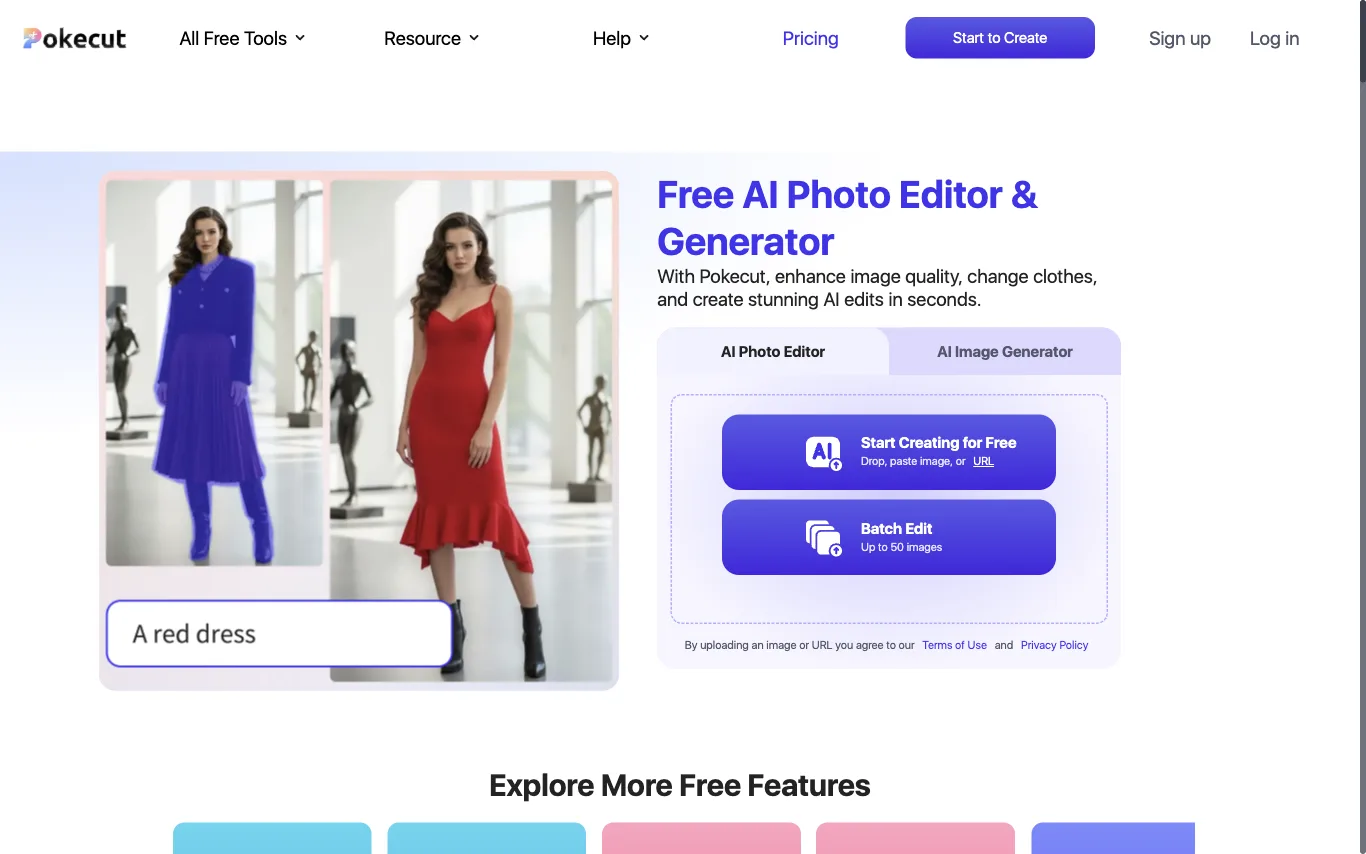

Pokecut bundles background removal, object erasing, photo enhancement and text-to-image generation into one browser editor, with batch jobs for up to 50 images.
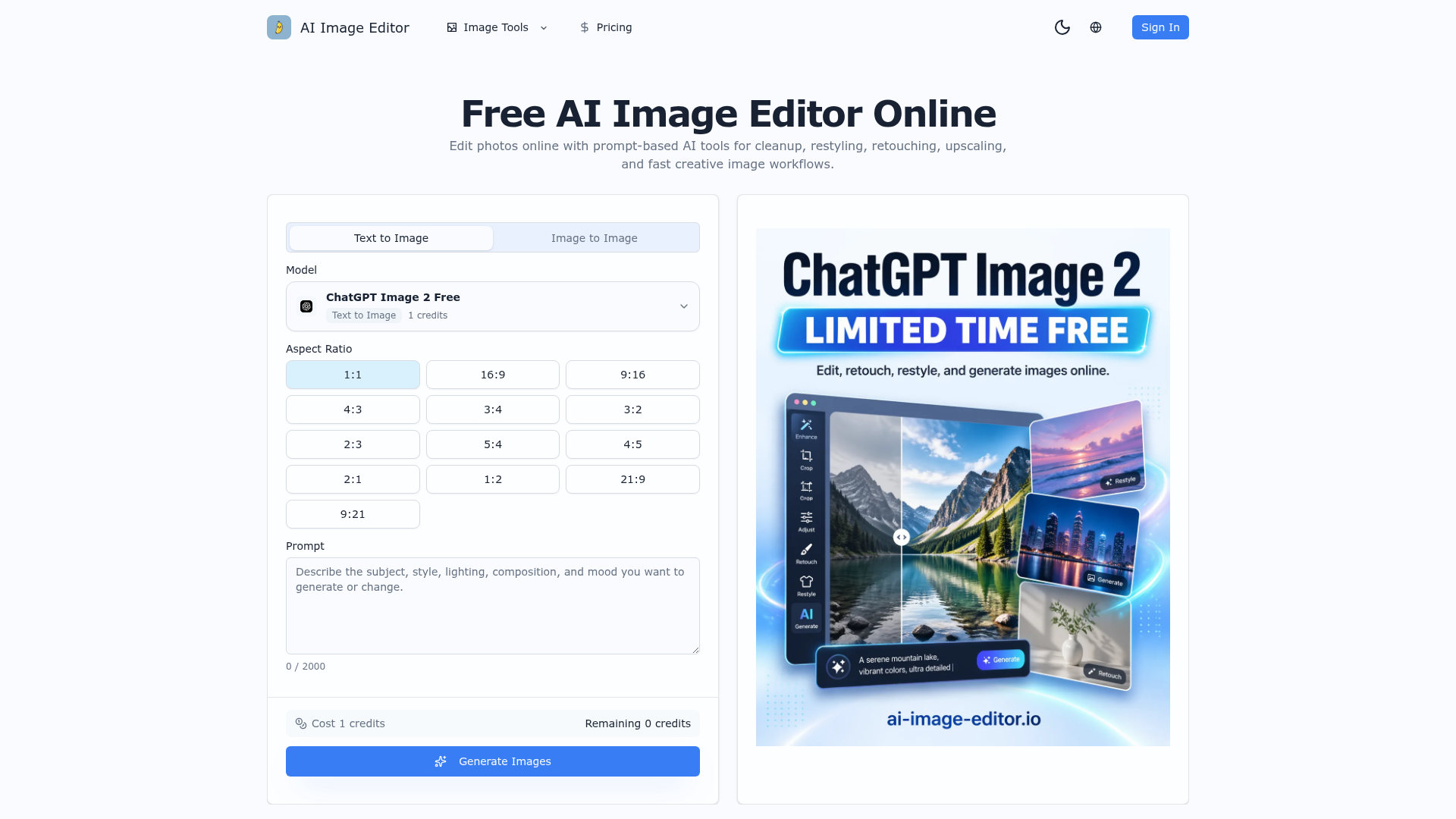

Edit photos online with prompt-based AI tools for cleanup, restyling, retouching, upscaling, and fast creative image wor

Generate and edit high-quality images with Nano Banana — Google's state-of-the-art AI. Powered by Gemini 2.5 Flash Image
Related categories
What is an AI photo editor?
An AI photo editor edits images from a text prompt or one click, instead of manual masking and layers. It can remove or replace backgrounds, retouch portraits, erase objects, upscale resolution, and restyle a photo. Tools range from full editors to single-purpose apps for one task like background removal.
Core features to look for
- One-click background removal and replacement
- Object and people removal with clean fill
- Portrait retouching: skin, blemishes, and lighting
- Upscaling and denoising for low-res photos
- Generative edit or fill from a text prompt
- Batch processing and common export formats
Who uses AI photo editors, and how
01
Background removal
Sellers and marketers cut out products or people for clean, consistent listings and ads.
02
Portrait retouching
Photographers smooth skin, fix lighting, and enhance headshots without manual editing.
03
Object & people removal
Erase photobombers, logos, or clutter and let AI fill the gap naturally.
04
Restore & upscale
Sharpen, denoise, and enlarge old, blurry, or low-resolution photos.
How does an AI photo editor work?
AI photo editors run trained vision models that recognize faces, objects, and backgrounds, then edit at the pixel level. Background removal separates subject from background, object removal inpaints the gap with plausible pixels, and upscalers predict detail to enlarge without blur. Generative editors use diffusion models to add or change content from a prompt.