


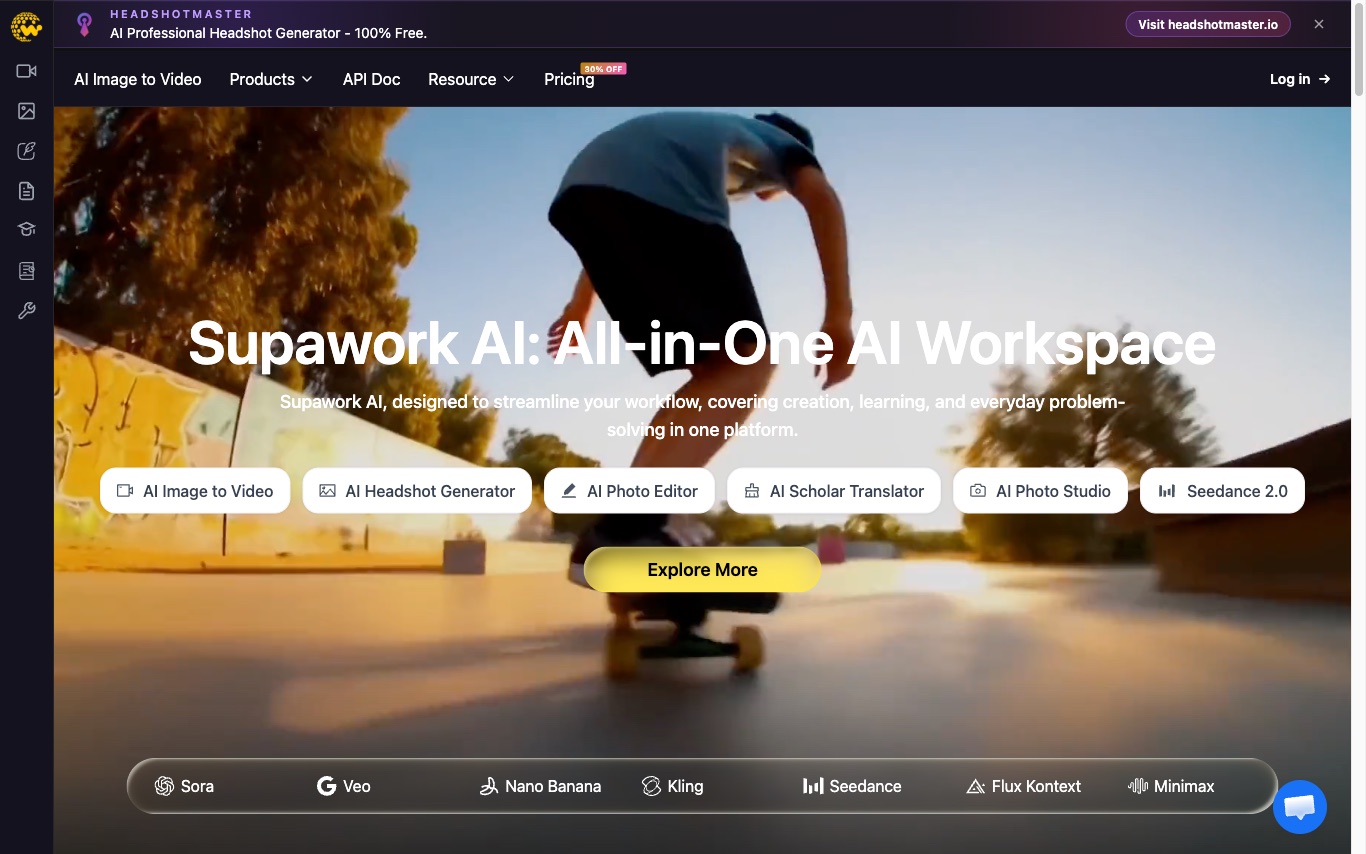

Supawork is an AI video maker for creators. Produce talking avatars, AI voiceovers, subtitles, face-swap, and faceless videos from text or scripts in a single workspace.
Best AI Video Generator Tools (2026)
Compare AI video generators for text-to-video, image-to-video, avatars, short clips, free plans, and marketing workflows.


freebeat is an AI music video generator trusted by 1M+ creators. Upload or generate a track and it produces dance videos, narrative music videos, or lyric videos with rhythm-matched visuals.
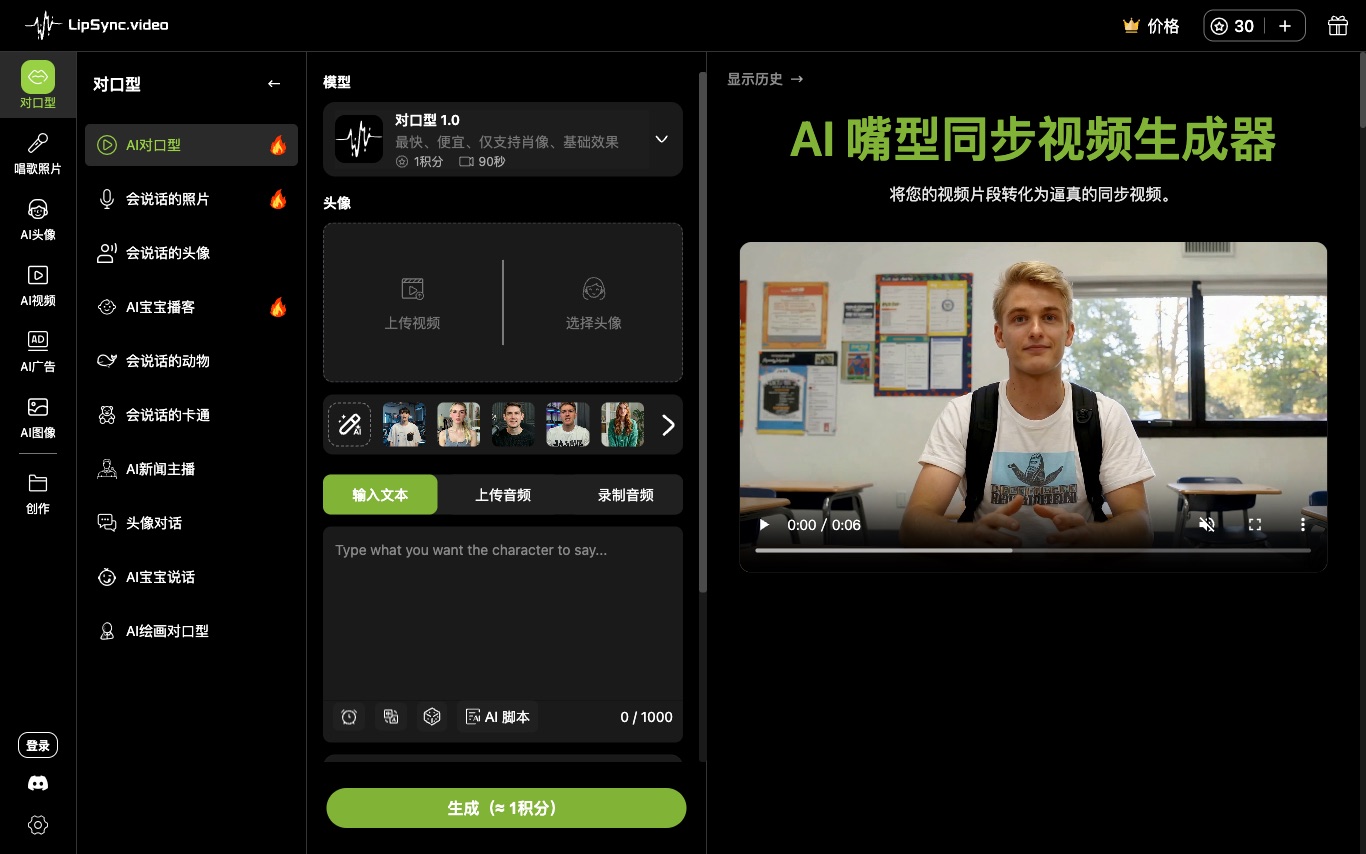

Lipsync.Video is a free AI lip-sync video generator used by 1M+ creators. Upload video plus audio or a script and the AI matches mouth motion, with 200+ voices, 300+ avatars, and watermark-free output.
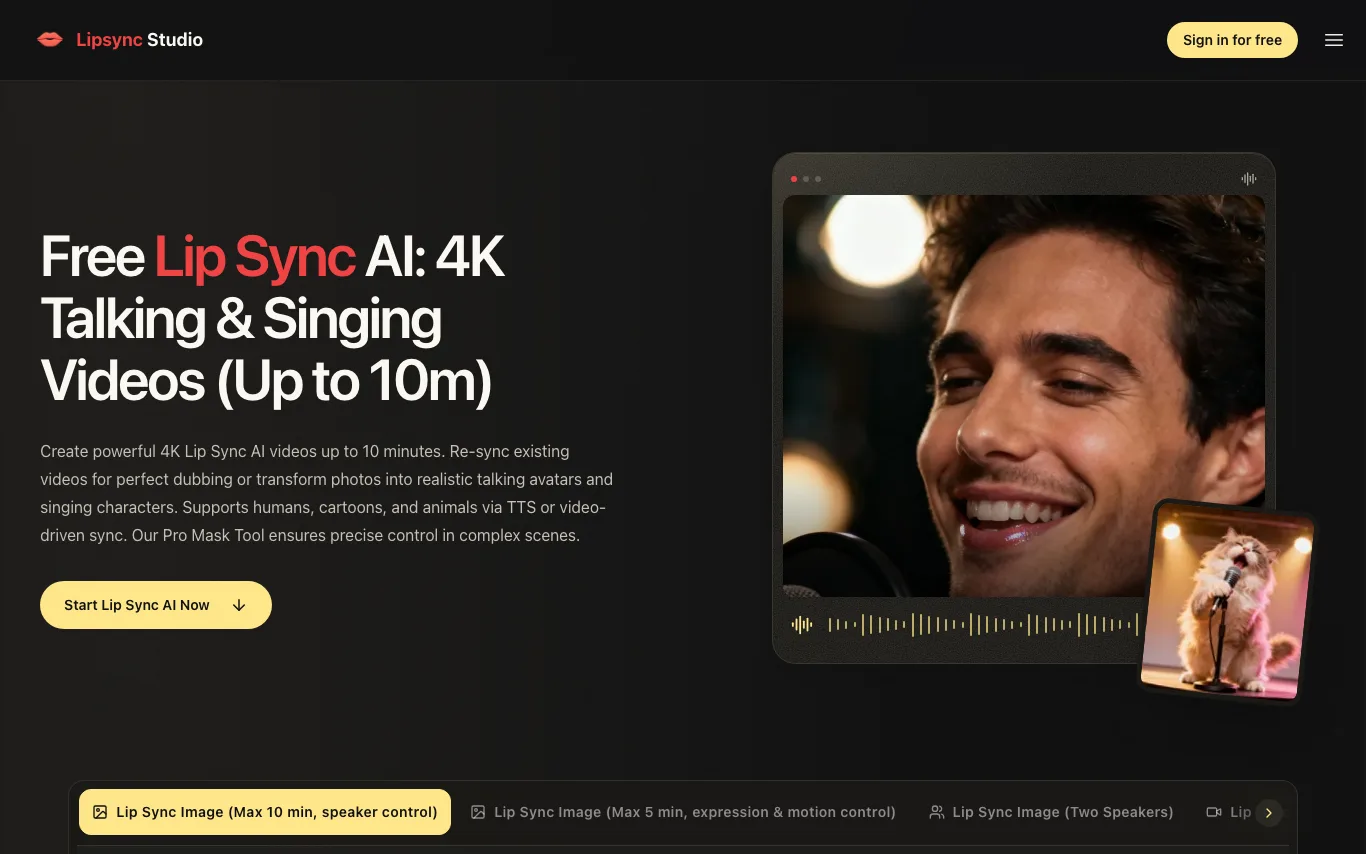

LipSync Studio is a free AI lip sync tool. Upload a photo or choose an avatar, then add audio or a script to create singing photos, talking avatars, or lip-synced videos.
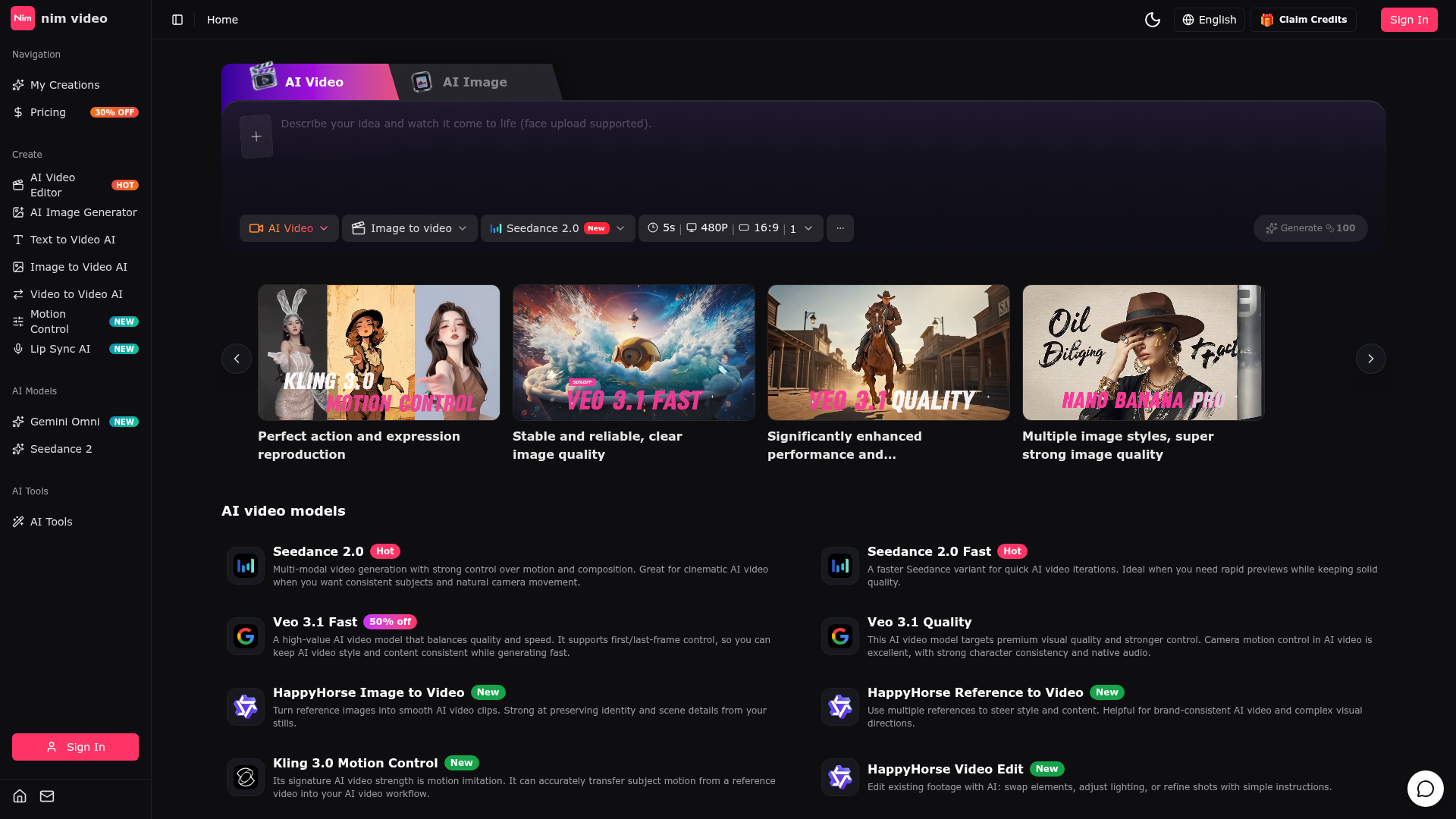

The Perfect AI Video & Image Creation Platform
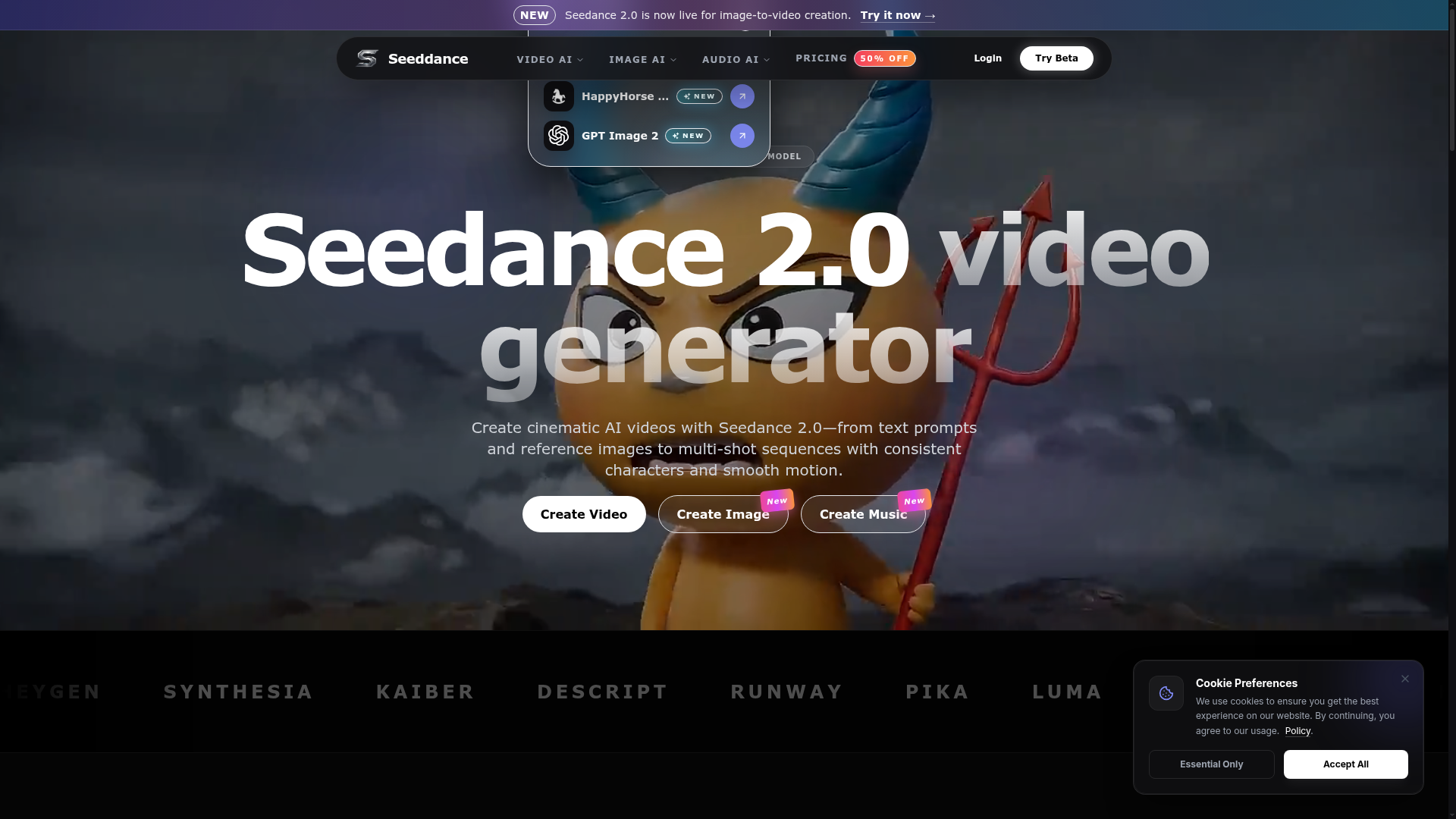

Create cinematic AI videos with Seedance 2.0—from text prompts and reference images to multi-shot sequences with consist
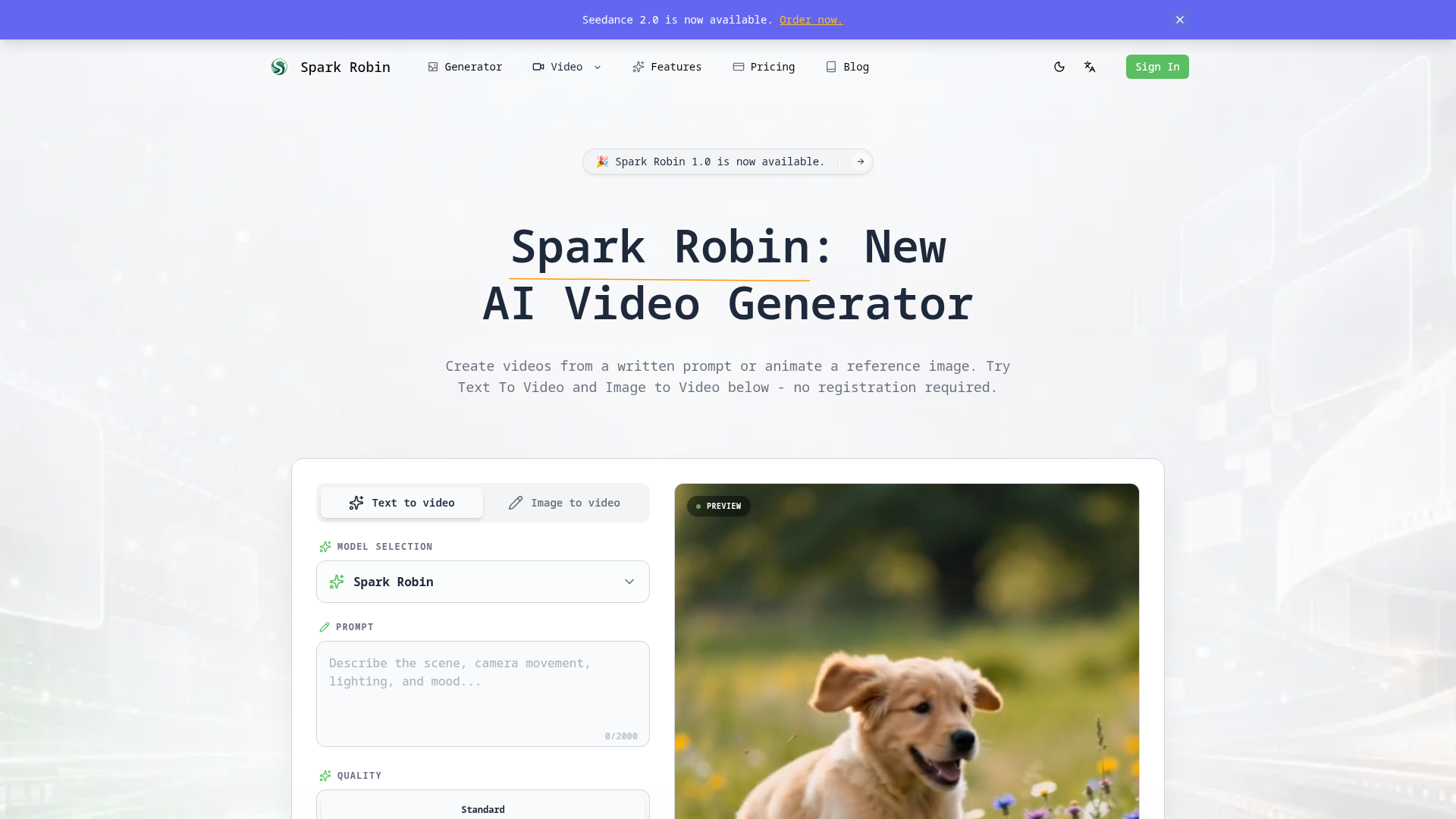

Create videos from a written prompt or animate a reference image.
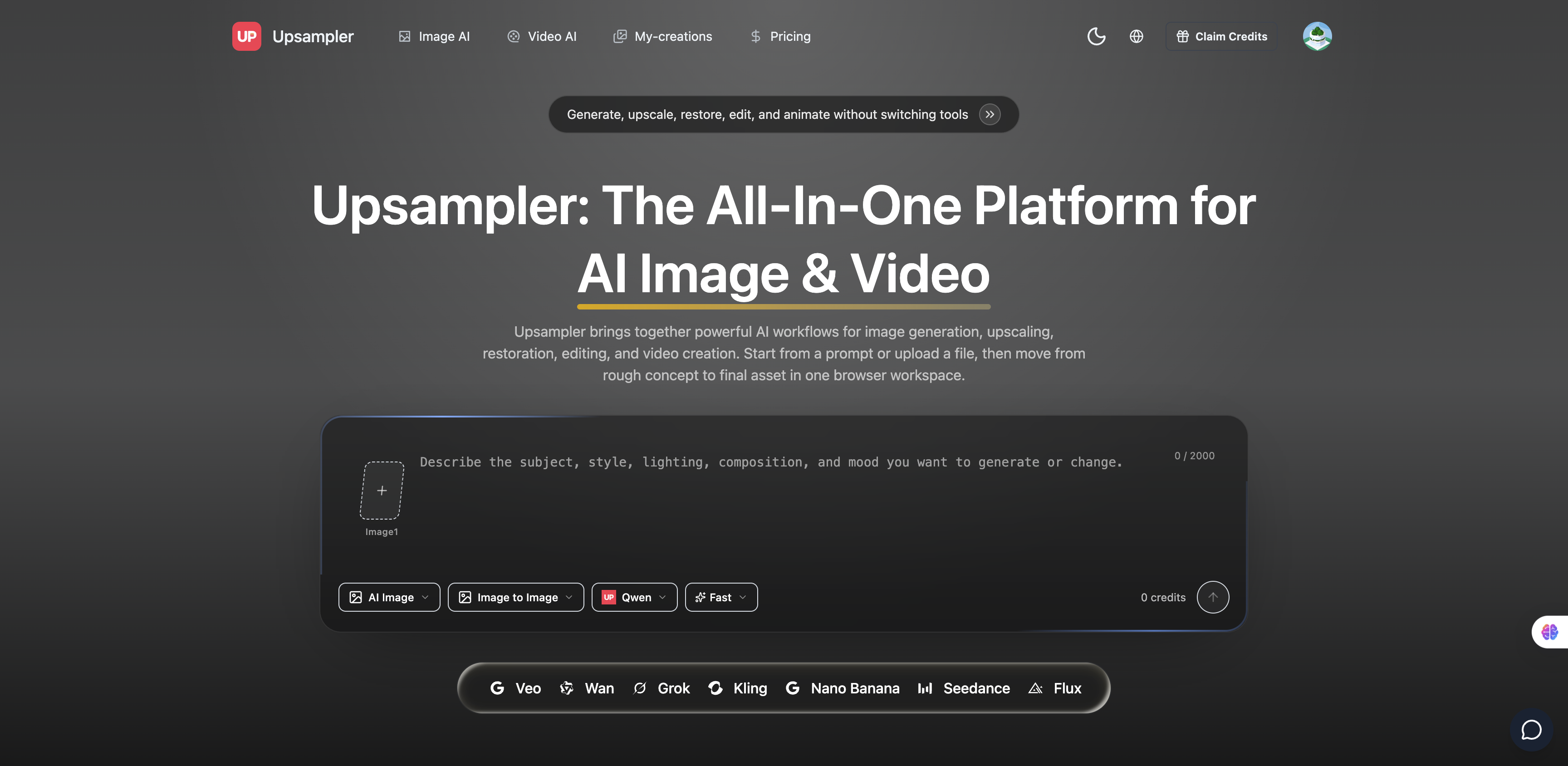

Free AI video generator and free AI image generator
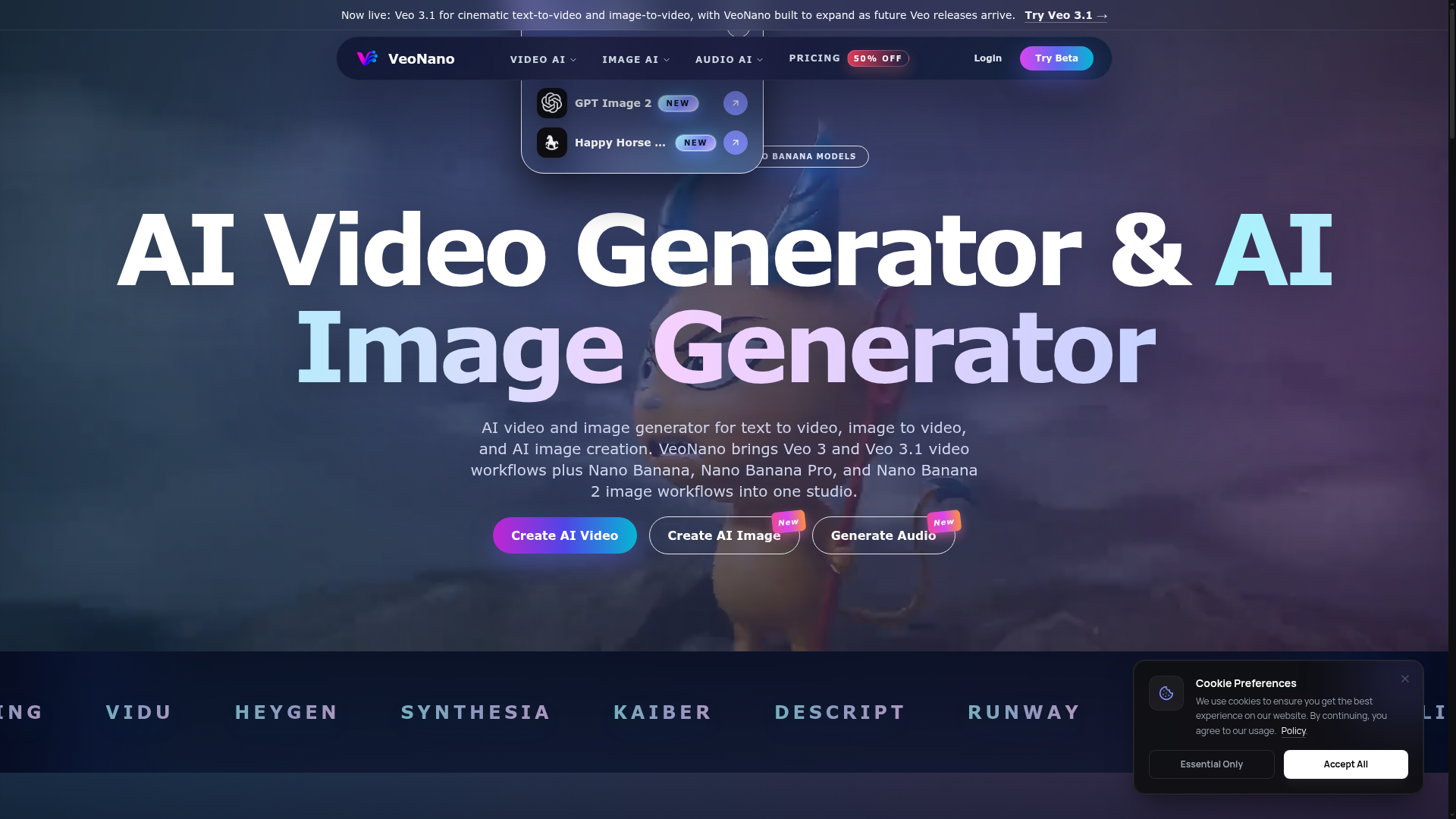

AI video and image generator for text to video, image to video, and AI image creation.
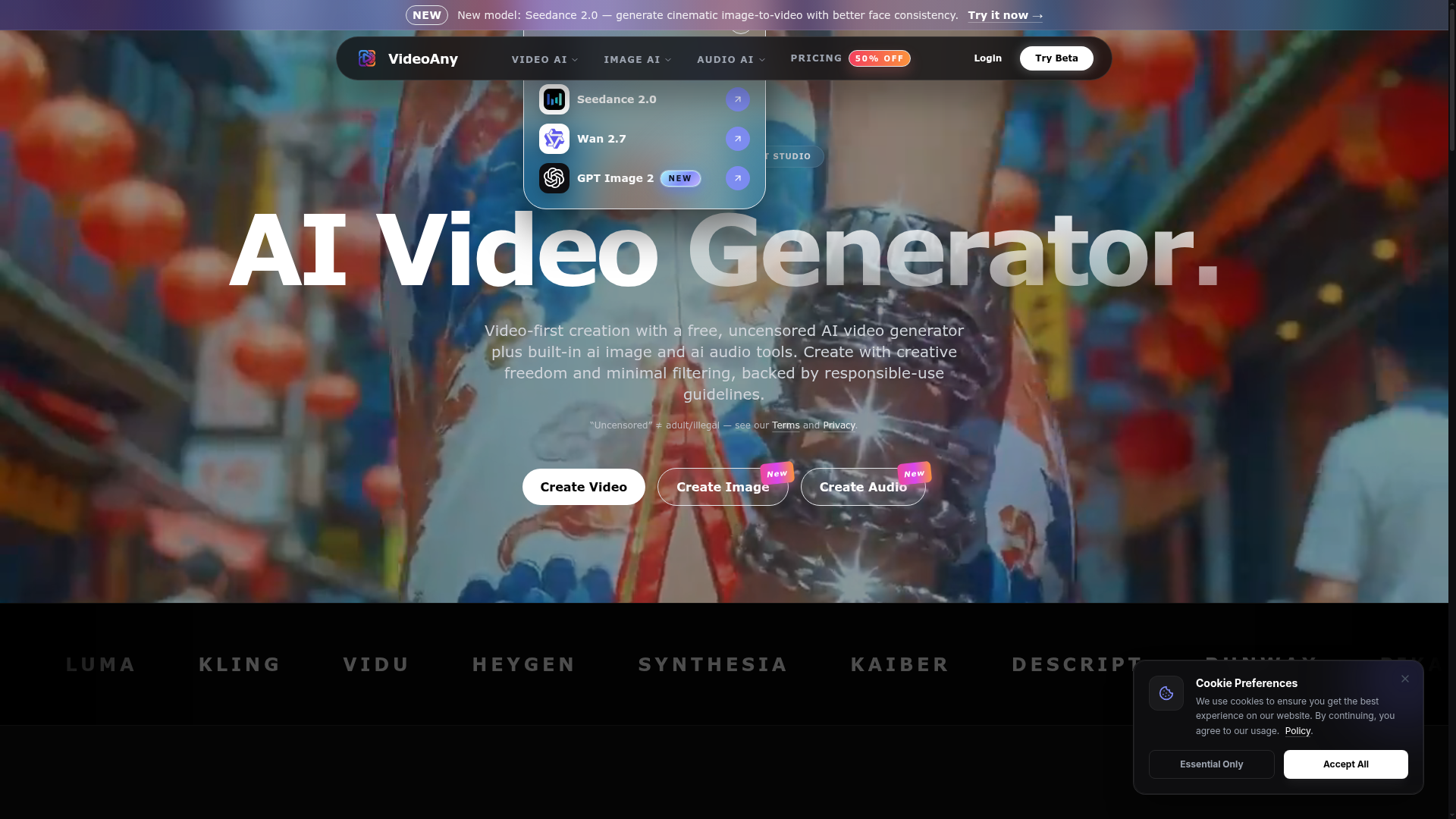

Video-first creation with a free, uncensored AI video generator plus built-in AI image and audio tools.
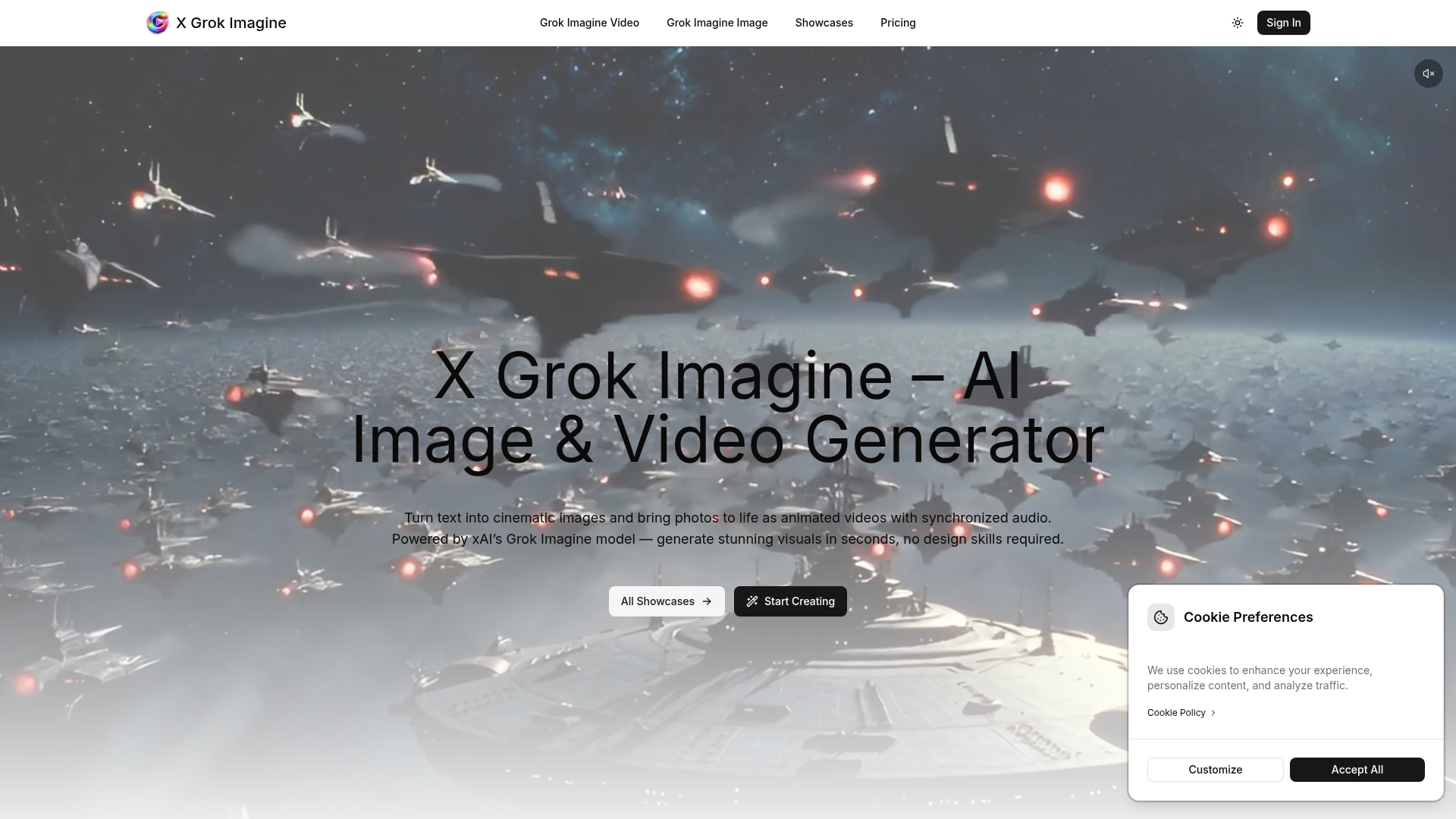

Turn text into cinematic images and bring photos to life as animated videos with synchronized audio.
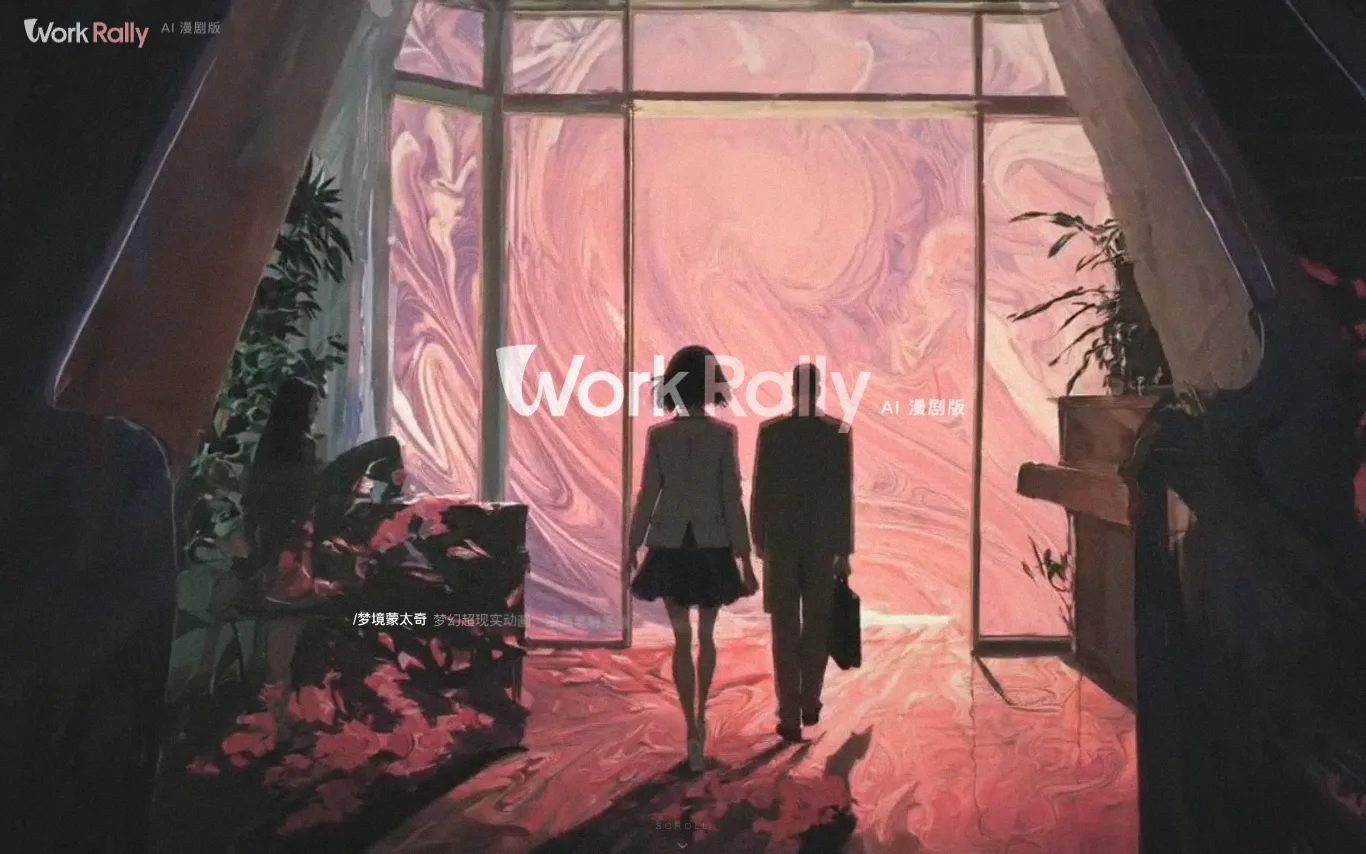

WorkRally is an AI-powered video creation platform by Tencent Video, designed for the full production workflow of comic dramas (漫剧) and short series. It provides an AI toolchain covering the entire creation process, from keyframe drawing to motion effects, ensuring high-quality generation with precise control. The platform enables creators to activate creativity and enhance production efficiency.
Related categories
What is an AI video generator?
An AI video generator creates video clips from a text prompt, image, script, or avatar, instead of filming. It can produce short social clips, product and marketing videos, or animate a still image. Tools range from full text-to-video models to editors with avatars, templates, and captions.
Core features to look for
- Text-to-video from a prompt or script
- Image-to-video animation of stills
- Avatars, voiceover, and auto captions
- Templates, brand kits, and resizing
- Scene editing and regeneration
- Free plans, watermark rules, and exports
Who uses AI video generators, and how
01
Text-to-video creation
Start from a prompt, script, or product idea and generate a short video draft without filming.
02
Image-to-video animation
Turn product shots, characters, or design assets into moving clips for social and ads.
03
Free plan testing
Compare free generators by watermark rules, export limits, credits, and quality.
04
Marketing video workflows
Use templates, captions, brand controls, and resizing for repeat campaigns.
How does an AI video generator work?
AI video generators use models trained on video and image data. From a prompt or a starting image, they generate frames that stay consistent over time, then assemble them into a clip; avatar tools instead drive a presenter with your script and a synthetic voice. Editing features let you regenerate scenes and add captions.