


MagicShot is an AI creative studio that puts 500+ AI models and 85+ tools behind one subscription. Instead of paying separately for an image generator, a video tool, and a text-to-speech app, you get all of it in one place, running on models like Veo 3.1, Kling 3.0, Seedream 5.0, and GPT Image 2. The tools cover five areas: image generation (art, logos, product photos, stickers), video generation (text-to-video, image-to-video, UGC-style ads, real estate videos), AI photoshoots (professional headshots from selfies, fashion model shots, pet portraits), photo editing (background removal, upscaling to 4K, restoring old photos), and audio (voiceovers, music generation, transcription). What you get: - One subscription instead of five. A single credit balance works across every tool, so you're not stacking $20/month plans for image, video, and audio separately. - No skill barrier. Pick a tool, type what you want, download the result. There's no timeline editor or layers panel to learn. - Always-current models. New models get added as they release, so you're not locked into whatever tech existed when you signed up. - Full commercial rights on paid plans for everything you generate. - Works on mobile. The iOS app handles photoshoots, image, and video generation from your phone. Over 500,000 creators use it, and the numbers back that up: 50M+ images and 8M+ videos generated so far. It's built for influencers, ecommerce sellers, agencies, and real estate agents who need a steady stream of content without hiring a production team. Plans start at $5.25/month, rated 4.7/5 on Trustpilot.
Best AI Video Generator Tools (2026)
Compare AI video generators for text-to-video, image-to-video, avatars, short clips, free plans, and marketing workflows.
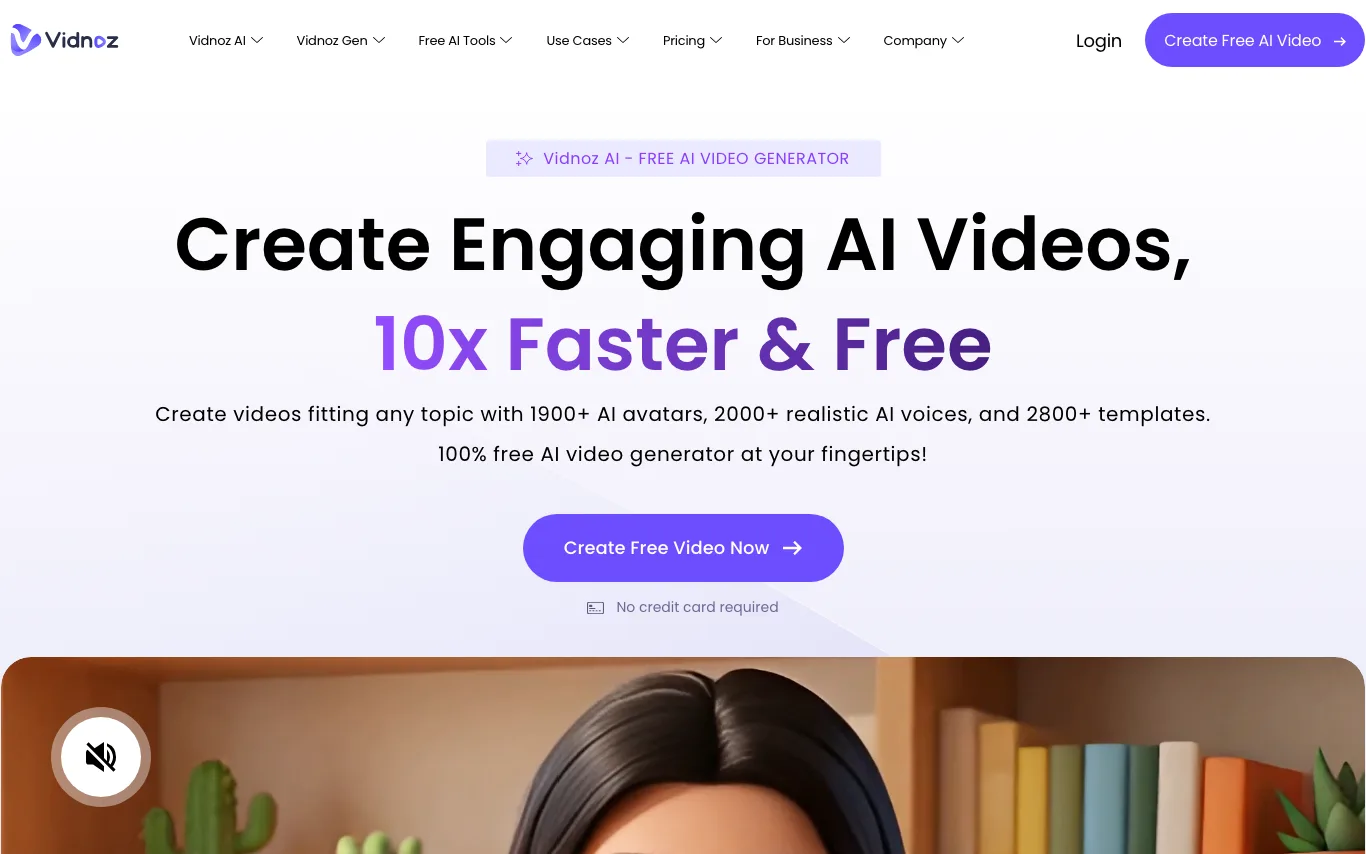

Vidnoz is an AI video generator offering avatars, talking photos, face swap, and voice cloning. Used for marketing, training, and social videos with a generous free tier.
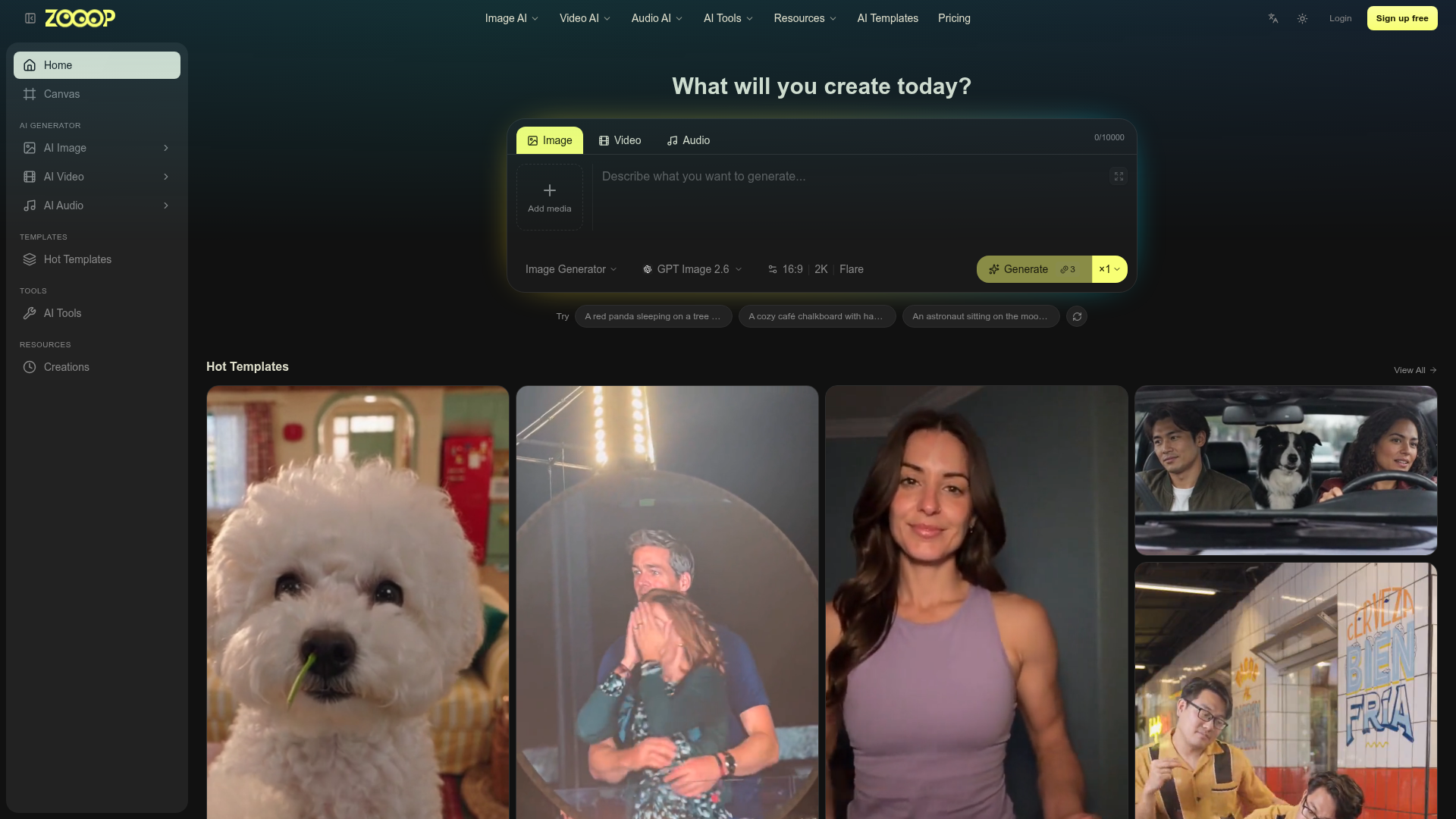

Zooop is an AI-powered platform that enables users to generate various forms of media, including images, videos, and audio. It provides access to popular AI models like GPT Image 2.6, Kling V4, and Nano Banana 2.1, allowing for diverse creative outputs. The platform offers a text-to-media generation interface where users can describe their desired output. Additionally, Zooop features a wide array of templates for quick video creation, covering themes from pet antics to dance trends. Users can also leverage specialized AI tools for image manipulation, such as style transfer, age modification, and photo restoration. Zooop is ideal for creators looking to produce unique visual and auditory content without extensive technical skills. It simplifies the process of bringing imaginative concepts to life through accessible AI generation and editing capabilities.
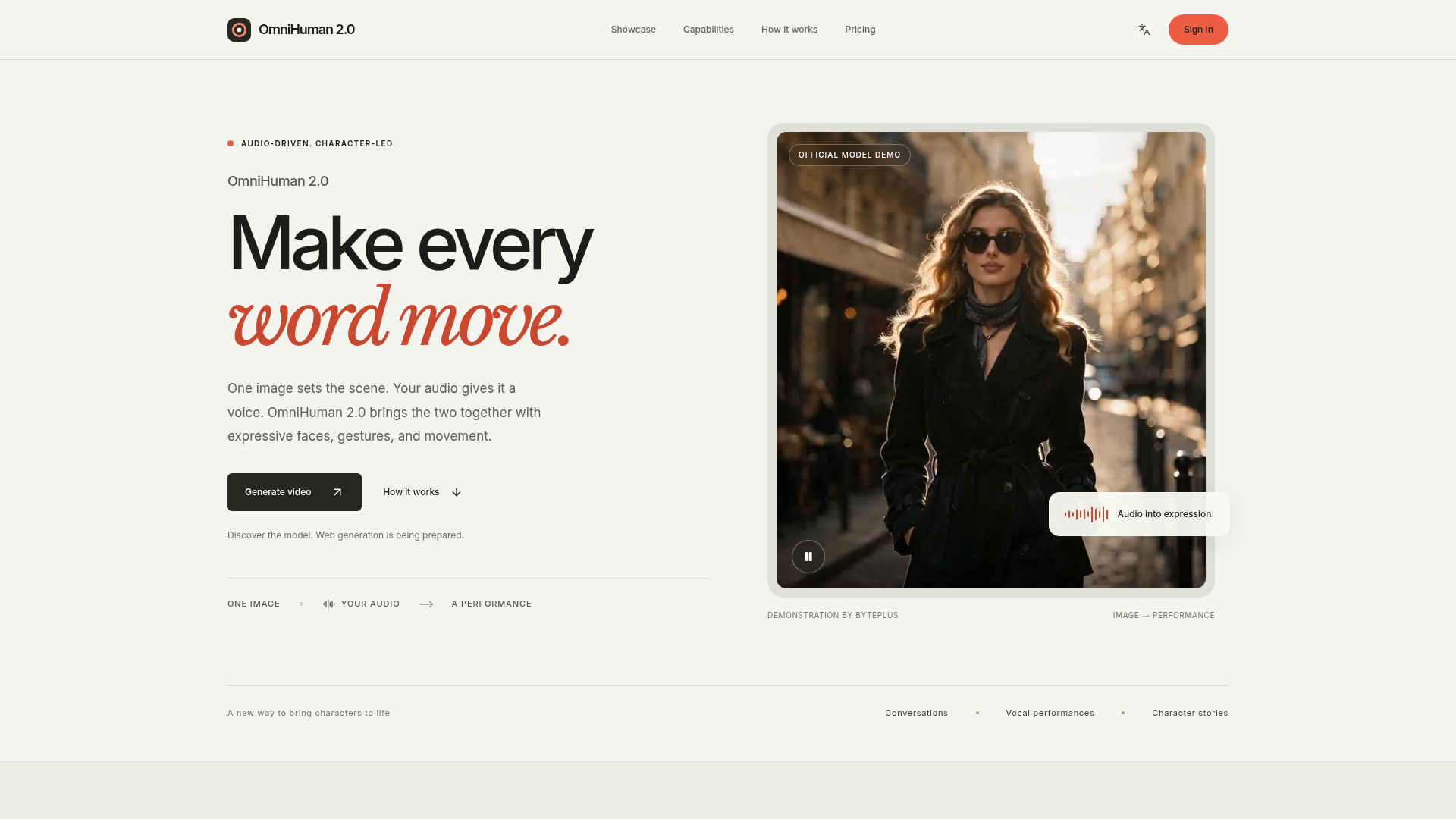

OmniHuman 2.0 is an advanced human animation model from ByteDance that converts a still image and an audio track into a dynamic video. It imbues characters with expressive faces, natural gestures, and fluid body movements, making every word and sound come alive on screen. The platform allows users to upload a portrait image and an audio track (speech or singing) to generate a video. An optional text prompt can further guide the character's actions, scene, or camera movements. This process brings a new dimension to digital storytelling and character interaction. Users can leverage OmniHuman 2.0 to create engaging content for various purposes, from educational explanations and musical performances to narrative concepts and fictional scenes. It's ideal for anyone looking to add a human presence and emotional depth to their creative projects.
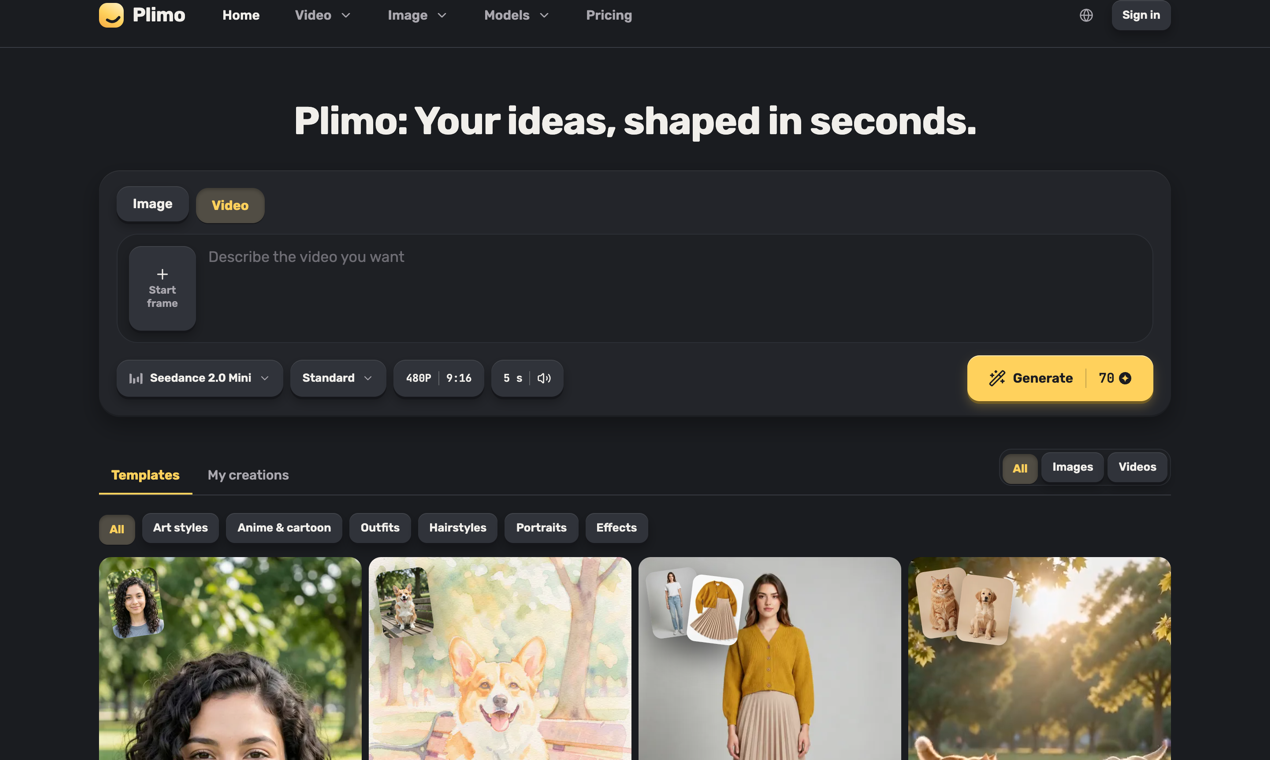

Plimo is an all-in-one home for the newest AI image and video models. We bring the best of them together and do the hard part for you: clear choices, sensible defaults, and a growing library of templates built around what's trending on social media right now. You don't need to learn prompting to get something you'll love. Pick a template, add your photo, and get a result in one click, or write your own idea and shape it however you like. Templates cover the things people actually want to make: an old family photo that smiles and waves, a hug with a friend who lives far away, a haircut you can see on your own head before you book it, a dancing pet, or a product photo for a small shop. If you'd rather write your own prompt, the generator puts image and video models from Google, OpenAI, ByteDance, Kuaishou and others side by side, grouped by company, with the settings each one supports. You always see the credit cost on the Generate button before you start, and a failed generation gives every credit back. New accounts get 100 free credits once, with no credit card, and every result comes without a watermark. Members get more credits each month and the right to use results commercially, with plans from $15 a month or half that billed yearly. Plimo is available in 14 languages. Whether you're making something for your followers, a surprise for a friend, or just playing around, Plimo turns what you imagine into something you can see, share and enjoy.
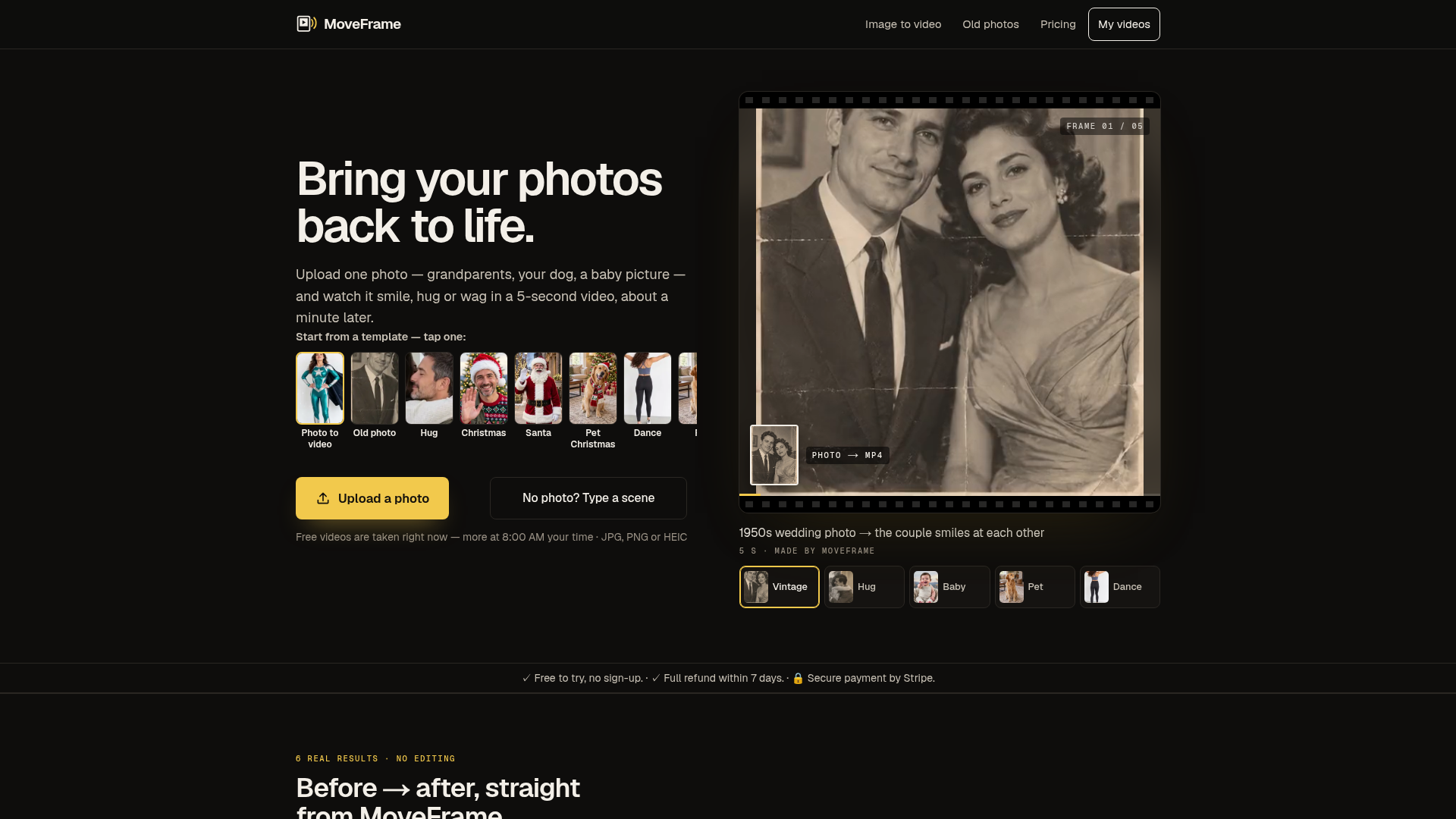

MoveFrame is an AI tool that transforms static images into dynamic 5-second videos. Users can upload a photo and select from various motions like smiling, hugging, or dancing, receiving an MP4 video in about a minute. It's designed for anyone looking to add movement and expression to their cherished memories, from old family photos to pet pictures. The platform offers a range of animation options, including natural smiles, full-body dances, and even generating a fictional baby from two adult photos. It operates without requiring an account for basic use, making it accessible for quick, creative projects. Users can also describe a scene with text to generate a custom video. MoveFrame is ideal for personalizing social media content, creating unique gifts, or simply enjoying a new way to interact with photographs. It provides a straightforward process: upload, pick a motion, and download, with options for different video lengths, qualities, and aspect ratios to suit various platforms. Utilize MoveFrame when you want to animate a still image into a short, engaging video, whether for fun, social sharing, or preserving memories in a new format.
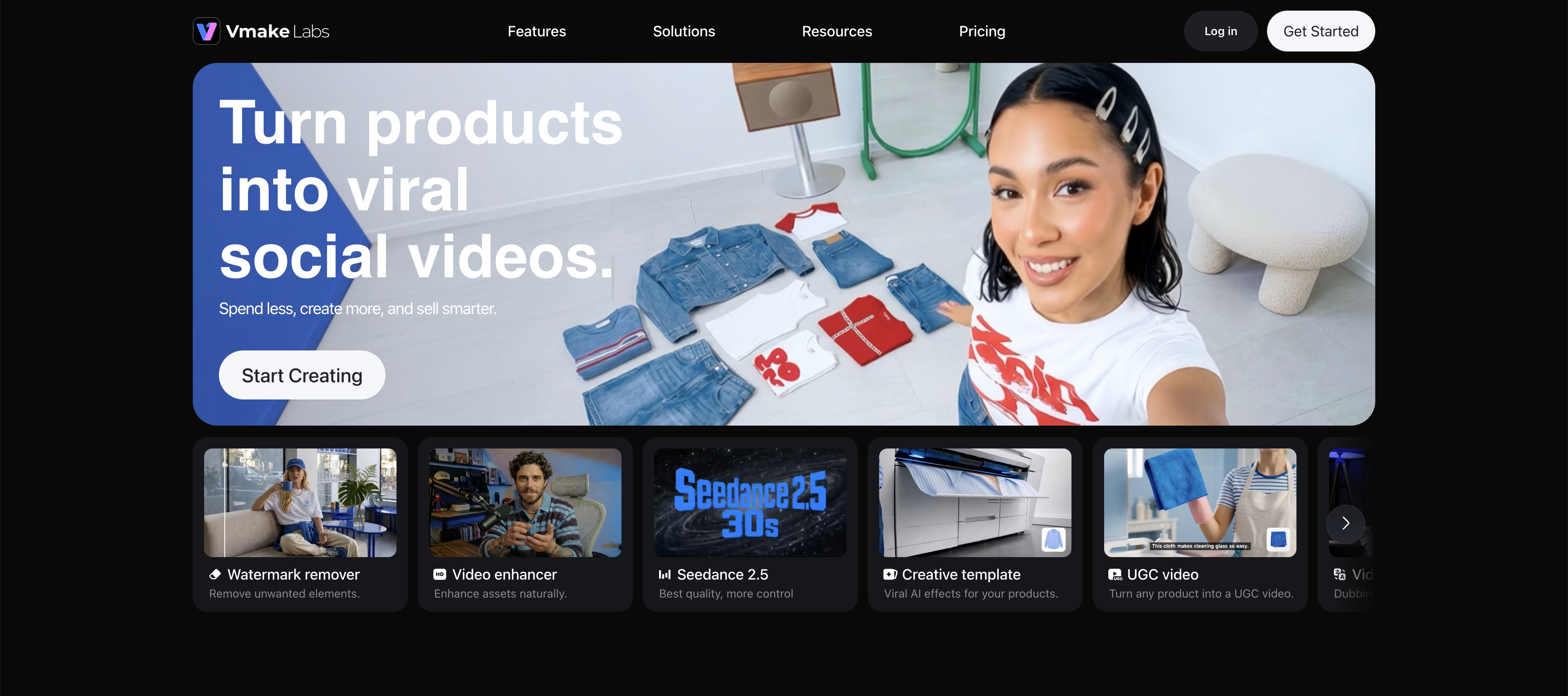
Vmake Labs is an AI social video studio for creators, ecommerce sellers, and small businesses. It offers tools to create, edit, enhance, and translate videos for social media and ecommerce marketing. Users can turn product images into showcase videos, create UGC-style content, enhance video quality, remove video backgrounds and watermarks, and add captions. Vmake Labs also provides AI image generation and enhancement tools.
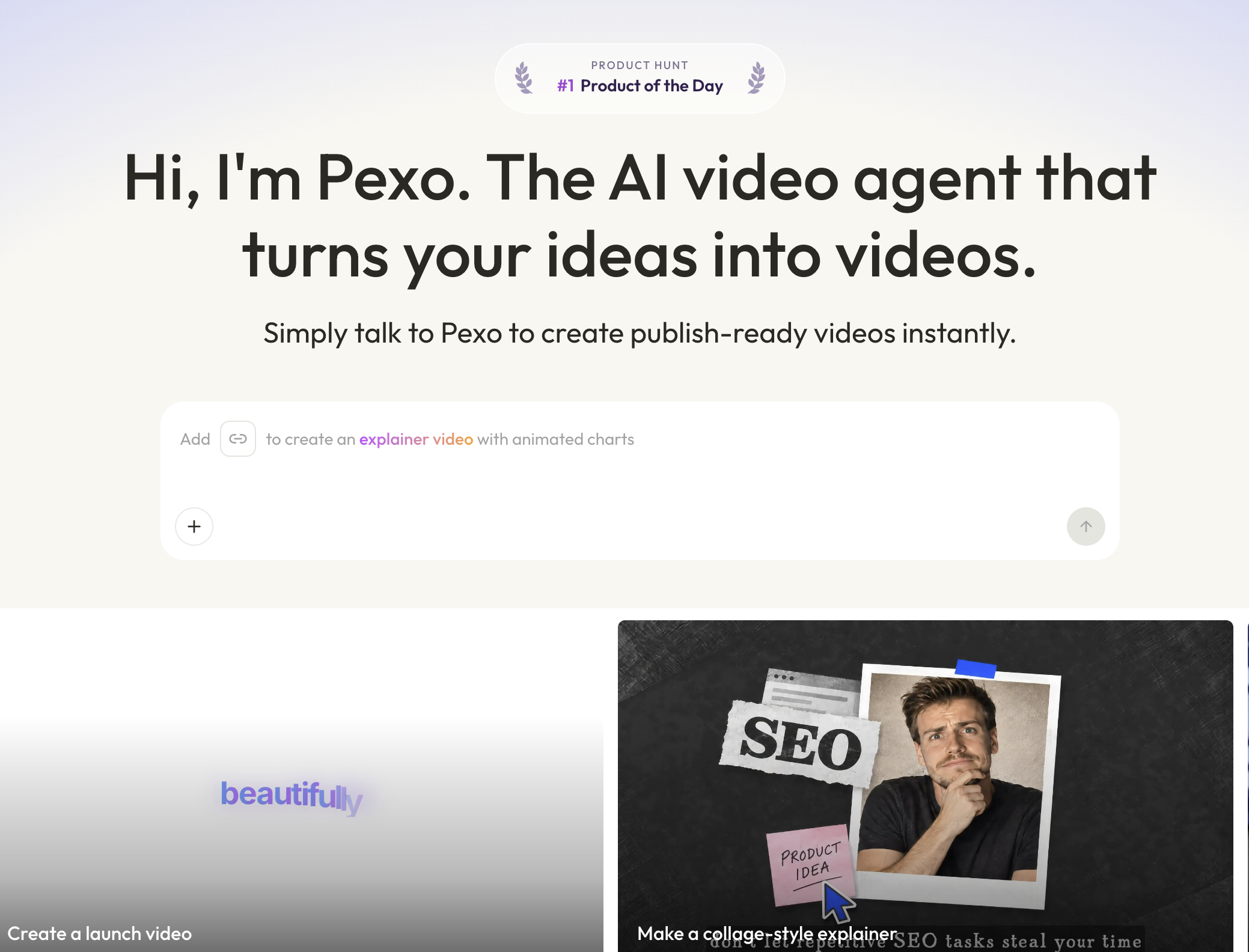

Turn your ideas, links, images, audio, or scripts into publish-ready videos
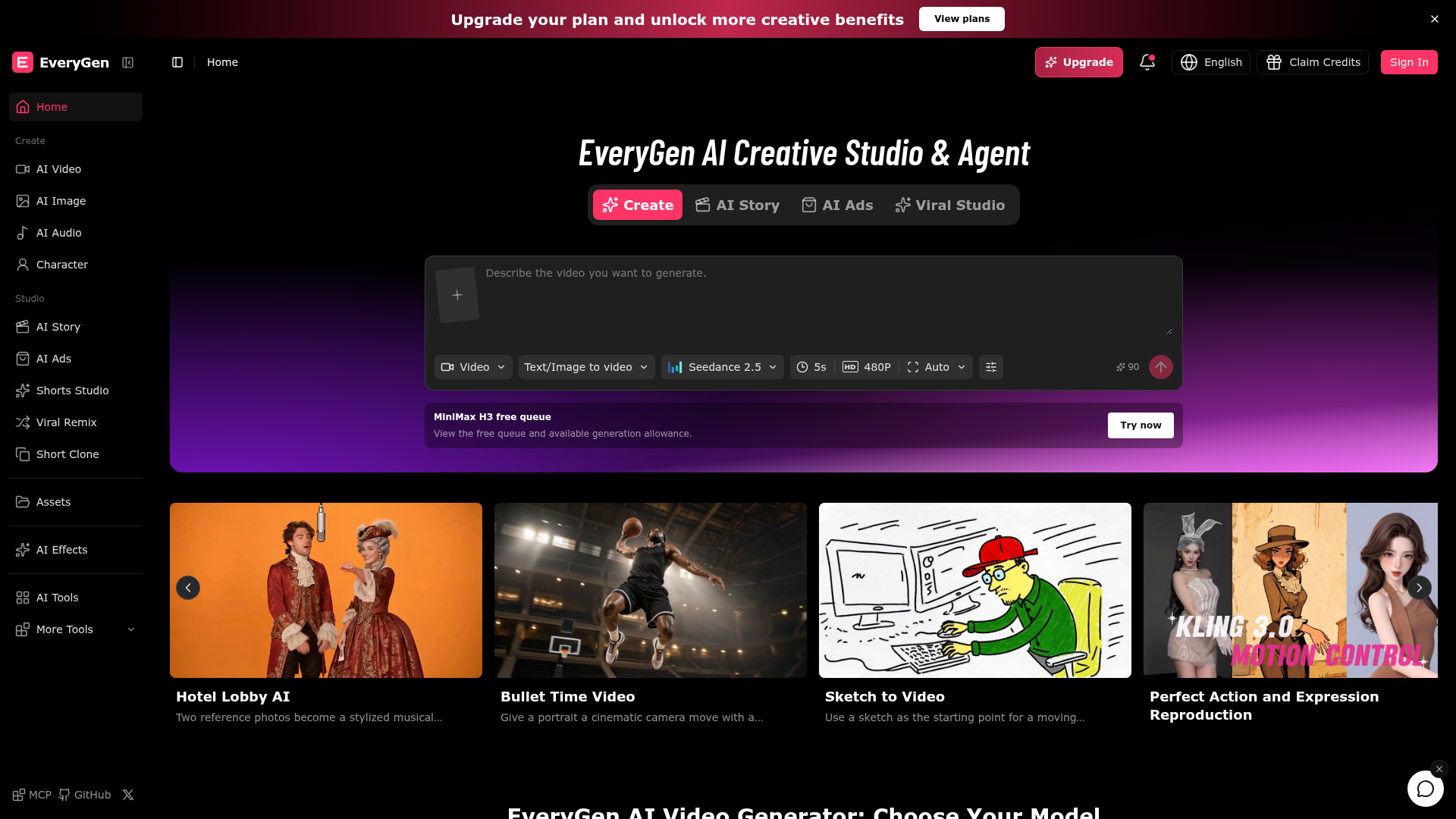

EveryGen AI is a creative studio and agent for generating AI stories, ads, and viral videos.
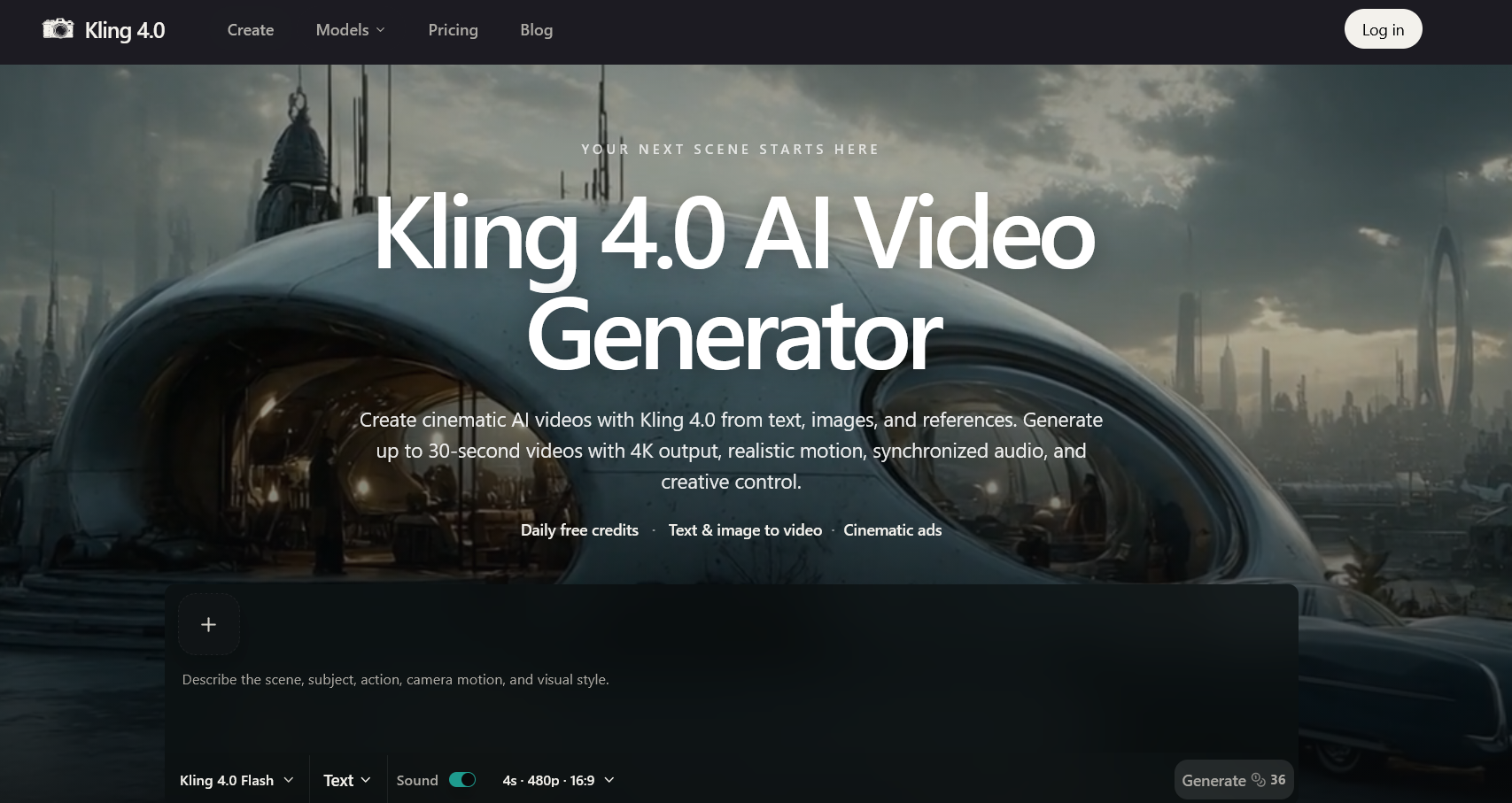

Create Cinematic AI Videos from Text and Images
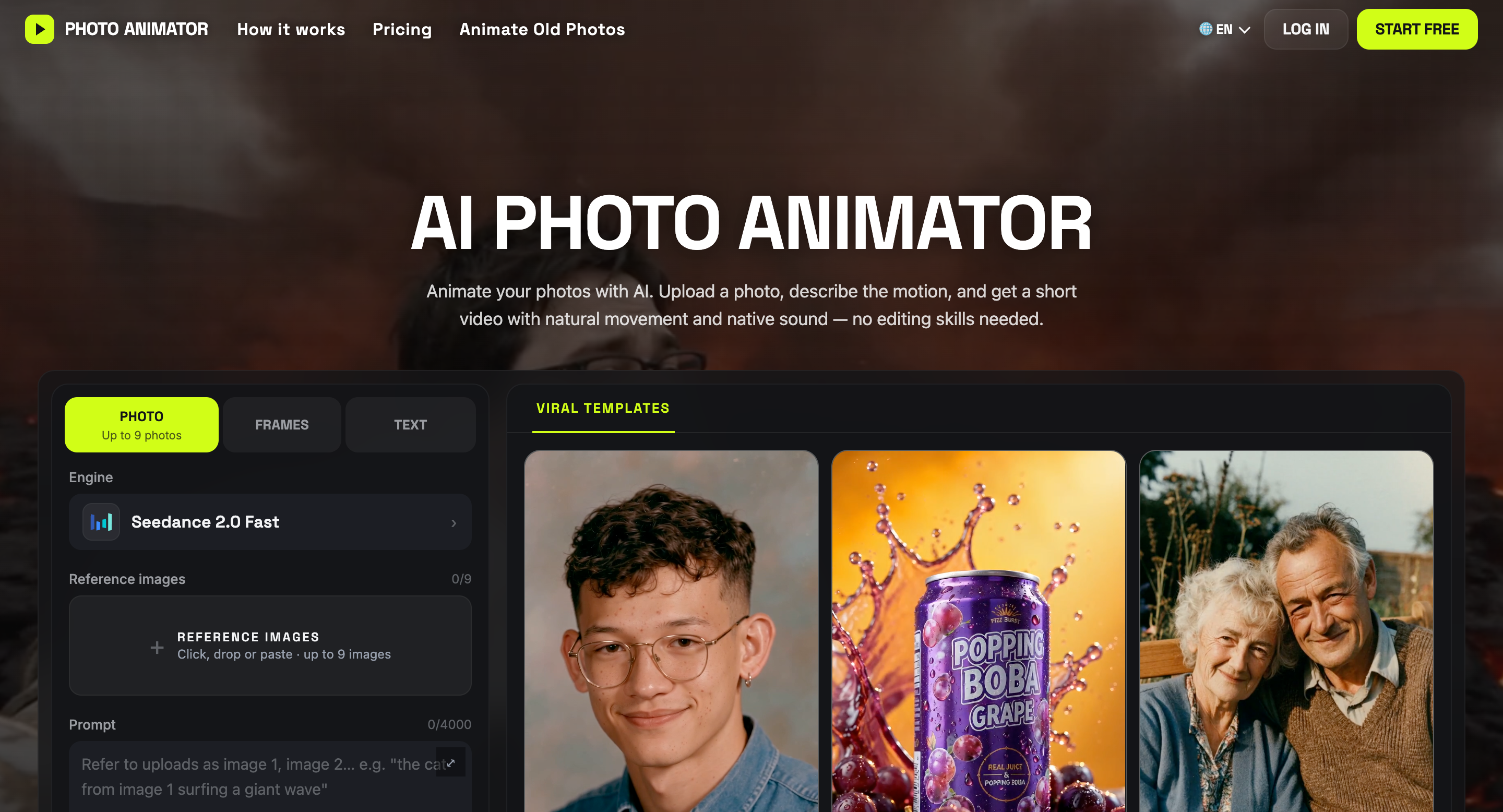

Turn photos into AI videos with natural motion, sound, and ready-to-use templates.
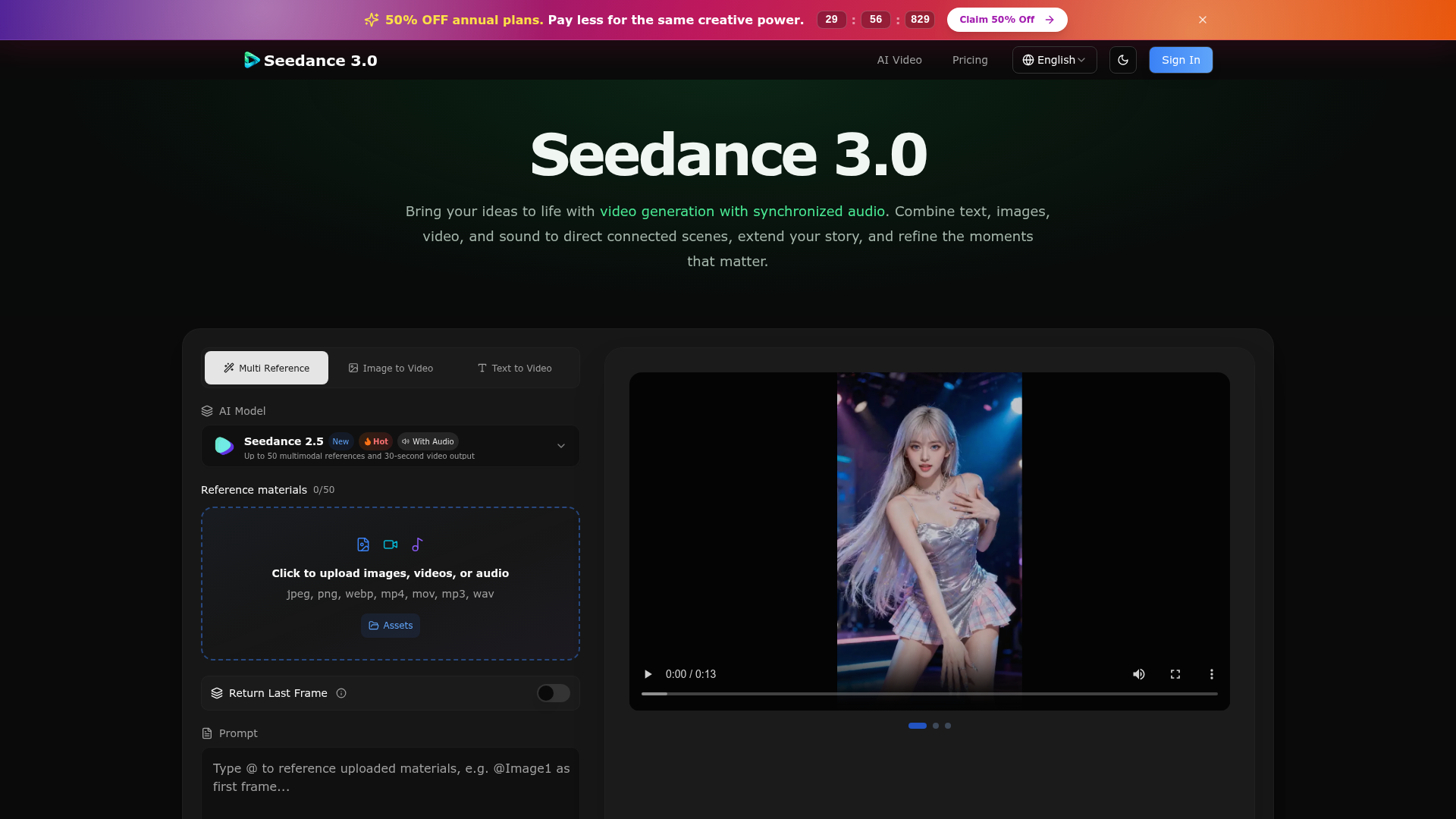

Seedance 3.0 – One AI Video Model for Stories, Motion, Visuals, and Sound
Related categories
What is an AI video generator?
An AI video generator creates video clips from a text prompt, image, script, or avatar, instead of filming. It can produce short social clips, product and marketing videos, or animate a still image. Tools range from full text-to-video models to editors with avatars, templates, and captions.
Core features to look for
- Text-to-video from a prompt or script
- Image-to-video animation of stills
- Avatars, voiceover, and auto captions
- Templates, brand kits, and resizing
- Scene editing and regeneration
- Free plans, watermark rules, and exports
Who uses AI video generators, and how
Text-to-video creation
Start from a prompt, script, or product idea and generate a short video draft without filming.
Image-to-video animation
Turn product shots, characters, or design assets into moving clips for social and ads.
Free plan testing
Compare free generators by watermark rules, export limits, credits, and quality.
Marketing video workflows
Use templates, captions, brand controls, and resizing for repeat campaigns.
How does an AI video generator work?
AI video generators use models trained on video and image data. From a prompt or a starting image, they generate frames that stay consistent over time, then assemble them into a clip; avatar tools instead drive a presenter with your script and a synthetic voice. Editing features let you regenerate scenes and add captions.