



Veo is Google DeepMind's video generation model, producing cinematic clips from text, images, or reference video with camera control, long clip support, and high-resolution output. It powers Google's video features in Gemini and VideoFX.
Best AI Video Generator Tools (2026)
Compare AI video generators for text-to-video, image-to-video, avatars, short clips, free plans, and marketing workflows.
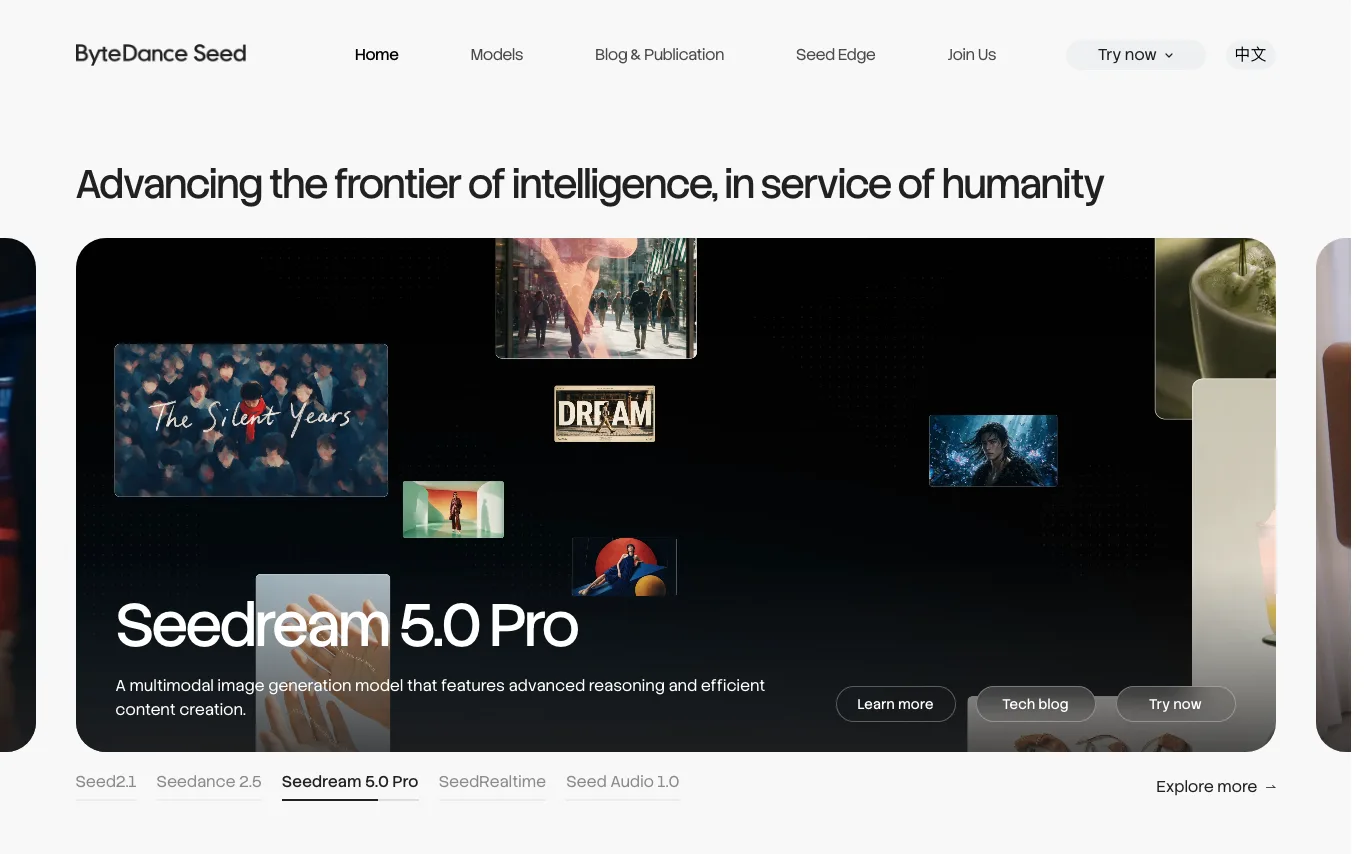

Seedance is ByteDance's Seed research team's AI video generation model, producing cinematic text-to-video and image-to-video clips with strong motion fidelity and consistent characters.
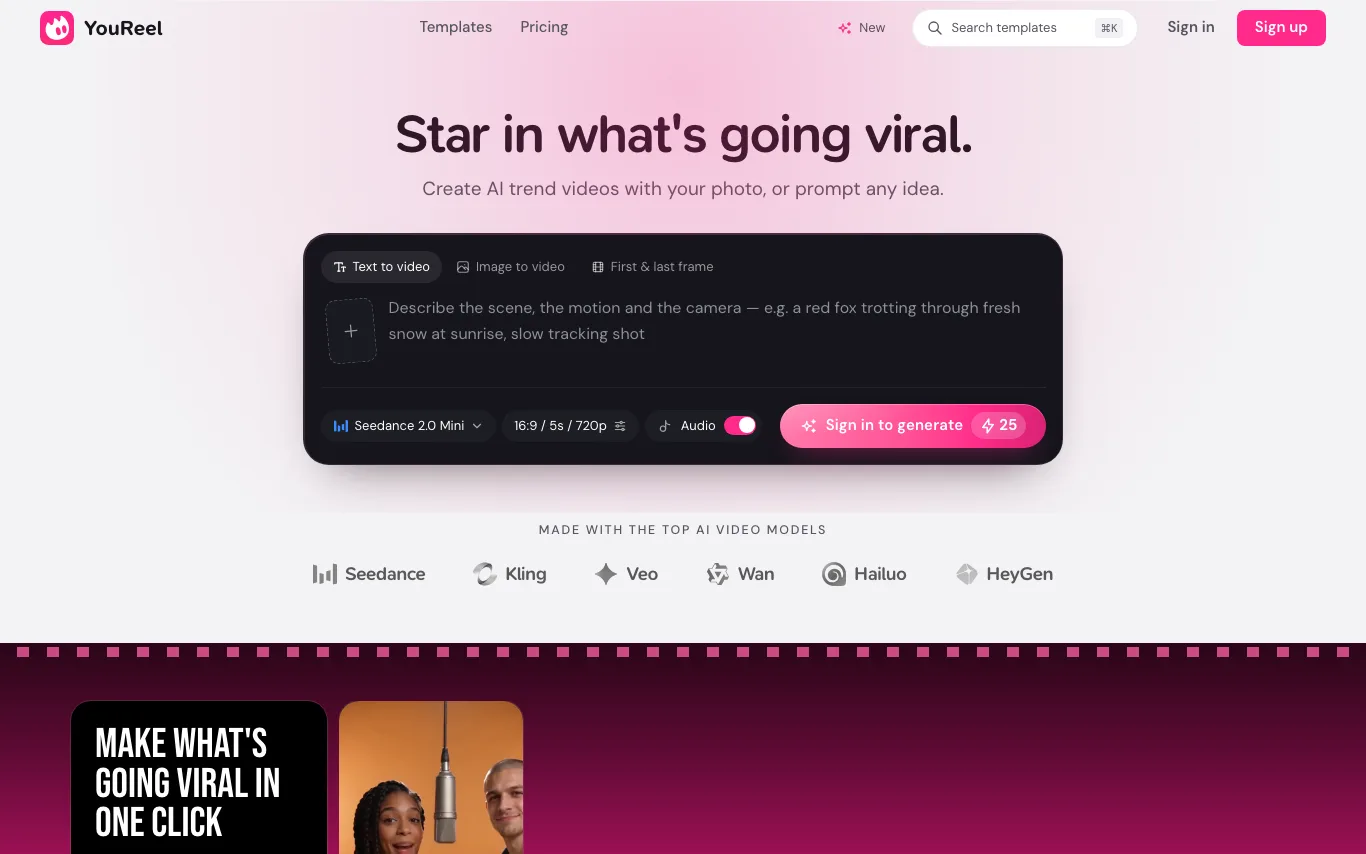

YouReel is an AI trend video maker that puts your photo into viral video templates and also generates clips from text or images with models like Seedance, Kling and Veo.
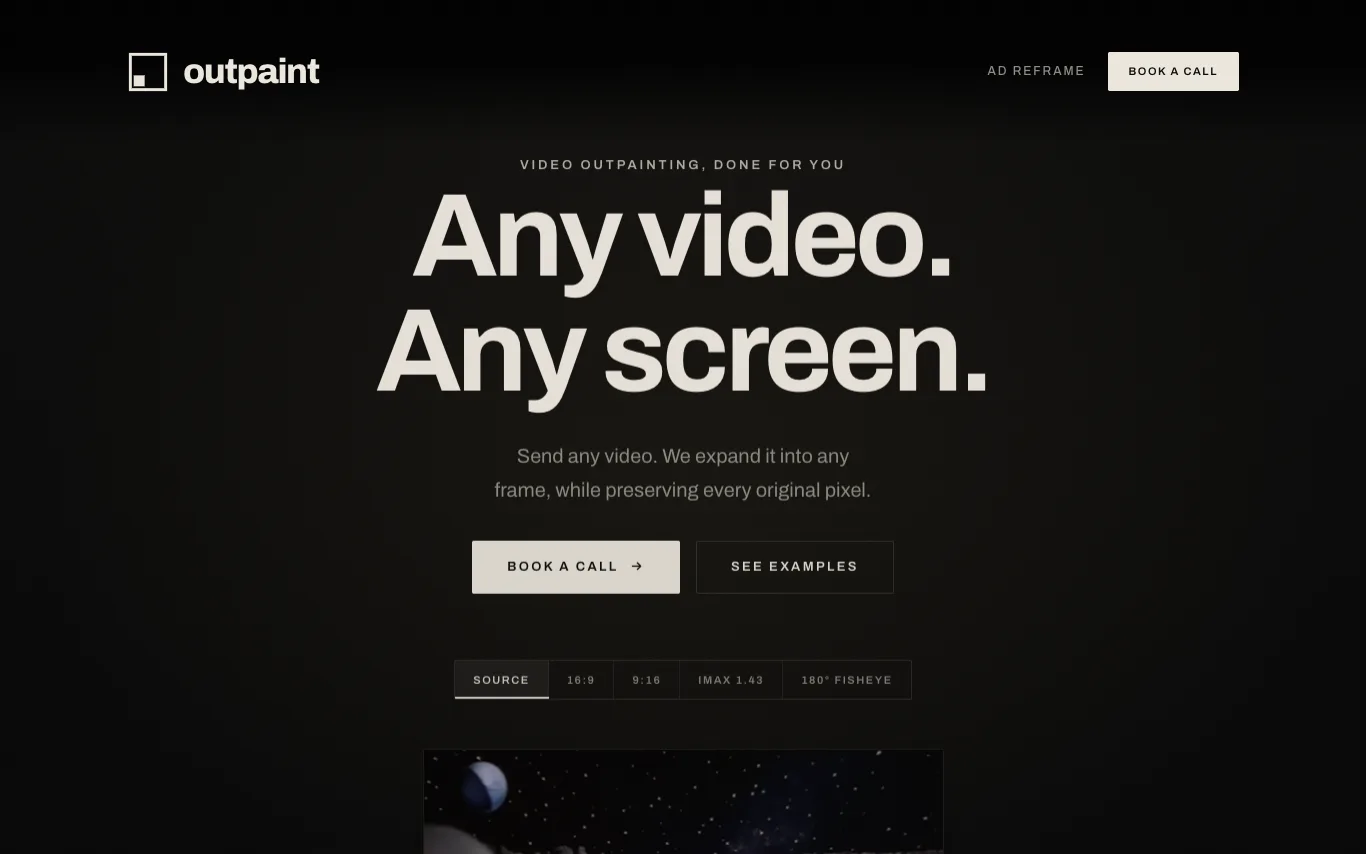

Outpaint is a service that expands videos into any aspect ratio or perspective, including 16:9, 9:16, square, IMAX, 180° fisheye, and 360° equirectangular. It preserves the original footage pixel-for-pixel and generates the surrounding content. The service handles any source format, resolution, or duration, and offers API access for automated reframing at scale.
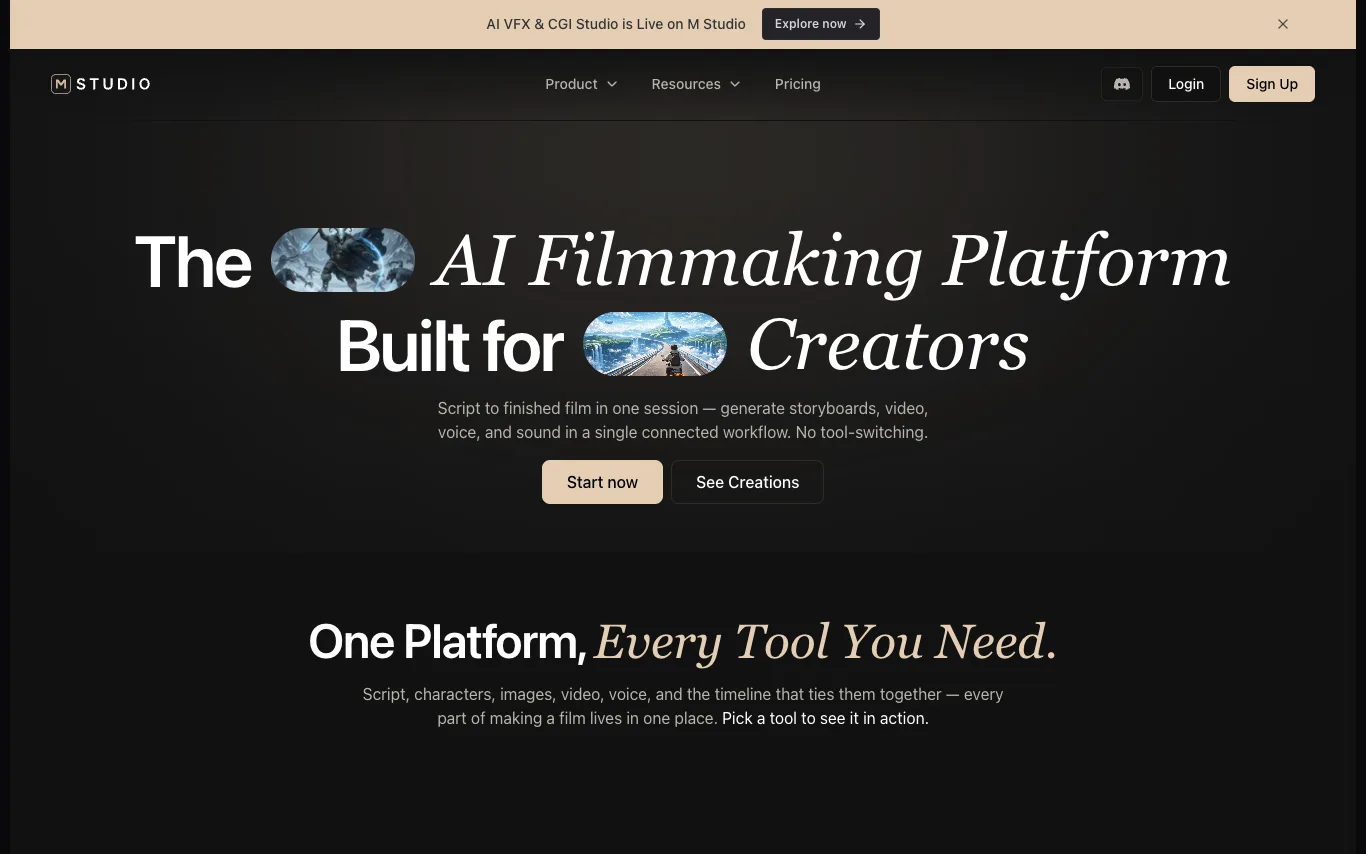

M Studio is an AI filmmaking platform that enables creators to generate storyboards, videos, voiceovers, and sound in a single connected workflow. It supports script-to-film production with tools for AI scriptwriting, character creation, image and video generation, voice narration, and timeline editing. The platform offers templates for various content types, including short films, product ads, social reels, and explainers, and integrates with AI models like Google Veo, Gemini, Kling AI, and ElevenLabs.
Related categories
What is an AI video generator?
An AI video generator creates video clips from a text prompt, image, script, or avatar, instead of filming. It can produce short social clips, product and marketing videos, or animate a still image. Tools range from full text-to-video models to editors with avatars, templates, and captions.
Core features to look for
- Text-to-video from a prompt or script
- Image-to-video animation of stills
- Avatars, voiceover, and auto captions
- Templates, brand kits, and resizing
- Scene editing and regeneration
- Free plans, watermark rules, and exports
Who uses AI video generators, and how
01
Text-to-video creation
Start from a prompt, script, or product idea and generate a short video draft without filming.
02
Image-to-video animation
Turn product shots, characters, or design assets into moving clips for social and ads.
03
Free plan testing
Compare free generators by watermark rules, export limits, credits, and quality.
04
Marketing video workflows
Use templates, captions, brand controls, and resizing for repeat campaigns.
How does an AI video generator work?
AI video generators use models trained on video and image data. From a prompt or a starting image, they generate frames that stay consistent over time, then assemble them into a clip; avatar tools instead drive a presenter with your script and a synthetic voice. Editing features let you regenerate scenes and add captions.