


Midjourney is an independent research lab whose text-to-image model is one of the most widely used AI art tools. It is accessed through a web app and Discord, with a focus on strong aesthetics, style coherence, and creative exploration.
Best AI Image Generator Tools (2026)
Compare AI image generators for text-to-image, image-to-image, product shots, style control, free credits, and API access.

Adobe provides creative, marketing, and document management software—including Photoshop, Illustrator, Premiere Pro, Acrobat, and the Firefly generative AI family—serving designers, marketers, and enterprises worldwide.

fal.ai is a generative AI API platform that lets developers integrate dozens of image, video, 3D, and audio models via simple endpoints—optimized for 4x faster inference than standard hosting.
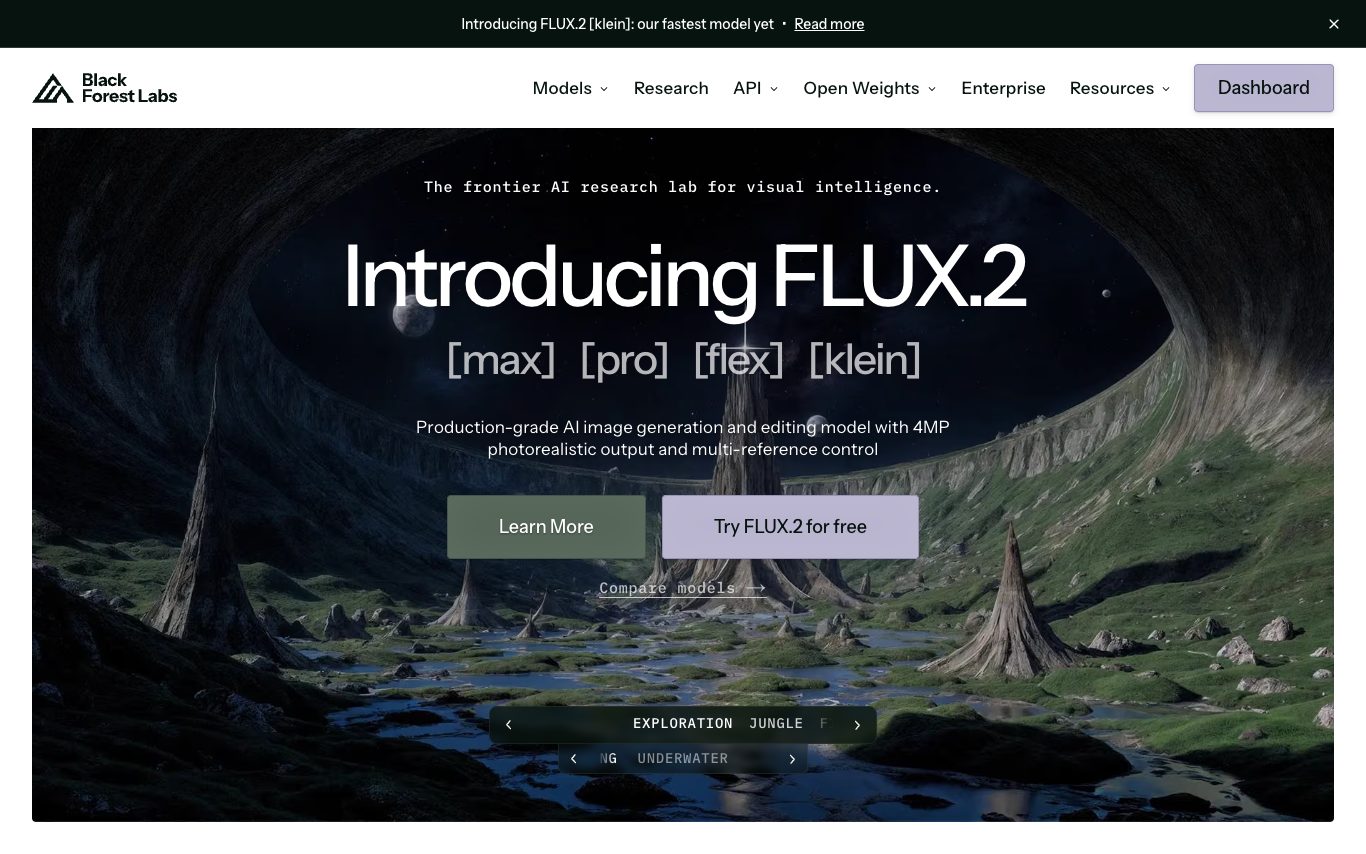
FLUX is the image generation model family from Black Forest Labs (FLUX.1 [pro], [dev], [schnell]). It is known for strong prompt adherence, typography, and photorealism, and is available through the BFL API, fal.ai, Replicate, and open weights.
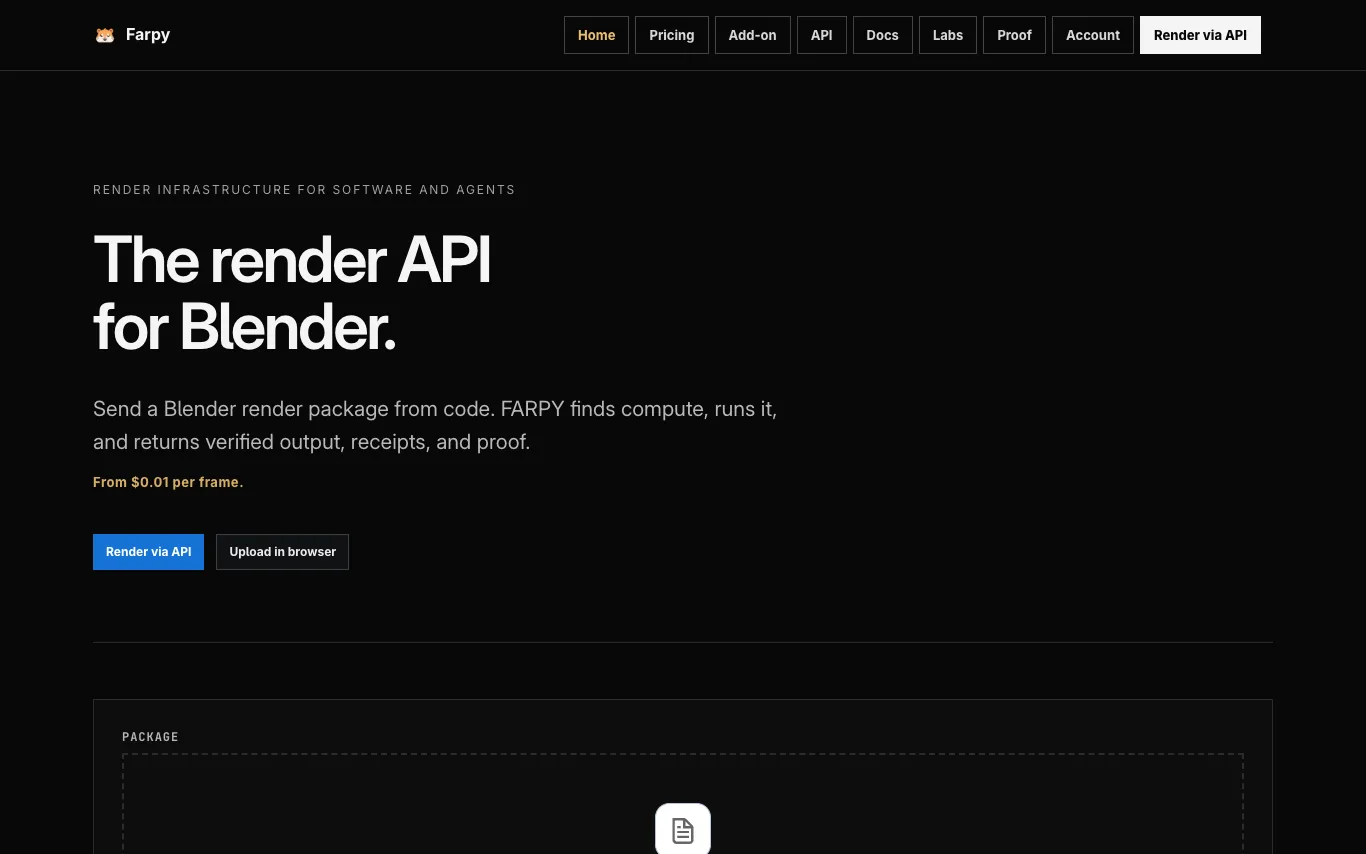

FARPY runs compute workloads and returns verified artifacts, benchmark records, execution receipts, and inspectable results. It is a render infrastructure for software and agents, offering a public API to upload, submit, track, download, and verify Blender renders. Pricing starts from $0.01 per frame, and users pay only for what renders. Uploaded .blend files are not sold, not used for AI training, and are deleted after download.
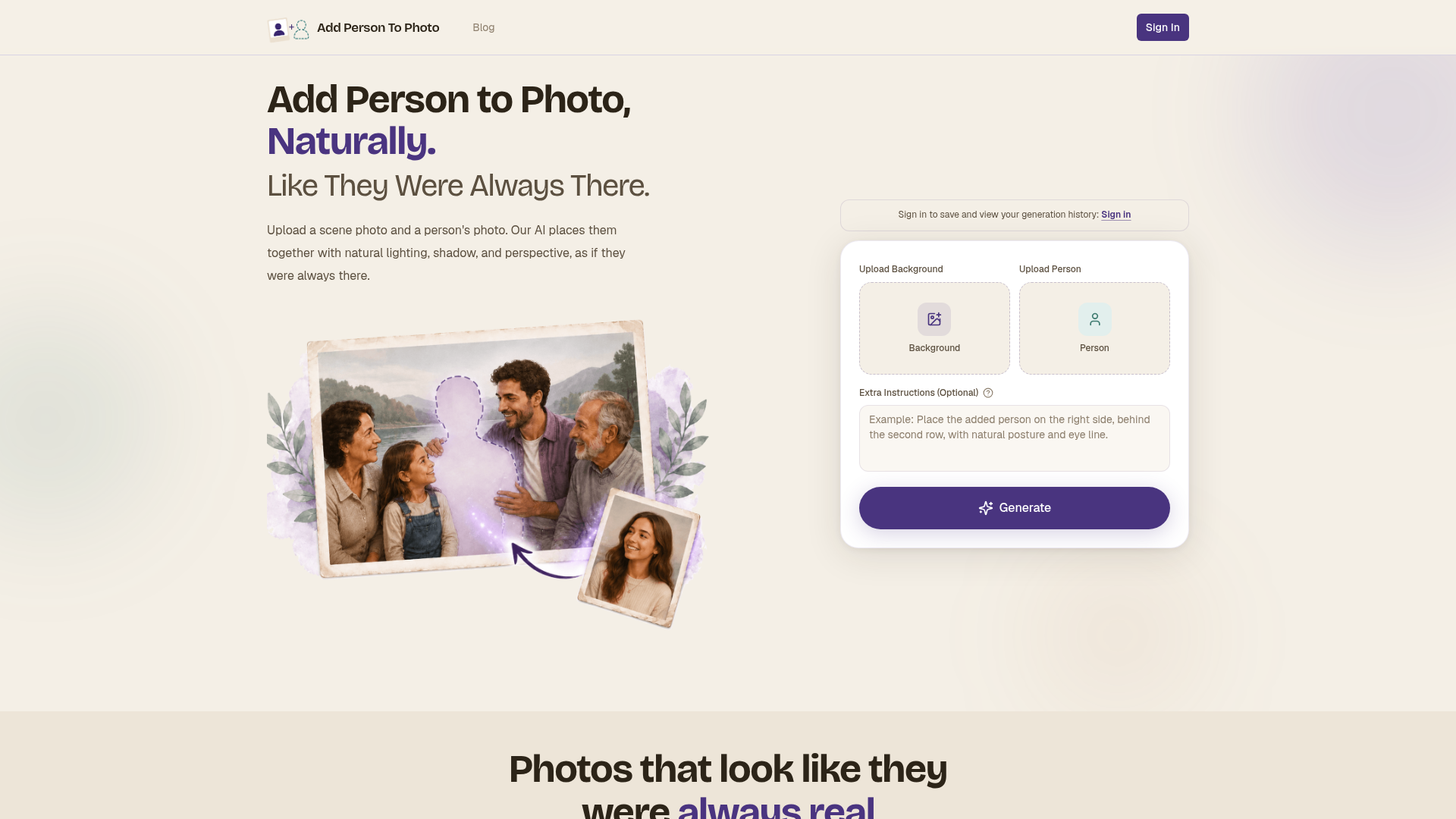
Upload a scene photo and a person's photo. Our AI places them together with natural lighting, shadow, and perspective, a
Related categories
What is an AI image generator?
An AI image generator creates original images from a text prompt or a reference image, using diffusion or similar models. It can produce art, photos, logos, product shots, and edits in many styles. Tools range from general text-to-image generators to focused ones for product photos, avatars, or upscaling.
Core features to look for
- Text-to-image from a written prompt
- Image-to-image and inpainting edits
- Style, aspect ratio, and resolution control
- Negative prompts and seeds for consistency
- Commercial-use rights and licensing options
- Free credits, or model choice and API
Who uses AI image generators, and how
01
Text-to-image art
Create illustrations, concept art, and social visuals from a prompt.
02
Image-to-image & edits
Restyle a photo, extend it, or edit parts with inpainting.
03
Product & marketing
Generate product shots, ads, and thumbnails with brand control.
04
Free & API
Compare free credits, watermarks, and API access for apps.
How does an AI image generator work?
Most AI image generators use diffusion models trained on huge image-text datasets. They start from noise and denoise it step by step, guided by your prompt, until an image emerges. Extra controls — negative prompts, seeds, reference images — steer style, composition, and consistency.