


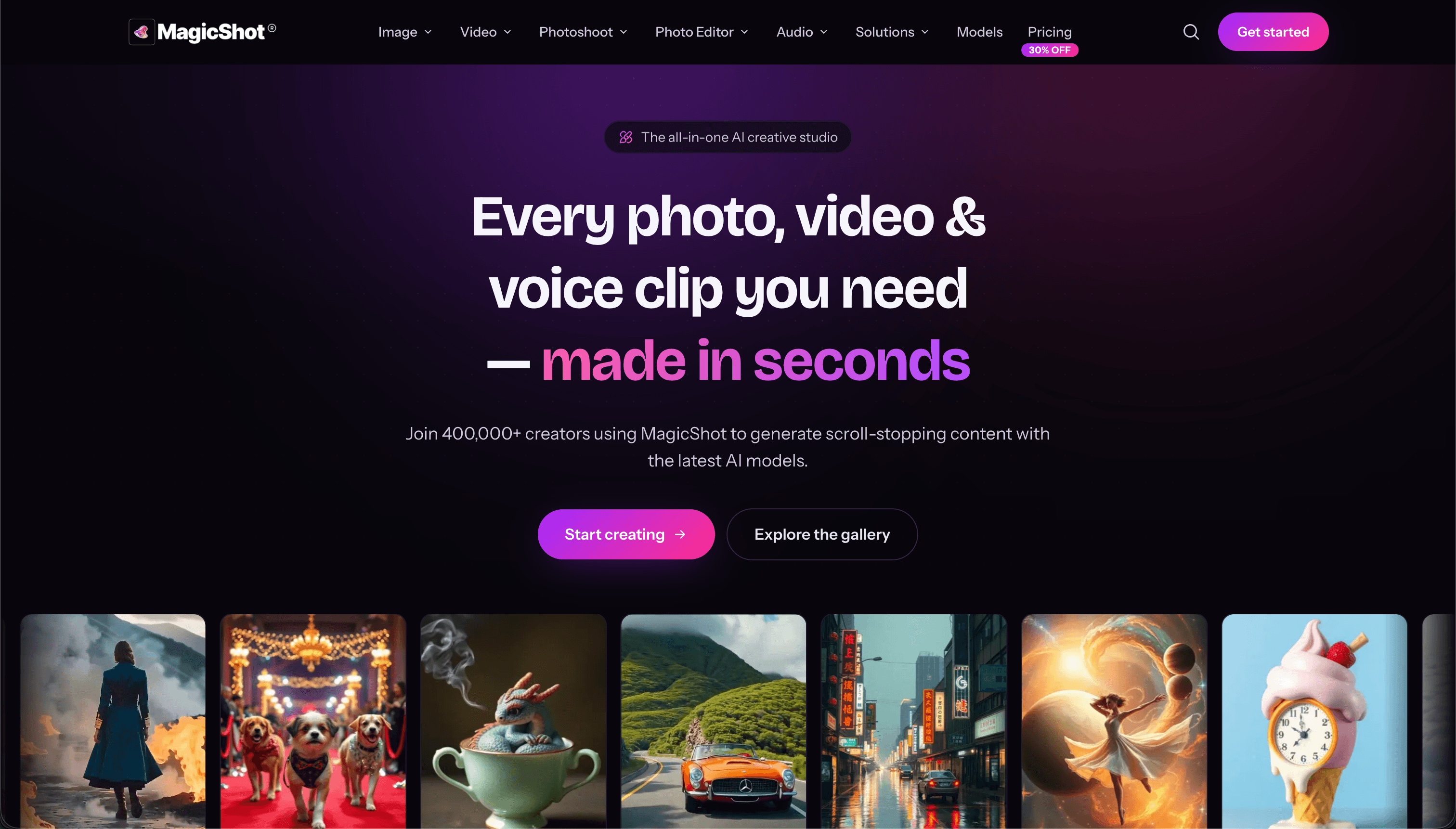
MagicShot is an AI creative studio that puts 500+ AI models and 85+ tools behind one subscription. Instead of paying separately for an image generator, a video tool, and a text-to-speech app, you get all of it in one place, running on models like Veo 3.1, Kling 3.0, Seedream 5.0, and GPT Image 2. The tools cover five areas: image generation (art, logos, product photos, stickers), video generation (text-to-video, image-to-video, UGC-style ads, real estate videos), AI photoshoots (professional headshots from selfies, fashion model shots, pet portraits), photo editing (background removal, upscaling to 4K, restoring old photos), and audio (voiceovers, music generation, transcription). What you get: - One subscription instead of five. A single credit balance works across every tool, so you're not stacking $20/month plans for image, video, and audio separately. - No skill barrier. Pick a tool, type what you want, download the result. There's no timeline editor or layers panel to learn. - Always-current models. New models get added as they release, so you're not locked into whatever tech existed when you signed up. - Full commercial rights on paid plans for everything you generate. - Works on mobile. The iOS app handles photoshoots, image, and video generation from your phone. Over 500,000 creators use it, and the numbers back that up: 50M+ images and 8M+ videos generated so far. It's built for influencers, ecommerce sellers, agencies, and real estate agents who need a steady stream of content without hiring a production team. Plans start at $5.25/month, rated 4.7/5 on Trustpilot.
Best AI Image Generator Tools (2026)
Compare AI image generators for text-to-image, image-to-image, product shots, style control, free credits, and API access.
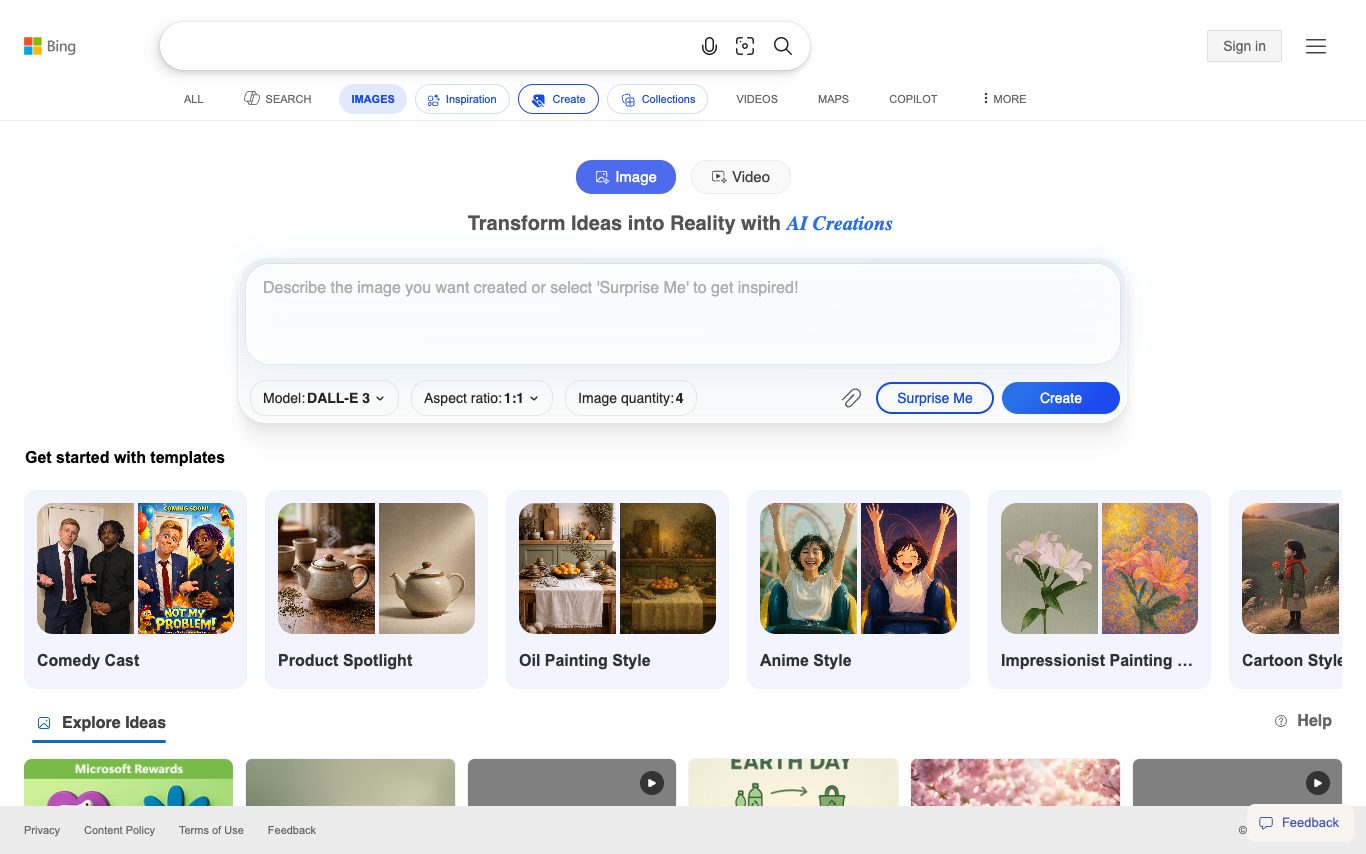

Bing Image Creator is Microsoft Bing's free AI image generator, powered by OpenAI's DALL-E. Users sign in with a Microsoft account, describe an image, and receive high-quality results with daily boost credits.

Doubao is ByteDance's consumer AI assistant, powered by the Doubao model family. It offers chat, voice conversation, image generation, AI character roleplay, and integrations with ByteDance apps like Feishu and TikTok.
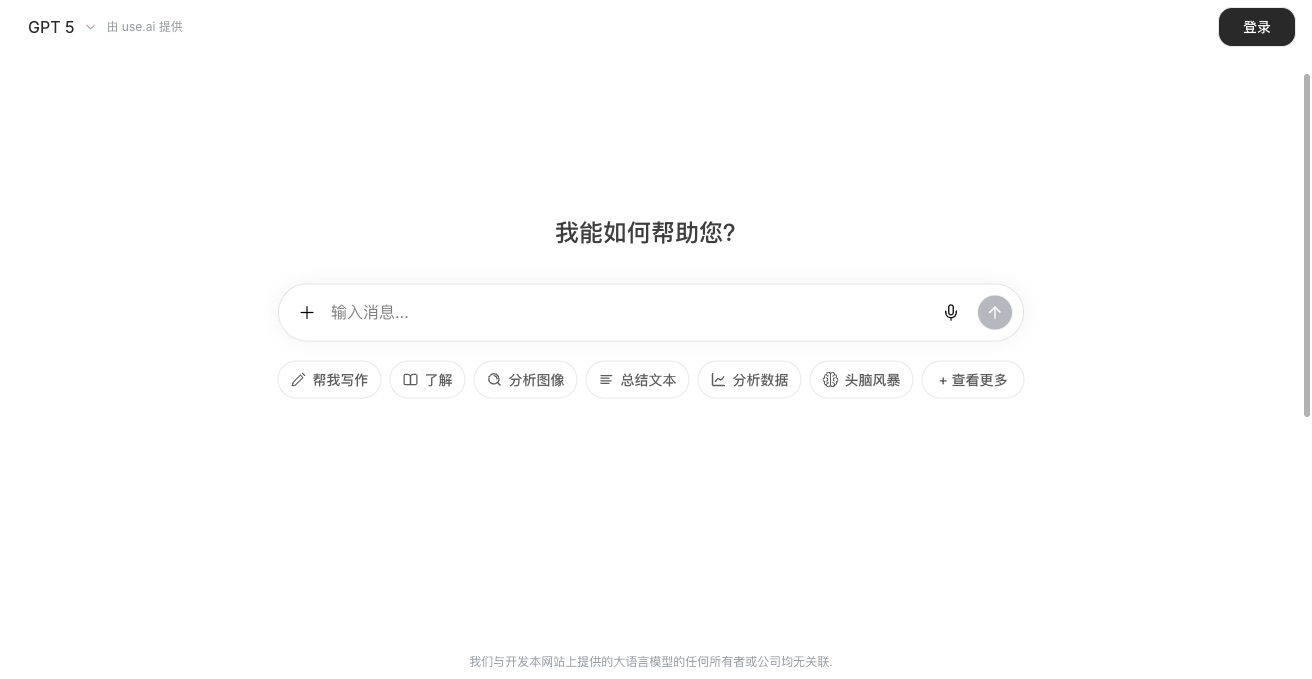

Use AI is a lightweight hub that brings common AI tools—chat, writing, image generation—into a single browser-based workspace for quick tasks.
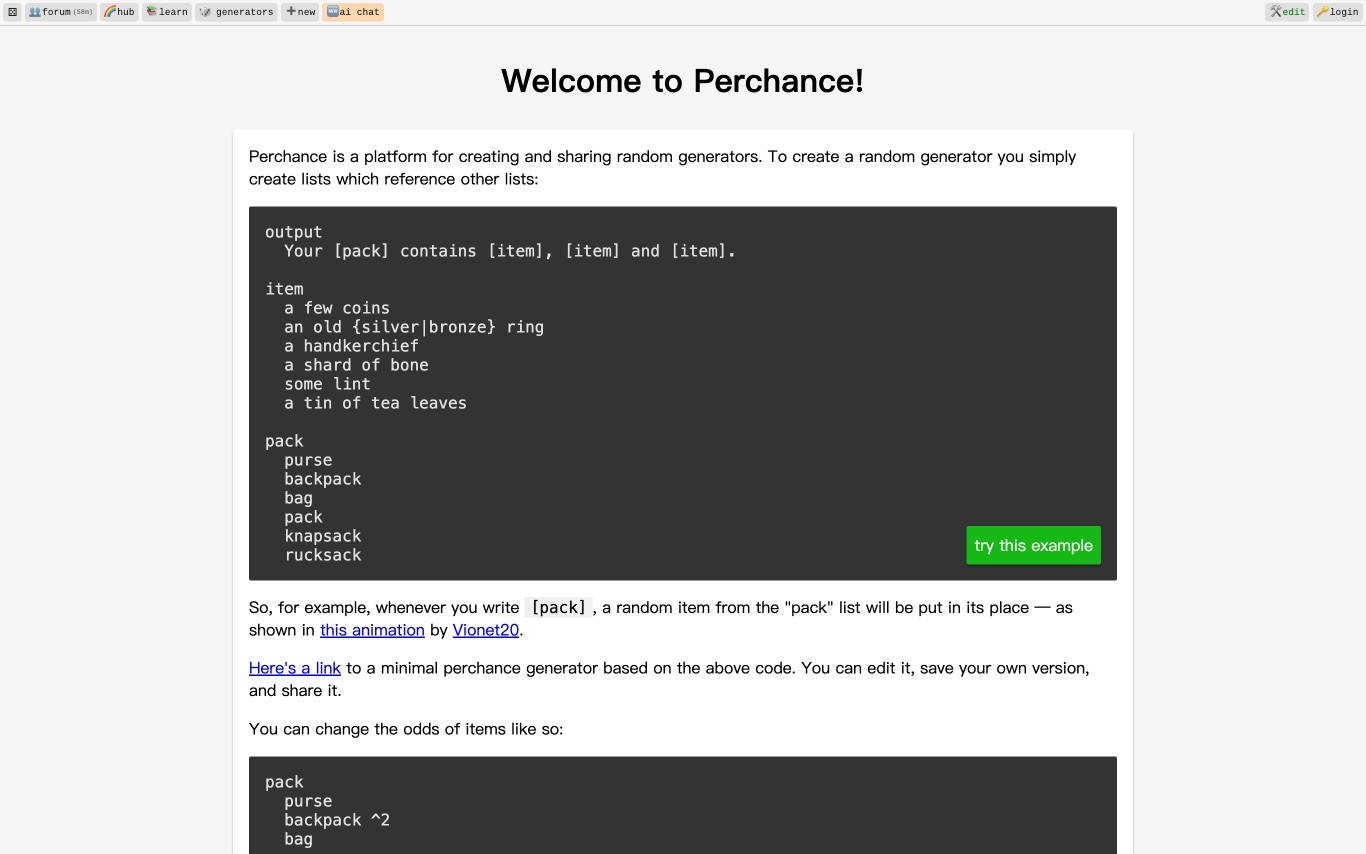
Perchance is a community platform where users create and share random generators, AI-powered text adventure games, image generators, and chatbots using a simple scripting syntax.


Meta AI is Meta's general-purpose AI assistant powered by Llama models, offering chat, AI image generation, and search—available as a standalone web app and embedded across Facebook, Instagram, WhatsApp, and Messenger.
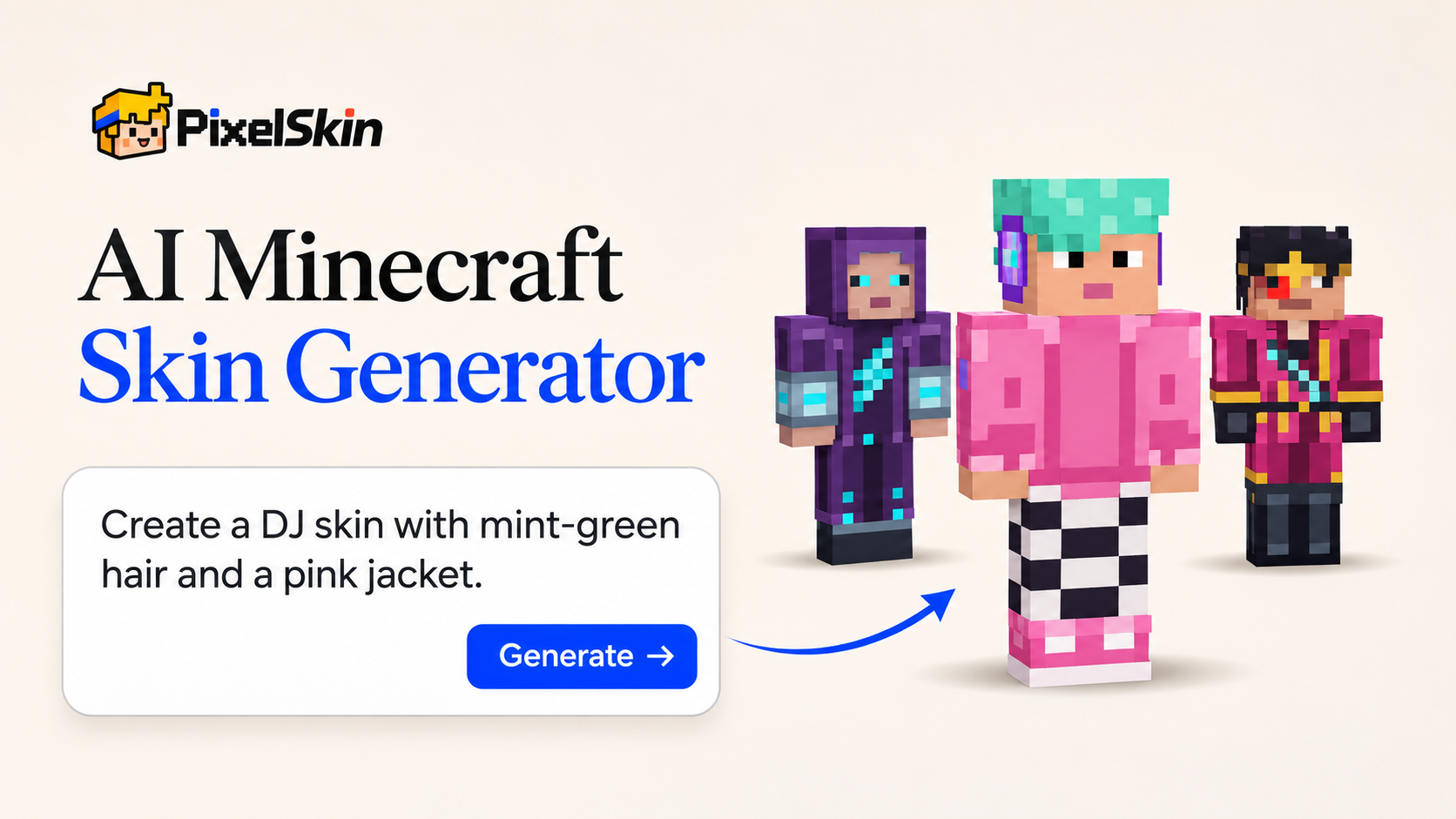

PixelSkin is an AI-powered tool that allows users to create custom Minecraft skins. You can describe your desired character in text or upload a reference image, and the AI will generate a 64x64 PNG skin file ready for in-game use. The platform paints directly onto a 3D player model, ensuring accuracy and detail. Users can preview their generated skins from multiple angles, refine them with plain English commands, and download them for use in Minecraft Java and Bedrock editions. The tool simplifies skin creation, making it accessible even without prior pixel art skills. PixelSkin is ideal for players looking to personalize their Minecraft experience with unique character appearances, offering a straightforward way to bring their creative visions to life.
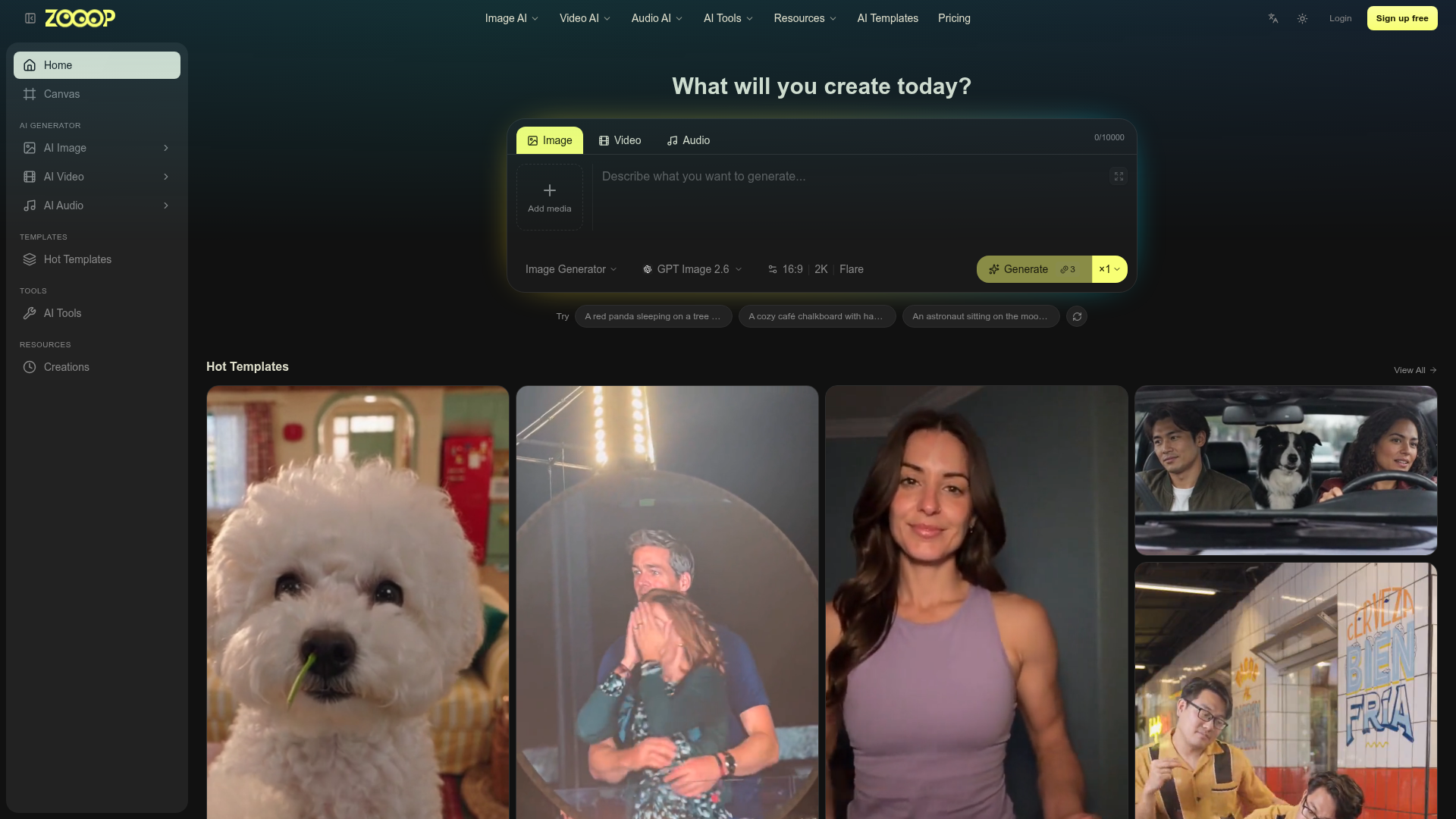

Zooop is an AI-powered platform that enables users to generate various forms of media, including images, videos, and audio. It provides access to popular AI models like GPT Image 2.6, Kling V4, and Nano Banana 2.1, allowing for diverse creative outputs. The platform offers a text-to-media generation interface where users can describe their desired output. Additionally, Zooop features a wide array of templates for quick video creation, covering themes from pet antics to dance trends. Users can also leverage specialized AI tools for image manipulation, such as style transfer, age modification, and photo restoration. Zooop is ideal for creators looking to produce unique visual and auditory content without extensive technical skills. It simplifies the process of bringing imaginative concepts to life through accessible AI generation and editing capabilities.
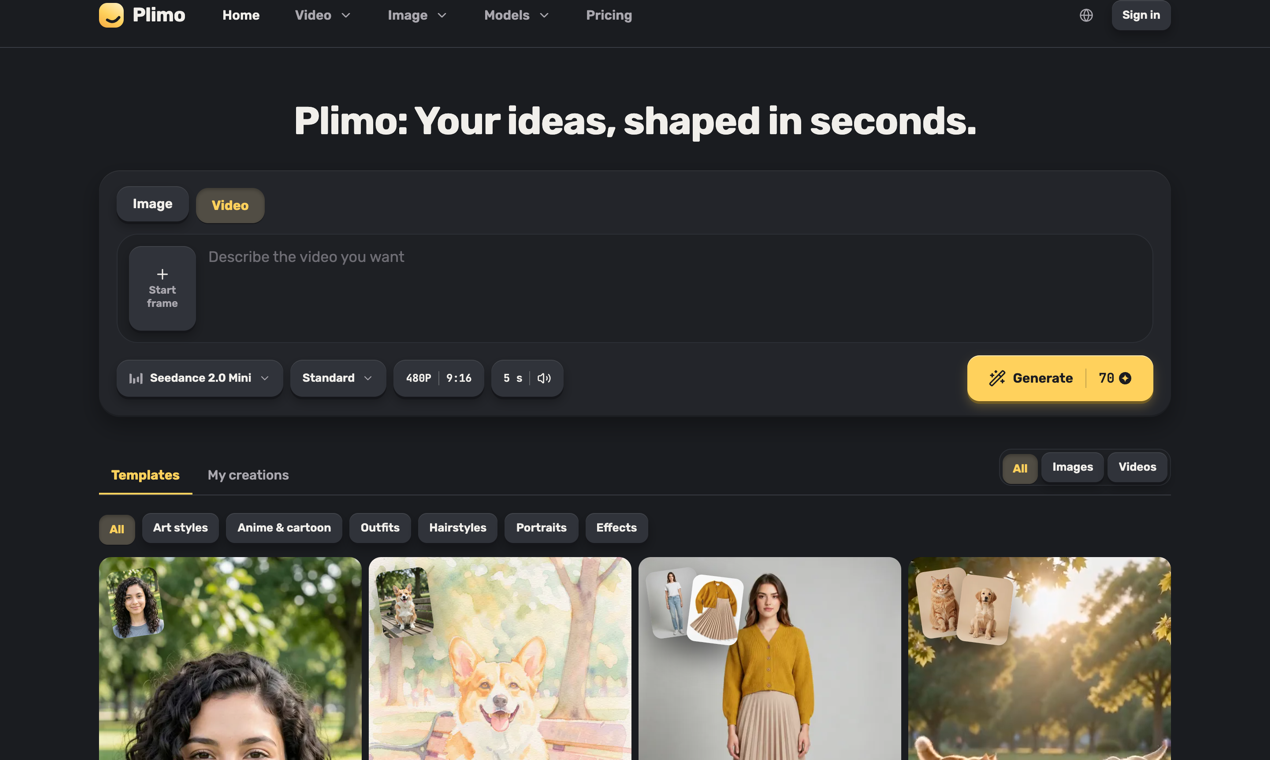

Plimo is an all-in-one home for the newest AI image and video models. We bring the best of them together and do the hard part for you: clear choices, sensible defaults, and a growing library of templates built around what's trending on social media right now. You don't need to learn prompting to get something you'll love. Pick a template, add your photo, and get a result in one click, or write your own idea and shape it however you like. Templates cover the things people actually want to make: an old family photo that smiles and waves, a hug with a friend who lives far away, a haircut you can see on your own head before you book it, a dancing pet, or a product photo for a small shop. If you'd rather write your own prompt, the generator puts image and video models from Google, OpenAI, ByteDance, Kuaishou and others side by side, grouped by company, with the settings each one supports. You always see the credit cost on the Generate button before you start, and a failed generation gives every credit back. New accounts get 100 free credits once, with no credit card, and every result comes without a watermark. Members get more credits each month and the right to use results commercially, with plans from $15 a month or half that billed yearly. Plimo is available in 14 languages. Whether you're making something for your followers, a surprise for a friend, or just playing around, Plimo turns what you imagine into something you can see, share and enjoy.
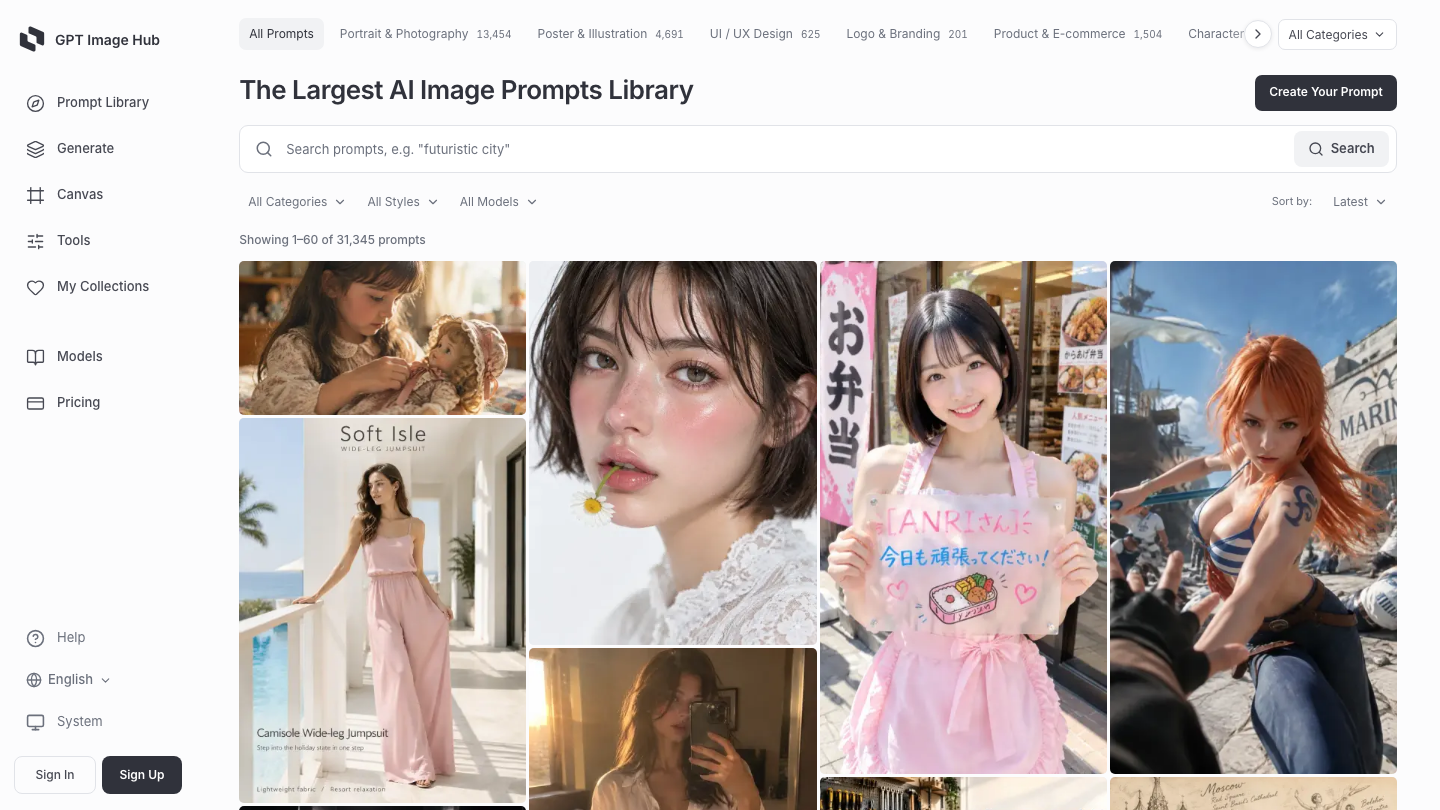

GPT Image Hub is an AI image prompt library and image generation workspace with 30,000+ prompt templates for GPT Image 2, Nano Banana and other image models. Browse example images, full prompt text, categories and recommended models, then copy a prompt into ChatGPT or Gemini or use the built-in generator. Explore portraits, posters, product photography, logos, UI mockups, infographics and anime. The browser generator supports reference-image editing, and model comparison pages help creators choose a model for their task. Prompt browsing and copying are free. New accounts receive 25 free credits. One-time credit packs start at $1.99 for 1,500 credits, remain valid for 60 days, and do not require a subscription. Developers can use a REST API, a public MCP server, and open prompt datasets on GitHub and Hugging Face. MCP prompt search does not require an API key; image generation requires an account and credits. The website supports 18 languages.
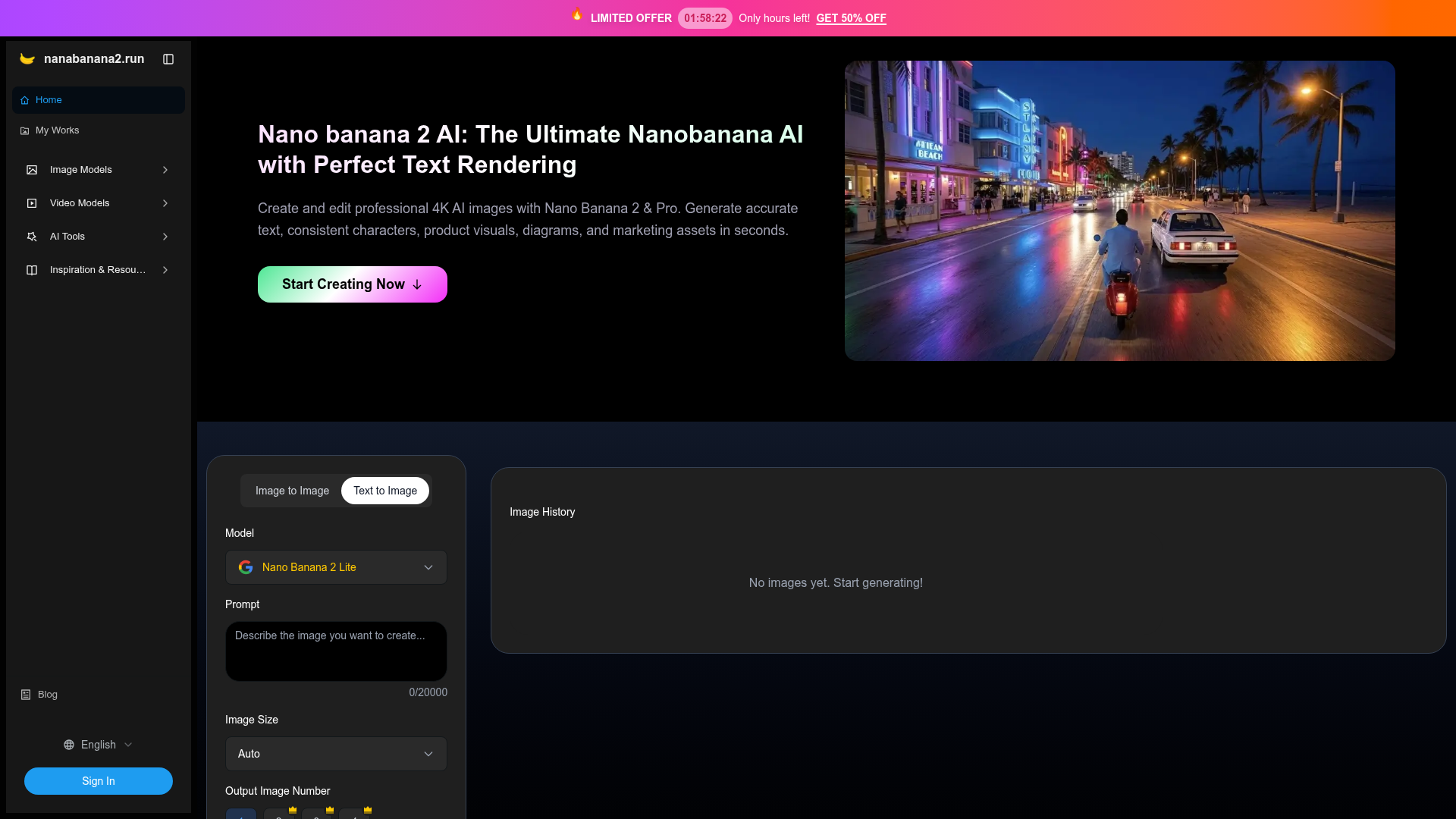

Nano banana 2 AI is an advanced image generator designed to produce high-quality 4K AI images. It excels at rendering accurate text, maintaining consistent characters, and generating detailed product visuals, diagrams, and marketing assets quickly. The platform offers various models, including Nano Banana 2 Lite, Nano Banana 2, and Nano Banana Pro, each tailored for different levels of quality and control. Users can leverage its capabilities for diverse applications, from creating educational content with precise mathematical formulas and scientific diagrams to designing marketing materials with flawless text integration. The tool also provides specialized AI tools like an AI Influencer Generator, AI Clothes Changer, and Transparent Background Generator, expanding its utility beyond basic image creation. Nano banana 2 AI stands out by delivering professional-grade results, overcoming common challenges like illegible text and inconsistent visuals often found in other AI models. It offers reliable prompt and reference understanding, ensuring that complex instructions and visual styles are accurately followed. This makes it a practical solution for production workflows requiring high-resolution output and visual coherence. By using Nano banana 2 AI, creators can generate production-ready images for educational content, technical documentation, marketing campaigns, and professional presentations, ensuring clarity and precision in every visual asset.
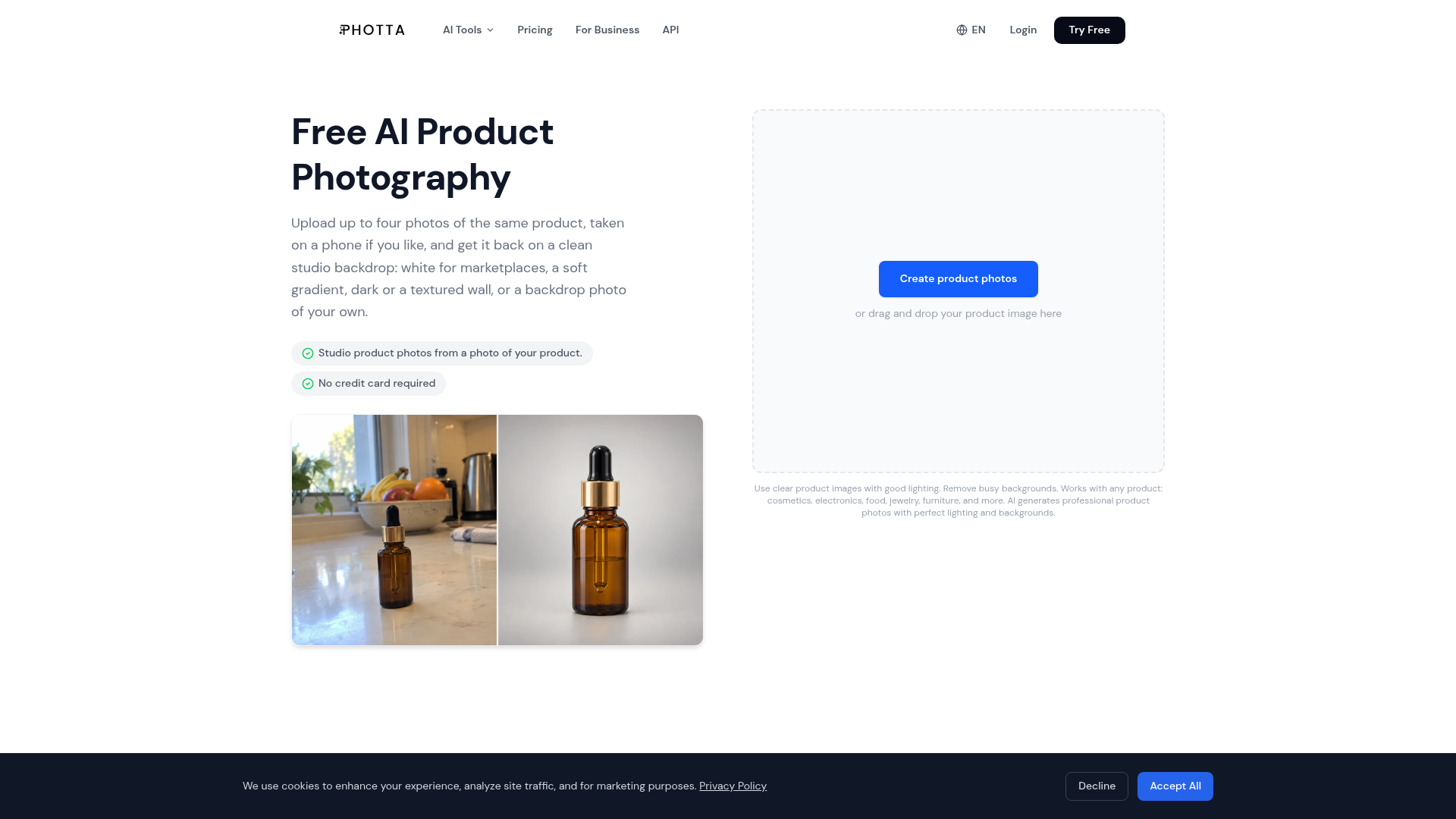

Photta turns one plain product photo into photos you can sell with. Upload a phone photo of your product, then choose what you need: a studio shot on a clean backdrop (pure white for marketplaces, soft gradients, dark settings, textured walls, or your own backdrop photo), on-model photos for clothing, jewelry and eyewear, or a 3D ghost mannequin shot. It is made for sellers on Etsy, Shopify, Amazon and regional marketplaces who need catalog and listing photos without a studio, a photographer or a retoucher. Photta also makes short product videos, and the product photo tools are available through an API. The site and the app work in 19 languages. You can try Photta free on your own product photo, no credit card required.
Related categories
What is an AI image generator?
An AI image generator creates original images from a text prompt or a reference image, using diffusion or similar models. It can produce art, photos, logos, product shots, and edits in many styles. Tools range from general text-to-image generators to focused ones for product photos, avatars, or upscaling.
Core features to look for
- Text-to-image from a written prompt
- Image-to-image and inpainting edits
- Style, aspect ratio, and resolution control
- Negative prompts and seeds for consistency
- Commercial-use rights and licensing options
- Free credits, or model choice and API
Who uses AI image generators, and how
Text-to-image art
Create illustrations, concept art, and social visuals from a prompt.
Image-to-image & edits
Restyle a photo, extend it, or edit parts with inpainting.
Product & marketing
Generate product shots, ads, and thumbnails with brand control.
Free & API
Compare free credits, watermarks, and API access for apps.
How does an AI image generator work?
Most AI image generators use diffusion models trained on huge image-text datasets. They start from noise and denoise it step by step, guided by your prompt, until an image emerges. Extra controls — negative prompts, seeds, reference images — steer style, composition, and consistency.