




GitHub Copilot is an AI pair programmer developed by GitHub and OpenAI. It provides inline code completion, Copilot Chat, pull request review, and agentic workspace features across VS Code, JetBrains, Visual Studio, Neovim, and GitHub.com.
Best AI Code Generator Tools (2026)
Compare AI code generators and coding assistants for autocomplete, app scaffolding, debugging, IDE integration, and free plans.
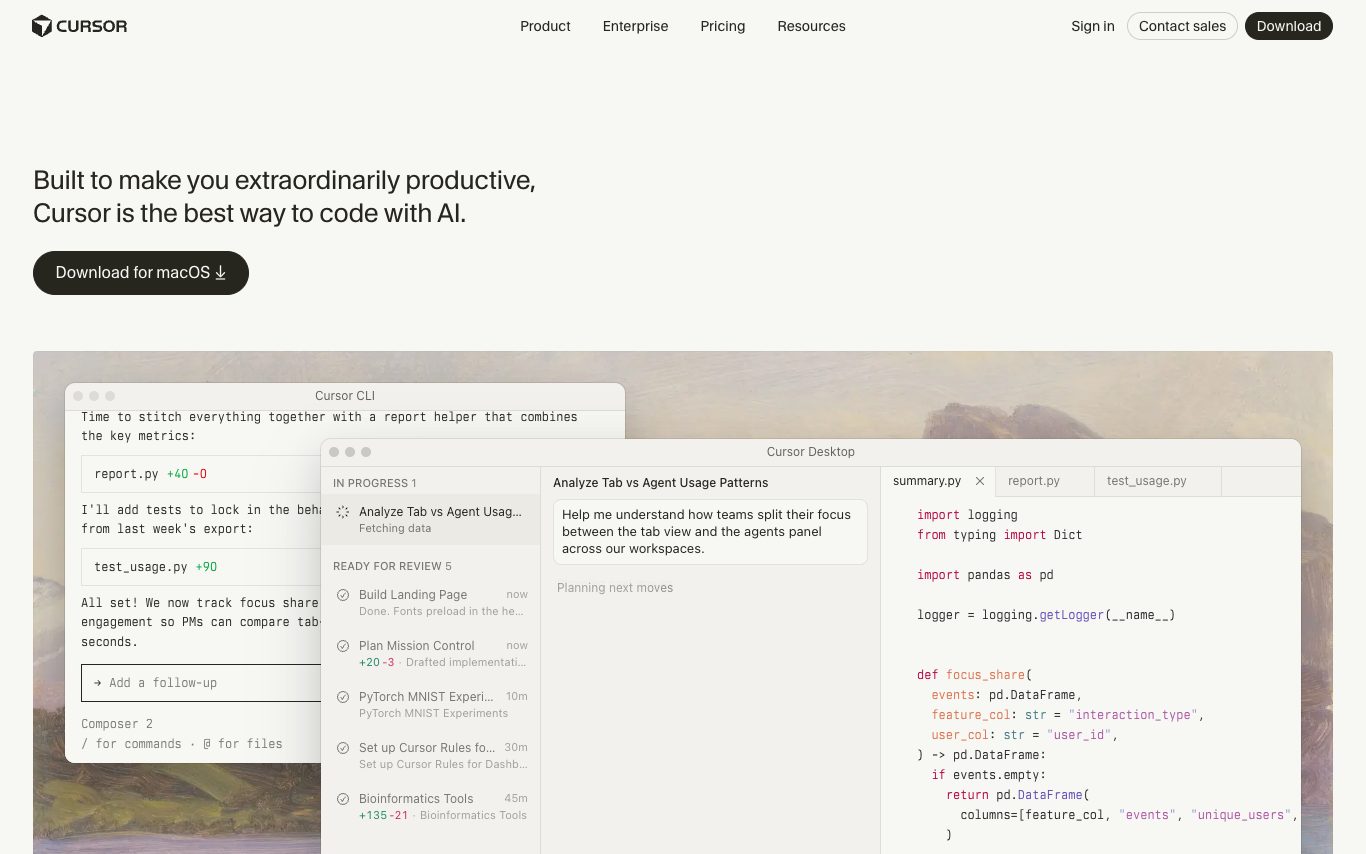

Cursor is an AI-first code editor forked from VS Code, adding Tab completion, Composer multi-file agents, inline chat, and a codebase-aware assistant that can plan, edit, and review code across large projects.
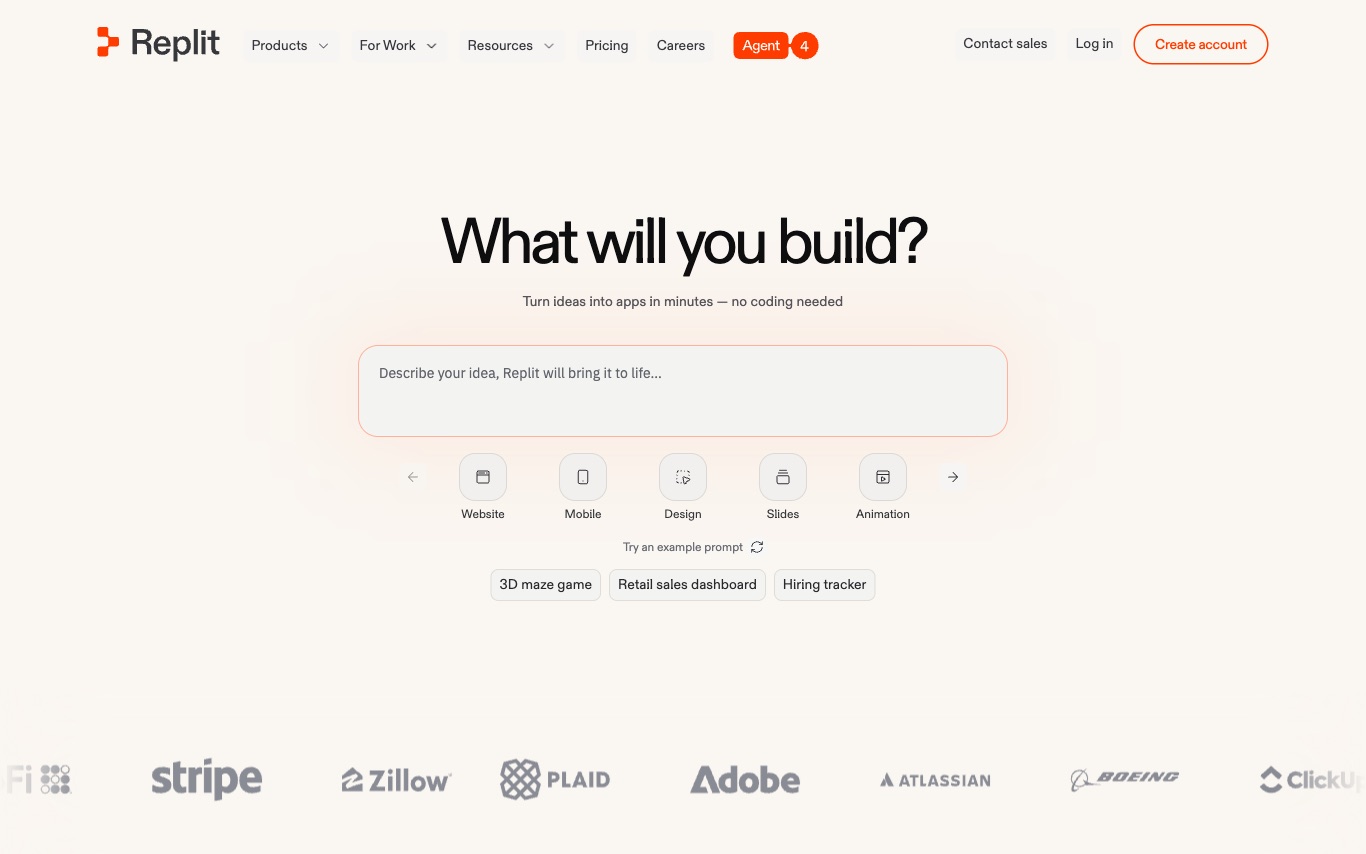

Replit is a browser-based IDE with an integrated AI agent that builds, tests, and deploys full-stack web apps from natural language—combining collaborative coding, instant hosting, and AI pair programming.


Lovable is an AI app builder that turns natural-language chat and screenshots into working full-stack web applications, syncs the code to GitHub, and deploys the result with one click.
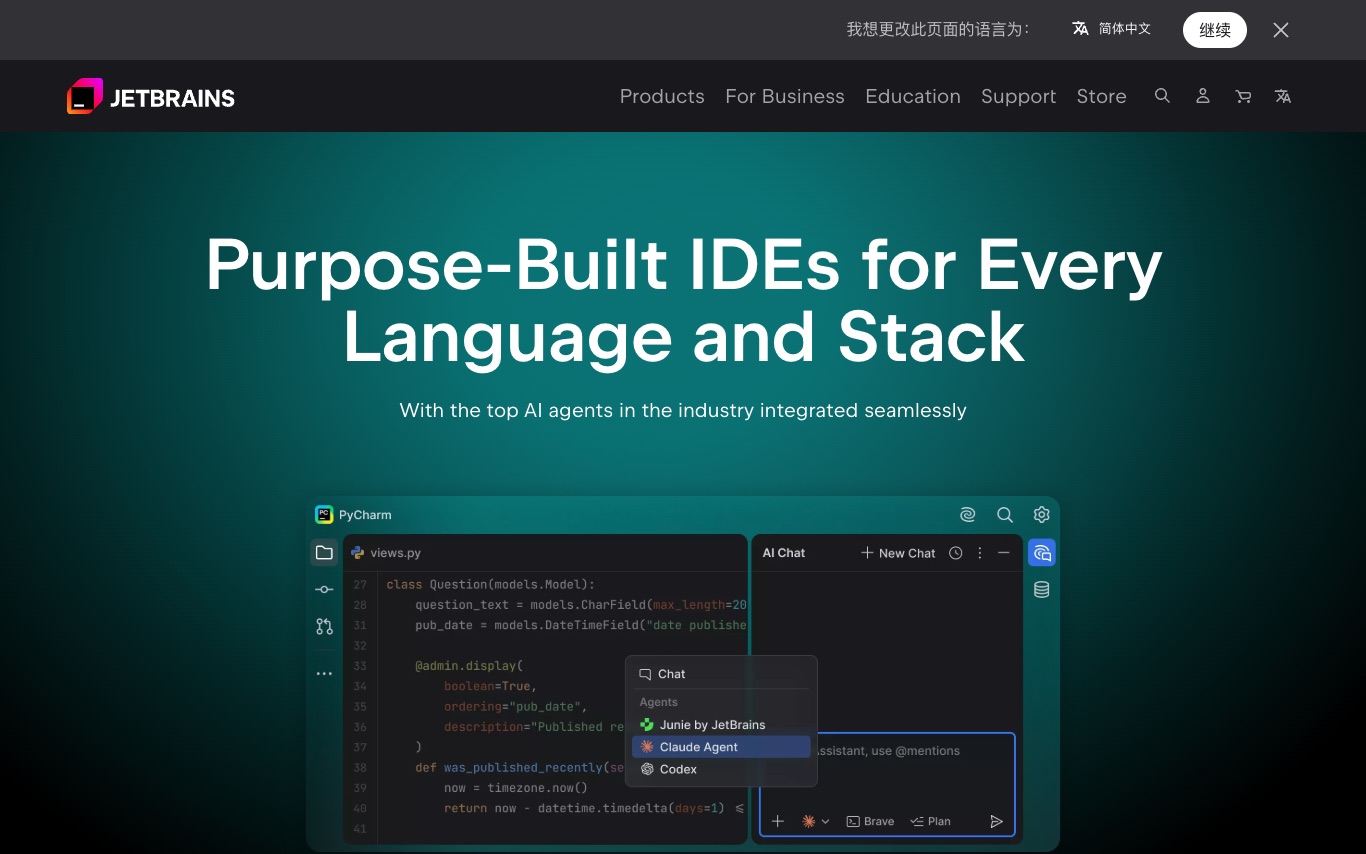

JetBrains builds IDEs for every major programming language—IntelliJ IDEA, PyCharm, WebStorm, Rider, and more—with integrated AI coding assistants for completion, chat, refactoring, and test generation.


Windsurf is Codeium's agentic AI code editor, combining inline autocompletion with Cascade multi-file agents, Flows for repo-wide refactors, and enterprise-grade privacy controls.
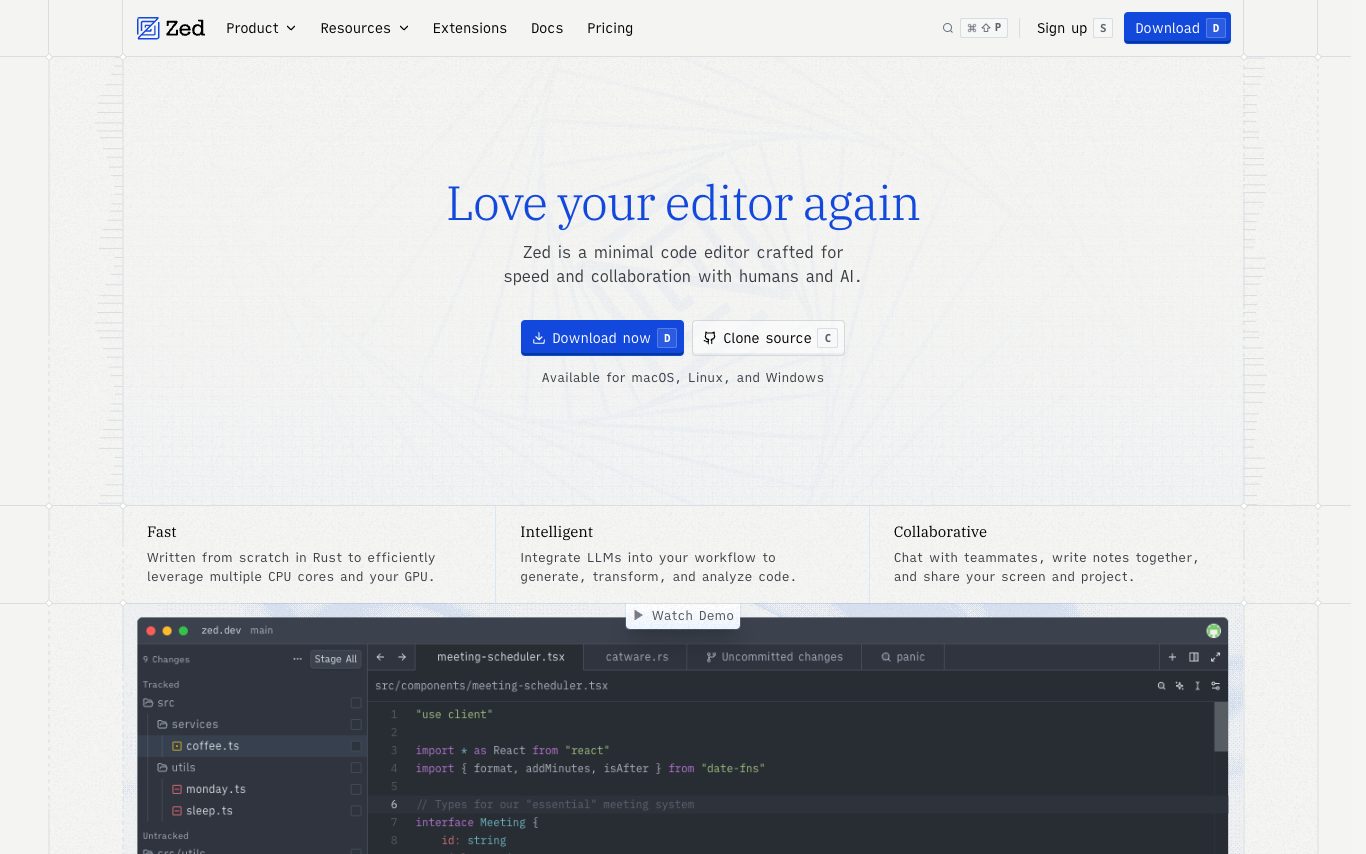

Zed is a fast, collaborative code editor built in Rust by the team behind Atom. It integrates AI agents, inline assistants, edit prediction with an open-weight model, and native debugger and Git tooling.
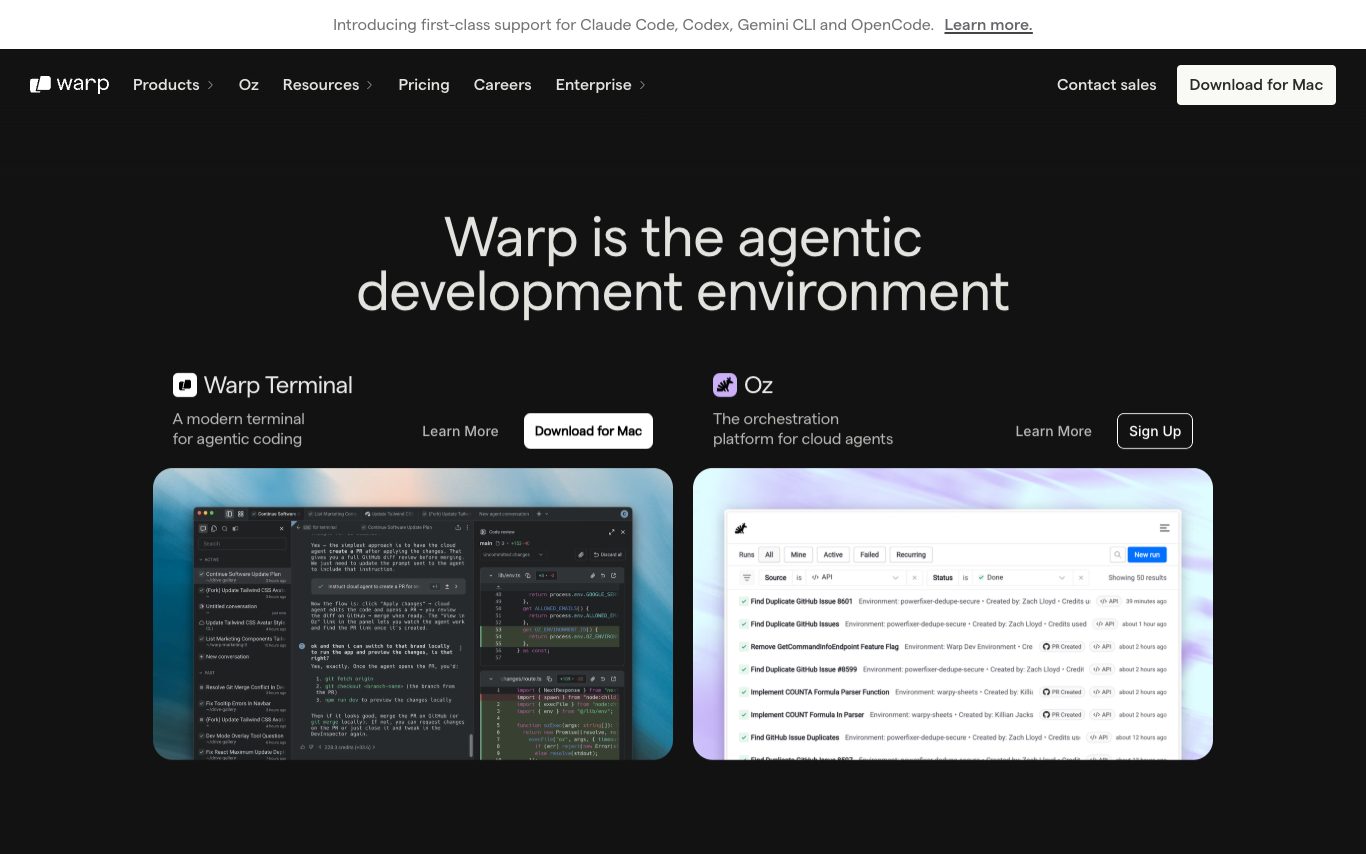

Warp is a modern, AI-powered terminal for macOS, Linux, and Windows. It adds natural-language command suggestions, agents, and a cloud orchestration layer so developers can plan, execute, and share shell workflows alongside AI.


Composio is a tool integration platform for AI agents providing 250+ pre-built integrations with GitHub, Gmail, Slack, Notion, Salesforce, and more. It handles OAuth and API key management so agents can execute real-world actions without custom connector code.
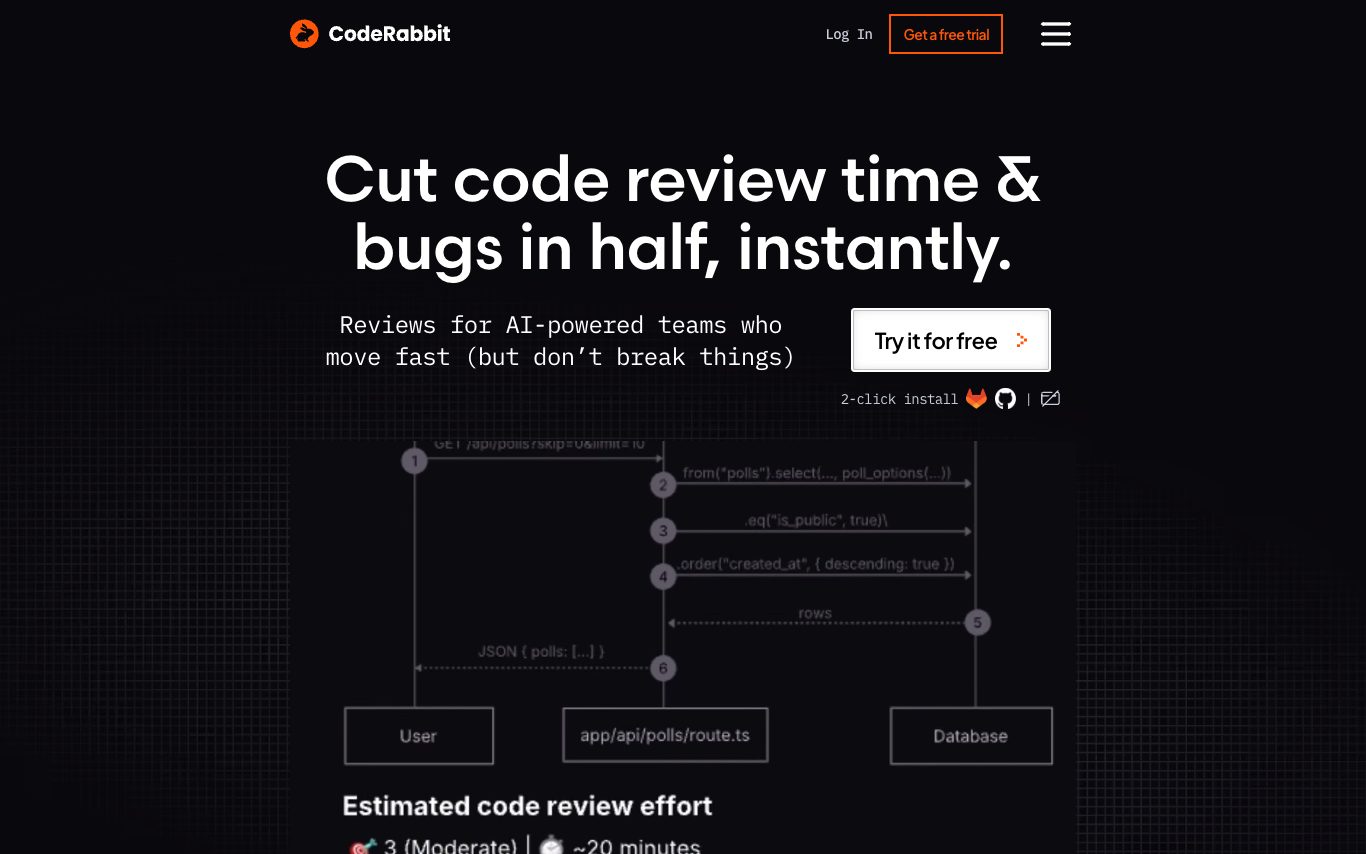

CodeRabbit is an AI code review tool that integrates with GitHub and GitLab. It posts PR summaries, line-level feedback, refactor suggestions, and security checks, cutting review time for engineering teams.
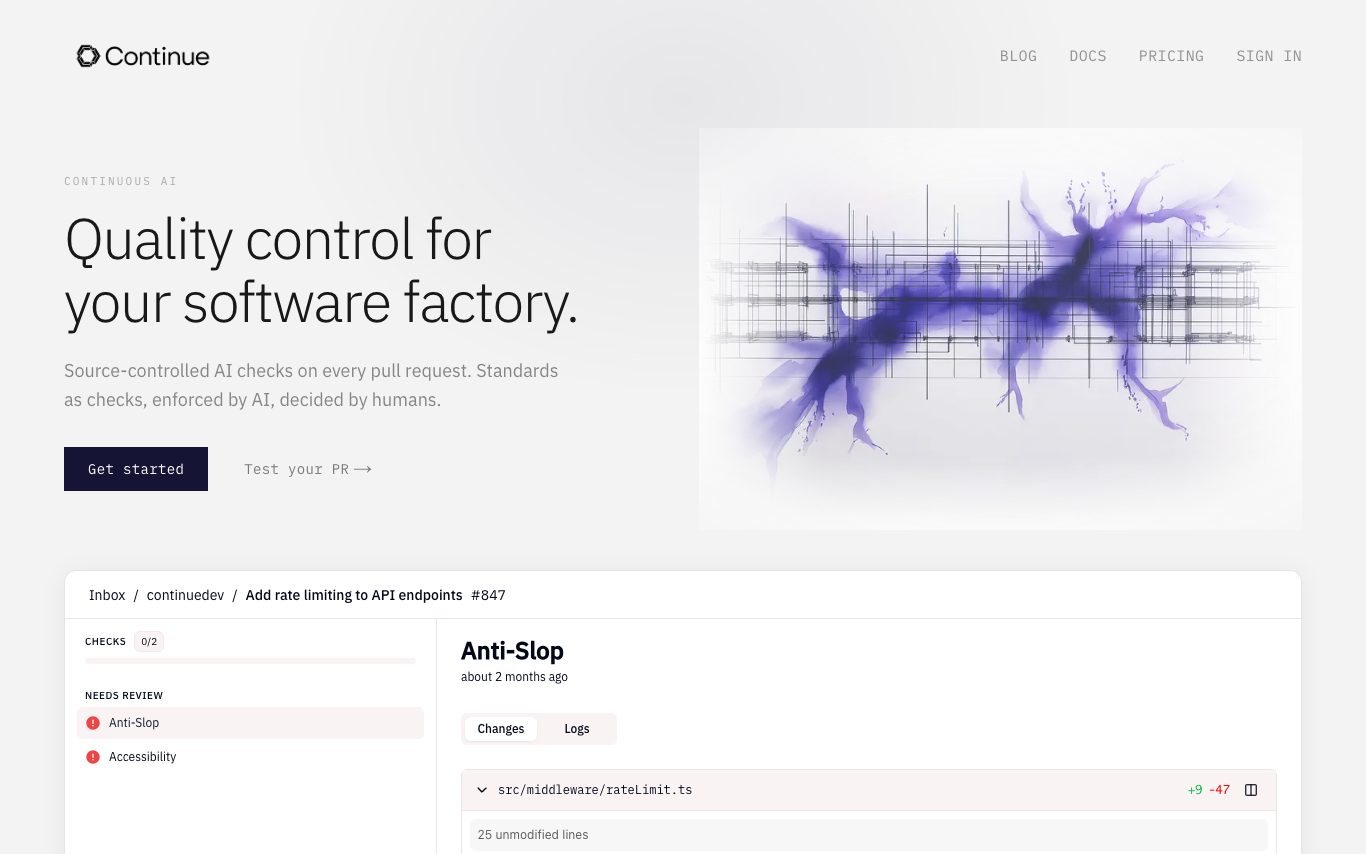

Continue is an open-source AI code assistant for VS Code and JetBrains IDEs. It offers chat, autocomplete, edit, and agent workflows with configurable models and rules, plus a CLI and GitHub PR checks for team governance.


Atoms is an AI-powered full-stack app builder with a multi-agent architecture. Describe your idea in plain text and AI agents plan, code, and deploy a working application with live preview.
Related categories
What is an AI code generator?
An AI code generator writes, completes, and explains code from a natural-language prompt or an existing file, powered by a code-trained large language model. It can autocomplete lines, scaffold functions or apps, translate between languages, and fix bugs. Tools range from IDE autocomplete assistants to agents that build and edit a whole project.
Core features to look for
- Inline autocomplete and whole-function generation
- Chat to explain, refactor, or debug code
- Editor and IDE integration (VS Code, JetBrains)
- Multi-file edits and project scaffolding
- Multiple languages and framework awareness
- Model choice and free or open-source options
Who uses AI code generators, and how
01
Autocomplete in the editor
Developers speed up with inline suggestions and whole-function completion as they type.
02
Scaffold apps & features
Generate boilerplate, components, and CRUD from a prompt to start faster.
03
Explain & debug
Paste an error or unfamiliar code and get a plain-language explanation or fix.
04
Free & open-source
Compare free tiers and self-hostable models for cost and privacy.
How does an AI code generator work?
AI code generators use large language models trained on public code. From your prompt, comments, and the surrounding file, the model predicts the most likely code token by token. Agentic tools go further — they plan, edit multiple files, run commands, and read the results to iterate on a task.