


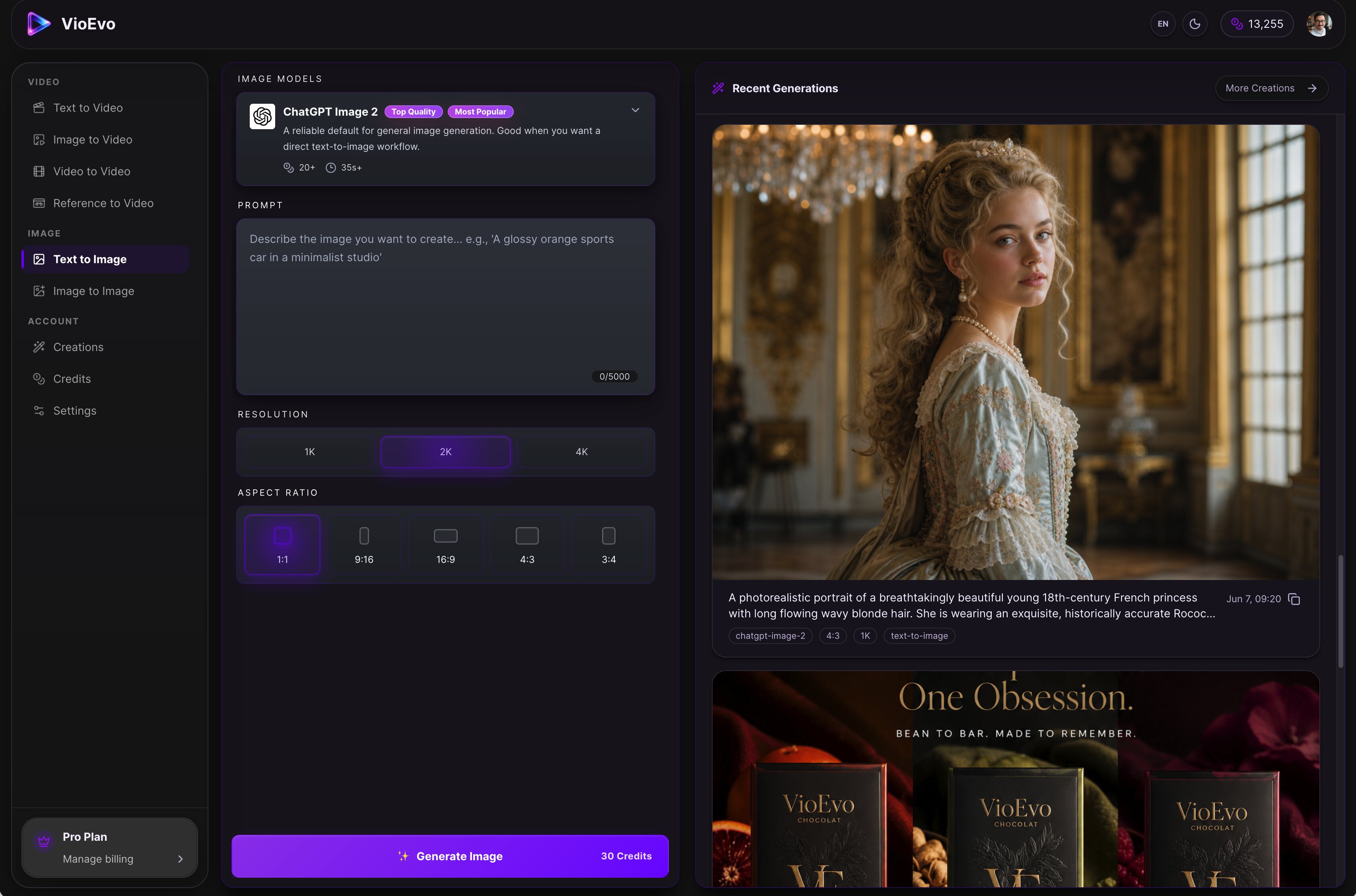
VioEvo is a cinematic AI video and image studio built for creators, marketers, and teams. Powered by leading AI models, it provides a comprehensive platform for producing consistent character assets, polished product visuals, and studio-quality footage. Key Features & Workflows: • Multi-Modal Generation: Text to Video, Image to Video, Video to Video, Reference to Video, Text to Image, and Image to Image. • AI Pose Changer: Easily adjust and regenerate subject poses while preserving the character and style of your original image. • Granular Control: Fine-tune outputs with customizable controls for style, composition, and aspect ratio. Transform your raw ideas, prompts, or reference assets into launch-ready visuals in just three simple steps.
Best AI Image Generator Tools (2026)
Compare AI image generators for text-to-image, image-to-image, product shots, style control, free credits, and API access.
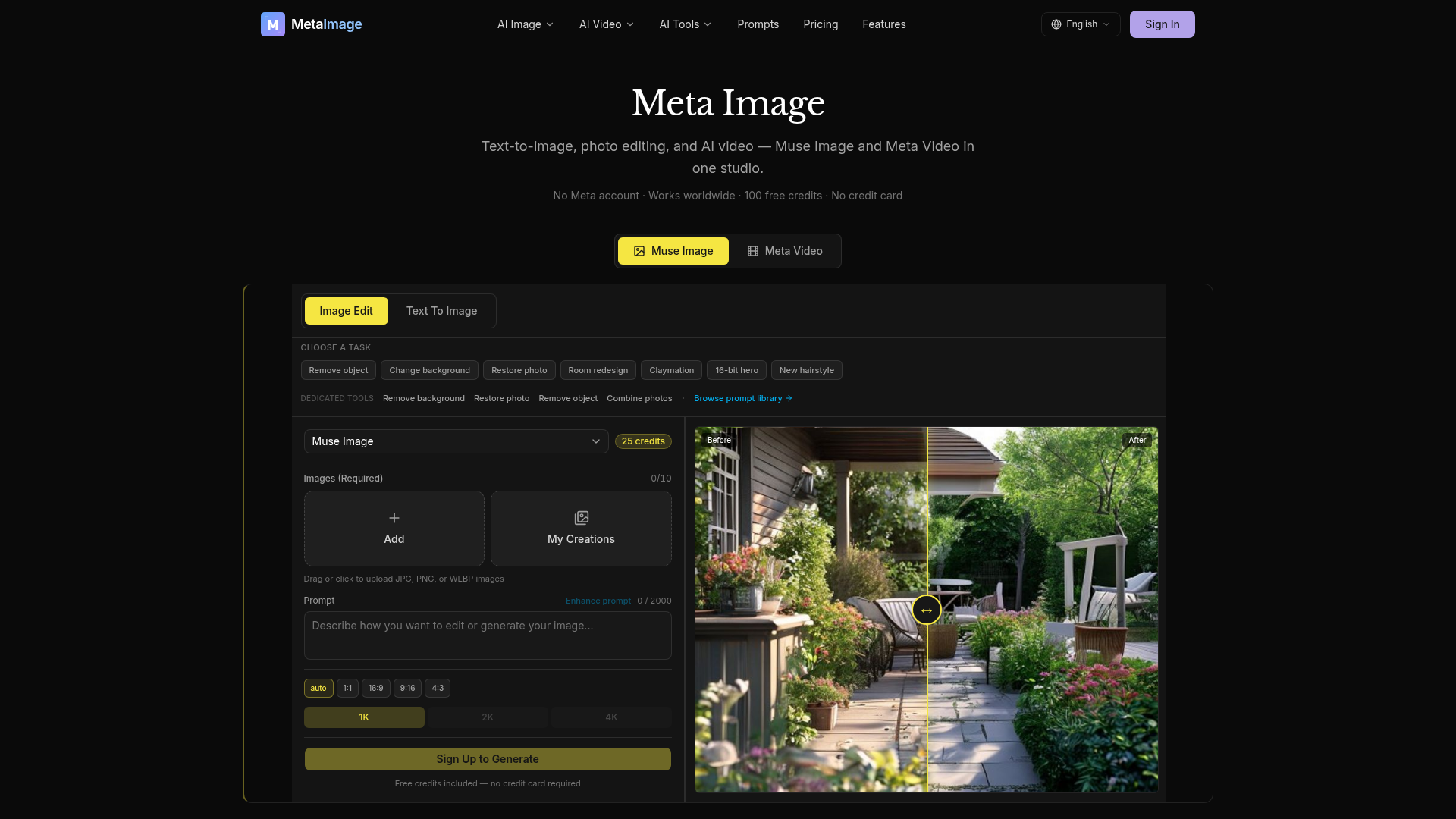

Meta Image is an independent AI generator studio offering comprehensive tools for text-to-image generation, photo editing, and AI video creation. It integrates Muse Image for advanced image generation and natural-language editing, alongside Meta Video for transforming text prompts or still images into short MP4s. The platform provides dedicated editing capabilities such as object removal, background changes, and photo restoration. For video, users can choose from multiple AI engines like Kling, Seedance, and Gemini Omni, each suited for different styles and durations. Users receive 100 free credits to start, with no credit card required, making it accessible for immediate use. Meta Image is designed to assist with various creative tasks, from generating e-commerce product listings and social media graphics to professional headshots and business imagery. It simplifies the creation of visual content, allowing users to produce high-quality images and videos without needing complex editing software.
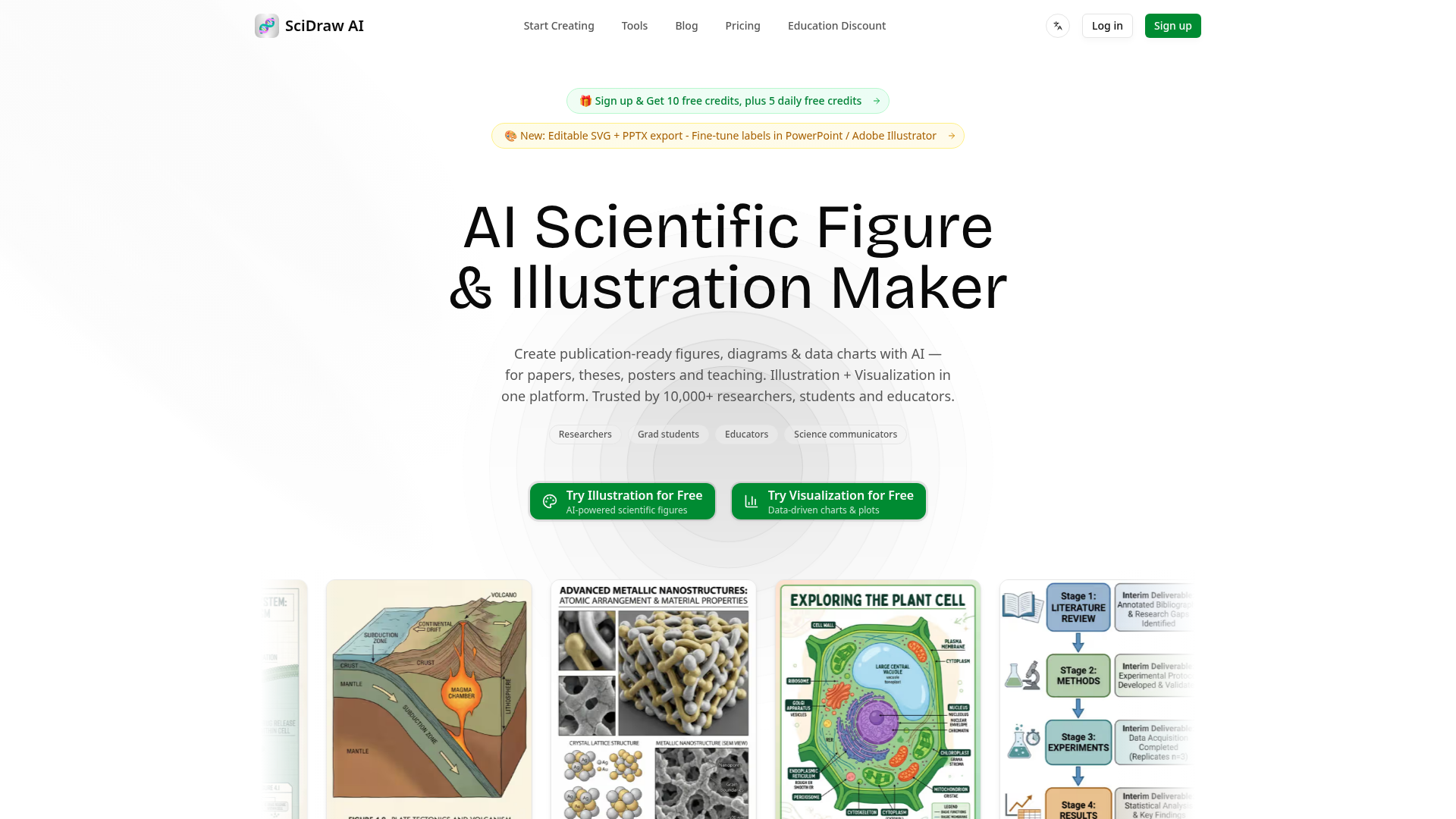

Create publication-ready scientific figures, diagrams & data charts with AI.
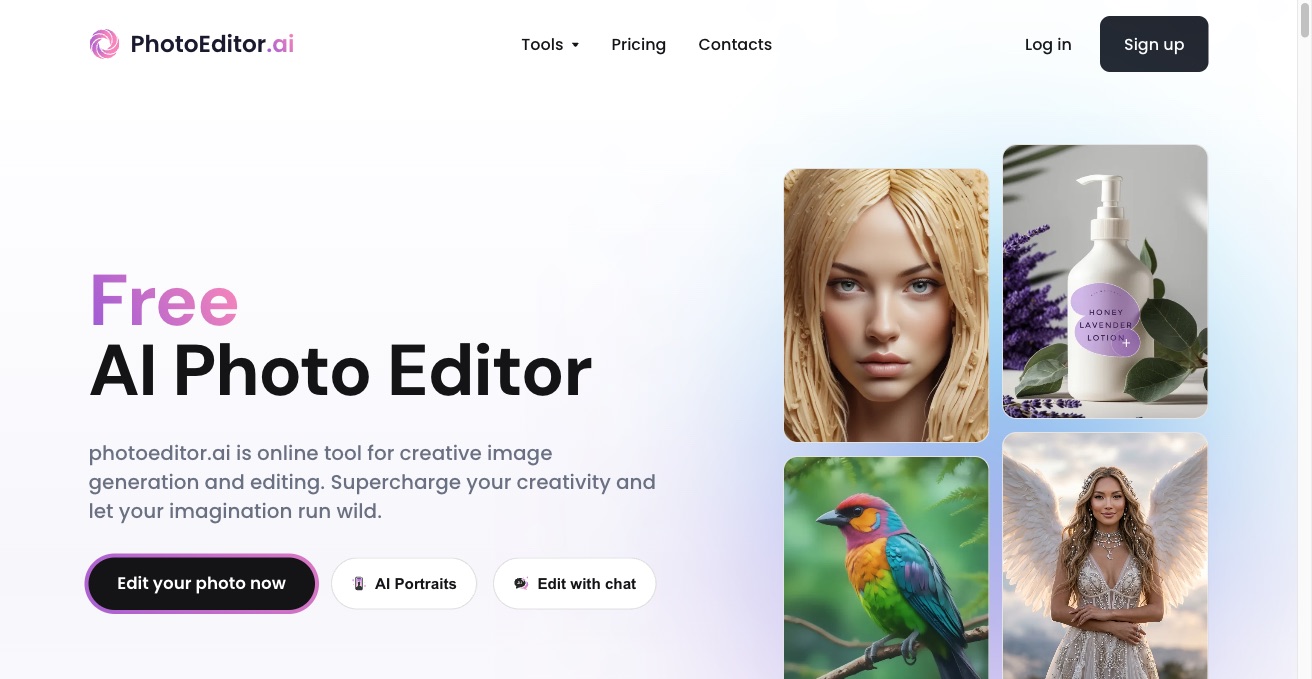

PhotoEditor.ai is a free AI photo editor and image generator. Remove backgrounds, upscale, apply filters, and generate new images from text in one browser toolkit.
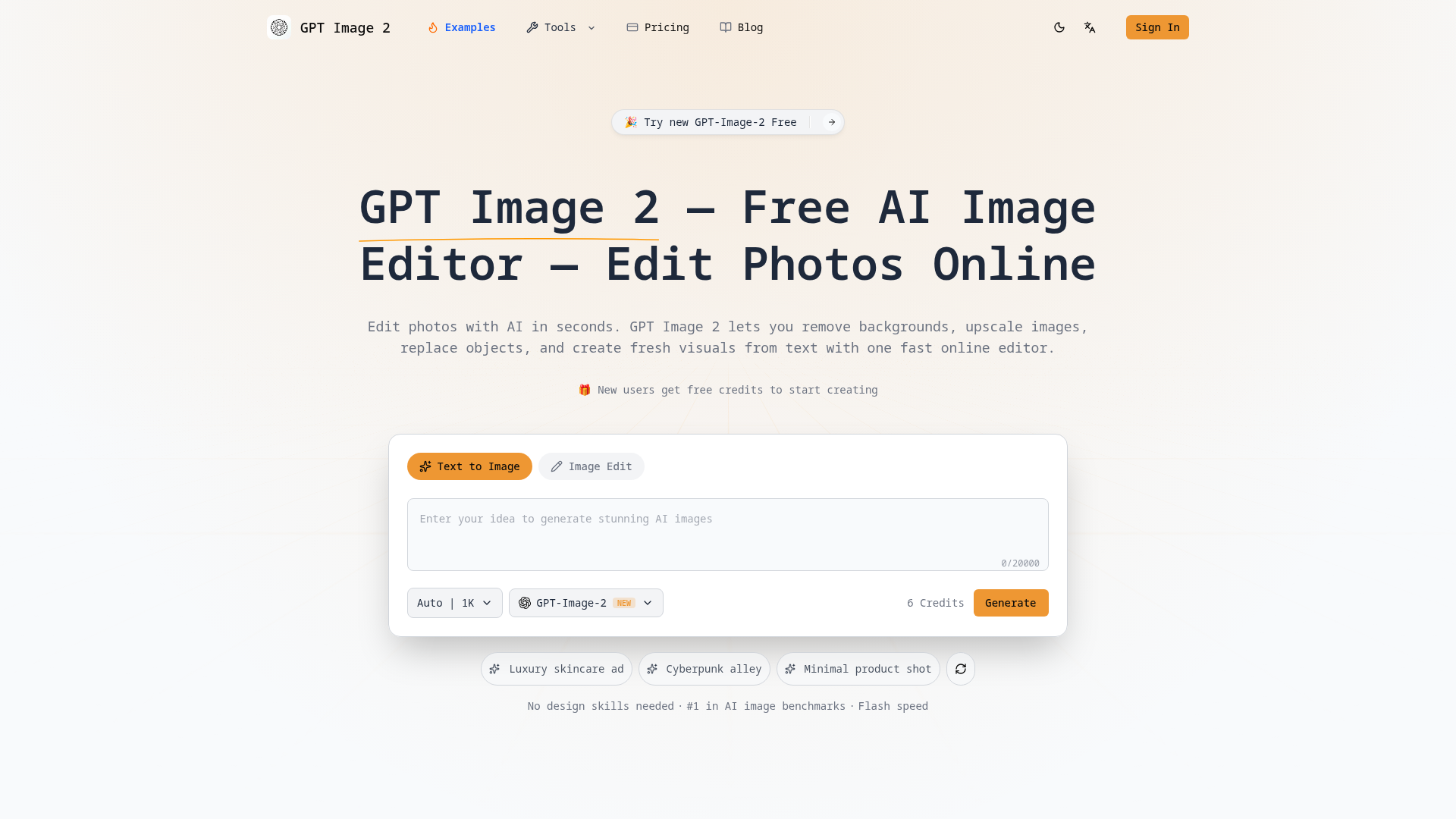

Edit photos with AI in seconds. Remove backgrounds, upscale images, replace objects, and create visuals from text with o
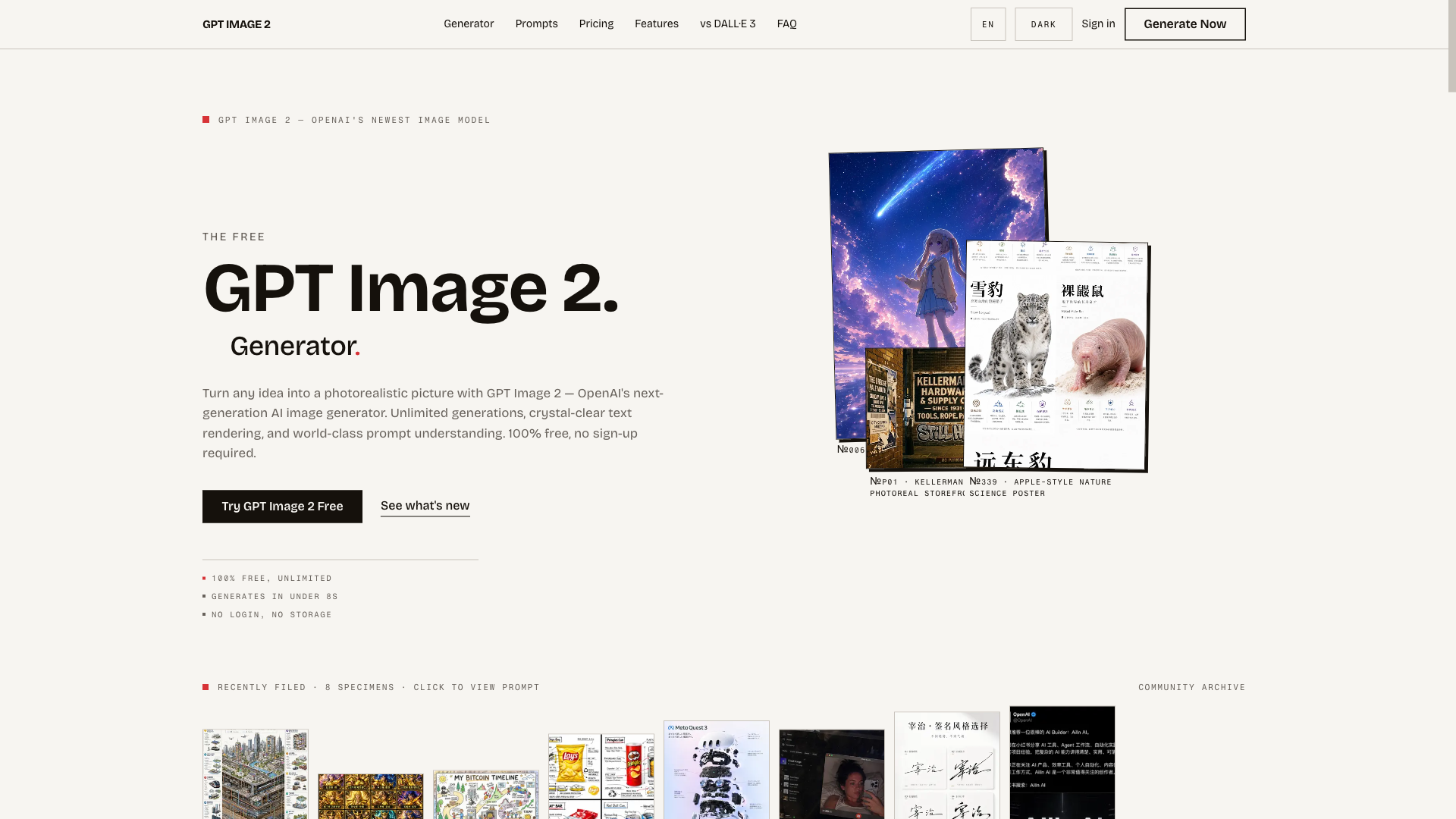
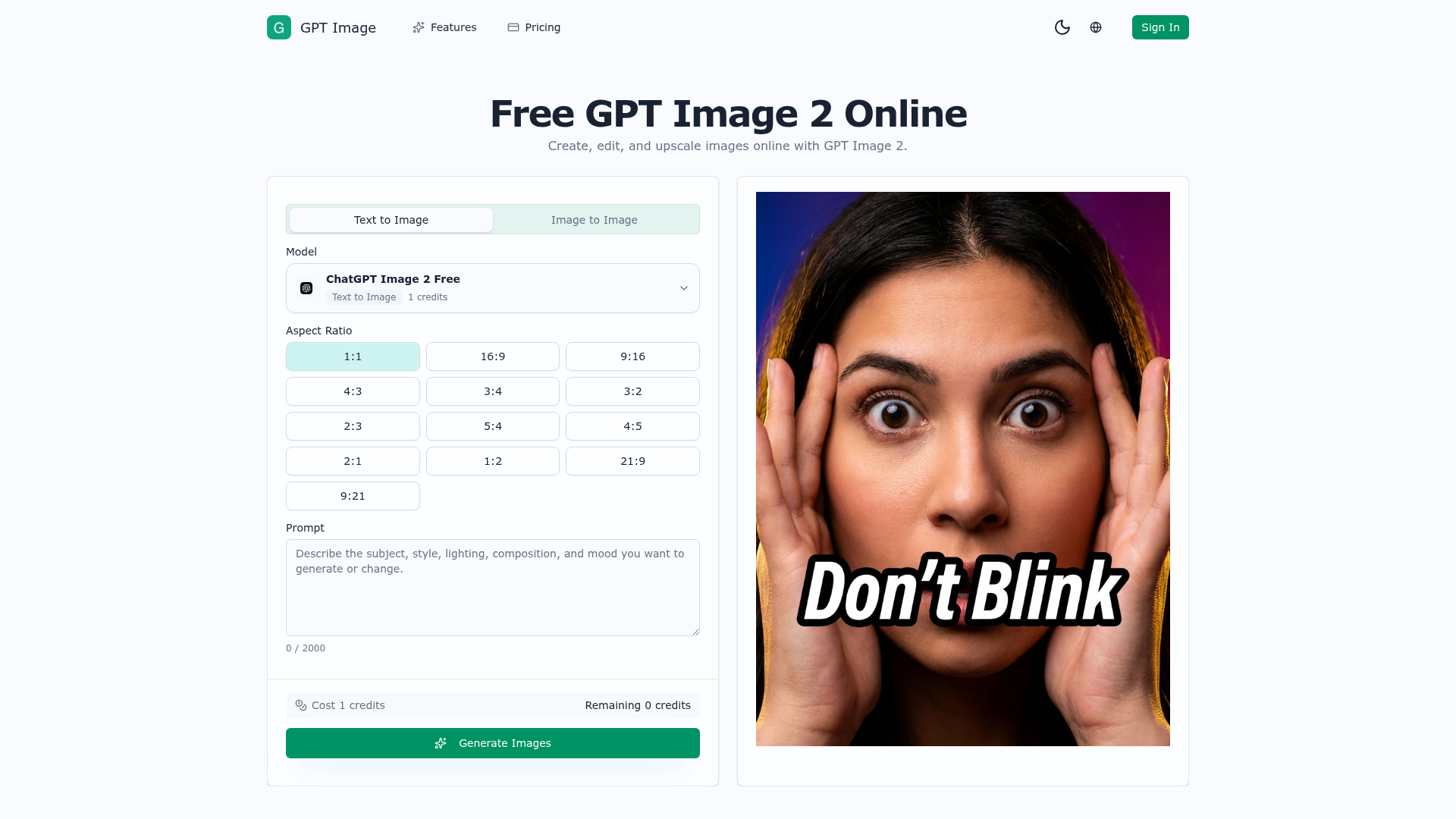
The free, unlimited GPT Image 2 generator — turn any idea into a photorealistic picture in seconds, no sign-up required.
GPT Image 2 helps you generate product visuals, campaign creatives, social media graphics, and polished image edits from simple prompts.

AI image generator and photo editor for prompt edits, upscaling, cleanup, and creative assets.
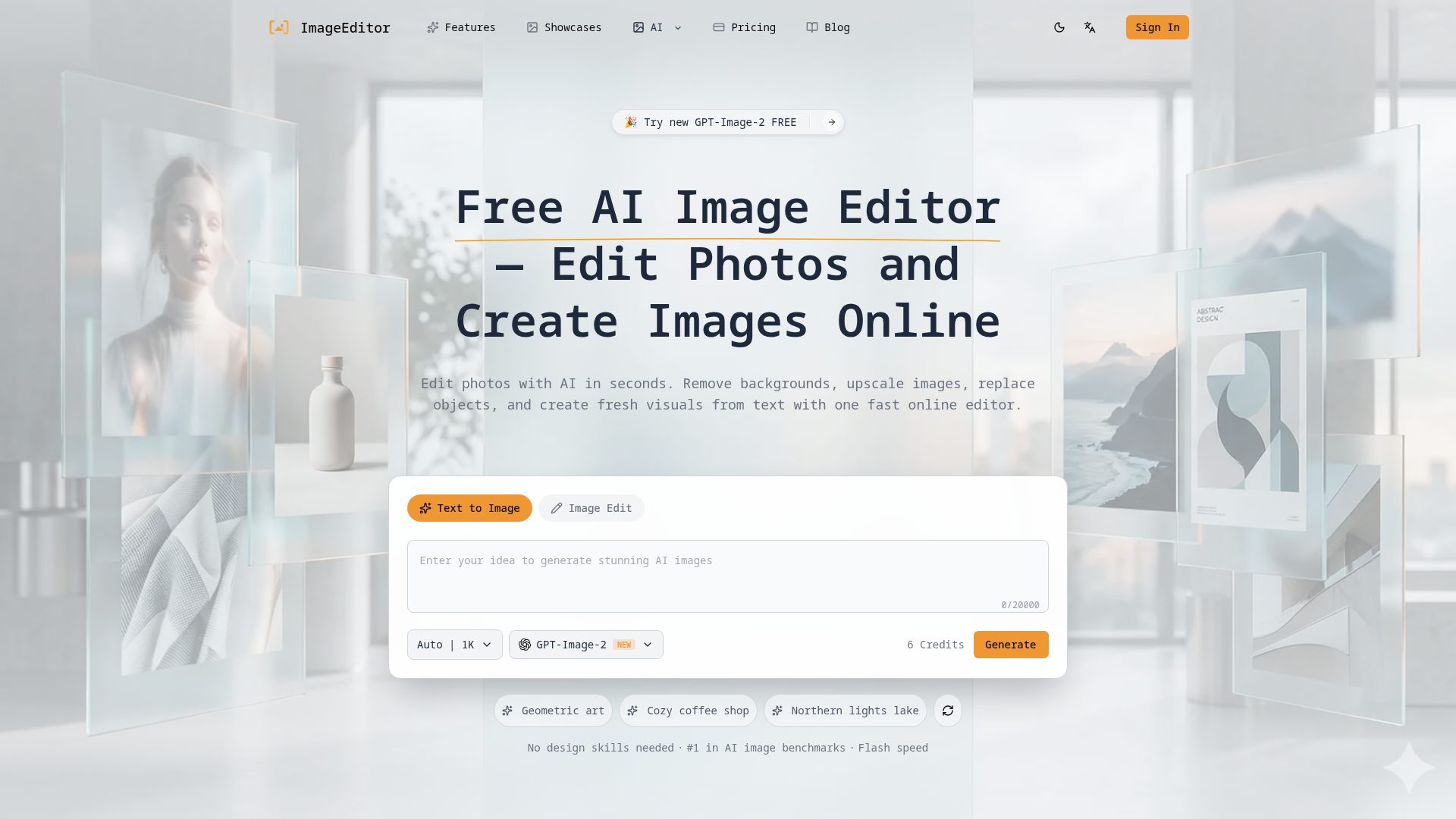

Edit photos with AI in seconds, remove backgrounds, upscale images, replace objects, and create fresh visuals from text
Free AI image editor and video generator for Nano Banana workflows.
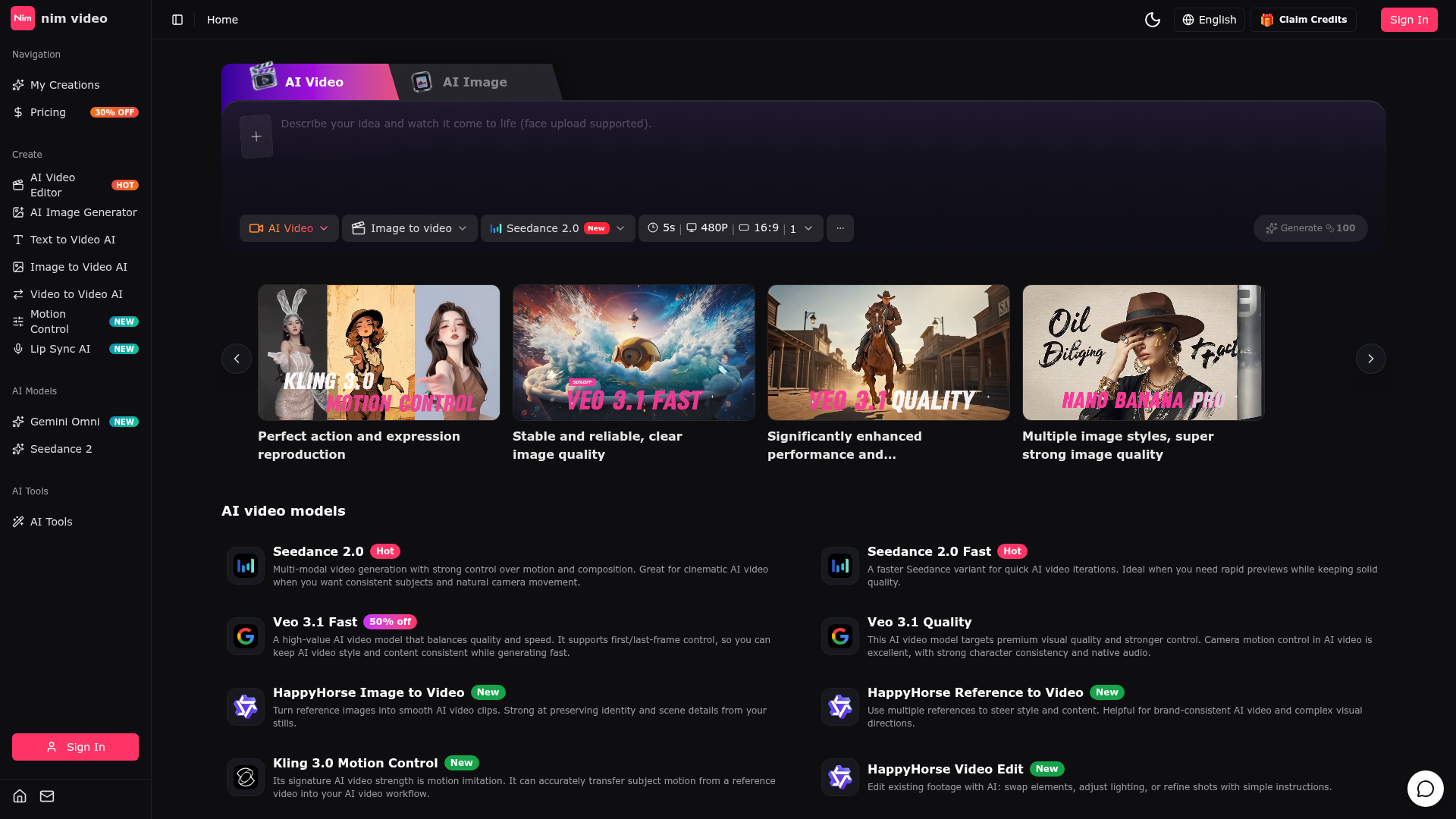

The Perfect AI Video & Image Creation Platform
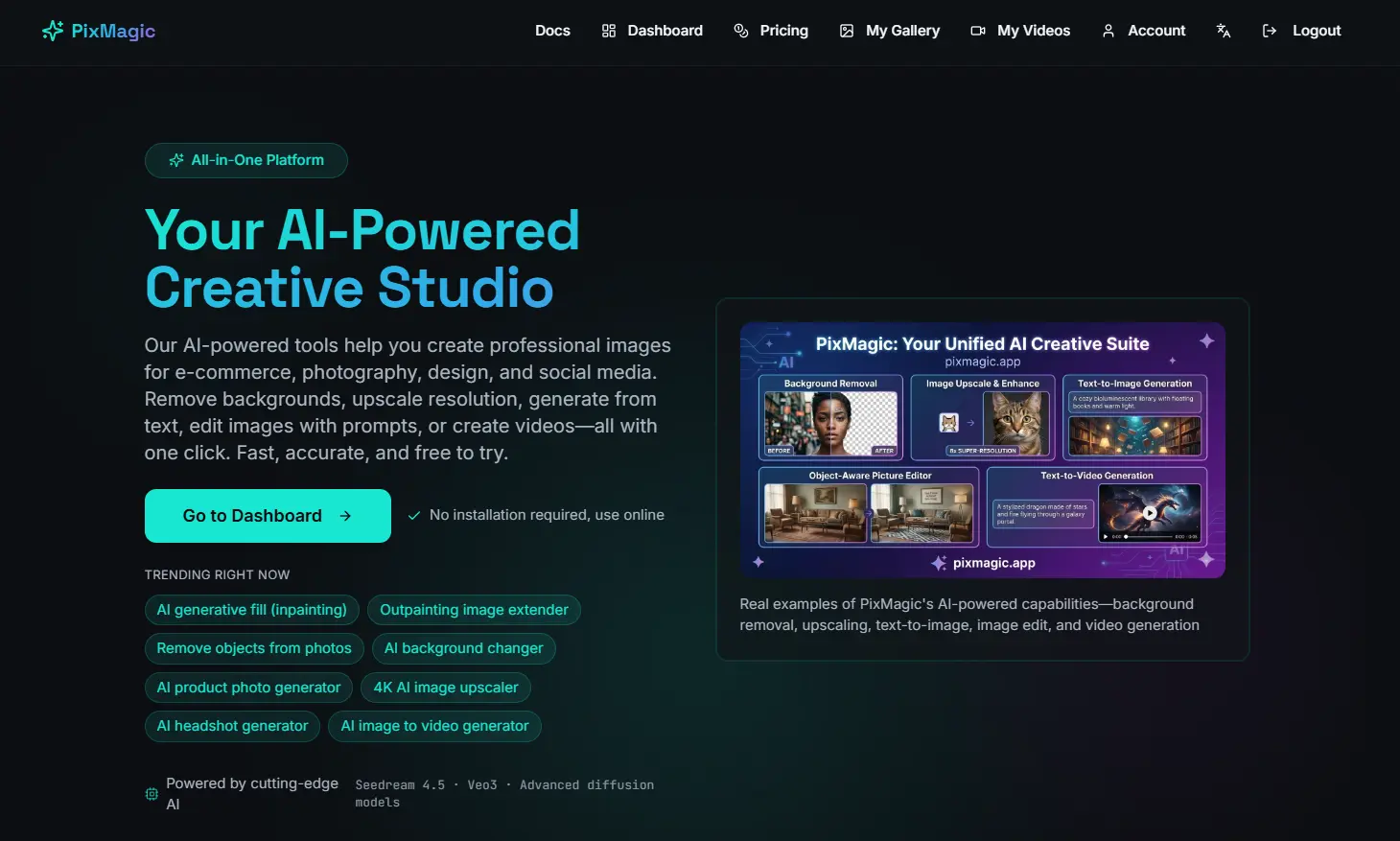
PixMagic — AI Image & Video Studio 2026 | BG Removal, 4K Upscale, Text-to-Image, Generative Fill, Short Video & AI Voice
Related categories
What is an AI image generator?
An AI image generator creates original images from a text prompt or a reference image, using diffusion or similar models. It can produce art, photos, logos, product shots, and edits in many styles. Tools range from general text-to-image generators to focused ones for product photos, avatars, or upscaling.
Core features to look for
- Text-to-image from a written prompt
- Image-to-image and inpainting edits
- Style, aspect ratio, and resolution control
- Negative prompts and seeds for consistency
- Commercial-use rights and licensing options
- Free credits, or model choice and API
Who uses AI image generators, and how
Text-to-image art
Create illustrations, concept art, and social visuals from a prompt.
Image-to-image & edits
Restyle a photo, extend it, or edit parts with inpainting.
Product & marketing
Generate product shots, ads, and thumbnails with brand control.
Free & API
Compare free credits, watermarks, and API access for apps.
How does an AI image generator work?
Most AI image generators use diffusion models trained on huge image-text datasets. They start from noise and denoise it step by step, guided by your prompt, until an image emerges. Extra controls — negative prompts, seeds, reference images — steer style, composition, and consistency.