


Create publication-ready scientific figures, diagrams & data charts with AI.
AI Image Generator · 99 tools
Best AI Image Generator Tools (2026)
Compare AI image generators for text-to-image, image-to-image, product shots, style control, free credits, and API access.
All AI Image Generator tools
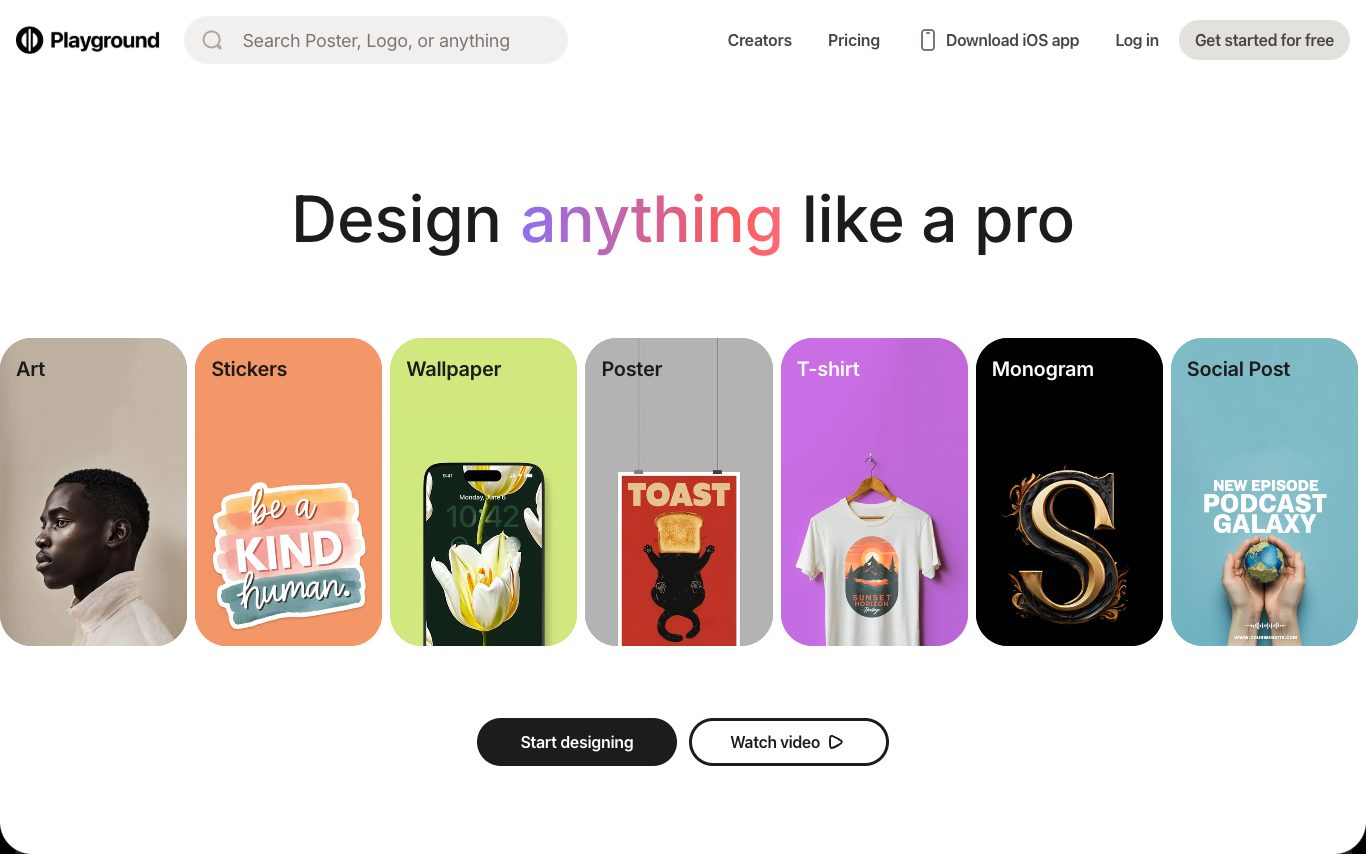

Playground is an AI image generator and editor for marketers and designers. It offers a simple canvas, proprietary and third-party models, brand kits, style references, and workflows for producing consistent visual content.
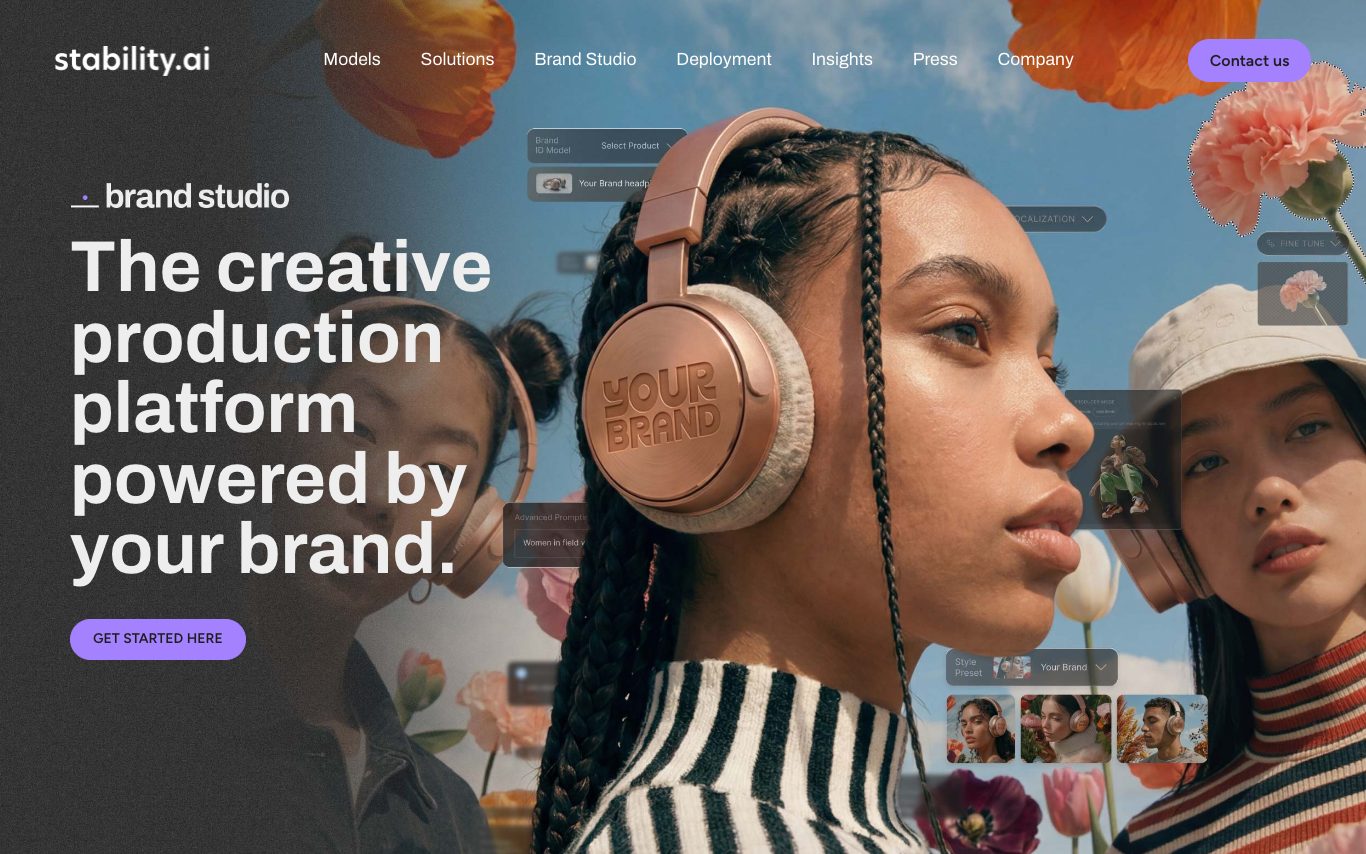

Stable Diffusion is Stability AI's family of open-source image and video models, including Stable Diffusion 3.5 and Stable Video. Users access it through the Stable Assistant web app, the API, partner platforms, or by self-hosting model weights.

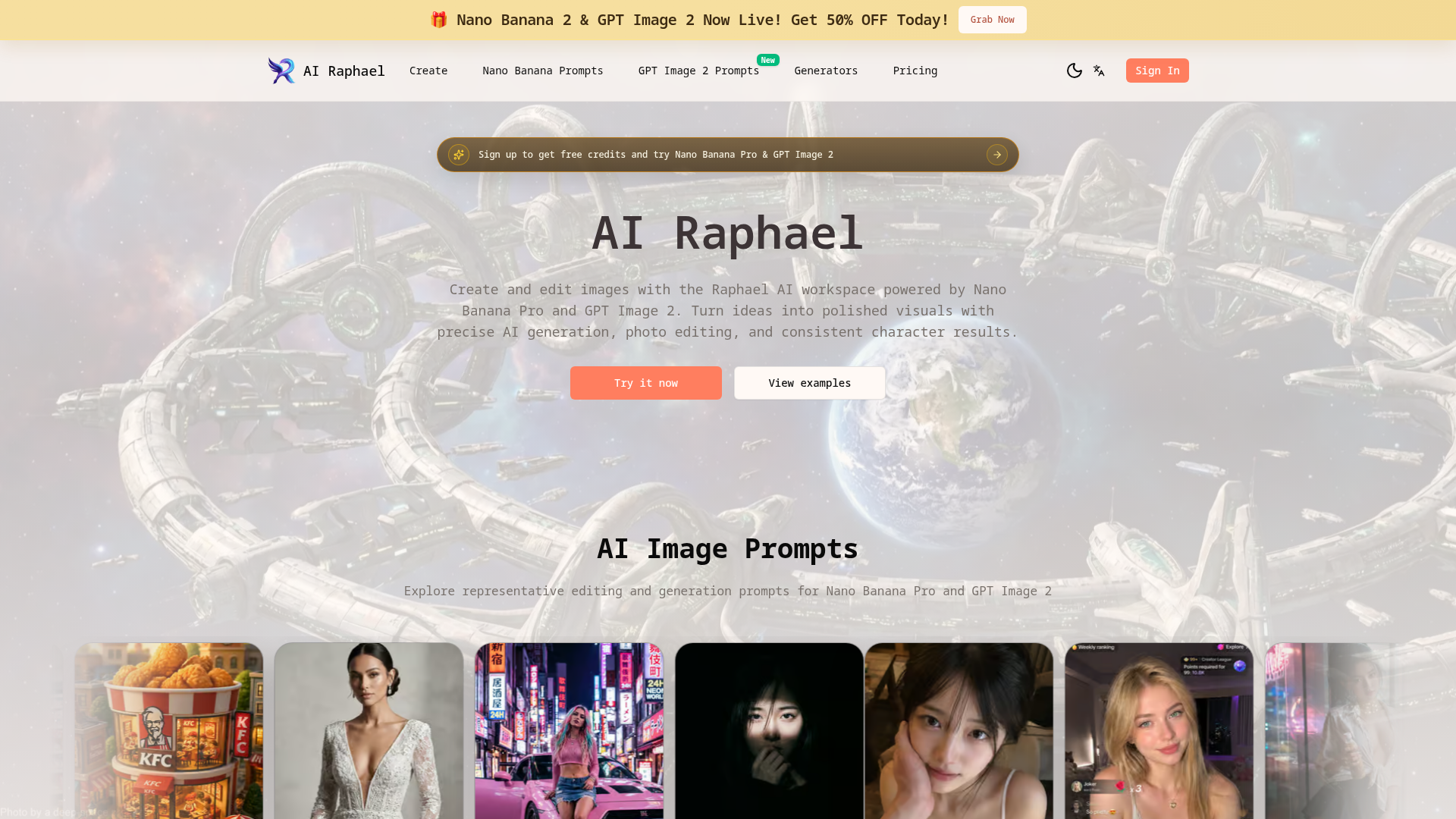

AI Raphael: Create and edit images with precise AI generation, photo editing, and consistent character results.
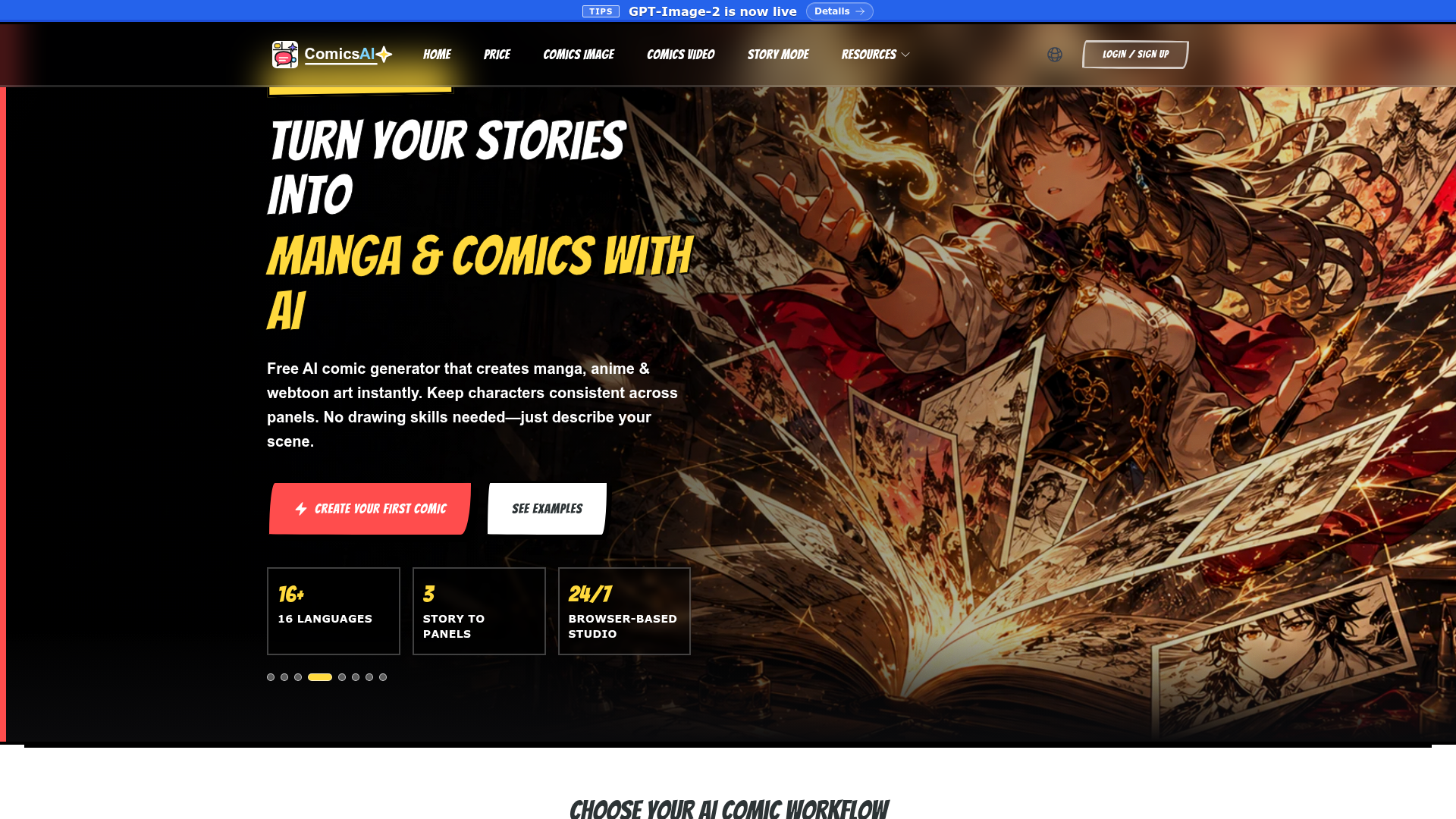

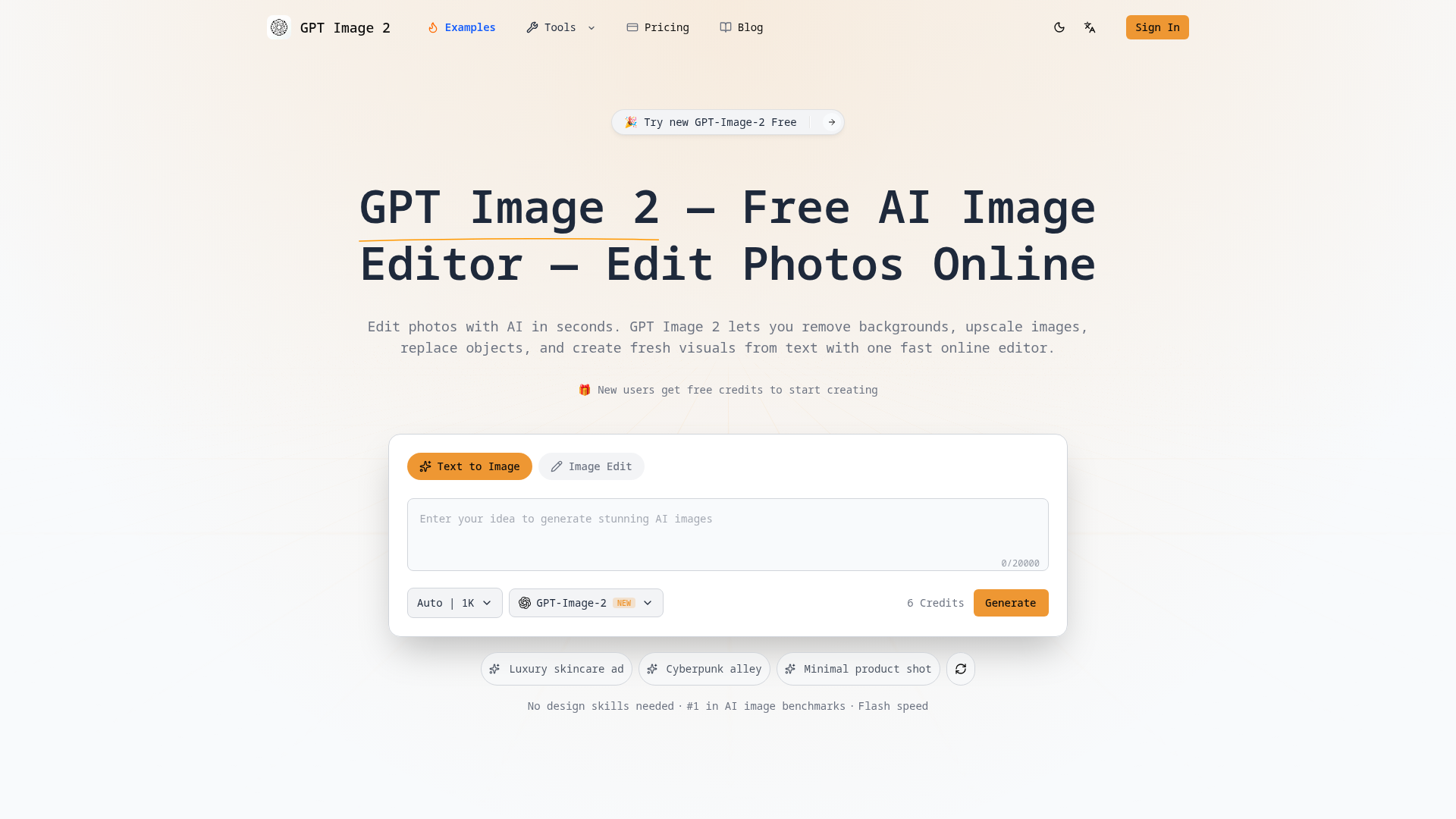

Edit photos with AI in seconds. Remove backgrounds, upscale images, replace objects, and create visuals from text with o
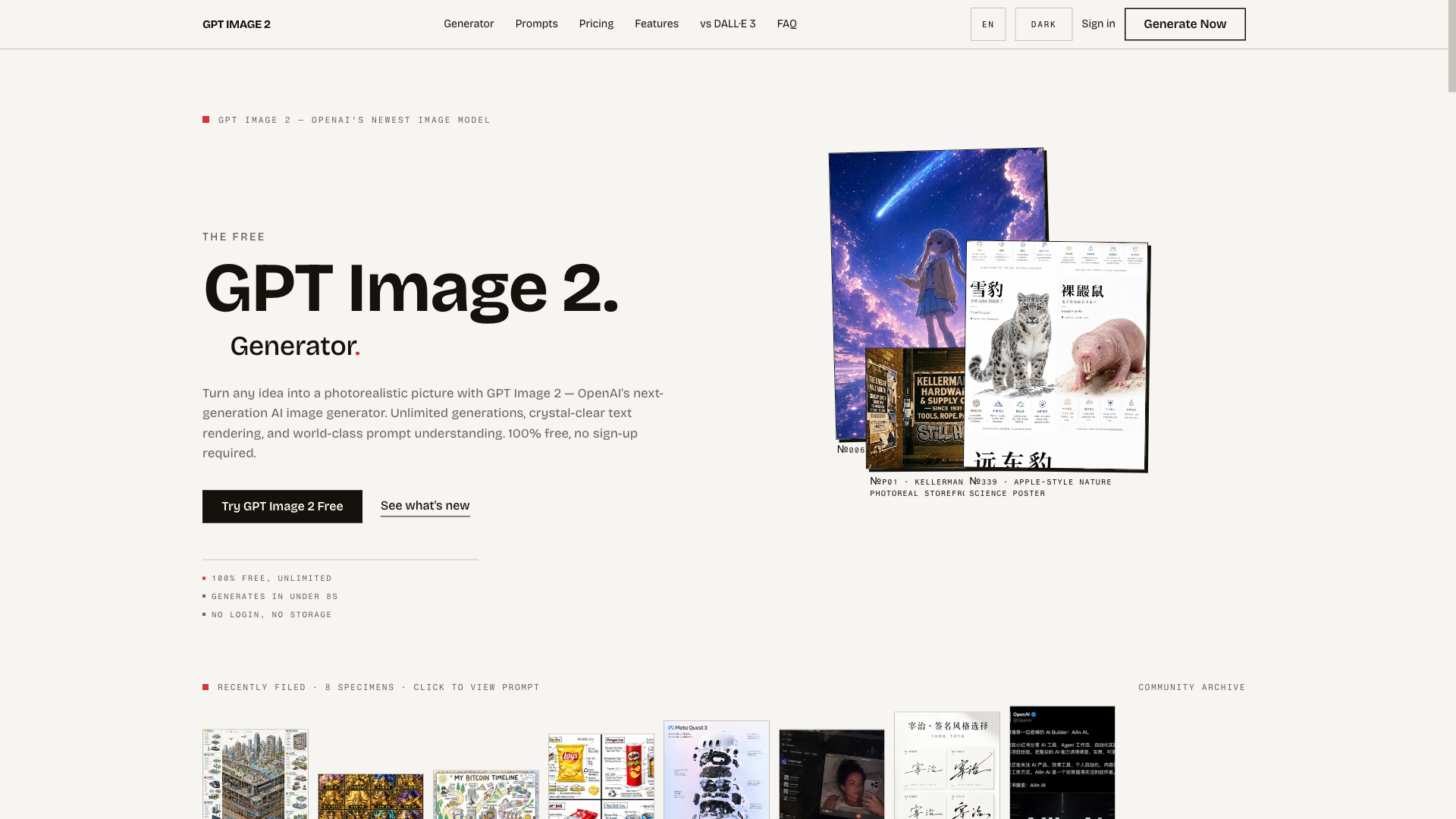
The free, unlimited GPT Image 2 generator — turn any idea into a photorealistic picture in seconds, no sign-up required.
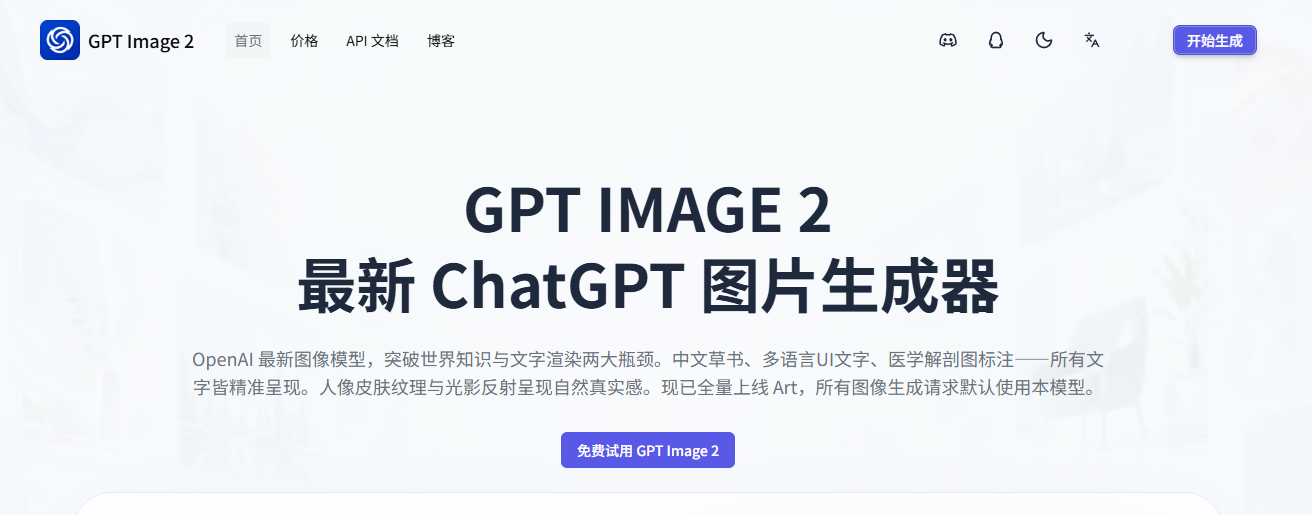
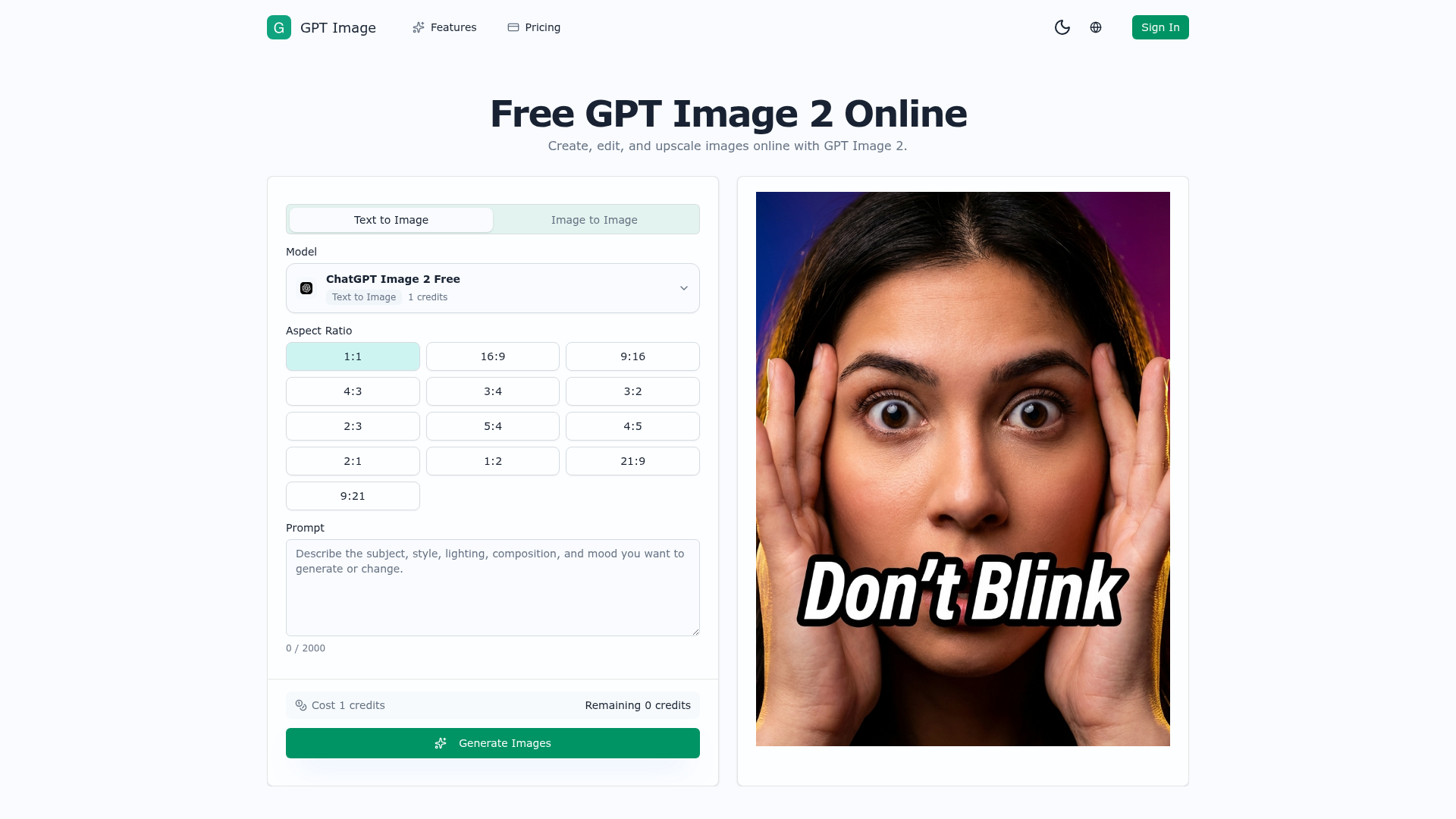
GPT Image 2 helps you generate product visuals, campaign creatives, social media graphics, and polished image edits from simple prompts.

AI image generator and photo editor for prompt edits, upscaling, cleanup, and creative assets.
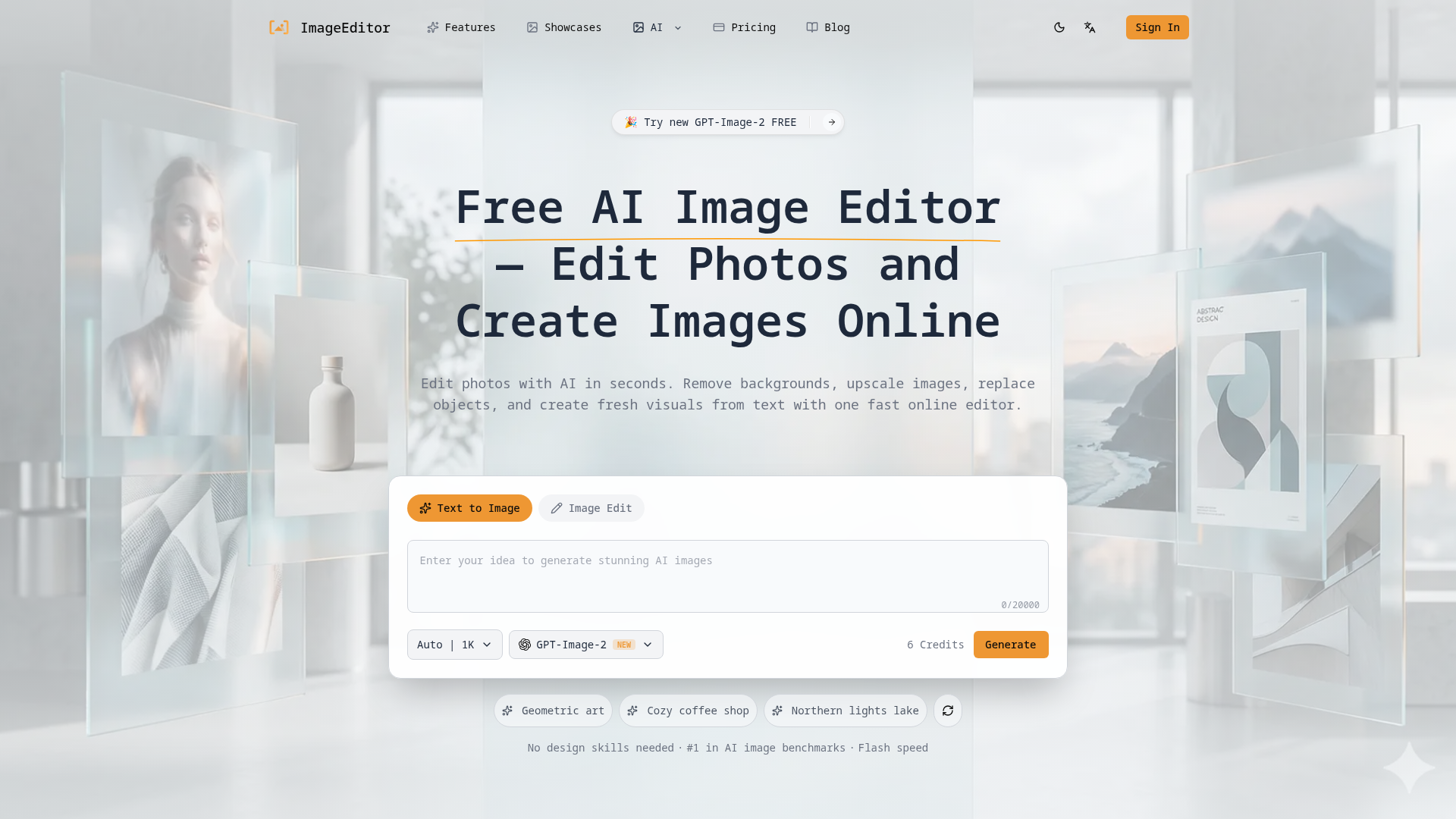

Edit photos with AI in seconds, remove backgrounds, upscale images, replace objects, and create fresh visuals from text
What is an AI image generator?
An AI image generator creates original images from a text prompt or a reference image, using diffusion or similar models. It can produce art, photos, logos, product shots, and edits in many styles. Tools range from general text-to-image generators to focused ones for product photos, avatars, or upscaling.
Core features to look for
- Text-to-image from a written prompt
- Image-to-image and inpainting edits
- Style, aspect ratio, and resolution control
- Negative prompts and seeds for consistency
- Commercial-use rights and licensing options
- Free credits, or model choice and API
Who uses AI image generators, and how
01
Text-to-image art
Create illustrations, concept art, and social visuals from a prompt.
02
Image-to-image & edits
Restyle a photo, extend it, or edit parts with inpainting.
03
Product & marketing
Generate product shots, ads, and thumbnails with brand control.
04
Free & API
Compare free credits, watermarks, and API access for apps.
How does an AI image generator work?
Most AI image generators use diffusion models trained on huge image-text datasets. They start from noise and denoise it step by step, guided by your prompt, until an image emerges. Extra controls — negative prompts, seeds, reference images — steer style, composition, and consistency.