

Free AI image editor and video generator for Nano Banana workflows.
AI Image Generator · 99 tools
Best AI Image Generator Tools (2026)
Compare AI image generators for text-to-image, image-to-image, product shots, style control, free credits, and API access.
All AI Image Generator tools
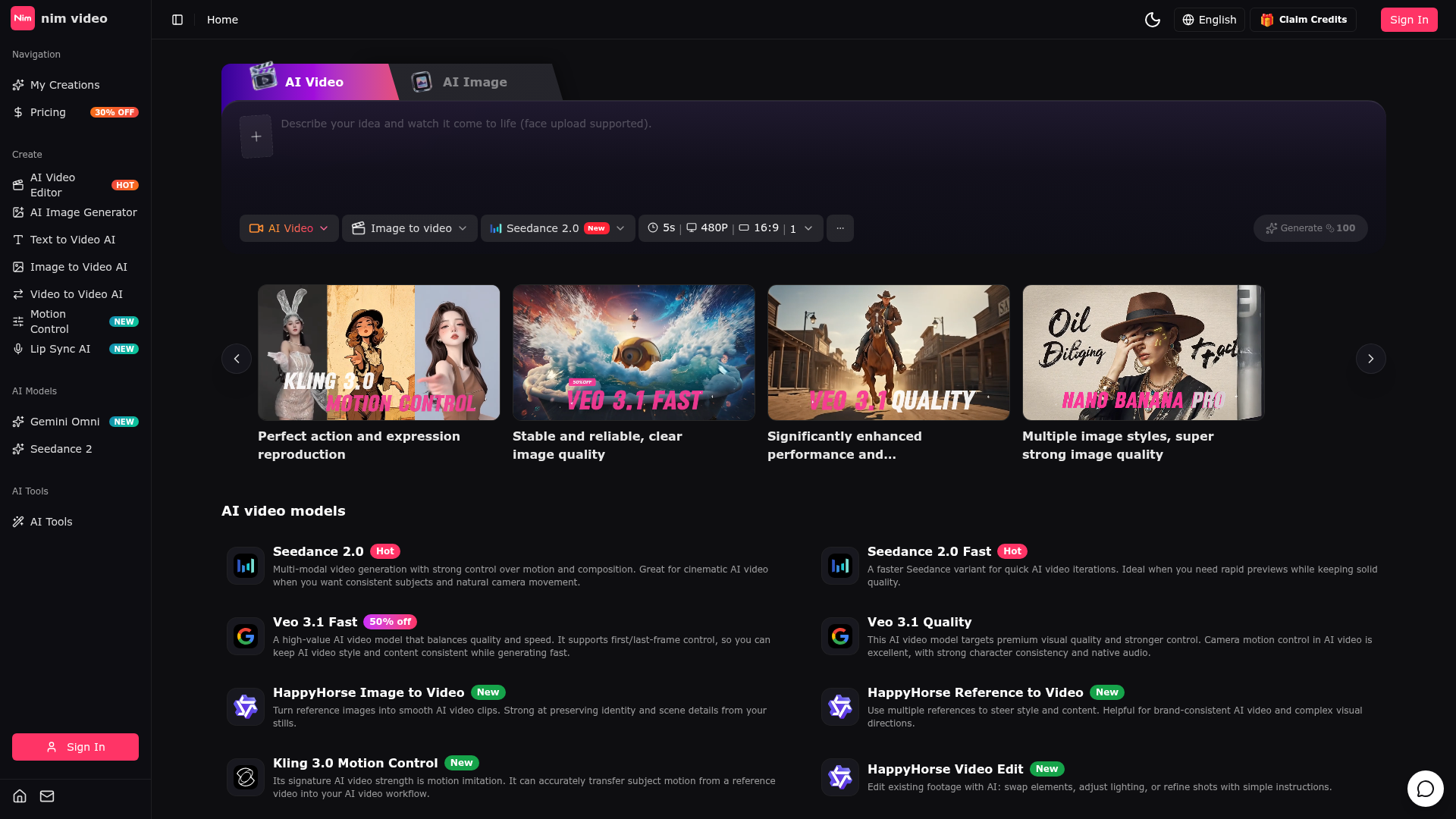

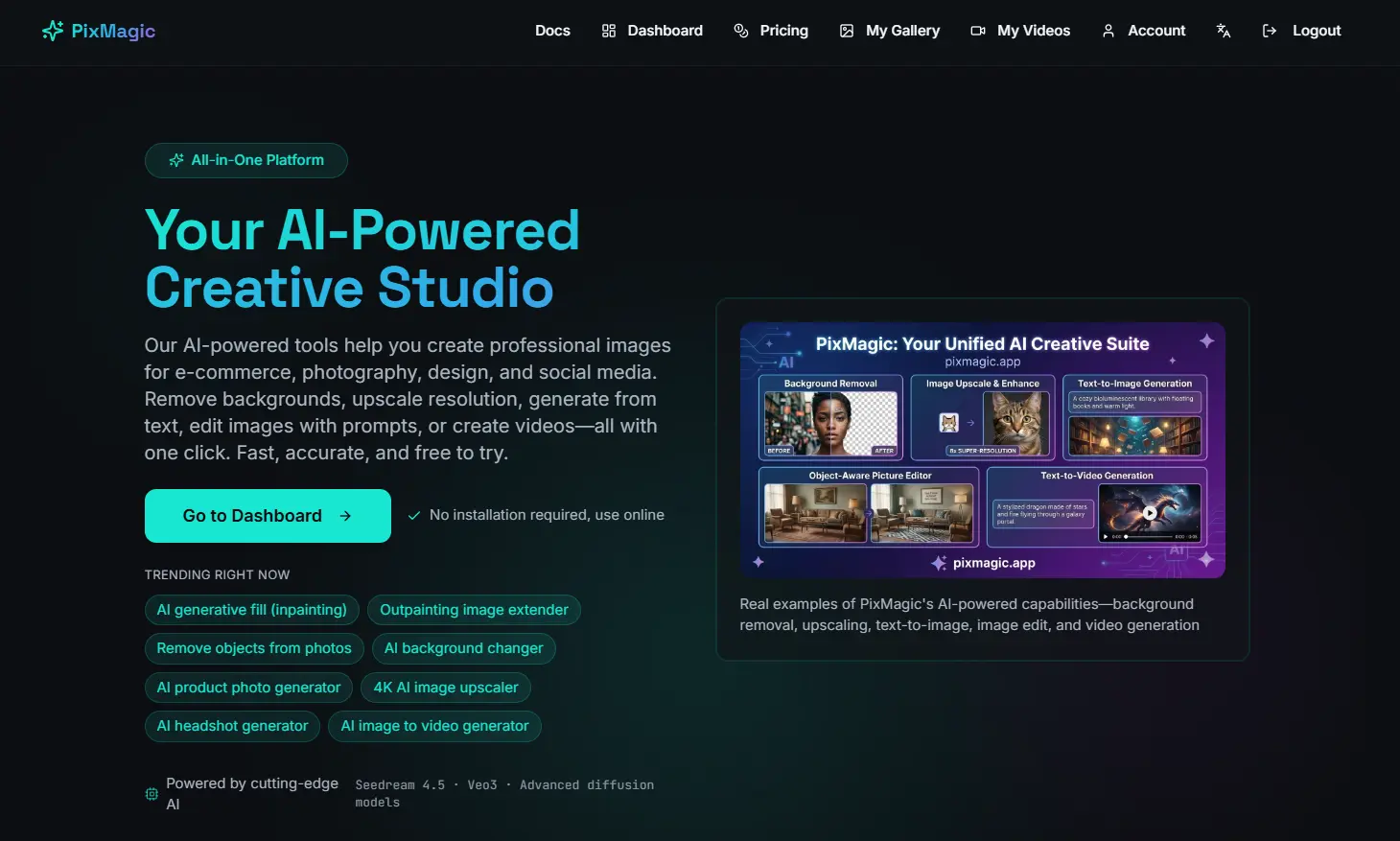




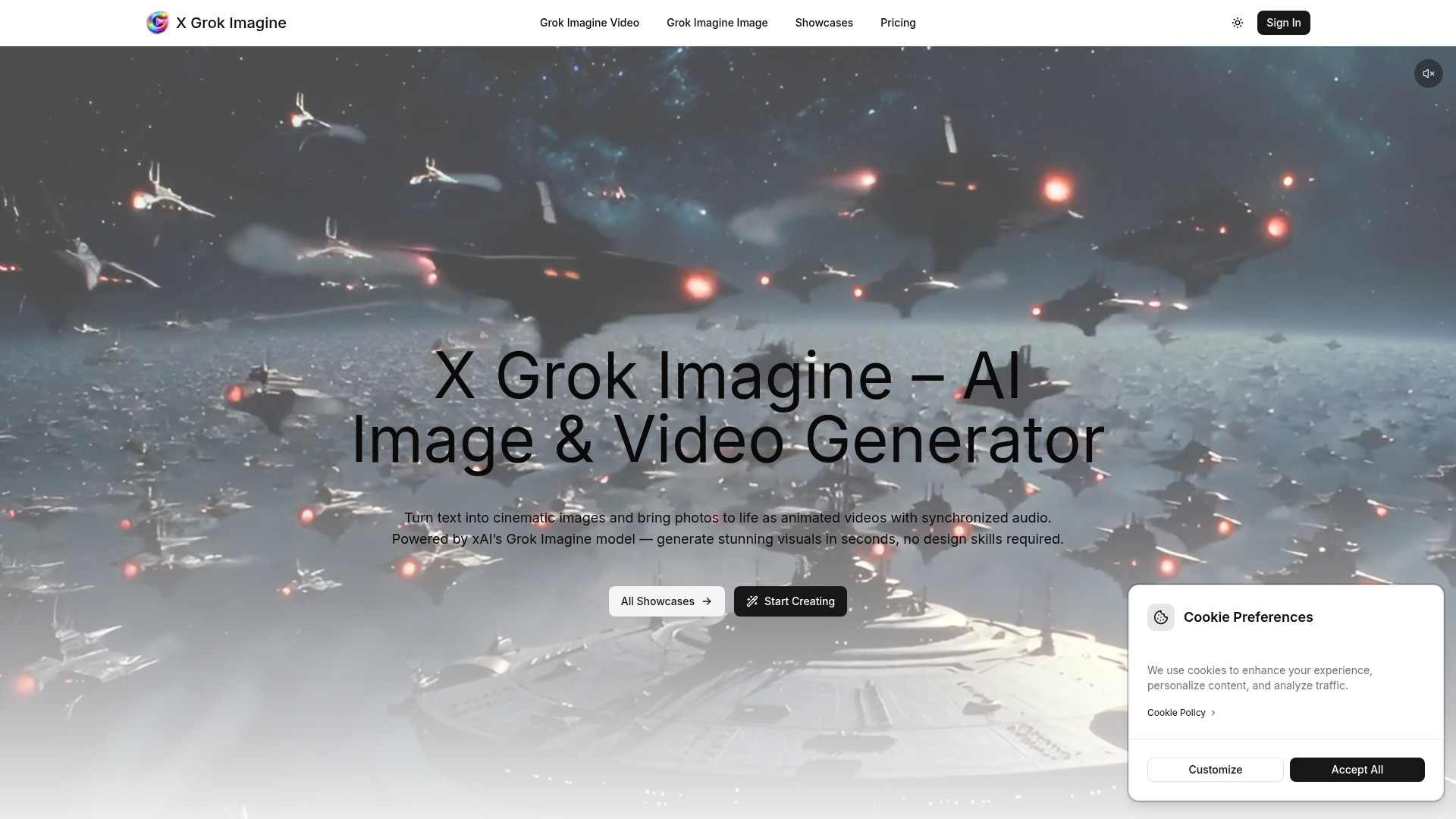

Turn text into cinematic images and bring photos to life as animated videos with synchronized audio.

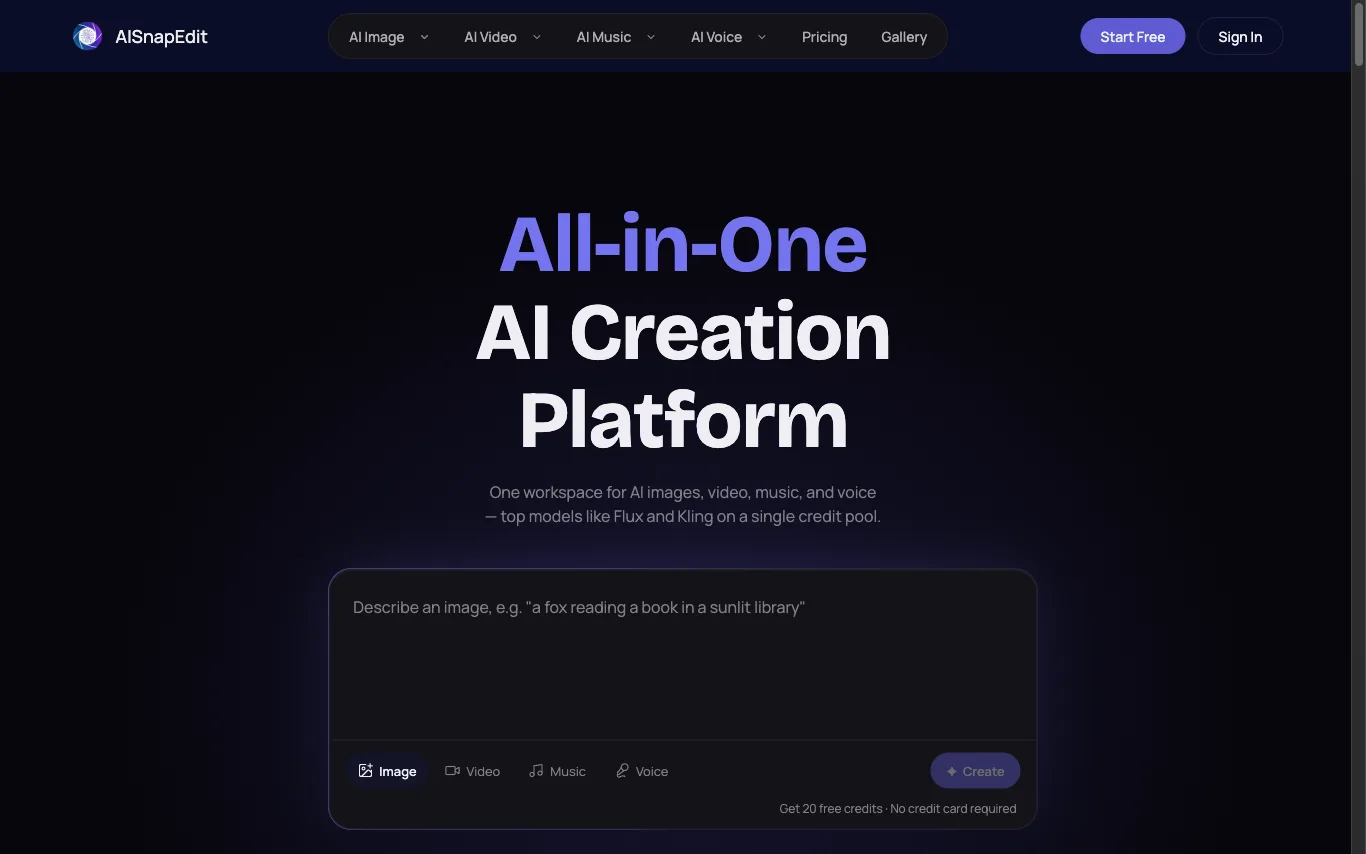

AISnapEdit puts 37+ third-party generation models for images, video, music and voice behind one account, one credit pool and one commercial licence.

What is an AI image generator?
An AI image generator creates original images from a text prompt or a reference image, using diffusion or similar models. It can produce art, photos, logos, product shots, and edits in many styles. Tools range from general text-to-image generators to focused ones for product photos, avatars, or upscaling.
Core features to look for
- Text-to-image from a written prompt
- Image-to-image and inpainting edits
- Style, aspect ratio, and resolution control
- Negative prompts and seeds for consistency
- Commercial-use rights and licensing options
- Free credits, or model choice and API
Who uses AI image generators, and how
01
Text-to-image art
Create illustrations, concept art, and social visuals from a prompt.
02
Image-to-image & edits
Restyle a photo, extend it, or edit parts with inpainting.
03
Product & marketing
Generate product shots, ads, and thumbnails with brand control.
04
Free & API
Compare free credits, watermarks, and API access for apps.
How does an AI image generator work?
Most AI image generators use diffusion models trained on huge image-text datasets. They start from noise and denoise it step by step, guided by your prompt, until an image emerges. Extra controls — negative prompts, seeds, reference images — steer style, composition, and consistency.